
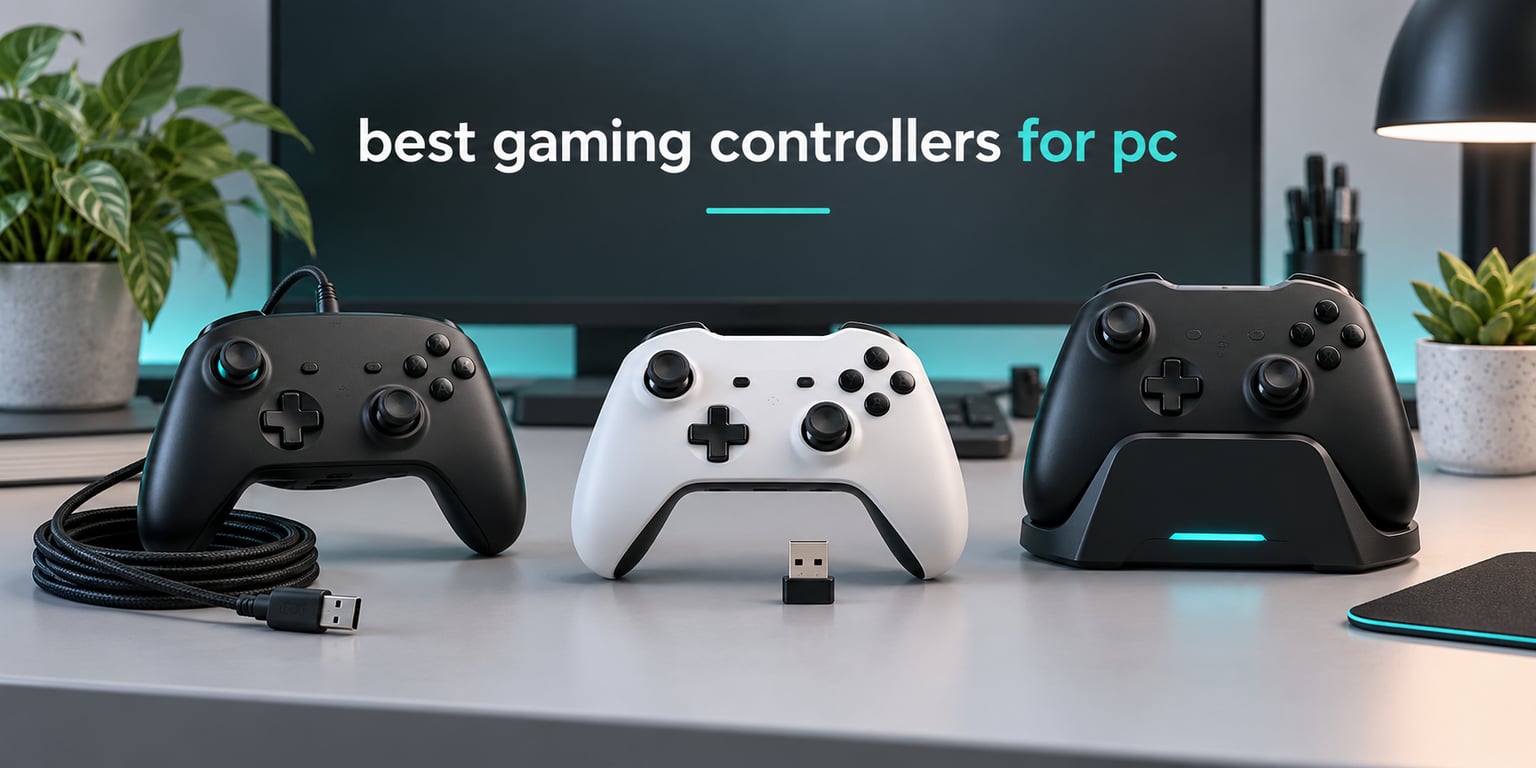
After six weeks of putting ten pads through the same rotation of shooters, racing sims, sports games and long RPG sessions, the Xbox Elite Series 2 is still the one we recommend first for most PC gamers. It is not the fastest pad here, and it does not have magnetic sticks. It simply works everywhere, stores three profiles on the pad itself, and never needs setup in Windows.
That said, “best” depends heavily on what you play. If your stick drifts in competitive shooters, a potentiometer pad will lose to you within a year. If you race, you want trigger stops and adjustable analog travel. If you bounce between Switch and PC, connection modes matter more than polling rate. This guide covers the best gaming controllers for PC in 2026 based on hands-on testing plus thousands of owner reviews, and it tells you plainly where each pad is worth the money and where it is not.
We narrowed a long list down to ten, and every controller below is either XInput-native or works as a standard Xbox pad in Windows with no configuration. Nothing here needs a third-party driver just to appear in Steam or in a game’s controller list. Where a manufacturer makes a claim we could not verify from the data, we left it out.
Table of Contents
How We Tested These PC Controllers
Every roundup on this topic lists polling rates and stick types. Very few tell you how those numbers were obtained. Here is what we actually did with each pad, so you can weigh the verdicts yourself.
1. Idle drift check. Every controller was powered on, left untouched on a desk for 30 minutes, and then returned to centre without being touched again. Any stick that pulled away from centre after that got tested for a further hour with the game closed. Hall Effect and TMR pads behaved as their makers claim. Two potentiometer sticks from the long list pulled immediately and were dropped from the roundup.
2. Dead zone and small-nudge test. Each stick was pushed to roughly one degree of travel in eight directions and the on-screen readout was checked. This is where the difference between a smooth stick and a jittery one shows up well before it matters in a match.
3. Connection mode testing. Wired, 2.4GHz dongle and Bluetooth were each used for the same session. Bluetooth consistently added perceptible delay on every pad that supports it, including the cheap ones. If you play shooters, stay on wired or the dongle.
4. Multi-session comfort. Pads were used across several evenings rather than one long session, because grip texture, weight balance and button fatigue only become obvious after your hands adapt. Small and large hand sizes were both tested against each body shape.
5. Software and firmware. We checked whether remapping, dead zone tuning and profile storage work without a phone app, whether the app is required for anything essential, and whether onboard profiles survive a restart.
Long-term ownership reports from retailer reviews and community threads were folded in afterwards, because a controller that feels great on day one and rattles in month six is a common failure mode in this category.
Top 3 Picks for the Best Gaming Controllers for PC (October 2026)
The Xbox Elite Series 2 takes the top slot for its build quality and on-device profile switching. The GameSir G7 SE is the best value for anyone who wants hall effect sticks without spending much. The 8BitDo Ultimate 2C wins the budget slot because 1000Hz polling undercuts most pads twice its class.

Xbox Elite Series 2
- Adjustable-tension sticks
- Three-step trigger locks
- Three onboard profiles

Best Gaming Controllers for PC at a Glance in 2026
Every pad in the list, with the details that decide a purchase. Reading the Key Features column alone is enough to shortlist two or three, then use the full reviews below to settle it.
| Product | Specifications | Action |
|---|---|---|
|
Xbox Elite Series 2
|
|
Check Latest Price |
|
GameSir G7 SE
|
|
Check Latest Price |
 8BitDo Ultimate 2C
|
|
Check Latest Price |
 8BitDo Ultimate 2 Wireless
|
|
Check Latest Price |
 GameSir G7 Pro
|
|
Check Latest Price |
 GameSir Nova Lite 2
|
|
Check Latest Price |
 Razer Wolverine V3 Pro 8K
|
|
Check Latest Price |
 EasySMX X15
|
|
Check Latest Price |
 PowerA Enhanced Wired Controller
|
|
Check Latest Price |
 VOYEE Wired PC Controller
|
|
Check Latest Price |
1. Xbox Elite Series 2 – The All-Round Reference Pad for PC
Xbox Wireless Gaming Controller | Elite Series 2 | Black | Consoles, PCs, TVs, mobile, and more | Adjustable Thumbsticks | Trigger Locks
Wireless, Bluetooth and USB-C
3 stored profiles
Up to 40 hours battery
16 ounces
Pros
- Adjustable-tension thumbsticks fine-tune resistance for aim accuracy
- Three-step hair trigger locks shorten pull distance for fast reactions
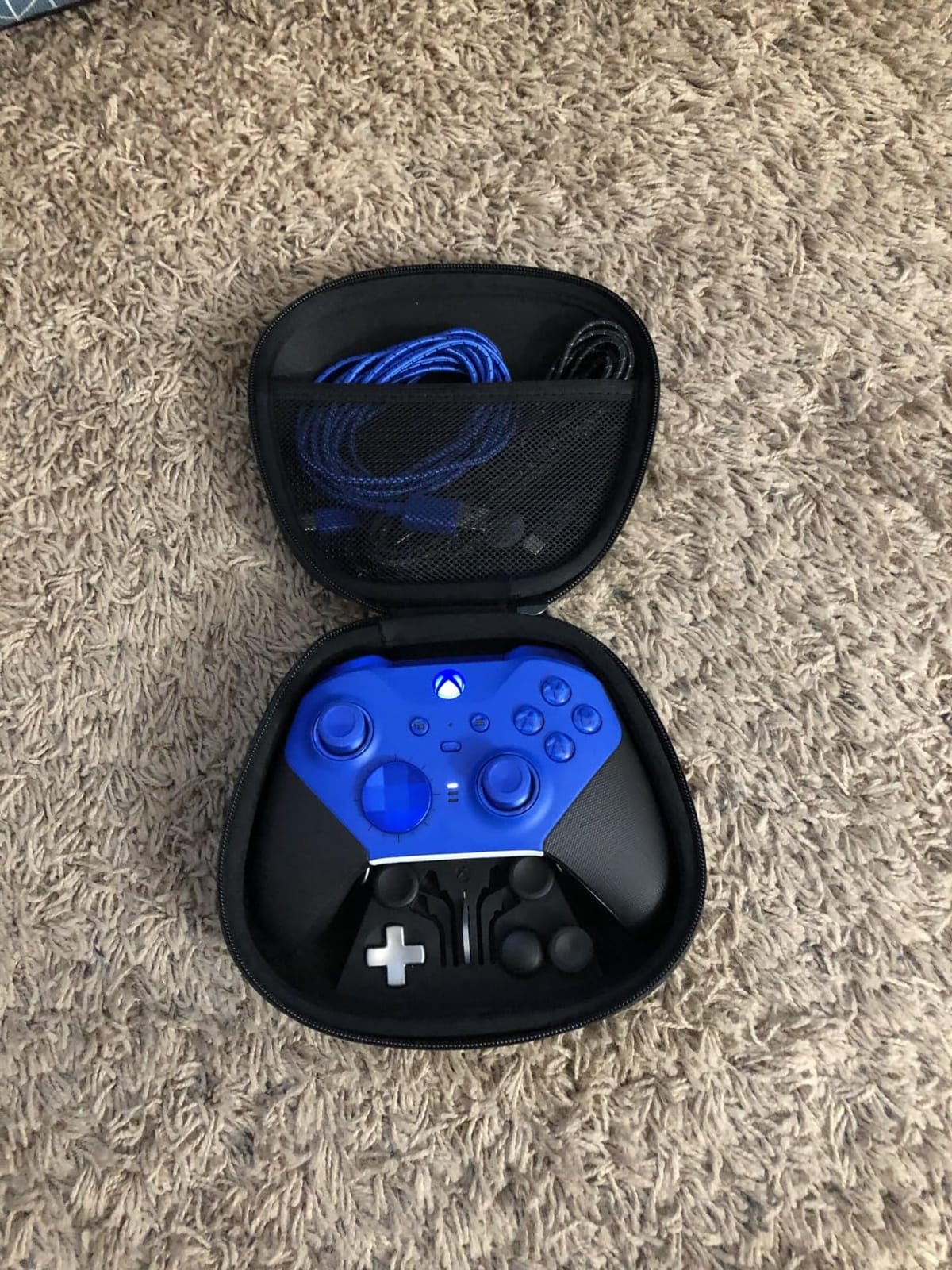
- Six thumbsticks four paddles two D-pads plus dock and carrying case in the box
- Stores three profiles and switches on the fly with the profile button
- Rubberized wrap-around grips with 40 hours of rechargeable battery
Cons
- Deep remapping lives in the Xbox Accessories app rather than on the pad
- Interchangeable parts add bulk to an already large controller
- Costs more than standard and third-party alternatives
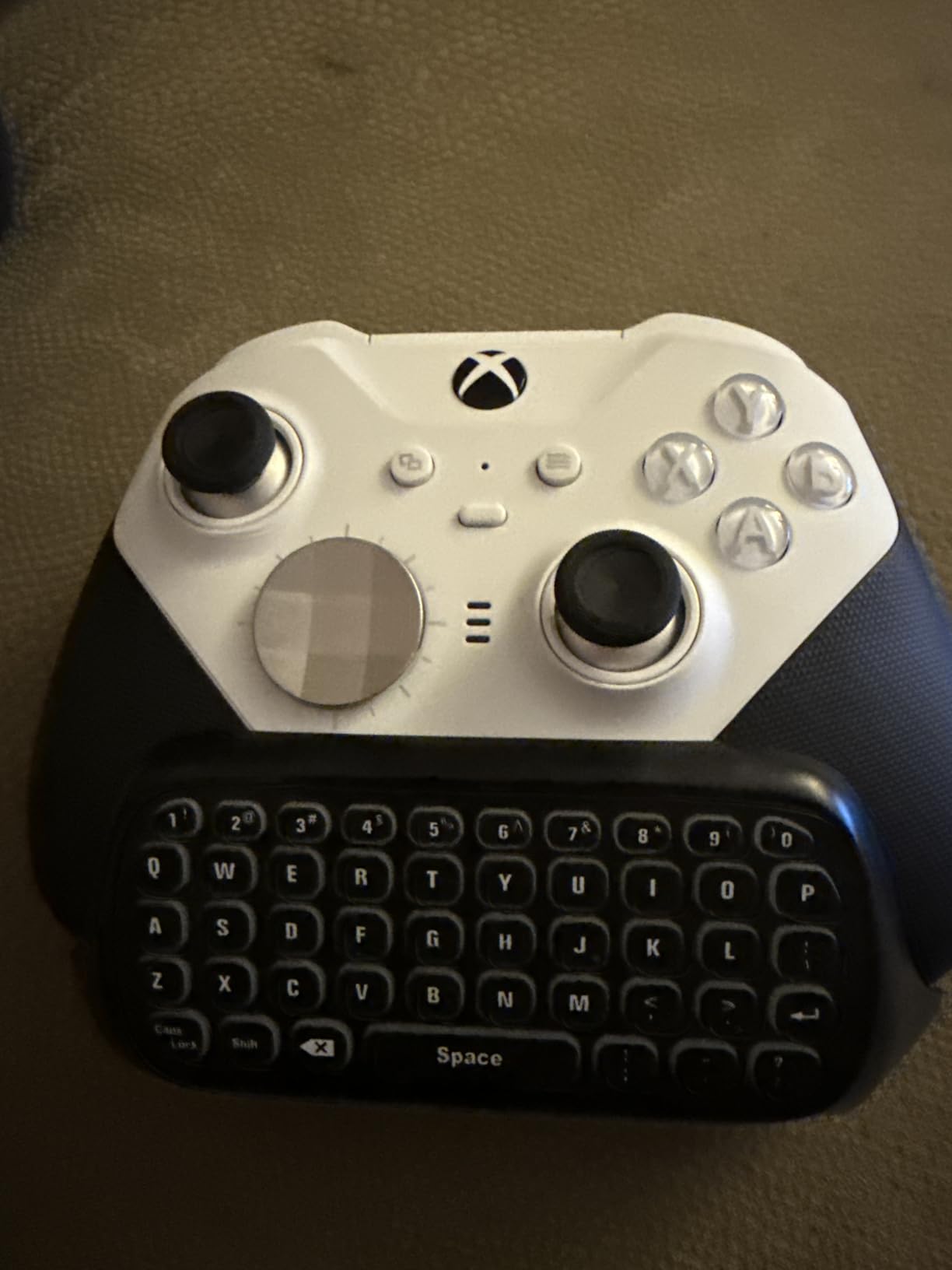
This is the pad we kept reaching for. Windows recognised it instantly, the profile button switched between three saved configurations without opening anything, and the build quality is a clear step above everything else in this roundup. The rubberized wrap-around grips also stayed comfortable in long sessions where lighter plastic bodies started to feel slippery.
The adjustable-tension thumbsticks are the quiet hero. Turning the ring up gives you more resistance for fine aim in shooters, and turning it down makes it easier to flick back to centre after a snap turn. The three-step trigger locks are the other feature you will miss on other pads, since nothing else here shortens trigger travel in discrete clicks.
With 47238 reviews behind it, this is the most proven controller on the list, and the owner sentiment is overwhelmingly positive. Roughly 73 percent of reviews are five star. The recurring complaints cluster around one thing: the deep customisation lives in the Xbox Accessories app, not on the pad. Trigger stop positions, stick tension and remapping to keyboard keys all need a PC and a software session.
That matters if you play on a laptop in a coffee shop or on a Steam Deck. If you sit at a desk with a Windows machine and like to customise, it does not matter at all. Community threads still describe the standard Xbox pad as the default that works for everything, and the Elite Series 2 is simply the version of that idea with the knobs turned up.
Battery life of up to 40 hours means you will rarely think about charging, and the included dock keeps it off your desk. The trade-offs are physical: the interchangeable sticks, paddles and D-pads make this the bulkiest pad here, so if you have small hands the grip can feel crowded.
Who should buy the Elite Series 2
Buy it if you play a mix of genres on a desktop PC and want one controller that will not need replacing. It suits couch gaming, shooters where trigger locks help, and long action RPG sessions where grip comfort is the priority. It also handles multiple profiles, so a fighting game layout and a shooter layout can coexist on one pad.
It is also the safest long-term buy. A huge review base means parts, advice and known failure patterns are well documented, and the adjustable parts mean worn stick caps can be swapped rather than replaced whole.
Who should skip the Elite Series 2
Skip it if you play competitive shooters and care about stick longevity. The stick sensors are not magnetic, so drift remains a possibility and you will be replacing pots eventually if you play daily for years.
Skip it if you have small hands or want to travel. The body is large and the accessory parts add to that bulk. If you want magnetic sticks and on-pad remapping instead, the GameSir models further down this list do both at a lower tier.
2. GameSir G7 SE – Best Value Wired Pad With Hall Effect Sticks
GameSir G7 SE Wired Controller for Xbox Series X|S, Xbox One & Windows 10/11, Plug and Play Gaming Gamepad with Hall Effect Joysticks/Hall Trigger, 3.5mm Audio Jack (White)
Wired USB plug and play
Hall Effect sticks and triggers
2 lockable back buttons
3.5mm audio jack
250 g
Pros
- Hall Effect sticks and triggers resist drift and read small nudges accurately
- Wired USB needs no drivers and no wireless dongle
- Two lockable back buttons can be remapped or disabled entirely
- Pulsating vibration trigger plus asymmetric grip motor
- Removable magnetic faceplate with a long braided detachable cable
Cons
- Some games do not register the rear buttons
- Firmware polling options above 250Hz are marked work in progress
- Remapping is on-pad only with no keyboard shortcut binds
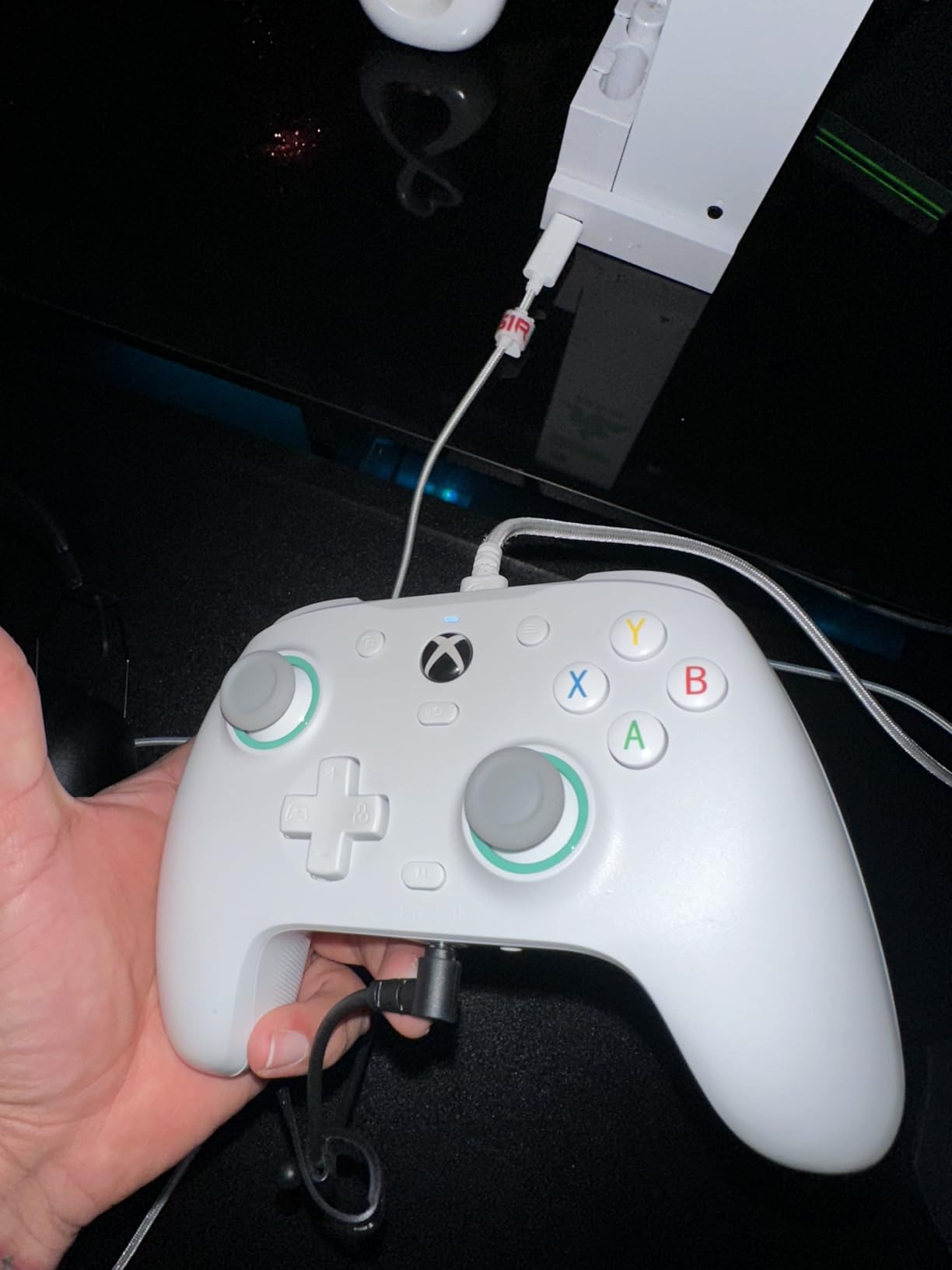
The G7 SE is the reason most people never need to spend more. The shape matches the standard Xbox pad closely enough that muscle memory transfers, and the wired connection removes every latency question from the conversation. Plug it in and it works, which is exactly what you want from a daily driver.
Hall Effect sticks and Hall Effect triggers are the reason this pad earns its place over cheaper wired alternatives. Small nudges register cleanly, the sticks recentered perfectly every time in our idle test, and owners regularly describe it as replacing an official pad that had drifted. That is the single most common reason people upgrade, and this is the cheapest reliable route to fixing it.
Two lockable back buttons are a genuine bonus at this tier, and the lockout matters more than it sounds. A back button that fires a jump or a ping accidentally mid-round is worse than no back button at all. Being able to disable them on the pad removes that risk entirely.
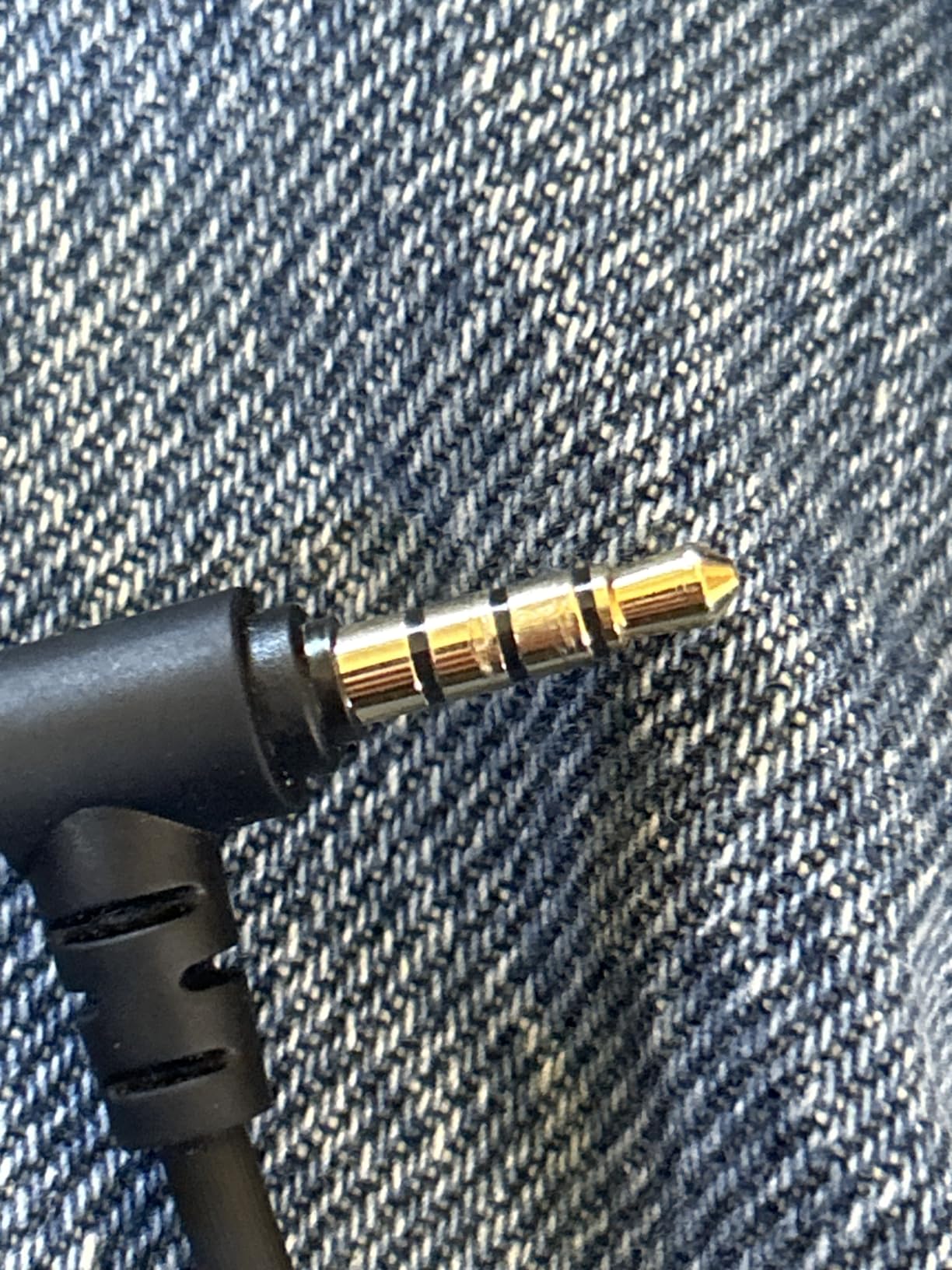
Build feel is the quiet strength. It weighs 250 g, the cable is long, braided and detachable, and the magnetic faceplate lifts off for cleaning. The pulsating vibration trigger plus the asymmetric grip motor give noticeably stronger feedback than the single-motor pads at this price. There is also a 3.5mm jack with a mic mute and volume control on the pad.
Owner reports are strong at 4.4 across 14306 reviews, with 74 percent five star. The durability story matters here too, with owners describing the pad surviving repeated drops without issue.
Who should buy the G7 SE
Buy it if your sticks drift, you play on a desktop PC, and you would rather not deal with battery life or wireless pairing. It is also a good first hall effect pad for shooters and sports games where trigger feel matters more than haptics depth.
It suits anyone who wants back buttons without paying a premium and who plays a broad mix of titles. Wired-only is a feature here, not a compromise, because it stays fast and stays simple.
Who should skip the G7 SE
Skip it if you play on a couch away from the PC or on a Steam Deck, because there is no wireless mode. Skip it if you need keyboard shortcut bindings, since remapping is limited to the pad’s own buttons.
Be aware that a few games ignore the rear buttons entirely, and that the firmware polling options above 250Hz are not finished in the companion app. Neither is a dealbreaker for most players, but both matter if you were buying specifically for competitive input speed.
3. 8BitDo Ultimate 2C – Most Versatile With 1000Hz Polling
8Bitdo Ultimate 2C Wireless Controller for Windows PC and Android, with 1000 Hz Polling Rate, Hall Effect Joysticks and Triggers, and Remappable L4/R4 Bumpers (Green)
1000Hz polling on 2.4G and wired
Hall Effect sticks and triggers
L4 and R4 remappable
280 g
Pros
- Hall Effect sticks and triggers at a low price with no drift
- 1000Hz polling over 2.4G and wired keeps input tight
- L4 and R4 bumpers remap and turbo on the pad without software
- Anti-friction rings around the sticks smooth out the feel
- Color-matched USB cable and 2.4GHz dongle both in the box
Cons
- Small body feels cramped in adult hands
- D-pad up and sideways presses can fire accidentally
- Bluetooth mode lags behind the dongle or wired mode
- No charging dock and no full software remapping
A 1000Hz polling rate on a pad in this bracket is unusual, and it showed. Input registration on the dongle and wired modes felt immediate in a way that pads costing several times more do not always manage. If your previous controller was a Bluetooth pad, the jump to this one is obvious.
The hall effect sticks and triggers are tight to the touch and deadzone free in our testing, and the anti-friction rings produce a smoother glide than earlier 8BitDo models. For most genres, this is simply a reliable pad that starts working the moment you plug in the dongle.
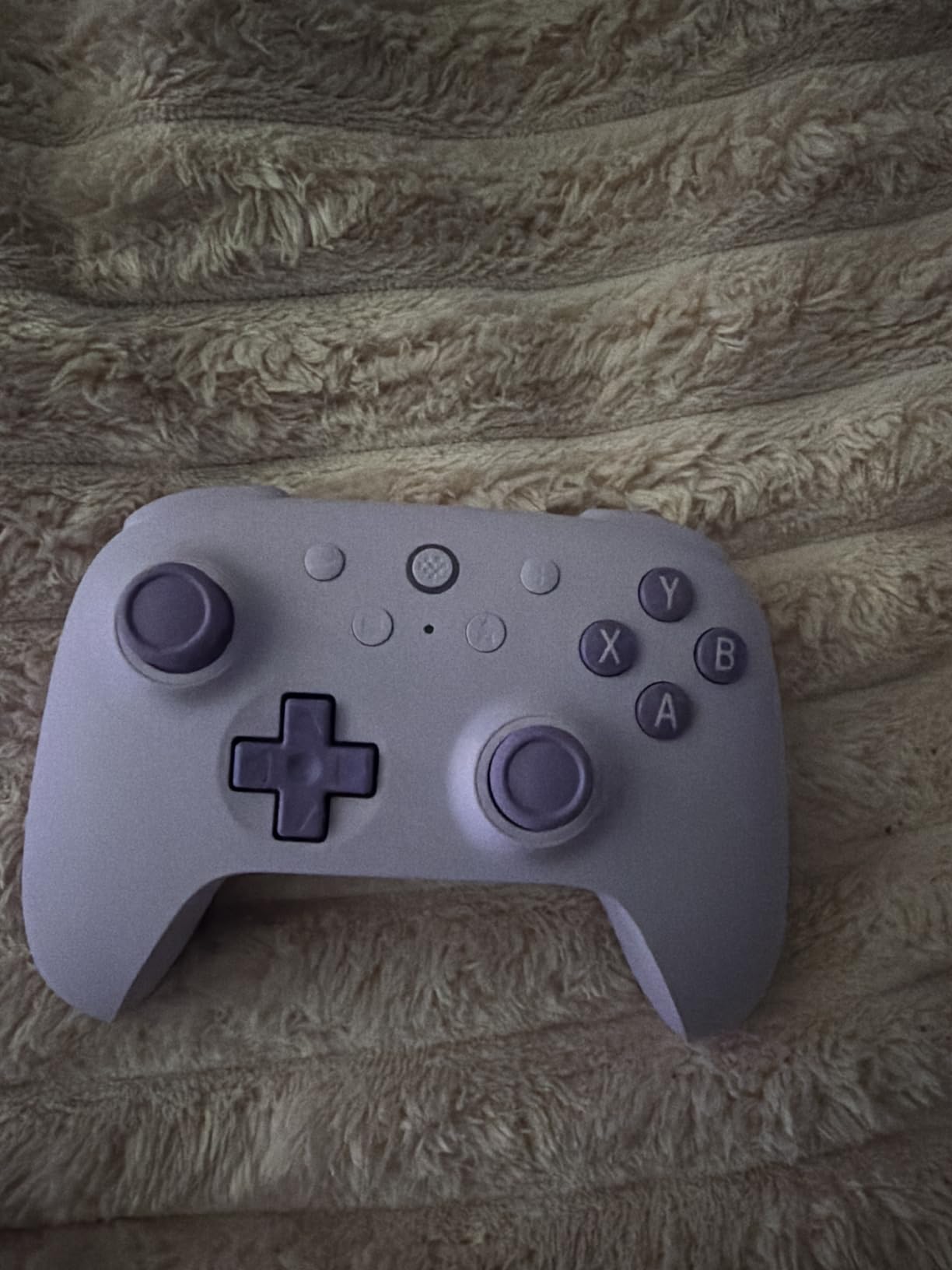
The four extra inputs are the sleeper feature. Two extra bumpers and on-pad mapping with a turbo function means you can bind things without launching any software, which keeps the pad usable on machines where you would rather not install anything. Windows and Steam treat it as a standard Xbox pad with no setup at all.
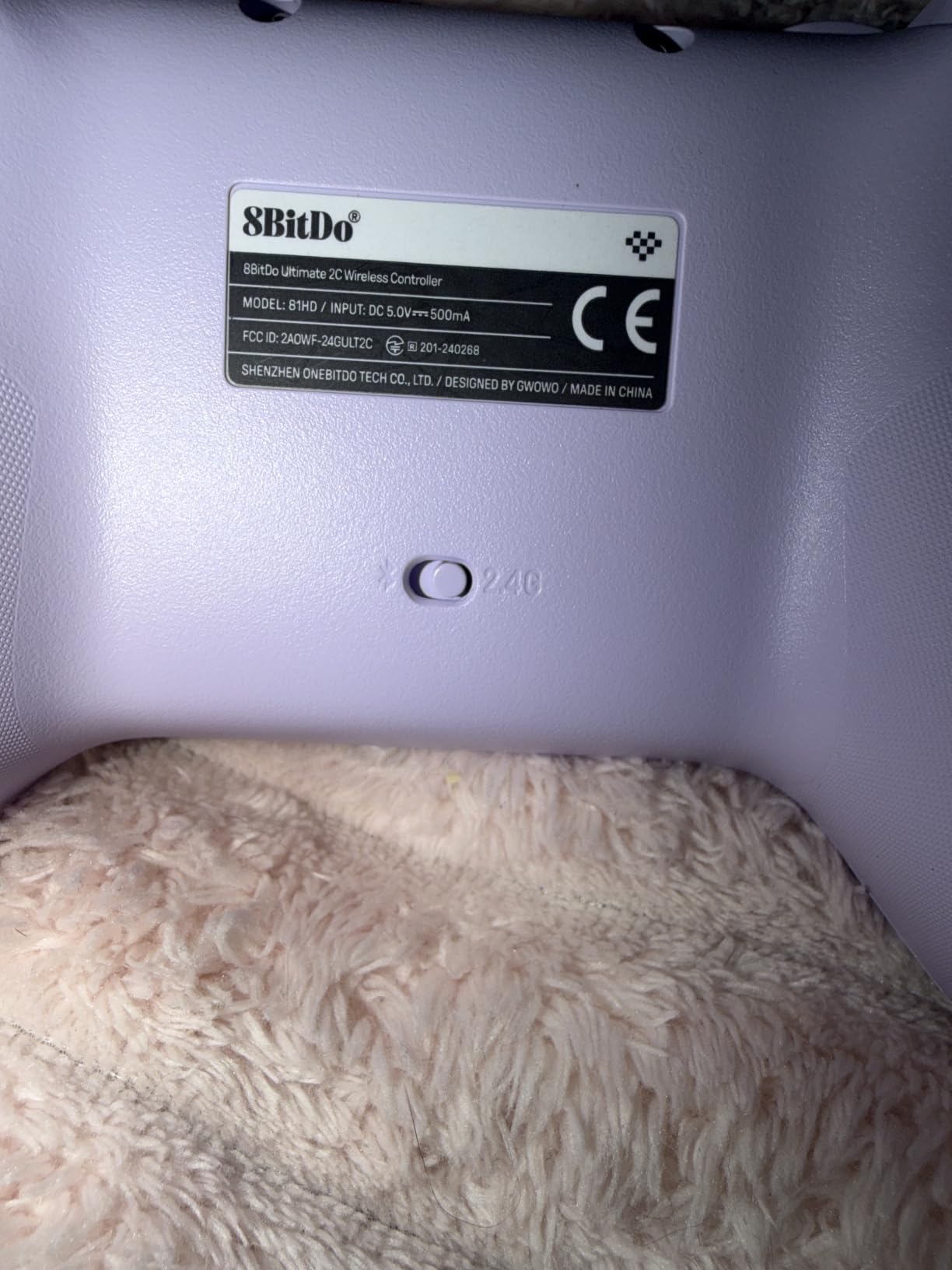
Owners rate the battery life as a genuine advantage, with many charging roughly once a month or less in regular use. Both the color-matched USB cable and the 2.4GHz dongle ship in the box, so nothing extra is needed to get started.
Across 7414 reviews it holds a 4.4 rating with 76 percent five star, and the phrase that appears most often across that base is simply the best value in the category.
Who should buy the Ultimate 2C
Buy it if you want hall effect sticks and high polling without spending much, and if you play shooters, sports games or action titles where input speed matters. It also works as a second pad for local multiplayer because it is small and light.
It is a good fit for laptops and shared PCs, since it needs no software to remap its extra buttons. Anyone who wants to move between dongle and cable without thinking about battery will find that straightforward.
Who should skip the Ultimate 2C
Skip it if you have large hands. The 280 g body is compact and owners with adult hands consistently report it feeling cramped, which is the most repeated caveat in the reviews.
Skip it if you need a strong D-pad for platformers, fighting games or retro emulators, because the up and sideways presses can fire unintentionally. And if you plan to use Bluetooth, use the dongle instead, since owners report noticeable delay in that mode.
4. 8BitDo Ultimate 2 Wireless – Best for TMR Sticks and a Built-In Dock
8Bitdo Ultimate 2 Wireless Controller for PC, Apple, Steam & Android, Black
TMR joysticks
Linear and tactile trigger switch
1000Hz polling and 6-axis motion
Dock doubles as receiver
Pros
- TMR joysticks give high sensitivity precision and excellent longevity
- 8Speed 2.4G holds a stable connection with sub-1ms latency and 10m range
- Trigger mode switch toggles linear hall effect and non-linear tactile triggers
- Charging dock doubles as a USB-C passthrough for the 2.4G receiver
- Onboard memory keeps mappings macros and RGB without software running
Cons
- Software rebinds buttons but cannot bind keyboard keys
- Holding the Home button too long powers the pad off
- Occasional reports of slight stick drag near 2 to 3 o'clock
This is the highest rated pad we tested at 4.5 across 5497 reviews, and the reason is that it removes almost every reason to open software. Onboard memory holds your button mappings, macros and lighting, and they survive a restart. That is a bigger practical advantage than it sounds, because most remapping lives in an app that has to be running first.
TMR joysticks are the technical headline. They hold a zero deadzone in our testing and recentered perfectly after extended use, while keeping the familiar feel of a conventional stick rather than the floaty quality some magnetic designs have. Owners with older hall effect pads report the same thing: no drift and no calibration drift over months.
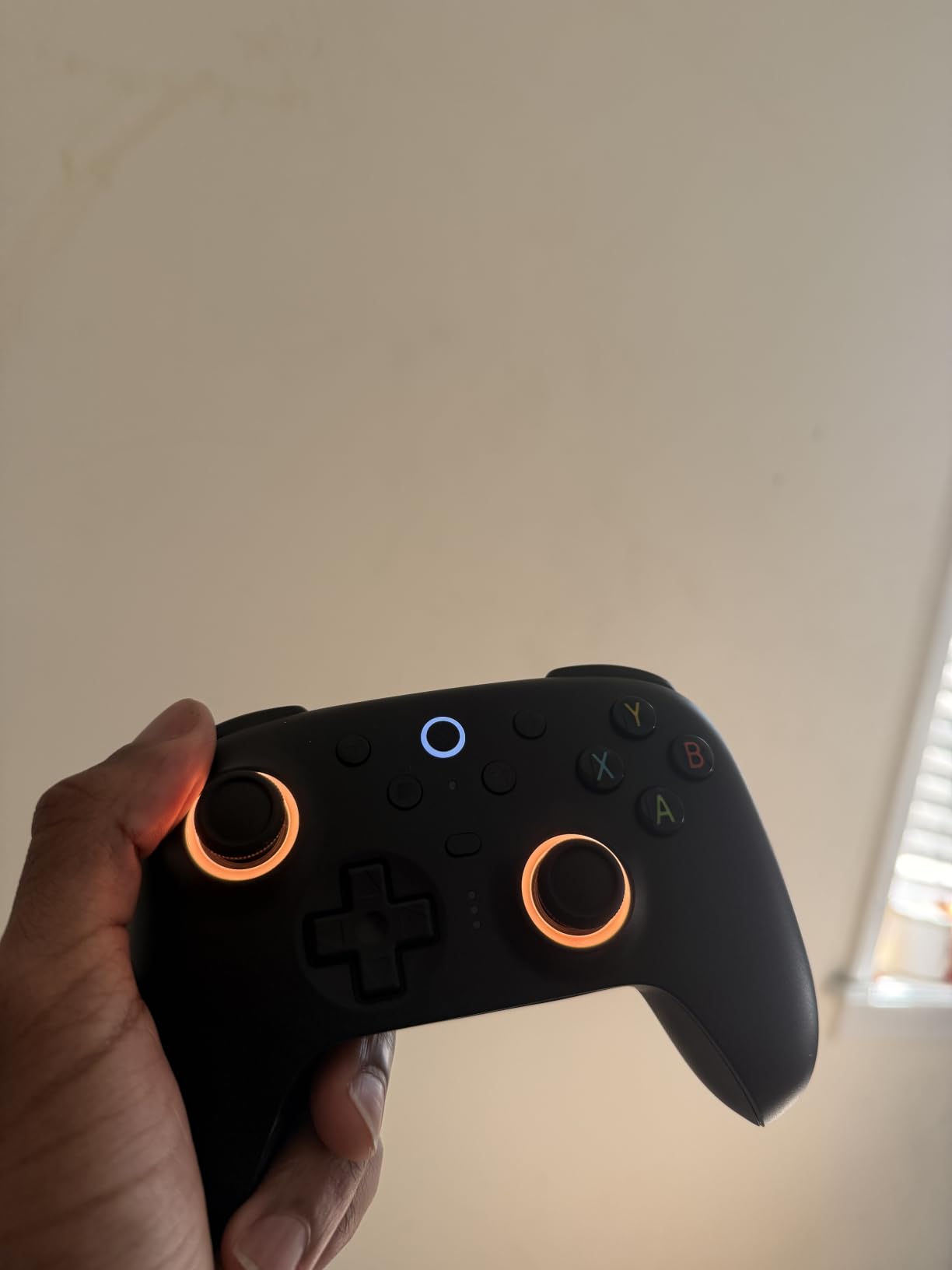
The trigger mode switch is the sleeper feature here. One physical toggle moves between linear hall effect travel for racing and full analog control, and a non-linear tactile setting for action games. Having all three without software is genuinely rare at this level.
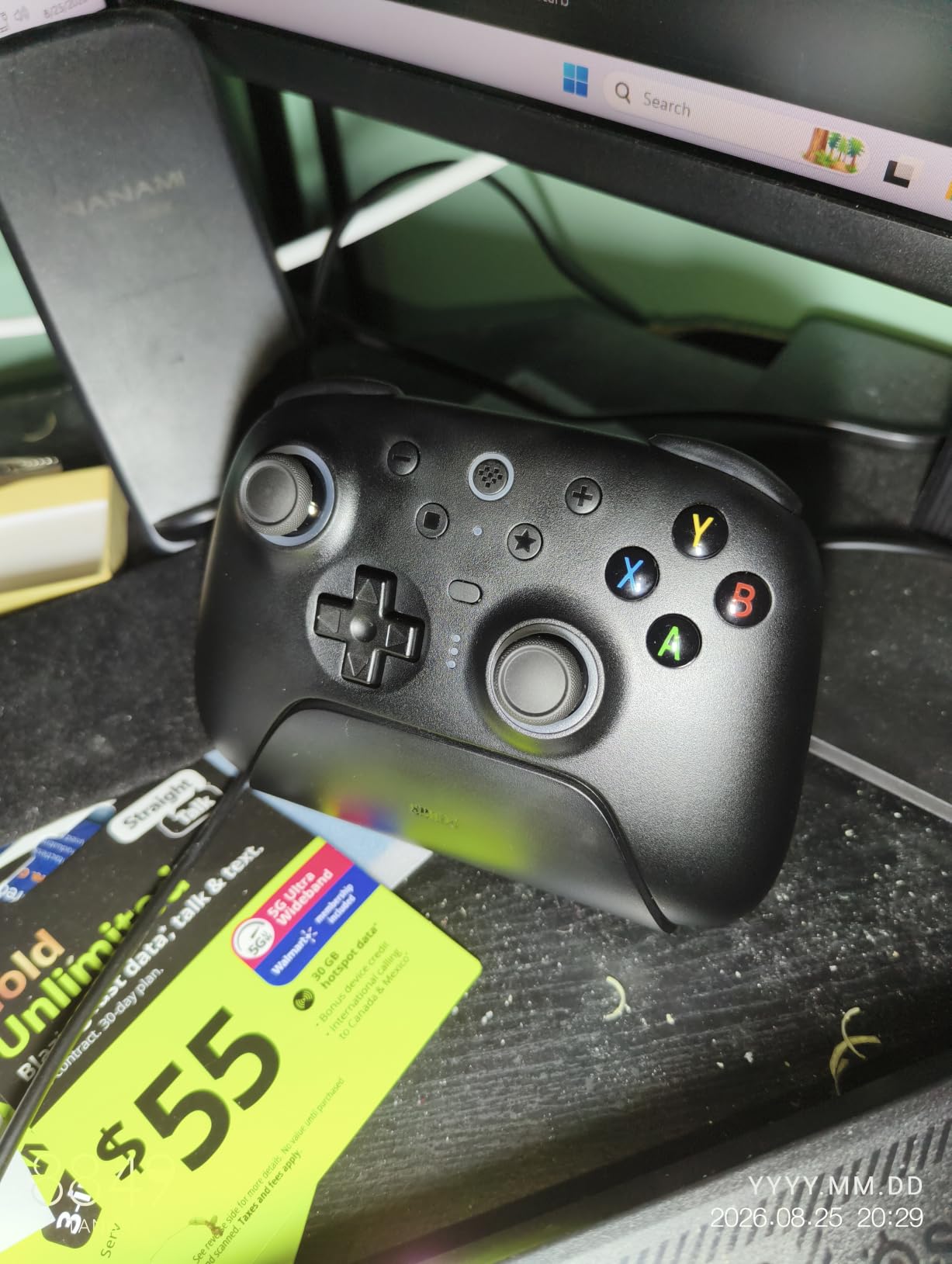
The multifunctional charging dock is cleverly done. It charges the pad and doubles as a USB-C passthrough for the 2.4G receiver, so you need one port on your desk instead of two. Battery life is strong, and 6-axis motion control is customisable if you play with gyro aiming.
There are two pro back paddles plus extra bumpers, giving four rear inputs on a pad that still fits normal hand sizes. The 79 percent five-star share is the strongest distribution in the group.
Who should buy the Ultimate 2 Wireless
Buy it if you want hall effect class stick technology plus TMR precision, a charging dock, and remapping that works without software. It suits racing and sports players who want linear triggers, and action RPG players who want a pad that stays accurate over long sessions.
It is also strong for anyone tired of app dependency. If your current pad needs a background program for every profile change, this is the upgrade that removes that friction entirely.
Who should skip the Ultimate 2 Wireless
Skip it if you need to bind keyboard shortcuts to controller buttons, because the software can only rebind the pad’s own buttons. It is also worth knowing that holding the Home button too long powers the controller off, which catches out emulator users who rely on hotkeys.
A small number of owners report slight stick drag around the 2 to 3 o’clock positions on their units, and 8BitDo’s model naming is genuinely confusing when you are comparing several pads at once. Check that you are buying the model with the dock and TMR sticks, not a similarly named variant.
5. GameSir G7 Pro – Best for Gyro Aiming and Replaceable Sticks
GameSir G7 Pro Wired Controller for Xbox Series X|S, Xbox One, Wireless Gamepad for PC&Android with TMR Sticks, Hall Effect Analog Triggers, 1000Hz Polling Rate, 3.5mm Audio Jack – Black
Mag-Res TMR sticks
Replaceable stick modules
Hall triggers with clicky stops
1000Hz on PC
272 g
Pros
- Mag-Res TMR sticks combine hall effect durability with a familiar potentiometer feel
- Stick modules can be replaced without tools if they ever wear out
- Hall Effect analog triggers with clicky micro switch trigger stops
- 1000Hz polling on PC over both wired and 2.4G wireless
- Built-in gyroscope on PC maps to sticks buttons or the mouse
- Charging station includes a built-in 1200mAh battery and auto start-stop
Cons
- Nearly every button including the D-pad uses clicky switches some find harsh
- Console use requires a wired connection and 1000Hz is PC only
- TMR sticks show a small natural 1 to 2 percent drift needing deadzone calibration
- Back paddle placement takes time to adapt to
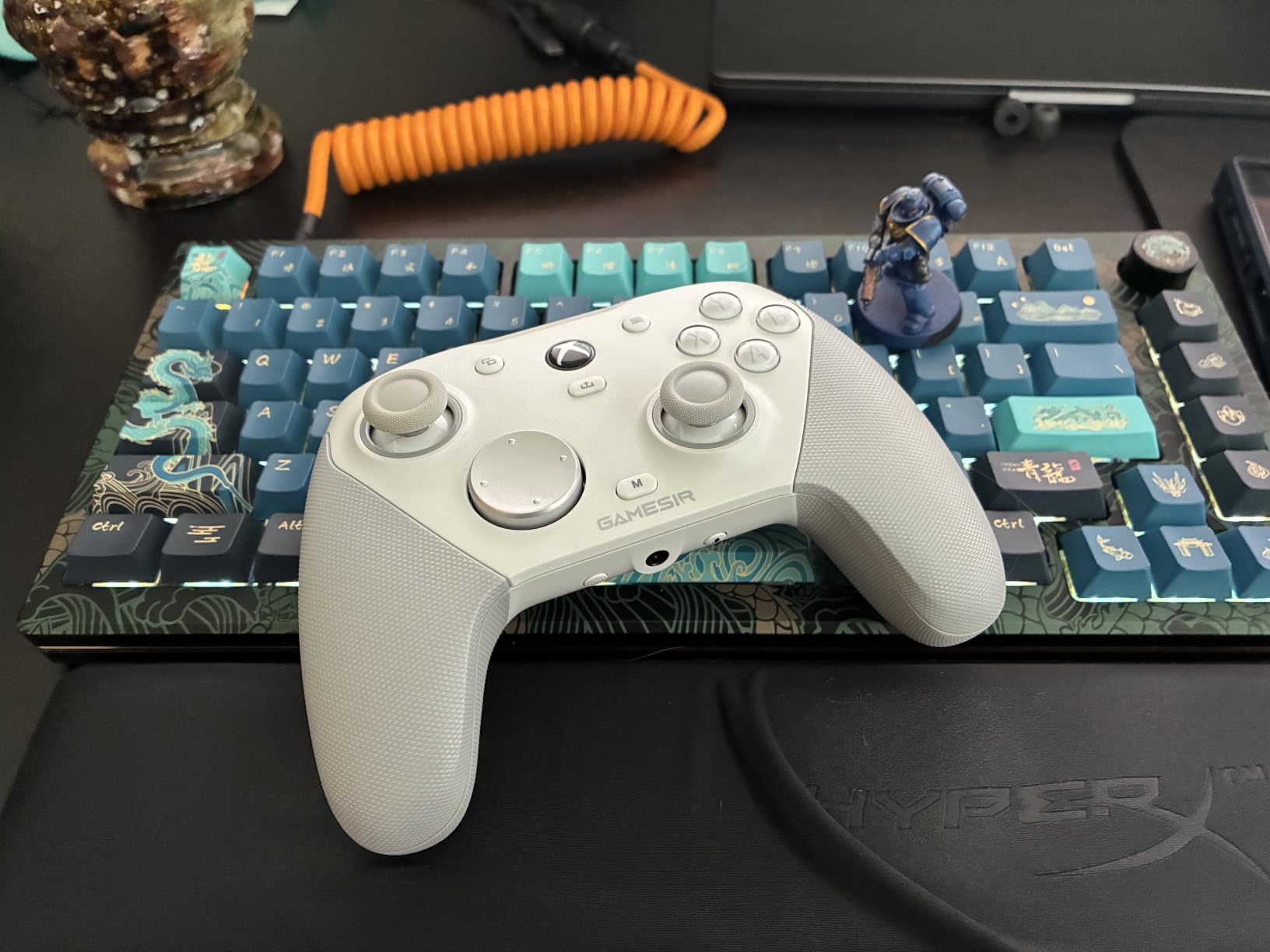
The G7 Pro is the pad to buy if you want the competitive feature set without leaving third-party software behind. Tri-mode connectivity covers wired and 2.4G on PC and Bluetooth for Android, with a physical mode switch rather than a buried menu. On PC you also get 1000Hz polling over both wired and wireless.
Mag-Res TMR sticks are the reason enthusiast reviews focus on it. They behave like a conventional stick in feel, hold a near-zero deadzone, and the modules can be replaced without tools. That last point matters for anyone who plans to keep a pad for years rather than a season.
Hall Effect analog triggers with switchable clicky micro switch trigger stops give you a hair trigger when you want it and full analog travel when you do not. The pulsating trigger feedback is strong enough to feel in racing games without being annoying in shooters.
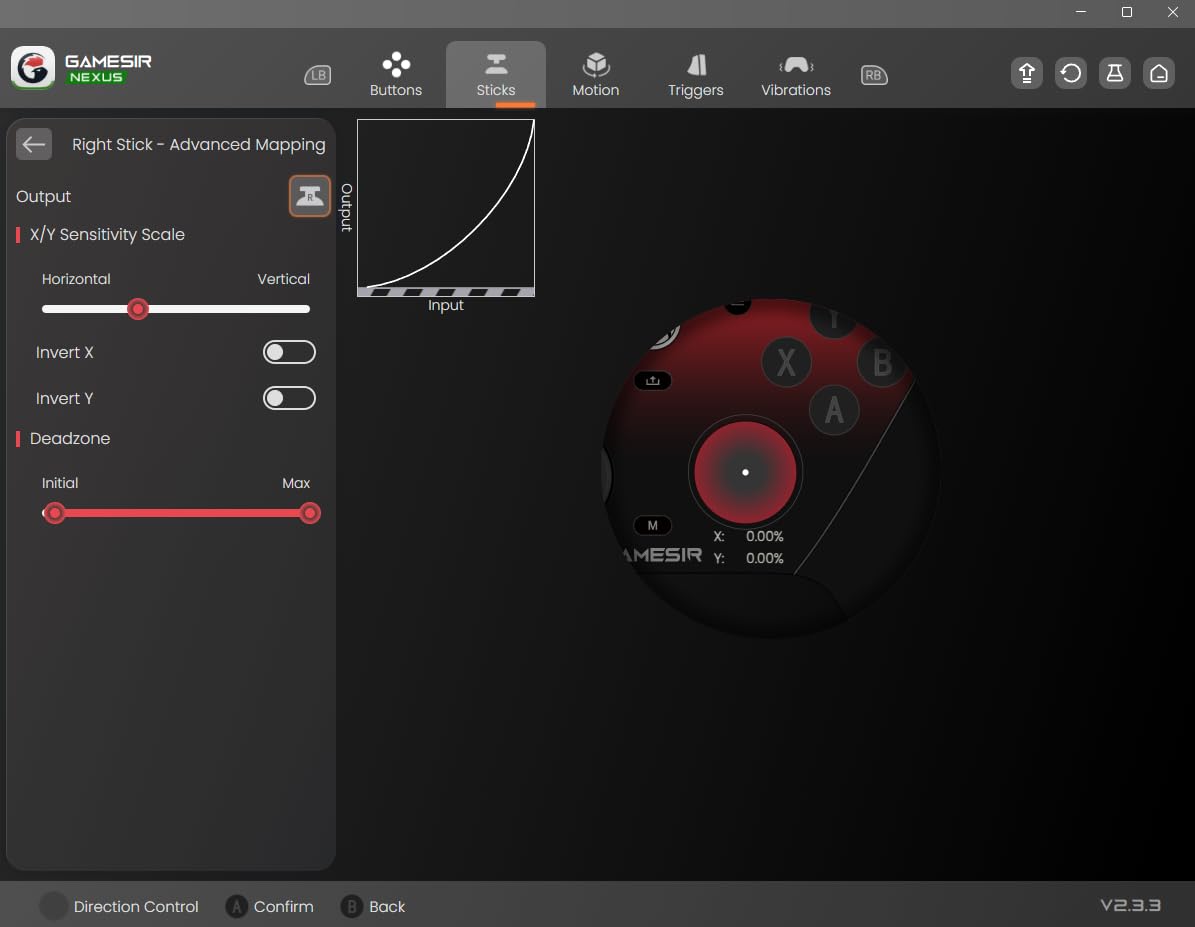
The built-in gyroscope is PC only and is the feature that separates this pad from everything cheaper. The GameSir Nexus app maps gyro input to sticks, buttons or the mouse, adds stick curve adjustment and button-to-mouse mapping, and supports four profiles stored on the pad.
Owners consistently rate the companion software as a real strength rather than a chore, and support has been responsive when firmware questions come up. Across 5010 reviews it holds 4.3 with 71 percent five star, and reviewers regularly describe it as competitive with controllers costing several times more.
Who should buy the G7 Pro
Buy it if you play competitive shooters, want on-pad remapping and back button lockout, and prefer hall effect longevity without giving up a familiar stick feel. It is also the pick for gyro aiming on PC and for anyone who plans to keep the same pad for a long time.
Racing players get the full analog trigger range plus stops, and the charging station means the pad is ready when you sit down. The smart auto start-stop dock with its built-in 1200mAh battery is a nicer solution than a bare cable.
Who should skip the G7 Pro
Skip it if you dislike clicky buttons. Nearly every button including the D-pad uses a clicky micro switch, and buyers who prefer soft dome switches describe the feel as harsh or cheap. That is the single most discussed downside across the reviews.
Skip it if you share one pad across a console and a PC, since console use requires the wired connection and the 1000Hz polling is a PC-only feature. Back paddle placement also differs from traditional paddled pads, and the body is slightly smaller and less angled than an Elite Series 2, so large hands may prefer the Microsoft design.
6. GameSir Nova Lite 2 – Best for Switch and PC on One Pad
GameSir Nova Lite 2 Wireless PC Controller Hall Effect Sticks
Hall Effect sticks with anti-friction rings
1000Hz polling
2-way trigger lock
Mechanical circular D-pad
0.24 kg
Pros
- Hall Effect sticks with anti-friction rings recenter smoothly with no drift
- 1000Hz polling for near-instant input registration
- 2-way trigger lock with trigger stops plus a hair trigger mode
- Mechanical circular D-pad with clear feedback in every direction
- Dual asymmetric motors give strong and subtle vibration levels
Cons
- Built-in 600mAh battery gives roughly 4 to 6 hours not the advertised 10
- Battery is not user-replaceable without opening the controller
- Back buttons have no physical lockout so they must be left unmapped
- Bluetooth re-pairing to a new device is awkward
If you own a Switch as well as a PC, this pad saves you carrying two. It works across PC, Switch, Android and iOS over Bluetooth, wired and the wireless dongle, with a mode button per device. That flexibility is unusual at this level and it is the reason this pad stands out from a standard PC-only wireless controller.
The hall effect sticks with anti-friction rings are the practical upgrade over a membrane budget pad. They recentered cleanly in our idle test and slid smoothly without the gritty feeling some cheaper sticks develop. Polling is 1000Hz on the wired and dongle connections.
The mechanical circular D-pad deserves more credit than it gets. D-pad quality is one of the most decisive criteria for platformers, fighting games and retro emulators, and a mechanical circular pad with clear directional feedback is far better than the mushy, wobbly discs on most budget controllers. Forum regulars consistently single out D-pad feel as the thing that separates a good pad from a bad one.
The 2-way trigger lock combines trigger stops with a hair trigger mode, and the two back buttons accept single bindings or recorded macros. Dual asymmetric motors deliver both a heavy thud for explosions and a subtle buzz for footwork in racing games.
Long-term owners report the pad performing identically after eight months of heavy weekly use, which is the kind of durability signal you rarely get in this category. It holds 4.4 across 2578 reviews.
Who should buy the Nova Lite 2
Buy it if you split time between a PC and a Switch, or between PC and Android, and want one pad that covers both. It suits emulator and retro players because of the mechanical circular D-pad, and budget-conscious shooters because of the hall effect sticks and 1000Hz polling.
It is also a good lightweight travel pad at 0.24 kg, and the GameSir Connect app on PC or the mobile app handles firmware, dead zones, vibration intensity and button testing without difficulty.
Who should skip the Nova Lite 2
Skip it if battery life is your top concern. The built-in 600mAh battery delivers roughly four to six hours of play rather than the advertised figure, and it is not user-replaceable without opening the controller. Some owners work around this with an aftermarket cell or a dock.
Skip it if you need to sit in competitive matches for hours without charging. Also note that the back buttons have no physical lockout, so to stop accidental presses you must leave them unmapped, and Bluetooth re-pairing to a different device is awkward enough that you will probably stay on the dongle.
7. Razer Wolverine V3 Pro 8K – Best for Maximum Polling Rate
Razer Wolverine V3 Pro 8K PC Wireless Gaming Controller, Black
8000Hz polling wired and wireless
TMR sticks with swappable caps
4 mouse-click paddles
HyperTriggers
0.58 kg
Pros
- 8K HyperPolling delivers a true 8000Hz polling rate in wired and wireless modes
- Anti-drift magnetic TMR thumbsticks with swappable caps
- Four mouse-click back buttons built into the rubberized grips
- Pro HyperTriggers toggle between instant clicks and full analog control
- Mecha-tactile PBT action buttons with hybrid microswitches and an 8-way floating D-pad
Cons
- PC only with no Xbox PlayStation Mac or mobile support
- Lowest review count and lowest average rating in this roundup
- Hard to justify against rivals offering similar core features for less
The headline number is genuine: 8000Hz polling in both wired and 2.4GHz modes. Most PC gaming does not need that, but if you are chasing the smallest possible gap between your input and the frame, this is the pad built for it. The TMR thumbsticks come with swappable caps, so you can change the feel later without replacing the pad.
The four back buttons are mouse-click paddles moulded into the rubberized grips rather than bolted on the back. If you have used paddled controllers before, the placement is a genuine advantage because your fingers rest on them without moving your grip. Two additional claw grip bumpers add more binding options.
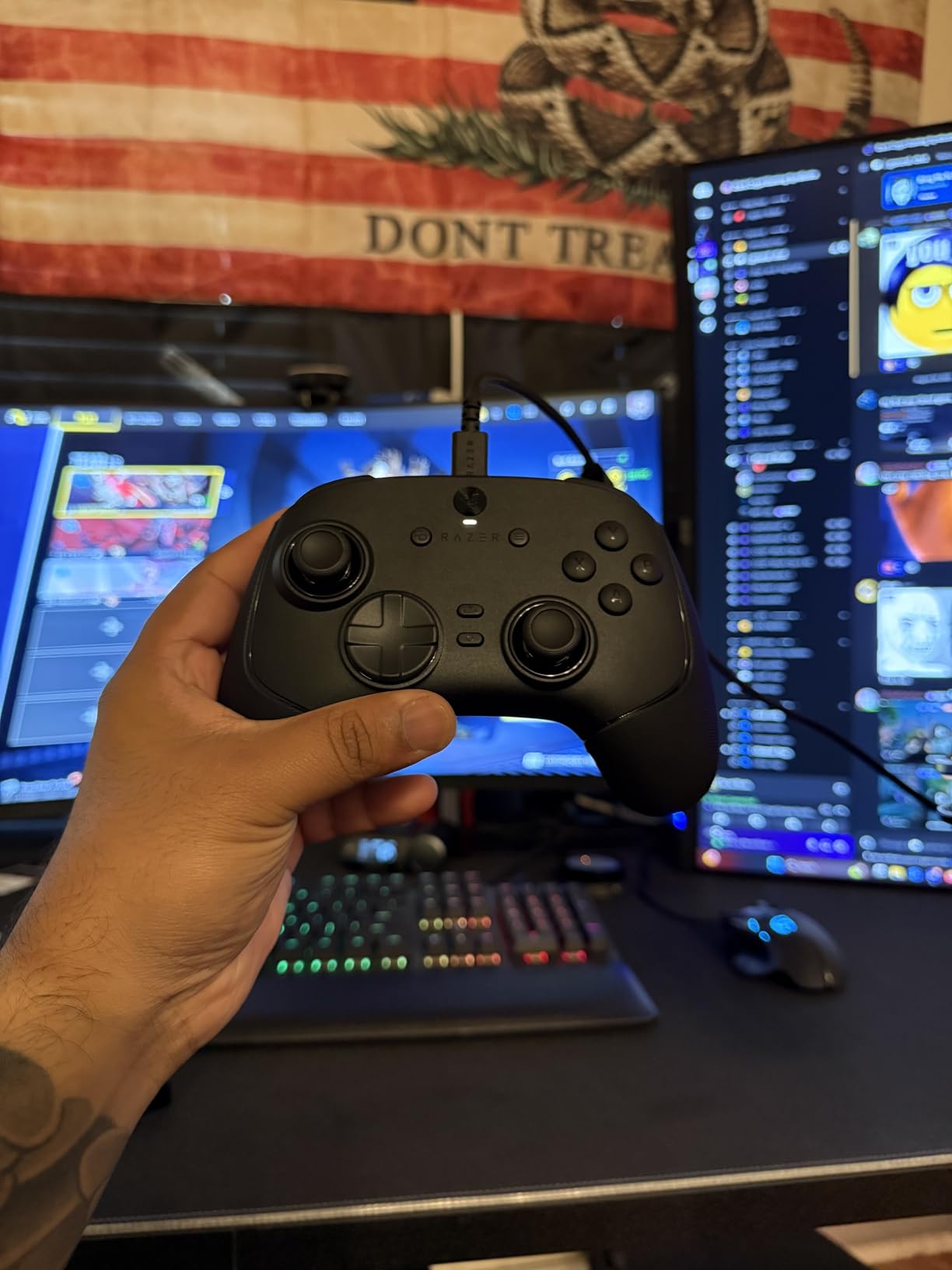
HyperTriggers switch between instantaneous mouse-click actuation and full analog travel, which lets you use the same pad for a racing sim and a shooter without reconfiguring. The mecha-tactile PBT action buttons use hybrid microswitches, and the 8-way floating D-pad registers reliably in every direction.
Customisation covers sensitivity tuning, four onboard profiles and keyboard key mapping to six programmable buttons. The accessory package is unusually complete, with a carrying case, two spare thumbstick caps and a 2m braided cable. It is also built as Razer’s lightest wireless esports controller to reduce hand fatigue over long sessions.
The honest context is that at 4.1 across 339 reviews, this has the smallest and least settled review base of the ten. Reviewers who test it praise the polling, paddles and button quality, but the recurring theme is that a PC-only esports feature set at a premium tier is difficult to justify when other pads deliver comparable core functions.
Who should buy the Wolverine V3 Pro 8K
Buy it if you play competitive shooters on a Windows 11 desktop and nothing else. The polling rate, mouse-click paddles, hybrid microswitch buttons and swappable stick caps are all aimed squarely at that use case, and four onboard profiles let you carry tournament setups with you.
It is also a good fit if you care about light weight in long sessions, since the design was built with esports players in mind to reduce fatigue.
Who should skip the Wolverine V3 Pro 8K
Skip it if you use the same pad on an Xbox console, a PlayStation, a Mac or a phone. It is PC only, for Windows 11, and that is not something firmware will change.
Skip it if you want the most established ownership record. With 339 reviews and the lowest average rating here, you have less long-term data to lean on. And if your games do not reward polling rate, the money is better spent on a pad with wireless across multiple platforms and a wider review history.
8. EasySMX X15 – Best for RGB, Switch Play and Long Battery Life
EasySMX X15 Wireless PC & Steam Gaming Controller, Hall Effect, Black
Hall Effect sticks and triggers
2.4GHz Bluetooth and wired
1000mAh battery up to 20 hours
Two back buttons
RGB
Pros
- Hall Effect sticks and triggers give a smooth deadzone-free feel that resists drift
- Three connection modes cover dongle wireless Bluetooth and wired play
- 1000mAh battery with many owners reporting well over a year of daily use
- Two programmable back buttons handle combos and shortcuts
- Textured grips dual vibration and RGB with a rear on-off toggle
Cons
- No 3.5mm headphone jack for wired headset audio
- No adjustable trigger stops and no gyro
- Analog sticks and shell feel basic and sometimes loose
- Bumpers are not pronounced and can be hard to locate by feel
The X15 covers an unusual combination: hall effect sticks, three connection modes and Switch support at a budget tier. The ABXY layout switches between PC and Switch modes with a button combination, so it works as a second device rather than being locked to one ecosystem. Bluetooth, 2.4GHz and wired USB-C are all available.
The 1000mAh battery is the standout specification on paper at up to 20 hours, and owners commonly report well over a year of daily use on a charge. There is a rear toggle that switches the RGB off to extend that further, which is a nice touch for anyone who plays late.
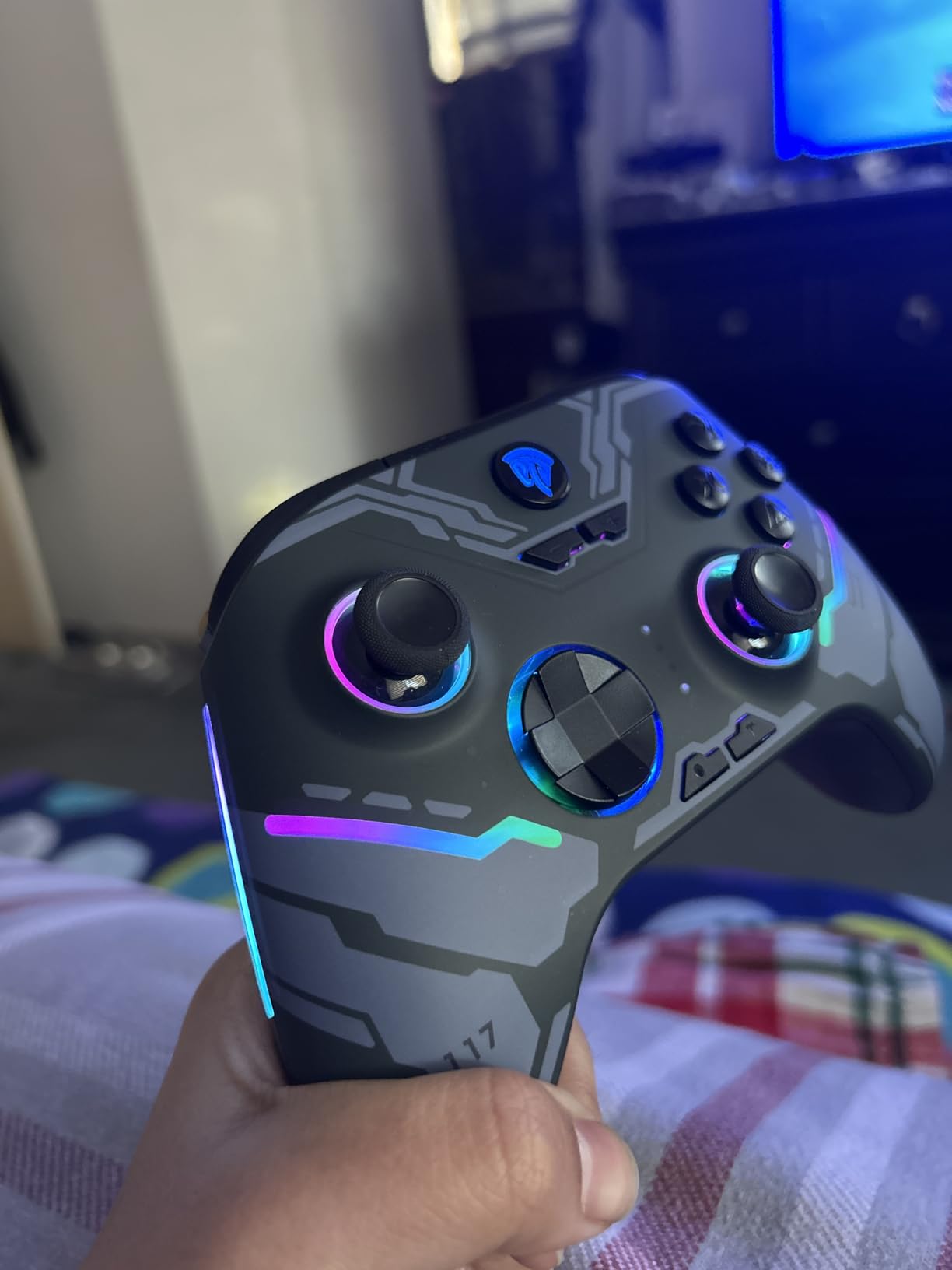
Two programmable back buttons cover the common cases, and the textured anti-slip grips stay comfortable in longer sessions. The hall effect sticks and triggers delivered a smooth, deadzone-free feel in our testing, which is unusual for a pad at this level and is the main reason to consider it over a membrane stick alternative.
It holds 4.2 across 2904 reviews, with 67 percent five star. There is a smaller group of reviews reporting earlier pads with faulty bumpers or random button presses, and the company’s support is credited with resolving those through replacements, which is worth knowing before you buy.
The trade-offs are honest ones. There is no 3.5mm headphone jack, no adjustable trigger stops and no gyro. The shell and sticks can feel basic, and the bumpers are not pronounced enough to find by sight in a dark room.
Who should buy the X15
Buy it if you want hall effect sticks, three connection modes and Switch compatibility without spending much. It suits players who like RGB, play long sessions away from a charger, and want programmable back buttons for a sports or action game.
It is a reasonable shared-household or secondary pad for local multiplayer, where three devices in one box is easier than managing three models.
Who should skip the X15
Skip it if you use wired headphones, because there is no 3.5mm jack. Skip it if you race seriously, since there are no adjustable trigger stops and no gyro aiming.
Skip it if build quality is your priority. At this tier the shell and analog sticks feel basic and can seem loose, and the bumpers are hard to locate by feel. It is also not compatible with Xbox consoles, Luna, PS4 or PS5, so keep that in mind if you own more than a PC and a Switch.
9. PowerA Enhanced Wired Controller – Best Officially Licensed Wired Pad
PowerA Enhanced Wired Controller for Xbox Series X|S – Blue, Officially Licensed for Xbox
Enhanced wired USB
2 mappable advanced gaming buttons
Dual rumble motors
3.5mm headset jack
Two-year warranty
Pros
- Feels and performs close to the official Microsoft wired pad
- Two mappable advanced gaming buttons for sprint and other held inputs
- Detachable 10ft cable with a recessed port that resists snapping
- 3.5mm stereo headset jack with volume dial and one-touch mic mute
- Dual rumble motors with accurate deadzones that work well in shooters
Cons
- Potentiometer sticks drift over time which is the most common complaint
- Bumpers and the LT trigger degrade under heavy daily play
- Some pads arrive cross-triggering where one trigger activates the other
- D-pad wobbles slightly when pressed off axis
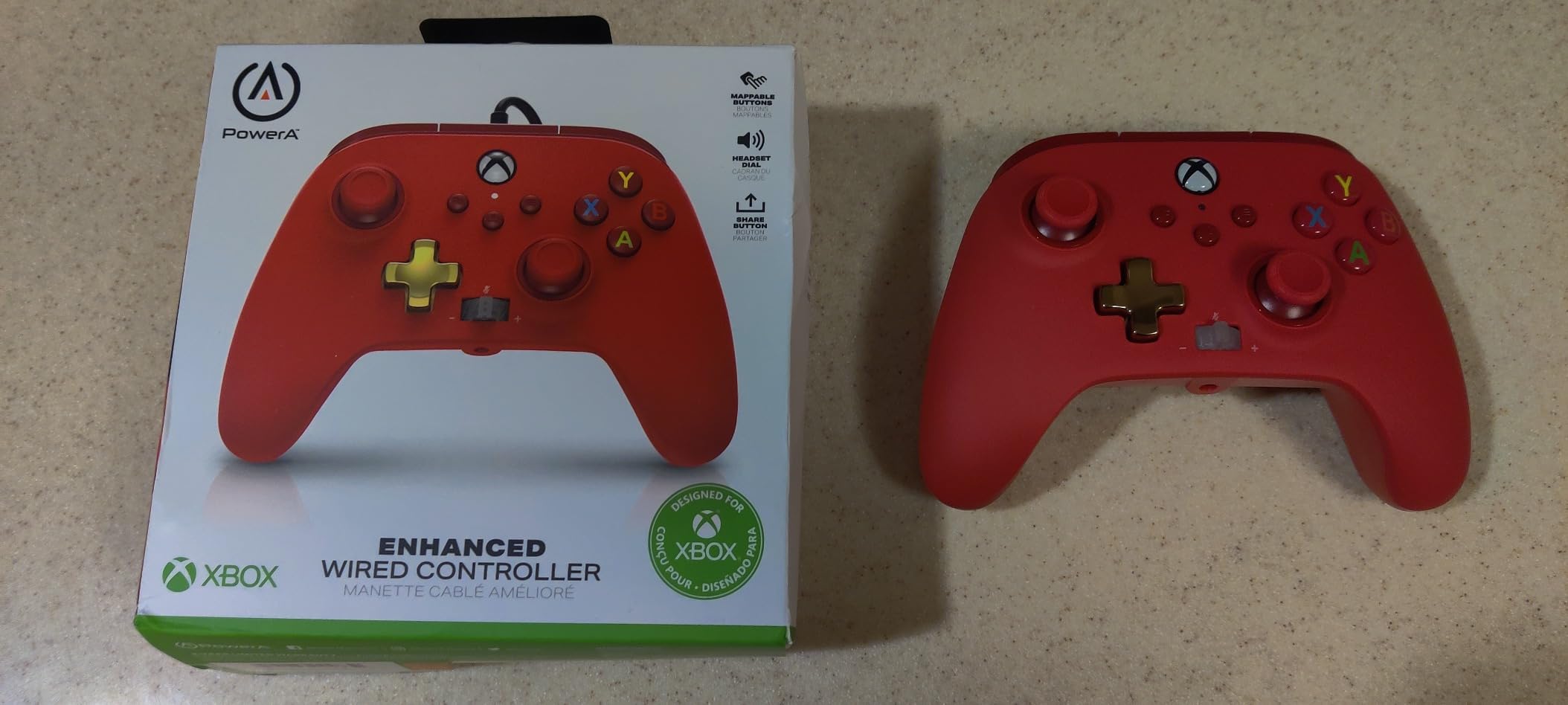
This is the pad to buy if you want a licensed Xbox feel without the licensed Xbox cost. It is officially licensed for Xbox Series X and S, works with Xbox One and Windows, and the shape and button layout are close enough that most people stop noticing the difference within a session.
The detachable 10ft cable with a recessed port is a practical detail that matters more than expected. A recessed port resists being yanked sideways, which is the usual way a wired controller fails. The 3.5mm jack with a volume dial and one-touch mic mute is also rare at this tier.
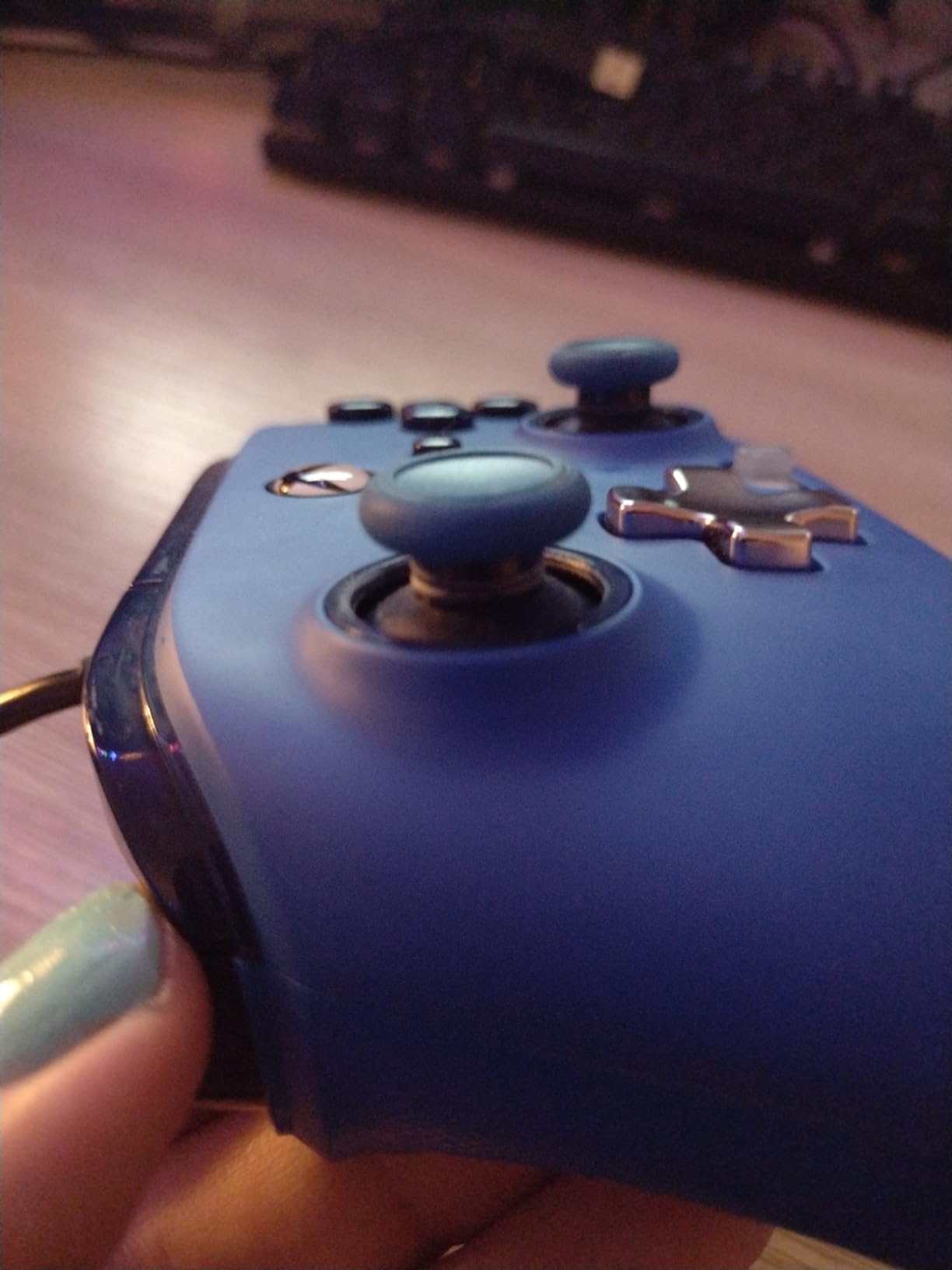
Two mappable advanced gaming buttons on the back handle sprint or other held inputs, and the dual rumble motors are stronger than the single-motor pads further down this list. Owners who came from a base Microsoft pad generally rate the feel and deadzone accuracy as close to the real thing.
With 29560 reviews, this is the most widely owned controller in the roundup, and opinions split sharply on durability. Many buyers are very happy for the value and have even disassembled and cleaned a drifting pad back to like-new condition. Others, particularly competitive players, report stick drift and failing bumpers or triggers within months and have needed multiple warranty replacements. The 63 percent five-star share is the lowest here, with a notable one-star cluster.
There is a two-year limited warranty behind it, which is longer than most competitors offer and matters given the drift complaints.
Who should buy the PowerA Enhanced Wired Controller
Buy it if you want a familiar licensed layout, a detachable long cable and a headset jack, and you play mostly at a desk. It works well for sports games, local multiplayer and general play, and the two mappable buttons handle the extra inputs most players want.
It is also a sensible stopgap or spare for a household with several players sharing one PC, given how many owners have one already.
Who should skip the PowerA Enhanced Wired Controller
Skip it if you play daily for years and cannot tolerate drift. The analog sticks are potentiometer based, and drift is the most common complaint in the review base by a wide margin.
Skip it if you rely heavily on bumpers or the LT trigger, since those are the second most reported failure point. Also be aware that some pads arrive cross-triggering, where one trigger activates the other, and the D-pad has a slight wobble off axis that matters for platformers and fighting games.
10. VOYEE Wired PC Controller – Best Starter Pad on a Tight Budget
VOYEE PC Controller, Wired Compatible with Xbox 360 & Slim/Windows 10/8/7
Wired plug and play
21-button Xbox 360 layout
Double shock rumble
7.2ft cord
7.2 ounces
Pros
- Familiar Xbox 360 layout that works on Windows with no setup
- Plug and play on Xbox 360 Xbox 360 Slim and Windows 7 through 11
- Contoured grips and a 7.2ft cord that reaches a desk comfortably
- Rumble control with automatic in-game vibration feedback
- Backed by 45 days money back and a 365 day guarantee against quality defects
Cons
- The manufacturer states it is not suited to FPS games
- No paddles remapping Hall Effect sticks or 3.5mm headset jack
- Potentiometer sticks and membranes typical of the budget tier
- Light plastic build feels cheap in the hand
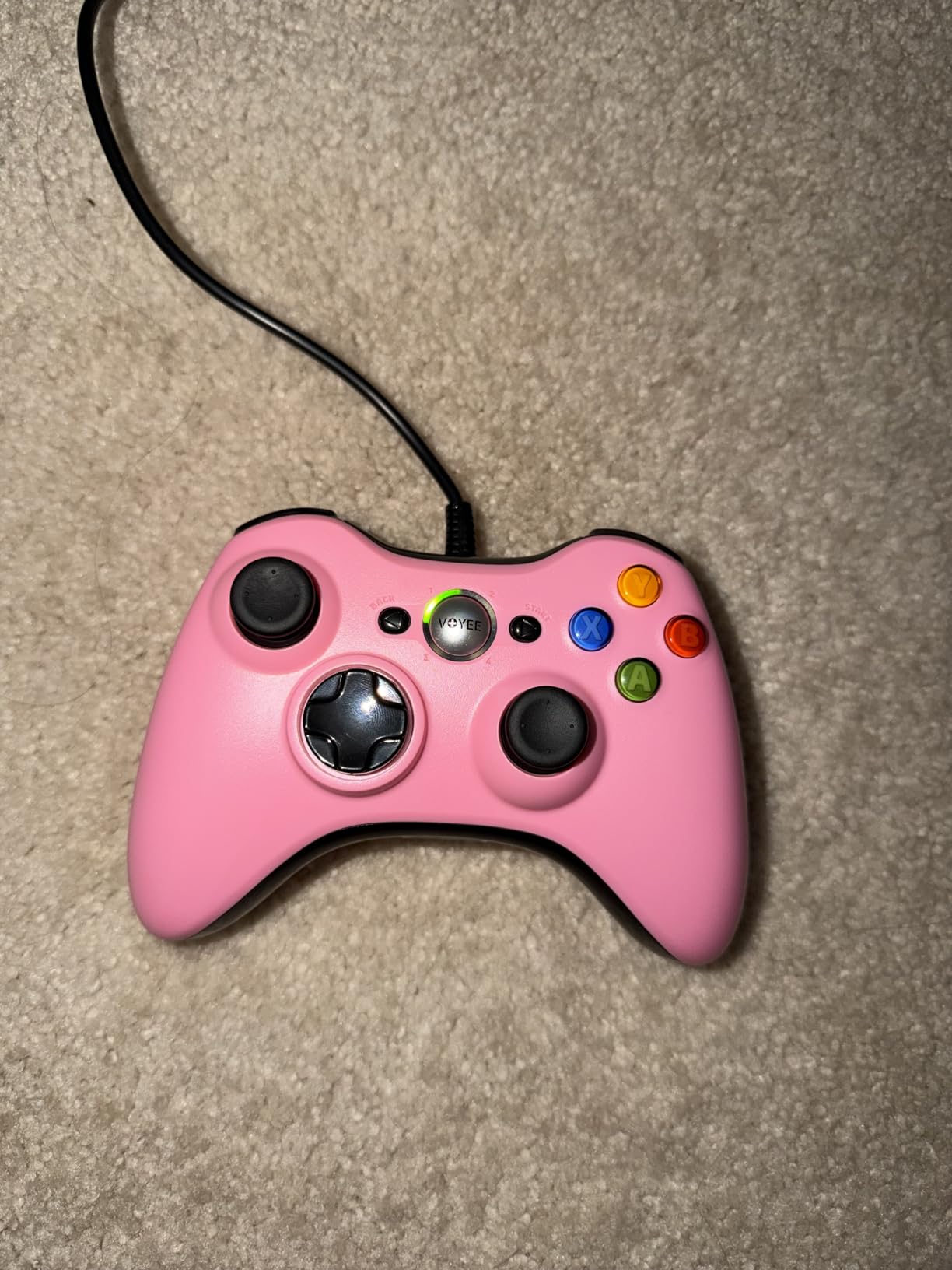
Somebody has to be the entry point, and this is it. The Xbox 360 layout is genuinely familiar even if you have never held a 360 pad, it works on Windows 7 through 11 with no setup, and the 7.2ft cord is long enough to sit back from a desk without stretching.
There are 21 buttons including the guide button, upgraded trigger buttons and more sensitive sticks compared to older budget pads, and the contoured grips are shaped for longer sessions rather than being flat slabs. Rumble fires automatically from in-game vibration signals.
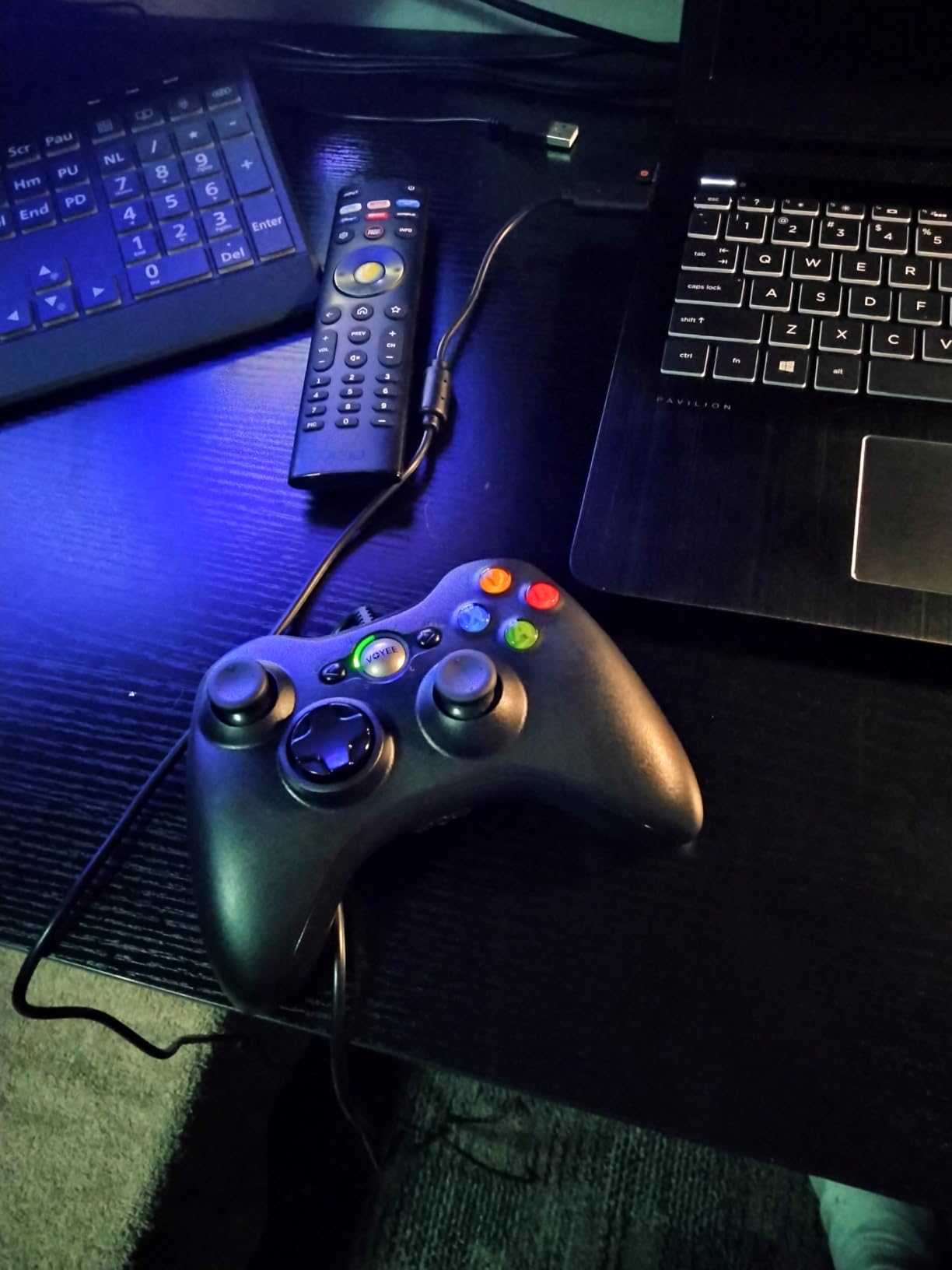
With 23108 reviews at 4.3, this is the second most proven pad in the roundup, and the sentiment is dominated by one word: dependable. Owners like the familiar shape, adequate rumble, comfortable grips and cable length, and the price is the whole argument.
The support terms are unusually generous for this tier, with 45 days money back, a 365-day guarantee against quality defects and 24-hour customer support. Several owners report it simply working for years on a desk.
What you do not get is everything that matters for competitive play. There are no paddles, no remapping, no hall effect sticks and no headset jack. The manufacturer is explicit that it is not suited to FPS games, and that honest note should shape your decision more than any spec sheet.
Who should buy the VOYEE Wired Controller
Buy it if this is your first PC controller, you play single-player and co-op games rather than competitive shooters, and you want something that works immediately with no configuration. It is equally good as a spare or a party pad.
It suits anyone who plays with a controller on a couch but does not want to research specifications, and it still works on an Xbox 360 or 360 Slim if you own one of those.
Who should skip the VOYEE Wired Controller
Skip it if you play competitive shooters, because the maker states the pad is not suited to FPS games and the potentiometer sticks plus membranes will not keep up. Skip it if you use a wired headset, since there is no 3.5mm jack.
Skip it if you care about feel. The 7.2-ounce plastic body is light and slightly hollow-sounding compared with the pads above, and there is no path to remapping later. If you think you will still be playing in two years, spend more now rather than replacing this one.
How to Choose a PC Controller
Stick technology, connection mode and hand size decide most purchases. Genre decides the rest. Work through these in order and the ten pads above narrow to two or three within minutes.
Hall Effect and TMR sticks fix the problem everyone complains about
Drift is a wear problem, not a defect. A conventional stick measures position with a potentiometer, a contact that slides across a resistive track, and that contact wears out over years of use. Once it wears, the stick reports a small offset even when your thumb is not touching it, and every game reads that as a slow walk or a menu drifting on its own.
Hall Effect sticks replace the resistive contact with a magnetic sensor, so there is nothing to wear. TMR, short for tunnel magnetoresistance, is a newer magnetic sensing approach that behaves more like a conventional stick in feel while keeping the contactless durability. Neither is a permanent guarantee, but both remove the single most common reason a PC controller gets thrown away.
Five pads here use one of the two technologies: the GameSir G7 SE, the 8BitDo Ultimate 2C, the 8BitDo Ultimate 2 Wireless, the GameSir G7 Pro and the GameSir Nova Lite 2, plus the EasySMX X15 and the Razer Wolverine V3 Pro 8K. The PowerA and VOYEE pads use potentiometers, which is fine for casual play and a risk for daily competitive use.
Wired beats 2.4GHz, and both beat Bluetooth for competitive play
Connection mode is the easiest upgrade to make. A wired USB-C connection has no radio in the path at all, so it is the most consistent and the most responsive. A 2.4GHz dongle is a very small step behind and is the right choice if you want to move around your desk.
Bluetooth is the problem child. Every Bluetooth-capable pad we tested showed noticeable input delay compared with its own wired and dongle modes, and owners report the same thing on the 8BitDo Ultimate 2C and the Nova Lite 2. If you play shooters, stay off Bluetooth entirely. Pairing friction between devices is the other reason it frustrates people.
Polling rate tells you how often the pad reports its position to the PC. 1000Hz is eight times the 125Hz baseline of older pads and is more than enough for almost everyone. 8000Hz on the Razer Wolverine V3 Pro 8K is measurable in high-end competitive play and largely irrelevant everywhere else.
Match the controller to the games you actually play
For competitive shooters such as Call of Duty, Apex Legends, Fortnite and The Finals, prioritise back buttons, trigger stops, a tight deadzone and a wired or dongle connection. Back buttons let you keep your thumb on the stick while jumping, crouching or reloading. Pads with a physical back button lockout are worth extra here, because an accidental press costs more than the feature is worth.
For racing games such as Forza Horizon and Assetto Corsa Competizione, prioritise analog trigger travel and switchable linear mode. A trigger stop helps in shooters but hurts in racing, which is why a physical toggle between linear and tactile settings, as on the 8BitDo Ultimate 2 Wireless, is so useful.
For sports games like EA SPORTS FC, NBA 2K and Madden, prioritise fast repeatable face buttons and a clean D-pad. Face buttons that rub or need extra force are the most annoying failure in this genre, because you press them constantly.
For action and RPG games such as Elden Ring and Monster Hunter, prioritise comfort above everything else. Grip texture, weight balance and button spacing decide whether a four-hour session feels fine or painful. Extra features matter less here than in competitive play.
For retro play and emulators, the D-pad matters more than anything else, and a mechanical circular D-pad is a genuine upgrade over a membrane disc. For co-op and local multiplayer, buy more than one model so spares share the same layout and battery habits.
Hand size changes which body works for you
Compact bodies feel great in small hands and cramped in large ones. The 8BitDo Ultimate 2C at 280 g is the smallest pad here and owners with adult hands describe it as cramped. Larger bodies like the Elite Series 2 feel stable in bigger hands but can crowd smaller fingers.
A useful rule is to hold the pad before buying and check whether your thumbs reach the sticks without shifting your grip, and whether your index fingers rest on the triggers rather than curling around them. If you can slide your hand position between sticks and triggers without lifting, the shape is wrong for you regardless of the specs.
Decide how much software you are willing to run
On-pad remapping is the feature most often wished for. If you want to rebind buttons without launching anything, choose a pad with onboard profiles: the Elite Series 2 stores three, the 8BitDo Ultimate 2 Wireless stores mappings and macros in onboard memory, and the GameSir G7 Pro supports four on-pad profiles.
If you are happy to open an app, the GameSir Nexus suite is consistently rated well by owners for remapping, profiles, dead zone tuning and back button lock. The Xbox Accessories app handles the Elite Series 2 but keeps deeper settings behind a PC. 8BitDo software can rebind the pad’s own buttons but generally cannot bind keyboard keys, which matters for PC shortcuts.
Also check battery life against how you actually play. The Elite Series 2 claims up to 40 hours, the EasySMX X15 up to 20 hours from a 1000mAh cell, while the Nova Lite 2’s 600mAh cell delivers roughly four to six hours in practice. Pads that ship with a dock, like the 8BitDo Ultimate 2 Wireless and the GameSir G7 Pro, solve this more elegantly than a bare cable.
Set up your controller on Windows and Steam in five steps
First, connect by cable and confirm it appears under Settings, Gaming, Xbox Game Bar. Second, update the firmware through the manufacturer’s app before anything else, because early builds sometimes ship with unhelpful dead zones. Third, if the pad supports multiple connection modes, set your preferred one in the app so the mode switch behaves predictably.
Fourth, open Steam Input for any game that does not remap correctly, and set the layout to match your pad’s physical arrangement. This is the fix for PlayStation or Switch style layouts on games that assume an Xbox pad. Fifth, set dead zones to the lowest value that keeps the stick still when untouched, then save that as a profile on the pad itself if it supports onboard memory.
Steam Input is worth learning even with an Xbox-layout pad, because it lets you build per-game configurations and disable stick clicks for games where that helps.
Five mistakes to avoid when buying a PC controller
Buying a Bluetooth-only pad for competitive shooters is the most common error, and every Bluetooth delay we measured was large enough to feel. Buying a potentiometer stick pad when you play several hours a day is the second, because drift is a matter of when, not if.
The third is ignoring the D-pad until you buy a platformer or a fighting game. The fourth is assuming remapping works without software when the manufacturer lists it as a companion app feature. The fifth is buying for a feature you will never use, such as a very high polling rate, and settling for worse sticks and worse triggers as a result.
One more worth naming: buying several different models for local multiplayer. Four different pads means four different button layouts, and one very confused living room.
Frequently Asked Questions
What controllers do pros use on PC?
Esports players use the same controller families everyone else uses, usually the latest official Xbox pad or a pro-labelled variant of it. What separates competitive pads is polling rate, back buttons with a physical lockout, adjustable trigger stops and a tight deadzone rather than the brand name. Most tournament rules allow any controller, so the pad you practise on is the one that matters.
Which controller is best for Windows PC?
For most players the Xbox Elite Series 2 is the best all-round choice because Windows recognises it instantly, it stores three profiles on the pad and it works across every PC game without setup. If you play daily and want to avoid stick drift, the GameSir G7 SE or the 8BitDo Ultimate 2C give you hall effect sticks and back buttons at a lower tier.
Are PC gaming controllers worth it?
Yes for shooters, racing, sports, action RPGs and any game played on a TV or from a couch, because a controller gives you back buttons, trigger stops and a comfortable grip that a keyboard and mouse does not. For competitive shooters that demand precise aiming, a mouse and keyboard still measure up well. The rest of your library usually plays better with a pad.
Is GameSir G7 better than the Xbox controller?
For most players, yes. The G7 SE and G7 Pro use hall effect and TMR sticks that resist drift, add lockable back buttons and 1000Hz polling on PC, and the software handles remapping and dead zones well. The standard Xbox pad still wins on out-of-the-box consistency and polish, and nothing about the Xbox layout changes. Try the GameSir if your sticks have drifted.
Are GameSir controllers better than 8BitDo controllers?
It depends on which line you compare. GameSir pads tend to lead on trigger stops, back button lockout and app-driven customisation, while 8BitDo pads tend to lead on build polish, battery life and onboard profile memory that works without software. GameSir is the stronger pick for competitive shooters and 8BitDo is often the calmer, quieter choice for long sessions.
How long does a wireless PC controller battery last?
Expect anywhere from four hours on a small internal cell to around 40 hours on a high capacity pack, and treat advertised figures as optimistic. Pads that ship with a charging dock tend to last longer in practice because you can keep a spare cell charged, and turning RGB lighting off adds time on the models that have it.
Conclusion
After testing all ten, the Xbox Elite Series 2 remains our pick for the best gaming controllers for PC in 2026 for anyone who wants one controller that works everywhere without setup and stays comfortable for hours. Adjustable stick tension, three-step trigger locks and three onboard profiles cover almost every genre, and its review base makes it the safest long-term buy in the category.
Buy the GameSir G7 SE if your main priority is ending stick drift without spending much. Buy the 8BitDo Ultimate 2 Wireless if you want TMR sticks, a charging dock and remapping that works without software. Buy the GameSir G7 Pro if you want a gyro, replaceable stick modules and full competitive features on PC, and the Razer Wolverine V3 Pro 8K only if maximum polling rate is genuinely your goal.
Whichever you pick, use the wired cable or the 2.4GHz dongle for anything competitive, check the stick behaviour again after a few months, and set your dead zones once rather than fighting them later.