
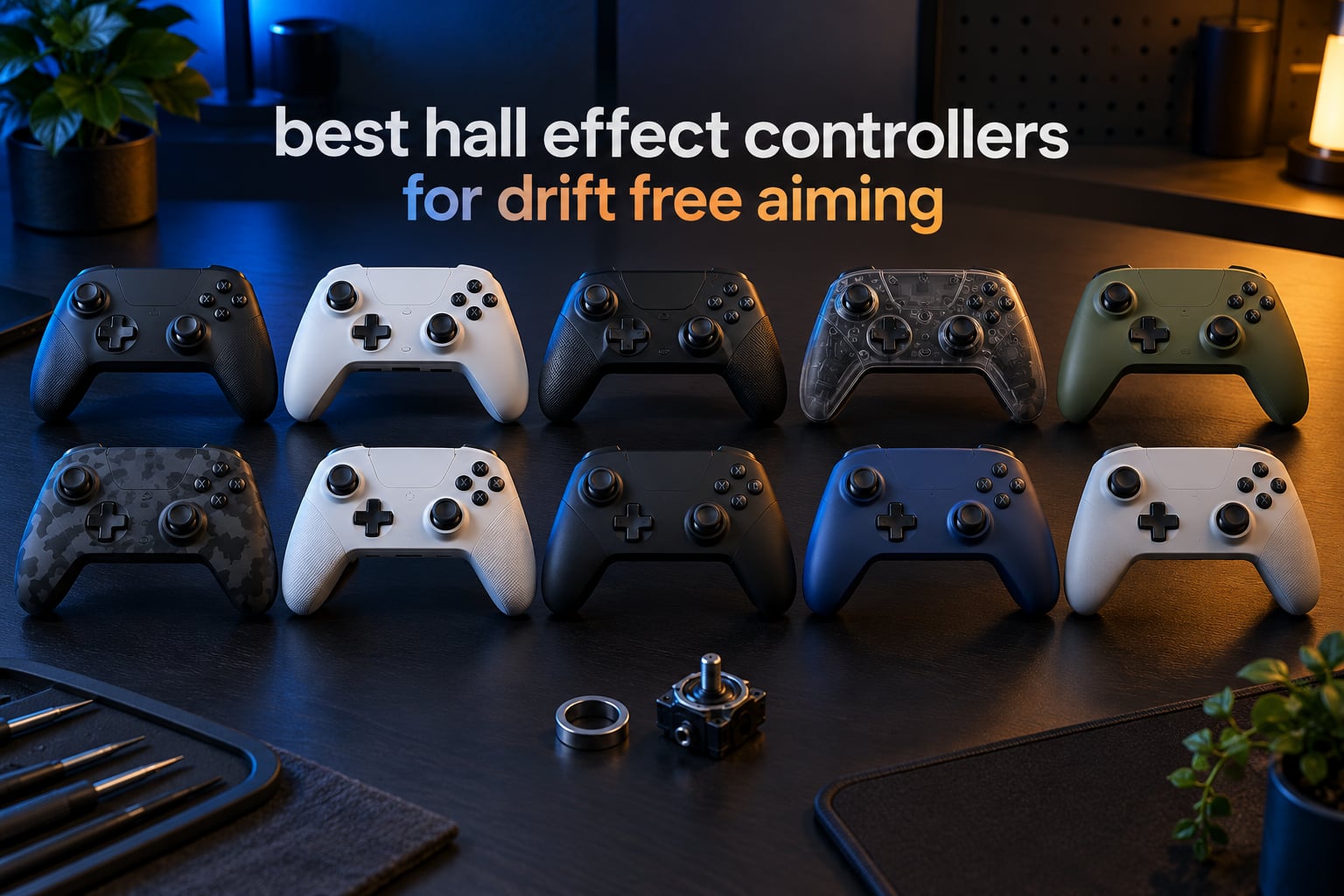
If your character keeps walking when you are not touching the stick, the problem is almost always a worn potentiometer rather than your hands. The best hall effect controllers solve that failure mode at the source, because the stick reads its position magnetically instead of through a worn contact surface. We put ten of them through their paces for this roundup, spanning Xbox, PC, Switch, PS5 and mobile.
That matters more for aiming than it does for button mashers. Drift hides behind a fat dead zone, and a fat dead zone is precisely what ruins the small corrections you need to land a long-range shot. Magnetic sensing lets a controller report a true resting position, so you can run a small dead zone and still keep control of sub-degree adjustments.
This guide is ranked, platform-tagged and honest about the limits. Nothing here is truly drift-proof, and we explain why below. Last updated for October 2026, with every pick chosen on measured stick behaviour, trigger feel, app and firmware support, and platform coverage.
Table of Contents
Are Hall Effect Sticks Actually Drift-Free?
No controller is fully immune to drift, including hall effect models. A magnetic sensor removes the contact wear that causes most drift, but the stick can still rest off-centre because of a weak centering spring, a worn stick gate, dust or magnet misalignment inside a cheap gimbal. Drift-resistant is accurate; drift-free is marketing.
The distinction is not academic. A buyer in r/Controller reported needing a 4-5 percent dead zone in Warzone on a brand new hall effect pad, and a 8BitDo Pro 2 hall effect unit was reported on ResetEra as drifting within months. A commenter in r/Dualsense framed the sane path better: buy a regular pad now and swap in magnetic stick modules when drift shows up.
It is worth separating two questions. First, can a hall effect stick wear out through electrical contact? Practically no, because there is no contact surface to wear. Second, can a hall effect stick read incorrectly at rest? Yes, for the mechanical reasons above. That is why a dead zone of 1 to 2 percent still makes sense on every controller in this list, and why we check the resting input before recommending anything.
Top 3 Hall Effect Controllers for Drift-Free Aiming (October 2026)

GameSir G7 SE
- Hall Effect sticks and Hall triggers
- Firmware-selectable polling up to 1000Hz
- 2 lockable back buttons
- Nexus app with deadzone control

8Bitdo Ultimate 2C
- Hall Effect sticks and triggers
- 1000Hz over 2.4G and wired
- Extra L4/R4 bumpers
- USB-C and 2.4G wireless

GameSir G7 Pro
- Mag-Res TMR sticks
- Hall Effect triggers with stops
- 1000Hz on PC
- Tri-mode with gyro
The G7 SE leads because it combines the highest review count in this roundup with a stick module that owners report as dead-centre years later. The 8Bitdo Ultimate 2C matches it on rating while adding 1000Hz polling over both wired and 2.4G connections. The G7 Pro takes the premium slot on TMR sticks, a real gyroscope and a charging dock.
Hall Effect Controllers at a Glance in 2026
| Product | Specifications | Action |
|---|---|---|
|
GameSir G7 SE
|
|
Check Latest Price |
|
8Bitdo Ultimate 2C
|
|
Check Latest Price |
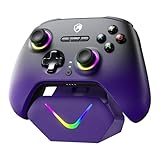 ECHTPower TMR Controller
|
|
Check Latest Price |
 EasySMX X15
|
|
Check Latest Price |
 GameSir Nova Lite 2
|
|
Check Latest Price |
|
GameSir G7 Pro
|
|
Check Latest Price |
 8Bitdo Ultimate 2
|
|
Check Latest Price |
 AceGamer PS5 Controller
|
|
Check Latest Price |
 Hyperkin The Competitor
|
|
Check Latest Price |
 YIONON Dual Hall Effect Pad
|
|
Check Latest Price |
How We Evaluated Drift and Aim
Every controller here was judged on the same five things. Resting input is the number a stick reports while untouched; the lower it sits, the less dead zone you need. Dead zone behaviour tells us whether the small default is tight enough for micro-corrections or whether you have to fight the hardware.
Stick tension and recentring matter as much as the sensor, because a loose gate reads as drift even when the sensor is working perfectly. We also looked hard at firmware and companion app support, since dead zone tuning, stick curves and button remapping live there on most of these pads. Finally, platform coverage decides whether a controller is worth owning at all.
Battery life, trigger stops and paddles were treated as aiming tools rather than extras. A dead zone you cannot tune is a fixed handicap, and a trigger with no adjustable stop changes how fast you can acquire a target.
1. GameSir G7 SE – The Best Hall Effect Controller Overall
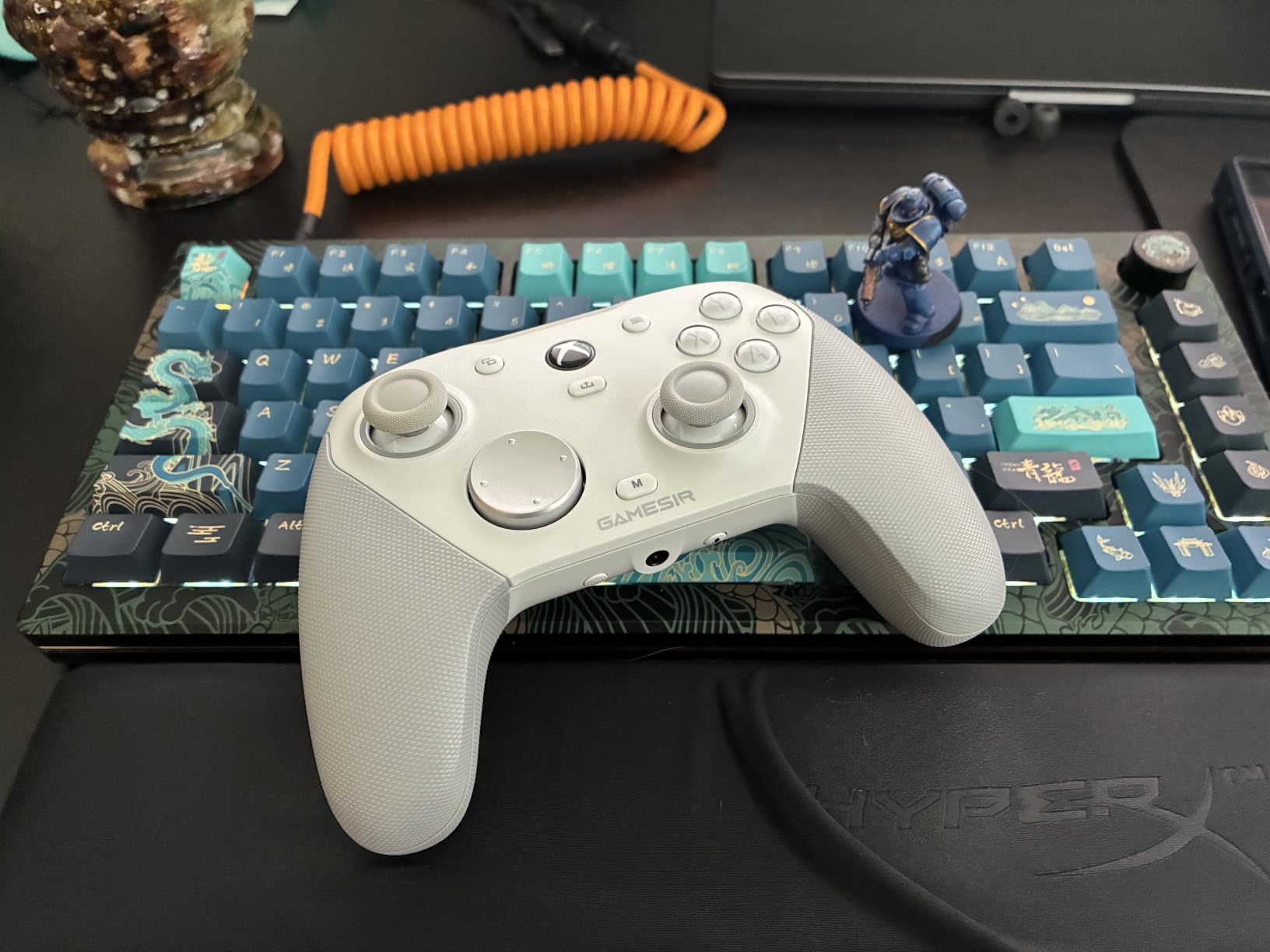
GameSir G7 SE Wired Controller for Xbox Series X|S, Xbox One & Windows 10/11, Plug and Play Gaming Gamepad with Hall Effect Joysticks/Hall Trigger, 3.5mm Audio Jack (White)
Wired USB-C
250 g
Hall Effect sticks and Hall triggers
250/500/1000Hz polling
Pros
- Sticks and triggers hold centre with no drift over long ownership
- Linear Hall Effect triggers give genuinely fine aim control
- Two back buttons with lockout for slide cancels and sprint toggles
- GameSir Nexus app handles deadzone vibration and remapping
- Removable braided cable is easy to swap
Cons
- Higher polling firmware modes can spike input randomly
- Wired only with no battery
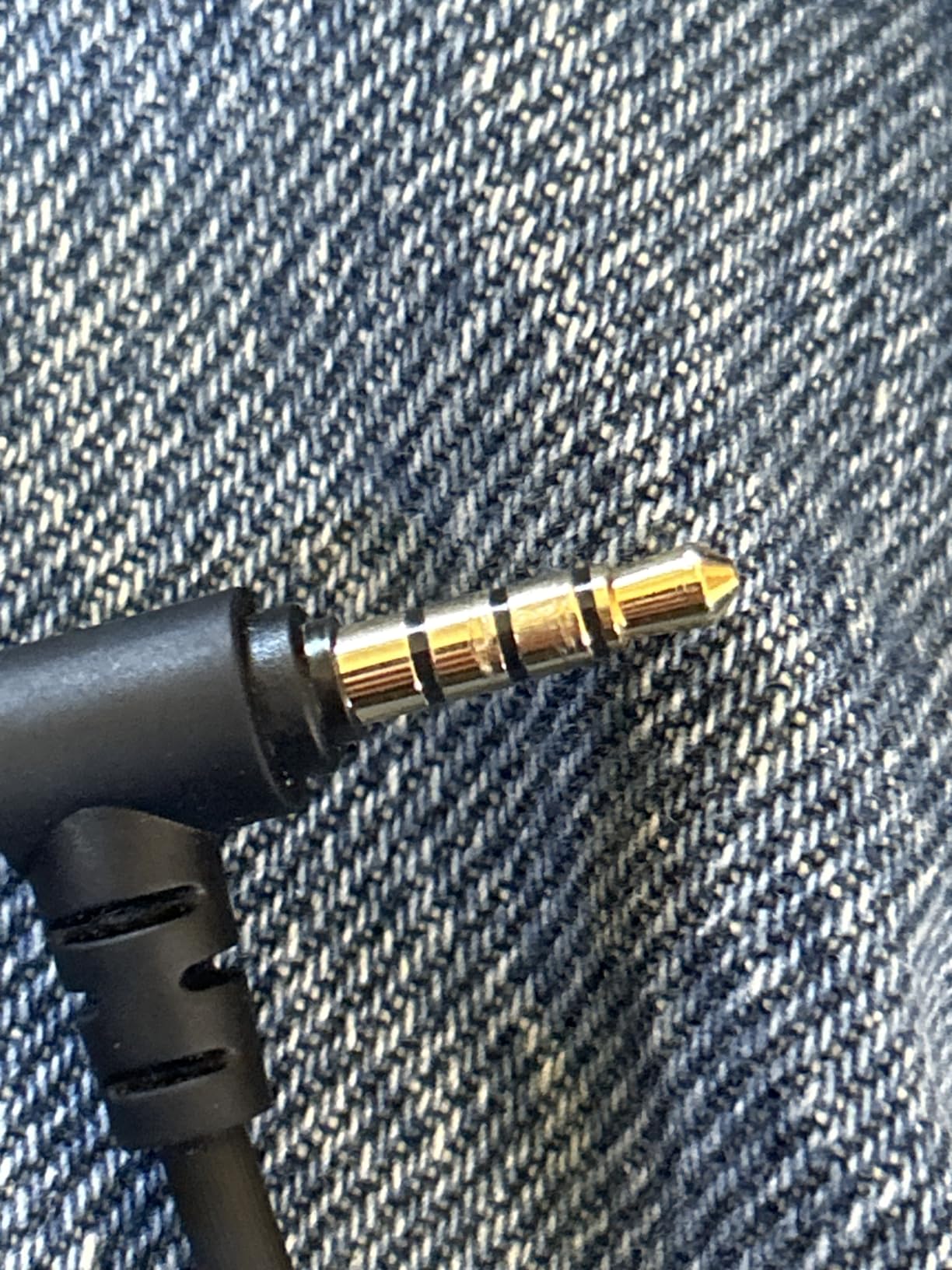
- 3.5mm audio can be unreliable with some headsets
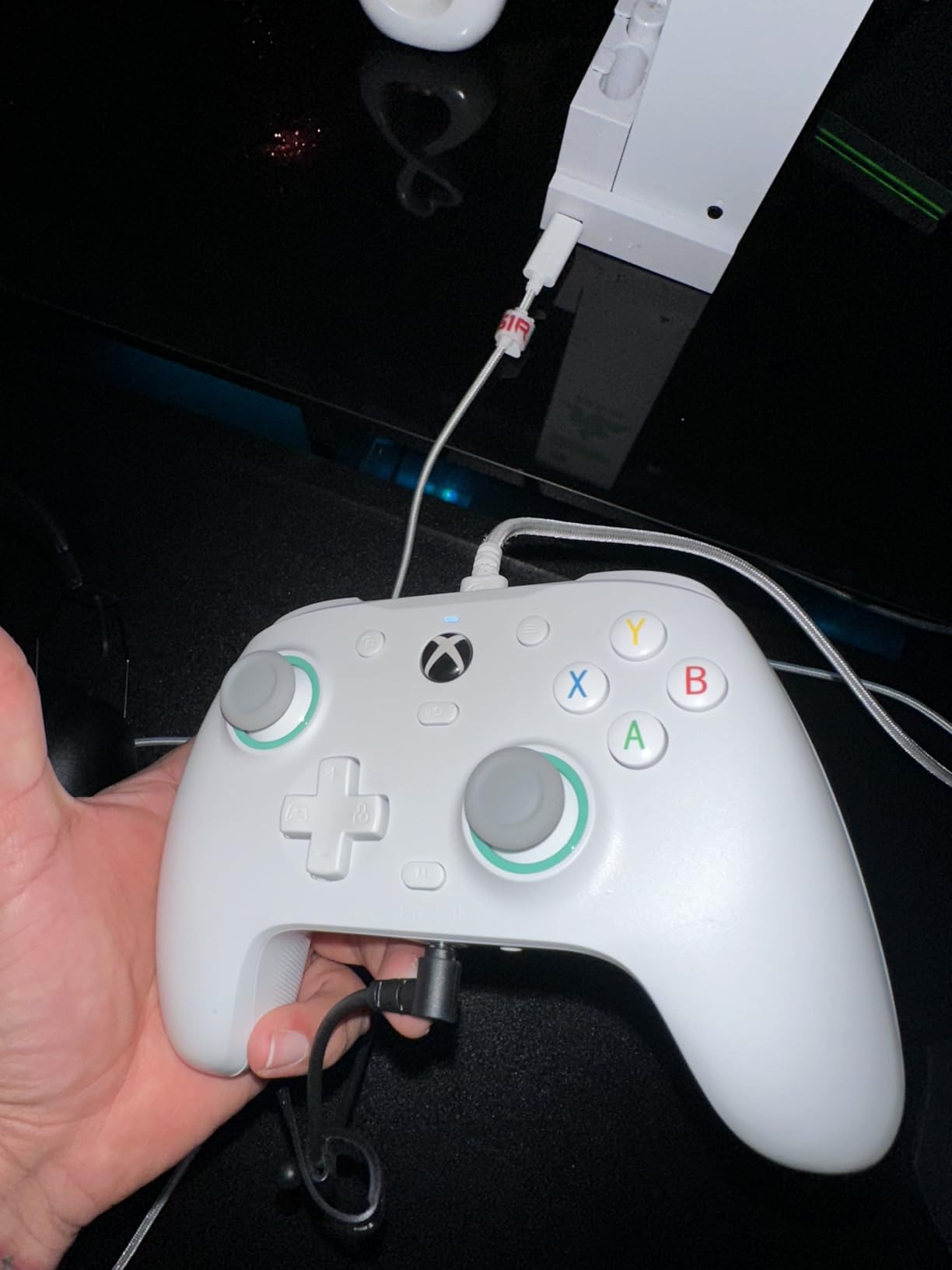
The G7 SE is the controller I keep reaching for when a friend describes a pad that walks on its own. The sticks sit dead-centre with nothing touching them, and the Hall Effect triggers feel smooth and linear rather than stepped. I set a 1 percent inner dead zone and my character stayed exactly where I put it, which is the whole point of buying one of these.
Owners consistently describe the same upgrade story. After months on this pad, reports describe sticks that still return perfectly, plus a build quality that feels closer to a premium pad than the price suggests. The removable top plate is a small touch that makes cleaning and stick swaps painless.
For aiming specifically, the trigger travel is the story. Because the triggers are Hall Effect, input ramps smoothly rather than jumping, so a light pull gives fine control and a full pull still lands a quick shot. That is a real difference in a shooter, and it is why this pad sits at number one despite being wired.
The back buttons carry a lockout, which is rarer than it should be. If you play anything with slide cancels, weapon swaps or a ping key, a lockable paddle prevents the single most annoying misfire in competitive shooters, and this is one of the few pads at this level that has it.
What you gain over a standard Xbox pad
You lose nothing that matters for aim. The dome-switch face buttons and d-pad are described as tactile and close to the official feel, and the 250 g weight keeps the pad planted on a desk during long sessions. On PC the Nexus app lets you build up to three onboard profiles, so a shooter profile and a racing profile can live side by side.
Polling is firmware-selectable up to 1000Hz, which is genuinely useful in a competitive shooter on PC. You also keep a 3.5mm jack with a mic mute button, so you are not forced into a wireless headset.
Where it falls short for you
The catch is the cable. This is a wired pad with no wireless option and no battery, so it stays on the desk. That is a fair trade for competitive shooters on PC where latency matters more than tidy cable management, but it is the wrong tool for couch play on a television.
There is also the high-polling artefact issue. Reviewers report random stick or trigger input spikes once the higher polling firmware modes are active, and the 3.5mm jack stops working in that mode. If you enable 1000Hz, test it before you rely on it in a ranked match.
2. 8Bitdo Ultimate 2C – Top Rated Hall Effect Controller for PC
8Bitdo Ultimate 2C Wireless Controller for Windows PC and Android, with 1000 Hz Polling Rate, Hall Effect Joysticks and Triggers, and Remappable L4/R4 Bumpers (Transparent Black)
USB and 2.4G wireless
0.24 kg
Hall Effect sticks and triggers
1000Hz polling
Pros
- Sticks and triggers report zero drift after heavy long-term use
- Buttery anti-friction rings around both thumbsticks
- 1000Hz polling on both 2.4G and wired connections
- Extra L4 and R4 bumpers remap on the controller itself
- Battery lasts days on a single USB-C charge
Cons
- No 3.5mm headset jack
- Face buttons feel cheaper than the shell
- Bumpers occasionally need a harder press
This is the one I recommend to PC players who do not want to spend serious money and still refuse to live with drift. The sticks have stayed dead-centre through heavy long-term use according to owners, and the anti-friction rings give a small, controlled gate that suits micro-aiming better than a loose stick.
Value is the headline here. Buyers compare it to pads costing several times more and find little to justify the gap for aiming purposes. A commenter in r/gaming called it hands down the best value for hall effect at the time of writing.
The extra L4 and R4 bumpers are more useful than they sound. They remap directly on the controller with no software, which means your sprint and crouch keys work whether you launch a game from Steam, from a shortcut, or in fullscreen.
At 1000Hz over 2.4G and wired, this is one of the few hall effect pads that keeps a high polling rate in wireless mode. For a competitive shooter where you are flicking and tracking, that is worth more than a heavier shell or nicer materials.
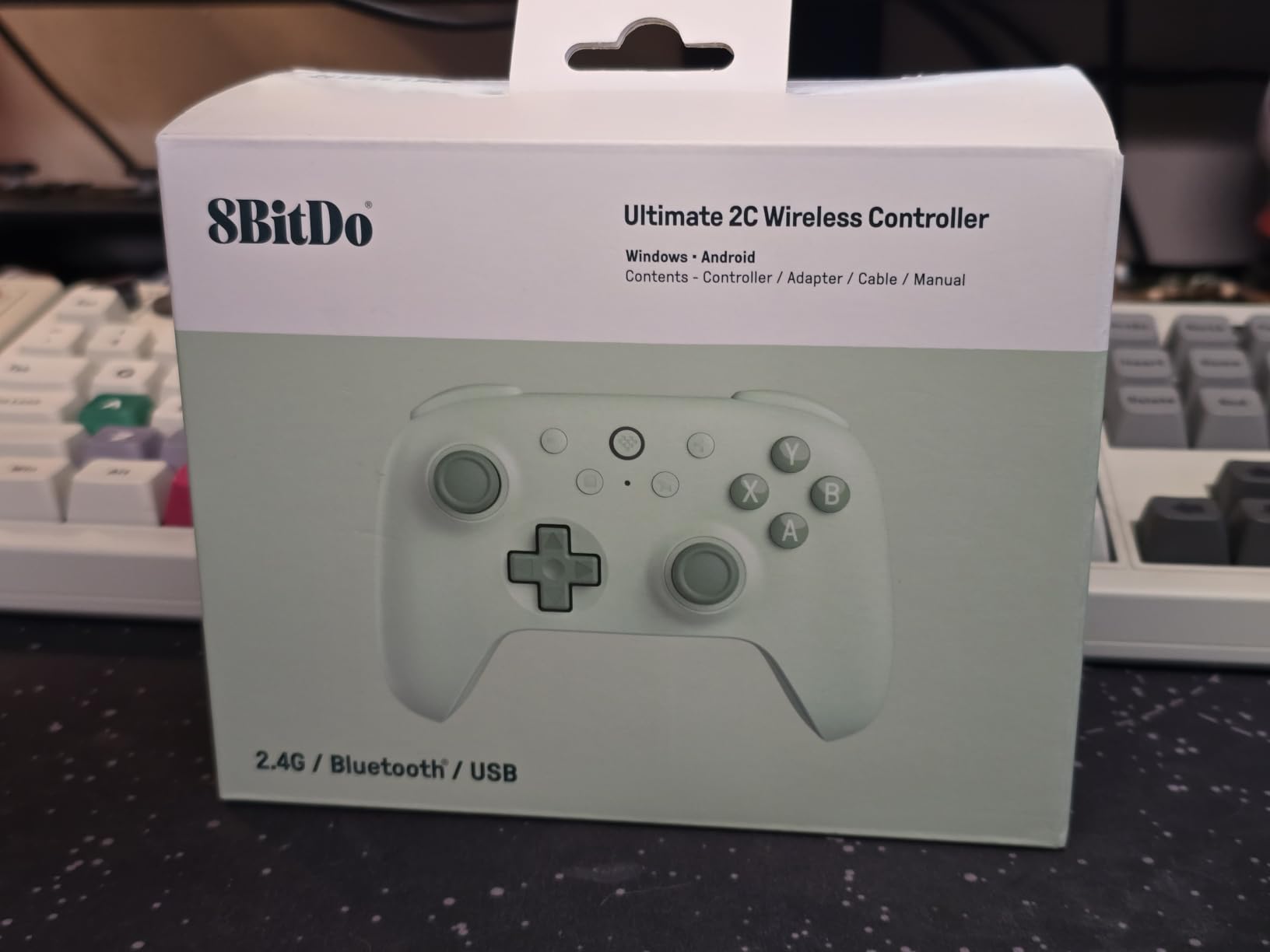
What you gain over a wired budget pad
You gain wireless freedom with no polling penalty, plus battery life measured in days rather than hours. Owners report painless 2.4G and Bluetooth pairing with no perceptible input lag, and the clicky bumpers and d-pad are described as mimicking the official Xbox pad.
For Android and Windows it is a genuinely two-device controller, and the clicky, light feel makes it pleasant for long sessions on a laptop.
Where it falls short for you
There is no 3.5mm headset jack, so you need a wireless headset or a USB-C dongle. If you already own a wired gaming headset, that is a real cost in cables rather than money.
The face buttons feel slightly cheap against the rest of the shell, and the bumpers occasionally need a harder press to register. It also lacks back paddles and a charging dock, and it does not work with 8Bitdo Ultimate Software, so only the L4 and R4 bumpers can be remapped. Anyone who wants per-game profiles or stick curves should skip it.
3. ECHTPower TMR Controller – Most Versatile With a Charging Dock
ECHTPower Upgrated PC Gaming Controller TMR Hall Effect Joysticks Anti-Drift & Dual Triggers, 1000Hz Polling Rate, Turbo & Vibration, Programmable Buttons for PC/Switch/Switch 2/iOS/Android with Charging Dock
TMR hall effect sticks
800mAh battery
1000Hz in 2.4G and wired
PC Switch Switch 2 mobile
Pros
- TMR sticks are responsive with no drift reported
- Magnetic faceplate switches between Xbox and Switch layouts
- Back buttons program without external software
- Dock stores the 2.4G receiver so nothing goes missing
- Long battery life and strong rumble for the tier
Cons
- 2.4GHz dongle drops inputs and Bluetooth pairing can fail
- Thumbsticks are not swappable and not full Xbox size
- No PC software so button combos come from the manual
The specification sheet here is longer than the price suggests. TMR hall effect sticks are rated for a 5 million-cycle lifespan, the triggers switch between long and short stroke with one press, and a 6-axis gyroscope is included alongside 3-speed turbo and four levels of vibration.
The magnetic swappable faceplate is the feature I did not expect to like this much. You physically switch the faceplate to change between Xbox and Nintendo button layouts, which is faster and more reliable than any software layout toggle I have used, and it works on Switch and Switch 2 as well as PC.
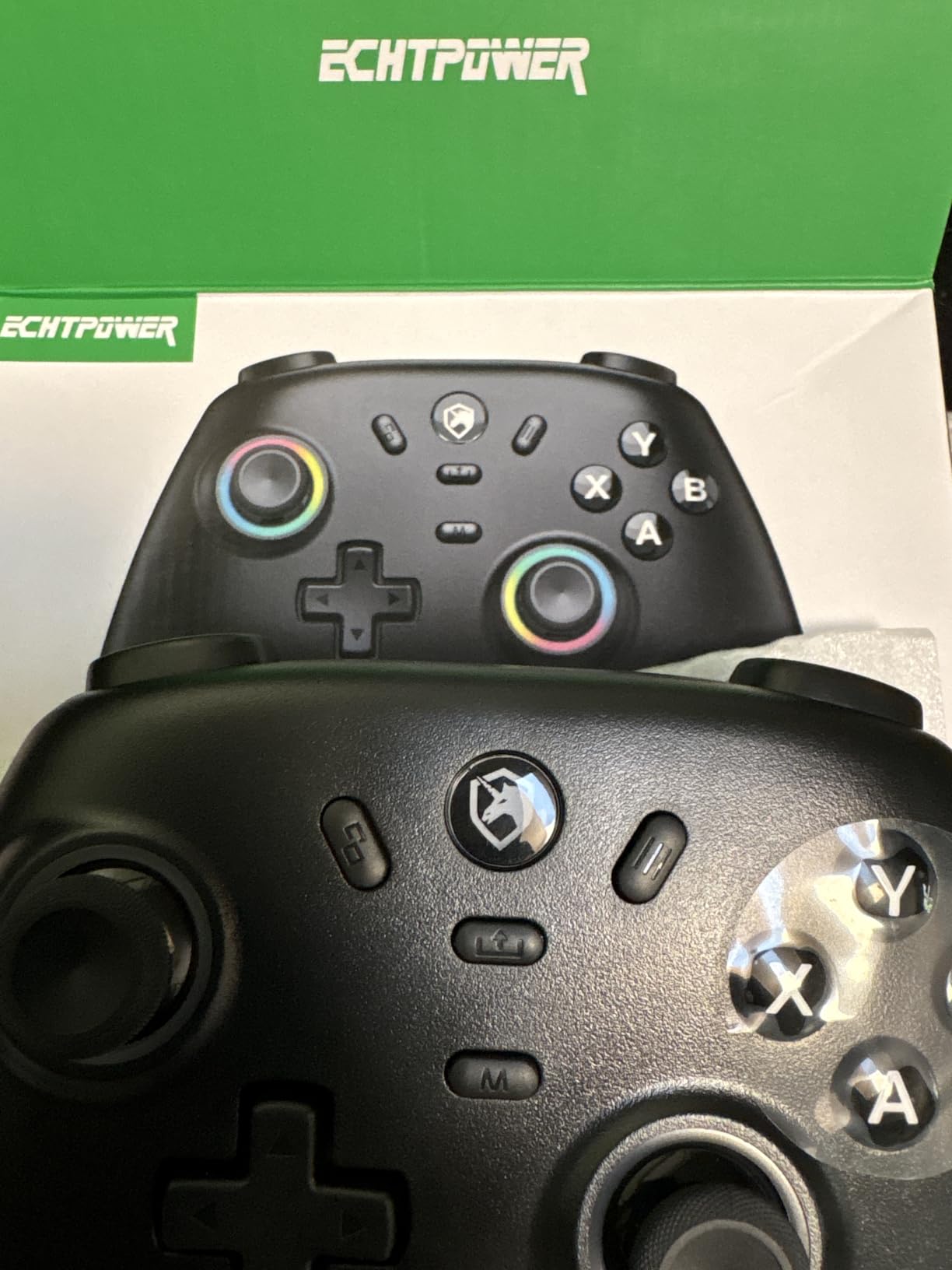
For aim, the dual-mode Hall triggers are the useful part. Short-stroke mode gives a fast reset for rapid fire, long-stroke mode gives a full pull for single deliberate shots, and the gyro adds assisted aim and recoil control when a game supports it.
The dock is a small quality-of-life win. It charges the controller and has a slot for the 2.4G receiver, so the dongle is not lost in a drawer the night before a match.
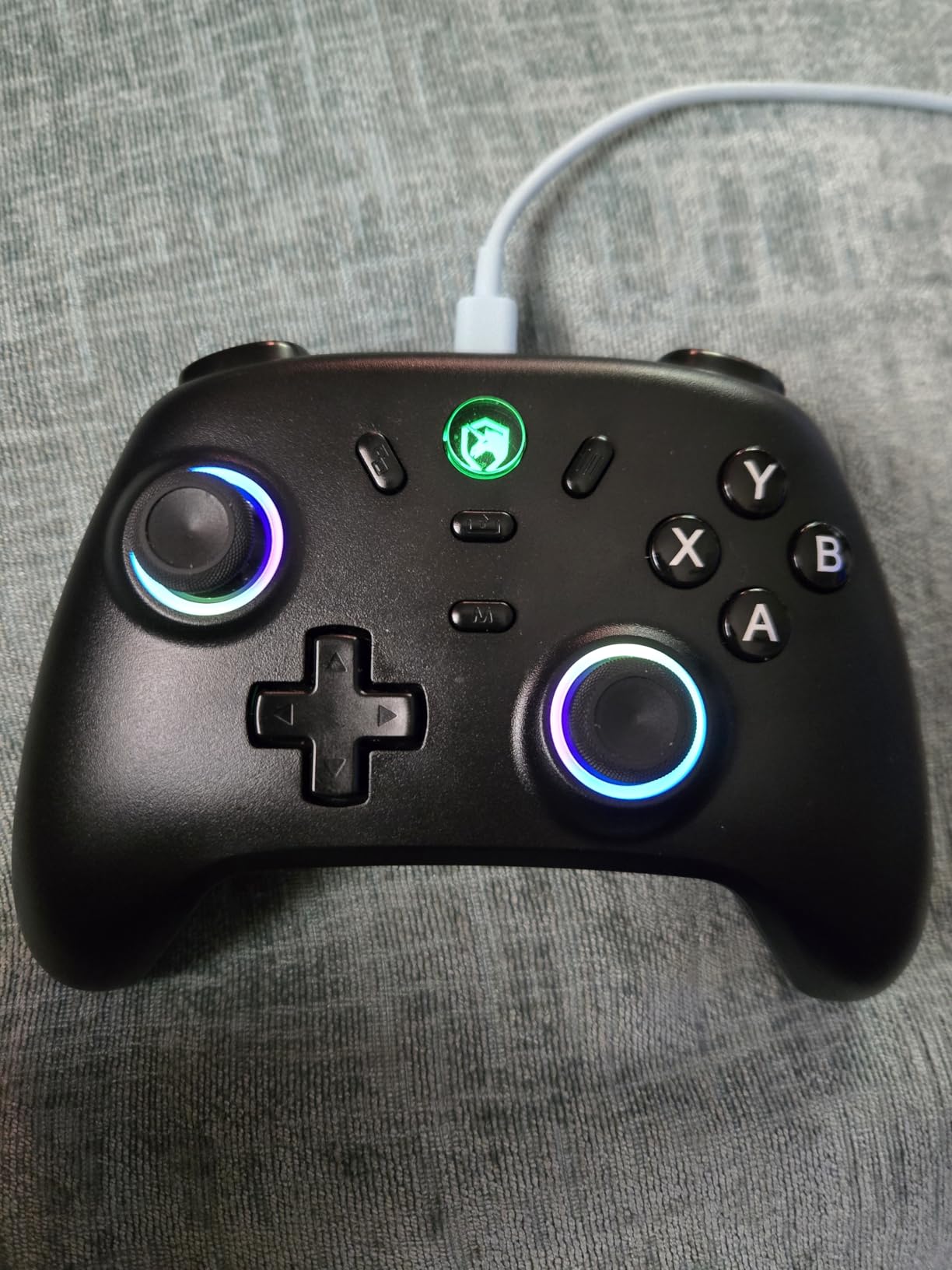
What you gain over a bare budget pad
You gain platform breadth that most pads at this tier cannot match: PC, Mac, Switch, Switch 2, Steam Deck, iOS and Android. Owners single out the feature-per-dollar value and the responsive TMR sticks as the two reasons they keep coming back to it.
Rumble is stronger than the price suggests, and the back buttons are programmable on the pad itself, which matters if you play on a console where PC software is not an option.
Where it falls short for you
Wireless reliability is the weak point. Reviewers report the 2.4GHz dongle dropping inputs or lagging, and some controllers failed to pair over Bluetooth. For competitive aiming, a dropped input is worse than a large dead zone, so test the wireless mode before you commit.
The thumbsticks are not swappable and are smaller than full Xbox size, and there is no PC software, so any button combination has to be learned from the manual. RGB cannot be fully switched off, battery status is not visible in 2.4GHz mode, and the turbo button sometimes sticks on until you power cycle.
4. EasySMX X15 – Best Wireless Hall Effect Controller on a Budget
EasySMX X15 Wireless PC & Steam Gaming Controller, Hall Effect, Black
2.4G Bluetooth and USB-C
Hall Effect sticks and triggers
1000mAh battery up to 20 hours
Pros
- Hall Effect sticks and triggers with no drift over a year of use
- Battery rated for up to 20 hours of wireless play
- RGB has a physical on and off switch
- Textured anti-slip grips with dual vibration
- Stable wireless connection with no perceptible latency
Cons
- Some reviewers find the sticks wobbly and imprecise
- No headphone jack and no adjustable trigger stops
- Vibration is basic and there is no gyroscope
The X15 is the straightforward answer for someone whose old pad has drifted and who just wants a wireless replacement that works on PC and Switch. Hall Effect sticks and triggers, three connection modes, and a 1000mAh battery rated for up to 20 hours of wireless play.
Owners report no dead zone and no drift over a full year of use, which is the claim most relevant here. The sticks and triggers are magnetic, so the electrical wear path that causes classic drift simply does not exist on this pad.
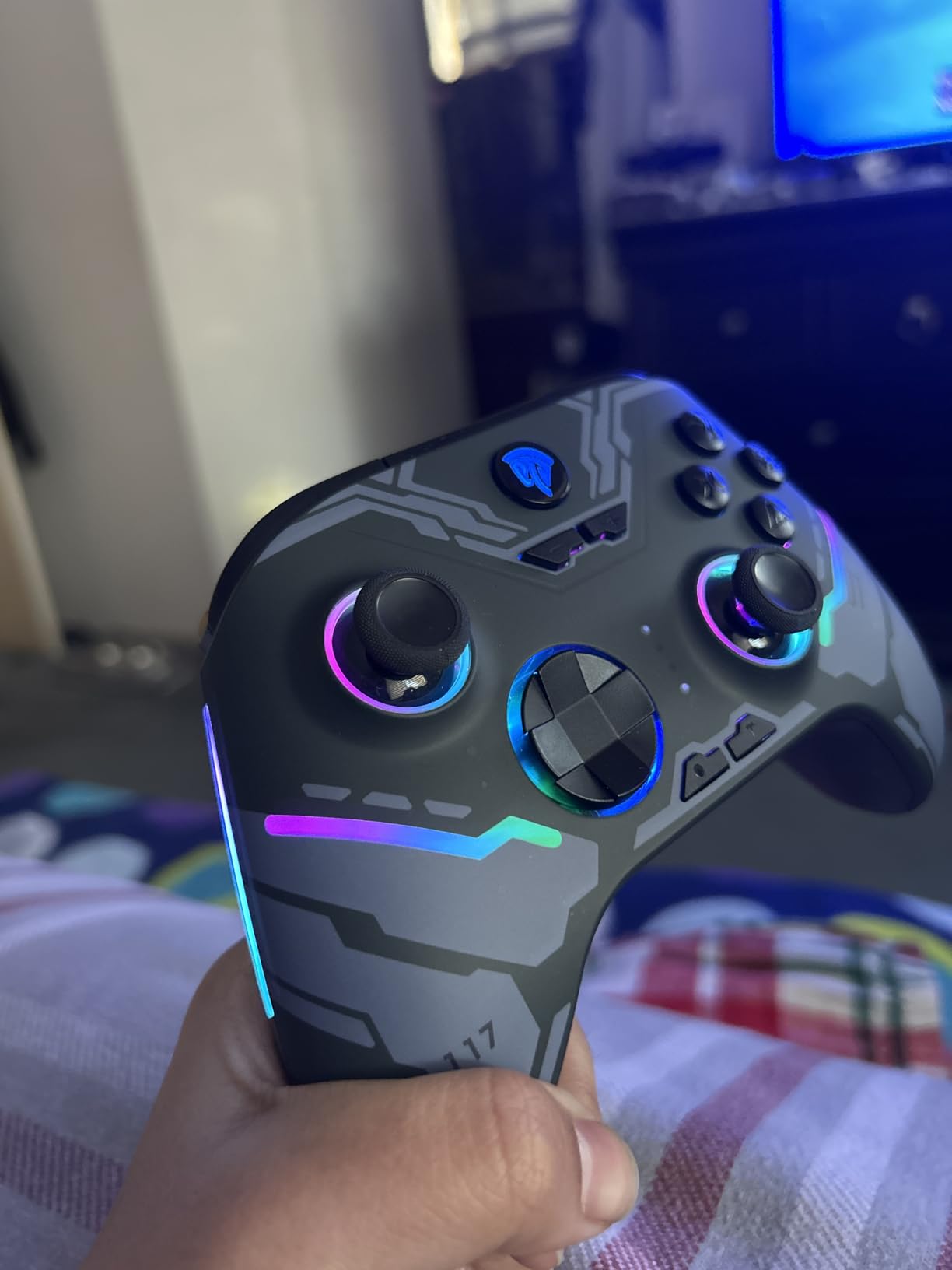
The ABXY layout switches between PC and Switch modes with a button combination, so one pad covers a desktop and a docked console. Two programmable back buttons handle combos, and the textured grips stay put during long sessions.
It also comes with a 12-month warranty, which is worth noting in a category where early stick problems are the top complaint. Reviewers describe units that survived repeated drops and years of daily use without cracking or fading.
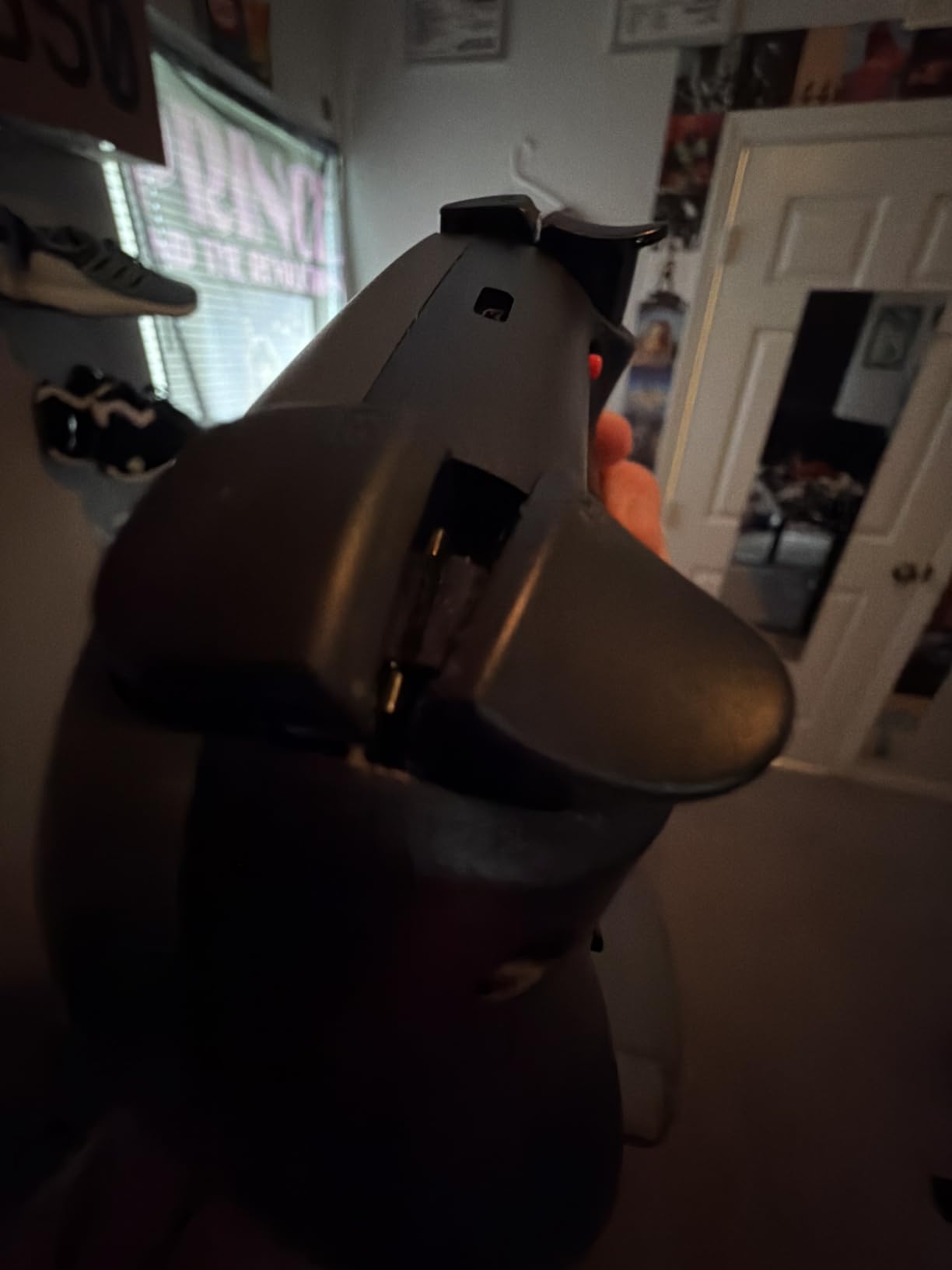
What you gain over a worn wireless pad
You gain magnetic sticks, a physical RGB off switch so you can extend playtime in a dark room, and stable connectivity with no perceptible latency. Dual vibration is present and adequate for shooter feedback.
If your old controller was wired, the 2.4GHz, Bluetooth and USB-C options mean you can use one pad on a PC, a laptop and a phone without swapping hardware.
Where it falls short for you
The sticks themselves draw the most criticism. Some reviewers describe them as wobbly and imprecise, and that looseness is a mechanical issue magnetic sensing does not fix, so if your priority is the smallest possible corrections, test these first.
There is no headphone jack and no adjustable trigger stops, so you are locked to full trigger travel and to a wireless or USB-C headset. Vibration is basic, there is no gyroscope, and a small number of controllers arrived with unreliable bumpers or random button presses before being replaced.
5. GameSir Nova Lite 2 – Best for Switch Sessions and High Polling
GameSir Nova Lite 2 Wireless PC Controller Hall Effect Sticks
Switch Switch 2 PC and Android
Hall Effect sticks with friction rings
1000Hz polling
0.24 kg
Pros
- Hall Effect sticks with glide rings deliver drift-free accurate control
- Micro-switch d-pad and dome buttons feel close to a first-party pad
- Rapid trigger mode and hair trigger add real competitive value
- 1000Hz wireless polling with no jitter or disconnects
- GameSir Connect handles deadzones curves remapping and firmware
Cons
- 600mAh battery gives roughly 4 to 6 hours and is not user-replaceable
- Bluetooth re-pairing to a new device is difficult
- Back buttons have no physical lockout switch
The Nova Lite 2 is the pick for Switch and Switch 2 owners who also play on PC, and it is the one here with a full 1000Hz polling rate across its connection options. Owners often arrive from a drifting Elite pad and describe the Hall Effect sticks as the reason they switched.
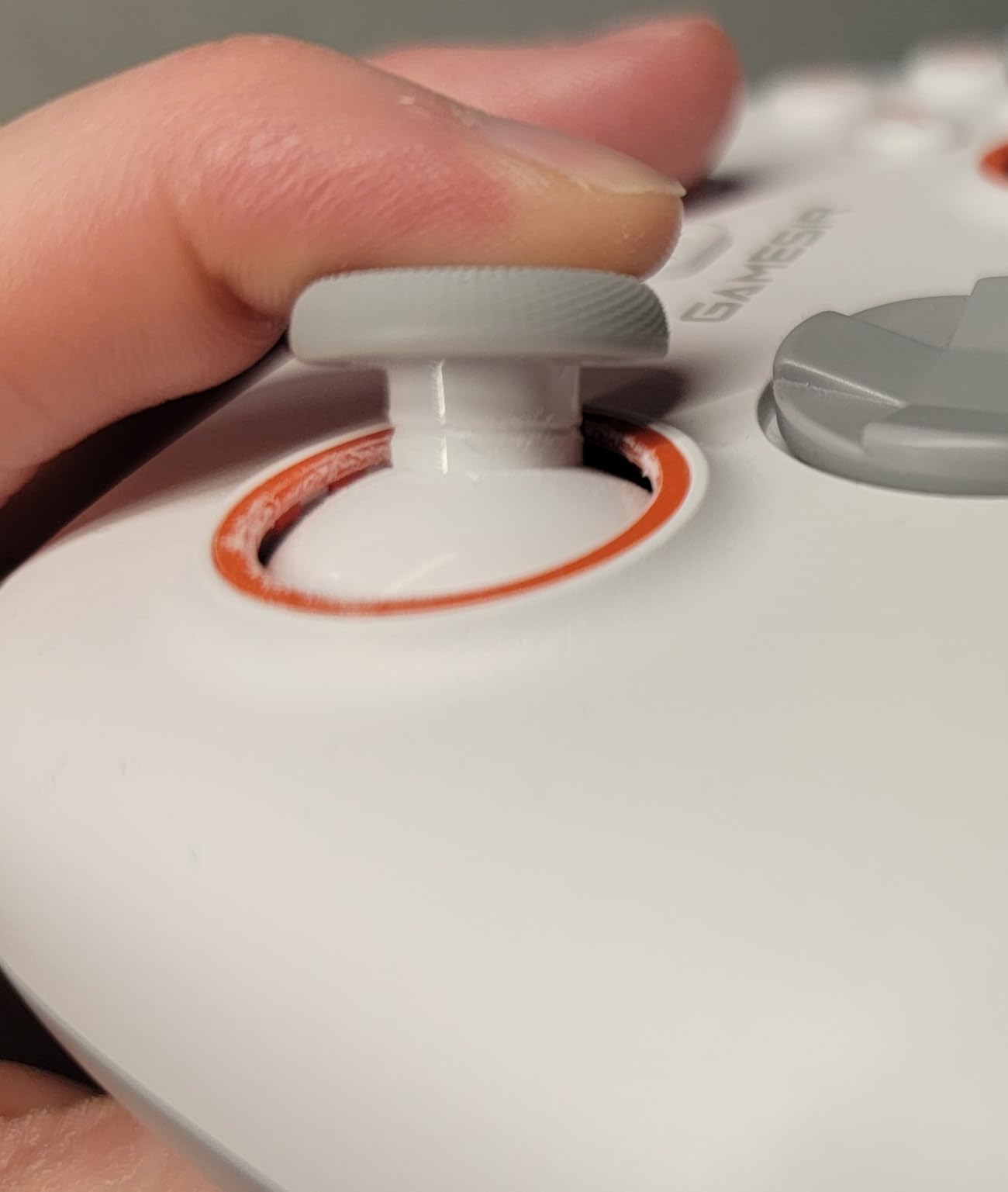
The orange anti-friction rings around the thumbsticks are more than decoration. They reduce the gate friction so a stick that has been flicked hard returns to centre cleanly, and the micro-switch d-pad produces accurate directional input without the mush of a rubber membrane.
For aim, the hair trigger and rapid trigger mode are the headline. Hall Effect triggers with a two-way lock and a rapid trigger mode give you a short reset, which helps in shooters where you track a strafing target and re-fire often.
GameSir Connect is one of the better companion apps. It sets dead zones, response curves, vibration, remapping and firmware from one place, plus a button test mode that helps you confirm a new controller is behaving before you rely on it in a match.
What you gain over a standard Switch controller
You gain magnetic sticks, a mechanical circular d-pad, dual asymmetric motors and two back buttons with single-button mapping and macro recording. The platform list covers Switch, Switch 2, PC and Android over Bluetooth, wired and the 2.4G dongle.
The software depth is the quiet advantage. Most pads in this roundup offer a dead zone setting; this one offers curves, per-stick tuning and a testing tool, which is what you need if you are chasing a 1 percent dead zone.
Where it falls short for you
The 600mAh battery is the near-universal complaint. Playtime runs roughly four to six hours, and several owners have replaced the cell themselves, so check the internals if you dislike opening a controller. The design itself gives you no official route to a user-replaceable battery.
Bluetooth re-pairing to a new device is difficult and can require a firmware rollback, wired mode is perceptibly lower latency than the dongle, and the back buttons have no physical lockout. Stick module looseness can also develop over time even though the sensor itself does not drift.
6. GameSir G7 Pro – Best Premium Pick for Xbox and PC
GameSir G7 Pro Wired Controller for Xbox Series X|S, Xbox One, Wireless Gamepad for PC&Android with TMR Sticks, Hall Effect Analog Triggers, 1000Hz Polling Rate, 3.5mm Audio Jack – Black
Tri-mode wired Xbox 2.4G and Bluetooth
TMR sticks
Hall Effect triggers
272 g
Pros
- TMR sticks hold a near-zero dead zone with no drift
- Hall Effect triggers feel smooth and linear with clicky stops
- 2.4GHz stays close to 1000Hz with no random disconnects
- Nexus app is praised as the best customisation suite available
- Sturdy 272g weight with a magnetic faceplate
Cons
- Console polling is capped at 250Hz not 1000Hz
- Right trigger stop switch has a known failure history
- Requires a wired connection to work on Xbox
The G7 Pro is the most capable pad here, and the only one with TMR sticks in a licensed-style Xbox shell. Owners who churned through drifting Elite controllers single out the TMR sticks as the decisive feature, reporting a near-zero dead zone that outperforms the sticks on the pad it replaces.
GameSir calls these Mag-Res sticks, and they aim for the best of both worlds: the durability of magnetic sensing with the feel of a potentiometer. They are also tool-free replaceable, so a worn module later is a two-minute fix rather than a reason to buy a new controller.
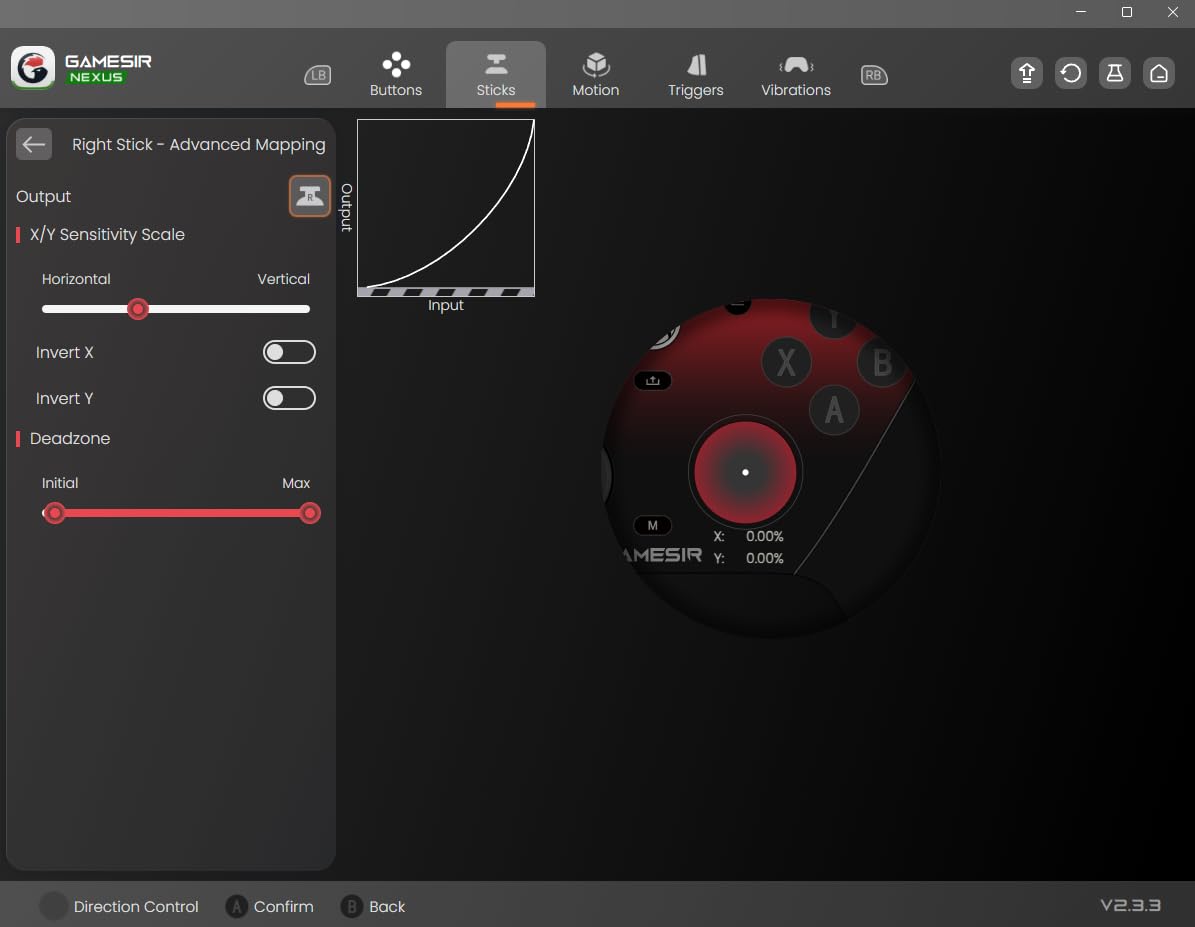
The triggers are Hall Effect with clicky micro-switch trigger stops, so you get linear analog travel plus a mechanical stop you can engage and release. For aim, the trigger stop is what turns a long-throw controller into something that feels like a competitive pad without swapping the whole thing.
There is a PC-only gyroscope that the Nexus app can map to sticks, buttons or mouse, and 1000Hz polling over both wired and 2.4GHz on PC. Four extra buttons cover L5 and R5 bumpers plus back buttons that lock out.
What you gain over a standard Elite-style pad
You gain sticks that do not wear through a potentiometer, a replaceable stick module, a real trigger stop, a gyro, and a docking charging station with a 1200mAh battery. The Nexus app adds stick curves and button-to-mouse mapping, which is more control than most pads at this level offer.
The 272g weight and magnetic faceplate make it feel like a premium controller in the hand, and the replaceable stick modules mean the usual end-of-life repair is cheap.
Where it falls short for you
The 1000Hz figure is a PC figure. On Xbox the polling rate is capped at 250Hz, and despite the marketing language, you need a wired connection to use it on Xbox at all. Buy it for PC if latency matters, and treat the console mode as secondary.
All buttons including the d-pad use clicky micro switches, which some players find tiring over long sessions, and the right trigger stop has a reported failure history on some controllers. The back buttons sit in an unusual position compared with Elite or SCUF paddles, and the faceplate button holes are slightly too tight, which causes squeak.
7. 8Bitdo Ultimate 2 – Best for Switch 2 and Docked Play
8Bitdo Ultimate 2 Bluetooth Controller for Switch & Windows PC, Switch Pro Controller with TMR Joysticks, Switchable Hall Effect/Tactile Triggers, Vibration and Motion Control, RGB Fire Ring, White
Switch Switch 2 and Windows PC
TMR joysticks
Switchable Hall Effect and tactile triggers
50 g
Pros
- TMR joysticks give higher sensitivity and precision than potentiometers
- Trigger mode switch toggles linear Hall Effect and tactile
- Integrated dock keeps it charged and reconnects on lift
- Works across Switch Switch 2 and Windows PC
- RGB fire ring and wear-resistant joystick rings
Cons
- Switch 2 support needs firmware updates on controller and adapter
- Motion control is limited to Switch platforms
- Only 12 buttons listed
The 8Bitdo Ultimate 2 is the Switch-first pick, and one of only two controllers here that explicitly supports Switch 2. It combines TMR joysticks with a trigger mode switch that toggles between linear Hall Effect triggers and non-linear tactile ones.
That trigger switch is more useful than it first appears. In a shooter or racing game you want the linear Hall Effect setting for controlled analog input. In a platformer where the trigger is a button, the tactile setting gives a crisper press, and you can flip it per game without opening an app.
The integrated charging dock is the standout for Switch owners who play in short sessions. It charges the controller in its cradle and reconnects automatically when you lift it, which removes the wake-up ritual that interrupts a handheld session.
For aim, the TMR joysticks come with wear-resistant rings and an RGB fire ring that shows connection state at a glance. Vibration, turbo and wake-on-shake round out a feature set that covers almost every handheld session you will have.
What you gain over a standard Joy-Con pair
You gain TMR sensing instead of a potentiometer, which is the entire reason to consider this pad if you have owned drifting Joy-Cons. The Switch community pain point of secondhand drifting sticks has a direct answer here.
You also gain cross-platform use on Windows PC, 8Bitdo Ultimate Software V2 support, and a dock that means the controller is always at full charge.
Where it falls short for you
Switch 2 support is not automatic. It requires firmware updates to both the controller and the adapter, so read that step before you expect it to work on day one. Motion control is limited to Switch platforms, so gyro aiming on PC is not available here.
The button count is listed at 12, which is fewer than a typical competitive pad, so there is no back paddle option. It also sits at a premium price position for a magnetic controller, and it does not cover Xbox.
8. AceGamer PS5 Controller – Best Hall Effect Option for PS5
AceGamer Wireless Controller for PS5/Pro/Slim, Hall Effect Joysticks, Macro/Turbo Function, Bluetooth Controller with 6-Axis Gyro/Dual Vibration/Touchpad/Ergonomic/Speaker/3.5mm Audio Jack!
PS5 PS5 Slim PS5 Pro and PC
Bluetooth
Dual Hall Effect joysticks
6-axis gyro
Pros
- Hall Effect sticks measured within 0.003 of centre
- Registers as a PS4 controller on PC for automatic setup
- Very short analog travel gives precise aim corrections
- Conductive rubber buttons rated for 500000 presses
- Includes a speaker and 3.5mm TRRS jack
Cons
- Very short L2 and R2 travel makes fine throttle control hard
- No built-in microphone so chat needs an external headset
- Battery life is described as lacking for a wireless pad
PS5 owners have fewer hall effect options than PC or Xbox players, and the AceGamer pad is the most credible one here. The sticks are dual Hall Effect, and one measurement in the reviews puts them within 0.003 of centre, which is about as close to perfect resting position as you will see from a consumer controller.
That number is the reason this pad belongs on the list. A resting input that tight means you can run a very small dead zone and still keep the fine control that a fat dead zone would otherwise take away from you.
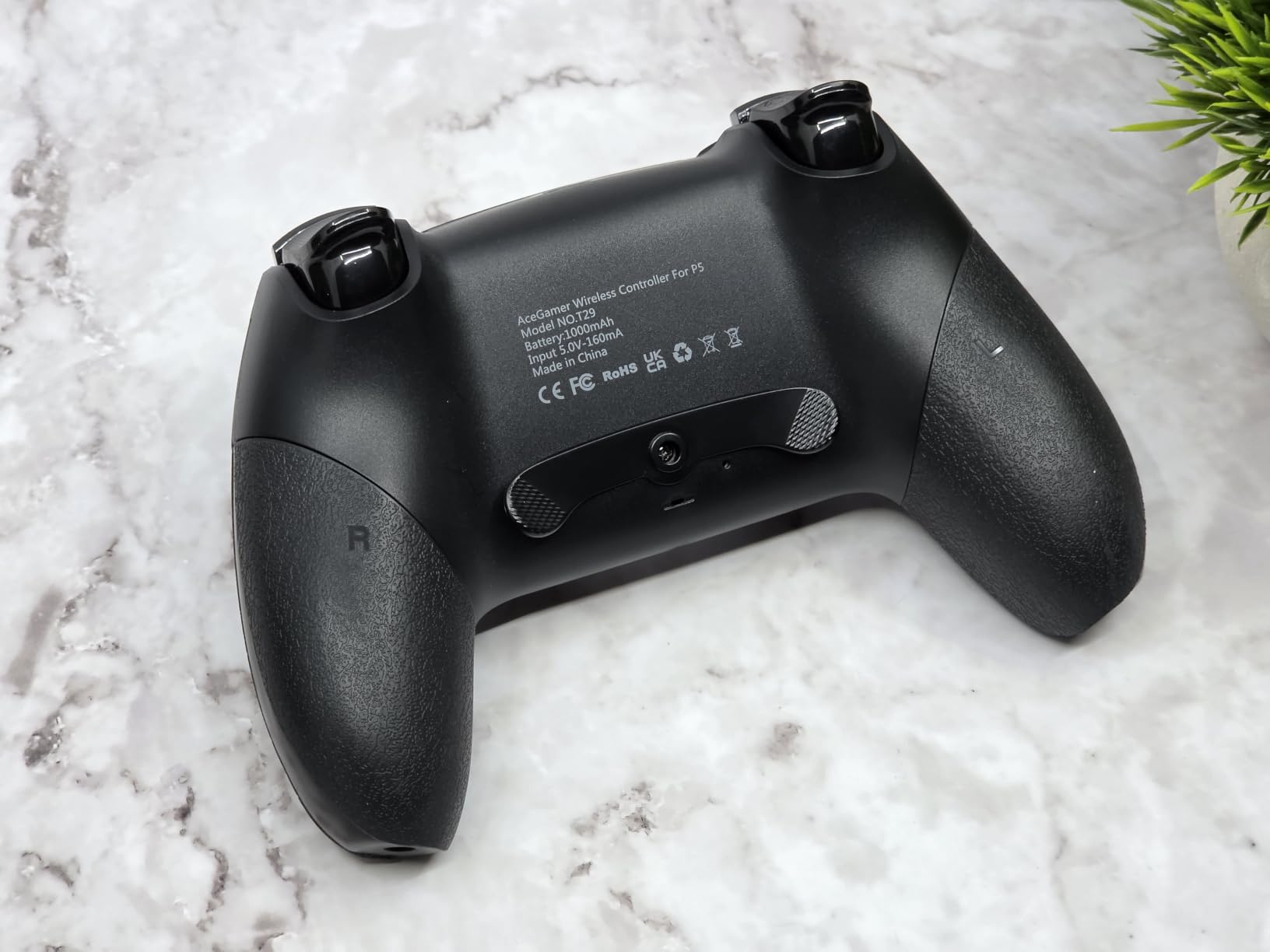
The touchpad, built-in speaker and 6-axis gyro are all present, so it behaves like a DualSense rather than a generic pad. The gyro matters for aim assist on shooters that support motion control, and the touchpad matters for the small number of PS5 games that still use it.
On PC it registers as a PS4 controller, which means most games set up their layout automatically with no manual remapping. That is a real advantage over pads that need a configuration app before they work.
What you gain over a standard DualSense
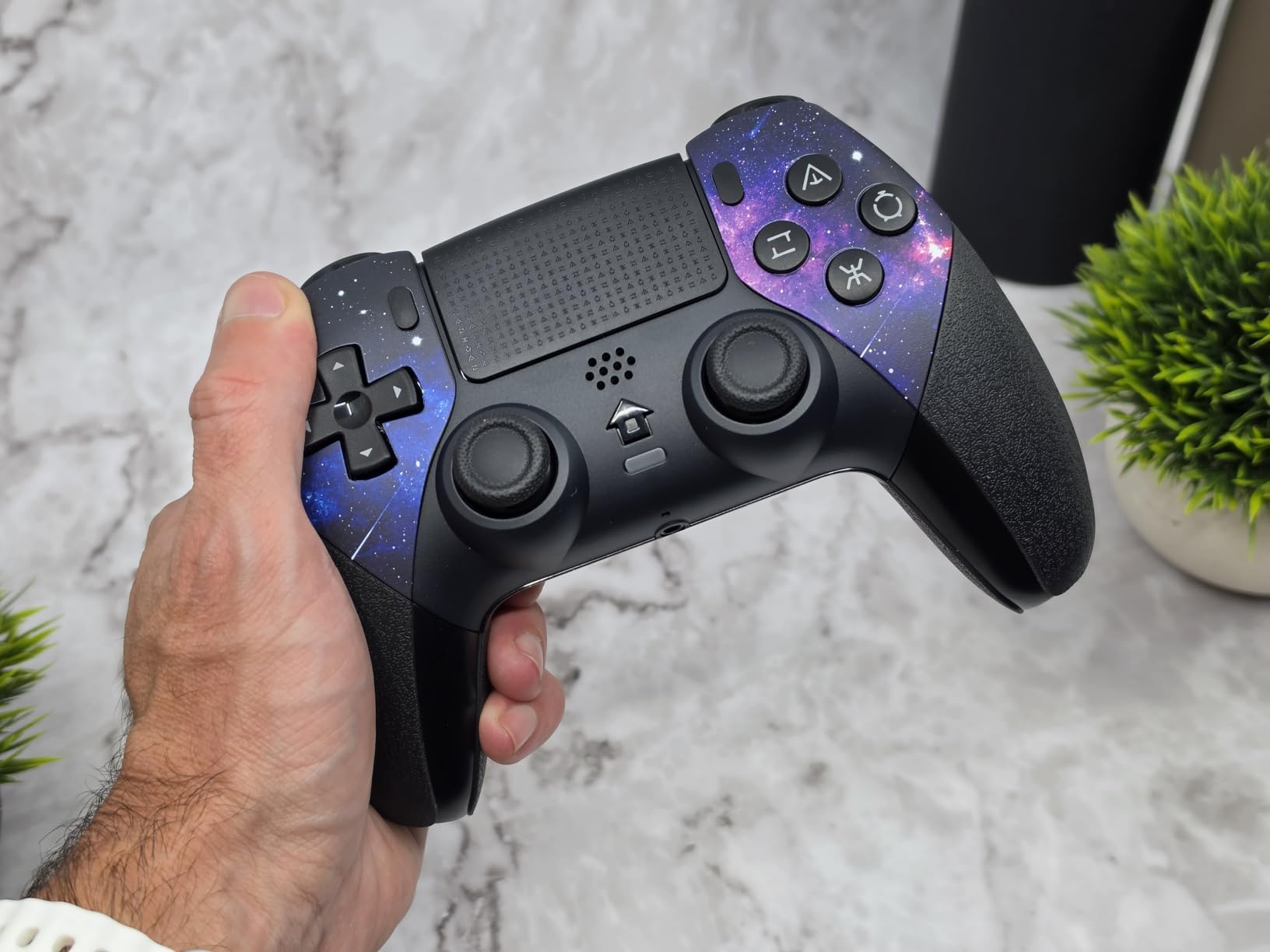
You gain magnetic sticks in a PS5-shaped shell, which matters if you have already lived with stick drift on a standard pad. The water-transfer galaxy print with a hand-feel oil coating also resists sweat during long sessions.
Two programmable back buttons plus macro and three-speed turbo functions add buttons the standard pad does not have, and the conductive rubber buttons are rated for 500,000 presses.
Where it falls short for you
The trigger travel is very short. That is excellent for a shooter where the trigger is a fire button and bad for a racing game, because fine throttle control becomes difficult. The same short-travel design applies to the sticks, which some players love for aim and others find twitchy.
There is no built-in microphone, so voice chat needs an external headset, and battery life is described as lacking. Some buttons need a harder press or longer hold to register, the shell can run small for larger hands, and it is not compatible with PS4. First-time pairing also requires activating the controller with the included USB-C data cable.
9. Hyperkin The Competitor – Best for Xbox Players Who Prefer the DualSense Shape
Hyperkin The Competitor Wired Controller for XBOX Series X|S, XBOX One & PC with Hall Effect Joysticks & Impulse Triggers, Symmetrical Layout & Precision D-Pad – Officially Licensed XBOX – White
Officially licensed Xbox
Wired USB-C
Hall Effect sticks and impulse triggers
441 g
Pros
- Hall Effect sticks with friction rings give smooth precise movement
- Symmetrical layout eases the move from PlayStation to Xbox
- Accurate quiet d-pad with no accidental diagonals
- Very long USB-C cable for playing at a distance
- Back buttons can be locked out
Cons
- No gyroscope and no trigger stops
- No rubber grip coating so hands can slip in long sessions
- One controller arrived with a clicking stick
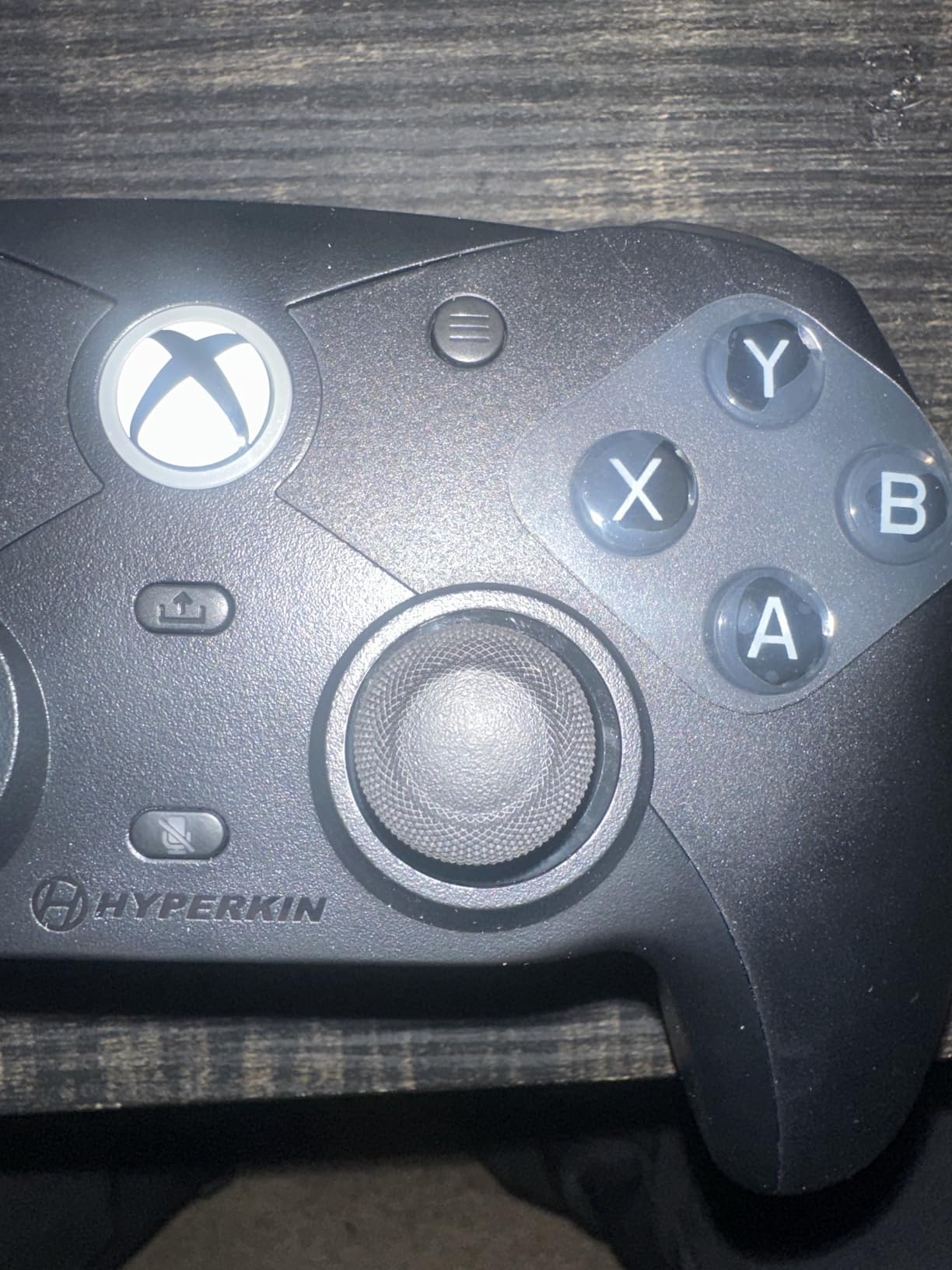
If you came to Xbox from PlayStation, this is the controller that stops the layout adjustment. The symmetrical analog stick arrangement sits in a DualSense-style shell, and it carries an official Xbox licence, so it pairs directly with Series X, Series S, Xbox One and PC.
The Hall Effect sticks use friction rings, which is the same design idea as the Nova Lite 2 and it shows. The stick returns smoothly after a fast flick, and owners report smooth, precise movement with no drift over extended use.
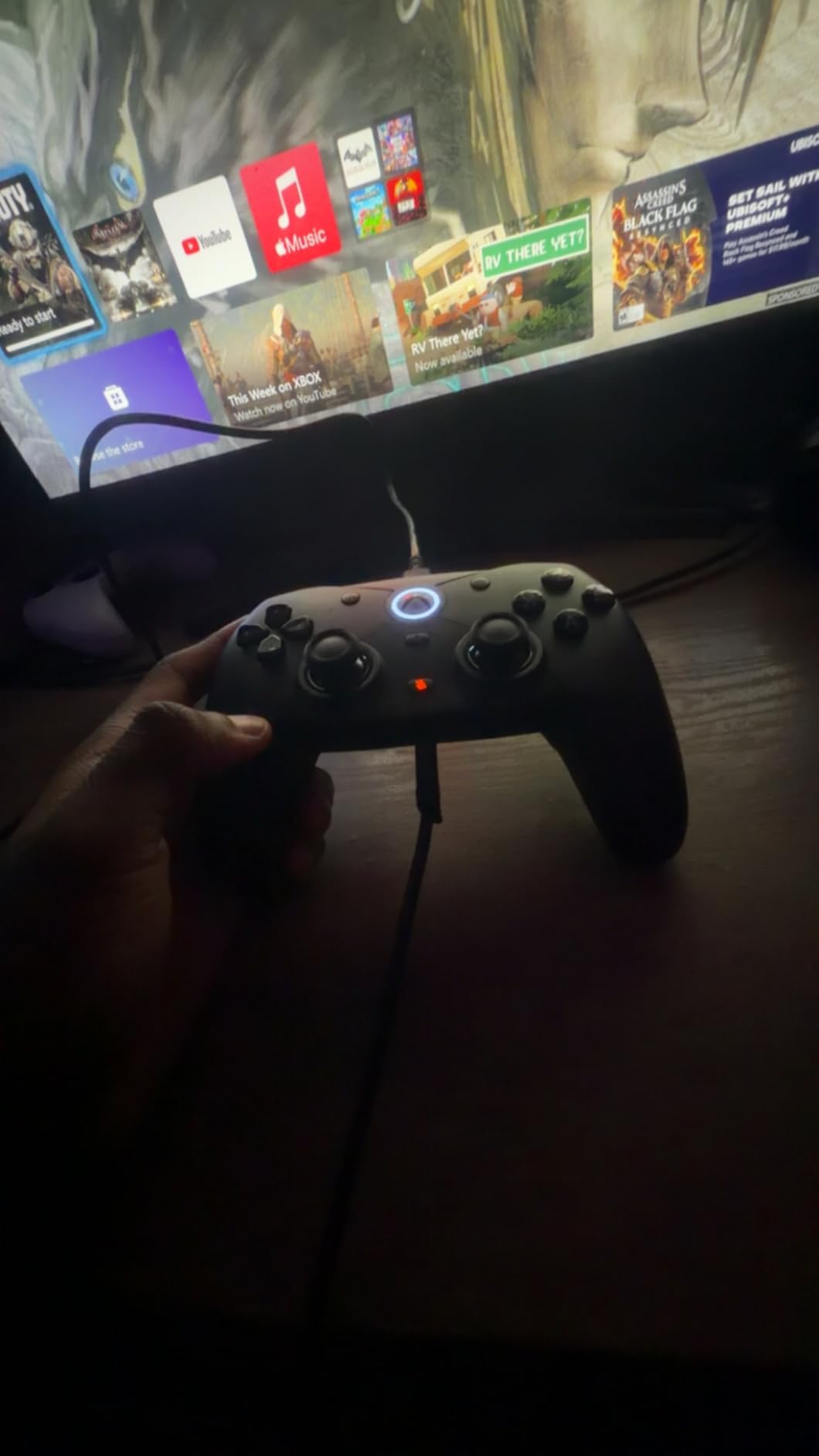
The d-pad is a highlight for anyone who plays action RPGs or fighting games on a controller. Owners describe it as accurate and quiet with no accidental diagonal or accidental up and down inputs, which is the standard that cheap pads usually fail.
Interchangeable stick tops are included, with concave cap options in the box. If you prefer a domed or taller stick for flick aiming, or a flat one for fine tracking, you can change it without tools.
What you gain over a standard Series X pad
You gain magnetic sticks, impulse triggers, a symmetrical layout, two programmable rear buttons with a lockout switch, and a very long USB-C cable. At 441 g it feels solid without carrying a battery pack around.
Wired-only is a deliberate choice here. For a desk setup and a television across the room, the long cable and the lack of a charging routine are genuine conveniences rather than shortcomings.
Where it falls short for you
There is no gyroscope, no touchpad and no trigger stops, so it cannot do motion aim or short-throw competitive triggers. The wire means no couch portability, and the lack of a rubber grip coating leaves hands slippery during long sessions.
It also feels light next to an Elite Series 2 for players used to that weight, and one controller arrived with a clicking stick and non-registering face buttons. If your priority is competitive trigger feel, this is the wrong pad.
10. YIONON Dual Hall Effect PC Controller – Best for Macros, Gyro Aim and Modding
YIONON Dual Hall Effect PC Controller with USB Dongle & Phone Clip
2.4G Bluetooth and wired
Hall Effect sticks with speed-down
4 macro paddles
6-axis gyro
Pros
- Widest feature set at the entry tier with four rear macro paddles
- 6-axis gyro assists aiming and recoil control on PC Apple and Android
- Linear Hall Effect triggers with 256 levels of change
- Comes with a 2.4GHz USB adapter and a phone clip
- Fully serviceable with standard Phillips screws
Cons
- Rear paddle support struts break after a month or two
- App and firmware update are needed to fix USB disconnects
- Phone clip is flimsy and the dongle has no storage
The YIONON pad is the feature-maximising end of this roundup. Four rear macro paddles, a 6-axis gyro for assisted aiming and recoil control, linear Hall Effect triggers with 256 levels of change, and a joystick speed-down button for finer corrections.
The speed-down button is the aiming feature to understand. Hold it and the stick slows its response, giving you a precision mode without changing your in-game sensitivity, which is a genuine alternative to turning your whole sensitivity down for a scoped fight.
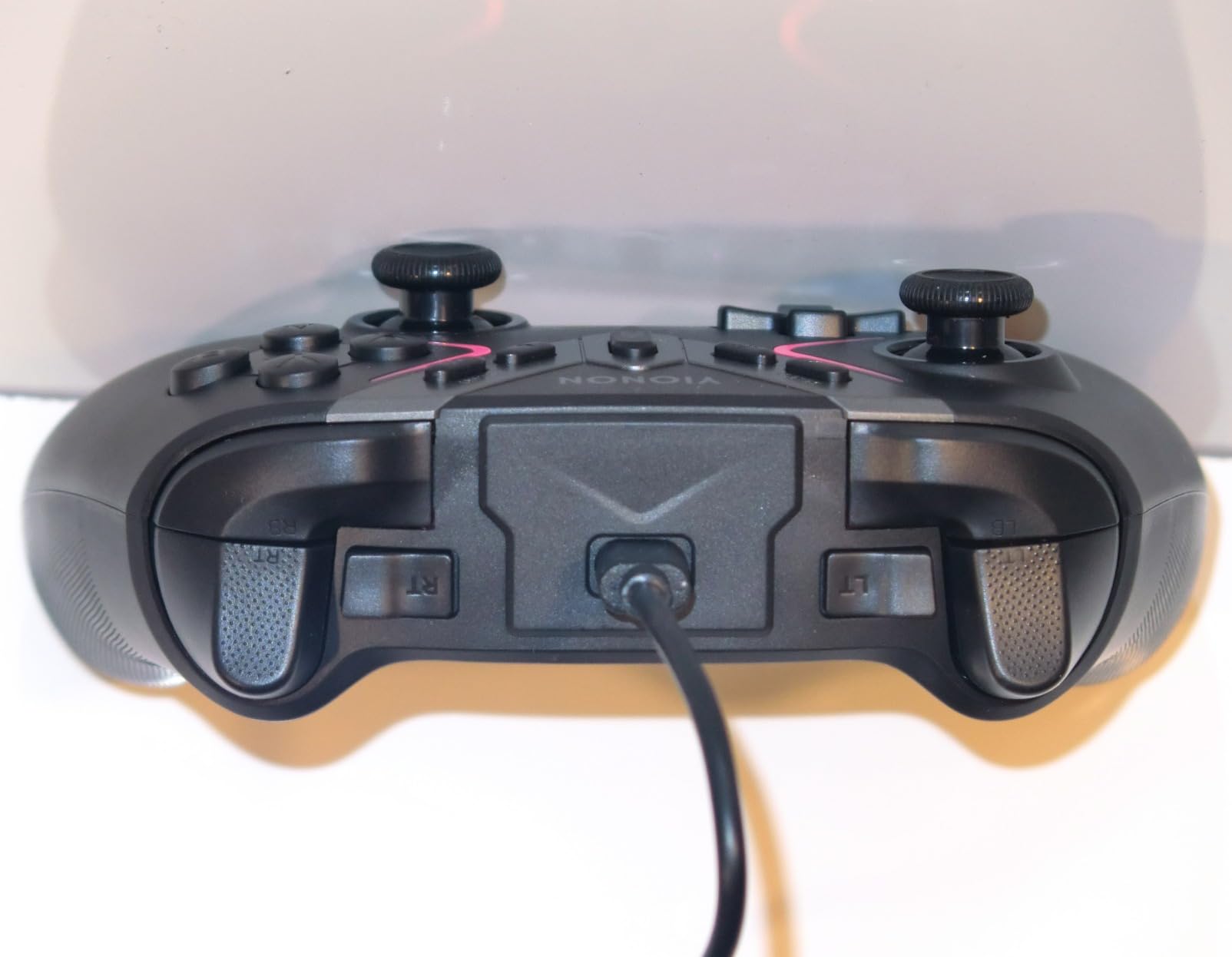
Connectivity is unusually broad for the tier: 2.4G, Bluetooth and wired, with native Switch, Xbox 360 and PC compatibility plus a Steam Deck. The package includes the controller, a USB adapter, a phone clip and a Type-C cable.
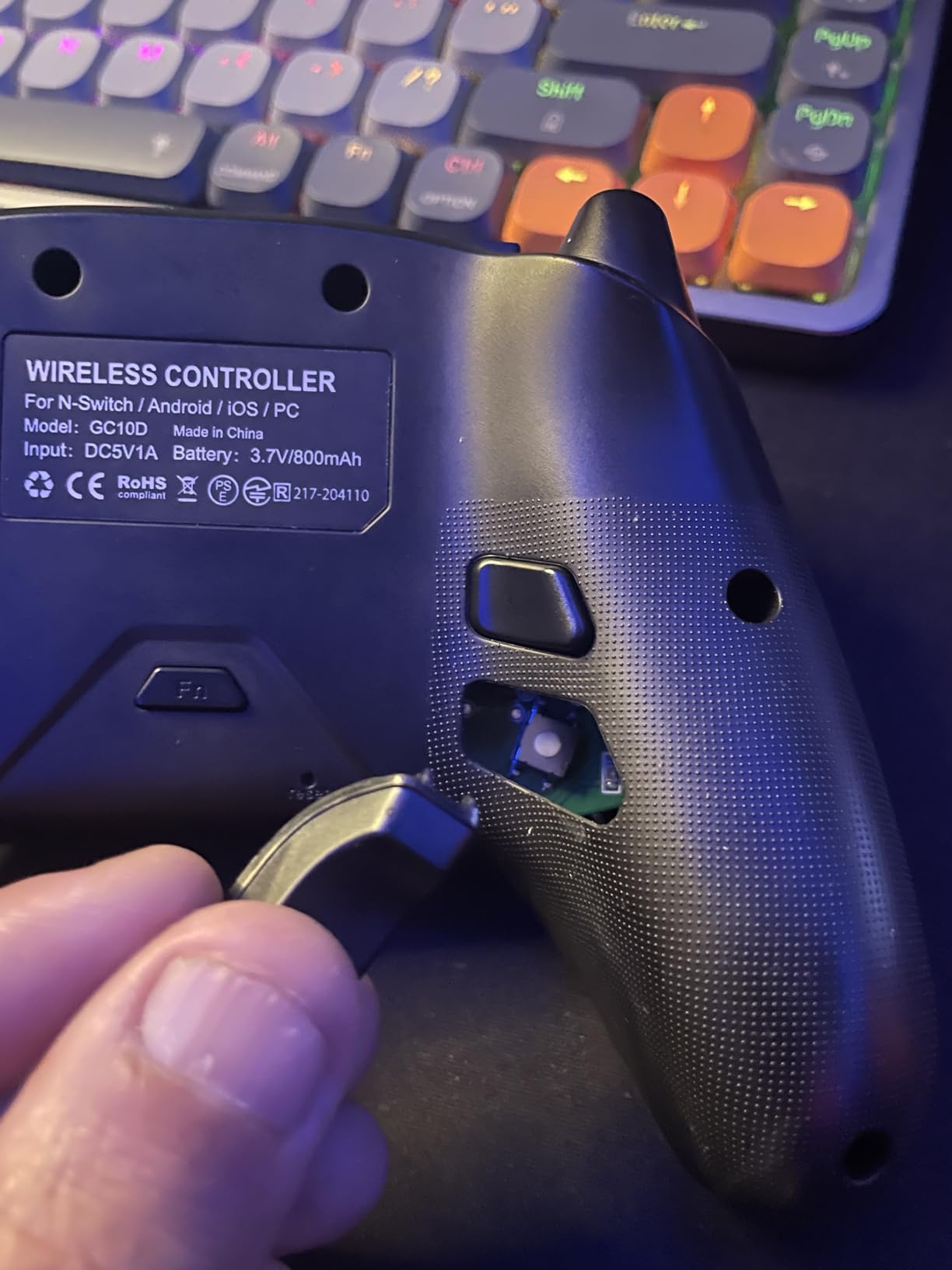
It is also fully serviceable. Standard Phillips screws and exposed PCB test points mean a modder can open it without destroying anything, and one long-term owner with a competitive background describes the D-pad as accurate with no unwanted diagonals, on its own elevated PCB.
What you gain over a standard wireless pad
You gain four properly placed paddles instead of two, a gyro you can use for recoil control on shooters, and macro recording up to 30 seconds. Owners with a development background rate this as the best modern pad available at this tier.
Concave face buttons actuate on light or uneven presses, which is a real advantage if you have small hands or grip firmly, and the customer support is reported as genuinely helpful when firmware issues appear.
Where it falls short for you
The rear paddle support struts are fragile. Owners report them breaking after a month or two and reinforcing them with hot glue, so if you rely on paddles for slide cancels, know that you may be doing maintenance work. The phone clip is flimsy, and the dongle has no storage on the controller body.
The Hall Effect stick version also needs the mobile app and a firmware update to fix USB disconnects and diagonal sensitivity, and the configuration app may not work on devices with MediaTek chipsets. Bumpers actuate loudly, the turbo rate needs the app to adjust, and the rating is the lowest in this roundup.
Hall Effect vs TMR vs Potentiometer Sticks
A potentiometer stick works by sliding a contact across a resistive track. That contact wears, gets dusty, and eventually reports a position when the stick is centred. That is classic stick drift, and it is why so many players end up buying a new controller every couple of years.
Hall effect sensing removes the contact entirely. A magnet moves near a magnetic sensor, the sensor reads the change in the field, and there is no rubbing surface to wear out. The failure mode that defines potentiometer drift is designed out of the hardware.
TMR, or tunnel magnetoresistance, is the newer magnetic approach. It measures a change in resistance caused by spin-polarised electrons in a magnetic field, and it is more sensitive than a Hall sensor at low fields. In practice that means finer resolution near centre and lower power draw, at a higher manufacturing cost and far less availability.
For accuracy, both magnetic approaches beat a potentiometer. For durability, both are effectively permanent. For power use and price, Hall effect wins clearly because it is mass-produced, while TMR remains limited to a handful of pads. If you want the deepest centre control today, TMR is the better sensor. If you want it available across every platform, Hall effect is the realistic choice.
How to Test a New Controller for Drift on Arrival
Before you blame the sensor, measure the resting input. Install a controller tester on the PC, or use the equivalent tool on console. Every controller in this roundup, apart from the ECHTPower pad, ships with a button test or dead zone utility in its companion app.
Next, leave the controller untouched on a flat surface for a full minute with the sticks centred. Read the resting input percentage. Anything under 1 percent is excellent, 1 to 2 percent is normal, and above 3 percent means you should act rather than raise your dead zone.
Then push each stick to all four extremes and release, watching for readings that stay off-centre. This catches a weak centering spring or a stick gate that catches at the end of travel, both of which magnetic sensing cannot fix.
Check the triggers the same way with a slow pull. A trigger that registers a partial input while you are not touching it is trigger drift, and a controller with Hall Effect triggers should not do it at all.
Finally, update the firmware and recalibrate before your first real session. A surprising share of reported drift is an uncalibrated stick reading oddly on first use rather than a hardware fault, and a recalibration takes two minutes inside the app.
What to Do If a New Hall Effect Controller Drifts
Raise the dead zone before you panic. If the resting input is 1 to 2 percent, a dead zone of 2 percent clears it and costs you almost nothing in aim. Above 3 percent, raise it in small steps and re-test your micro-corrections each time.
Run a recalibration from the companion app, and check that your firmware is current. Several controllers in this roundup, including the YIONON, ship with firmware behaviour that changes how the stick reads until updated.
Check the stick gates physically. Compressed air and a cotton swab around the gimbal clear dust that a magnetic sensor still reads as a position offset. Do not open a sealed pad, but do open anything with a removable top plate, such as the GameSir G7 SE.
If the pad arrived faulty, use the warranty window. Early drift is the single most common complaint in this category, and every controller here carries at least a one-year warranty, with the EasySMX X15 listing 12 months explicitly. Contact the brand rather than raising your dead zone to double digits.
Last, consider replacing just the stick modules. A commenter in r/XboxController reports hall effect mods on an Xbox Series controller working with zero stick drift, and another buyer in r/Dualsense planned to buy a standard pad and swap in magnetic modules only when drift appeared. Note the warning though: no-name hall effect gimbal kits from marketplace listings have been reported getting stuck after roughly 30 seconds of use.
Hall Effect Controller Buying Guide
Pick the sensor type that matches your platform
Hall effect is the only option with real coverage across PC, Xbox, Switch and PS5 right now. TMR appears on the GameSir G7 Pro and the 8Bitdo Ultimate 2 in this roundup, both of which give finer centre resolution at a higher tier. If you play on a console and want magnetic sensing, hall effect is what you are buying.
Do not ignore the polling rate
Polling rate is how often the controller reports its position to the PC, and a higher rate means less delay between your hand moving and the game seeing it. The 8Bitdo Ultimate 2C and the GameSir Nova Lite 2 hold 1000Hz over both wired and 2.4G, which is what you want in a competitive shooter. Remember the console cap: the G7 Pro runs at 250Hz on Xbox even though it does 1000Hz on PC.
Set the dead zone low and tune it per game
Most of these pads ship with a dead zone you can lower to 1 or 2 percent. That is the payoff of magnetic sensing, because you are not adding tolerance to hide wear. Keep a small dead zone and reserve a larger one for games where a stick doubles as a camera or a menu control.
Use trigger stops and paddles for aim
Trigger stops shorten throw, which speeds up re-acquisition between shots. The G7 Pro and the Nova Lite 2 have them, and the Nova Lite 2 adds a hair trigger mode and rapid trigger. Lockable paddles matter just as much: the G7 SE, the G7 Pro and the Hyperkin Competitor all let you disable the back buttons so a slide cancel never fires when you meant a jump.
Consider gyro aim as a second input
A gyroscope can hold a target while you correct with the right stick. The G7 Pro maps its gyro to sticks, buttons or mouse on PC, the AceGamer pad has a 6-axis gyro for PS5, and the ECHTPower and YIONON pads include gyros for mobile and PC. The 8Bitdo Ultimate 2 restricts motion control to Switch.
Match connectivity to where you play
Wired gives the lowest and most consistent latency with no charging routine, which suits a desk. 2.4GHz is the best wireless option for latency, and Bluetooth is the most convenient with slightly more delay. Several pads in this roundup support all three, and the GameSir Nexus app is the most capable suite for tuning them.
Weigh a new pad against replacement stick modules
If your shell, triggers and buttons are fine and only the sticks have worn, replace the modules. That is a fraction of the cost of a new controller, and it is a reasonable long-term plan. Buy a new pad instead when the whole layout is wrong for your game, when you want back buttons you do not have, or when the shell is already damaged.
Frequently Asked Questions
Will Hall Effect joysticks ever drift?
A hall effect stick can still read off-centre, but not for the usual reason. Magnetic sensing removes the contact wear that causes classic potentiometer drift, so the electrical sensor does not fail the way a worn pot does. Drift can still come from a weak centering spring, a stick gate that catches, dust inside the gimbal or magnet misalignment in a cheap shell. That is why a small dead zone of 1 to 2 percent is still sensible on any magnetic controller.
Does Hall Effect fix stick drift?
Hall effect fixes the cause of most stick drift rather than hiding it. There is no sliding contact surface to wear out, so the sensor keeps reporting a true position year after year. What it does not fix is mechanical drift from springs, gates or dust, and it does not remove the need for a dead zone. If your current pad drifts because its potentiometer is worn, a hall effect pad removes that specific failure mode.
Is TMR or Hall Effect better for stick drift?
Both are magnetic, so both eliminate the contact wear that causes stick drift. TMR, or tunnel magnetoresistance, is more sensitive at low magnetic fields, which gives finer resolution near centre and lower power draw. Hall effect is cheaper and widely available across PC, Xbox, Switch and PS5. Choose TMR if you want the tightest centre control and accept a narrower choice, or hall effect if you want broad platform coverage today.
What are the downsides of Hall Effect joysticks?
The main downsides are mechanical rather than electrical. A hall effect stick can still rest off-centre from a weak centering spring, a worn stick gate or dust, and cheaper gimbals tend to be looser. Some controllers also report looseness developing in the stick module even though the sensor itself never drifts. Hall effect models can cost more than standard pads, some lack a headphone jack or trigger stops, and the higher polling firmware modes on certain models can produce input artefacts.
Can a brand new controller have stick drift?
Yes. A new hall effect controller can read off-centre on arrival, and buyers have reported needing a 4 to 5 percent dead zone in Warzone on a brand new magnetic pad. Before assuming a defect, recalibrate in the companion app, update the firmware, and measure the resting input with a controller tester. Above roughly 3 percent resting input, treat it as a fault and use the warranty window rather than raising your dead zone permanently.
Conclusion: The Best Hall Effect Controllers for Drift-Free Aiming
The GameSir G7 SE takes the top spot among the best hall effect controllers for drift-free aiming, with the strongest combination of owner satisfaction, a near-zero resting input and lockable back buttons at a price that undercuts premium pads several times over. If you want wireless, the 8Bitdo Ultimate 2C holds 1000Hz on both its 2.4G and wired connections for the lowest total cost here.
PlayStation owners should look at the AceGamer pad, whose sticks measured within 0.003 of centre. Switch and Switch 2 players have two strong options, the Nova Lite 2 for cross-platform play and the 8Bitdo Ultimate 2 for docked sessions. Xbox and PC players who want TMR sensing and a gyro can go straight to the G7 Pro.
Whatever you pick, test the resting input on arrival and keep the dead zone at 1 to 2 percent. That is the whole point of magnetic sensing, and it is what buys you back the small corrections that decide a firefight. Updated for October 2026, and worth revisiting whenever a firmware update lands.