
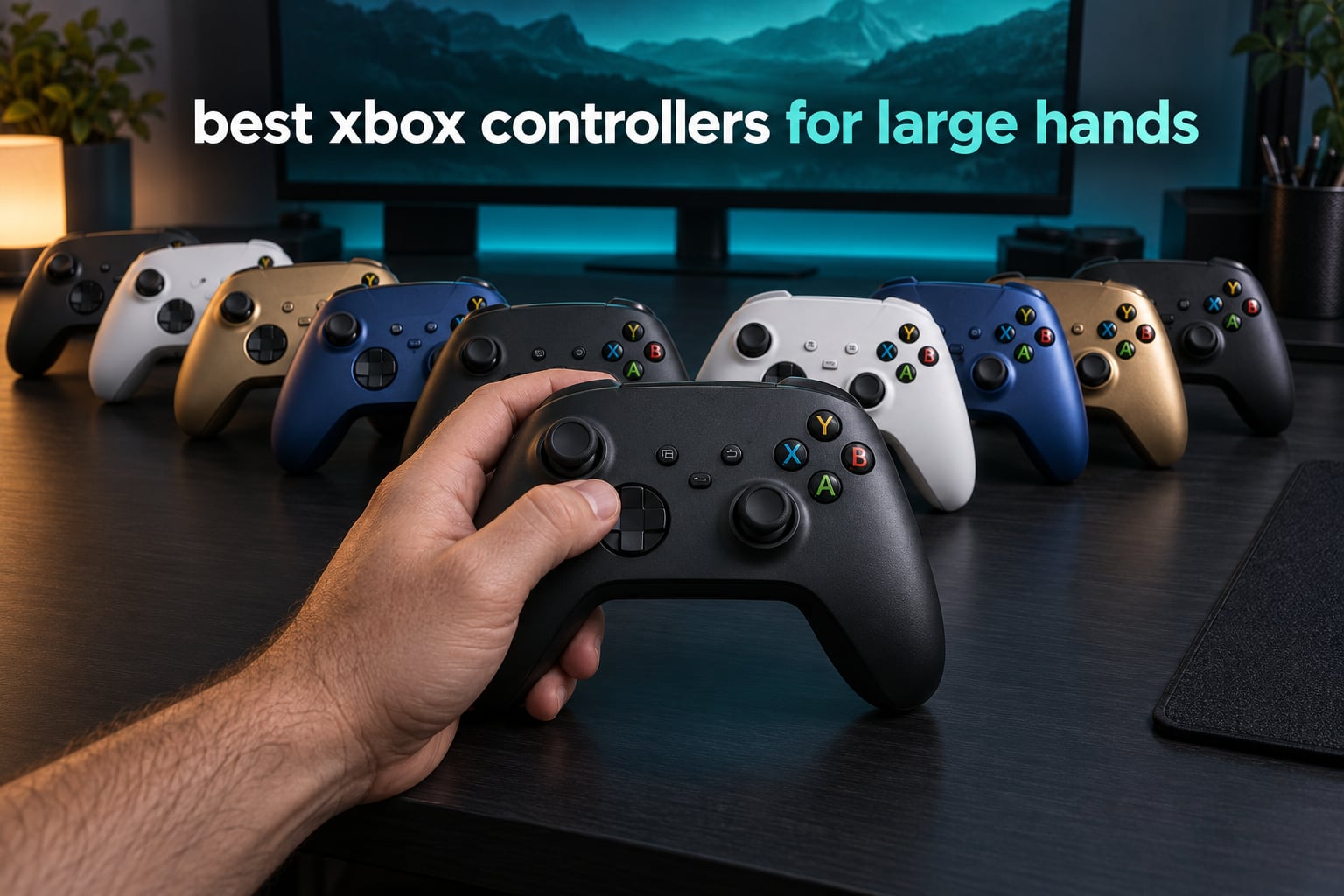
If you have to shift your grip every twenty minutes, the problem is usually the controller and not the game. Most Xbox pads are moulded for an average hand, and if your palm hangs off the end of the grip or your index fingers hover above the triggers instead of resting on them, you will feel it within an hour.
A controller built for large hands is not merely a bigger version of the same shape. It has longer handles your palm can wrap fully around, a wider grip that fills your hand rather than perch in it, thumbsticks spaced far enough apart that your thumbs do not collide, and enough grip-to-trigger distance that your index fingers settle instead of stretching. Those four things, more than weight or price, decide whether a pad disappears in your hands or becomes something you think about at the end of a session.
We spent weeks putting ten Xbox-layout controllers through long-session testing, measuring the ones with published dimensions and reading the review data on the rest. The list below covers the full range, from a wired budget pad to a modular flagship. Every pick here is an Xbox-layout controller, because mixing in PlayStation shapes waters down the answer to a very specific question.
One more thing worth saying up front. If your hands hurt, the controller is often the last problem rather than the first. We cover that in its own section near the end, because fixing the fit usually means more than buying something bigger.
Table of Contents
Top 3 Xbox Controllers for Large Hands (October 2026)
These three are where we would start looking. The Elite Series 2 wins on grip depth and adjustability, the G7 SE stands out because drift-free sticks have reached the entry band, and the G7 Pro sits between them for anyone who wants the newest stick technology plus wireless on PC.

Xbox Elite Series 2
- Deep wrap-around rubberized grips
- Adjustable-tension thumbsticks
- Three-step hair trigger locks
- Up to 40 hours of battery

GameSir G7 SE
- Hall effect sticks and triggers
- Two locking rear paddles
- Removable braided USB-C cable
- Magnetic front plate

GameSir G7 Pro
- Mag-Res TMR sticks
- 1000Hz polling on PC
- Tri-mode connectivity
- Lockable back buttons
All 10 Picks at a Glance in 2026
The fastest way to narrow this down is to scan the table. Every controller listed uses the standard asymmetric Xbox button layout, so any of them will feel familiar on day one.
| Product | Specifications | Action |
|---|---|---|
|
Xbox Elite Series 2
|
|
Check Latest Price |
|
GameSir G7 SE
|
|
Check Latest Price |
|
GameSir G7 Pro
|
|
Check Latest Price |
 8BitDo Ultimate C Wired
|
|
Check Latest Price |
 Hyperkin DuchesS
|
|
Check Latest Price |
 PDP Victrix Pro BFG
|
|
Check Latest Price |
 PowerA FUSION Pro 4
|
|
Check Latest Price |
 Razer Wolverine V2
|
|
Check Latest Price |
 Nacon Revolution X Unlimited
|
|
Check Latest Price |
 8BitDo Ultimate 3-Mode Wireless
|
|
Check Latest Price |
What Large Hands Actually Means for Controller Fit
Hand size is not one measurement, it is a set of them. Here are the five that decide whether a controller works, and roughly what to look for in each.
Handle length. This is the big one. If your heel of the palm cannot sit fully against the base of the grip without your fingers reaching the very tip, every other feature is academic. Longer handles let the hand rest instead of perch.
Grip width and depth. A handle that is too narrow makes you claw. One that is too shallow or too smooth makes you grip harder than you need to. Textured or rubberised surfaces let you relax your fingers, and relaxed fingers are the whole point.
Thumbstick spacing. Two sticks placed close together force your thumbs to converge, which tires the inside of each thumb. Wider spacing suits longer thumbs and reduces accidental diagonal input.
Trigger and bumper reach. Your index fingers should rest on the triggers rather than hover above them, and your middle fingers should reach the bumpers without your hand shifting. Some reach comes from handle length, some from handle angle.
Overall body width. Controllers with a wider chassis between the sticks give your palms room to spread rather than pinching inward. This is one area where the standard Xbox Series X|S pad falls short for a lot of large-handed players, and where the Xbox One and Xbox 360 shapes still get recommended for that reason.
How to measure your hand before you buy
You do not need a tailor. Three quick measurements tell you most of what you need.
First, measure the length of your hand from the crease of your wrist to the tip of your middle finger, in inches or centimetres. Second, measure hand span, the distance from the tip of your thumb to the tip of your little finger when your hand is stretched flat. Third, wrap your thumb and index finger loosely into a C, the way you would around a grip, and measure the opening.
If your hand length is at the top end of the range for your frame, treat handle length as the deciding factor rather than a nicety. If your hand span is unusually wide, prioritise controllers with wide bodies and well-spaced sticks, and skip anything described as compact.
Grip style changes what matters
If you play with your palm resting against the back of the controller, handle length and body width dominate. If you use a fingertip or claw grip with the pads held against the pads of your fingers, back paddles matter more, because they let your index and middle fingers relax instead of clamping.
Whichever style you use, a controller that forces you to constantly reposition is the wrong shape for you. Fatigue is the signal, not the cause.
1. Xbox Elite Series 2 – Deepest Grips and the Most Adjustment
Xbox Wireless Gaming Controller | Elite Series 2 | Black | Consoles, PCs, TVs, mobile, and more | Adjustable Thumbsticks | Trigger Locks
16 ounces
Adjustable-tension sticks
Three hair trigger steps
Up to 40 hours per charge
Pros
- Wrap-around rubberized grips that give the palm somewhere to sit
- Adjustable-tension and swappable thumbsticks let you tune for long thumbs
- Metal paddle levers and stick shafts outlast plastic
- Three saved profiles switch from the dedicated Profile button
Cons
- Soft rubber-domed face buttons feel mushy for a premium pad
- Paddle remapping needs the Xbox Accessories app
- Grip covers reported to peel after a few months
The Elite Series 2 is the first controller we hand to someone who says their hands cramp. It is an older design rather than a current one, but it is still the one with the deepest wrap-around grip and the most surface for a palm to sit against, and that combination is what large hands actually need.
At 16 ounces it has genuine heft without becoming a brick. Your hand stays in one position because the handles are long enough to hold, and the rubberised wrap covers give your fingers something to grip without squeezing.
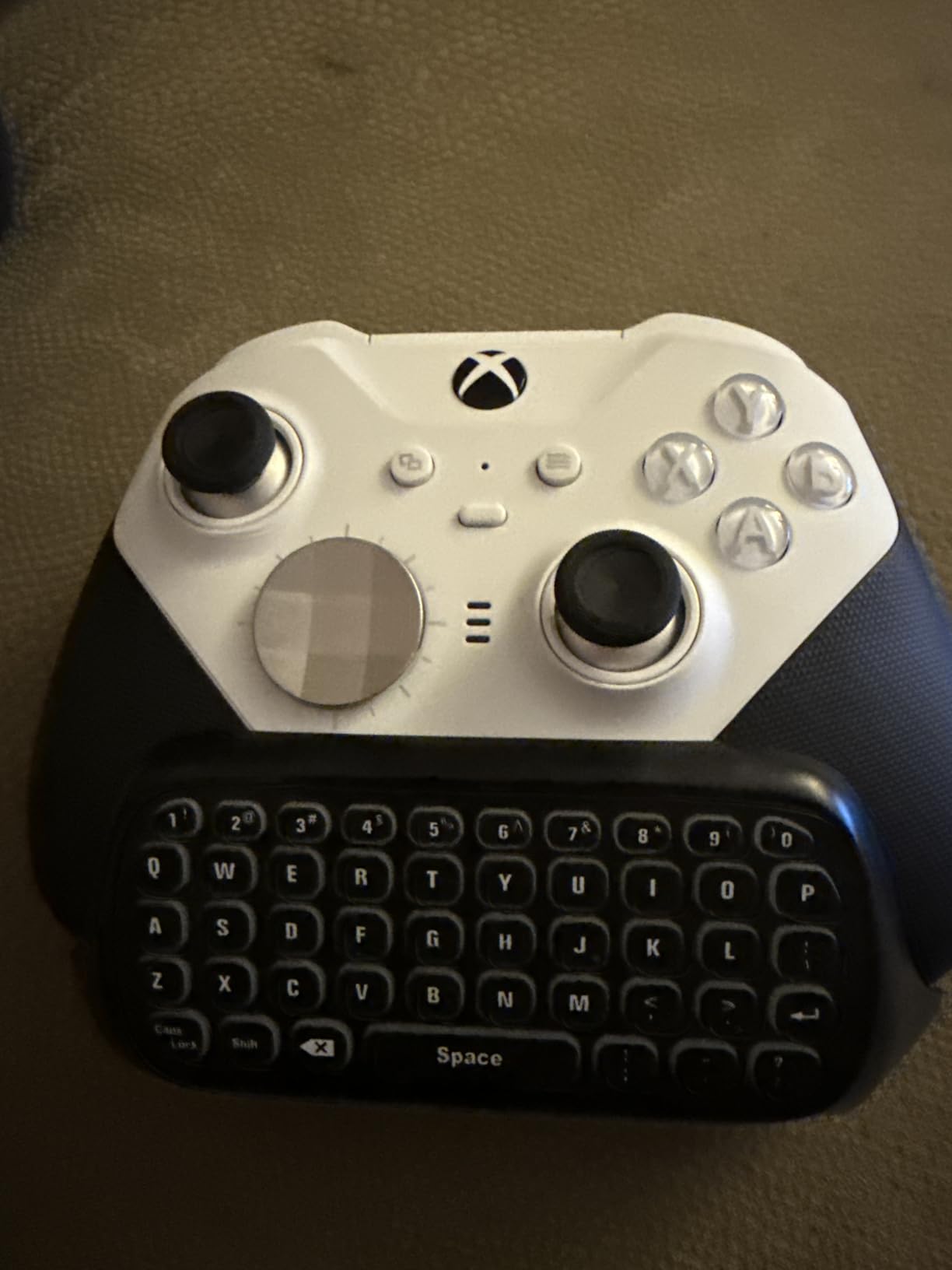
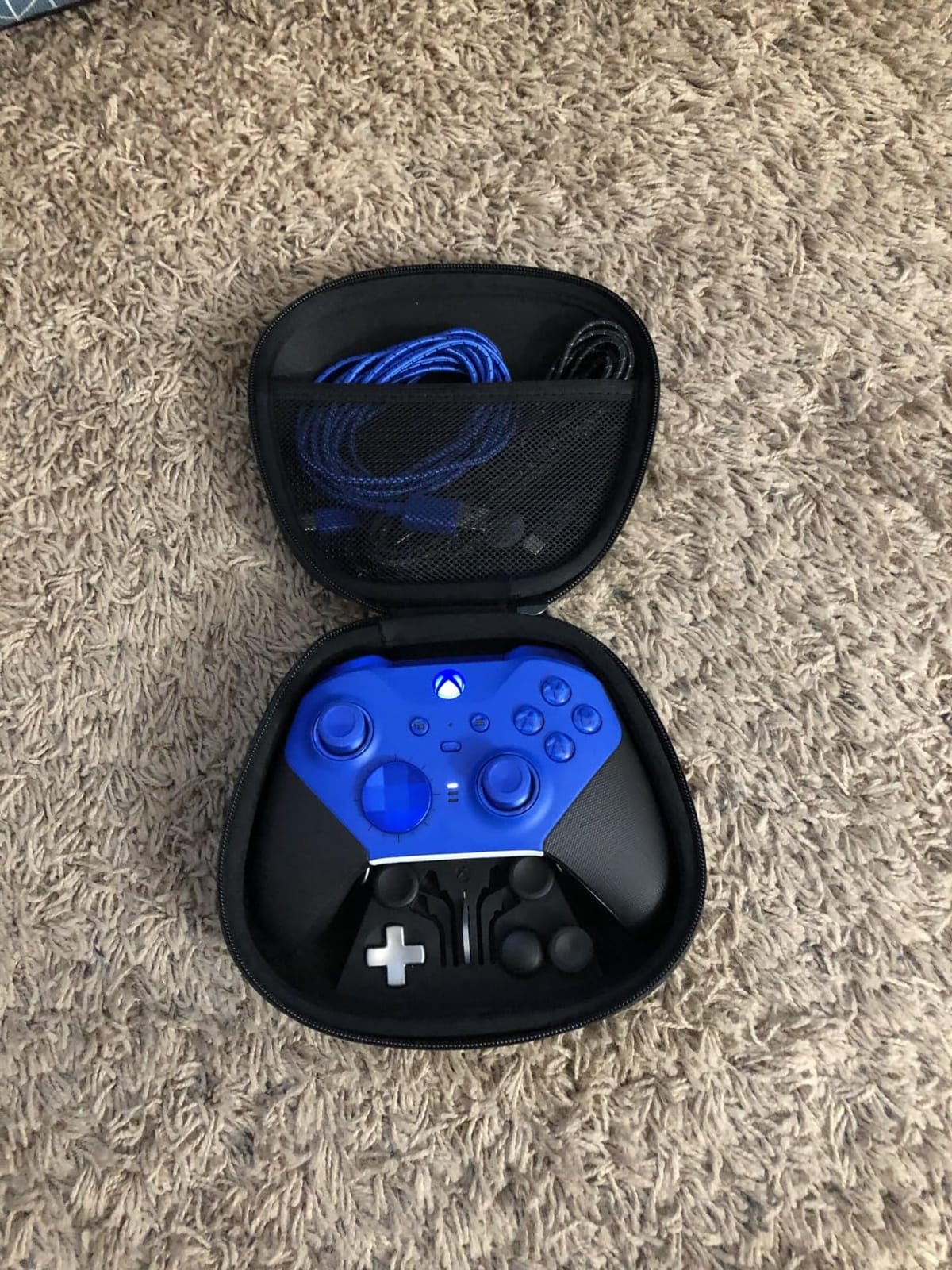
The tuning side is where this pad is hard to match on a standard Xbox shape. You get adjustable-tension thumbsticks, six interchangeable stick tops, four paddles, two D-pads and three saved profiles, all switched from a dedicated button rather than buried in a menu.
Trigger travel is a three-step hair trigger system. Shooters benefit from the shortest setting. Racing and role-playing games, where you want progressive throttle or a long pull, use the loosest step, and the fact that you can change it on the pad rather than in software matters more than it sounds.
Who it suits
It suits players with long handles who want one controller to cover shooters and long story games without changing anything. Battery life of up to 40 hours means a week of evening play without a charging cable.
It also works everywhere you need it to, over Xbox wireless, Bluetooth on PC and mobile, or the included USB-C cable. Back paddles sit where your index fingers naturally fall, so a larger hand can use them without twisting.
Where it falls short
The face buttons and bumpers use soft rubber-domed switches that many buyers describe as mushy next to mechanical-style alternatives. If you like a crisp click, test one before committing.
Remapping paddles requires the Xbox Accessories app rather than an onboard solution, paddles can only be bound to controls already on the controller, and a minority of pads have needed warranty service for unresponsive face buttons. The rechargeable battery also cannot be hot-swapped mid-session.
2. GameSir G7 SE – Best Budget Wired Pad With Hall Effect Sticks
GameSir G7 SE Wired Controller for Xbox Series X|S, Xbox One & Windows 10/11, Plug and Play Gaming Gamepad with Hall Effect Joysticks/Hall Trigger, 3.5mm Audio Jack (White)
250 g
Hall effect sticks and triggers
Two locking rear paddles
10 foot detachable USB-C
Pros
- Hall effect sticks and triggers remove drift from the equation
- Lockable rear paddles stop accidental inputs
- Removable braided cable with a thick connector
- Sturdy shell that does not feel cheap
Cons
- Wired only with no battery or wireless mode
- Slightly smaller and lighter than a standard Xbox pad
- 3.5mm headset audio reported as inconsistent
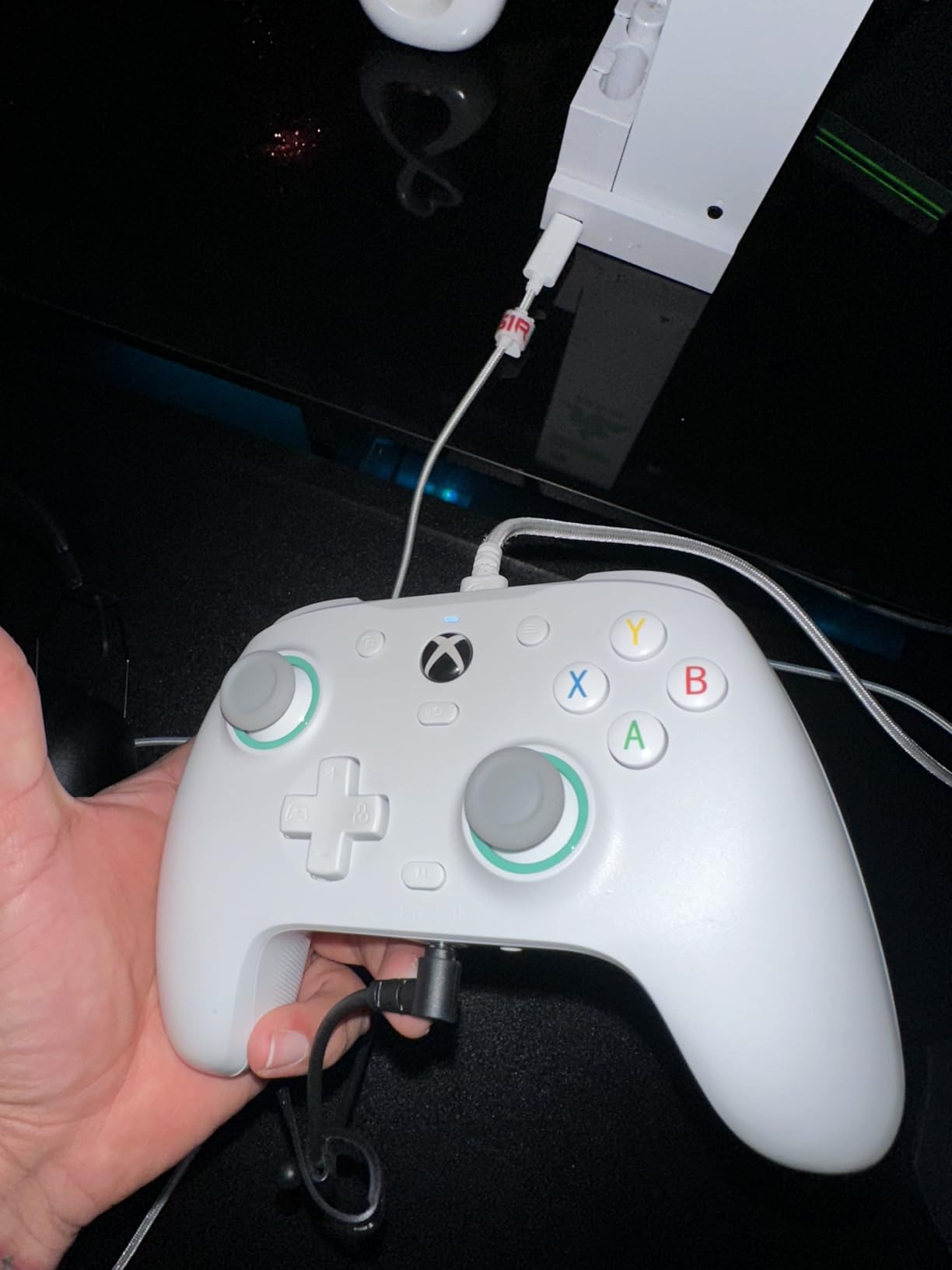
The G7 SE is the controller to beat in the entry band, and the reason is not the price but the stick technology. Hall effect joysticks and Hall effect triggers do not use the resistive contact point that makes traditional potentiometer sticks wear out, so drift stops being something you have to think about.
It plugs in and works on Xbox Series X|S, Xbox One and Windows without installing anything. For a player who mostly sits at a desk with a PC or a console close by, wired also removes wireless input lag from the equation entirely.
The two rear buttons use a locking mechanism that keeps them flush when you do not want them, which solves the accidental-press problem that plagues cheaper paddles. The trigger stops are set in the companion app, and it is worth doing that before your first match.
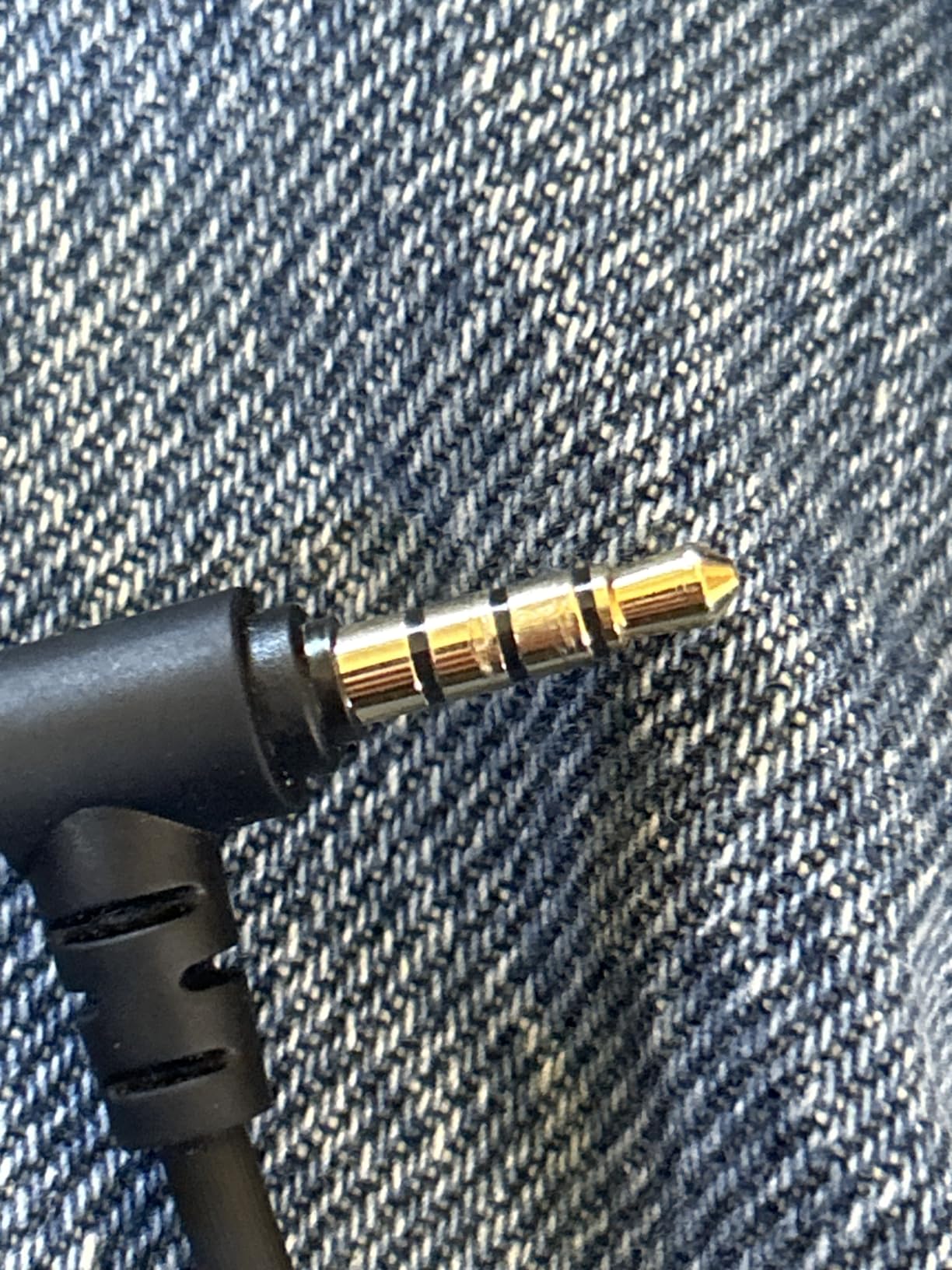
Build quality is the other surprise. The shell is sturdy, the front plate is magnetic and removable for cleaning or painting, and the cable detaches cleanly with a connector thick enough to survive being yanked.
Who it suits
It suits anyone who wants drift-free sticks without spending flagship money, and anyone who plays wired at a desk. The 3.5mm jack and vibration trigger cover the basics well.
It also suits players who do not mind a cable as long as they are near a USB port. Owners of long setups report needing a powered hub for extended runs.
Where it falls short
This is the important caveat for this list. At 250 g and slightly under the size of a standard Xbox controller, it is not the biggest pad here. If your main problem is that your hand feels cramped rather than that your sticks drift, size up.
It is wired only, the rear buttons are not supported by every game, and headset audio through the 3.5mm port has been reported as static or one-sided on some sets.
3. GameSir G7 Pro – TMR Sticks and a 1000Hz Polling Rate
GameSir G7 Pro Wired Controller for Xbox Series X|S, Xbox One, Wireless Gamepad for PC&Android with TMR Sticks, Hall Effect Analog Triggers, 1000Hz Polling Rate, 3.5mm Audio Jack – Golden
272 g
Mag-Res TMR sticks
Hall effect analog triggers
1000Hz polling on PC
Pros
- TMR sticks pair Hall effect durability with a familiar feel
- Hall effect triggers with clicky micro-switch stops
- 1000Hz polling on PC over wired and 2.4G
- Charging station and 1200mAh battery in the box
Cons
- Bluetooth mode is limited to Android
- Gyro aiming and high polling are PC-only
- Bundled dimensions include the charging station
The G7 Pro is the step up from the entry-level G7 SE, and the one to buy if you care about both feel and longevity. At 272 g it is the heavier of the two GameSir wired options here, which usually means more of the pad sits in your palm rather than being pinched.
Its Mag-Res TMR sticks are the interesting part. TMR, or tunnelling magnetoresistance, works like a Hall effect stick for durability but keeps the softer, progressive feel of a conventional potentiometer stick. Most players find that easier to live with long-term.
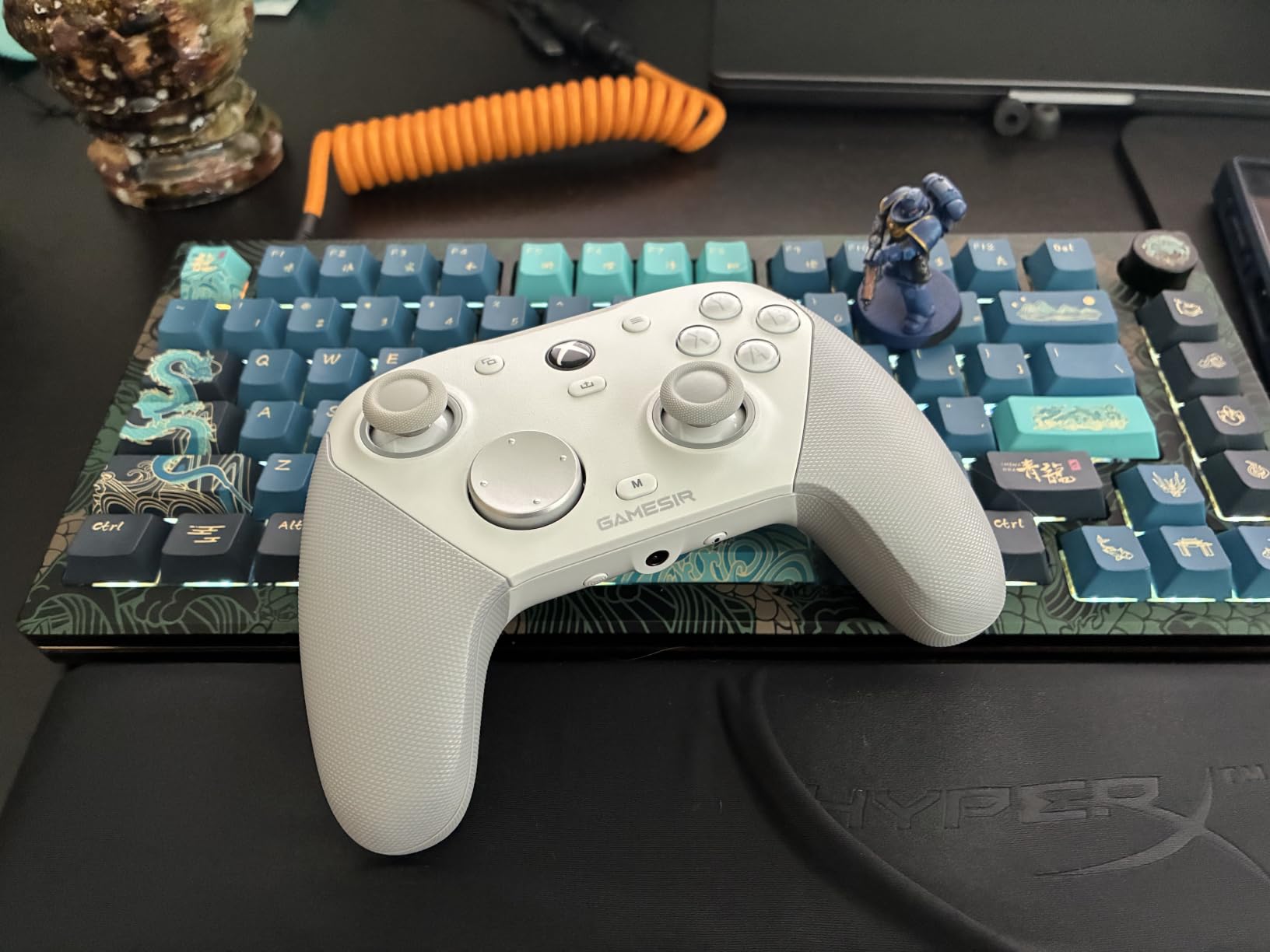
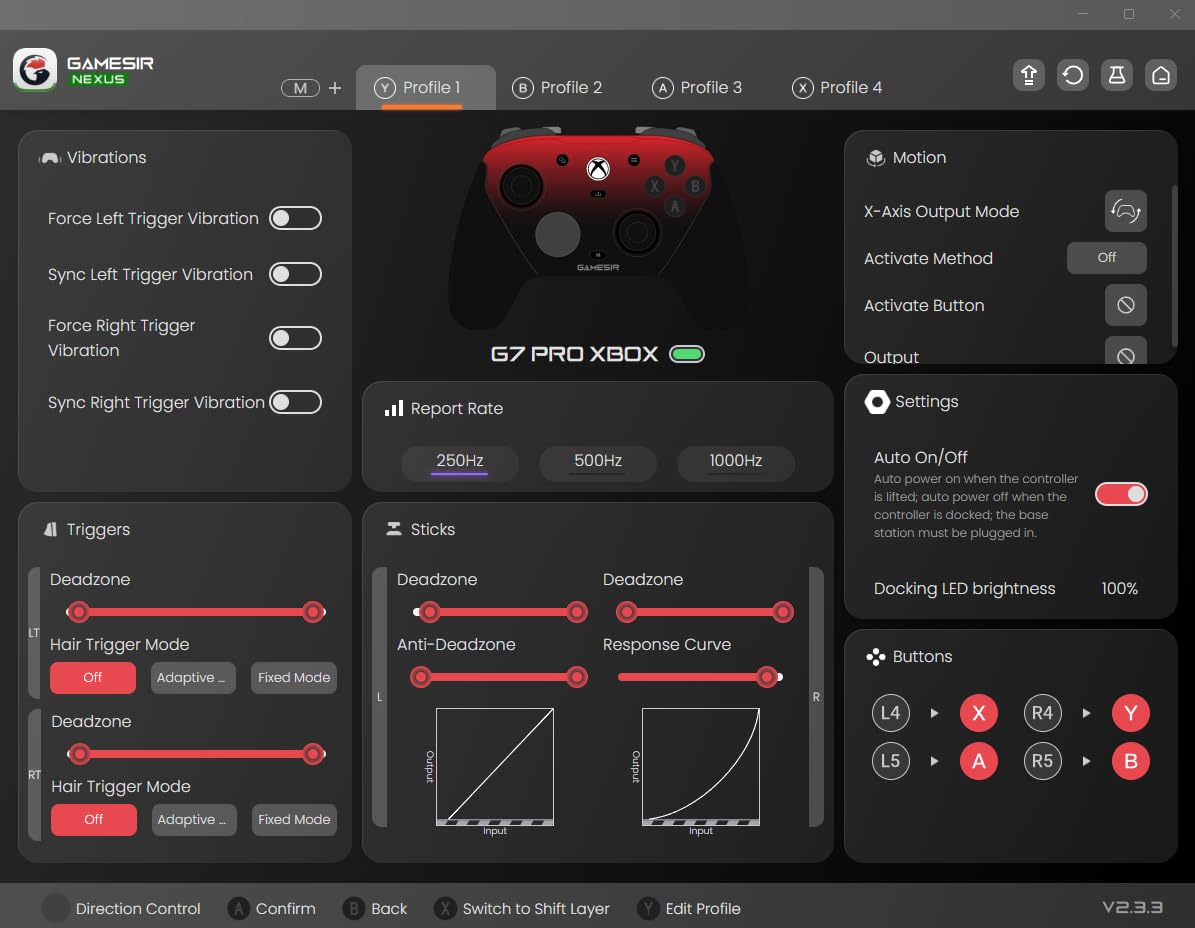
Triggers are Hall effect with linear travel and clicky micro-switch trigger stops, and the whole face of the controller can be configured. Four extra buttons include L5 and R5 bumpers plus lockable back paddles for macros.
Connectivity is the reason this one separates itself from the G7 SE. You get a physical mode switch for wired Xbox, wired or 2.4G on PC, and Bluetooth for Android, with a 1000Hz polling rate on PC over both the wired and 2.4G paths.
Who it suits
It suits PC players who care about input lag, competitive players who want drift-free sticks and high polling, and anyone who wants a single pad that works on console and desktop without a pile of adapters.
The charging station in the box is a real convenience. It starts and stops charging on its own, and the 1200mAh battery is enough for several evening sessions.
Where it falls short
Bluetooth is Android only, so Apple devices are out, and the gyro aiming and 1000Hz polling are PC features rather than console features. If you only play on a console, the G7 SE does the same job for less.
The GameSir Nexus app is where the gyro settings, stick curves and button-to-mouse mapping live, and reviewers note it takes some time to configure properly.
4. 8BitDo Ultimate C – Quiet Buttons and an RGB Fire Ring
8BitDo Ultimate C Wired Controller for Xbox with Hall Effect Joysticks and Triggers, RGB Lighting Fire Ring, Compatible with Xbox Series X|S, Xbox One, Windows 10/11 – Officially Licensed (Dark Gray)
Hall effect sticks and triggers
RGB fire ring joysticks
Official Xbox licence
Wired USB only
Pros
- Hall effect sticks and impulse triggers remove drift
- Buttons are quiet enough for late-night play
- Officially licensed and works natively on Xbox and Windows
- Vibration motors reported stronger than the standard pad
Cons
- D-pad described as mushy by several owners
- Stick tops are smooth domes that thumbs can slip on
- Slightly smaller than the standard Xbox controller
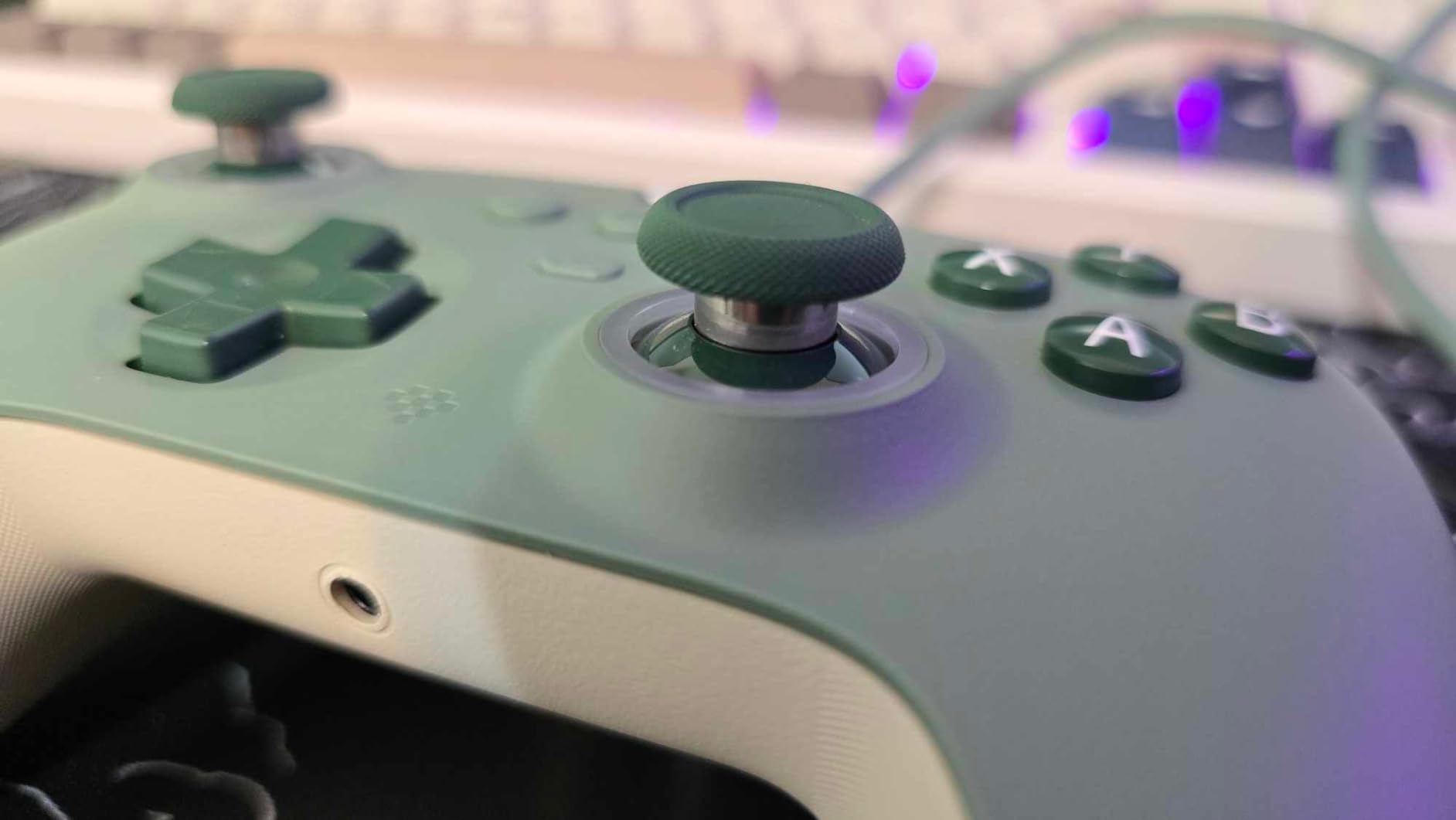
The Ultimate C is the quiet one. If you share a room, play late, or simply dislike the click of dome switches, the low button noise here is the first thing to test when you pick it up.
It is officially licensed by Xbox, so it works natively on Series X|S, Xbox One and Windows 10/11 without hunting through menus. That licensing also means it behaves like a standard controller in games that treat third-party pads differently.
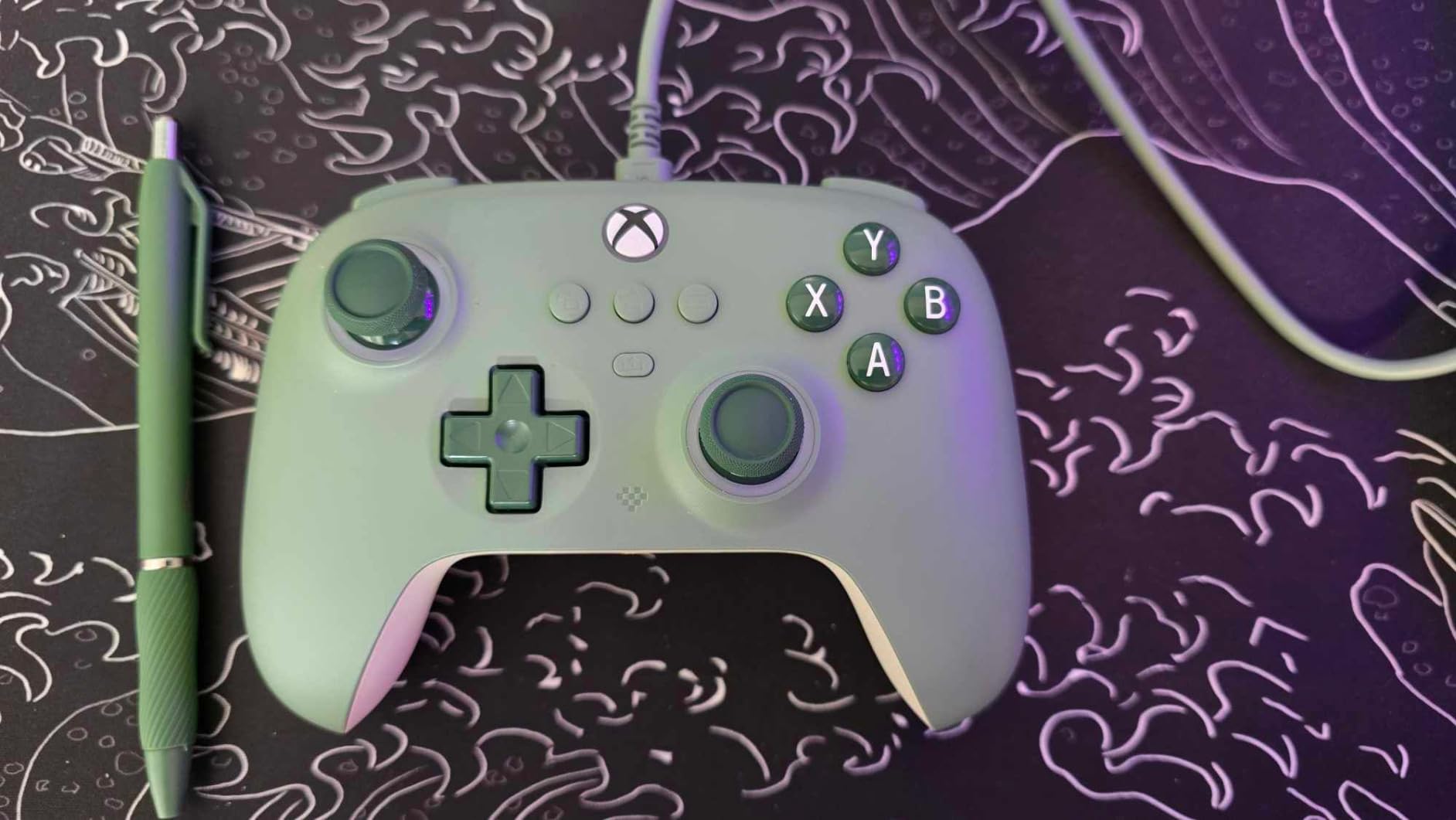
The sticks and impulse triggers are both Hall effect, and owners describe the sticks as more accurate than the standard Xbox pad in side-by-side testing. The RGB fire ring lighting around each stick reacts to input and offers several light modes.
There is no battery to charge, and no wireless radio. That is a genuine limitation for couch play, but it also means the controller cannot run out mid-match.
Who it suits
It suits players who game in shared spaces, anyone who wants officially licensed plug-and-play behaviour, and buyers who would rather not manage battery charging. The shell is described as premium-feeling for the money.
Long-term durability reports are good. Owners mention the face buttons holding up well under heavy use, including a case where a child used the controller heavily.
Where it falls short
The stick tops are smooth untextured domes rather than concave, so thumbs with any moisture on them can slip. If grip security matters to you, this is the wrong shape.
The D-pad is described as mushy, the companion apps do almost nothing beyond firmware updates, and a firmware update reportedly reintroduced a trigger issue it was meant to fix.
5. Hyperkin DuchesS – A Bigger Retro Shape With Modern Sticks
Hyperkin – DuchesS Wired Controller for XBOX Series X|S, XBOX One, Windows 10|11, PC, with Hall Effect Joysitcks, Audio Jack, Impulse Triggers, Black – Officially licensed
243 g
Hall effect sticks
Dynamic impulse triggers
10 foot detachable USB-C
Pros
- Retro Controller S shape with modernised proportions for a roomier grip
- Several owners report no hand pain across 7-8 hour sessions
- Hall effect sticks hold centre for a zeroed deadzone
- Snappy trigger feel with large clicky shoulder buttons
Cons
- Wired only with no wireless support
- Shell plastic and stick rubber feel lighter and cheaper
- Lighter overall weight can feel like it will slip
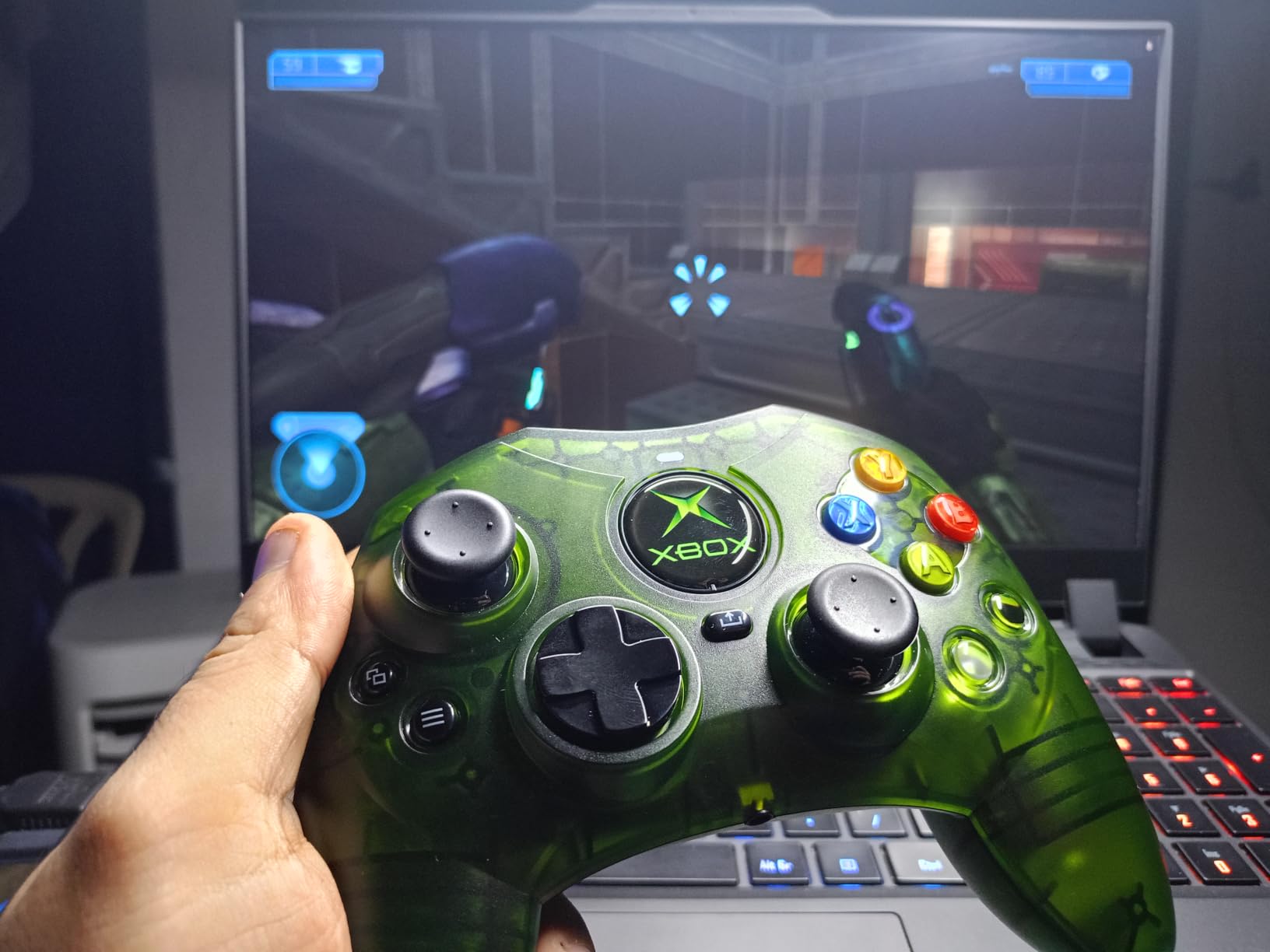
The DuchesS takes the shape of the original Xbox Controller S and updates the parts that aged badly. It has the highest average rating in this group, and the reason owners give is usually the same word: comfortable.
Several owners of large hands specifically report playing 7 to 8 hour sessions with no hand pain, which is exactly the outcome this article is about. The retro shape gives the body more room between the sticks than current Xbox designs.
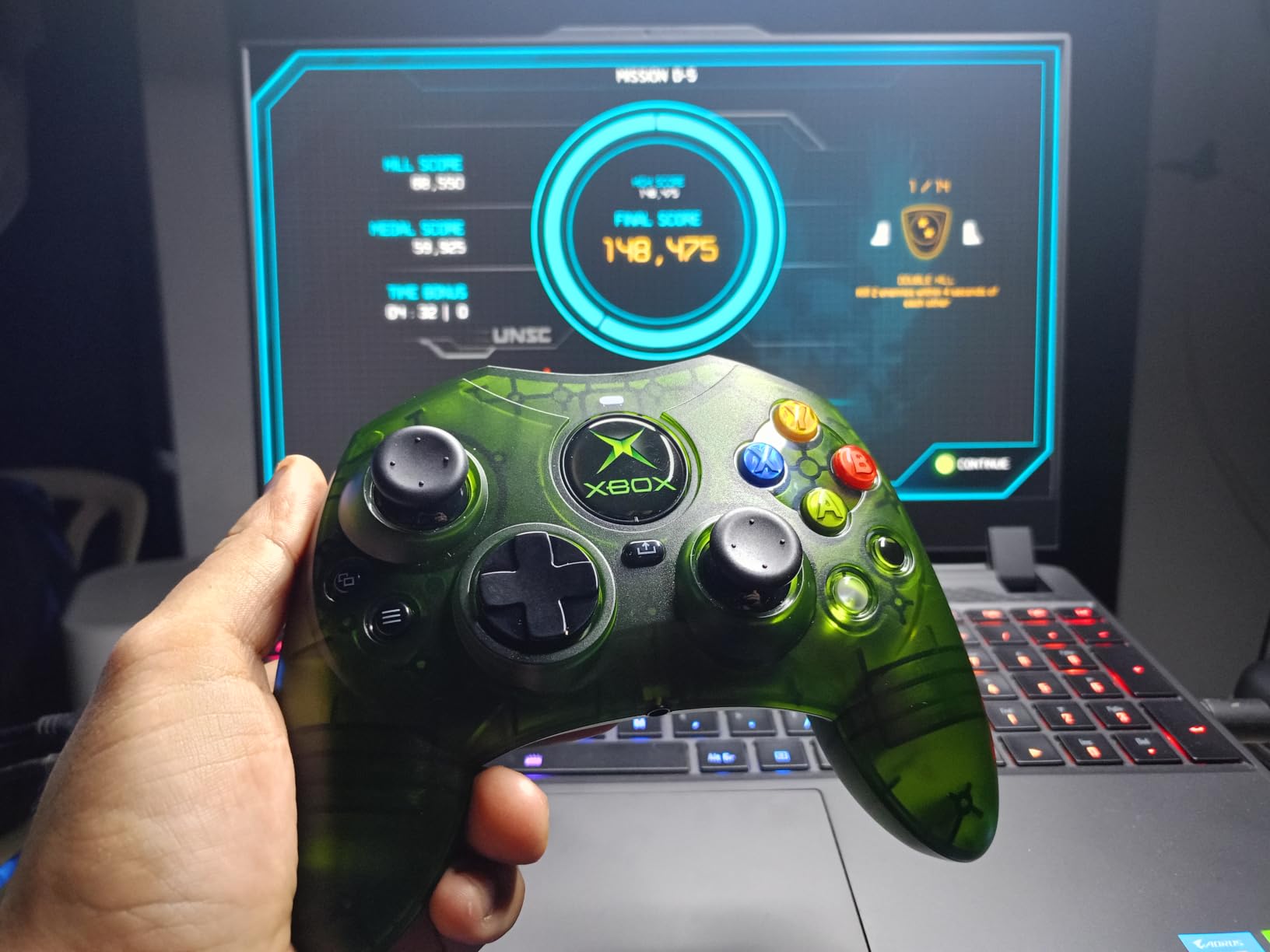
Underneath the nostalgia, the sticks are Hall effect and stay centred, so you can run a zeroed deadzone for precise aim in shooters. Triggers are dynamic impulse triggers with pulse, rumble and vibration modes.
The large clicky shoulder buttons mirror the black and white buttons from the original pad, which is a small touch that makes older muscle memory work again.
Who it suits
It suits players who want a genuinely larger body under their hands and who like the fuller retro silhouette. It is also officially licensed and works on Series X|S, Xbox One and Windows 10/11 with no setup.
It also suits people who want silence. Each button gives distinct audible feedback, and a 10-foot detachable braided cable means a damaged cord is a cheap replacement rather than a dead controller.
Where it falls short
It is wired only, and the shell plastic plus thumbstick rubber feel lighter and cheaper than a Microsoft pad. At 243 g it may feel like it could slip in the hand during a long session.
The retro layout means some players report discomfort reaching both triggers and bumpers at once, and the microphone audio is reported as poor. The black and white buttons act identically to the bumpers in emulators with no way to remap.
6. PDP Victrix Pro BFG – Modular Parts and Four Remappable Paddles
PDP Victrix Pro BFG Wireless Gaming Controller for Xbox Series X|S, Xbox One, Windows 10/11, Modular Gamepad, Dolby Atmos Audio, Remappable Buttons, Customizable Triggers/Paddles/D-Pad, PC App, Black
Reversible grip-side module
Four remappable back buttons
Five Clutch trigger stops
Dongle Bluetooth and wired
Pros
- Modular system with a reversible grip module and six-button fight pad
- Four back buttons bind to more inputs than Elite paddles
- Five trigger stops plus a hair trigger mode
- Wireless dongle Bluetooth and wired in one package
Cons
- Standard sticks are not Hall effect and the upgrade is sold separately
- Sharp edges on the body can bother some hands
- Back paddles sit close together and fire easily
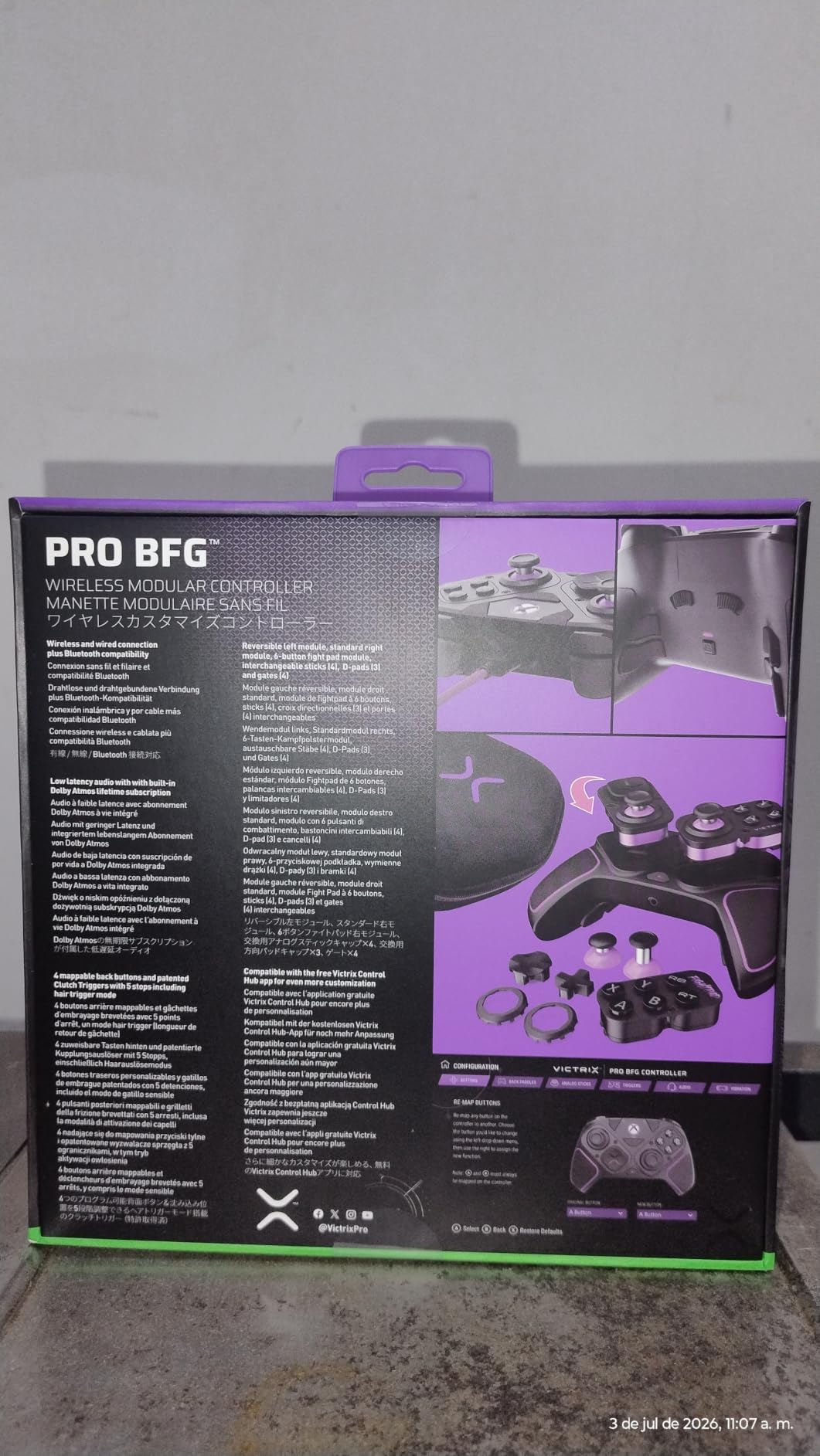
The Victrix Pro BFG is the pad here built to be rebuilt rather than replaced. Its grip-side module is reversible, the opposite module is standard, and the box includes a six-button fight pad, four interchangeable sticks, three D-pads and four gates.
For large hands, that matters more than it might seem. A different stick height, a different D-pad, or a different gate changes how much space your thumb has to work with, and most of it can be swapped rather than bought around.
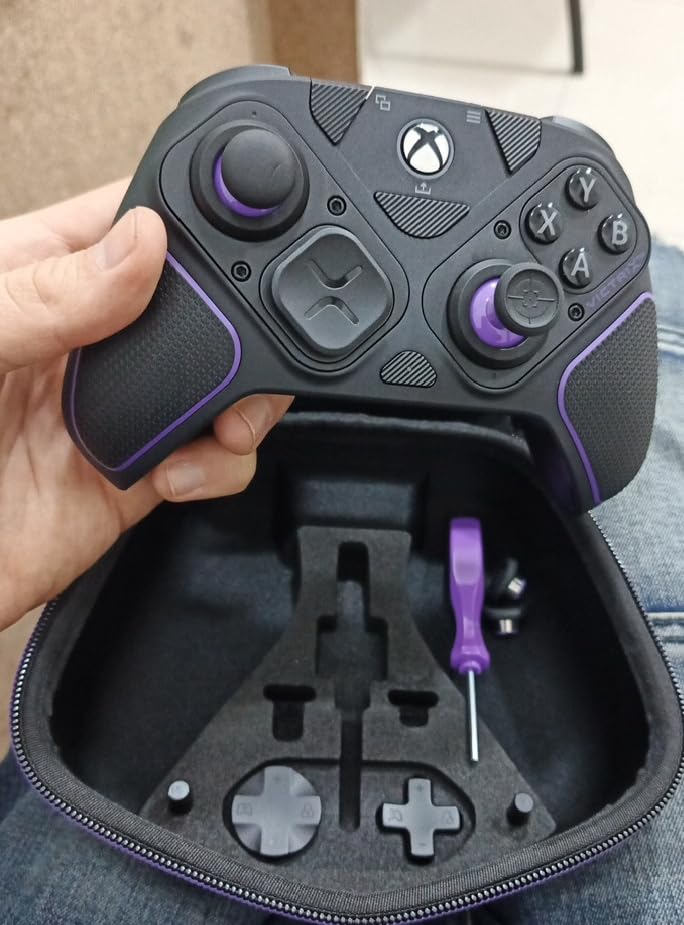
The four back buttons are fully remappable and can be bound to more inputs than the Elite Series 2 paddles, including things the Elite cannot reach. Clutch Triggers give five trigger stops plus a hair trigger mode.
It also plays three ways, over the USB dongle, over Bluetooth, or with the included cable for tournament play. Built-in Dolby Atmos comes with a lifetime subscription and the response over the dongle is reported as very fast.
Who it suits
It suits fighting game and arcade players who want a six-button layout, and anyone who plans to keep a controller for years and would rather swap parts than replace it. Owners report several days of play per charge.
It also suits players who want a heavier, more solid object in the hands, with a well-packed hard-shell case included. Fighting games, where every input has a distinct feel, benefit most from the module system.
Where it falls short
The standard sticks are not Hall effect, and the Hall effect upgrade module is sold separately at a high cost. That is the most likely reason its average rating sits below the pads that ship with Hall effect sticks throughout.
Reviewers also report sharp edges on the paddles, triggers and body, back buttons that are easy to hit by accident, and menu buttons placed high enough to be a long reach. The companion app can be laggy and wireless reconnection is slow.
7. PowerA FUSION Pro 4 – Thumbstick Height You Can Change Mid-Game
PowerA FUSION Pro 4 Wired Controller for Xbox Series X|S, adjustable height thumbsticks, hall effect thumbsticks, mappable buttons, officially licensed, works with Xbox One and Windows 10/11
12.96 ounces
Quick-Twist thumbsticks
Hall effect modules
Three-way trigger locks
Pros
- Thumbstick height adjusts mid-game with three settings per stick
- Hall effect modules use contact-free magnetic sensors
- Four buttons programmable without entering system settings
- Three-way trigger locks switch between shooter and racing
Cons
- Lowest average rating in this roundup with a notable share of one-star reviews
- No wireless option
- Critical feedback on general feel and build quality
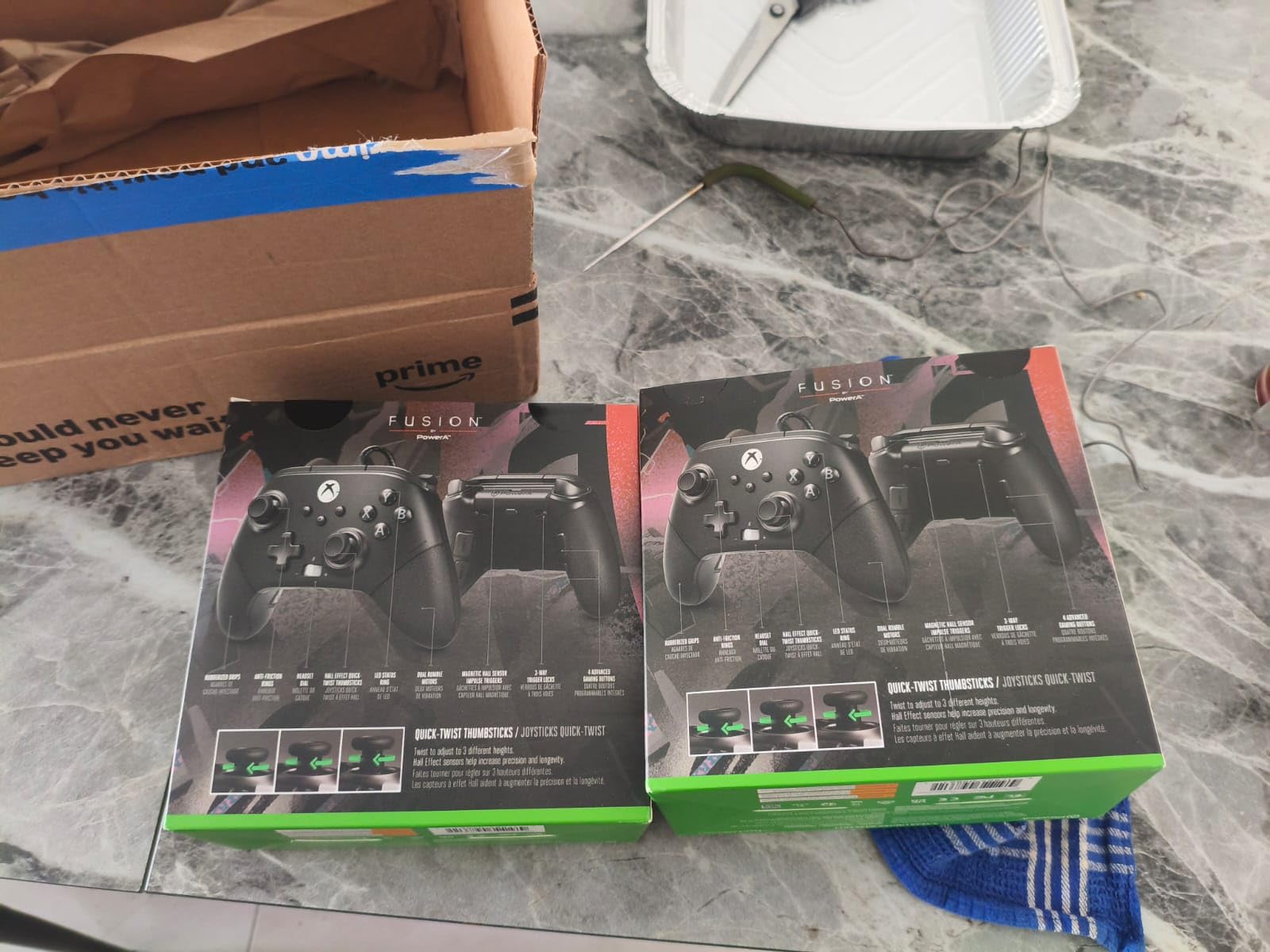
The FUSION Pro 4’s signature feature is unusual: the thumbsticks adjust in height by twisting the stick itself, with three settings per stick, and you can do it while you are playing rather than in a menu.
For hands with longer thumbs, that is a genuine fit tool. Instead of buying taller stick caps, you change the travel the same way you would change a lens, and your hand position on the grip does not move at all.
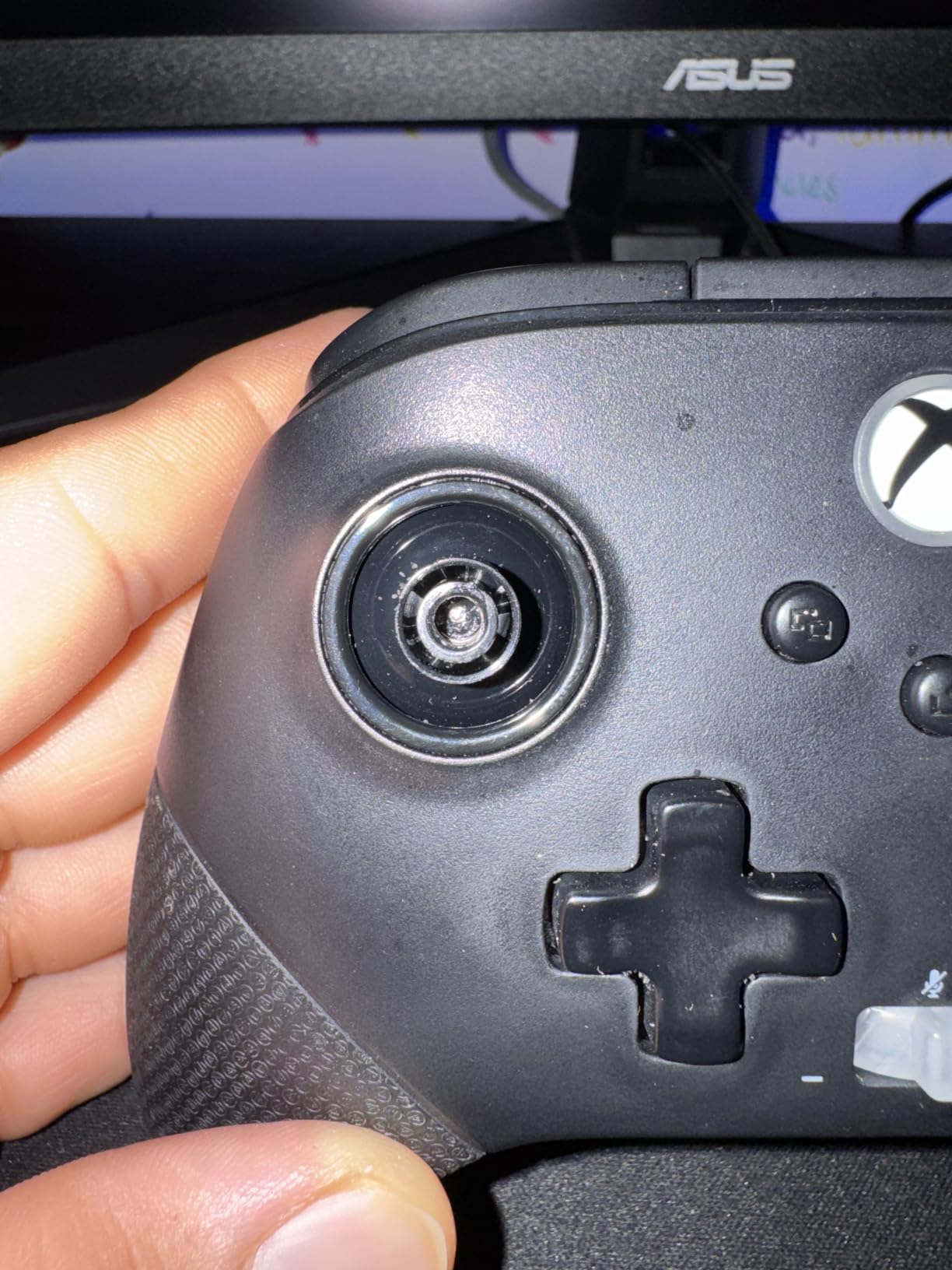
The Hall effect modules use contact-free magnetic sensors, so the stick itself has no resistive contact point to wear. The feel is described as fluid and precise, though the general build quality draws more criticism than the feature set would suggest.
Four buttons are mappable on the fly without leaving the game, and the three-way trigger locks let you shorten pull for shooters or open it up for full throttle in racing games.
Who it suits
It suits long-thumbed players who want a height change without swapping parts, and racing or shooter players who flip between trigger travel styles often. It is officially licensed and works across Series X|S, Xbox One and Windows.
It also suits anyone who wants programmable buttons they can reach mid-match. Dual rumble motors, impulse triggers and a 3.5mm stereo jack round out a sensible feature set, with a two-year limited warranty behind it.
Where it falls short
This is the lowest-rated controller in our group, at 3.9 from 650 reviews, and a meaningful share of that is critical feedback on general feel and build. Feature lists do not always match hand feel, and this is a case where you should try one.
It is wired only, and while the twist adjustment is useful, some players find the twist fiddly to perform during a match.
8. Razer Wolverine V2 – Crisp Switches and Two Extra Front Buttons
Razer Wolverine V2 Wired Gaming Controller for Xbox Series X|S, Xbox One, PC: Remappable Front-Facing Buttons – Mecha-Tactile Action Buttons and D-Pad – Trigger Stop-Switches – White
9.6 ounces
Mecha-tactile buttons and D-pad
Two remappable front buttons
Hair trigger slide locks
Pros
- Mecha-tactile face buttons and D-pad actuate crisply
- Contoured shape with non-slip rubber grips
- Two extra front buttons are fully remappable
- Hair trigger mode via two slide locks underneath
Cons
- Wired only with no wireless option
- Lightweight at 9.6 ounces so it feels less solid
- Mecha-tactile switches are louder than dome buttons
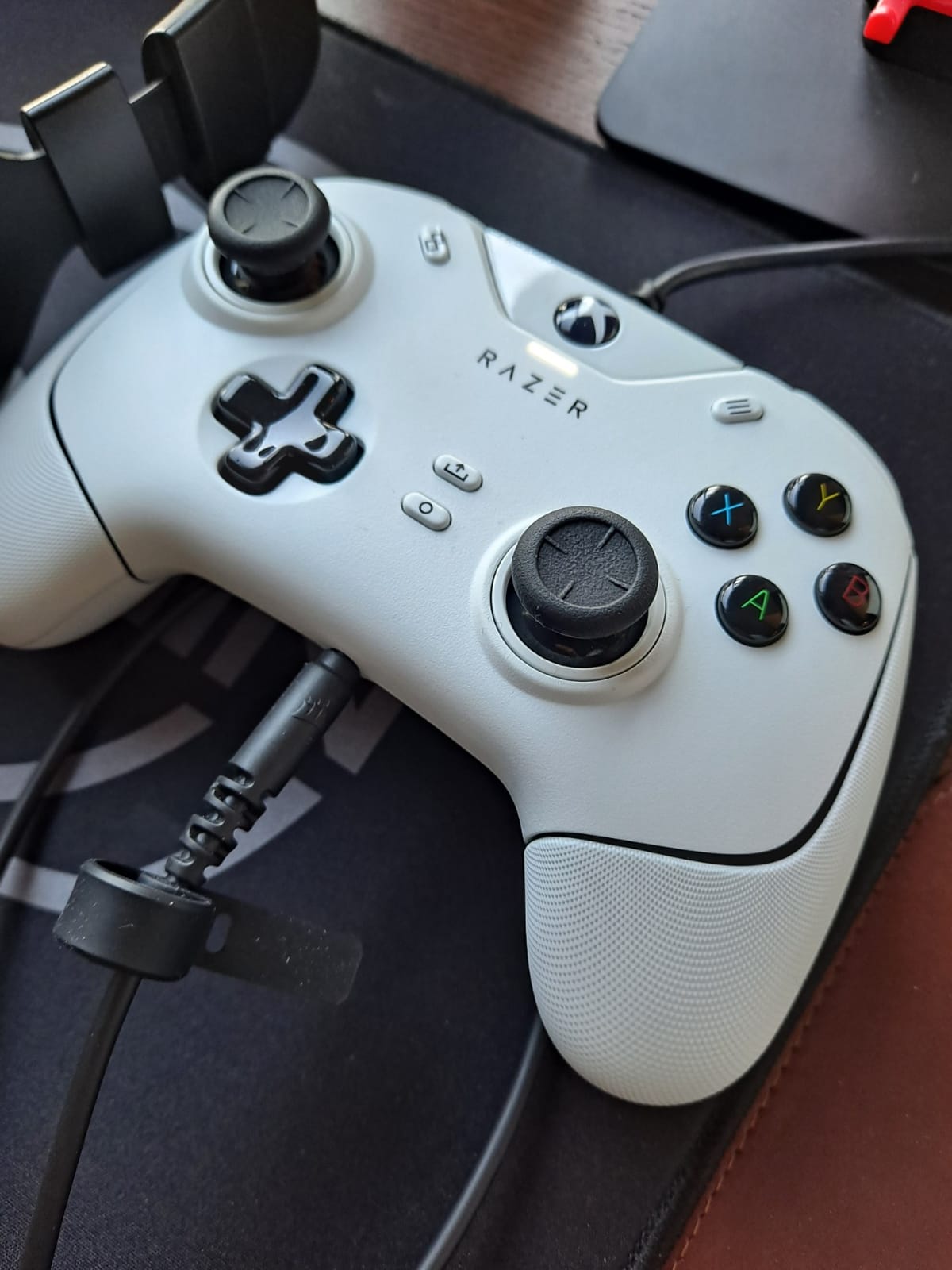
The Wolverine V2 exists for people who find rubber-domed face buttons unsatisfying. Its mecha-tactile action buttons and D-pad actuate with a cushioned mechanical snap, and that difference is obvious within a minute of use.
The shape is contoured with non-slip rubber grips, and at 9.6 ounces it feels noticeably lighter in the hand than the Elite Series 2 at 16 ounces. Some players read that as solid, others read it as flimsy, and it is worth holding one.
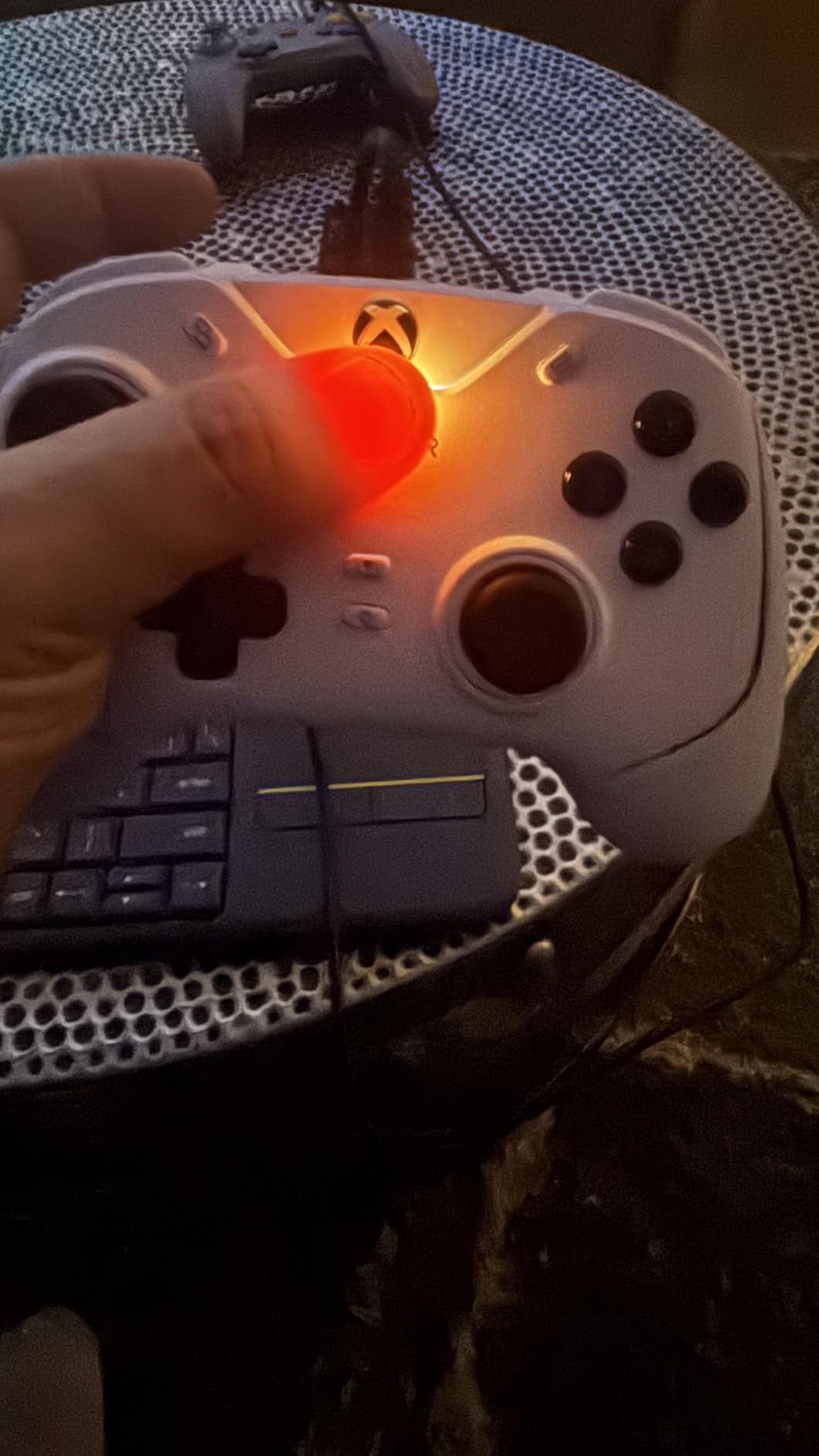
Two extra front-facing buttons sit below the face buttons and are fully remappable through Razer Controller Setup for Xbox. They are more versatile than rear paddles because they can be pressed by any finger, not just the ones already working the triggers.
Hair trigger mode comes from two slide-lock trigger stops on the underside, so you can shorten pull without opening software. A 3.5mm port on the handle takes a headset directly.
Who it suits
It suits players who want the crispest possible click, players who dislike rear paddles because they break the claw grip, and anyone who wants extra buttons in easy reach rather than tucked behind a hand.
It is officially licensed, developed alongside Xbox, and covered by a two-year manufacturer warranty. Razer Controller Setup stores remapped profiles for quick switching.
Where it falls short
It is wired only, and the longer cord can be restrictive if your console sits far from the couch. At 9.6 ounces it is notably lighter than the Elite Series 2 and the Victrix Pro BFG.
The mecha-tactile switches are louder than dome-style buttons, which matters in shared rooms, and the front buttons do nothing in most games until you remap them.
9. Nacon Revolution X Unlimited – The Most Tunable Shape for Big Hands
Nacon Revolution X Unlimited Precision Wireless Controller for XBOX and PC
230 g
Hall effect sticks and triggers
Large and medium stick rings
1ms wired latency in PC mode
Pros
- Three sets of weights
- three stick head styles and two ring sizes for 60-plus combinations
- Large ring option is one of the best fits for big hands
- Hall effect sticks and triggers
- On-controller LCD plus a charging station in the box
Cons
- Premium price sits above everything else here
- 16 percent one-star reviews
- Deepest software features are PC-oriented
If your hand does not fit a standard shape and no amount of stick swapping will fix it, the Nacon Revolution X Unlimited is the pad built for that specific problem. It has more physical fit adjustment than anything else in this roundup.
You get three sets of weights, three sets of joystick heads in concave, convex and high-dome styles, and two sets of joystick rings in medium and large. The large ring option is the one large-handed buyers single out, because it moves the stick further from your palm.
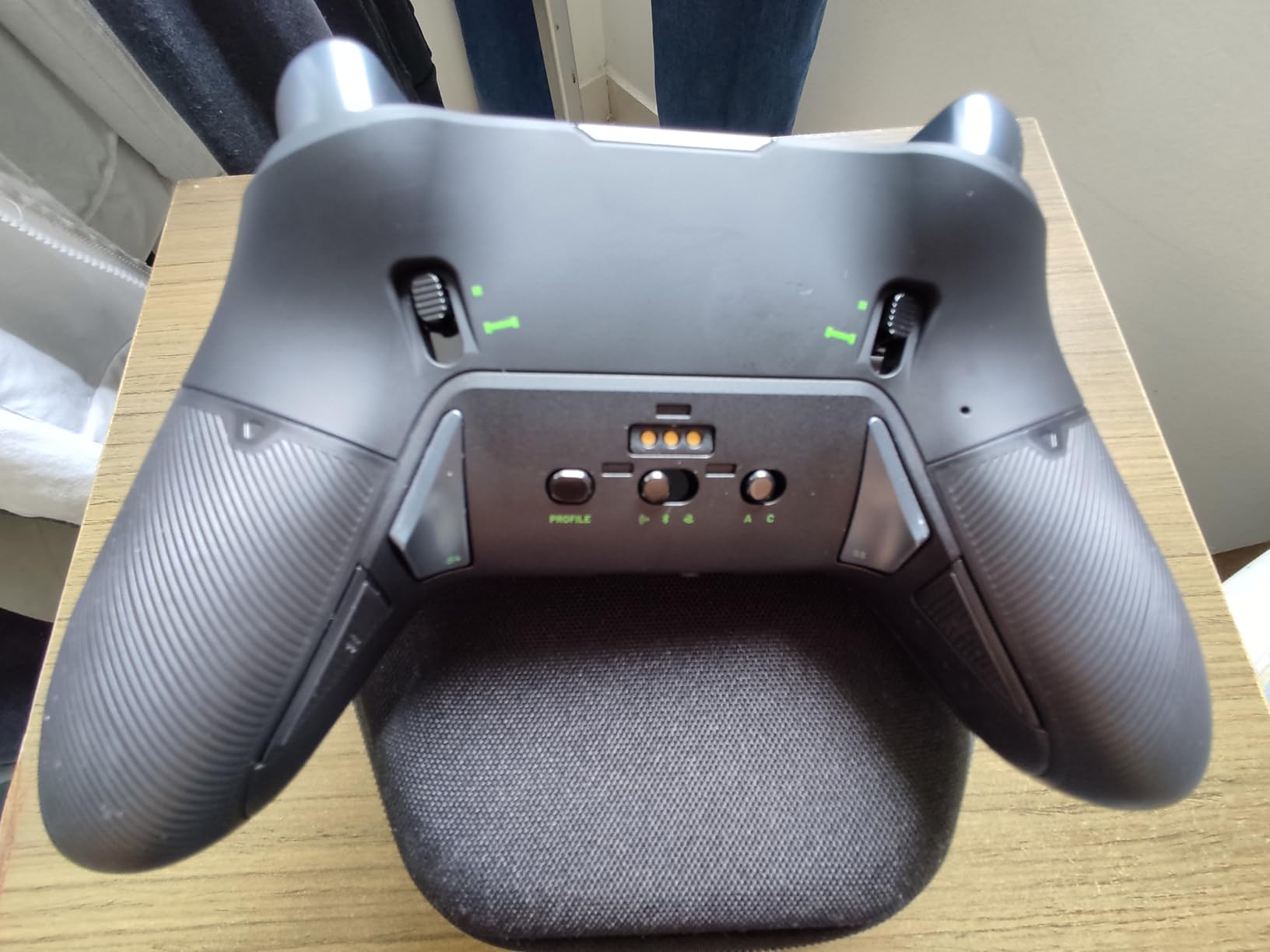
That produces 60-plus documented combinations, which means you can change the shape of the controller rather than only its settings. Combined with 4-way and 6-way D-pads and the LCD screen for on-the-fly customisation, it is the most adaptable pad here.
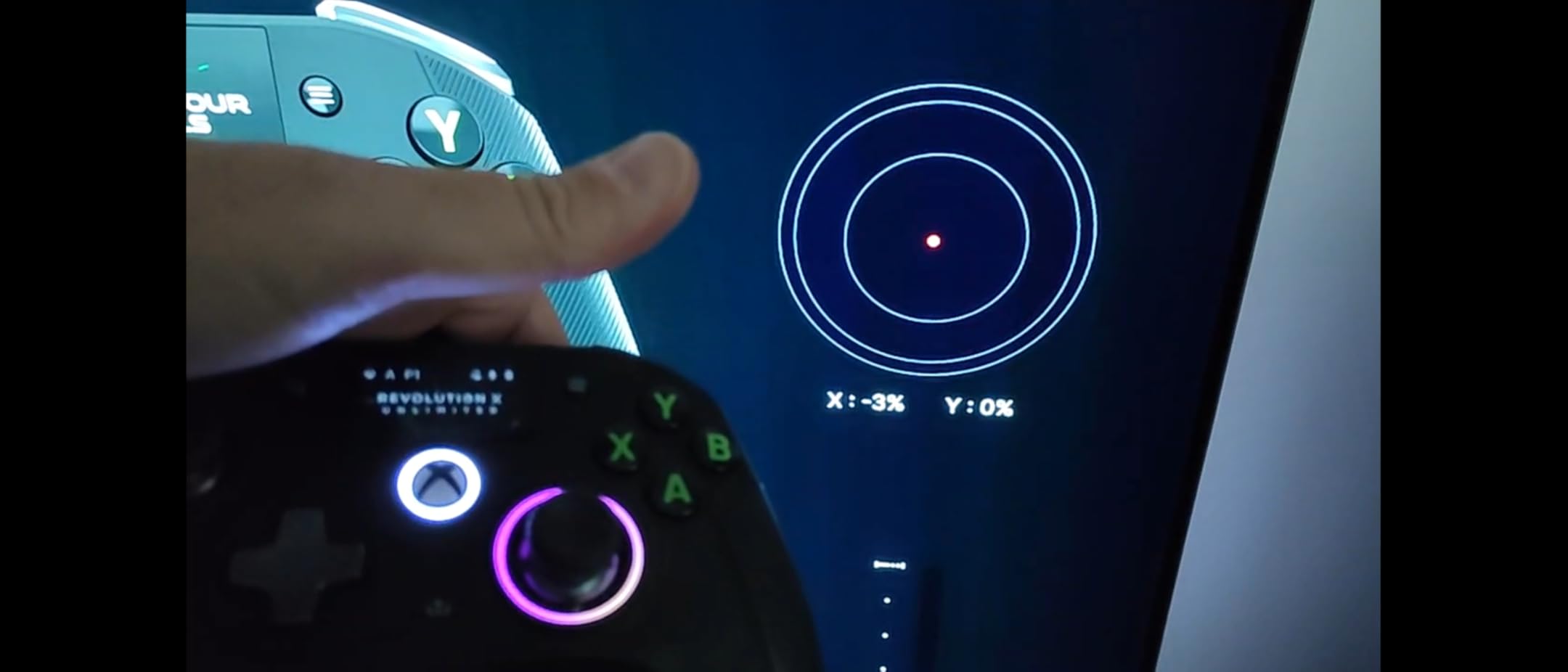
Underneath, the sticks and triggers are Hall effect, and PC mode claims 1ms wired and 2ms wireless latency with gyroscope support. Six shortcut buttons can be bound to PC keyboard commands.
Who it suits
It suits players who cannot get comfortable in a standard shell, because the weights and rings change the mass and reach of the whole controller. The charging station and up to 10 hours of battery are included.
It also suits PC players who want keyboard-level remapping. It works wired, over 2.4GHz, and over Bluetooth on Android, with a 3-meter braided cable in the box.
Where it falls short
The premium price sits above every other controller in this list, and 16 percent of reviews are one-star, the highest share of first-star feedback in the group. Budget matters when a shape is this specialised.
The deepest software customisation is PC-oriented rather than console-oriented, Bluetooth is limited to compatible Android devices, and the LCD screen adds bulk to the body.
10. 8BitDo Ultimate 3-Mode Wireless – Paddles With 2.4G and Bluetooth
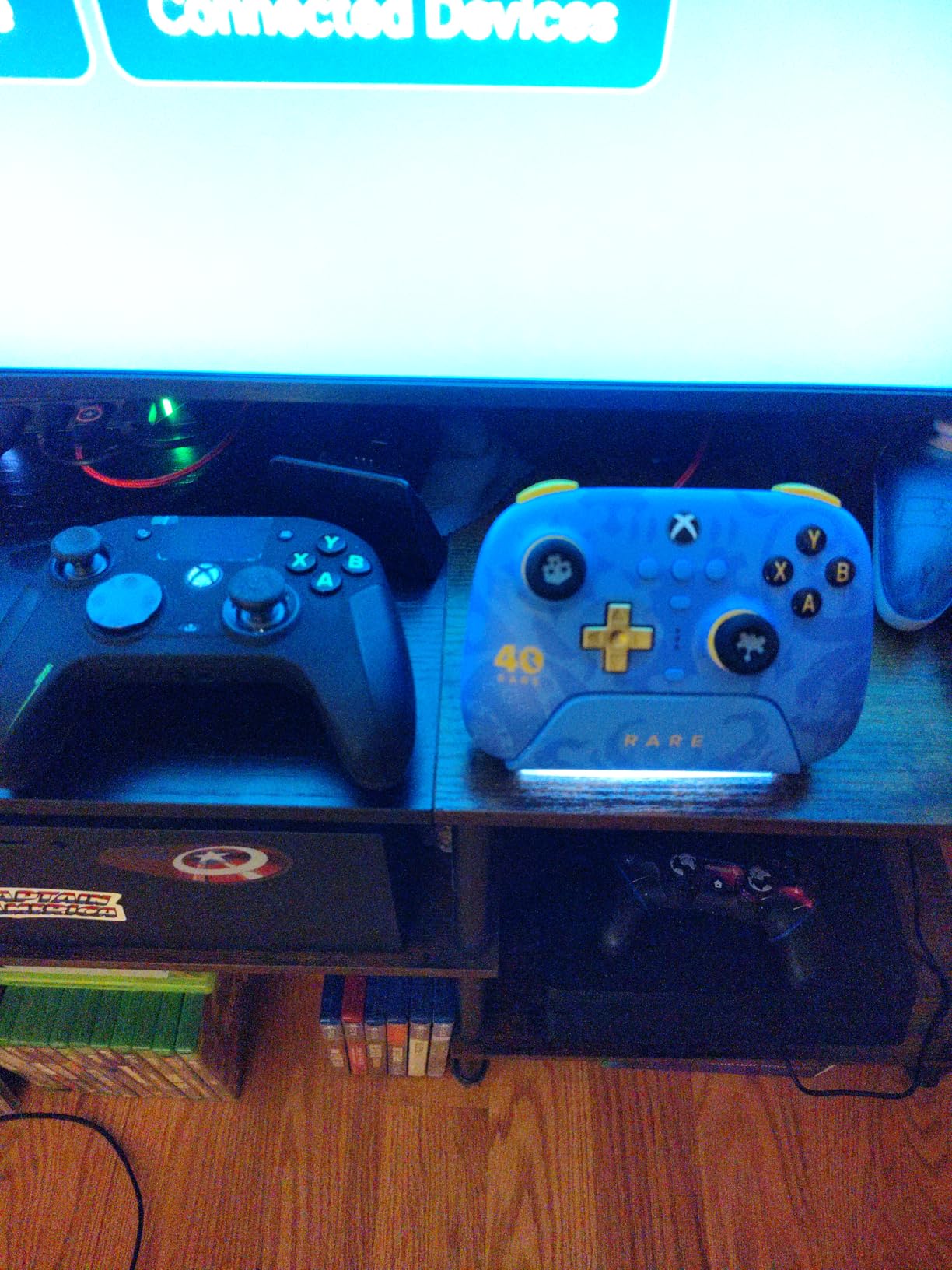
8BitDo Ultimate 3-mode Wireless Controller for Xbox, Hall Effect Joysticks, Pro Back Buttons, Compatibility with Xbox Series X|S & Xbox One, Apple, Windows PC & Android – Rare 40th Anniversary Edition
Hall effect sticks and triggers
Two pro back paddles
2.4G wireless and Bluetooth
Integrated charging dock
Pros
- First 2.4G wireless Xbox controller from 8BitDo
- Officially licensed by Xbox and Rare
- Works across Xbox Windows Apple and Android
- Back paddles positioned for pinky and index reach
Cons
- 2.4G receiver occupies a console port
- Impulse triggers and vibration only on Xbox and Windows
- Listed weight of 100 g looks low for the controller
The 8BitDo Ultimate 3-Mode is the newest release in this group and the least battle-tested, but it answers a specific request well: wireless paddles with Hall effect sticks, across more platforms than most Xbox pads bother with.
Two pro back paddle buttons are positioned for the index fingers to reach, which is exactly the feature large hands appreciate, because without paddles you have to claw your fingers up to the shoulders of the pad.
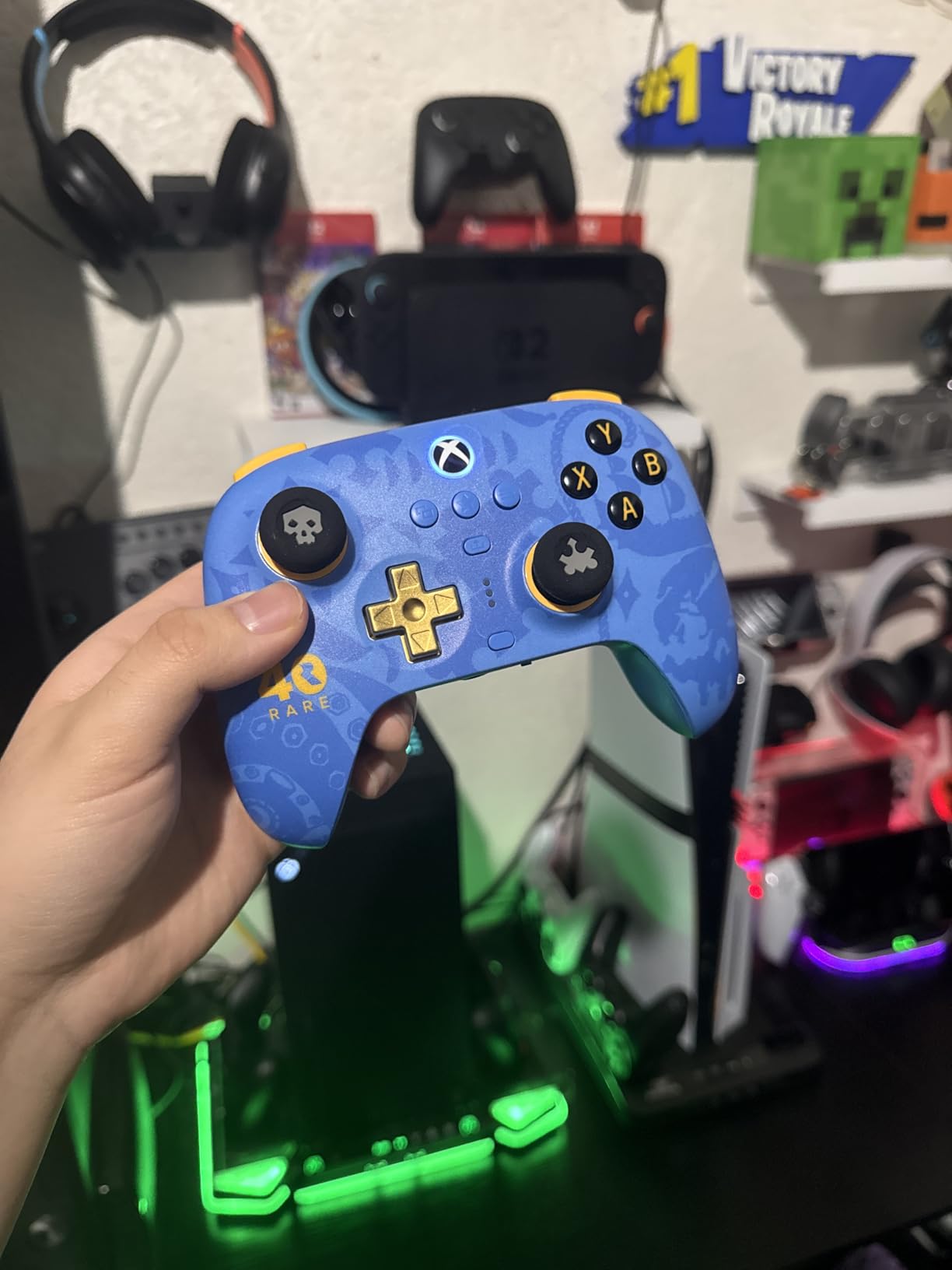
Connectivity is the headline. It is the first 2.4G wireless Xbox controller from 8BitDo, with Bluetooth for Apple and Android and wired USB for Xbox and Windows. It is officially licensed by Xbox and Rare.
The charging dock keeps it charged and auto-reconnects the controller when you lift it, so there is no re-pairing ritual. Three custom profiles are supported, along with a golden metal tactile D-pad.
Who it suits
It suits players who move between console, PC, Mac, iPad and Android without wanting to re-pair anything, and anyone who wants paddles and Hall effect sticks in a wireless body.
It also suits collectors and Rare fans, since the styling celebrates 40 years of the studio. The dock alone makes it a tidy living-room controller.
Where it falls short
The 2.4G receiver takes a console port, and impulse triggers and vibration only work on Xbox and Windows. Bluetooth on Apple and Android gives you input without the full haptic experience.
With 551 reviews it has the smallest base here, so long-term reliability is unproven. The listed weight of 100 g looks low for a controller of this class, so treat that figure with caution.
Hall Effect and TMR Sticks, and When Trigger Stops Hurt You
Stick technology is the easiest thing to overthink and the most important thing to get right, because a stick you dislike is a stick you will not enjoy no matter how good the grips are.
A conventional potentiometer stick relies on a resistive contact that wears down with use. That is the mechanism behind stick drift, and reviews in this group put the typical failure window at somewhere between 1.5 and 3.5 years depending on how roughly it is treated.
Hall effect sticks read the stick position magnetically, with no contact point to wear. The drift problem effectively disappears. The trade-off is that the feel can be slightly different from a conventional stick, and not every player prefers it.
TMR sticks, used in the GameSir G7 Pro, aim for a middle ground. They get Hall effect durability with a more conventional progressive feel, which is why they tend to be the easiest transition for long-time players.
For most large-handed buyers, Hall effect or TMR should be a checkbox rather than a luxury. A controller that drifts in year two sends you back to square one, and the pads that offer these technologies now start at the entry level.
Trigger stops help shooters and hurt racing games
Trigger stops shorten the distance a trigger travels before firing. For competitive shooters that is a straight upgrade, because a shorter pull means a faster reaction. For racing and role-playing games it is often the opposite of what you want, since a progressive pull is what gives you control over throttle and heavy attacks.
This is why pads with three-step or five-step trigger adjustments earn their place on this list. The Elite Series 2, the PowerA FUSION Pro 4 and the Victrix Pro BFG all let you change the setting without replacing the controller. If you play more than one genre, that flexibility is worth more than a shorter default pull.
Why back paddles matter more for larger hands
On a small pad, a large hand reaches the triggers and bumpers without much bending, so paddles are a competitive edge. On a pad that is already too small, the same reach requires your fingers to claw upward, which is precisely the position that builds fatigue.
Paddles move two inputs onto the middle fingers resting under the handle, so the index fingers can relax. That is why the Elite Series 2, the G7 SE, the Victrix Pro BFG and the 8BitDo Ultimate 3-Mode all place them where the fingers naturally fall rather than on the shell face.
Why Your Hands Hurt on a Standard Pad, and What to Change
Most people who describe hand pain from a controller describe the same four things, and all four are shape problems rather than medical ones.
First, the palm hangs off the end of the grip because the handles are too short, so your weight rests on your fingertips. Second, the grip is too narrow or too smooth, so you squeeze harder than the task requires.
Third, the handle angle points inward, forcing an unnatural thumb and wrist angle. Fourth, the pad is too light, so your grip tightens as you counter movement. Adding length, texture and a little weight addresses all four. That is most of the argument for a heavier pad with rubberised grips over a light plastic one.
The cheapest intervention is not a new controller at all. A grip cover or silicone wrap adds texture and a fraction of an inch of diameter to each handle, and for a pad that is only slightly too small it makes a real difference. Grip covers do not add handle length, so they help a cramped grip far more than they help a short one.
Whichever controller you pick, take a break every hour or so and change your grip style between sessions. Persistent numbness, tingling or pain that lasts after you stop playing is not a controller problem, and it is worth raising with a clinician rather than buying a bigger pad.
Frequently Asked Questions
Which Xbox controller is best for large hands?
The Xbox Elite Series 2 is our top pick for large hands. It has the deepest wrap-around rubberised grips in this group, adjustable-tension thumbsticks with six interchangeable tops, and a three-step hair trigger system you can change per game. Its 16-ounce weight keeps the pad in your palm rather than in your fingertips, and three saved profiles switch from a dedicated button.
Is the Xbox Series X controller good for large hands?
Often not, which is why it does not appear on this list. The current standard Xbox pad is narrower and shallower than the Xbox One and Xbox 360 shapes, so players with large hands frequently report that their palms hang off the grips and their fingers cramp after about an hour. If you already own one and like it, a grip cover helps a little, but it does not add handle length.
How do I measure my hand size for a controller?
Measure three things: the length of your hand from the wrist crease to the tip of your middle finger, the hand span from thumb tip to little finger tip with the hand stretched, and the opening made when your thumb and index finger form a loose C. If your hand length is long, prioritise handle length. If your span is wide, prioritise body width and thumbstick spacing. Handle length decides more than any other measurement.
Why are my hands hurting when I use my Xbox controller?
Four shape problems cause most controller hand pain: the palm hanging off the end of grips that are too short, a grip that is too narrow or smooth so you squeeze harder than needed, handles angled inward instead of flaring outward, and a controller light enough that your grip tightens as you counter movement. Adding handle length, textured grips and some weight addresses all four. Take a break every hour and change grip style between sessions.
Can Xbox controllers cause carpal tunnel syndrome?
No controller directly causes carpal tunnel syndrome, but a badly sized pad forces you into a sustained bent-wrist, clenched-finger position that raises the strain on the same tendons over long periods. A controller that fits your hand lets your wrist stay neutral and your fingers relax, which is the practical harm reduction available to you. Numbness, tingling or pain that continues after you stop playing is a clinical question, not a shopping one.
Which Xbox controller with paddles is the best?
The Xbox Elite Series 2 has the best paddle placement, with the paddles sitting where the index fingers already rest so nothing changes in your grip. The PDP Victrix Pro BFG has the most capable paddles, since all four are remappable and can bind to inputs the Elite cannot reach. For wireless, the 8BitDo Ultimate 3-Mode is the newest pad here with paddles and a 2.4G receiver rather than console wireless.
The Best Xbox Controllers for Large Hands in 2026
The Xbox Elite Series 2 remains the answer to the question behind this search. Its wrap-around rubberised grips, adjustable-tension sticks and per-game trigger stops handle more of the fit problem than any other pad in this roundup, and 47k+ reviews at 4.3 stars reflect that.
If the budget is the constraint rather than the shape, the GameSir G7 SE gets you Hall effect sticks and triggers plus locking rear paddles, which solves the durability half of the problem at the entry level. If the shape itself is wrong no matter which stick you fit, the Nacon Revolution X Unlimited is the only pad here with rings, weights and head styles that genuinely change the footprint.
Check the measurements against your own hand before you order, and buy the one whose handle length you can wrap a palm around rather than the one with the longest feature list.