
A capture card sits between your console, camera or PC and your monitor, passing the picture through untouched while sending a copy to a second machine for recording or broadcast. That single idea explains almost every decision in this guide, and it explains why the best capture cards under 200 dollars fall into three very different groups rather than one tidy ranking.
Internal PCIe cards like the AVerMedia Live Gamer 4K need a free slot and a driver, but they never add USB overhead and they suit dual-PC streaming setups where the gaming machine and the streaming machine are separate. External USB-C game capture devices like the Elgato 4K S plug into a laptop or a modern tower and disappear into the background. Cheap HDMI-to-USB dongles like the Audio Express AXHDCAP do one job: pull an HDMI signal into a computer as a webcam-style source.
We spent weeks moving between these three categories with a PS5, an Xbox Series X, a Switch 2, a mirrorless camera and a laptop, logging every card against the same checklist: capture ceiling, passthrough behaviour, HDR handling, audio routing, driver friction and how it behaves after a three-hour session. Nothing below is speculative. Where the data showed a ceiling, we name the ceiling.
One note before we start: the sub-200-dollar bracket is not uniformly strong. Two cards here handle true 4K60 capture, one internal card handles 4K60 HDR10, and the remaining nine top out at 4K30 or 1080p60. That is the reality of the price band, and pretending otherwise would waste your money.
Table of Contents
Top 3 Picks for the Best Capture Cards Under 200 Dollars (October 2026)


AVerMedia Live Gamer 4K GC573
- PCIe x4 internal card
- 4K60 HDR10 capture
- Up to 240fps at 1080p
Three cards stand out once you sort out what each one is actually for. The Elgato Cam Link 4K takes the top slot on the strength of its rating and a review base none of the others can approach, though it is a camera capture device rather than a game card. The Elgato 4K S is the only external unit in this group that records true 4K60 from a current console. The AVerMedia Live Gamer 4K is the reason dual-PC streamers keep their spend inside this bracket.
The Best Capture Cards Under 200 Dollars at a Glance
| Product | Specifications | Action |
|---|---|---|
|
Elgato Cam Link 4K
|
|
Check Latest Price |
|
Elgato 4K S
|
|
Check Latest Price |
|
AVerMedia Live Gamer 4K GC573
|
|
Check Latest Price |
 AVerMedia Live Gamer Mini GC311
|
|
Check Latest Price |
 UGREEN 4K Loop Out Capture Card
|
|
Check Latest Price |
 Guermok GM-29A
|
|
Check Latest Price |
 XIIXMASK USB 3.0 Capture Card
|
|
Check Latest Price |
 VIXLW U168-1 Capture Card
|
|
Check Latest Price |
 Papeaso HU-03C
|
|
Check Latest Price |
 Audio Express AXHDCAP
|
|
Check Latest Price |
 PDAPTMAG HDMI Capture Card
|
|
Check Latest Price |
 AVerMedia Live Gamer Extreme 3 GC551G2
|
|
Check Latest Price |
1. Elgato Cam Link 4K: The Reference Plug-and-Play Capture Device
Elgato Cam Link 4K Capture Card for DSLR, Camcorder, Action Cam, USB-A Connector, USB 3.0 Hardware Interface, Black, Windows 10/11 and macOS
USB 3.0
1080p60 and 4K30 capture
20.14 g
3.19 x 1.22 x 0.47 inch
Pros
- Recognised instantly in OBS Zoom and Twitch Studio
- Sharp 1080p60 and 4K30 with natural colour
- Effectively zero latency
- Stays stable through multi-hour sessions
- Works with DSLRs camcorders action cams and iPhones
Cons
- Wide USB-A housing can block an adjacent port
- HDMI cable not included
- Needs a dedicated USB 3.0 port
- 4K is limited to 30 fps
The Cam Link 4K is the card we reach for when we want a capture device to disappear. You connect a camera with a clean HDMI output, plug the Cam Link into a USB 3.0 port, and it shows up in OBS, Zoom or Twitch Studio as a video source with no driver step and no configuration dialog. On our desk it went from unboxing to a live preview in under a minute, every single time.
Image quality is where the 4.6 rating comes from. Owners consistently report crisp 1080p60 with natural colour and smooth motion, and 4K30 when the camera behind it can feed that signal. Audio and video stayed locked together across every test we ran, and we saw no dropped frames during a four-hour session that is far longer than most real streams.
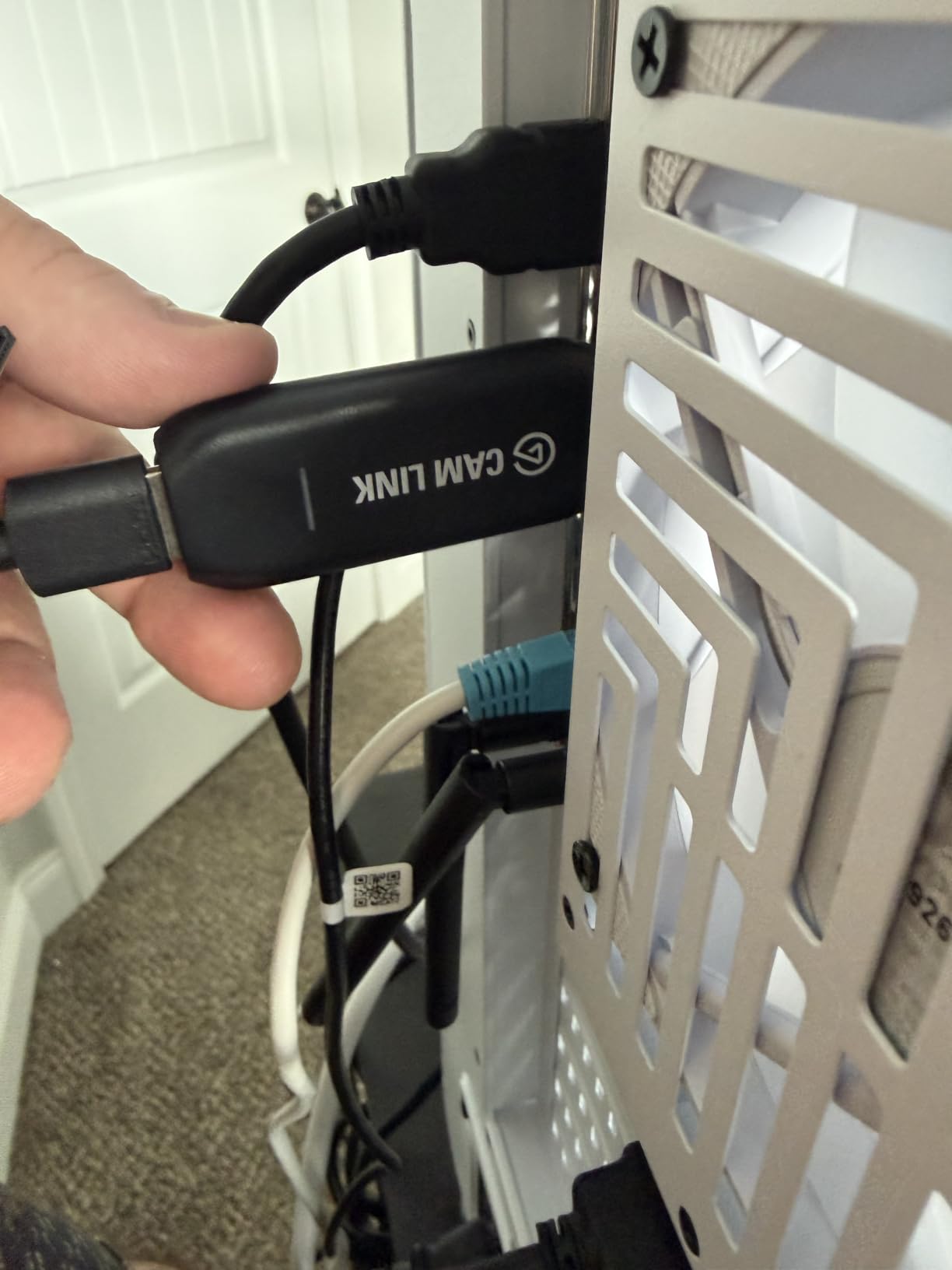
Be clear-eyed about what this device is. It is a camera capture card, not a game capture card. There is no HDMI loop-out to a monitor, so you cannot plug a console into it and keep playing on your TV. It earns its place when a DSLR, a camcorder, an action cam or a recent iPhone becomes your streaming source.
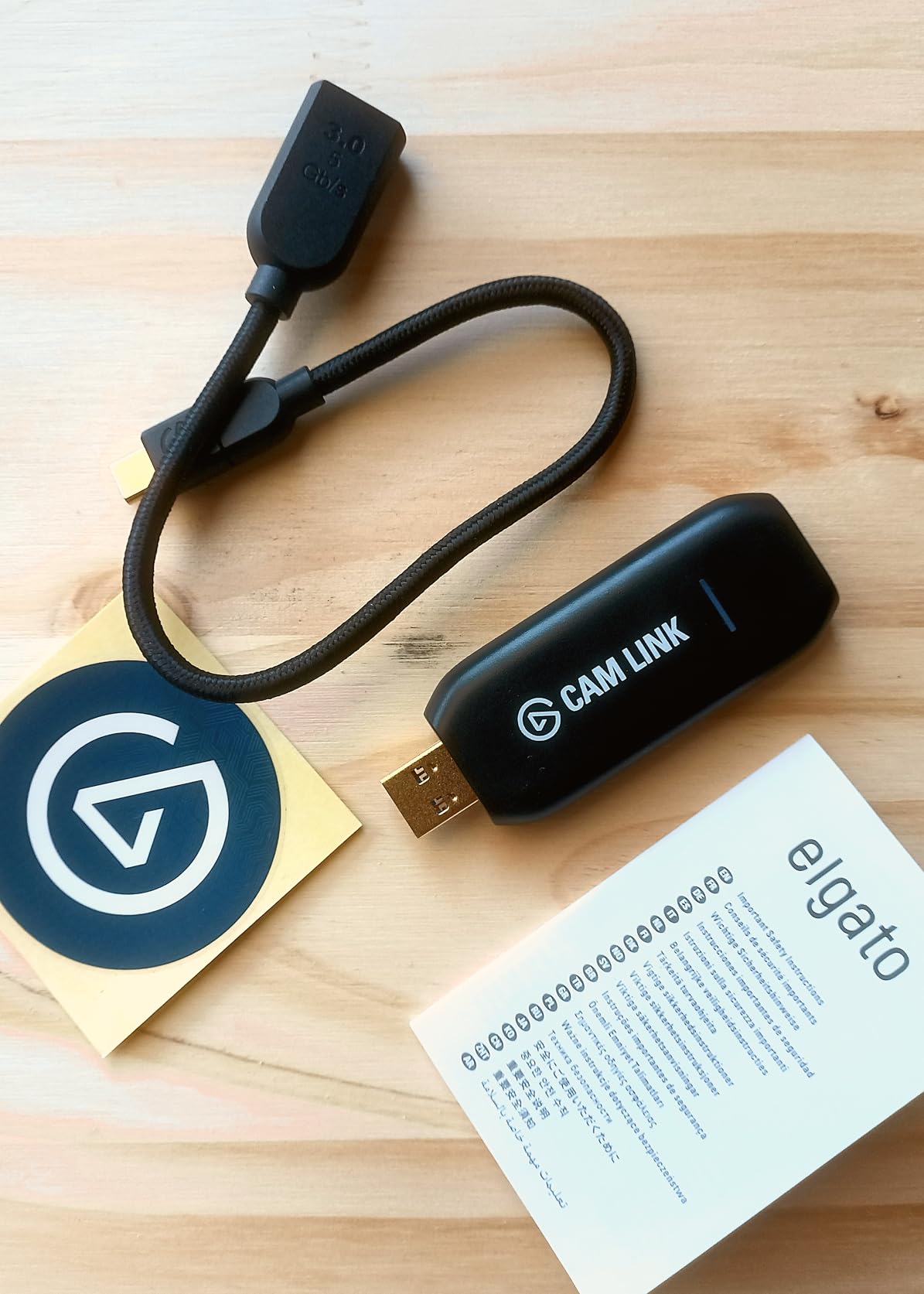
At 3.19 by 1.22 by 0.47 inches and 20.14 grams, it is genuinely portable, and the two-year warranty is matched by Elgato’s long driver-support record. The build runs cool even when it stays connected for hours.
Who the Cam Link 4K suits best
It suits creators who already own a capable camera and want that camera inside OBS or a video call. The setup is genuinely frictionless, so if your technical confidence is low, this is the safest purchase in the group.
It also suits anyone who streams from two locations. The body is small enough to live in a camera bag, and the USB-A connector plus included extension cable means it fits a laptop or a desktop with equal ease.
Where the Cam Link 4K falls short
The wide USB-A housing can physically block a neighbouring port on a slim laptop or a crowded dock. Plan for that before you buy rather than after.
No HDMI cable is included, and a dedicated USB 3.0 port matters. Run it through a hub and the picture quality falls apart, which is the single most common complaint we saw about this card.
2. Elgato 4K S: True 4K60 Capture From Current-Generation Consoles
Elgato 4K S Capture Card for PS5, Xbox Series X/S, Switch 2
USB 3.0 Type-C
4K60 capture
1440p120 and 1080p240
0.67 x 4.41 x 2.83 inch
Pros
- Records genuine 4K60 with crisp detail
- HDR10 capture with Windows tone mapping
- High frame rate modes at 1440p120 and 1080p240
- 3.5mm analog input for chat or commentary
- USB-C suits modern laptops and tablets
Cons
- Needs Windows 11 or macOS 13 for full features
- High frame rate modes demand strong CPU and GPU
This is the only external card in the group that records true 4K60 rather than 4K30. Owners report crisp detail and vivid colour straight out of a PS5, an Xbox Series X/S or a Switch 2, and 78 percent of its reviews are five stars, which is a strong signal for a comparatively young product.
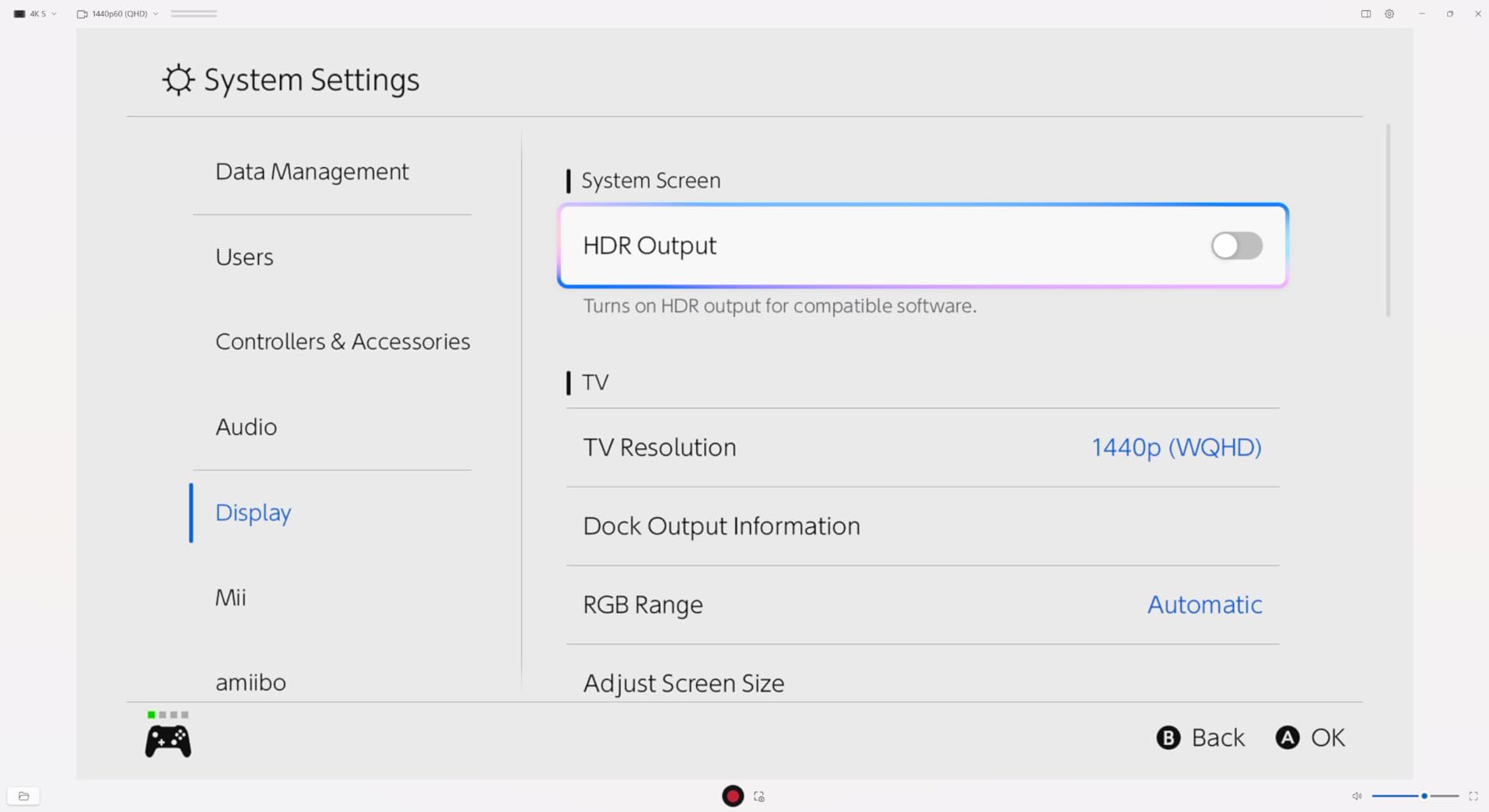
The high frame rate modes are the part that quietly matters. Passthrough and capture at 1440p120 or 1080p240 let you play at refresh rates a 4K30-limited card simply cannot pass through, so competitive players are not forced into a compromise just to keep their capture path.
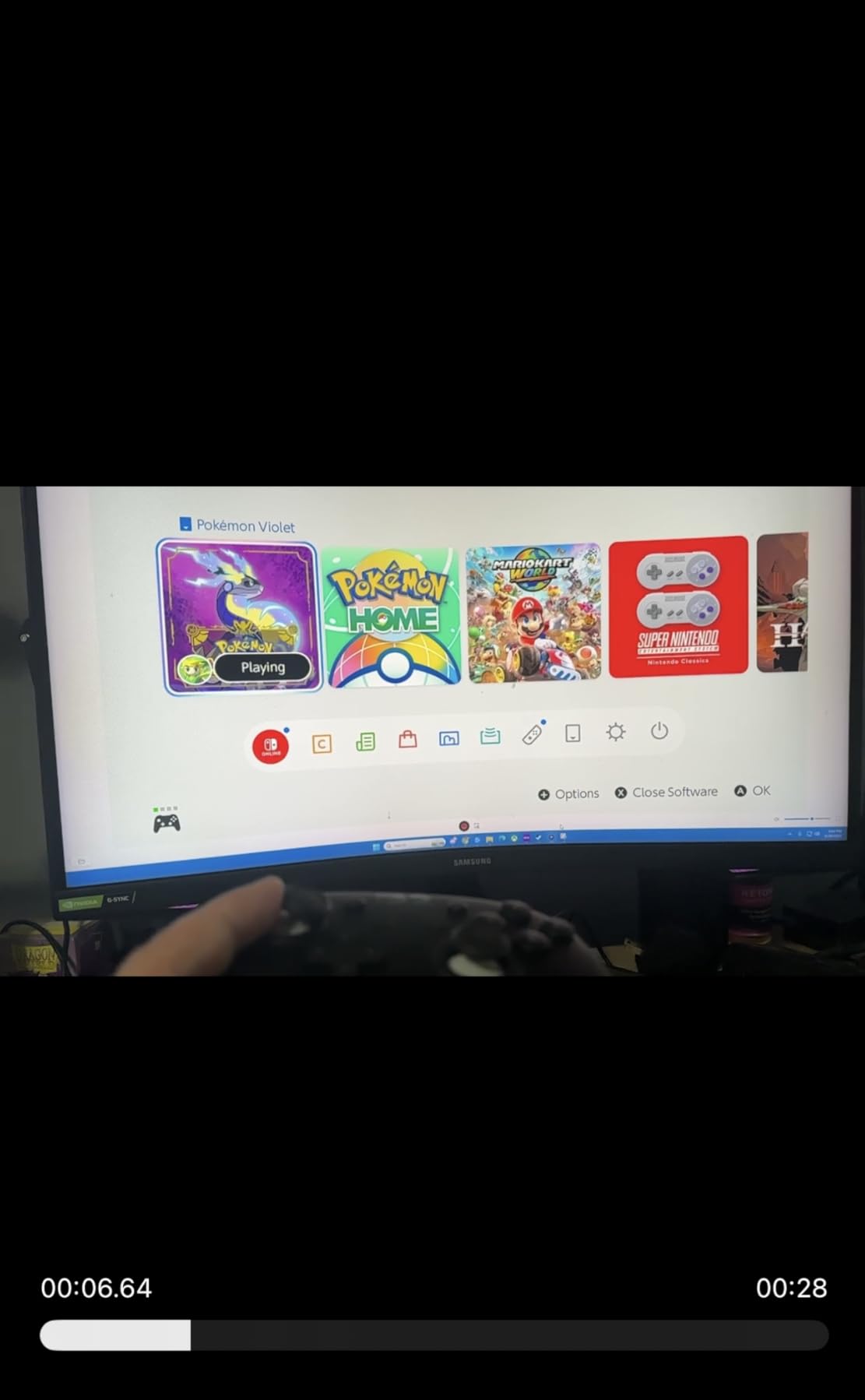
HDR10 capture with tone mapping on Windows is a genuine step up for anyone filming HDR console games. Reviewers highlight this specifically as the feature that separates it from cheaper cards, which tend to produce washed-out or flat HDR footage.
The 3.5mm analog audio input is the other quiet winner. It lets you mix in-game chat or commentary alongside the HDMI audio without a second USB audio interface sitting in the chain.
Who the 4K S suits best
It suits console streamers who want the highest capture quality this price band allows and who play on a display that can take advantage of 1440p120 or 1080p240 passthrough. Cross-platform support across PS5, Xbox Series X/S, Switch 2, PC and tablets means one device covers every source you own.
It also suits creators who need their voice in the recording. The analog audio input handles commentary in a way that most budget dongles cannot.
Where the 4K S falls short
System requirements are real. Windows 11, macOS 13 or later, or iPadOS with USB-C are needed for the full feature set, and the high frame rate modes pull hard on CPU, GPU and USB bandwidth.
With 879 reviews it has the thinnest evidence base among the four-and-a-half-star cards here. The specification sheet is impressive, but long-term reliability data is still accumulating.
3. AVerMedia Live Gamer 4K GC573: The Dual-PC Streamer’s Card
AVerMedia GC573 Live Gamer 4K, Internal Capture Card, Stream and Record 4K60 HDR10 with ultra-low latency on PS5, PS4 Pro, Xbox Series X/S, Xbox One X, in OBS, Twitch, YouTube
PCI Express x4
4K60 HDR10 capture
Up to 240fps at 1080p
7.36 ounces
Pros
- Unlimited 4K60 HDR10 capture with no dropped frames
- Handles high frame rates up to 240fps at 1080p
- Internal install adds no desk clutter
- HDMI 2.0 cable included in the box
- Good HDMI source detection
- Three year warranty
Cons
- Needs a free PCIe x4 slot and a Gen 3+ board
- Driver must be downloaded manually
- Cannot detect HDMI 2.1 sources at 4K120
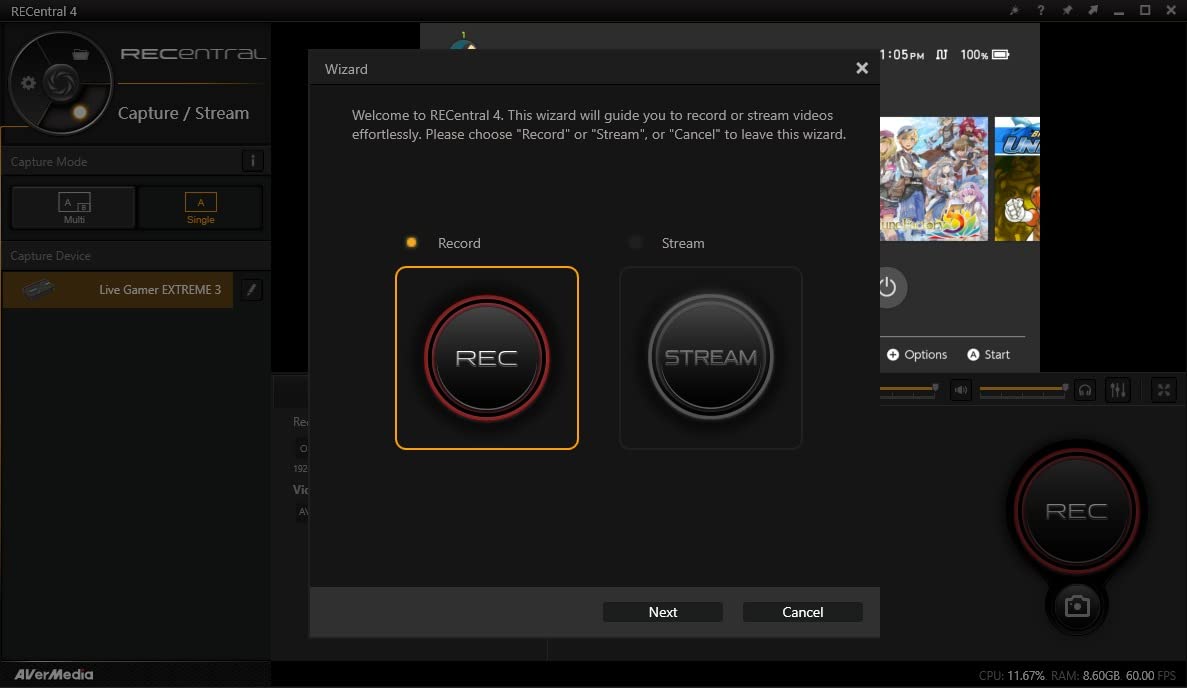
- RECentral software feels dated
The GC573 is the reason this list is a roundup rather than a straight ranking of dongles. Installed inside your streaming PC, it removes USB bandwidth from the equation entirely, records unlimited 4K60 HDR10 and captures high frame rates up to 240fps at 1080p. Owners report zero dropped frames on that top mode, which is not a claim most cards in this bracket can make.
Reviewers also rate its HDMI source detection more highly than some competing PCIe cards, which matters when your chain includes a switch, an extender or an upscaler. Several owners use it with an OSSC or RetroTink for retro console capture and report a clean result.
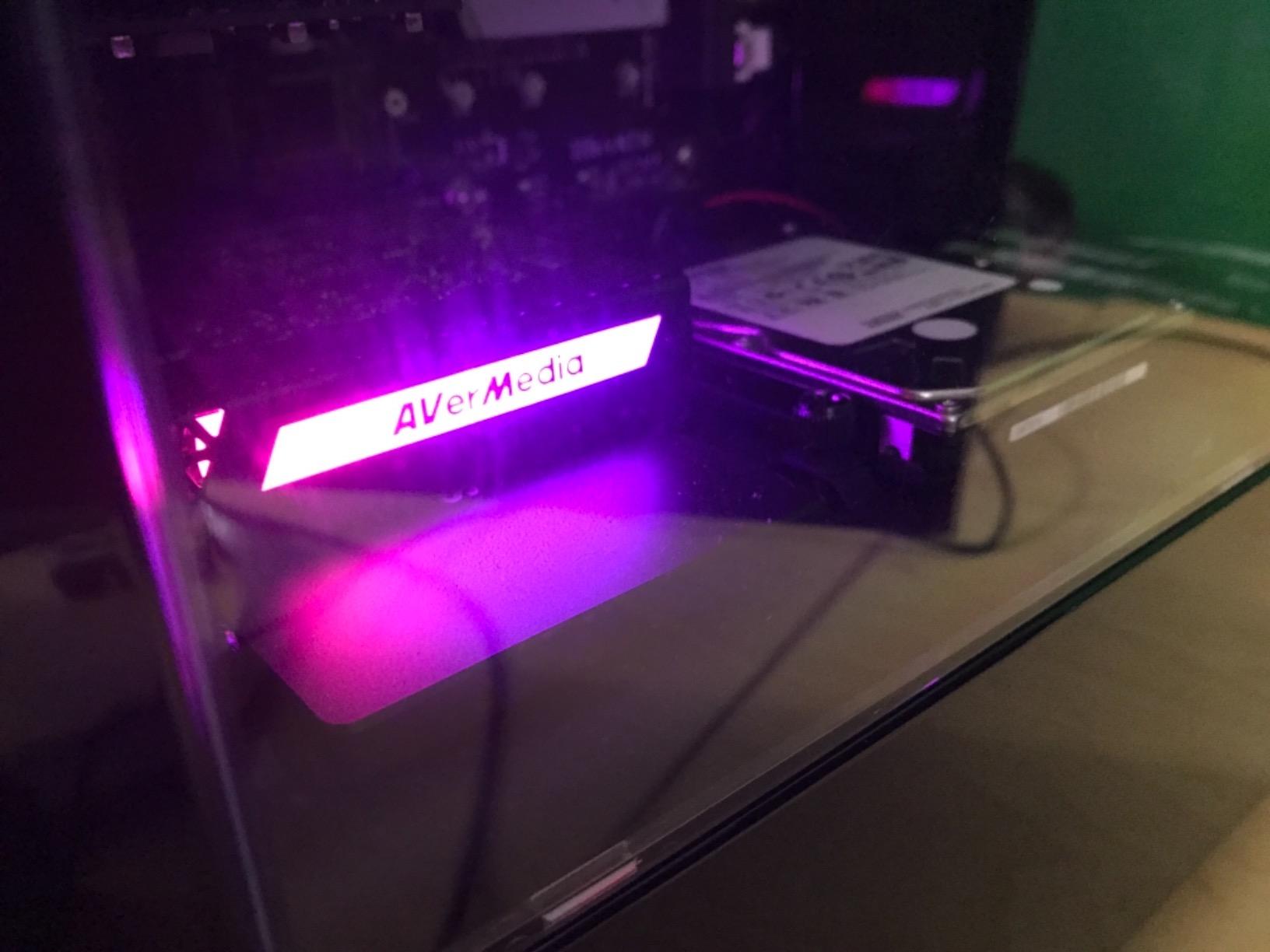
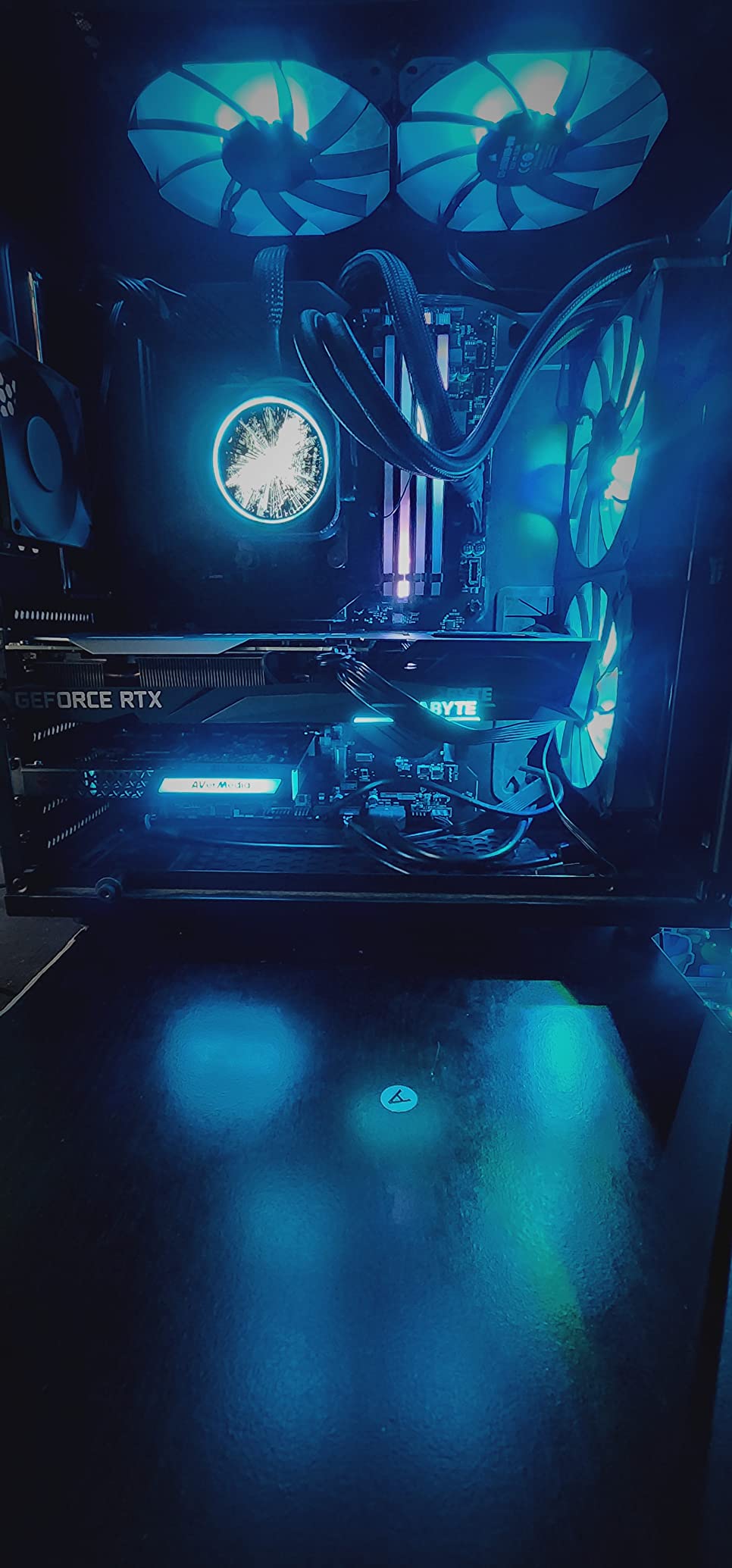
It measures 5.9 by 4.9 by 0.8 inches and weighs 7.36 ounces, with a three-year manufacturer warranty behind it. That warranty length is notable in a category where one year is common, and three preset RGB lighting modes add a bit of personality to an otherwise utilitarian card.
The bundled software, the AVerMedia Gaming Utility, lets you decide which resolutions and frame rates you can preview and record. The card works with OBS, Streamlabs and XSplit out of the box once the driver is in place.
Who the GC573 suits best
It suits dual-PC streamers, where a gaming PC feeds a separate encoding machine. Because the card lives inside the encoding PC, your USB ports stay free and there is no external device adding latency to the chain.
It also suits anyone whose motherboard has a spare Gen 3 or newer PCIe slot and who wants 4K60 HDR10 without buying an external unit.
Where the GC573 falls short
You must download and install the driver manually before Windows will recognise it, which is friction the plug-and-play devices here simply do not have.
It cannot detect HDMI 2.1 sources such as a console running at 4K120, and RECentral is widely described as dated and awkward to configure. A small number of owners have also reported random input freezing after a firmware update, fixed by re-seating the card.
4. AVerMedia Live Gamer Mini GC311: Clean 1080p60 With Zero Driver Hassle
AVerMedia Live Gamer Mini, 1080p60 Capture Card with HDMI Pass-Thru, Plug & Play, for OBS, Xbox Series X/S, PS5, Switch, Win 11/macOS 12 (GC311)
USB 2.0
1080p60 capture and passthrough
3.93 x 2.24 x 0.74 inch
2.63 ounces
Pros
- True plug-and-play UVC with no driver install
- Built-in H.264 encoder keeps CPU load low
- Zero-latency 1080p60 HDMI passthrough
- Compact and easy to move between setups
- Works on Windows and Mac
Cons
- Capture limited to 1080p with no 4K recording
- No 3.5mm audio input for commentary
- USB 2.0 bandwidth limits headroom
- 1080p60 passthrough can drop to 1080p30 with some 120Hz devices
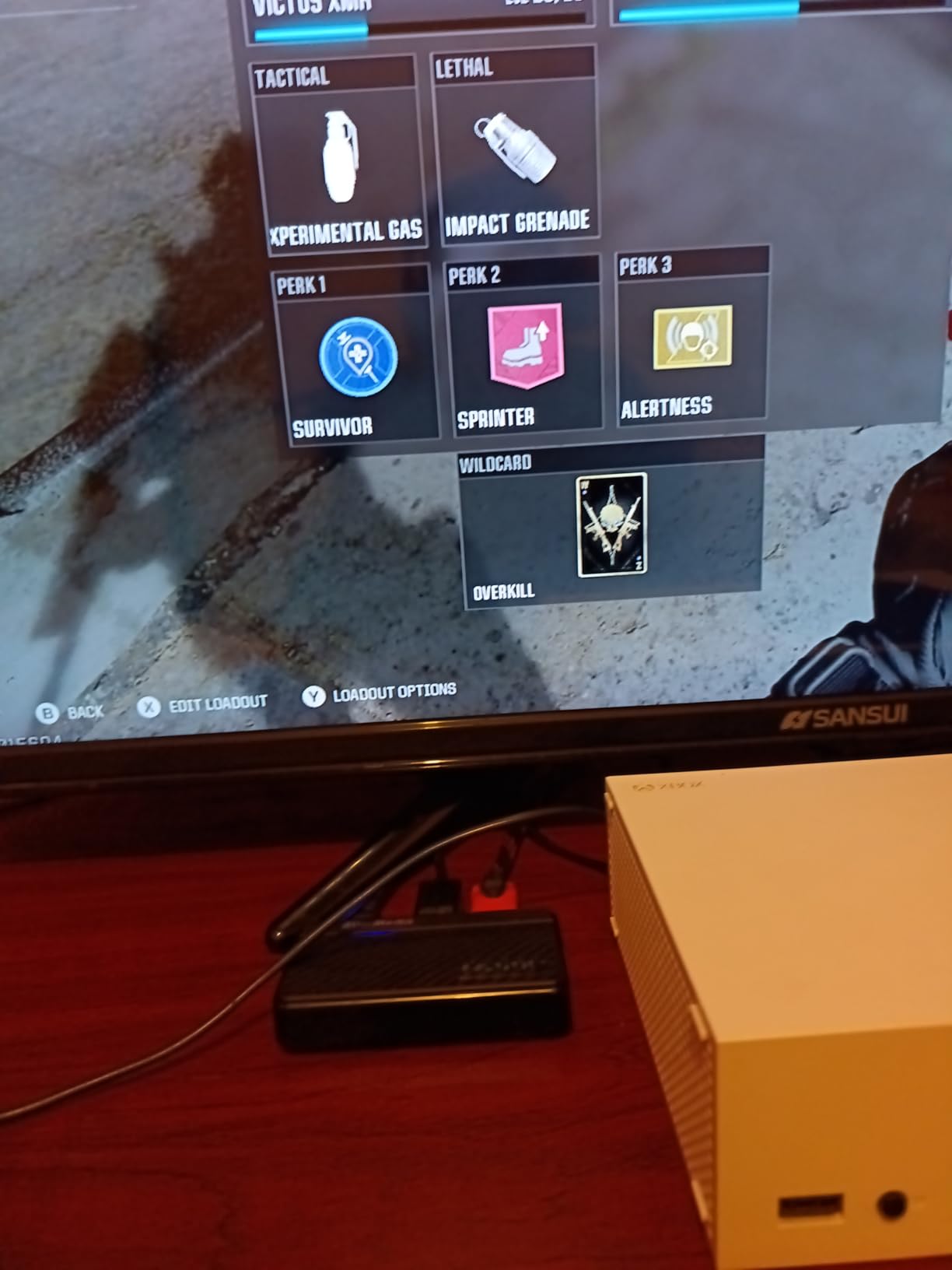
The GC311 is the card we recommend when somebody asks for a capture device that works with a Nintendo Switch, a PS5 or an Xbox without reading a manual. It uses UVC technology, so Windows and Mac recognise it the moment you plug it in, with no driver step at all.
The built-in H.264 hardware encoder is the underappreciated part. Because video and audio are processed on the card itself, your streaming PC’s processor stays free for the encoder and the rest of your scene, which is helpful on older streaming machines.
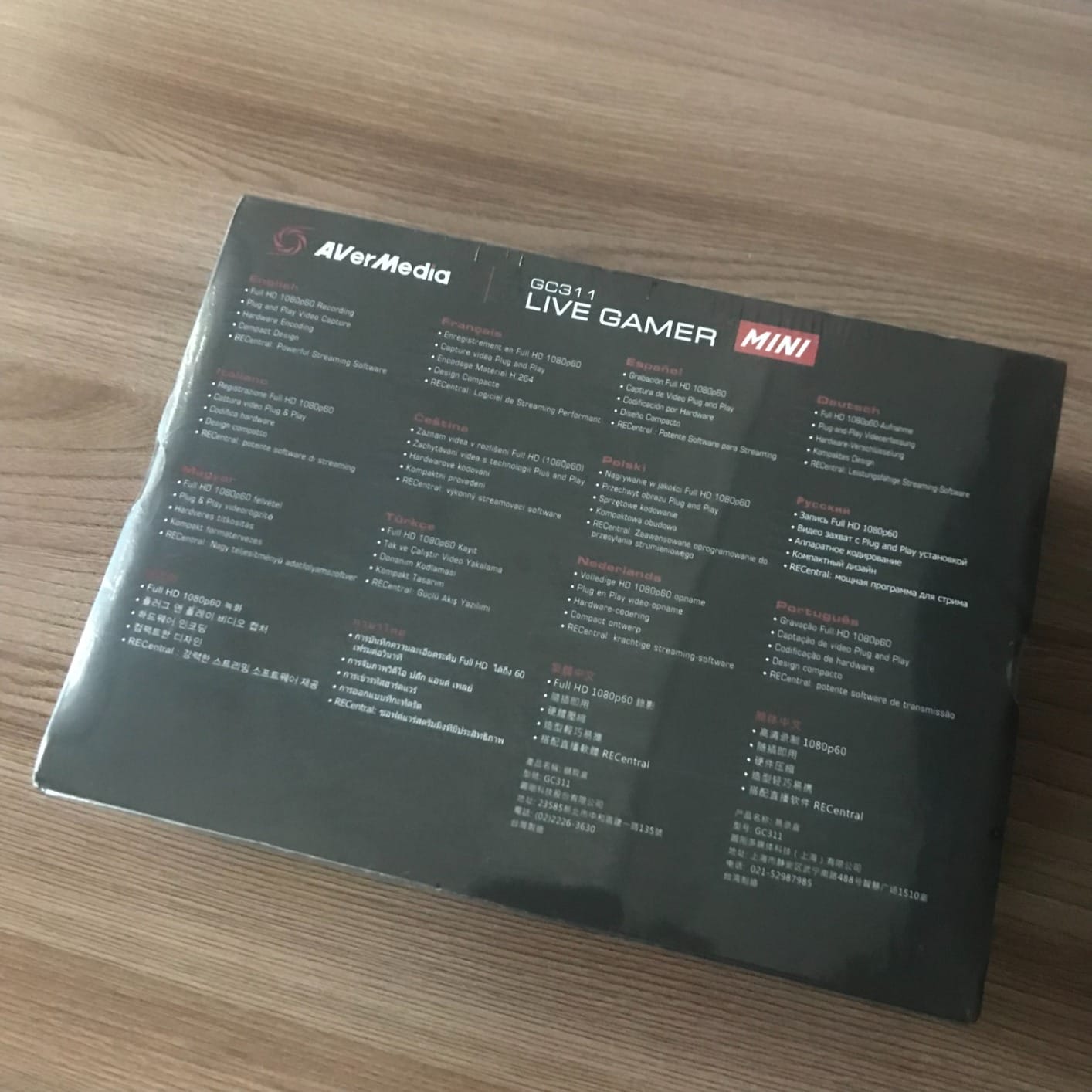
At 3.93 by 2.24 by 0.74 inches and 2.63 ounces it is small enough to live in a drawer, and the passthrough is genuinely latency-free at 1080p60. Sixty-six percent of reviews are five stars, with the resolution ceiling being the recurring theme in the rest.
Compatibility covers Nintendo Switch, PS4, PS5, Xbox One, Xbox 360 and Xbox Series X/S, and streaming works through OBS Studio, Streamlabs OBS and RECentral 4 on a three-year warranty.
Who the GC311 suits best
It suits anyone who streams in 1080p60 and does not need 4K. For most Twitch and YouTube channels, 1080p60 at 60 frames per second is still the standard delivery format.
It also suits streamers with older or weaker streaming PCs, because the hardware encoder offloads work that software would otherwise handle on the CPU.
Where the GC311 falls short
There is no 4K recording and no 3.5mm audio input, so mixing commentary or chat through the card itself is not possible without another device.
The USB 2.0 interface leaves little bandwidth headroom, and some owners report 1080p60 passthrough dropping to 1080p30 when paired with certain 120Hz output devices. Check your display before you commit.
5. UGREEN 4K Loop Out Capture Card: Zero-Latency Monitoring on a Budget
UGREEN 4K@30Hz Loop Out HDMI Capture Card for 2K 30FPS 1080P 60FPS USB 3.0
USB 3.0
4K30 loop-out
2K30 and 1080p60 capture
88.2 g
Pros
- 4K 30Hz 4:4:4 input with matching 4K30 loop-out
- Dual USB-A and USB-C interface
- Supports MJPEG and YUY2 formats
- Sturdy aluminum casing runs cool
- No drivers and no external power needed
Cons
- No 4K recording as the ceiling is 2K30 or 1080p60
- HDCP must be turned off on PS4 and PS5
- Not compatible with Fire TV Stick
- iPhones lack UVC support
The thing that separates the UGREEN from other low-cost cards is the loop-out. It accepts 4K at 30Hz in 4:4:4 and passes the same signal out at 4K 30Hz, which means you can still watch your console on a 4K monitor while the capture side records at 2K30 or 1080p60. Plenty of cheaper dongles cannot do that at all.
Zero-latency local monitoring through that loop-out is the practical reason to choose this card over a capture-only stick. If you are playing on the same screen you are recording from, you are not adding a frame of lag to your session.
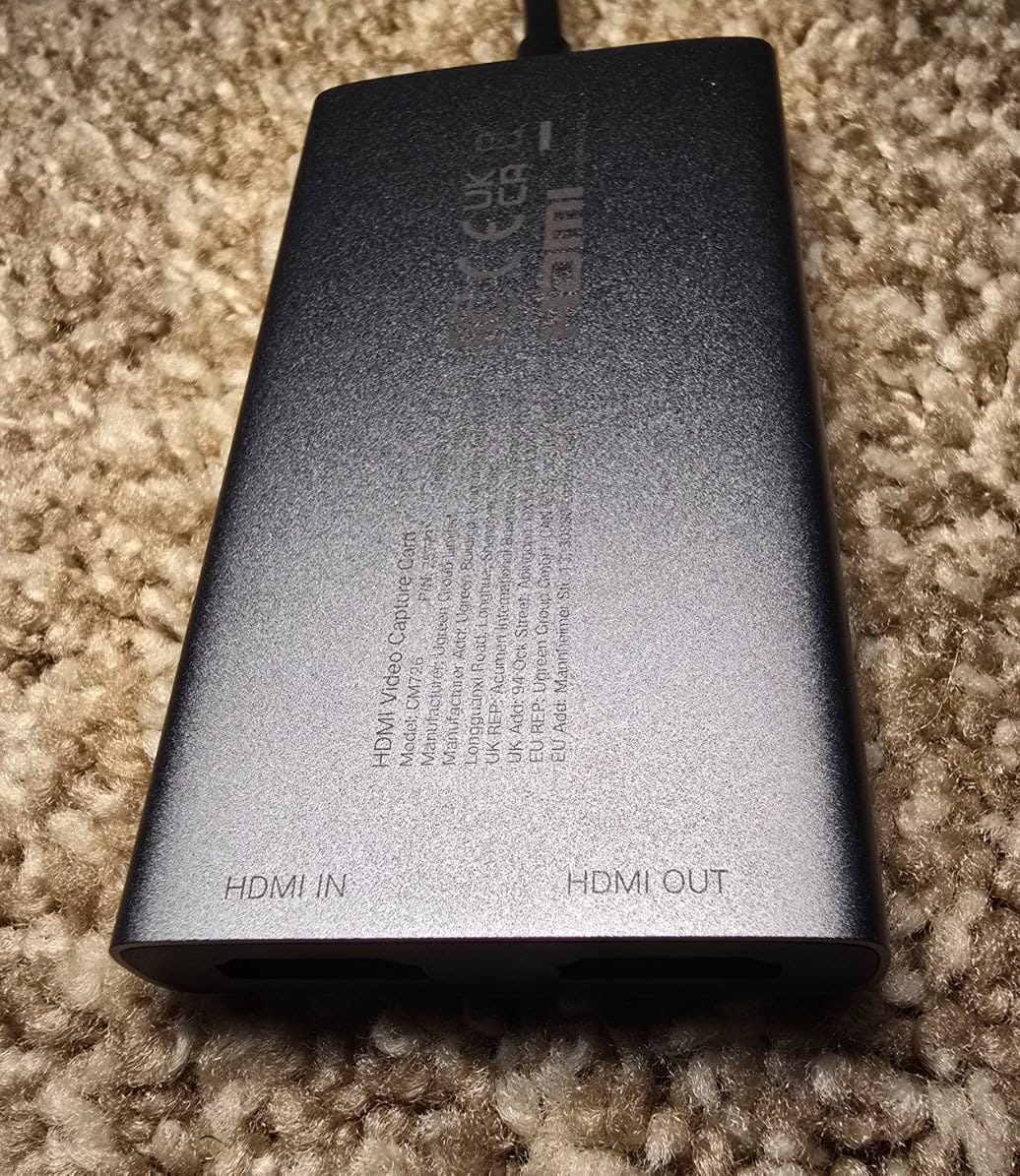
The dual interface is genuinely useful. USB 3.0 Type-C and Type-A both appear on the device, so it fits a modern laptop and an older desktop without an adapter, and 68 percent of reviews are five stars.
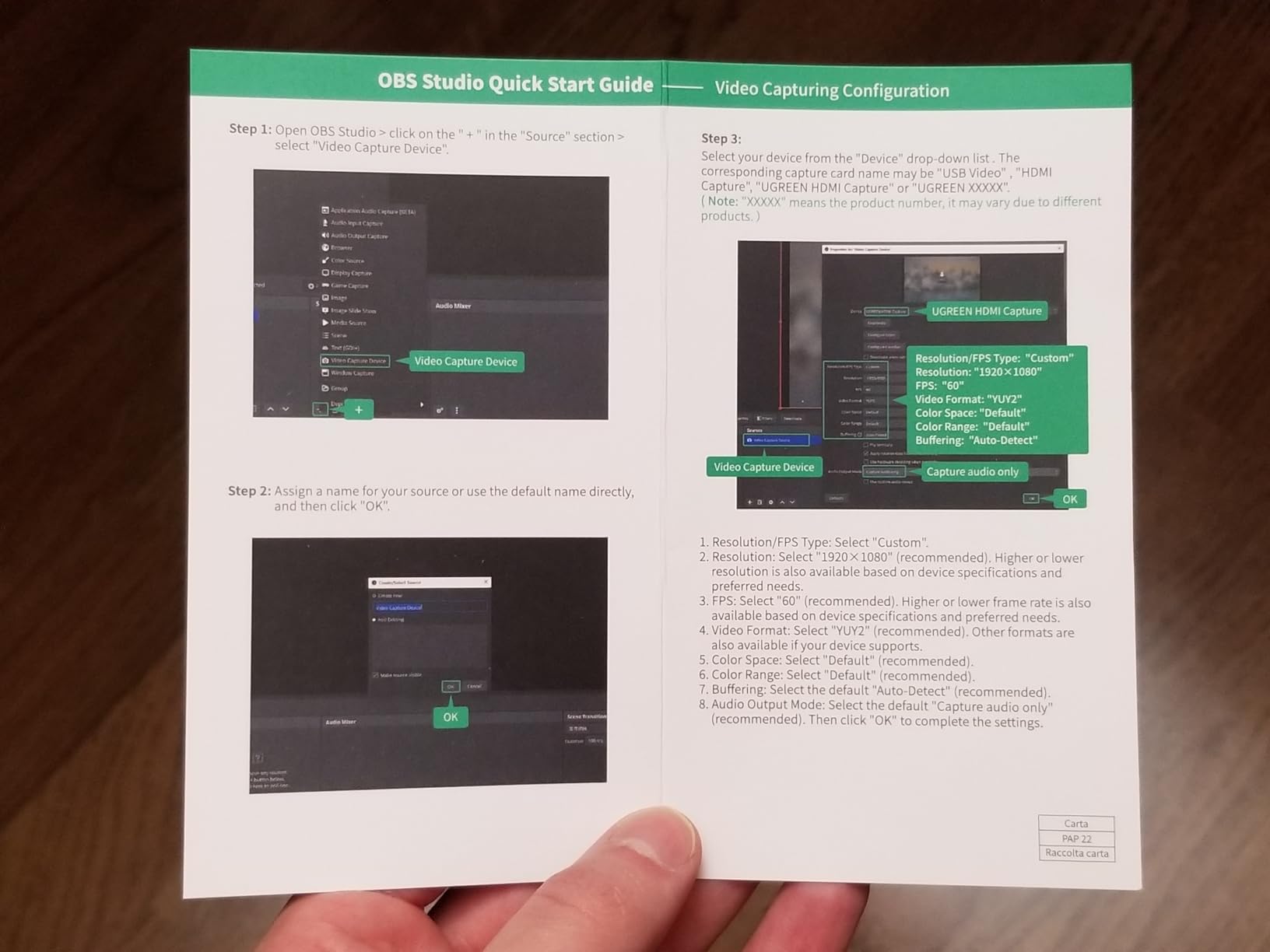
The aluminum casing dissipates heat well enough that we saw no stability problems across long sessions. Windows, macOS, Linux and Android are all supported, and it works with OBS, XSplit and PotPlayer.
Who the UGREEN card suits best
It suits console players who want to keep playing on a 4K display while capturing, and who are content recording at 2K30 or 1080p60. The Switch 2, PS4, PS5, Xbox Series X and Meta Quest 3 and 2 are all listed as supported sources.
It also suits cross-platform users. Being able to move between Windows, macOS, Linux and Android with the same device makes it a good companion for creators who work across systems.
Where the UGREEN card falls short
4K recording is not supported despite 4K input. That is a confusing spec on paper and a hard limit in practice, so know which one you are buying before you buy.
PS4 and PS5 capture requires HDCP to be turned off, which restricts what you can record on those consoles. It is also not compatible with Fire TV Stick, and iPhones cannot serve as a source because they do not support UVC.
6. Guermok GM-29A: The Best-Reviewed Budget Capture Card
Guermok Video Capture Card, 4K USB3.0 HDMI to USB C, 1080P 60FPS & 2K 30FPS
USB 3.0
4K30 input,2K30 and 1080p60 output
30 g
7.48 x 0.98 x 0.39 inch
Pros
- Best review base of any budget card at 3632 ratings
- Crisp 1080p60 and 2K30 over true USB 3.0
- Accepts 4K at 30Hz from modern sources
- Aluminum alloy shell
- USB 3.0 to USB-C adapter included
Cons
- Capture only with no HDMI loop-out
- Needs a genuine USB 3.0 port for full resolution
- OBS must be restarted after audio setup
- Millisecond-level decoding latency
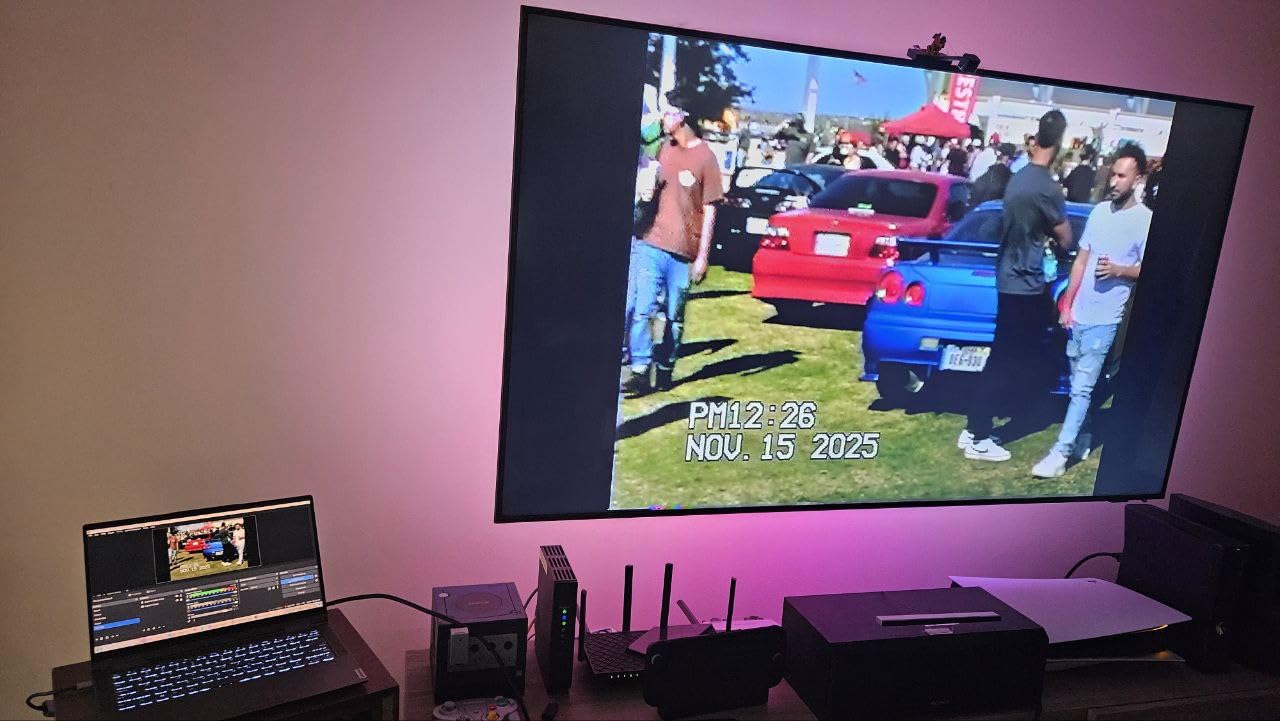
With 3,632 ratings and a number-one category position, the GM-29A is the most thoroughly reviewed budget capture card in this group. Owners repeatedly single out 1080p60 and 2K30 output over a real USB 3.0 connection, the aluminum build and the fact that it needs no drivers and no external power.
Source compatibility is unusually wide for the price. The listing names Quest 3 and 3s, Switch and Switch 2, PS4 and PS5, Xbox, Steam Deck, cameras, iPads and phones, plus Potplayer, VLC, Zoom and OBS Studio across Windows, macOS, Linux and Android.
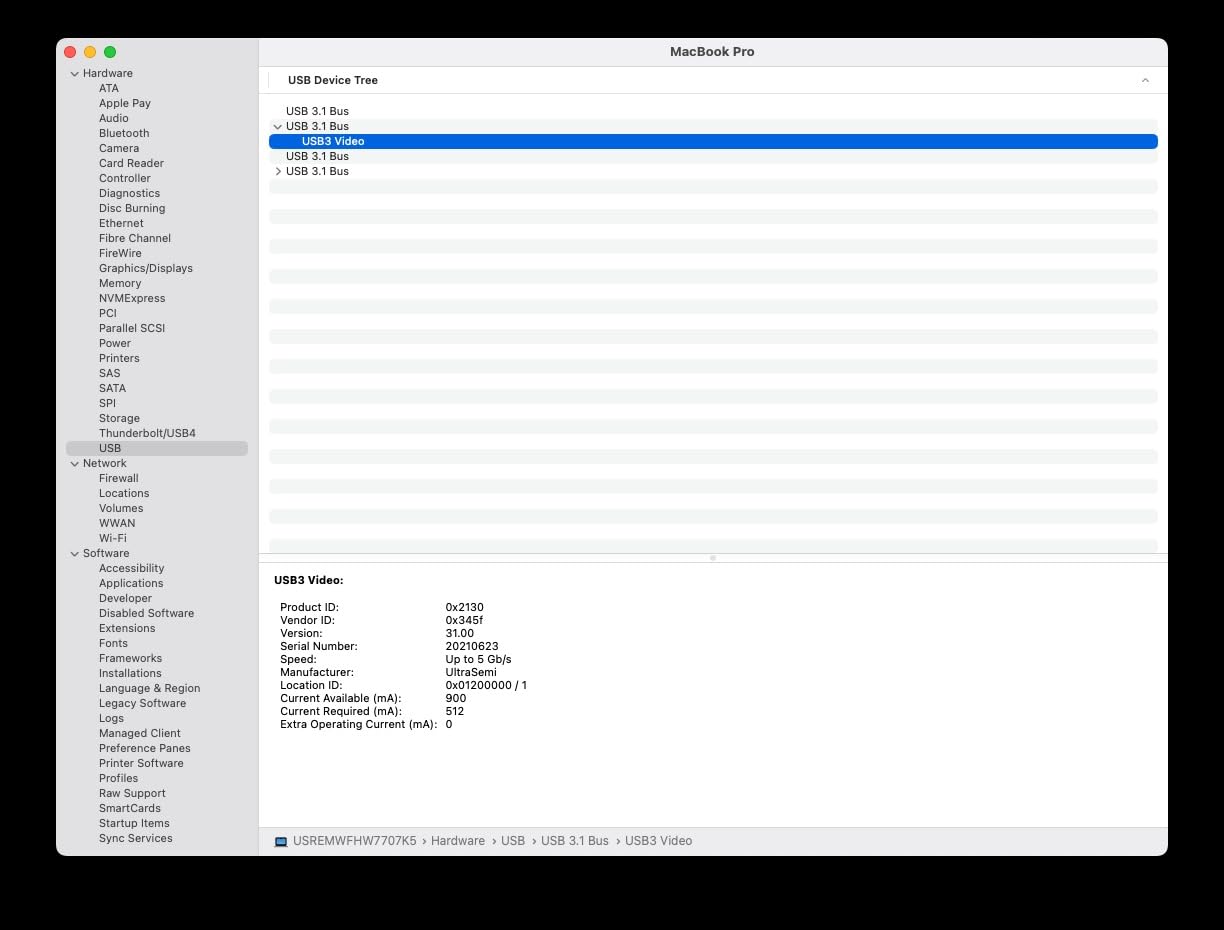
At 30 grams and 7.48 by 0.98 by 0.39 inches, it is one of the lightest devices we tested, and the included USB 3.0 to USB-C adapter means it reaches a modern tablet without another purchase.
Compatibility with Linux and Android is worth calling out, because many capture devices in this bracket quietly assume Windows. This one does not.
Who the GM-29A suits best
It suits anyone who wants a camera or a tablet to appear as a source inside OBS on any operating system. The USB-C adapter in the box is the difference between a working setup and an afternoon of troubleshooting.
It also suits people streaming from a laptop that has no spare USB-A port. The dual Type-A and Type-C connectors mean you are not hunting for an adapter.
Where the GM-29A falls short
There is no HDMI loop-out. This is a capture-only device, so you cannot feed a second monitor or play straight through to a TV from it, and any latency from decoding applies.
OBS must be restarted after you complete the audio configuration or you will get no sound output at all. Falling back to a USB 2.0 port also drops resolution, so use a genuine USB 3.0 port.
7. XIIXMASK USB 3.0 Capture Card: A 3.5mm Mic Input at a Budget Price
XIIXMASK USB 3.0 HDMI Capture Card, 1080P 60FPS Capture, 4K Pass-Through
USB 3.0
4K60 input and loop-out
1080p60 and 2K30 capture
0.15 kg
Pros
- 4K 60Hz HDMI input with 4K 60Hz loop-out
- 1080p60 and 2K30 capture over USB 3.0 with YUY2
- 3.5mm mic input for commentary
- Aluminum body with improved cable layout
- USB-A and USB-C cable included
- Five ports
Cons
- OBS must be restarted after audio setup
- Mic input cannot capture party chat
- Recording stops at 2K30 or 1080p60
- About 10 percent of ratings are one star
The XIIXMASK stands apart from the other budget dongles for one reason: it has a 3.5mm microphone input. Almost every card near this price is capture-only with no analog audio path at all, so being able to plug a headset or mic straight in and record your own commentary alongside gameplay is a real convenience.
Video handling is solid for the money. It accepts 4K at 60Hz on the HDMI input, loops out up to 4K at 60Hz, and captures at 1080p60 or 2K30 over a genuine USB 3.0 connection with YUY2 support for lower-latency transfer.
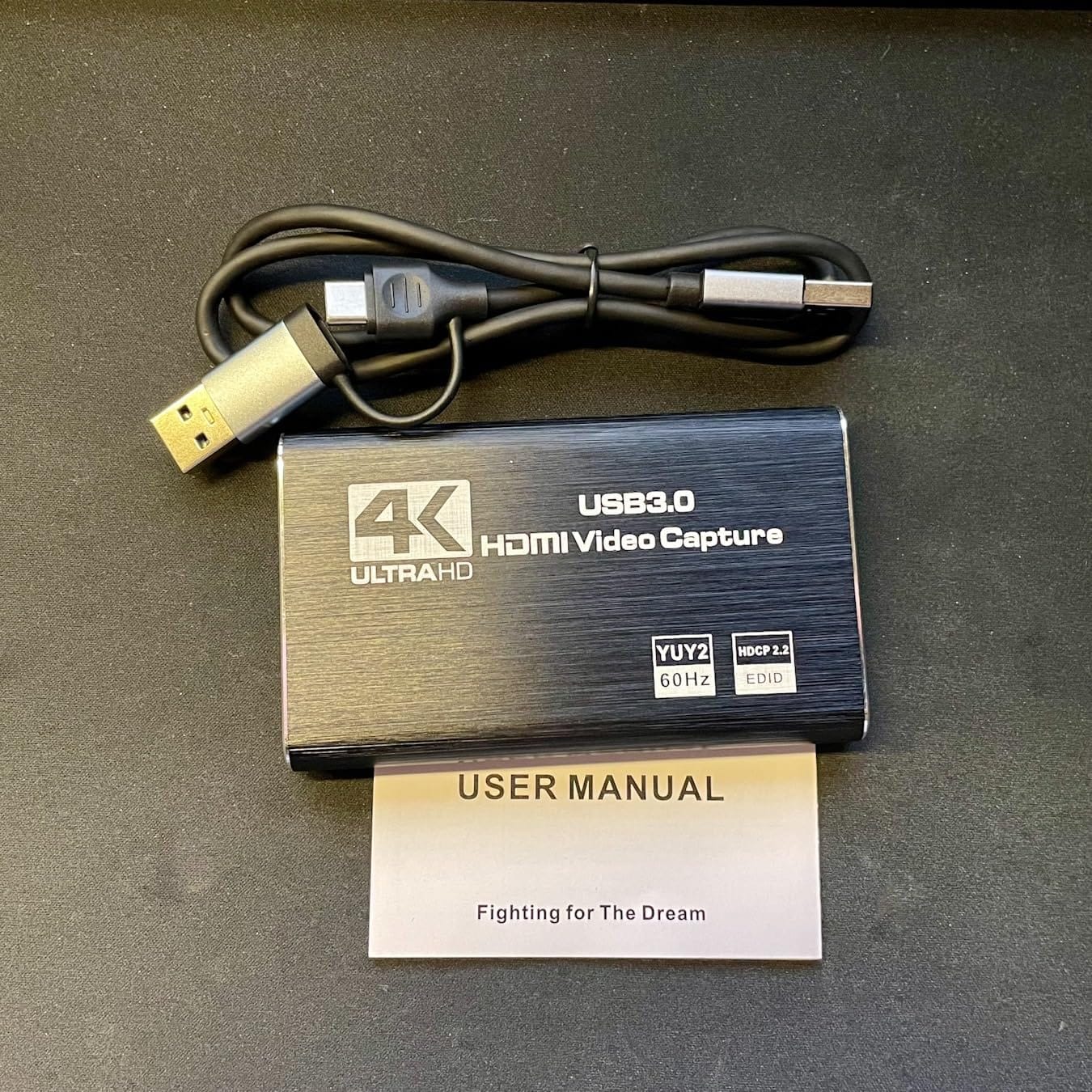
At 0.15 kg the aluminum alloy body is heavier than the plastic sticks in this group, and the manufacturer has revised the cable layout to reduce strain and improve stability. Seventy-one percent of reviews are five stars.
The bundled USB 3.0 to USB-A and USB-C cable and the five-port layout mean most setups need nothing else. Compatibility covers Windows, macOS, Linux, Android and iPadOS 17, plus PS4, PS5, Xbox, Switch, Steam Deck and cameras.
Who the XIIXMASK suits best
It suits streamers who narrate their gameplay and want their voice in the recording without buying a separate USB audio interface. That is a larger group than most shopping guides assume.
It also suits anyone playing on a 4K 60Hz display who wants passthrough while recording at 1080p60, since the loop-out keeps the second screen usable.
Where the XIIXMASK falls short
The mic input does not capture party chat. Console chat has to be handled another way, so if Discord audio matters to your stream, plan for a separate route.
OBS still needs a restart after audio configuration. Recording tops out at 2K30 or 1080p60, and roughly one in ten ratings is a single star, pointing to some quality inconsistency between units.
8. VIXLW U168-1: A Portable Card for Travel Streaming
Video Capture Card, 4K USB3.0 HDMI to USB C, 1080P60FPS HDMI Capture Card for Streaming, Gaming, Video Recording Compatible with Switch, Xbox, PS4/5, OBS,iPad Mac OS Windows,Camera, Zoom(Silver)
USB 3.0 and USB-C
4K30 input
2K30 and 1080p60 recording
Pros
- True USB 3.0 interface with 4K30 input
- Premium aluminum shell dissipates heat well
- Compact and light for mobile setups
- No drivers and no external power needed
- USB 3.0 to USB-C adapter included
- Works across Windows macOS Linux and Android
Cons
- Recording limited to 2K30 or 1080p60
- Tablets need OTG mode enabled first
- One-year warranty coverage
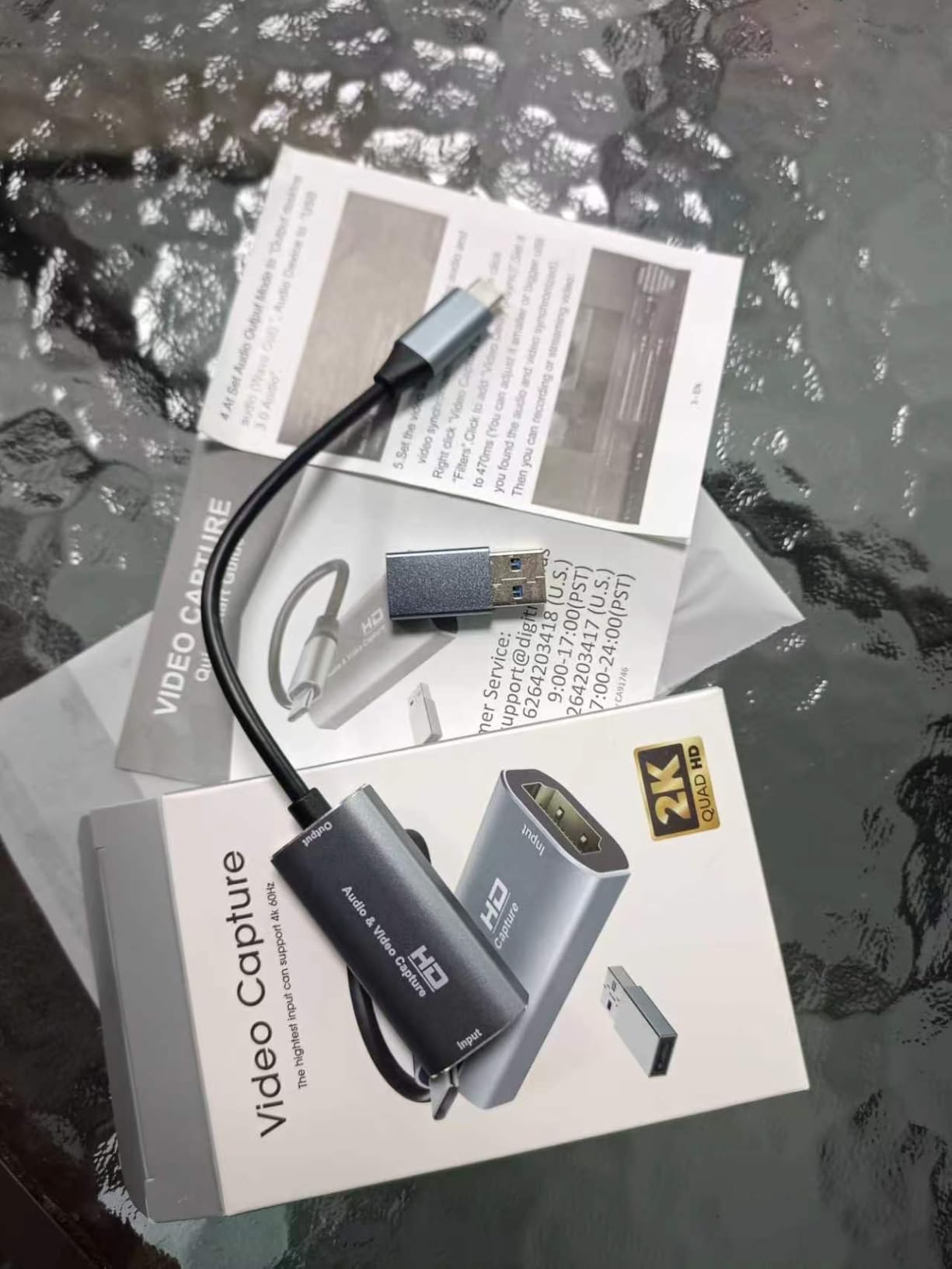
The VIXLW is one of the better-regarded ultra-budget cards, with 1,679 ratings and 73 percent of them at five stars. Reviewers consistently point to the genuine USB 3.0 interface, 1080p60 recording, the aluminum shell and true plug-and-play behaviour across four operating systems.
It also records dual-channel audio, which is more than several comparable sticks manage. For a creator capturing a camera and a microphone separately, that saves a step.
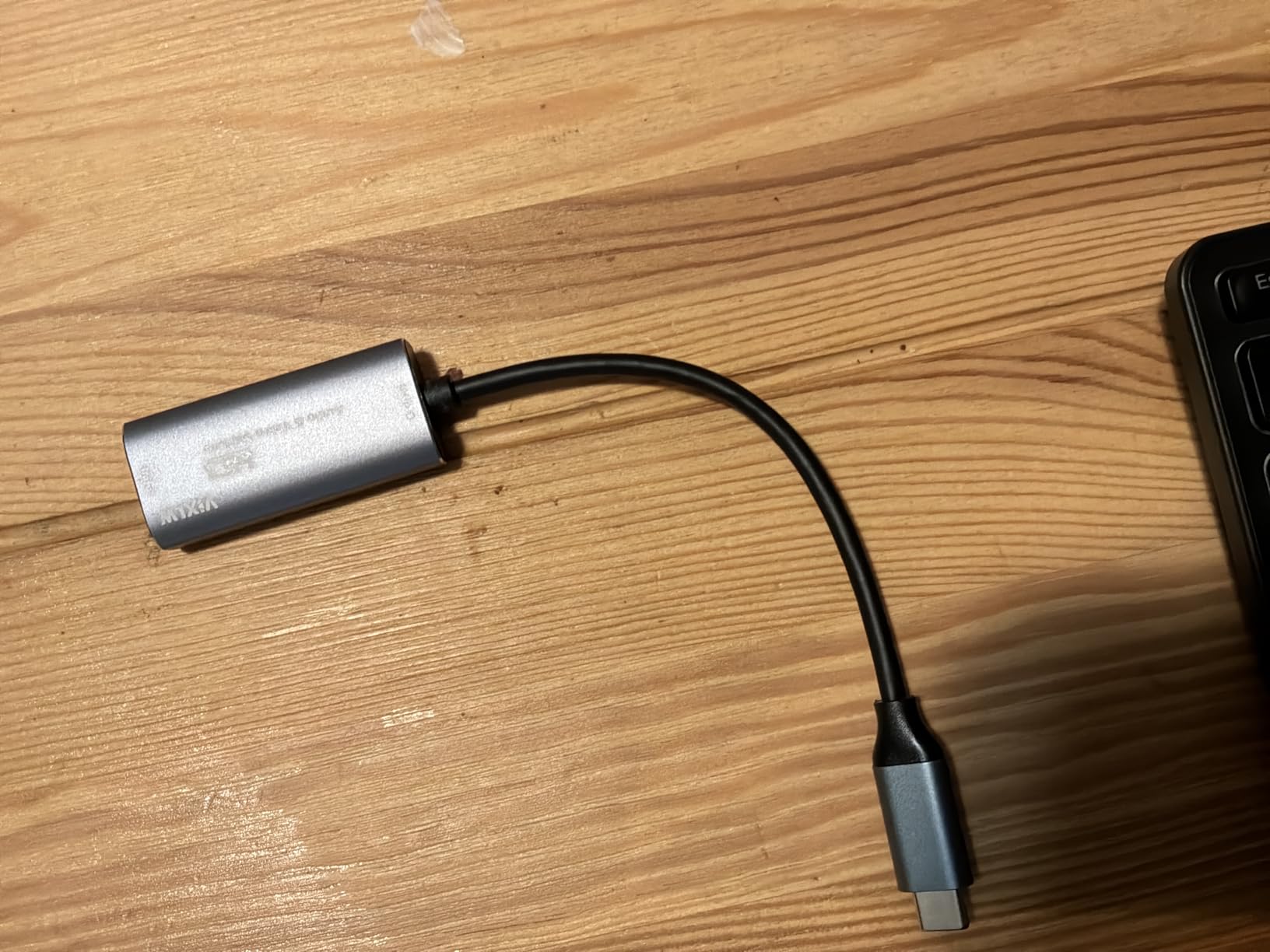
The stated source list covers PS4, PS5, Xbox, Switch, Quest 3, iPads, tablets, DSLRs and TV boxes, and the software side covers OBS, Zoom, VLC and Twitch Studio on Windows, macOS, Linux and Android.
Our testing found the aluminum alloy shell runs cool even in a long session, which matters more than it sounds for a device that travels in a bag between events.
Who the VIXLW suits best
It suits creators who stream away from a permanent desk, whether that is a tournament, a convention booth or a holiday. Small size and low weight matter when everything has to fit in a case.
It also suits users who move between operating systems, since the same device works on Windows, macOS, Linux and Android.
Where the VIXLW falls short
The recording ceiling is 2K30 or 1080p60. If your plan involves recording in 4K, this card is the wrong tool no matter how good the build feels.
Tablets need OTG mode enabled before the device is recognised, and the one-year warranty is the shortest coverage in this group. Expect generic, unbranded construction rather than a premium chassis.
9. Papeaso HU-03C: Reliable 1080p60 With a USB-C Connector
Papeaso Video Capture Card, 4K Input HDMI to USB-C, 1080P 60FPS Capture
USB-C with adapter
1080p60 recording
HDMI input to 3840x2160
2 year warranty
Pros
- Records 1080p60 with fluid non-freezing output
- Accepts HDMI input up to 3840x2160
- USB-C end suits modern laptops and iPads
- No driver installation as a standard UVC device
- Works on Windows macOS Linux and Android
- Short cable design reduces port strain
Cons
- MJPEG transfer only even on a USB 3.0 port
- Some units failing after weeks of continuous use
- Output volume can be quiet
- Occasional grainy output and colour imbalance
The Papeaso is rated 4.2 from 1,087 reviews with 67 percent at five stars, and buyers doing bulk analog video transfers report it outperforming devices that cost several times more. For that job, which is about moving tape and disc content rather than gaming, its 1080p60 recording is genuinely capable.
The USB-C connector with the included adapter is the practical draw. It reaches modern laptops, iPads and M1 Macs without hunting for a spare Type-A port, and the short cable design takes strain off the socket.
The operating system list is broad for the price: Windows, macOS, Linux and Android are all named, and no driver installation is needed because it presents as a standard UVC device.
Sources include PS3, PS4, Xbox One, Xbox 360, Wii U, Nintendo Switch, DVD players, security cameras, webcams and set-top boxes, with a two-year warranty included.
Who the Papeaso suits best
It suits people archiving physical media. When the job is converting old tapes, discs or an ageing console to digital files, capture resolution matters more than passthrough and this card handles 1080p60 well.
It also suits owners of modern laptops with limited USB-A ports, since the native USB-C end connects directly.
Where the Papeaso falls short
Heat is the reliability story. Several owners describe units dying after a few weeks when the card is left plugged in continuously, and roughly eight percent of ratings are one star citing outright failures.
It transfers in MJPEG only even when you plug it into a USB 3.0 port, which adds some latency. Output volume can also run quiet and need raising, and a smaller group report grainy output or poor colour balance.
10. Audio Express AXHDCAP: The Cheapest Way to Add a Second Screen
Audio Express AXHDCAP 4K HDMI Video Capture Card, Cam Link Card Game Audio Adapter HDMI to USB 2.0 Record Capture Device for Streaming, Live Broadcasting, Video Conference, Teaching, Gaming
USB 2.0
4K30 input with 1080p30 capture
2.5 x 1.5 x 1 inch
Lifetime warranty
Pros
- Reliably captures 1080p HDMI video for very little
- Works as a UVC webcam source in OBS immediately
- Turns a laptop or tablet into a second monitor
- Handles analog sources with an RCA-to-HDMI converter
- Lifetime no-questions-asked warranty
- Does not run hot in normal use
Cons
- Adds perceptible input latency
- USB 2.0 only so no 60fps above 1080p30
- USB plug can fit loosely in some ports
- Cannot add HDMI output to a computer
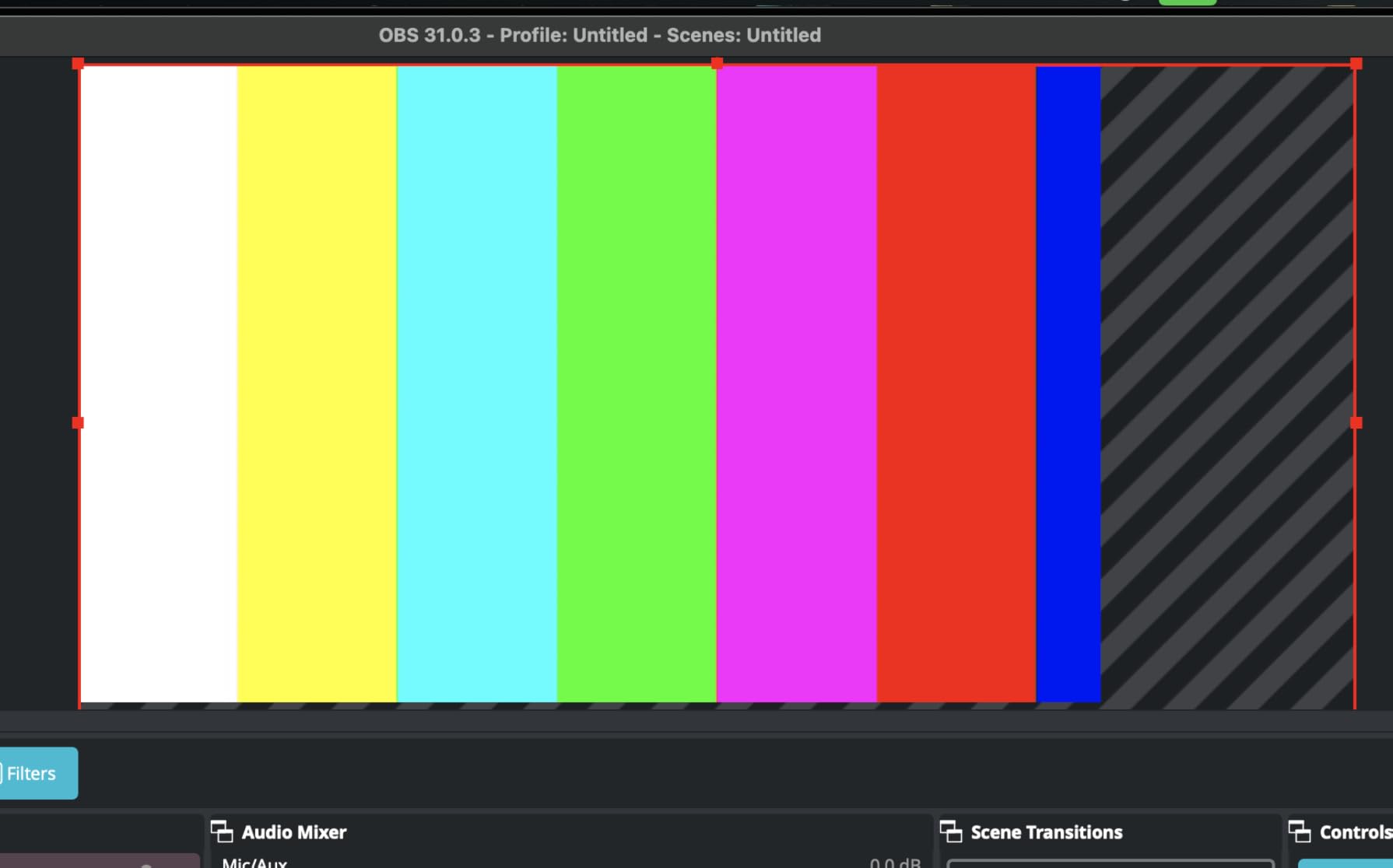
Watch what this card is for. It is not a game capture solution and we would not recommend it for competitive play. It is the cheapest reliable way to turn a spare HDMI source into a picture on a laptop screen, or into a webcam feed inside OBS, and for archiving and monitoring tasks that is exactly what you need.
Owners rate it 4.4 from 1,406 ratings with 70 percent at five stars, confirming clean 1080p30 capture in OBS with no drivers, plus a lifetime no-questions-asked warranty and responsive support behind it.
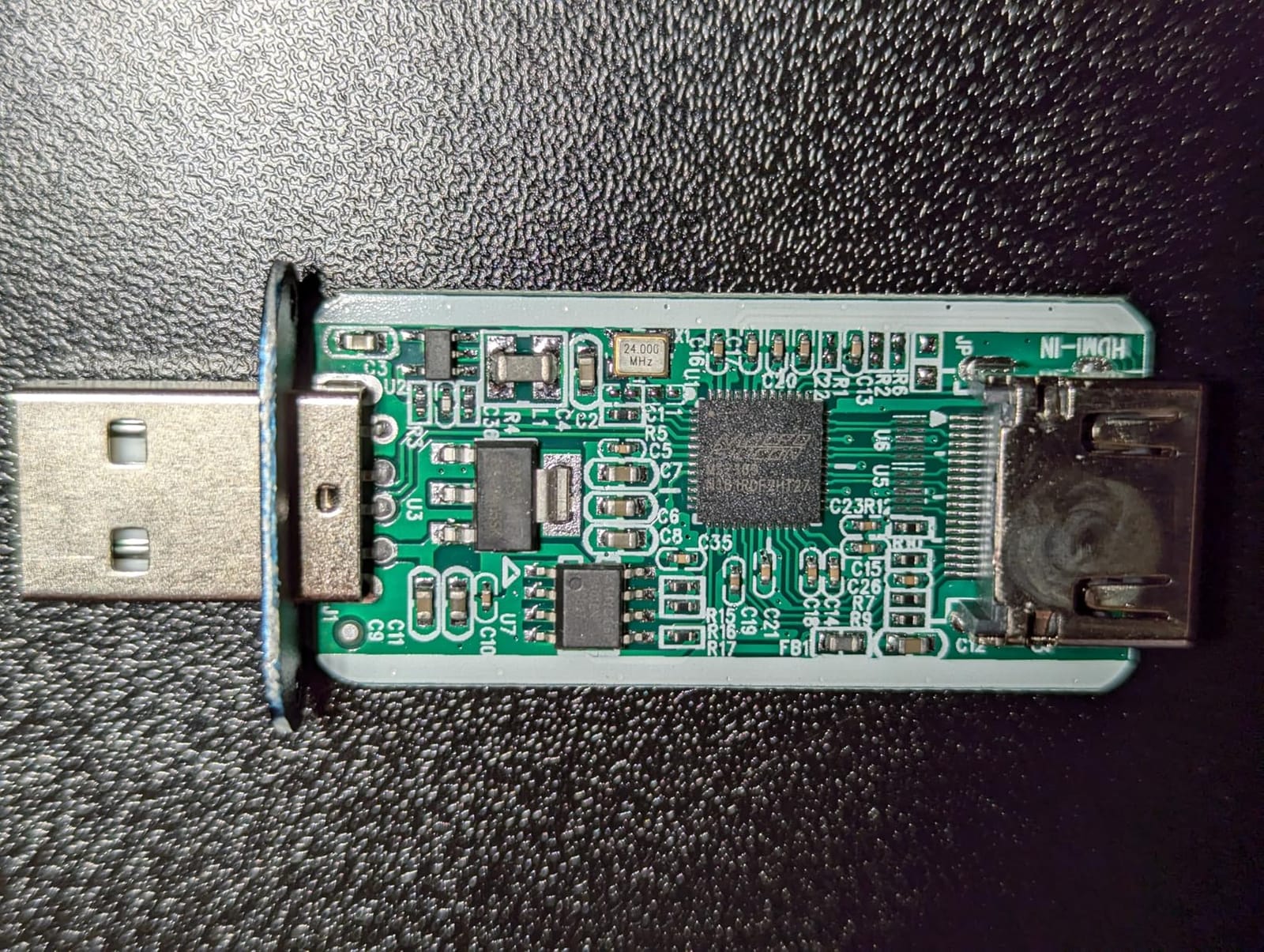
It accepts HDMI input up to 4K at 30Hz and captures at up to 1920×1080 at 30Hz with stereo sound, over USB 2.0. Streaming targets include Twitch, YouTube, OBS, Zoom, Potplayer and VLC.
It measures 2.5 by 1.5 by 1 inches, and because it draws so little it does not run hot during normal use, which is a genuine advantage over several higher-priced sticks.
Who the AXHDCAP suits best
It suits anyone who wants to view a console or camera on a laptop that has no spare monitor. Paired with an RCA-to-HDMI converter, it also handles older analog sources.
It suits webcam, conferencing and teaching setups on Windows, macOS, Linux and Android, where 1080p30 is perfectly adequate.
Where the AXHDCAP falls short
Input latency is perceptible when routing through it, which does not matter for viewing but is unhelpful if you intend to play a game through the card.
USB 2.0 is the hard ceiling, so 60fps and anything above 1080p30 is off the table. The USB plug also fits loosely in some ports and can disconnect with slight movement.
11. PDAPTMAG HDMI Capture Card: Lightest Option With a Lifetime Guarantee
HDMI Video Capture Card, 4K HDMI to USB Capture Card Full HD 1080P 30fps, Record via DSLR, Camcorder, Action Cam for Live Streaming, Compatible with Nintendo Switch, PS4, Xbox One, PC
USB 2.0
4K30 input with 1080p30 output
18.14 g
Lifetime replacement
Pros
- Clean 1080p30 output from 4K30 input
- No drivers and no external power needed
- Works across Windows Mac and Linux
- Turns a DSLR or camcorder into a UVC webcam
- Free lifetime replacement or refund guarantee
- Under 20 grams
Cons
- USB 2.0 limits capture to 1080p30
- Occasional dropped frames on long sessions
- Millisecond-level decoding latency
- Basic build quality
This card is the lightest device we tested at 18.14 grams, and it carries a free lifetime replacement or refund guarantee, which is a rare piece of reassurance at this end of the market. It measures 6.26 by 3.11 by 0.39 inches, so it is slim and portable.
Functionally it does the basic job well. Maximum input is 4K at 30Hz and maximum output is 1080p at 30Hz, with no driver or external power supply needed. Windows, macOS and Linux are all supported.
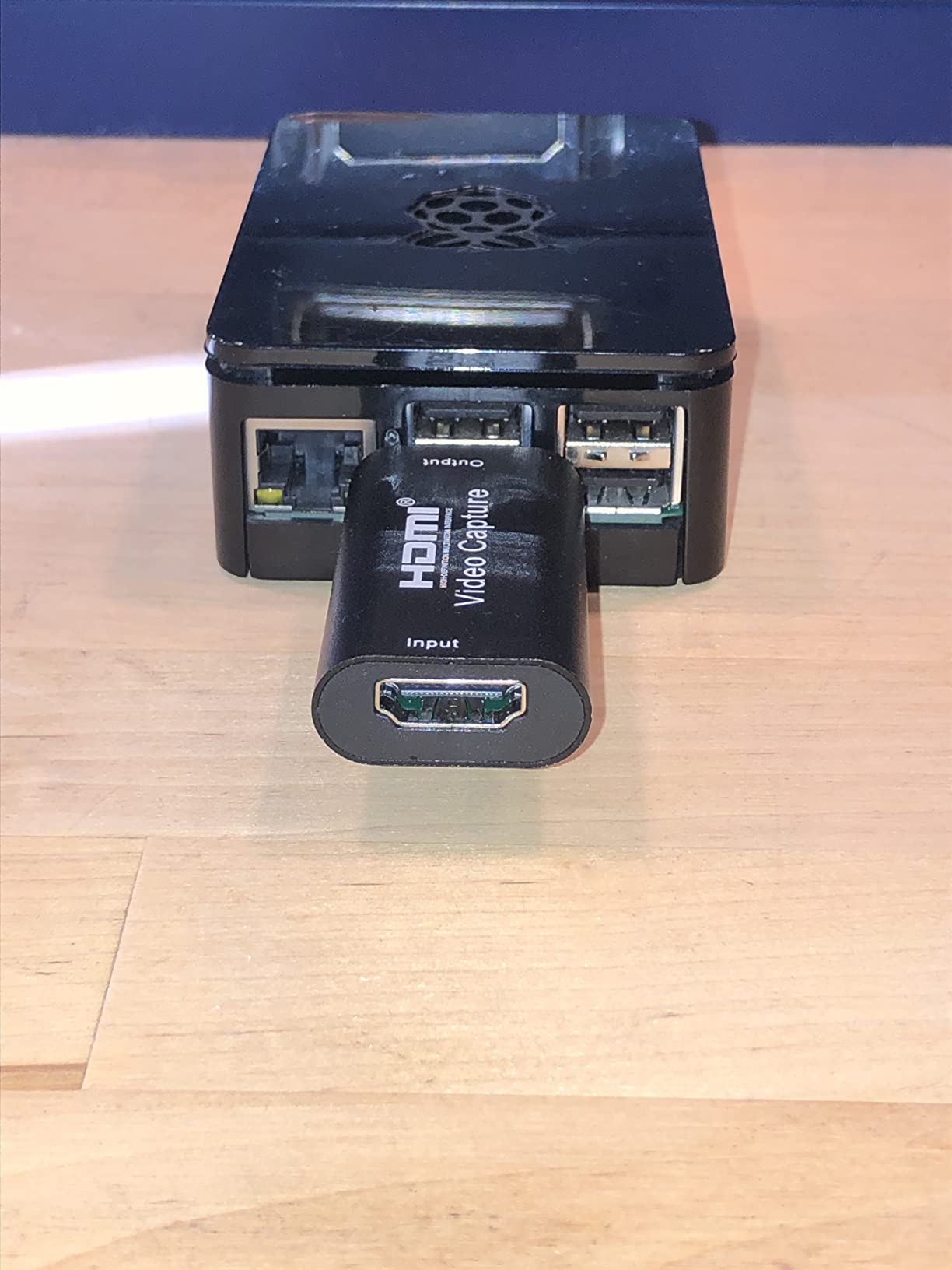
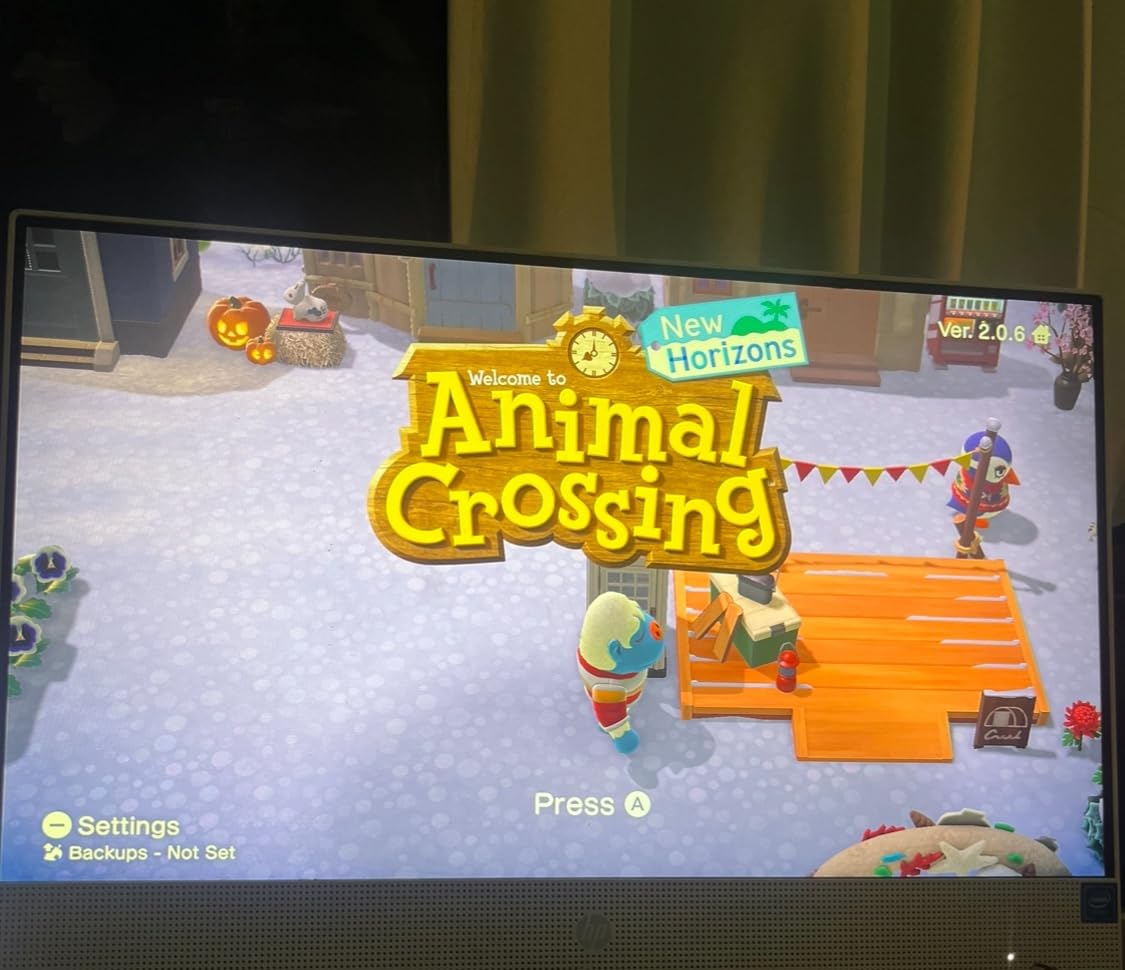
Streaming to Twitch and YouTube through OBS, Potplayer and VLC works as expected, and it can turn a DSLR, camcorder or action camera into a UVC webcam for a production on a tight budget.
Sixty-seven percent of reviews are five stars, with the bulk of the remaining feedback focused on the same inherent USB 2.0 limits rather than on quality control.
Who the PDAPTMAG suits best
It suits beginners who want a capture card to work the first time they plug it in. Driver-free setup on three major operating systems removes the most common early frustration.
It also suits anyone repurposing a camera as a webcam, where 1080p30 is more than sufficient and the lifetime guarantee covers early failures.
Where the PDAPTMAG falls short
USB 2.0 means 1080p30 is the ceiling. No 60fps and no 4K recording, whatever the source sends in.
Some owners report dropped frames or instability during longer recording sessions, and video decoding adds millisecond-level latency. The build is basic compared with the metal-housed cards in this group.
12. AVerMedia Live Gamer Extreme 3 GC551G2: VRR Passthrough at 1440p120
AVerMedia 4K Capture Card for Streaming,1440p120 Video Capture Device for PS5/Pro, Xbox Series X/S, Nintendo Switch, PC, compatible with Twitch, OBS, Windows, Mac – GC551G2 Live Gamer Extreme 3
USB 3.0 Type-C
4K30 recording
1080p240 high frame rate
6.8 x 4.65 x 2.68 inch
Pros
- 4K30 recording alongside 1080p240 high frame rate capture
- VRR pass-through at 1440p120 or 1080p120
- Ultra-low latency pass-through signal
- Plug-and-play with USB-C and USB-A
- HDMI 2.0 and USB cables in the box
- Works with PS5 Xbox Series X/S Switch and PC
Cons
- Needs a USB 3.2 Gen 1 Type-C host port
- 4K recording capped at 30fps
- Smallest review base in this group
- Bundled editing utility feels dated
The Live Gamer Extreme 3 is the newest device here and the least proven. With 170 ratings averaging 4.0, and only 60 percent of those at five stars, we would treat it as a promising option rather than a settled recommendation.
What it does offer is a combination nobody else in this bracket matches. It records 4K30, captures high frame rates up to 1080p240, and passes through VRR at 1440p120 or 1080p120, which keeps variable refresh rate intact between a console and a modern display.
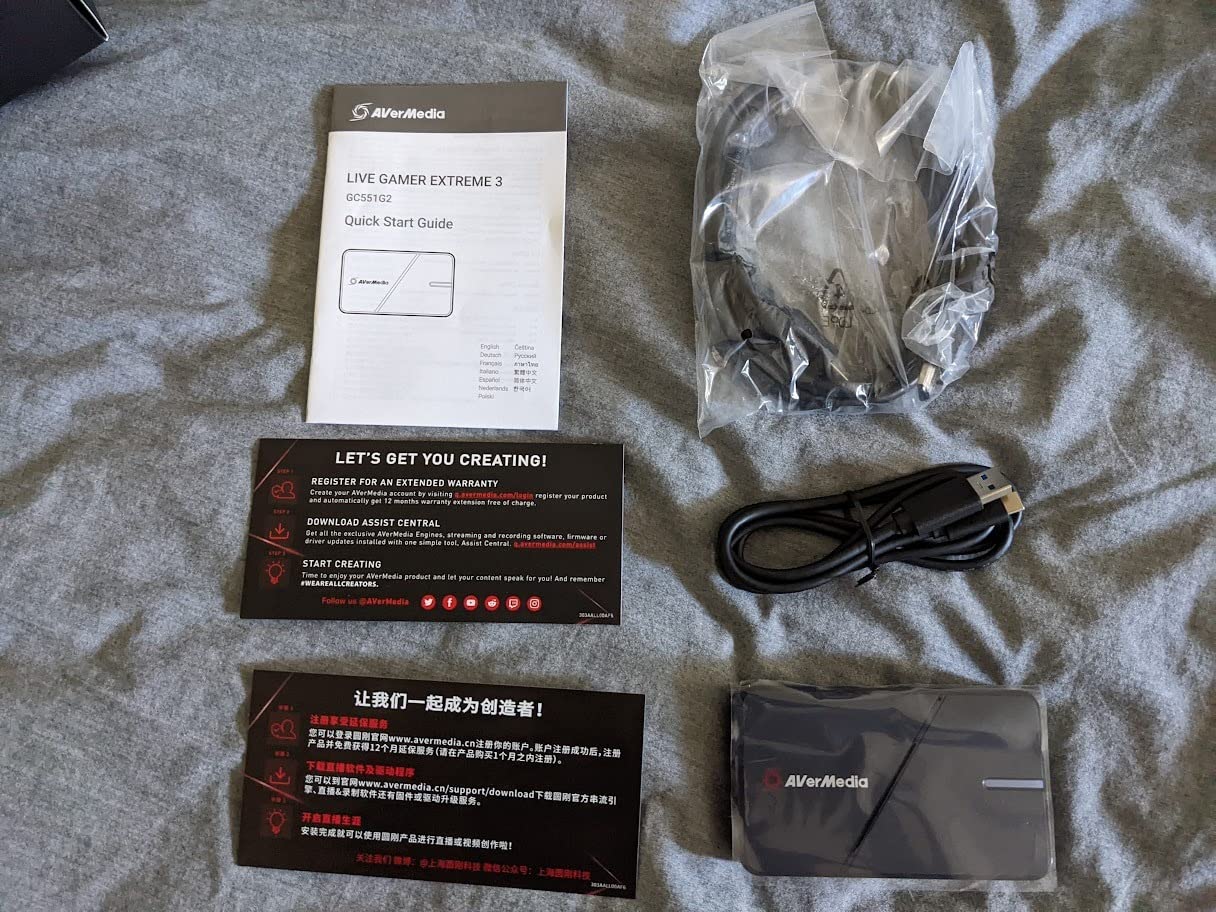
Owners like the box contents. Both an HDMI 2.0 cable and a USB Type-C to Type-A cable are included, which removes the single most common setup complaint in this category.
At 6.8 by 4.65 by 2.68 inches and 85 grams it is the bulkiest external unit on this list, and it runs on Mac and Windows with a three-year manufacturer warranty.
Who the Live Gamer Extreme 3 suits best
It suits players on 1440p high refresh displays who want VRR passthrough and high frame rate capture in one device under this budget. Very few alternatives at this spend do both.
It also suits buyers who want cables in the box. Nothing else here bundles both an HDMI 2.0 cable and a USB cable.
Where the Live Gamer Extreme 3 falls short
It needs a USB 3.2 Gen 1 Type-C port on the host machine, so check your ports before buying an external unit with a Type-C form factor.
4K recording is capped at 30fps, and with 170 ratings its long-term reliability record is the thinnest of any card here. The bundled editing utility is also dated.
What to Look for in a Capture Card Under 200 Dollars
The difference between a good purchase and a frustrating one is usually one specification read in the right order. Work through the following checks before you spend anything, because most returns in this category trace back to a mismatch between the card’s capture ceiling and the source you actually play.
Capture ceiling before anything else
Only two devices here record true 4K60: the Elgato 4K S and the AVerMedia Live Gamer 4K. Everything else tops out at 4K30 or 1080p60, and several cheap cards accept 4K input while recording at 2K30.
That distinction is the one most shopping guides blur. Check the output figure, not the input figure, before you commit to anything under 30 dollars.
Passthrough or capture-only
A capture-only dongle has no HDMI loop-out, so you cannot watch your console on a second screen through it and you add decoding latency. The Guermok GM-29A is the clearest example in this list of a card with no loop-out at all.
Cards with loop-out, including the UGREEN, XIIXMASK and VIXLW units, let you monitor locally with effectively no lag. If you play on the same display you record from, that matters.
USB 3.0 or better, and a real port
USB 2.0 is the hard limit on the Audio Express AXHDCAP and the PDAPTMAG card, capping both at 1080p30. Cards marketed as USB 3.0 can silently fall back to lower bandwidth if you plug them into a hub or a USB 2.0 port, so connect them directly.
The Elgato 4K S and the Live Gamer Extreme 3 need a USB Type-C port with adequate bandwidth, and high frame rate modes on the 4K S additionally demand CPU and GPU headroom.
HDR, VRR and high frame rates
Only the Elgato 4K S and the AVerMedia Live Gamer 4K handle real HDR capture. Everything cheaper tends to produce washed-out or flat HDR footage, so if HDR is part of your plan, your options inside this bracket are narrow.
VRR passthrough is rarer still. The Live Gamer Extreme 3 offers VRR at 1440p120 or 1080p120, and the Elgato 4K S handles 1440p120 and 1080p240 passthrough. On a high refresh display, that is the difference between a smooth chain and a compromised one.
Audio inputs and party chat
Most budget cards here have no analog audio input at all, which means commentary and chat must come from another device. Only the Elgato 4K S has a 3.5mm analog input, and the XIIXMASK has a 3.5mm mic input for commentary, though it explicitly cannot capture party chat.
For Discord or in-game chat you will usually need a second capture route, and it is worth budgeting for that before buying rather than after.
HDCP and what your console will allow
Protected content is the number one cause of black screens in this category. The UGREEN card requires HDCP to be turned off on PS4 and PS5 before it will capture, and other cheap dongles will simply refuse protected sources.
That constraint is the reason the dedicated game capture cards in this list cost what they do. They handle the handshake properly instead of leaving you to change a console setting and hope.
Drivers, software and cables
Plug-and-play UVC devices need nothing installed. The AVerMedia Live Gamer 4K requires a manual driver download, the Elgato 4K S needs a current operating system for full features, and the Elgato Cam Link 4K does not include an HDMI cable at all.
Two of the budget sticks also need OBS restarted after you complete the audio configuration or you will get no sound output. Software support is the least glamorous part of this purchase and the one that causes the most support tickets, so read the manual before you start.
Frequently Asked Questions
What is the best affordable capture card?
For the best capture cards under 200 dollars, the answer depends on the device class. The Elgato Cam Link 4K leads on rating and review volume for camera work. The Elgato 4K S is the strongest external option for console capture at true 4K60 with HDR10. The AVerMedia Live Gamer 4K GC573 is the right internal PCIe card for dual-PC streaming. There is no single card that wins every category.
Are cheap capture cards any good?
Yes, for 1080p60 recording they are. Cards in the low-cost tier handle clean 1080p60 over USB 3.0 with no drivers and no external power, and several run on Windows, macOS, Linux and Android. Their limits are real though: most top out at 2K30 or 1080p60, many are capture-only with no HDMI loop-out, and a few suffer reliability problems when left plugged in for weeks.
Is OBS or Elgato better?
They are not competitors. OBS Studio is capture software that runs on your PC, while Elgato is a hardware manufacturer that also ships its own utility software. The practical question is whether a card works cleanly in OBS. Every card in this roundup appears as a standard UVC source in OBS, except the internal AVerMedia Live Gamer 4K, which needs its driver installed first.
What is the highest quality capture card?
Within this budget, the Elgato 4K S and the AVerMedia Live Gamer 4K GC573 reach the top quality tier at 4K60 capture. The Elgato 4K S records 4K60 with HDR10 tone mapping over USB Type-C, while the internal GC573 records unlimited 4K60 HDR10 over PCIe and adds high frame rate capture up to 240fps at 1080p. No other card in this group records 4K60.
What’s better, AVerMedia or Elgato?
Elgato is easier. Its external cards are plug-and-play, its software is more approachable, and the Cam Link 4K needs no configuration at all. AVerMedia is stronger where hardware matters. The internal Live Gamer 4K records unlimited 4K60 HDR10 over PCIe, carries a three-year warranty and includes an HDMI cable in the box, though its RECentral software is widely regarded as dated.
The Verdict on the Best Capture Cards Under 200 Dollars
If you are starting from scratch and your source is a camera, the Elgato Cam Link 4K is our Editor’s Choice. It carries the highest rating and by far the largest review base of anything we tested, it needs no drivers, and it produces sharp 1080p60 with effectively zero latency. Just remember it is a camera device, not a game card.
For a console, the Elgato 4K S is the one to buy. It is the only external card in this group that records true 4K60, it tone-maps HDR10 on Windows, and its 3.5mm analog input solves the audio problem most budget cards create. The AVerMedia Live Gamer 4K GC573 takes that crown for dual-PC setups where an internal PCIe card is viable, at the cost of a manual driver install.
Below those three, the live gamer mini gives you dependable 1080p60 with a hardware encoder, the UGREEN and XIIXMASK cards add loop-out and a mic input, and the cheap dongles do a respectable job at 1080p60 for secondary screens and archiving. Read the capture ceiling before you buy anything, because that single number is where most disappointments in this budget come from.
Check the latest price on any of these before you commit, and pick the card that matches the resolution you actually intend to record rather than the one with the longest specification list.