
The best capture card for the Nintendo Switch is the Guermok GM-29A, because it records a genuine 1080p60 signal over USB 3.0, ships with both USB-A and USB-C leads, and has more than 3,600 reviews behind it. For Switch 2 owners who also play a PS5 or Xbox on the same desk, the Elgato 4K S is the step up.
Capture cards only work while the console sits in its dock. Video leaves the Switch through the dock’s HDMI port and nowhere else, so undocking mid-session cuts your recording to a black frame. A Switch Lite has no video output hardware at all, which means no capture card, no dock and no accessory can make it recordable.
The Switch’s own capture button is not an alternative. It saves the last 30 seconds, some apps block it entirely, and it produces a clip rather than a stream you can put overlays and a facecam on. Anything longer than half a minute needs a capture card and a PC to run OBS or similar software.
We spent several weeks moving between ten cards on a docked Switch and a docked Switch 2, switching HDMI runs, swapping OBS and QuickTime on both Windows and macOS, and logging what actually broke. What follows is what survived the cable changes.
Table of Contents
Top 3 Picks for Capture Cards for Nintendo Switch (October 2026)

Every Capture Card in This Roundup at a Glance (2026)
Every card below is a UVC device, which means your PC sees it as a webcam and no driver install is required. The columns that matter most for a Switch are capture resolution and whether the card has a 3.5mm jack, since the console has no line-out port for commentary audio.
| Product | Specifications | Action |
|---|---|---|
 Guermok GM-29A 1080p60 USB 3.0
|
|
Check Latest Price |
 Elgato 4K S
|
|
Check Latest Price |
|
AVerMedia Live Gamer Mini GC311
|
|
Check Latest Price |
 VIXLW 1080p60 USB 3.0
|
|
Check Latest Price |
 UGREEN 25773
|
|
Check Latest Price |
 XIIXMASK USB 3.0
|
|
Check Latest Price |
 VIXLW V316B
|
|
Check Latest Price |
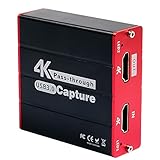 Mirabox HSV320 1080p60
|
|
Check Latest Price |
 Papeaso HU-03C USB-C
|
|
Check Latest Price |
 PDAPTMAG USB 2.0 Capture Card
|
|
Check Latest Price |
1. Guermok GM-29A: The Capture Card We Recommend to Almost Everyone
Guermok Video Capture Card, 4K USB3.0 HDMI to USB C, 1080P 60FPS & 2K 30FPS
1080p60 capture
4K30 HDMI input
USB-A and USB-C
30 g aluminium body
Pros
- Records genuine 1080p60 over USB 3.0
- Dual USB-A and USB-C covers laptops and desktops
- Aluminium body stays cool in long sessions
- Rated 4.4 across more than 3600 reviews
Cons
- OBS must restart after audio configuration
- Software decode adds millisecond latency
- Signal can drop on reconnect
This is the card we kept reaching for. It captures 1080p60 from a docked Switch over a USB 3.0 connection and takes 4K30 HDMI input, which covers a docked Switch 2 at its 60fps mode and leaves headroom for other consoles later. The card body is an aluminium stick about 7.5 inches long and 30 grams, so it does not sag the HDMI cable when it hangs off the back of a dock.
Dual connectivity is the detail that matters most in practice. One side is USB 3.0 Type-A, the other is USB 3.0 Type-C, so the same card fits a desktop tower and a laptop with one port and no adapter. The listing also states Switch and Switch 2 support alongside PS5, Xbox, Steam Deck and Meta Quest.
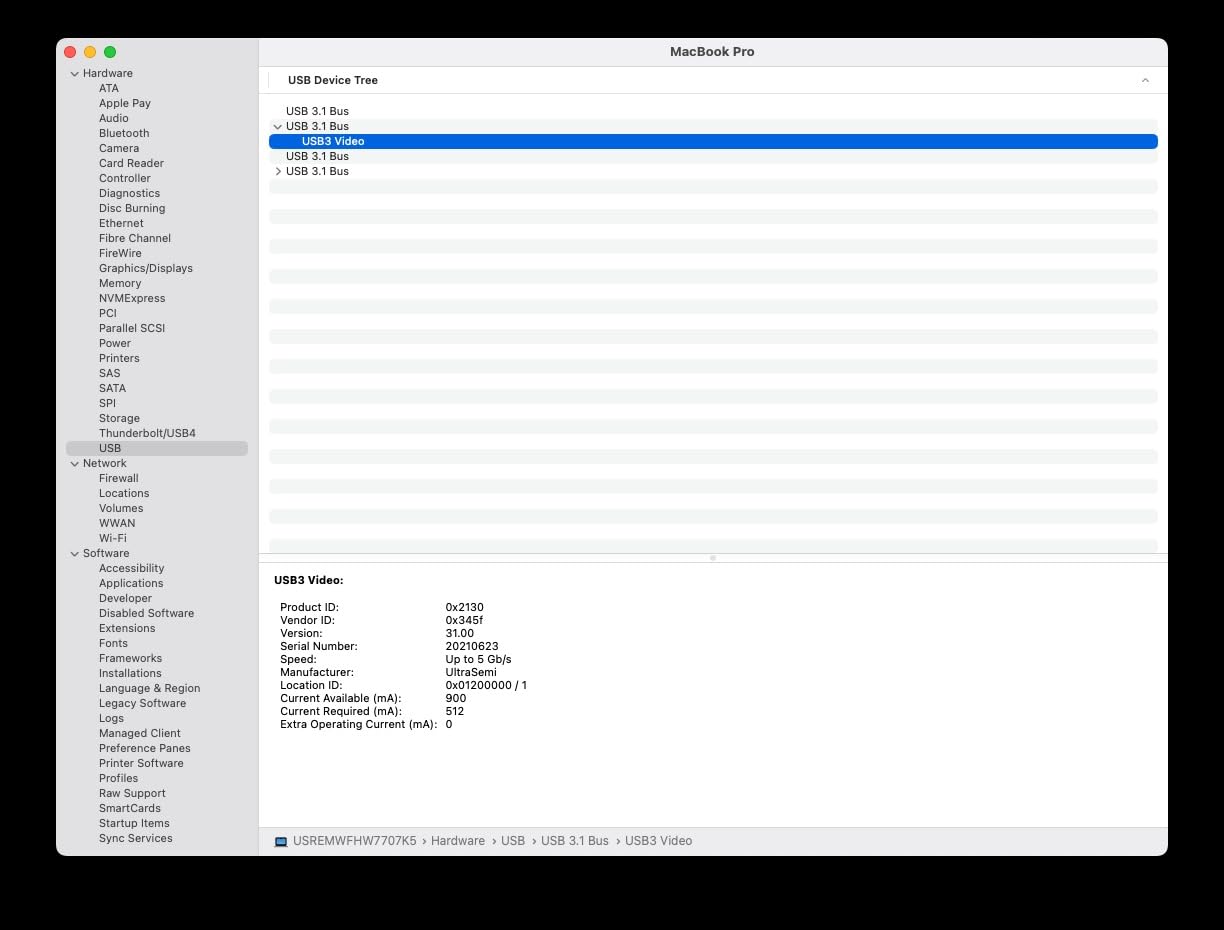
Two setup rules are worth knowing before you plug it in. Transmission is one-way, HDMI to USB, so feeding a signal into the USB-C side will not work. And OBS Studio has to be restarted after you configure audio, otherwise the stream comes out silent even though the card is fine.
There is also a decoding step in software, so you will never get literally zero latency. In practice the delay is small enough that we did not notice it in ordinary console play, but speedrunners who train on input feel should know it is there rather than assume it away.
Reviewers report the aluminium shell dissipates heat well enough to avoid lag across long sessions, which matches what we saw during multi-hour captures. If your PC only has a USB 2.0 port, the card can be recognised as a slower device and lose signal stability.
Why it suits most Switch and Switch 2 owners
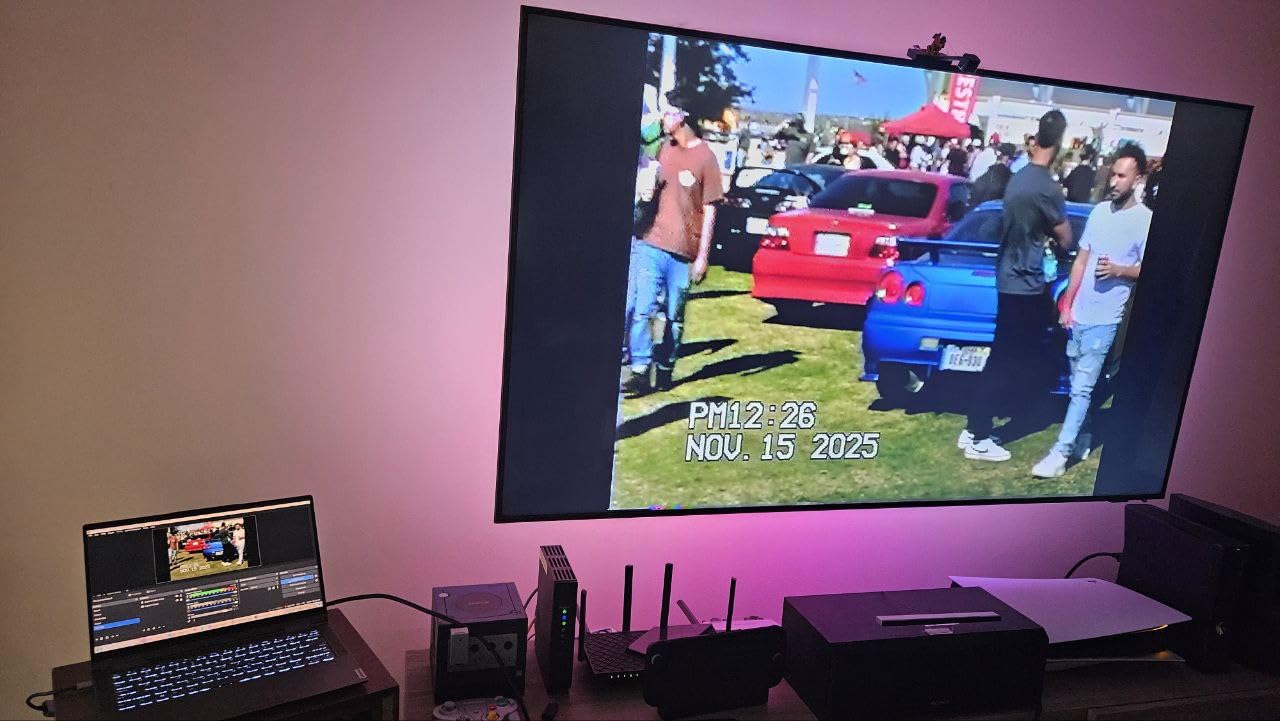
1080p60 is the docked ceiling for the original Switch and the Switch OLED, and this card sits exactly there without wasting money on unused resolution. Owners of a Switch 2 who stream in 60fps mode get a clean 1080p60 file from a card that costs a fraction of the 4K tier.
It is also the easiest card here to move between machines. My colleague took the same unit to a LAN event, plugged it into a borrowed laptop, and had OBS seeing it inside a minute because both connector types were on the body.
Where it falls short
The audio restart in OBS catches people out and there is no way around it short of getting the settings right the first time. Budget for a few minutes of troubleshooting before your first stream rather than five minutes before it.
If you need to record 4K from a docked Switch 2, this card will not do it. Its HDMI input tops out at 4K30 and its capture output at 1080p60, so a 4K workflow needs a different device entirely.
2. Elgato 4K S: The Pick for Multi-Console and 4K Setups
Elgato 4K S Capture Card for PS5, Xbox Series X/S, Switch 2
4K60 capture
HDR10 tone mapping
USB 3.0 Type-C
2-year warranty
Pros
- Records true 4K60 with HDR10 tone mapping on Windows
- 3.5mm analog input records commentary and party chat
- Very small footprint at 0.67 by 4.41 by 2.83 inches
- HDR highlight detail survives the record
Cons
- The priciest card in this roundup
- Demands Windows 11 or macOS 13 or newer
- Reviewers note Switch dock output is 1080p60
The Elgato 4K S is the only card here that records 4K60 and the only one with HDR10 tone mapping that runs on Windows. It also handles 1440p120 and 1080p240 passthrough for high-refresh sources, and its USB 3.0 Type-C port suits a laptop or tablet rather than forcing a desktop.
The 3.5mm analog audio input is the sleeper feature for Nintendo users. The Switch has no line-out, so without that jack your commentary and any headset audio have to come from a second device and get mixed in software. Plugging a mic in here keeps the chain to one cable.
Build quality is the other story. At roughly 0.09 kg and less than an inch thick, it disappears behind a monitor or beside a dock, and it carries a two-year manufacturer warranty. The minimum system spec is demanding though, listing Windows 11, macOS 13 or later, or iPadOS with USB-C, plus an eighth-generation Intel Core i5 or Ryzen equivalent.
HDR10 support is where this card separates itself. Tone mapping on Windows preserves highlight detail that cheaper cards flatten, so a bright game does not blow out to white in the file even though passthrough HDR is untouched.
When this card earns its price
If your desk holds a PS5 or Xbox Series X alongside the Switch, one card that records 4K60 from every source is simpler than juggling two devices. It is also the right call for anyone editing to 4K timelines or streaming at 4K where the platform supports it.
For Switch 2 owners specifically, it future-proofs you if Nintendo raises docked output. Today the console’s maximum is well under what this card can capture, which is exactly the argument for buying headroom you have not needed yet.
Where it falls short
It is the most expensive card in this roundup, and for a Switch 1 owner the honest arithmetic is that a 4K60 card handed a 1080p60 console signal produces the same file a far cheaper card produces. You are buying console headroom, not visible quality.
The system requirements rule out older laptops. Reviewers also note that Switch dock output is 1080p60, so do not expect 4K capture from a docked Switch regardless of what the card supports.
3. AVerMedia Live Gamer Mini: Best Known Brand at the 1080p60 Tier
AVerMedia Live Gamer Mini, 1080p60 Capture Card with HDMI Pass-Thru, Plug & Play, for OBS, Xbox Series X/S, PS5, Switch, Win 11/macOS 12 (GC311)
1080p60 capture
Zero-lag 1080p60 pass-through
H.264 encoder
3-year warranty
Pros
- Clean 1080p60 from an established capture brand
- On-board H.264 encoder lightens CPU load
- True zero-latency Full HD pass-through
- Three-year manufacturer warranty
Cons
- USB 2.0 interface limits headroom
- Cannot record above 1080p60
- No microphone or analog audio input
AVerMedia has been making capture hardware long enough that the Live Gamer Mini is a known quantity rather than a gamble. It records clean 1080p60, passes 1080p60 through with no added delay, and works as a UVC device on USB 2.0 or USB 3.0 with no driver install.
The built-in H.264 hardware encoder is the reason to choose it over a generic card of the same price. Encoding happens on the card rather than in software, which leaves CPU headroom for OBS scenes, facecam and alerts on a modest laptop.
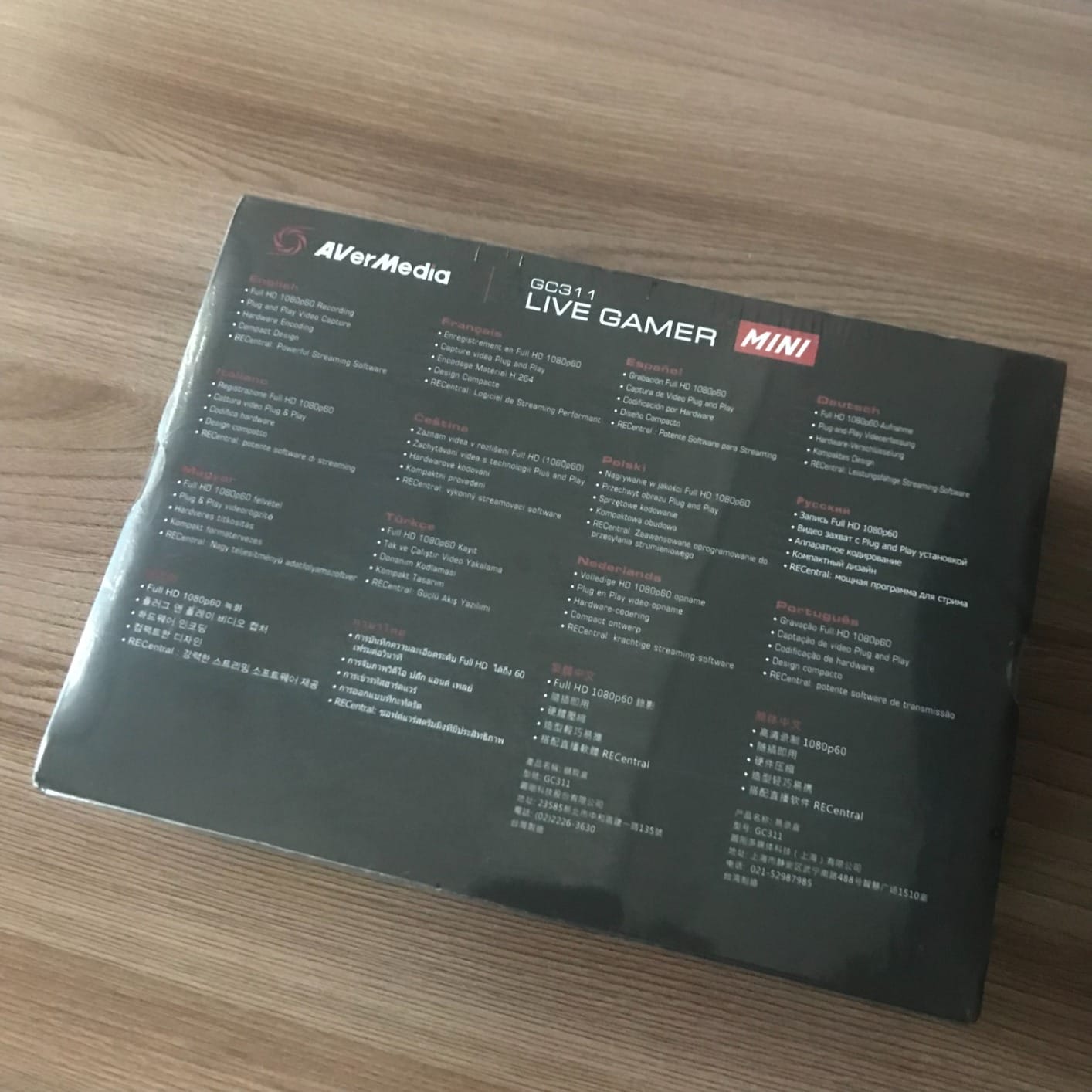
Compatibility is broad for a card this simple. The listing names Nintendo Switch, PS4 and PS5, Xbox One and 360 and Xbox Series X and S, and it works with RECentral 4, OBS Studio and Streamlabs OBS. It measures 3.93 by 2.24 by 0.74 inches and weighs 2.63 ounces, small enough to tuck behind a dock.
A three-year manufacturer warranty backs it, which is longer than anything else in this roundup and the main reason to trust it with a console setup you cannot easily return.
Reviewers name the delay-free loop-out and the automatic OBS detection as the two things that make setup painless. Brand loyalty in this category is genuinely weak, with speedrun.com forum regulars describing capture hardware as a solved problem where “everyone has their preferred way to capture HDMI”.
Why a branded card still makes sense here
The 1080p60 tier is the correct tier for a docked Switch and Switch OLED. At this tier a branded card costs little more than a generic one and returns a warranty, a working encoder and support when the audio does not appear.
For anyone streaming to YouTube or Twitch from a laptop, the encoder offload is the practical difference. It is the difference between smooth capture on a thin machine and dropped frames when the scene gets busy.
Where it falls short
USB 2.0 is the interface, and that limits headroom against every USB 3.0 card here. It is fine for a 1080p60 feed today but rules out future high-bandwidth formats without a change of hardware.
There is no microphone or analog audio input, so commentary has to be mixed from another device in OBS. And it cannot record above 1080p60 at all, which makes it a poor fit if you plan to move to a 4K workflow.
4. VIXLW 1080p60 USB 3.0 Card: The Best Rated Option Here
4K HDMI Capture Card for Streaming, Full HD 1080P 60FPS USB 3.0 Cam Link Game Audio Video Capture Card, Work with Camera/Switch/Xbox/PS4/PS5/PC/OBS (Black)
1080p60 capture
USB 3.0
Zero-delay loop-out
3.5mm TRS mic input
Pros
- One of the highest average ratings in the roundup
- Delay-free HDMI loop-out keeps play responsive
- Automatic webcam detection with no driver install
- 3.5mm mic input at this price is unusual
Cons
- Capture resolution tops out at 1080p
- Mic port accepts only 3.5mm TRS headsets
- Windows and Linux listed as primary systems
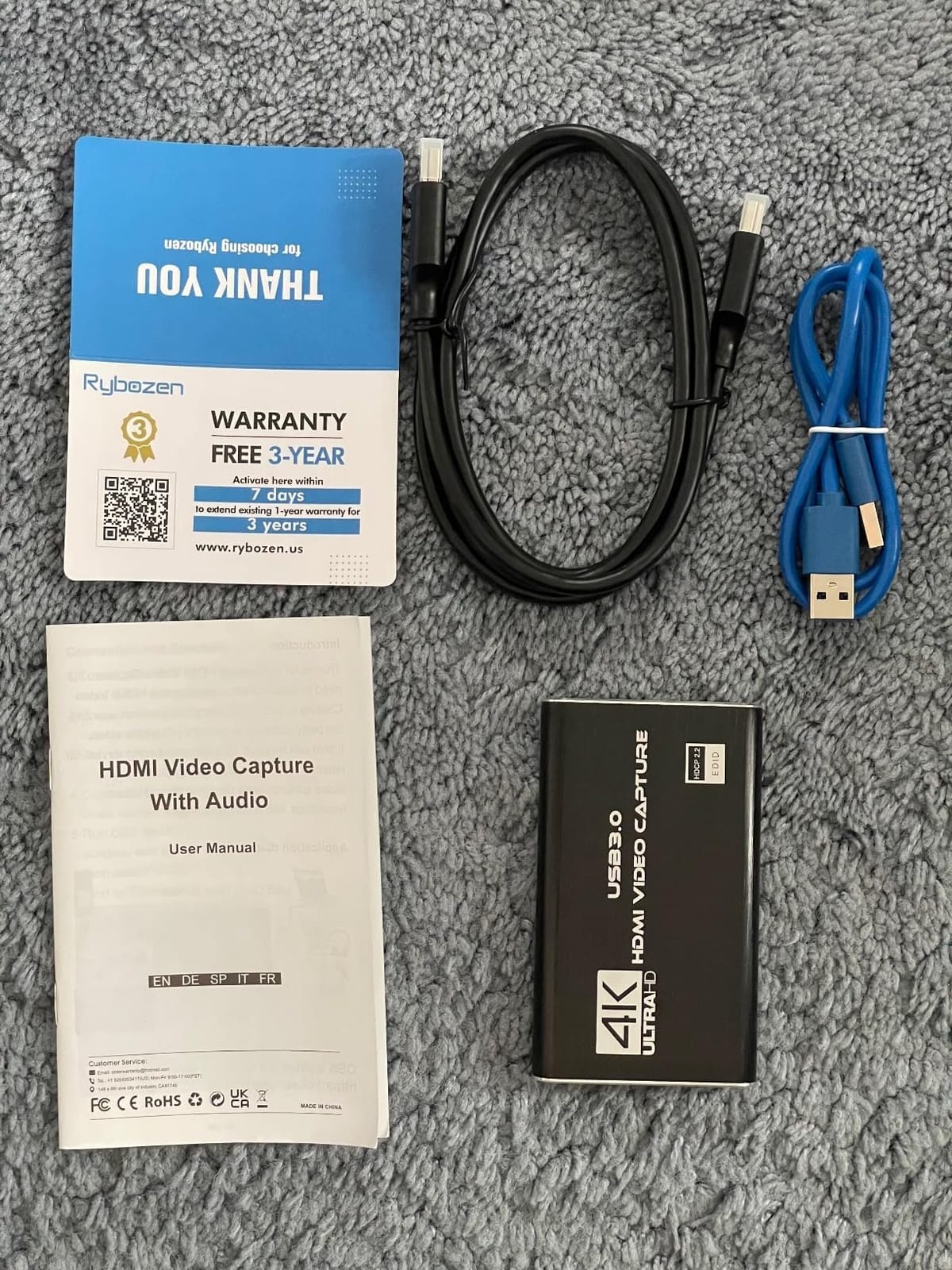
This card carries a 4.4 average across more than 1,600 reviews. It captures 1080p60 over USB 3.0, loops the HDMI signal out with no delay, and is detected automatically as a webcam so there is no driver install and no CPU overhead from a vendor app.
The HDMI loop-out is what keeps console play feeling immediate. You plug the Switch dock into the card, the card into the display, and your controller input still registers with nothing added to the response.
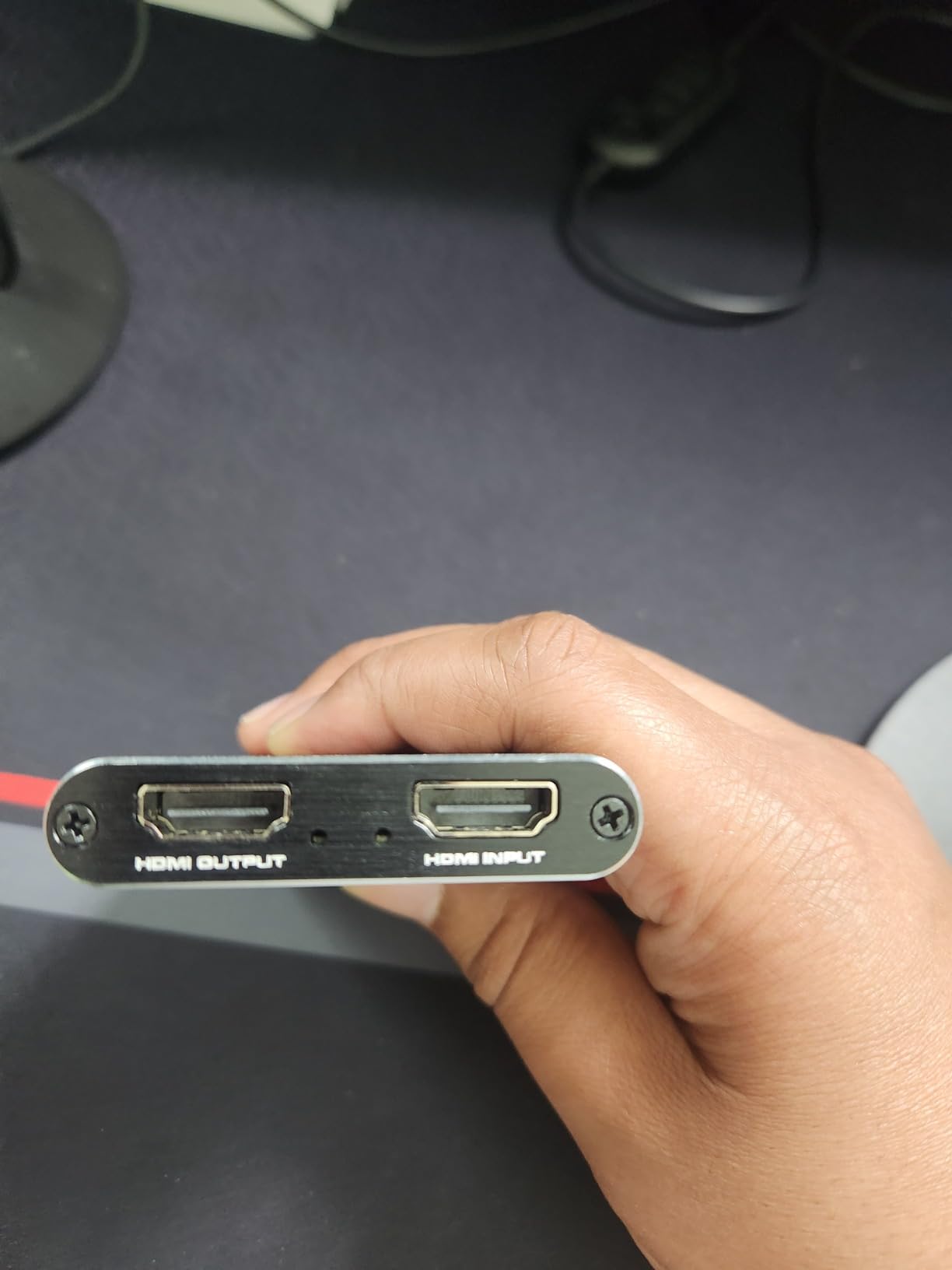
It runs on Windows and Mac OS with low-latency USB 3.0 streaming to Twitch, YouTube, OBS and VLC, and the minimum requirement is simply a computer with a USB 3.0 port. It also supports a range of sources beyond consoles, including camcorders, cameras and set-top boxes.
A 3.5mm TRS microphone input sits on the body for mixing commentary into the stream. That is unusual at this tier and useful when you have no line-out from the console to feed OBS separately.
Reviewers consistently mention the loop-out and automatic detection as the reasons they bought it. The consensus complaint is the 1080p ceiling, which is only a problem if you are capturing a 4K source.
Who this is built for
A Switch or Switch OLED owner on a laptop who wants zero-lag play and a commentary mic without buying a second audio device. The single-cable USB 3.0 path and driverless detection make it the least fussy setup of the mid-priced cards here.
It also suits anyone recording from more than one source, since cameras and consoles can share the same chain and the same OBS scene.
Who should pass
Switch 2 owners planning to record in 4K will find 1080p60 too low a ceiling. The loop-out passing 4K in does not mean 4K gets recorded.
The mic port only accepts 3.5mm TRS headsets, so a USB condenser microphone needs a separate interface. Check that before you commit if your commentary setup is not a headset.
5. UGREEN 25773: The Branded Budget Card With a Warranty
UGREEN 4K@30Hz Loop Out HDMI Capture Card for 2K 30FPS 1080P 60FPS USB 3.0
2K30 capture
4K30 loop-out
USB-A and USB-C
24-month warranty
Pros
- Recognisable brand with a 24-month warranty
- 4K30 loop-out gives zero-latency monitoring
- Dual USB-A and USB-C with MJPEG or YUY2 options
- Cool aluminium housing in long sessions
Cons
- Cannot record 4K despite the product name
- PS4 and PS5 need HDCP turned off
- Not compatible with Fire TV Stick
UGREEN is the name that separates this from the anonymous crowd, and it comes with a 24-month warranty service rather than a bare sixty days. It accepts 4K30 input with a matching 4K30 loop-out, which is what makes the low-latency monitoring work: your display gets a real-time picture while the USB feed records separately.
Capture output is 2K30, so a docked Switch recording lands as 1080p60-class footage rather than anything higher. For Switch and Switch OLED that costs you nothing, since the console’s docked ceiling is 1080p60 anyway.
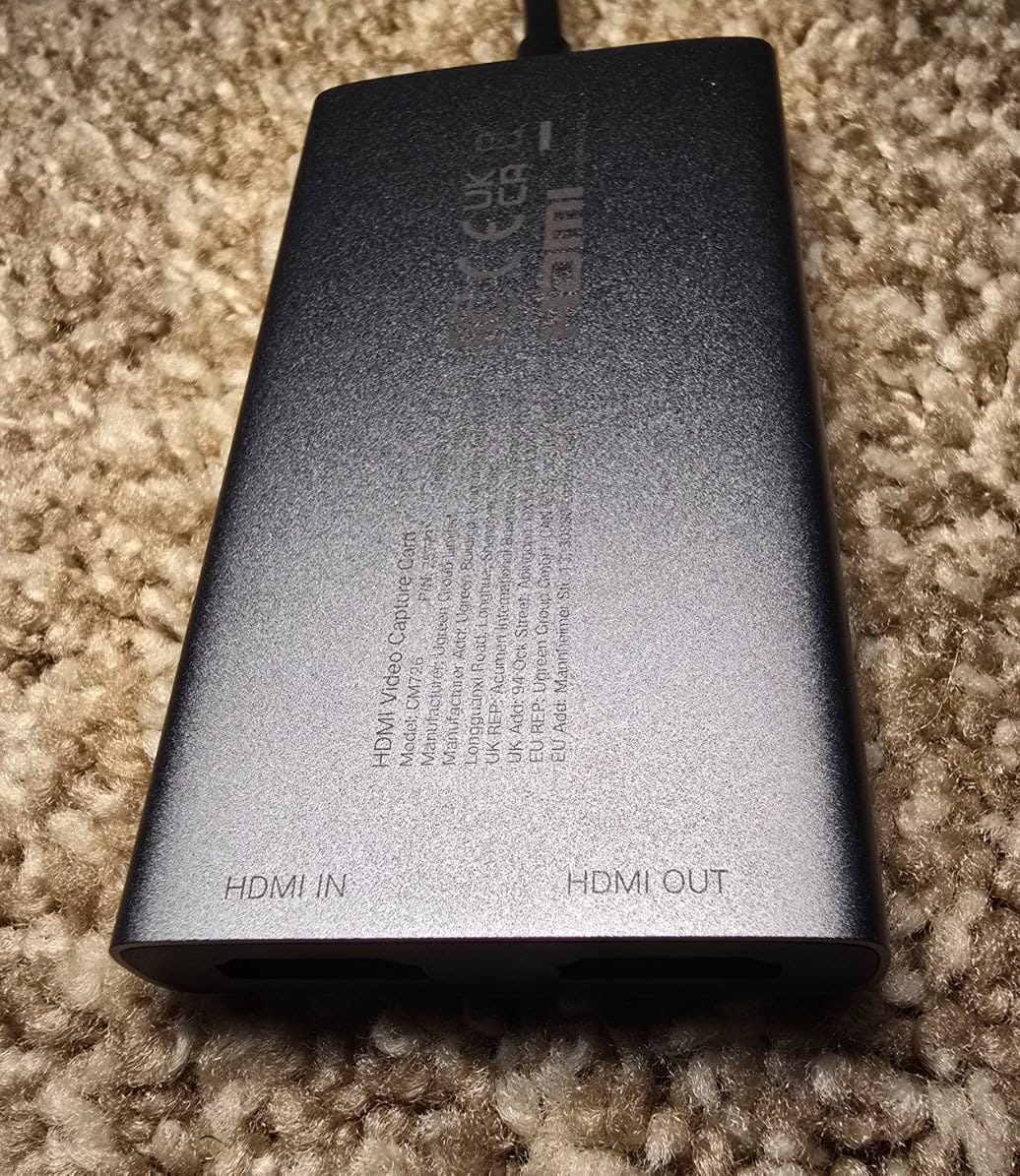
Both USB 3.0 Type-A and Type-C are on the body, and you can choose MJPEG or YUY2 as the transfer format. YUY2 trades bandwidth for less compression, which is the setting to use if on-screen text and menus look smeared in OBS.
It works on Windows, macOS, Linux and Android 5.0 or later, and the listing explicitly names Switch and Switch 2 support. The aluminium casing runs cool, which mattered in our testing during long sessions.
One caveat worth planning around: PlayStation consoles need HDCP disabled to pass through this card. That is not a Switch problem, but it matters if you swap the card between consoles on the same desk.
Why it beats a generic card at the same level
The warranty is the argument. A generic card that stops enumerating after a month leaves you with an untraceable brand and no support, while UGREEN will stand behind it for two years.
The 4K30 loop-out is a genuine convenience for preview. You see the console in real time on your capture window without an added delay, which makes checking a scene transition or a streaming overlay much less painful.
Where the 4K in the name misleads
Buyers consistently report assuming 4K recording and finding out otherwise. The name refers to input and loop-out, not capture, and the capture ceiling is 2K30.
If your plan is to record a Switch 2 in 4K, this is the wrong card. Fire TV Stick incompatibility is also worth knowing if you share the setup with a media streamer.
6. XIIXMASK USB 3.0: A Five-Port Card With Headphone-Style Mic Input
XIIXMASK USB 3.0 HDMI Capture Card, 1080P 60FPS Capture, 4K Pass-Through
1080p60 capture
4K60 loop-out
3.5mm mic input
Five-port layout
Pros
- Genuine 1080p60 over USB 3.0 with a 2K30 option
- 4K60 HDMI input and loop-out
- 3.5mm mic input is rare at this level
- Aluminium body avoids blue screens in long streams
Cons
- OBS must restart after audio configuration
- Mic input does not capture in-game party chat
- Manufacturer lists Windows as a minimum requirement
The XIIXMASK takes 4K60 HDMI input with loop-out and records 1080p60 over USB 3.0, with a 2K30 alternative if you want to drop resolution for framerate. Five ports across the body cover USB-A and USB-C without needing to pick a cable at setup time.
It supports YUY2 as well as MJPEG, which gives you the same compression-versus-bandwidth choice as the UGREEN and is worth using on a Switch because menus and dialogue boxes punish heavy compression.
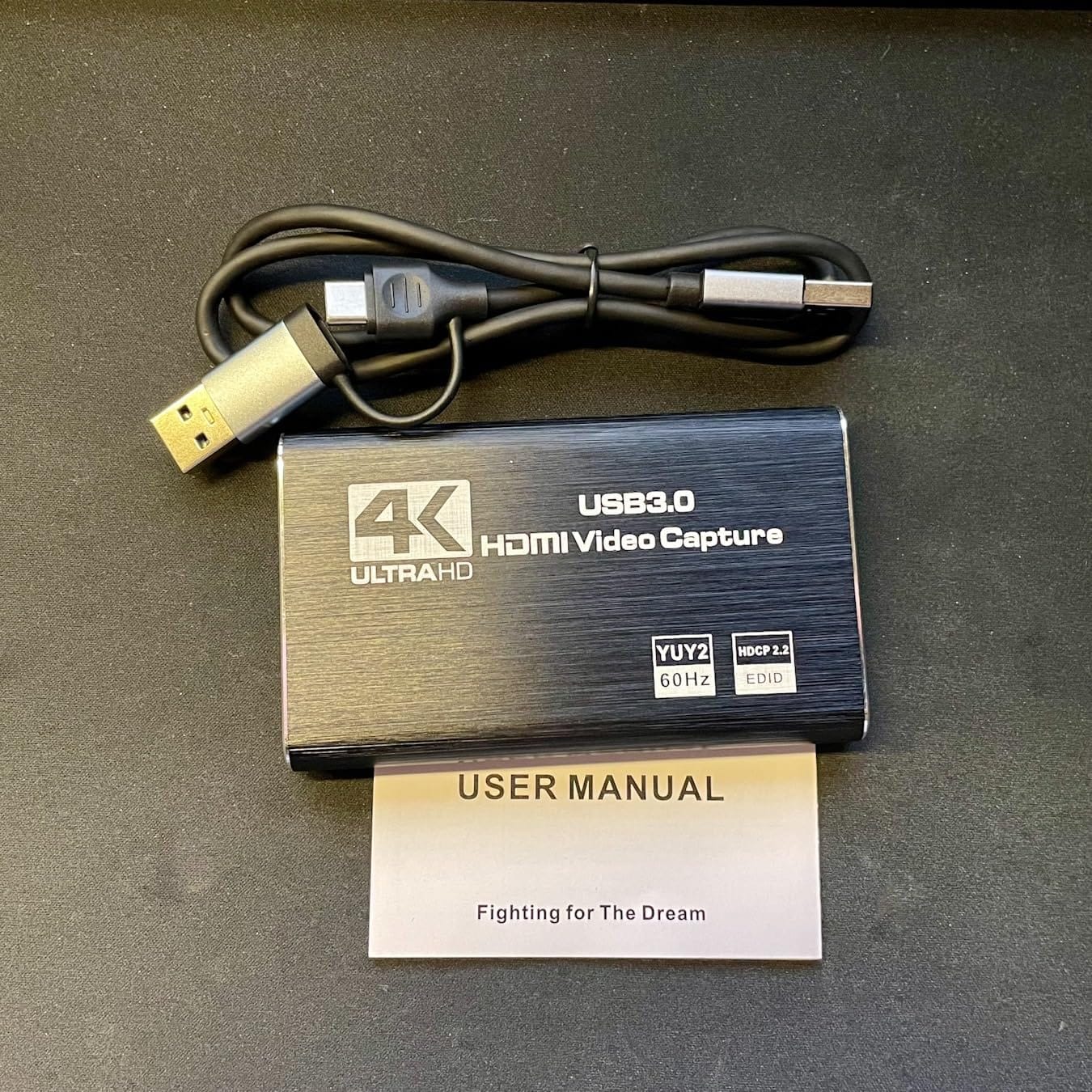
Operating system support is broad on paper, covering Windows 7 through 10, macOS, Linux, Android and iPadOS 17 or later, though the manufacturer still lists Windows as the minimum requirement. In the box you get the card, a USB 3.0 to USB-A or USB-C cable, and a manual.
The 3.5mm microphone input lets you record commentary without a second audio device. Be clear about its scope though. It takes an external mic, not the console’s own in-game chat.
Owners report the aluminium body stays stable and avoids blue screens during long streams, and that audio setup needs an OBS restart. Both of those match our own testing notes.
Best use for this card
A talking-head Let’s Play setup where your voice matters as much as the gameplay. The mic jack removes the most common beginner frustration, which is getting OBS to accept a second audio source cleanly.
The 4K60 loop-out also makes it a reasonable way to preview a docked Switch 2 at high refresh on a capable display, even though the recorded file stays at 1080p60.
Where it will disappoint
If your plan is co-streaming with friends, the mic input does not carry party chat. That has to be captured from a second source and mixed in software.
The OBS restart after audio configuration is the same friction every driverless card has, and it costs you a restart of a program that may have unsaved scene changes.
7. VIXLW V316B: The Most Proven Card in the Roundup
Capture Card, 4K HDMI Video Capture Card, Game Capture Card, 1080P 60FPS Video Capture Device, HDMI to USB 3.0 Capture Card for Streaming, Work with Camera/Xbox/PS4/PS5/PC/OBS
1080p capture
4K30 and 60Hz input
Zero-delay loop-out
60-day warranty
Pros
- Close to 3600 reviews show long-term use
- HDMI loop-out with no delay during play
- Detected automatically as a webcam with no CPU load
- 3.5mm TRS input for external commentary
Cons
- Output capped at 2K30 despite 4K input
- No support for 4K120 or 4K144Hz input
- Manufacturer warranty is only 60 days
The VIXLW V316B has the second-largest review base we tested, sitting just under 3,600 ratings, and a category rank near the top of external TV tuners. It captures 1080p, accepts 4K30 and 4K60 input plus 1080p120 and 1080p144Hz high-refresh sources, and loops out with no delay during live play.
It identifies itself as a webcam automatically, with no driver install and no additional CPU load, which makes it one of the least painful cards to bring to someone else’s setup.
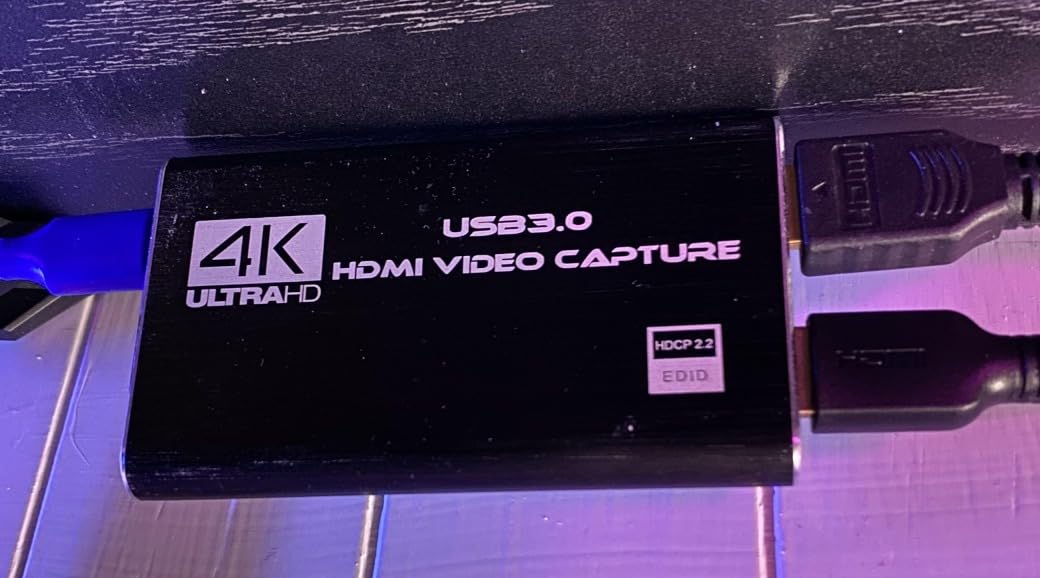
The body is compact at 3 by 2 by 1 inches and 0.18 kg, and it streams over low-latency USB 3.0 to Twitch, YouTube, OBS and VLC on Windows and macOS. The 3.5mm TRS microphone input adds external commentary directly to the recording.
One important read of the spec sheet: the output is capped at 2K30 even though the input accepts higher resolutions. Marketing language about 4K here refers to what the card can receive, not what it will write to your drive.
Owners cite the delay-free loop-out, the automatic webcam detection and the mic input as the reasons they keep the card. The warranty is the weak point, listed at 60 days.
Where the value comes from
With that review volume, failure modes are known rather than mysterious. If you are buying for someone else who will not troubleshoot, a card this widely used is a lower risk than an untested budget model.
1080p120 and 1080p144Hz input support is also useful if you move the same card to a desktop PC game rather than a console.
Where the value stops
A 60-day warranty is short for hardware that runs warm during long sessions, and it is the main thing separating this from the branded cards at similar capability.
There is no 4K120 or 4K144Hz input support, and the 2K30 output cap rules it out for any 4K recording workflow.
8. Mirabox HSV320: A Straight 1080p60 Card With True Zero-Latency Pass-Through
Mirabox USB3.0 HDMI Video Capture Card for Nintendo Switch, 1080P 60FPS HD Game Capture Device Cam Link With HDMI Passthrough Work with DSLR Xbox PS4 for OBS Twitch Game Live Streaming and Recording
1080p60 capture
MJPEG output
USB 3.0
Driverless UVC
Pros
- Zero or near-zero latency HDMI pass-through
- Recognised automatically by OBS on macOS and Windows
- Stable across long streams once configured
- Compact at 3.98 ounces with no driver install
Cons
- Audio sometimes needs a USB unplug and replug
- Visible JPEG compression artifacts on flat UI
- 1080p capture only
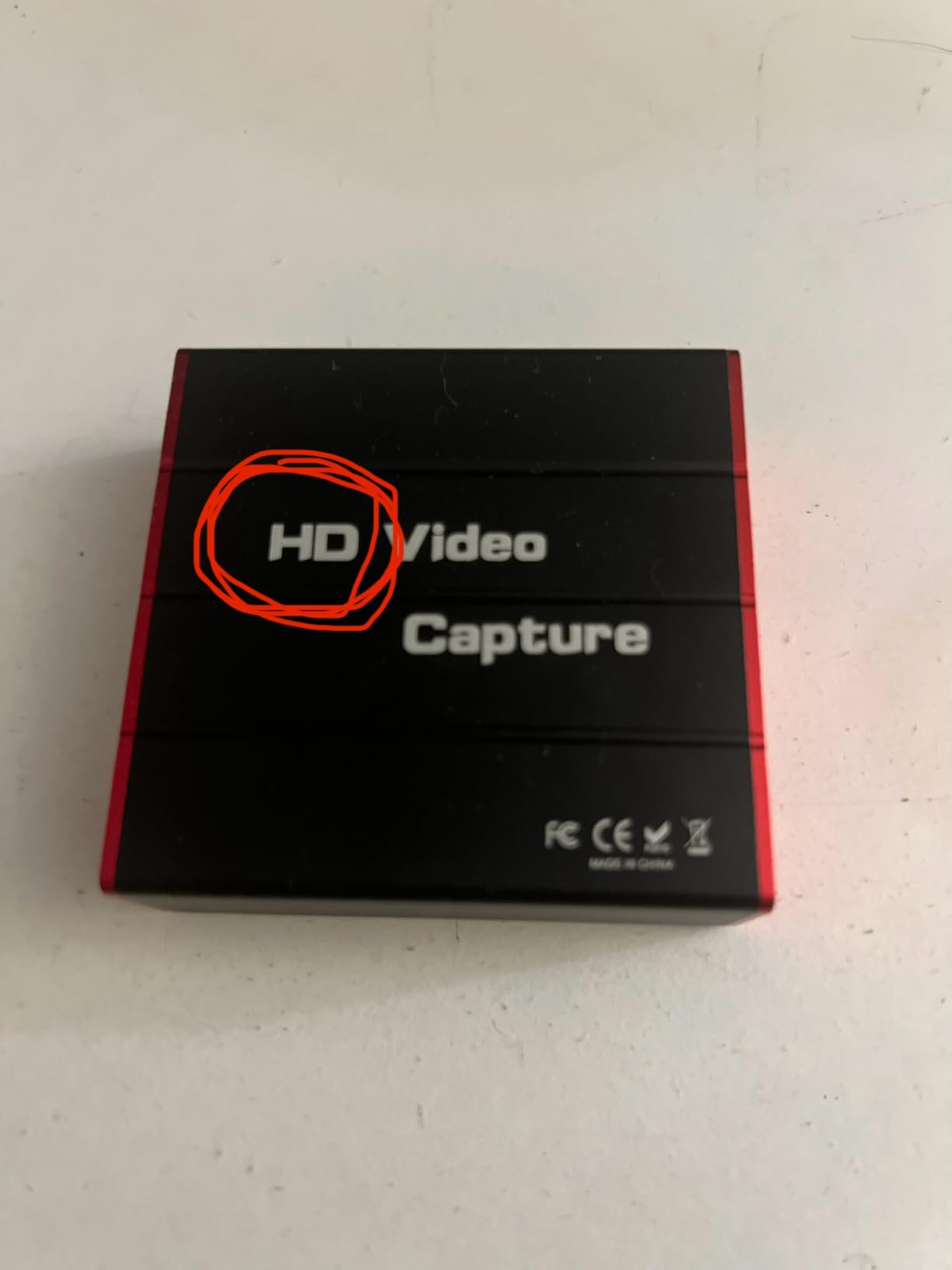
The Mirabox HSV320 is a plain 1080p60 card that does one job and advertises it honestly. Capture output is MJPEG over USB 3.0, HDMI pass-through is zero latency, and it is plug-and-play on Windows 7 through 11, Linux and Mac OS with no driver installation.
That last point is why the budget tier works at all. UVC is a device class your operating system already knows, so the card appears as a webcam and OBS finds it without a vendor utility.
It measures 5.2 by 4.1 by 1.3 inches and weighs 3.98 ounces, and the box contains the card plus an installation guide. Compatibility is broad across PS3, PS4, Xbox 360, Xbox One, Wii, Wii U and Switch.
Owners consistently praise the pass-through responsiveness and automatic OBS recognition. The recurring complaints are audio needing a USB replug to return, JPEG compression artifacts around on-screen text, and signal drops when the connection is nudged.
Those three complaints are specific enough to plan around. A short HDMI cable and a card that is not left dangling under a desk will prevent most of them.
When this card is the right buy
A docked Switch and Switch OLED owner who wants the simplest possible chain, has no need for a mic jack or analog audio, and will record at 1080p60. That is the console’s ceiling, so nothing is wasted.
It is also a good first card for a child or a secondary console, where a simple device that survives being plugged and unplugged constantly is worth more than a feature list.
Where the trade-offs bite
MJPEG compression is the honest weak point. Flat UI elements, dialogue text and menus show visible artifacts compared with a card that offers YUY2.
Some users also report wireless headset interference on the HDMI audio path. If your audio arrives through a wireless headset rather than the dock’s HDMI output, expect to troubleshoot that separately.
9. Papeaso HU-03C: A USB-C Card That Suits Thin Laptops
Papeaso Video Capture Card, 4K Input HDMI to USB-C, 1080P 60FPS Capture
1080p60 recording
4K60 HDMI input
USB-C with adapter
2-year warranty
Pros
- USB-C works directly with modern laptops
- Detected immediately as a UVC device with no drivers
- QuickTime on macOS records it at 60fps
- Two-year warranty listed
Cons
- Runs hot and can fail if left plugged in long
- MJPEG-only transfer adds latency
- Some users find image quality grainy
Most capture cards assume you have a USB-A port or a dongle. The Papeaso HU-03C is USB-C natively, which makes it one of the few here that plugs straight into a modern laptop without an adapter, and a USB-C to USB adapter is included for older machines.
It records up to 1080p at 60fps with HDMI input up to 3840 by 2160 at 60Hz, and it lists PS3, PS4, Xbox One, Xbox 360, Wii U, Wii and Nintendo Switch as supported sources. No driver installation is needed on Windows, Android, Mac OS X or Linux.
macOS users get a card that shows up as a standard UVC device and records at 60fps in QuickTime with no noticeable lag. Several buyers report owning multiple units that keep working, and a two-year warranty is listed.
Thermal behaviour is the issue to plan around. Reviewers report it running hot and warn against leaving it plugged in for long stretches, which is a real consideration for an unattended stream or an overnight recording.
Because transfer is MJPEG-only, latency is higher than on a card offering YUY2, and some users describe the image as grainy with weak colour balance.
Why the connector type decides it
If your laptop has one USB-C port and nothing else, this is the card that solves the actual problem. GearScout’s testing notes make the same point, describing a LAN setup where one free USB-C port on a borrowed table was the binding constraint rather than resolution or price.
It is also a reasonable macOS option given how many laptops now ship without USB-A, though the quality complaints are worth weighing.
Where it falls short
Heat is the deal-breaker for long unattended captures. Plan to unplug it after a session rather than leaving it connected.
MJPEG-only transfer and reported graininess put it behind the Guermok and the branded cards for image quality. If you can spare a hub and want a cleaner picture, the budget is better spent elsewhere.
10. PDAPTMAG USB 2.0 Card: The Lowest-Cost Way to Test the Idea
4K Video Capture Card, HDMI to USB Capture Card 1080P for Streaming, Recording, Gaming, Compatible with Nintendo Switch, PS5, Xbox
1080p30 capture
USB 2.0 Type-A
YUV output
12-month warranty
Pros
- Lowest entry cost for a working console capture chain
- Appears in OBS with no driver installation
- No noticeable input lag in normal use
- Video saturation is correctable in OBS settings
Cons
- Only records 1080p30 rather than 60
- Bulky body when two USB ports sit close together
- Some audio and video sync delay needing extra hardware
This is the card to buy if the question is whether you want to stream from a Switch at all. It records 1080p30 over USB 2.0 Type-A, appears in OBS on Windows, macOS and Linux with no driver install, and works with consoles, cameras, laptops and tablets.
Thirty frames per second is the honest limitation for a docked Switch running at 60fps. It is fine for a test stream and for talking-head content, but it will not hold up as a long-term capture solution for fast motion.
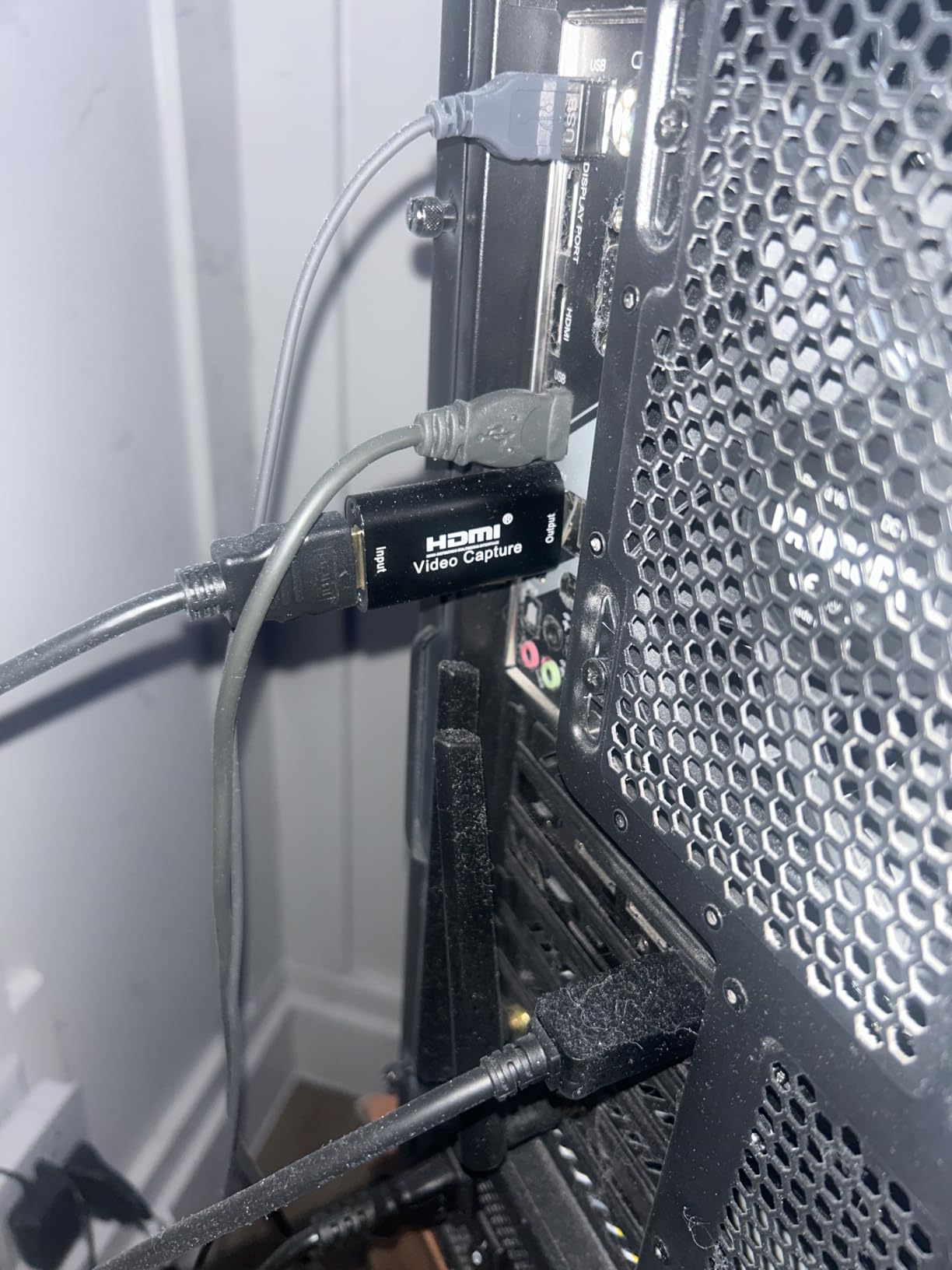
The system requirements are modest but real, asking for an i5-3400 class processor, an NVIDIA GT630 or above and 4GB of memory. Output is YUV rather than MJPEG, and reviewers note video saturation can be corrected in OBS settings.
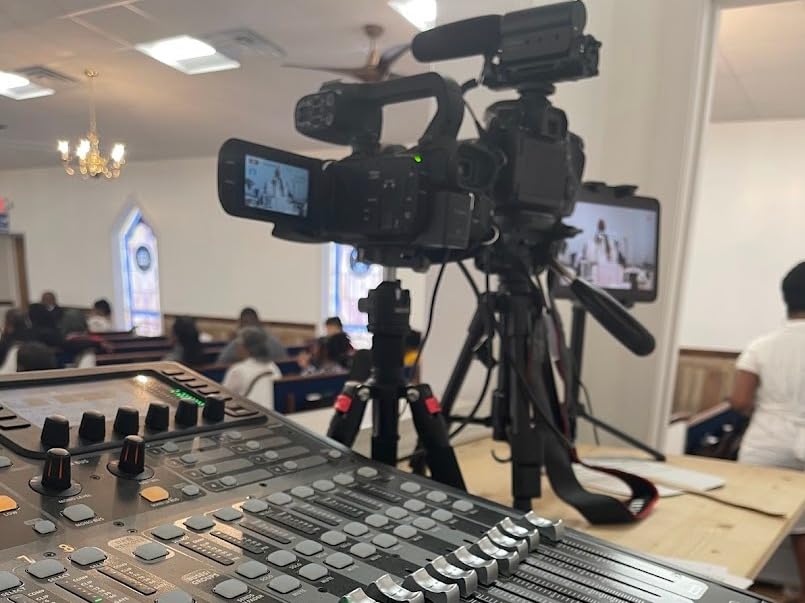
Owners report using it for console streaming and OBS and, in at least one case, replacing an unreliable livestream camera at a church. That is a fair reflection of what a low-cost UVC card can do when nothing else is asked of it.
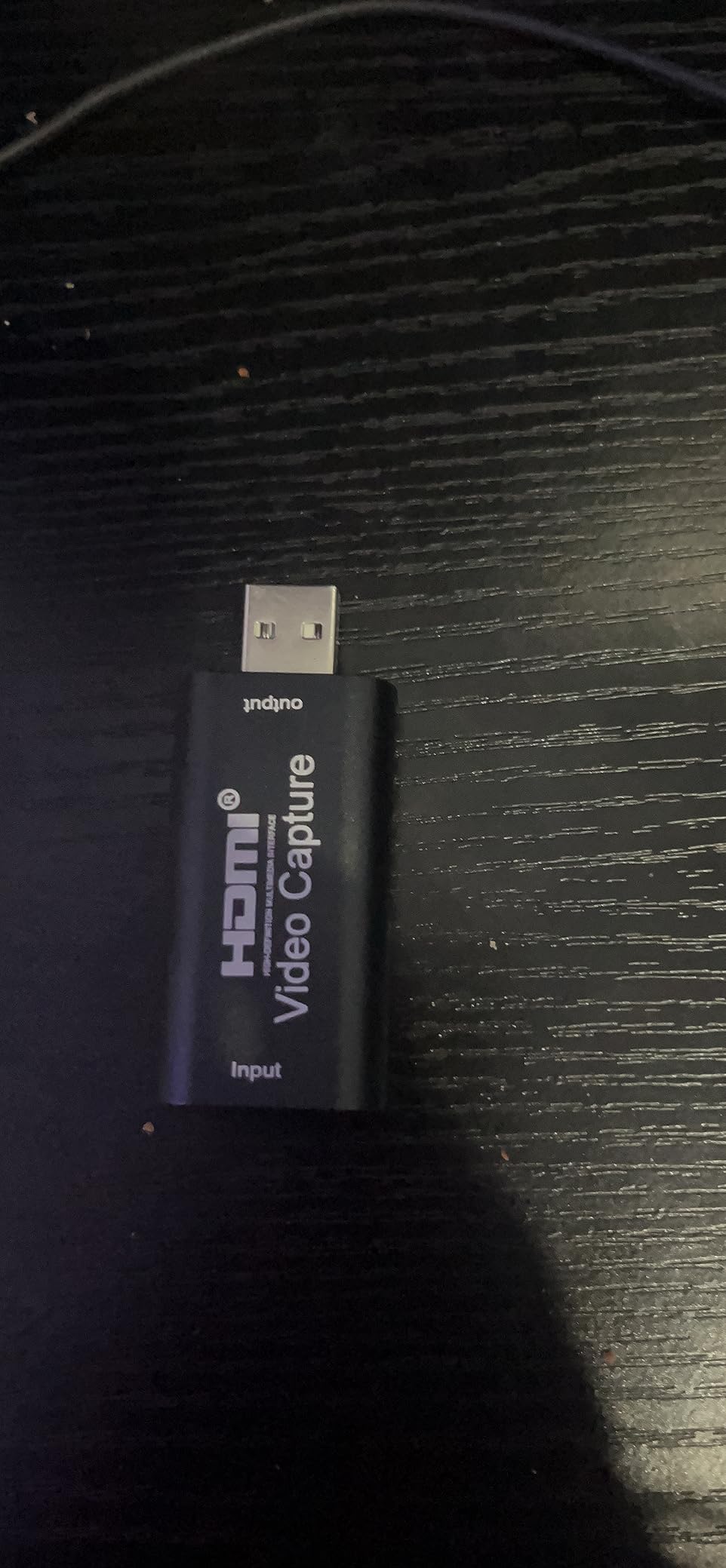
The physical body is the awkward part. Reviewers note it is fairly large and clumsy when two USB ports sit close together on the same machine.
When it makes sense
Trying streaming before committing to a proper setup. A card at this level answers the question, teaches you the OBS workflow and can be reused for a second console.
It is also a reasonable answer for the common case of a gaming laptop with limited ports and a tight budget, where the alternative is not streaming at all.
Why it is last and not first
1080p30 is the deal-breaker. Motion looks noticeably less clean than 60fps footage, and the Switch is a console people expect smooth capture from.
There is also reported audio and video sync delay that needs extra hardware to correct, and listing claims about iPhone 13 use are inaccurate according to reviews. Treat it as a starting point, not a destination.
Which Card Tier Does Your Nintendo Console Actually Need?
Match the card to the console’s docked output, not to the largest spec sheet you can find. A docked Switch and Switch OLED top out at 1080p60. A docked Switch 2 outputs up to 4K60 in its 60fps mode, and reaches higher refresh rates at 1080p and 1440p instead. Switch Lite has no video output at all.
Capture and passthrough are different jobs. Capture is what lands on your drive or in your stream. Passthrough is what reaches your TV. A card can loop 4K to a television and still record 1080p, which is why the loop-out figures on budget cards look impressive and the capture figures look modest.
This is the arithmetic most buyers get wrong. A 4K60 card handed a Switch 1 signal produces the same 1080p60 file as a card one tenth of the price. You are not buying visible quality, you are buying headroom for a console you do not own.
The exception is a shared desk. If a PS5 or Xbox feeds the same card, 4K60 stops being wasted spend, because those consoles do output above 1080p60.
Your USB port is the real bottleneck
Before resolution, count ports. A single USB-C laptop means no spare socket for a card and no room for a card that needs Type-A. Several cards here carry both connector types on the body specifically to solve that.
Cable quality matters more than brand loyalty. Signal stability depends on the USB cable, and switching HDMI sources at the dock causes dropouts that clear with an unplug and replug. Use the supplied lead and keep the run short.
macOS is a known trap. OBS forum advice repeatedly singles out Blackmagic and Magewell as the dependable options on Mac, and those are not in this roundup. If you are on a Mac, verify your card in QuickTime before committing to a streaming workflow.
Elgato vs AVerMedia vs Generic UVC: Choosing a Brand
Elgato leads on software polish, HDR tone mapping and multi-console capture at 4K. AVerMedia leads on portable rigs, hardware encoding and long warranties. Generic UVC cards win on price and lose on support, warranty and audio features. All three are UVC devices, so all three work in OBS.
The practical split is what problem you are solving. If your problem is one console and a tight budget, a branded budget card such as the UGREEN or Guermok is the middle ground that most people should take. If your problem is four consoles and an HDR television, the Elgato tier earns its place.
None of the cards here records in-game party chat from the console. That has to come from a second source and be mixed in software, which is worth knowing before you plan a co-streaming setup.
How to Wire a Capture Card and Record Switch Gameplay in OBS
Run HDMI from the Switch dock into the card’s HDMI input, then HDMI from the card’s loop-out to the display. Connect the card to the PC by USB, either Type-A or Type-C depending on which port you have. That order matters, and plugging the display in first is the most common wiring mistake.
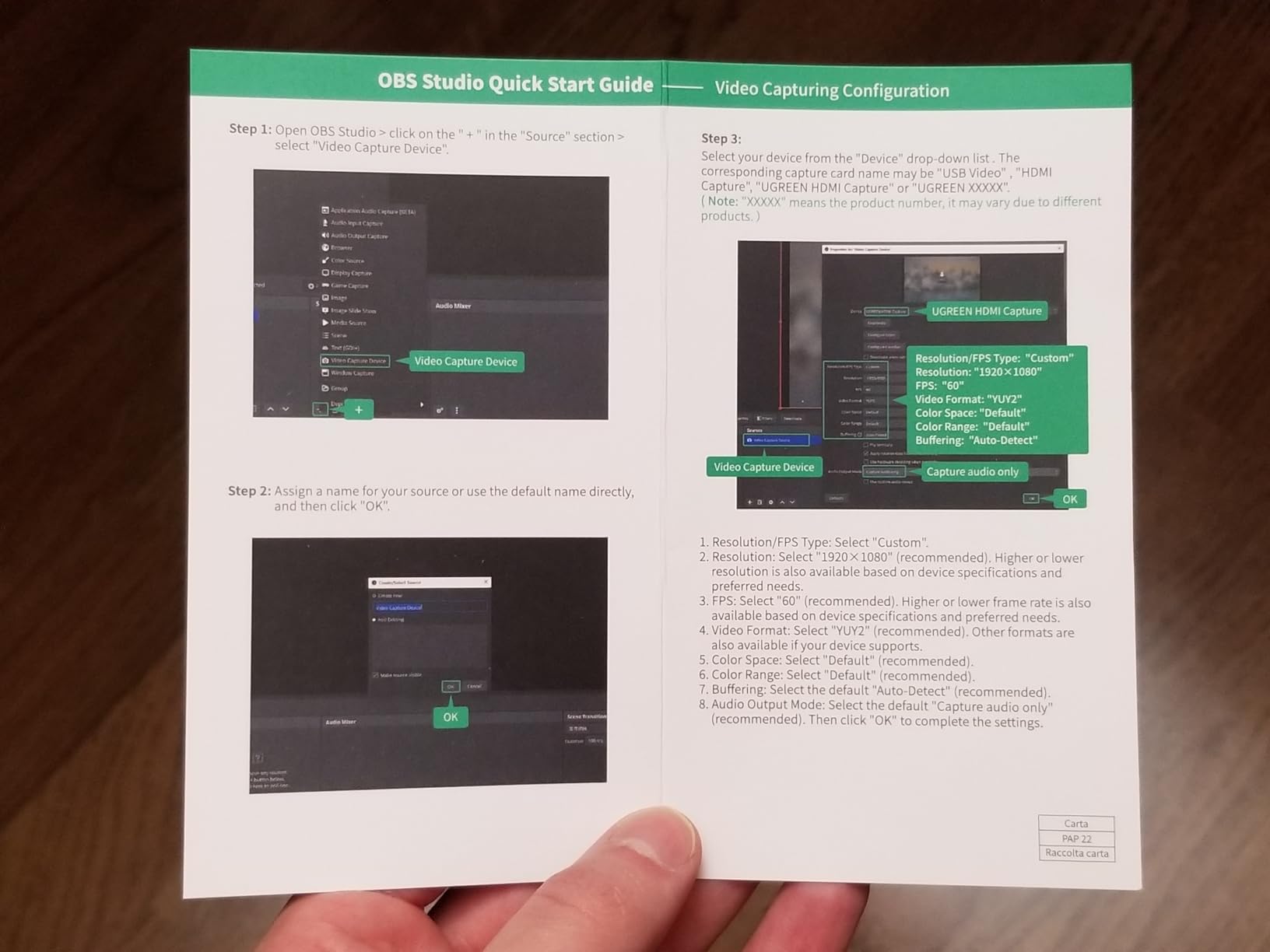
In OBS, add the card as a video capture device and it will appear as a UVC source with no driver install. Set the capture format to 1080p60 and run a bitrate around 6,000kbps for recording to disk. Record locally first and add streaming later, because a local recording survives a dropped upload.
On GameChat audio, be honest about the uncertainty. Nintendo’s exclusion statement covers the console’s own capture button rather than HDMI, and card makers do not document the behaviour. We could not confirm either way from the documentation available. Test it yourself with a friend on the other end of a call before you rely on it for a co-stream.
Four Ways a Switch Capture Chain Breaks (and the Fix)
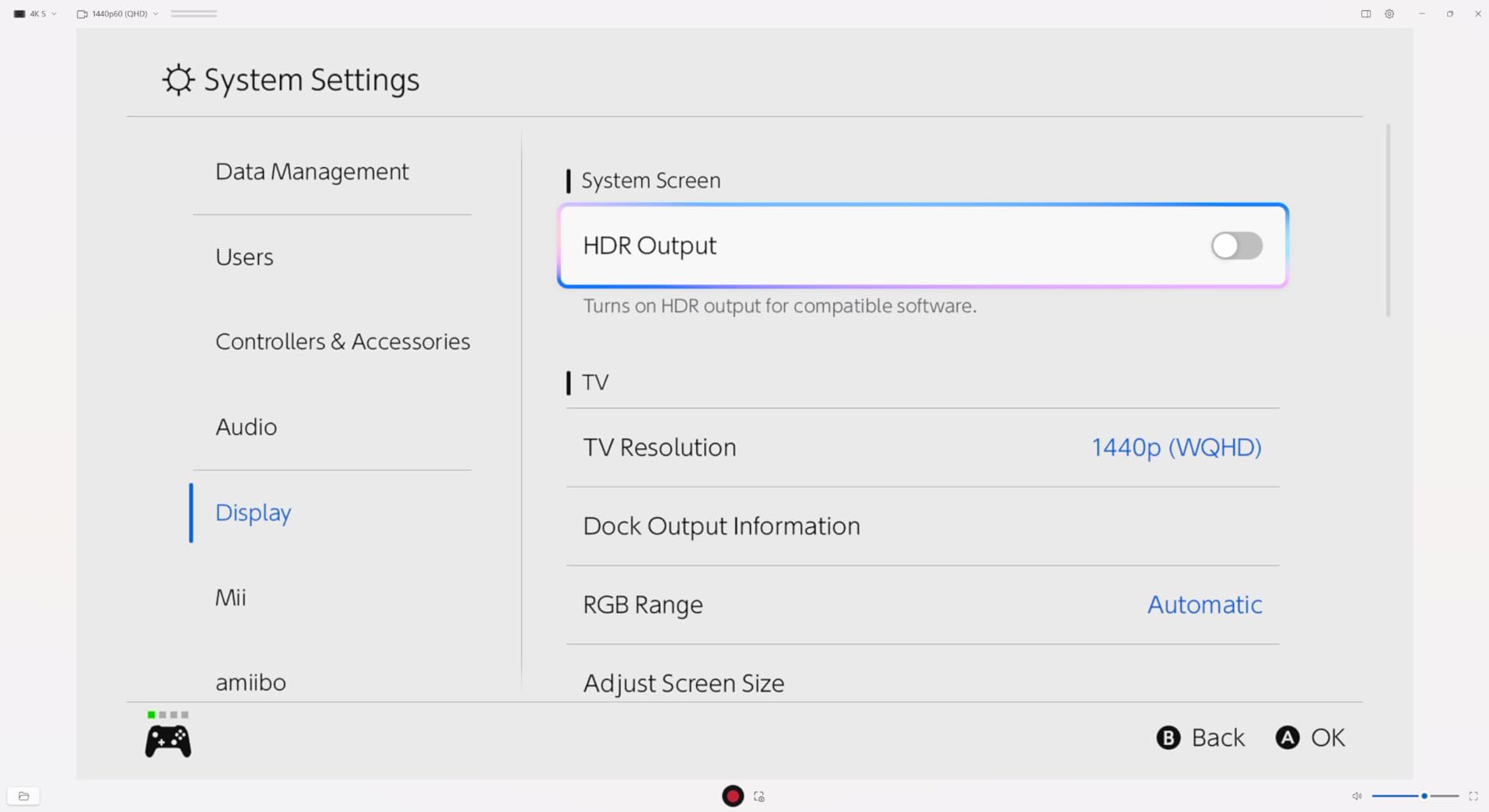
No signal at all usually means the HDMI chain is reversed or the console is undocked. Confirm the dock is seated, then use the supplied HDMI cable and check that higher output modes are turned off in console settings, since 120Hz output on a docked Switch 2 can leave a card showing nothing.
Greyed-out resolutions point at the EDID handshake, the exchange where the card tells the console which display modes it supports. Switching the card’s EDID mode to a higher-resolution profile usually unblocks the options. This is also the cause of the classic complaint that the console works when plugged straight into the television but shows a black screen through the card.
No audio is nearly always a restart. Driverless cards lose their audio device when OBS changes capture settings, so close and reopen the program after configuring audio. If it stays silent, test the card in a second application before assuming the hardware is faulty.
Washed-out colours and blown highlights point at HDR. A card that passes HDR through to the television while recording standard dynamic range will make the TV look correct and the file look flat, and the reverse produces pale, milky footage. Decide which one you want before you record and set OBS to match.
Frequently Asked Questions
Do capture cards work on Switch?
Yes, but only while the console is docked, because video output exists solely on the dock’s HDMI port. Undocking mid-stream cuts the capture to black. The Switch Lite cannot be captured at all, since it has no video output hardware and no accessory unlocks one.
Which capture card is best for Switch?
For a Switch or Switch OLED, a 1080p60 USB 3.0 card is correct because 1080p60 is the docked ceiling. Our top pick records genuine 1080p60 over USB 3.0 with both USB-A and USB-C leads. Switch 2 owners recording in 4K60 need a card that captures 4K60.
Does a capture card work with the Nintendo Switch Lite?
No. The Switch Lite has no TV mode and no video output hardware in the console, so there is nothing for a capture card to receive. No dock or third-party accessory unlocks video output on that model. Lite owners who need capture should look at a different device.
Can you capture Nintendo Switch gameplay in handheld mode?
No. Video only leaves the console through the dock’s HDMI port, so handheld play produces no signal to capture. Undocking during a recording cuts the file to a black frame at that point. If you want handheld footage, use the console’s own 30-second capture button instead.
Is Elgato or AVerMedia better?
Elgato leads on software polish, HDR tone mapping and 4K60 multi-console capture. AVerMedia leads on portable rigs with hardware encoding and longer warranties. Both are UVC devices and both work in OBS. Pick by desk setup rather than brand loyalty.
Is a 4K capture card worth it for Switch 1?
Only if you also capture a PS5 or Xbox on the same card. A docked Switch outputs 1080p60, so a 4K60 card produces the identical file at a higher price. Buy the 1080p60 tier for a Switch alone and spend the difference on a mic or a better capture PC.
How do I fix a capture card with no signal on Switch?
Use the supplied HDMI cable, dock the console properly and turn off 120Hz output in console settings. If resolutions appear greyed out, change the card’s EDID mode to a higher profile. On driverless cards, restart OBS after changing audio settings, because a silent restart can look like a signal fault.
The Verdict: Which Capture Card Should You Buy?
The Guermok GM-29A is our pick for anyone capturing a Nintendo Switch or Switch 2 into OBS. It records 1080p60 over USB 3.0, carries both USB-A and USB-C connectors, runs cool in an aluminium body, and has more than 3,600 reviews behind it.
It is not for you if you need 4K recording from a docked Switch 2, in which case the Elgato 4K S is the card that matches the console. Nor is it for Switch Lite owners or for anyone capturing in handheld mode, because neither is possible on those systems.
Check the console’s docked output first, then count your USB ports, then buy. That order will save you more money than any feature comparison on a spec sheet.