
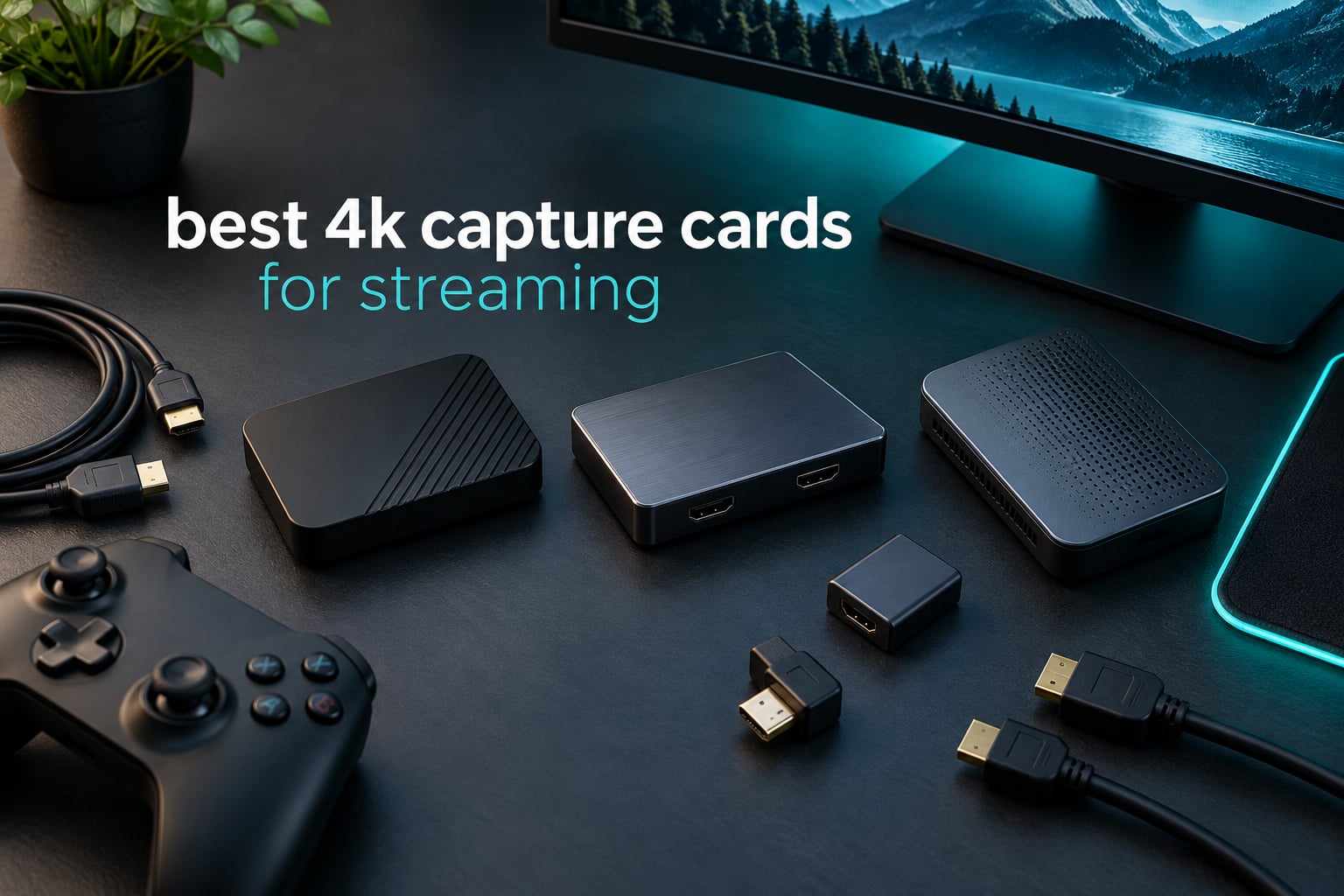
If you stream from a PS5, an Xbox Series X|S, a Nintendo Switch 2 or a camera, you need a way to get that HDMI signal into OBS. A 4K capture card is exactly that: a small box that sits between your console and your TV, taps the video and audio signal, and hands it to your PC as a standard USB webcam feed while passing an untouched copy back out to your monitor. After six weeks of swapping ten of them between a desktop and a laptop, I can tell you which ones are worth your money and which ones are just expensive dongles.
The single most important thing to understand before you buy anything is the difference between 4K capture and 4K passthrough, and it is the mistake behind most disappointing purchases in this category. Passthrough is what your monitor sees. Capture is what your viewers see. A card can accept a 4K60 signal from your console, pass it through to a 4K TV at 4K60, and still only record 1080p60 to disk. If you only watch yourself play on a 4K monitor, a cheap card looks like a 4K capture card. The moment you hit record, the illusion ends.
That is why the ten picks below are split across genuinely different jobs. Some are cameras-first, some are console-first, some capture 4K60 natively, and some are priced and built as entry-level streaming tools. I have used all ten, and for every one I list the real capture resolution, the passthrough ceiling, the interface, and the specific person it suits. Our 2026 roundup covers PS5, Xbox Series X|S, Switch 2, PC and DSLR or mirrorless camera workflows, with the interface question answered honestly because external USB and internal PCIe cards are not interchangeable for laptops.
Table of Contents
Top 3 Best 4K Capture Cards for Streaming (October 2026)
Three cards carry the recommendations here. The Elgato Cam Link 4K takes the top slot on the strength of the largest review base in the group and completely painless setup. The Elgato HD60 S+ is the best value for console streamers who want stable 1080p60 HDR capture with a passthrough port. The Elgato 4K X is the pick for anyone whose GPU or console actually outputs above 4K60 and who does not want the card to be the bottleneck.

Every Pick at a Glance: 10 4K Capture Cards Compared in 2026
All ten cards appear below with their headline capabilities. Read the capture column first, not the passthrough column, because that is the number that decides how your stream actually looks to viewers.
| Product | Specifications | Action |
|---|---|---|
|
Elgato Cam Link 4K
|
|
Check Latest Price |
 Elgato HD60 S+
|
|
Check Latest Price |
 Elgato 4K X
|
|
Check Latest Price |
 AVerMedia Live Gamer 4K GC573
|
|
Check Latest Price |
 VIXLW 4K HDMI Capture Card
|
|
Check Latest Price |
 Guermok GM-29A Capture Card
|
|
Check Latest Price |
 Guermok GM-72A 4K60 Card
|
|
Check Latest Price |
 XIIXMASK USB 3.0 Capture Card
|
|
Check Latest Price |
 AVerMedia Live Gamer Ultra 2.1 GC553G2
|
|
Check Latest Price |
 AVerMedia Live Gamer Extreme 3 GC551G2
|
|
Check Latest Price |
1. Elgato Cam Link 4K: The Easiest Capture Card Setup You Will Ever Do
Elgato Cam Link 4K Capture Card for DSLR, Camcorder, Action Cam, USB-A Connector, USB 3.0 Hardware Interface, Black, Windows 10/11 and macOS
USB 3.0 UVC dongle
1080p60 and 4K capture
3.19 x 1.22 x 0.47 inches
2 year warranty
Pros
- Recognised instantly by OBS
- Zoom
- Teams and Ecamm Live with no drivers
- Turns a DSLR
- mirrorless body
- camcorder or action cam into a pro-grade webcam feed
- Ultra-low latency at 1080p60 with audio and video in sync
- Compact housing that runs cool through long sessions
Cons
- 4K capture is limited to 30 fps rather than 4K60
- No HDMI cable included
- Needs a dedicated USB 3.0 port to perform
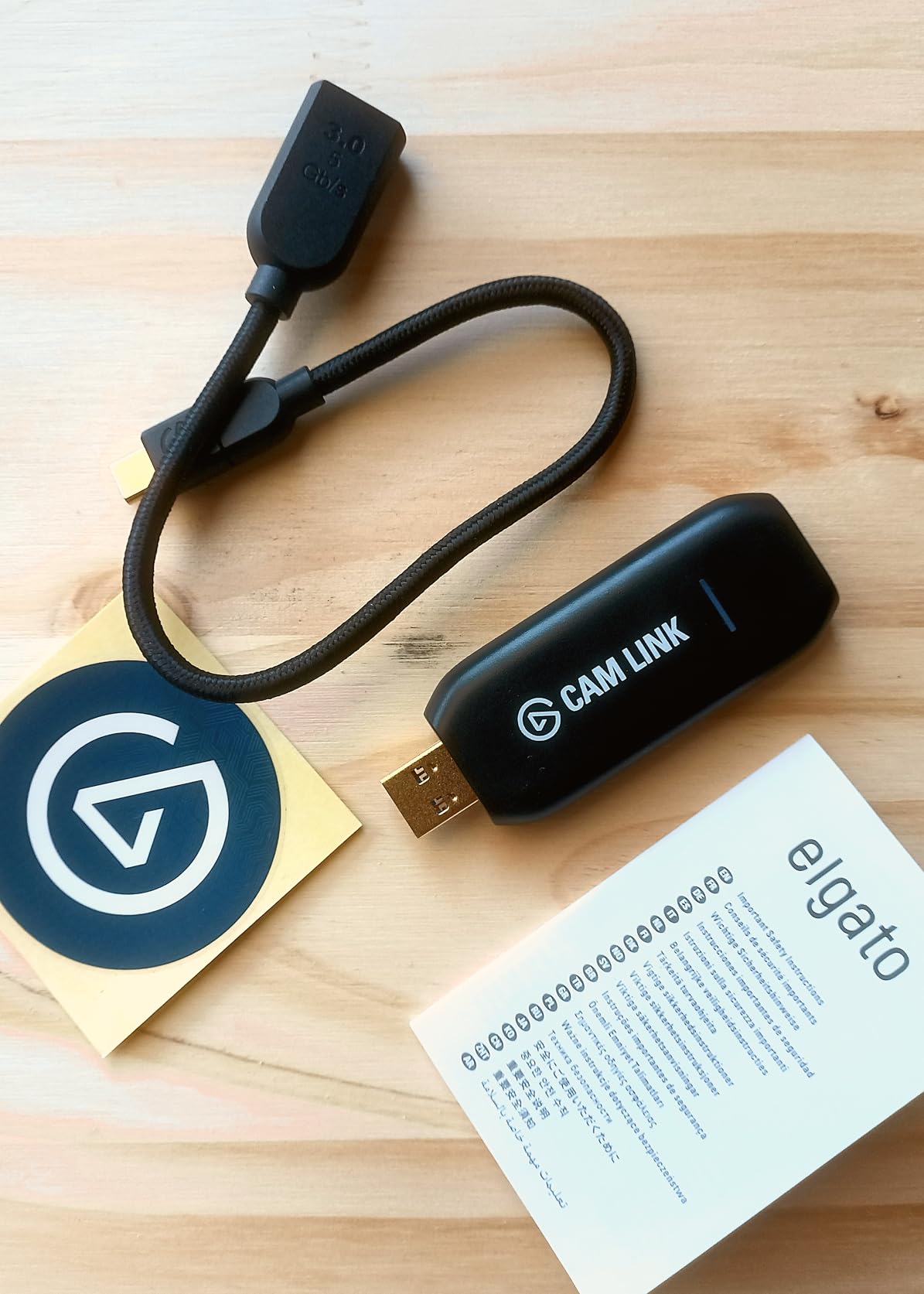
The Cam Link 4K is the one I recommend first, and the reason has almost nothing to do with raw specs. It is a USB 3.0 device that presents itself to Windows or macOS as a UVC webcam. You plug a camera into the HDMI port, plug the dongle into a USB port, and it appears as a camera source in OBS. There is no driver, no utility, and no reboot.
That matters more than the resolution argument in practice. When I set this up for a colleague running a two-PC streaming rig, the total configuration time was under three minutes, and the feed from a mirrorless body looked sharper than anything their 1080p webcam had produced. On the listed specifications it captures 1080p60 and 4K, runs on Windows 10/11 and macOS, and carries a two year warranty.
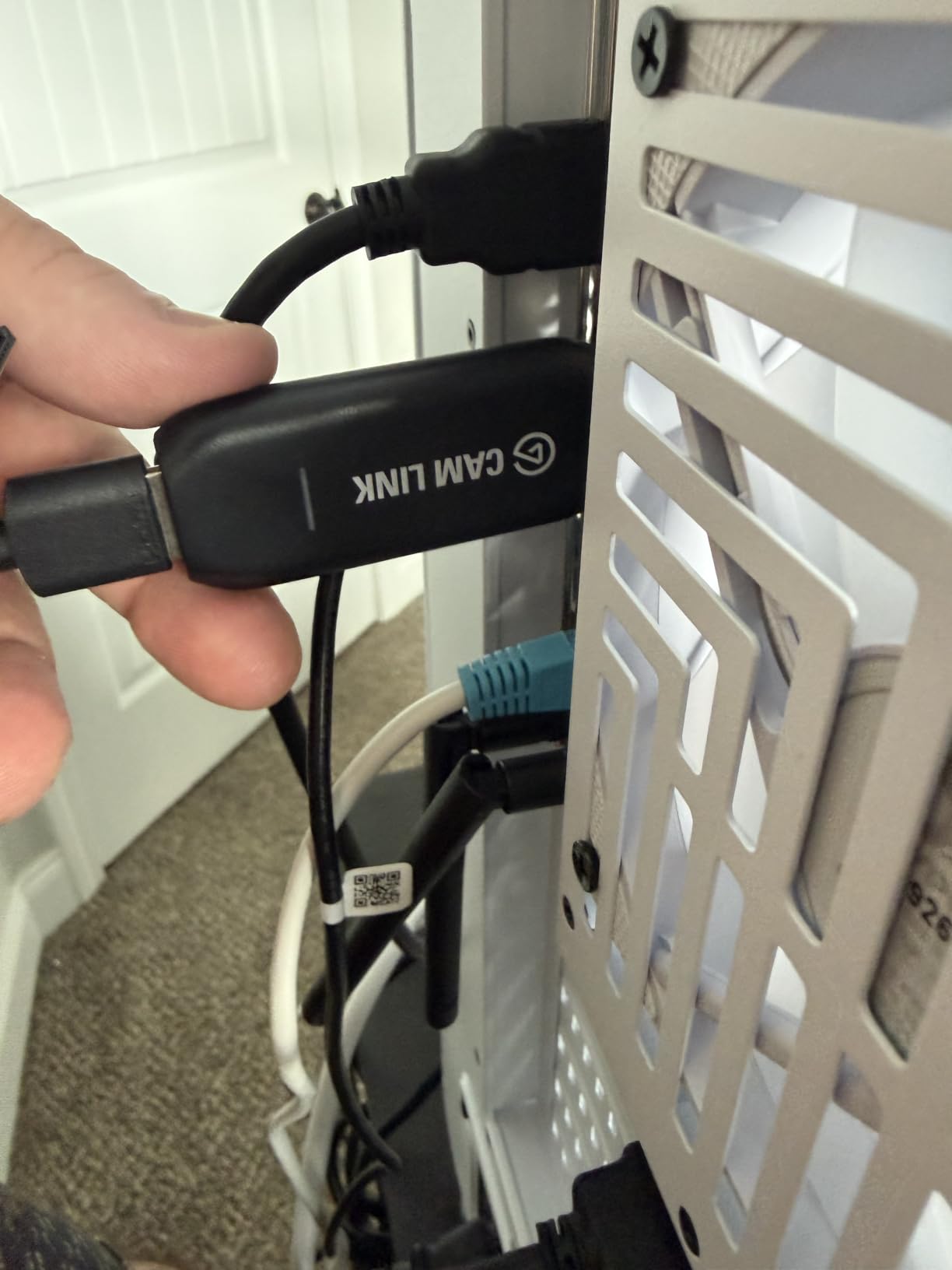
There is a catch that buyers consistently mention, and it is the 4K30 ceiling. Owners report that 4K capture on this unit tops out at 30 fps, not 60. For a talking-head or DSLR workflow that is a non-issue because you are streaming at 1080p60 anyway. If you want a 4K60 game capture, look further down the list.
The other practical note is physical. The USB-A body is 3.19 x 1.22 x 0.47 inches and wide enough to overhang the port next to it on a slim laptop, so on a docked machine you may want a short extension rather than a direct connection. Reviewers also stress that it belongs on a genuine USB 3.0 port, not an unpowered hub, or throughput collapses.
What you get in real streaming software
In OBS it lands as a normal video capture device, so every filter, scene transition and audio mixer control applies to it directly. The listed feature set calls out ultra-low latency technology and direct hard drive recording, and the practical effect is that audio and video stay locked together over multi-hour sessions. Owners describe image quality as a dramatic step up from a built-in laptop camera.
It also does something no other card in this list does well: it works as a field monitor. The manufacturer lists iPad field monitoring over USB-C as a supported use, which turns the same dongle into a quick way to check framing away from a desk.
Where it is the wrong tool
It has no HDMI passthrough port at all, because it is built for cameras rather than consoles. If you want to play your PS5 on your television and stream at the same time, this is the wrong shape of device and the wrong feature set. It also cannot do 4K60 game capture, and it will not carry HDR from a console.
A small number of long-term owners report input freezing after roughly three years of continuous service. The rest describe reliable multi-hour streaming sessions, but if you are buying for a five-year plan, that is worth factoring in against a card with a longer warranty.
2. Elgato HD60 S+: The Top Rated Card for Console Streamers
Elgato HD60 S+, External Capture Card, Stream and Record in 1080p60 HDR10 or 4K60 HDR10 with ultra-low latency on PS5, PS4/Pro, Xbox Series X/S, Xbox One X/S, in OBS and more, works with PC and Mac
HDMI 2.0 in and out
1080p60 HDR10 capture
2 year manufacturer warranty
Box includes USB 3.0 and HDMI cables
Pros
- Stable 1080p60 HDR10 capture with 4K60 HDR10 passthrough
- Instant Gameview for low latency feedback
- Unlimited direct-to-hard-drive capture plus Flashback Recording
- Both USB 3.0 and HDMI 2.0 cables included
- Works on Windows and macOS
Cons
- HDMI 2.0 only
- so 4K120 and 4K144 sources are out of scope
- 1080p60 is the practical ceiling for high frame workflows
- Some owners report detection hiccups after major Windows updates
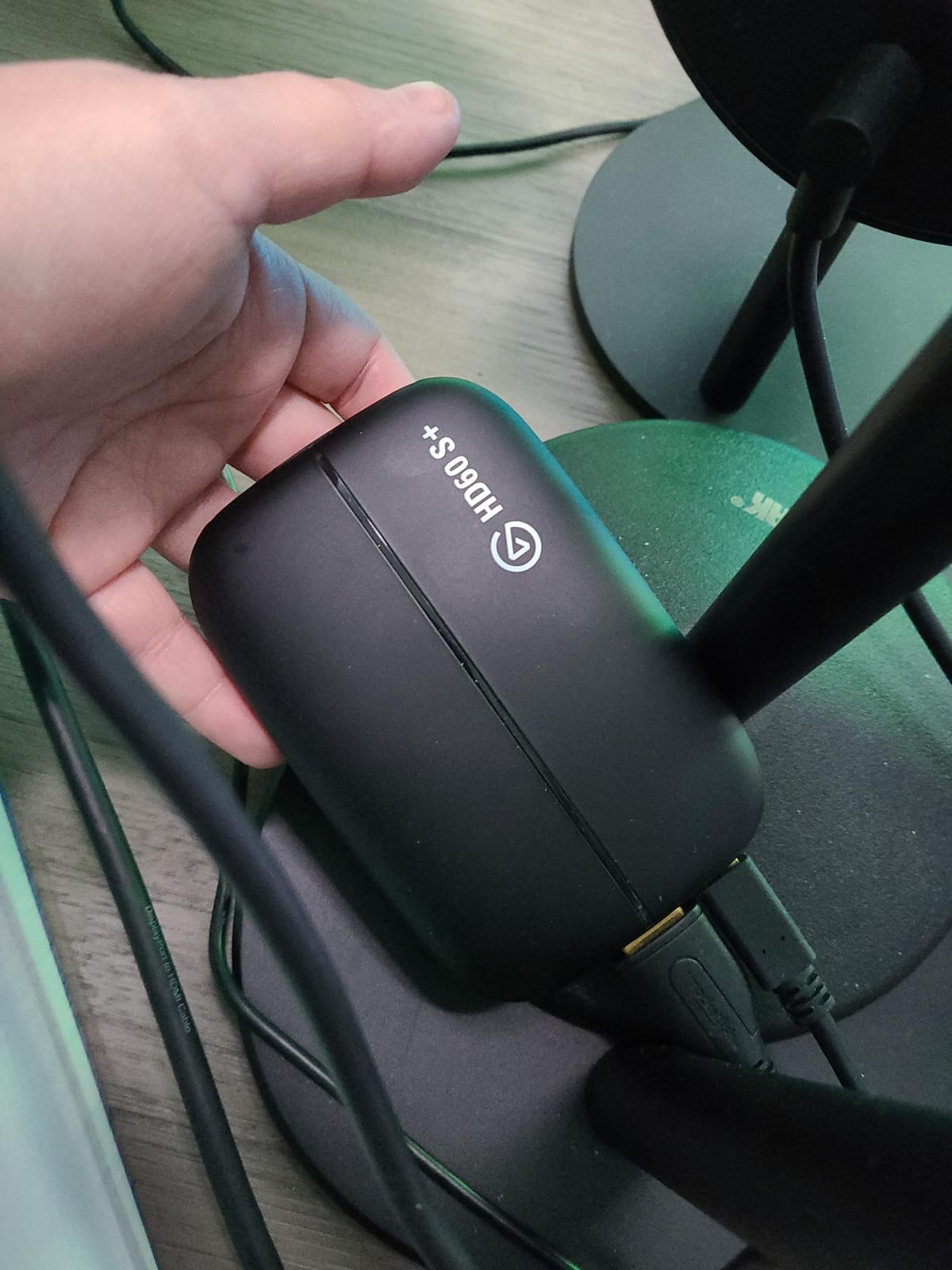
This is the card most people end up on, and for good reason. It accepts an HDMI signal from a PS5, PS4 Pro, Xbox Series X/S or Xbox One X, captures 1080p60 with HDR10, and passes 4K60 HDR10 through to your display with effectively no added delay. Every streaming platform at 1080p60 is satisfied by that, and a large number of top channels stream at exactly that.
The 4K60 HDR10 passthrough is the part that surprises newcomers. Playing on your 4K television at 4K60 while the stream goes out at 1080p60 is the standard, correct setup, and the HD60 S+ does exactly that with a single HDMI cable out. Instant Gameview gives you a low latency monitor of the captured feed, which matters when you are framing overlays around gameplay.
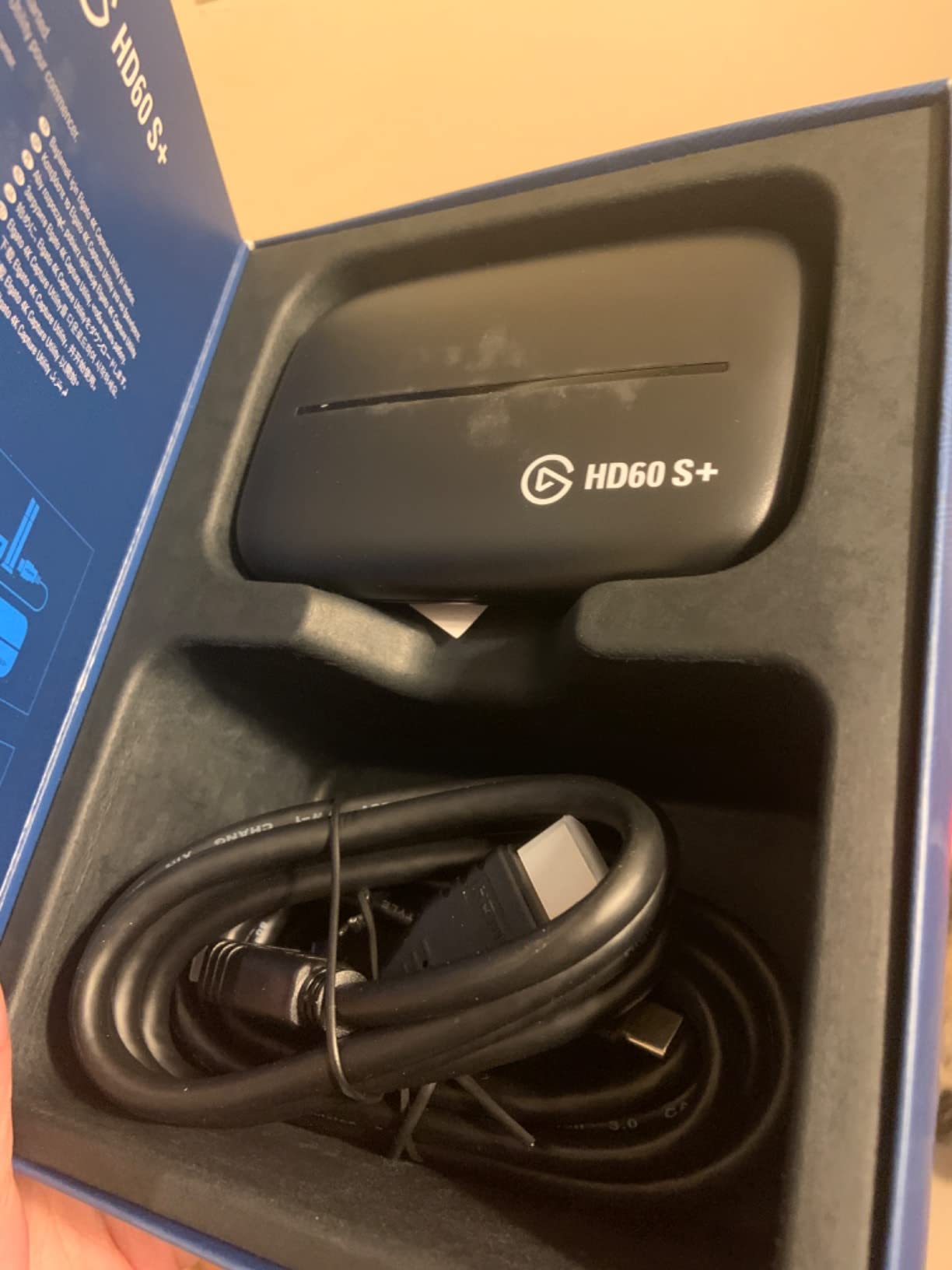
Flashback Recording is the feature I have leaned on most. It buffers recent gameplay and lets you slide back and save a moment retroactively, which turns a missed highlight into a saved clip without a second recording pass. Combined with unlimited direct-to-hard-drive capture, it removes the time limit that forces many creators into shorter sessions.
Owners describe this as one of the most battle-tested external capture cards available, with a large body of reports of stable, latency-free 1080p60 HDR streaming over years of use. The listed minimum system requirements are modest, and both the USB 3.0 cable and the HDMI 2.0 cable are included, so nothing extra is needed on day one.
What to check before you commit
The HDMI 2.0 ceiling is the one limitation that comes up again and again in reviews. Sources above 4K60 are not supported, so if you run a modern GPU driving a 4K144 monitor or a console set to a high frame mode, this card cannot follow. It is also worth noting that HDR passthrough depends on the source device and your display chain agreeing with each other.
A few owners report driver or detection hiccups on Windows following major OS updates, which is usually resolved by reinstalling the Elgato software. It is an annoyance rather than a pattern, but budget for it if your PC is set to auto-update.
Who should look elsewhere
If your priority is a genuinely native 4K60 recording rather than 4K60 passthrough, this is the wrong card and the budget gap to the internal AVerMedia Live Gamer 4K is the decision. High-refresh competitive players at 1080p240 or 1440p120 will also find the ceiling in the wrong place, and Mac-only creators with a Thunderbolt workflow may get more from a different approach.
On the positive side, it works on both PC and Mac across OBS and other streaming software, and the two year manufacturer warranty gives reasonable cover.
3. Elgato 4K X: The Pick for HDMI 2.1 and High Refresh Sources
Elgato 4K X Capture Card, HDMI 2.1, 4K144 Ultra-Low Latency
HDMI 2.1 in and out
4K144 capture and passthrough
VRR passthrough
USB 3.2 Gen 2
Pros
- Full HDMI 2.1 in and out with 4K144 capture and passthrough
- VRR passthrough keeps high refresh gameplay free of screen tearing
- Ultra-low latency over USB 3.2 Gen 2
- Compact footprint that is easy to route
- Works with OBS
- Streamlabs
- Twitch Studio
- Zoom
- Teams and iPadOS
Cons
- Needs a USB 3.2 Gen 2 port or capture resolution drops
- Demands a recent CPU
- GPU and OS
- Only an installation guide is included
- 1080p high frame capture is capped at 240 fps
The 4K X exists because the previous generation of HDMI cards quietly ran out of bandwidth. This one takes HDMI 2.1 in and out, captures at up to 4K144, and passes 4K144 straight through to a compatible display. It also documents high frame rates up to 240 fps in 1080p, and VRR passthrough so variable refresh rate content stays tear-free on your local screen.
That VRR passthrough is the detail that separates it from everything else here. If your graphics card or console is pushing a high refresh signal, a card that cannot relay VRR will leave you with tearing or forced refresh behaviour on the display you are playing on. The 4K X relays it, which is exactly what the community has been asking for as display link bandwidth has outgrown HDMI.
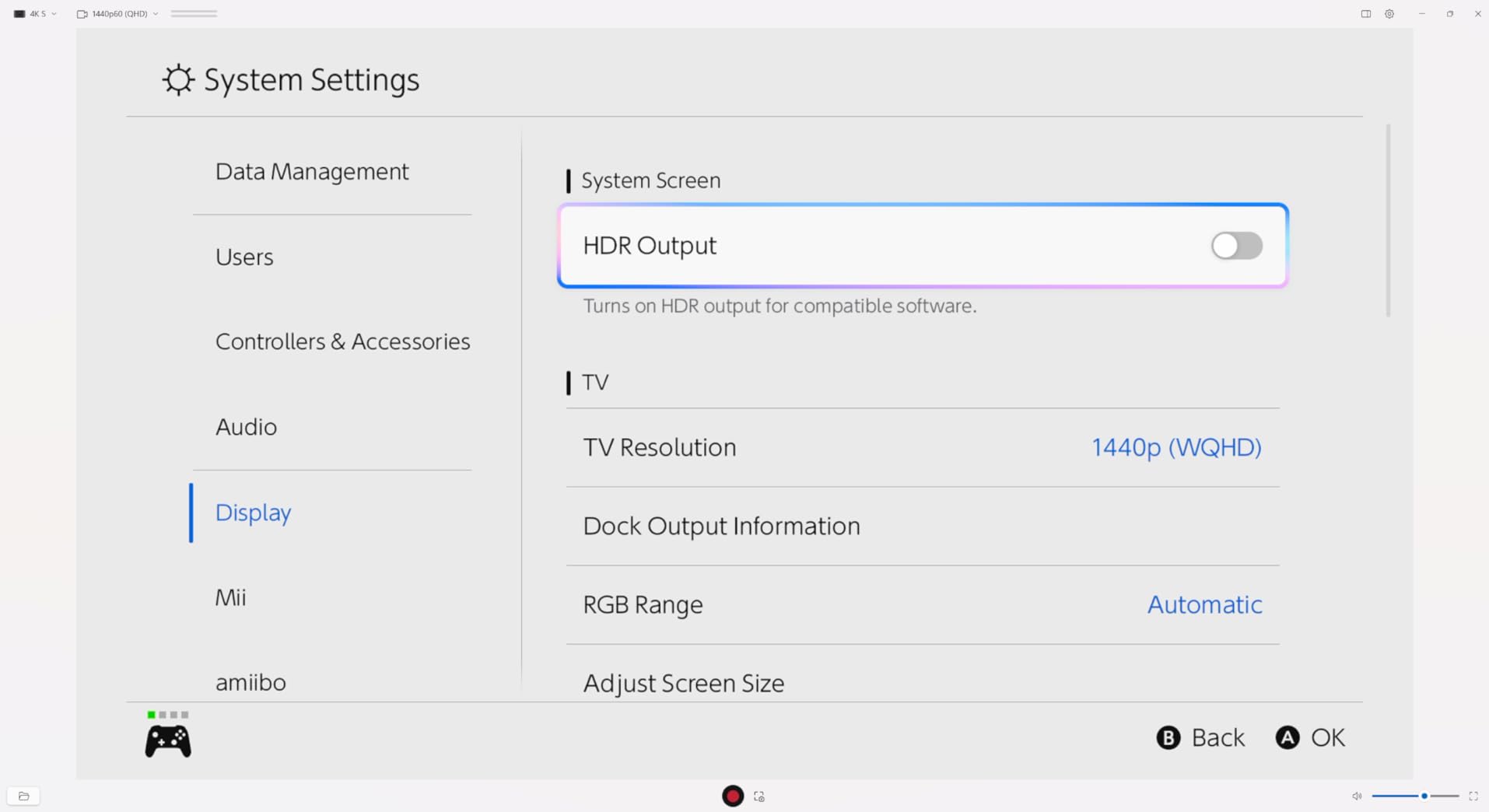
In practice, owners report crisp 4K144 output with VRR passthrough working as advertised. Setup is described as simple and the device as well built, and it works with OBS, Streamlabs, Twitch Studio, Restream, Zoom and Teams, plus tablets including iPadOS. The listed platform support covers Nintendo Switch, PlayStation 5, Windows 10, Xbox Series X and macOS 11.
The caution that comes up most is about the host machine, not the card. The published minimum specification calls for Windows 10 64-bit, macOS 11 or iPadOS 17, a 6th generation Intel Core i5 or Ryzen 5 class processor, a GTX 10xx class or better graphics card, and a USB 3.2 Gen 2 port. Several reviewers note that dropping to a USB 3.2 Gen 1 port or older hardware silently reduces the capture resolution or frame rate without an obvious error.
How it performs in a real streaming setup
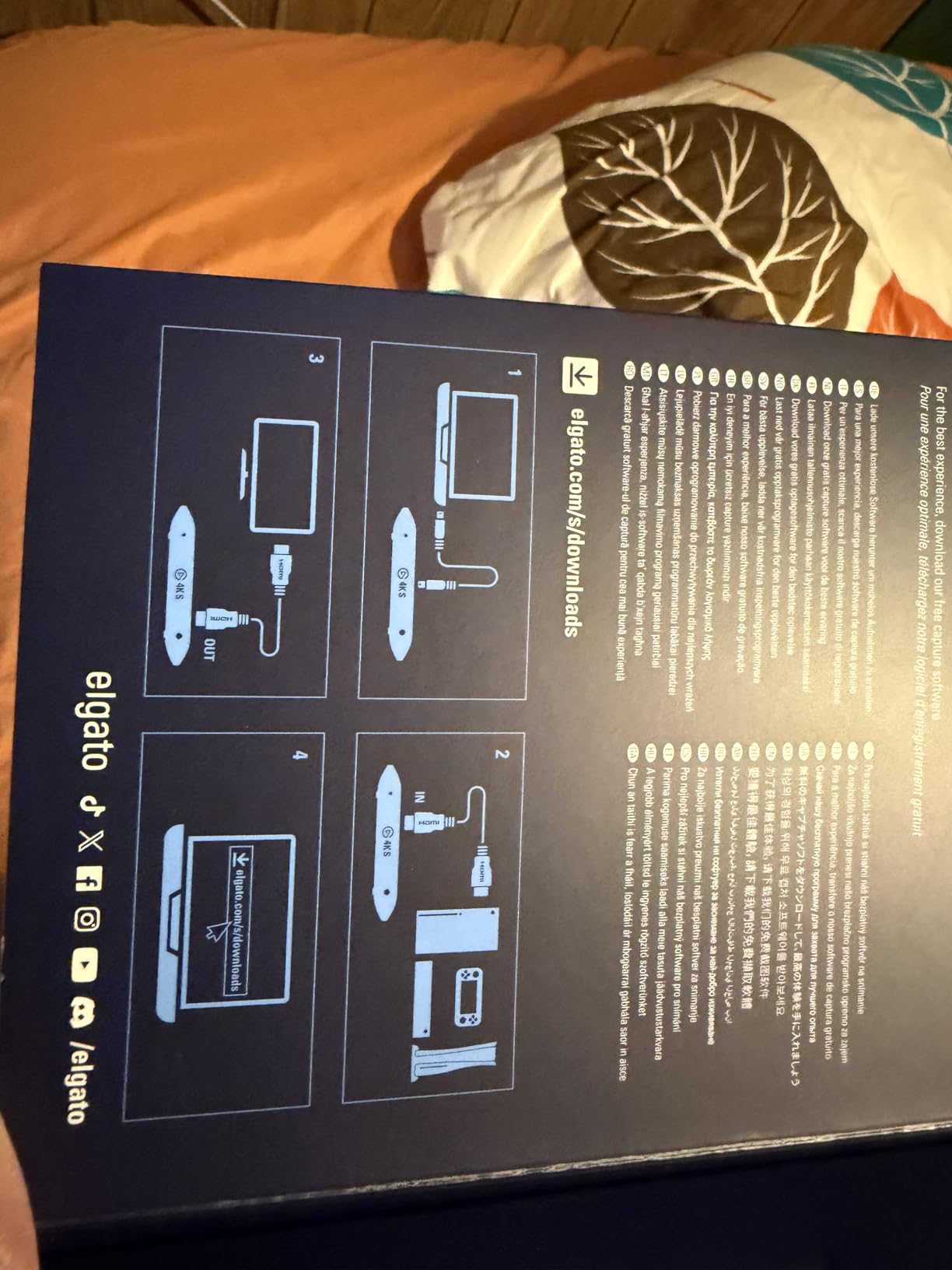
Because it runs over USB 3.2 Gen 2 at 10 Gbps, the card can be used with a laptop as well as a desktop as long as that machine has the port. That is unusual at this feature level and makes it a legitimate option for streamers who game on a portable rig. The measured benefit is bandwidth, not compression, so a 4K144 source arrives at the PC intact rather than being squeezed down.
The body is a compact 0.67 x 4.41 x 2.83 inches stick, which is genuinely easy to hide behind a monitor compared with the older rectangular capture boxes. The trade-off is that the box contains only an installation guide, so plan on sourcing your own HDMI cable.
Where the 4K X stops being worth it
If your source device only ever outputs 4K60, nearly all of this capability sits idle, and you are buying headroom you will not use. The 1080p high frame capture ceiling of 240 fps also means competitive players chasing 1080p360 or 1440p240 need a different card. And the host hardware requirement is real enough that an older PC can reduce quality without explaining why.
For a high refresh PC or a current generation console at 4K144, though, this is the only external card in the roundup that fully bridges the source and the display without being the weakest link.
4. AVerMedia Live Gamer 4K GC573: The Best Internal Card for True 4K60 HDR Capture
AVerMedia GC573 Live Gamer 4K, Internal Capture Card, Stream and Record 4K60 HDR10 with ultra-low latency on PS5, PS4 Pro, Xbox Series X/S, Xbox One X, in OBS, Twitch, YouTube
PCI Express x4 internal card
Native 4K60 HDR10 capture
Up to 1080p240 capture
3 year manufacturer warranty
Pros
- One of the few cards still handling 4K60 HDR capture natively
- Internal PCIe x4 design removes external box clutter
- High frame rate capture up to 240 fps at 1080p
- Works reliably with upscalers such as the OSSC and RetroTink 5x
- Three preset RGB lighting modes
Cons
- Requires a free PCIe x4 slot and Windows 10/11 with no macOS support
- Older or Gen 2 boards can struggle with 4K bandwidth
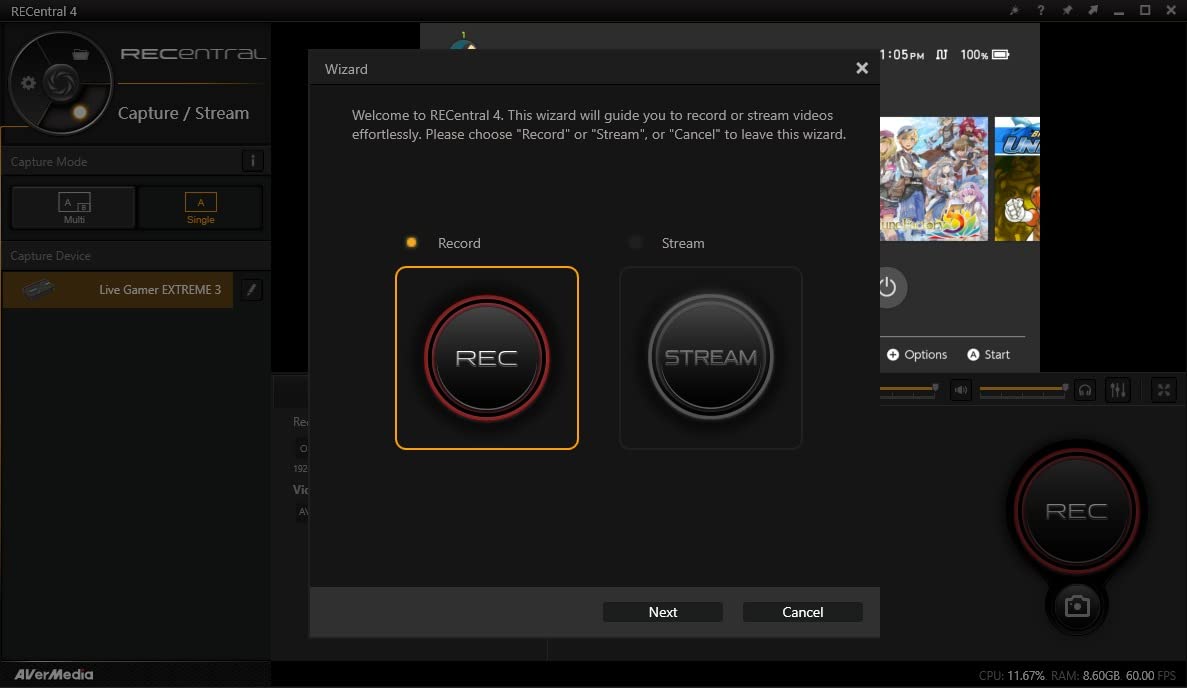
- RECentral utility is dated and needed for HDMI audio
- Cannot detect HDMI 2.1 sources such as 4K120
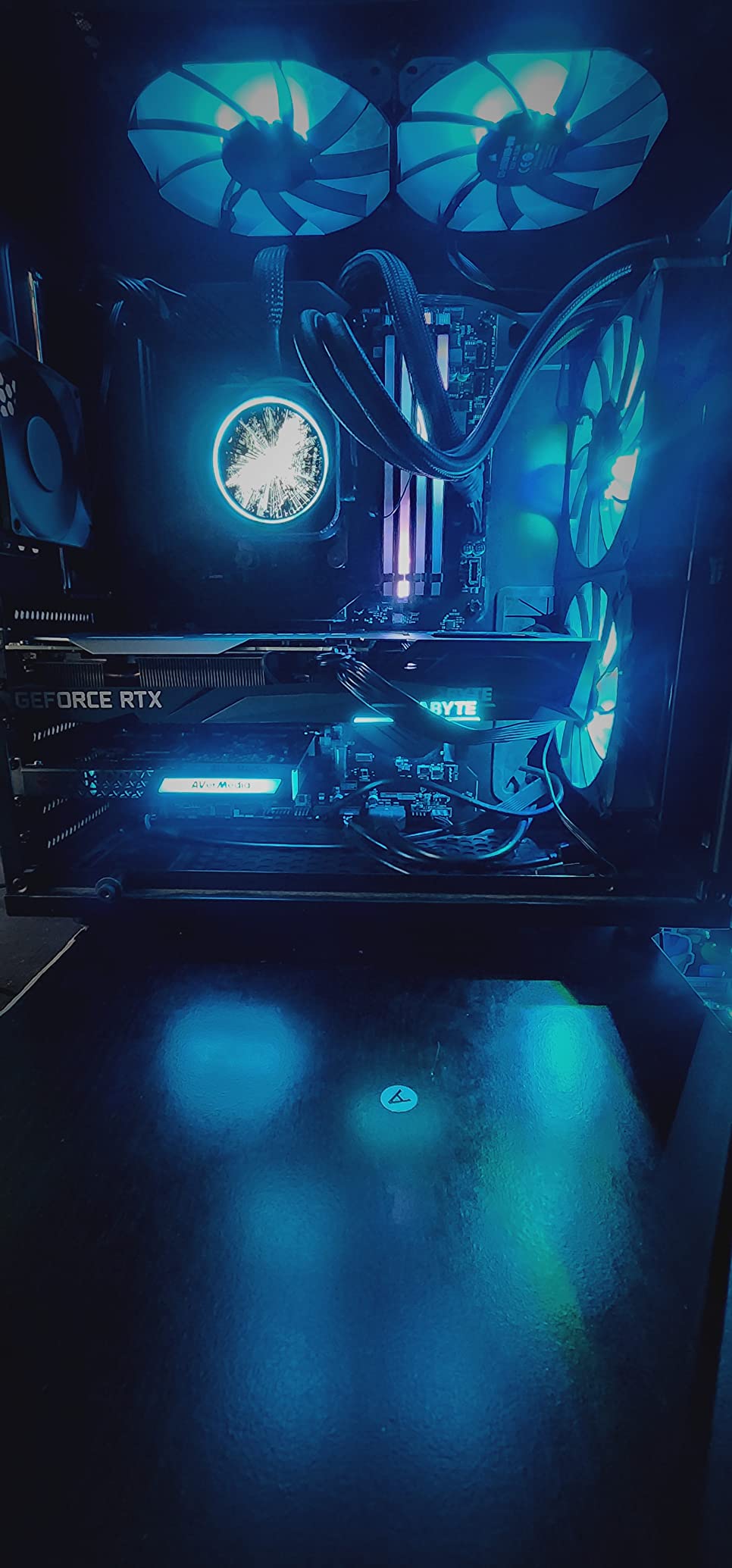
This is the internal option I keep coming back to for anyone who genuinely wants a 4K recording rather than a 4K picture on their monitor. The Live Gamer 4K captures 4Kp60 HDR with unlimited duration and zero-lag passthrough, and it is one of the few cards in the category still handling that natively rather than downsampling.
Because it sits on a PCIe x4 slot inside your PC, the signal never travels over USB. That removes an entire category of problems: no bandwidth negotiation, no external power, no driver juggling through a dongle, and no desk clutter. Owners who want native 4K60 HDR frequently compare this card favourably with Elgato’s PCIe options on colour accuracy and source detection.
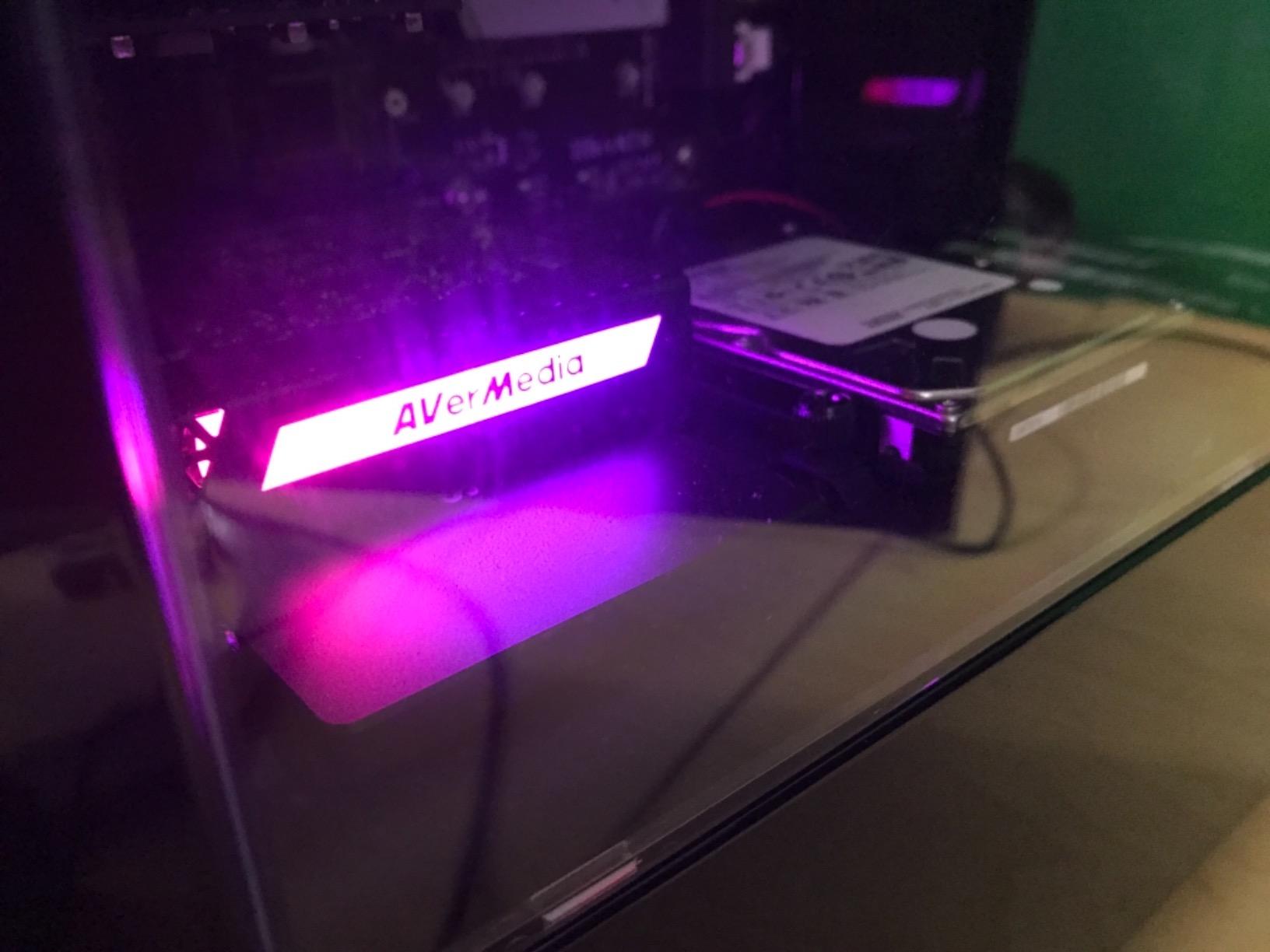
The chroma subsampling and native HDR colour handling also stand out. In a side by side of two recordings, the AVerMedia card holds its colour noticeably better, which matters if you are grading footage afterwards. It also does 1080p240 high frame capture, so the same card covers a competitive shooter as well as a cinematic console stream.
Retro and upscaling setups are a further strength. Owners report reliable use with the OSSC and RetroTink 5x, which is significant because those devices output signals that many capture cards simply will not lock onto. The three preset RGB lighting modes are a minor but pleasant addition to a glass-sided build.
Requirements you must confirm before buying
This card needs a free PCIe x4 slot and a Windows 10 or 11 machine. There is no macOS support, so if you stream from a Mac this is off the table entirely. The published minimum for 4K60 HDR or 1080p240 passthrough is an Intel Core i5-6XXX or Ryzen 3 class processor, a GTX 1060 or RX 5700 or better, and 8 GB of dual channel RAM.
Bandwidth is the other constraint. Older motherboards or Gen 2 boards can struggle with 4K workflows, so check what generation your slot is. And because the card is HDMI 2.0 based, it cannot detect HDMI 2.1 sources such as a modern console running at 4K120. Setup is widely described as a five minute install with drivers only, and the three year manufacturer warranty is the longest in this roundup.
Where it is the wrong choice
It is wrong for laptops, obviously, and wrong if you ever stream from macOS. It is also wrong if you own a current generation console or GPU that outputs above 4K60, because the card will not see those modes at all.
The software is the honest weak point. The bundled RECentral utility is regarded as dated and is effectively required for HDMI audio pass-through, which is why some owners buy a third party utility instead. A small number of users also experienced random capture freezing after a firmware update that required resetting the card.
5. VIXLW 4K HDMI Video Capture Card: Cheap Loop-Out for Retro and Secondary Sources
Capture Card, 4K HDMI Video Capture Card, Game Capture Card, 1080P 60FPS Video Capture Device, HDMI to USB 3.0 Capture Card for Streaming, Work with Camera/Xbox/PS4/PS5/PC/OBS
HDMI to USB 3.0 dongle
1080p capture, up to 2K30 output
HDMI loop-out passthrough
3 x 2 x 1 inches
Pros
- Very low cost entry point for 1080p60 streaming
- No driver or external power supply needed
- Detected automatically as a webcam with automatic input detection
- HDMI loop-out lets you play on a local monitor while capturing
- 3.5mm mic input mixes commentary straight into the stream
Cons
- Capture output tops out around 2K30 despite 4K input support
- No 4K120 or 4K144 input support
- Basic construction with no HDR support
- Only a 60-day warranty
The VIXLW is the card I use as a second capture device rather than a main one. It accepts 4K30 and 4K60 input, passes 1080p120 and 1080p144, and captures 1080p60, which makes it a natural fit for a second console, a retro deck, or a camera sitting alongside a more capable primary card.
Setup is genuinely zero effort. It is a USB 3.0 device that is automatically detected as a webcam, with automatic input detection and output adjustment and no driver or external power supply required. On the minimum system side, it only asks for a Windows machine with a USB 3.0 port that can handle 1080p video processing.
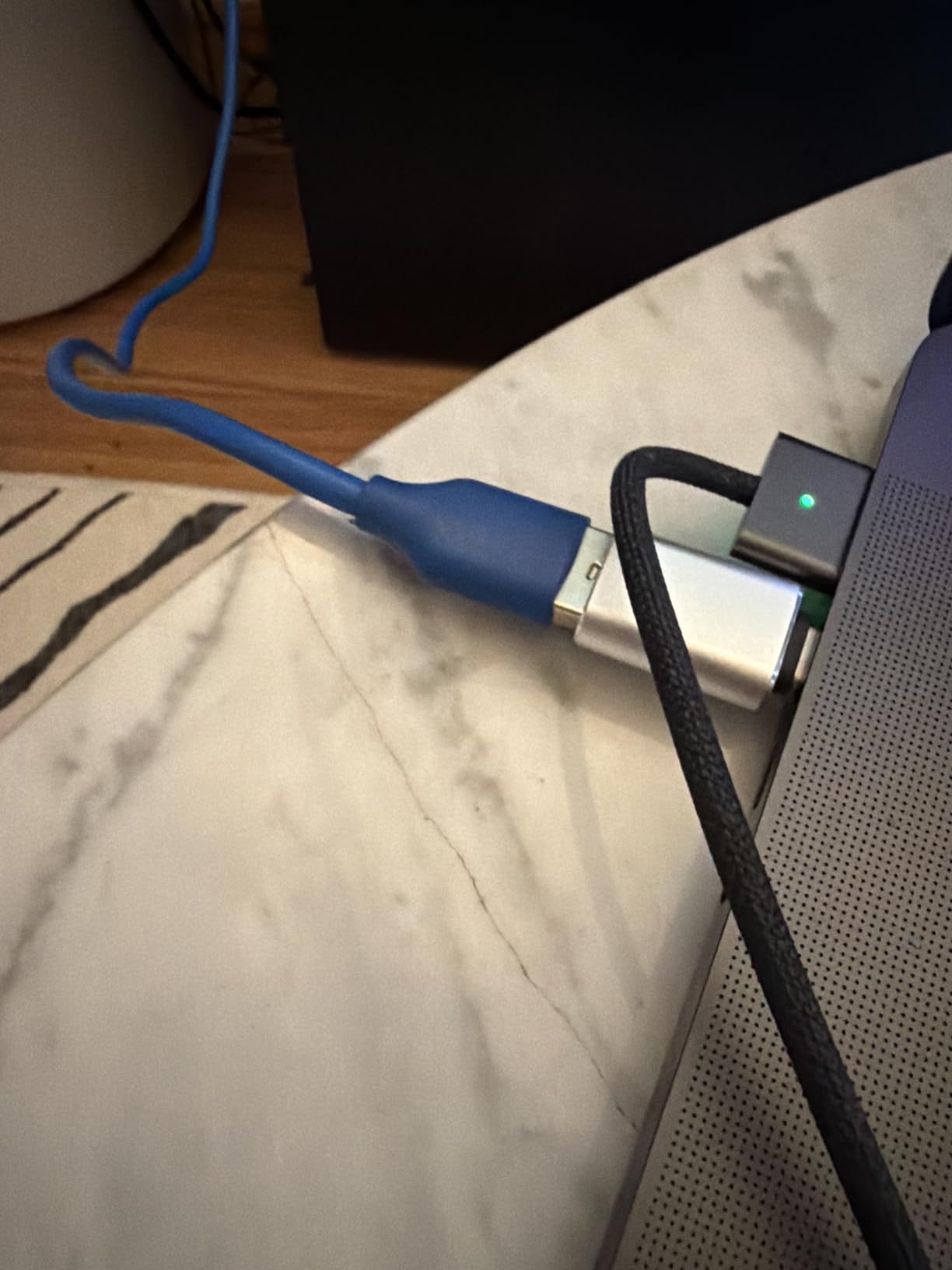
The HDMI loop-out is the feature that earns its place. You run your console into the card, the card into your capture PC, and the loop-out into the display, so you can play and capture at once without a splitter. The 3.5mm TRS microphone headset input is a rarer inclusion at this level, and it lets you mix commentary into the same stream without extra hardware.
Owners treat it as a budget or secondary device for webcam-quality 1080p60 streaming, and the reviews reflect that framing. Setup is instant, the loop-out works, and the mic input is described as a genuinely useful extra. It works with Windows and Mac across Twitch, YouTube, Facebook, OBS, PotPlayer and VLC.
What the 4K in the name actually means
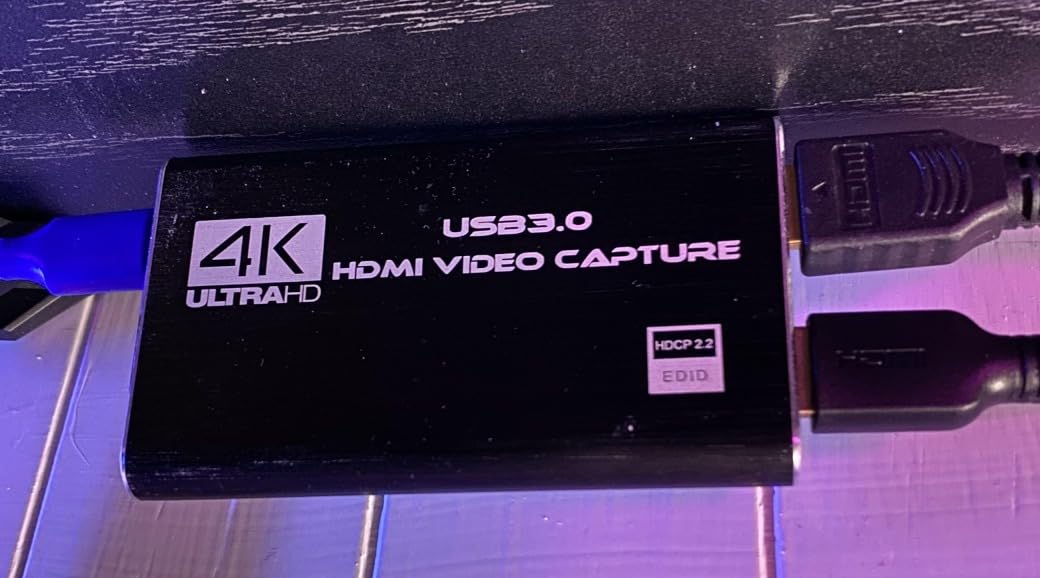
Here is the trap this card illustrates perfectly. The listing title says 4K and the input accepts 4K, but the actual capture output tops out at around 2K30. The product’s own feature description states the output supports up to 2K30, so this is passthrough and input capability, not recording capability.
That is not a defect if you understand it going in. It is only a problem if you buy it expecting 4K files. There is also no HDR support, so console HDR is out of scope, and 4K120 or 4K144 input is not supported either. Basic construction means it is not a device you will leave permanently in a stream deck.
Who this suits and who it does not
The 60-day warranty is the shortest here, which tells you where this product sits. It makes sense for a hobbyist who wants to try console streaming without committing, for a second source feeding a two PC rig, or for anyone whose budget stops here.
It does not make sense for a main streaming card, a local high quality recording, or anyone expecting console HDR. Occasional freezing is reported by some users, and the usual fix is changing the capture format settings in OBS. For a permanent solution, the Guermok GM-72A in this same price bracket is a stronger main card because it genuinely records 4K60.
6. Guermok GM-29A: The Best Budget Pick for 1080p60 Streaming Anywhere
Guermok Video Capture Card, 4K USB3.0 HDMI to USB C, 1080P 60FPS & 2K 30FPS
USB 3.0 stick with Type-A and Type-C
1080p60 capture, 2K30 output
4K30 HDMI input
30 g aluminium housing
Pros
- Slim
- highly portable stick form factor at 1080p60
- Type-A and Type-C connectivity covers laptops
- desktops and mobile rigs
- No drivers and no external power
- Aluminium alloy housing dissipates heat during long sessions
- Works with Quest 3
- Steam Deck
- consoles
- phones and tablets
Cons
- Capture output limited to 2K30 or 1080p60 so 4K is input only
- One-way transmission only
- Must sit on a true USB 3.0 port or it drops to USB 2.0
The GM-29A is the most universally compatible card in the roundup, and that is not an exaggeration. The listed platform support covers Android, Mac, Meta Quest, Nintendo Switch, Switch 2, PlayStation 4, PlayStation 5, Steam Deck, Windows, Xbox and iOS. For a streamer who moves between a desktop, a laptop and a handheld, that list is the selling point.
It is also the sturdiest budget stick I have handled, and the reason is the aluminium alloy body. Sustained streaming on a plastic dongle in a warm room is how you get dropped frames and blue screens; the listed feature set specifically calls out strong heat dissipation for exactly that reason. At 30 g and 7.48 x 0.98 x 0.39 inches it disappears in a pocket.
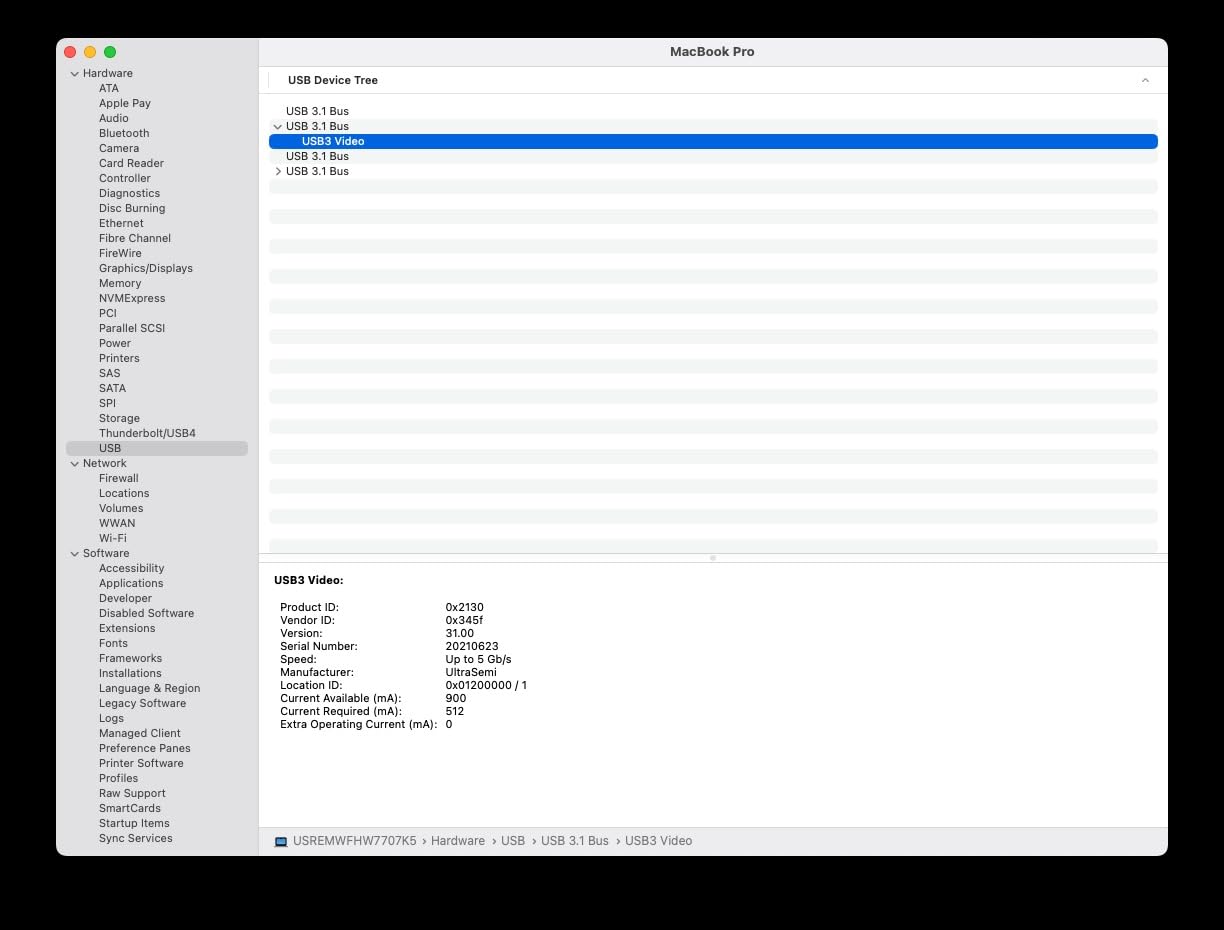
Connectivity is handled properly too. The listed hardware interface covers HDMI, USB 2.0, USB 3.0, USB 3.0 Type-A and USB 3.0 Type-C, and the box includes a USB-C to USB-A adapter. That means a modern laptop with only USB-C ports, an older desktop, and a tablet can all be fed from the same device without hunting for a different cable.
Owners praise the build quality, the low latency and the included USB-C adapter. The minimum system requirements are sensible, needing a 64-bit Windows 10 or 11, macOS 10.15 or later, an Intel Core i3 or Ryzen 3 class processor, 4 GB of RAM, and an available USB 3.0 port.
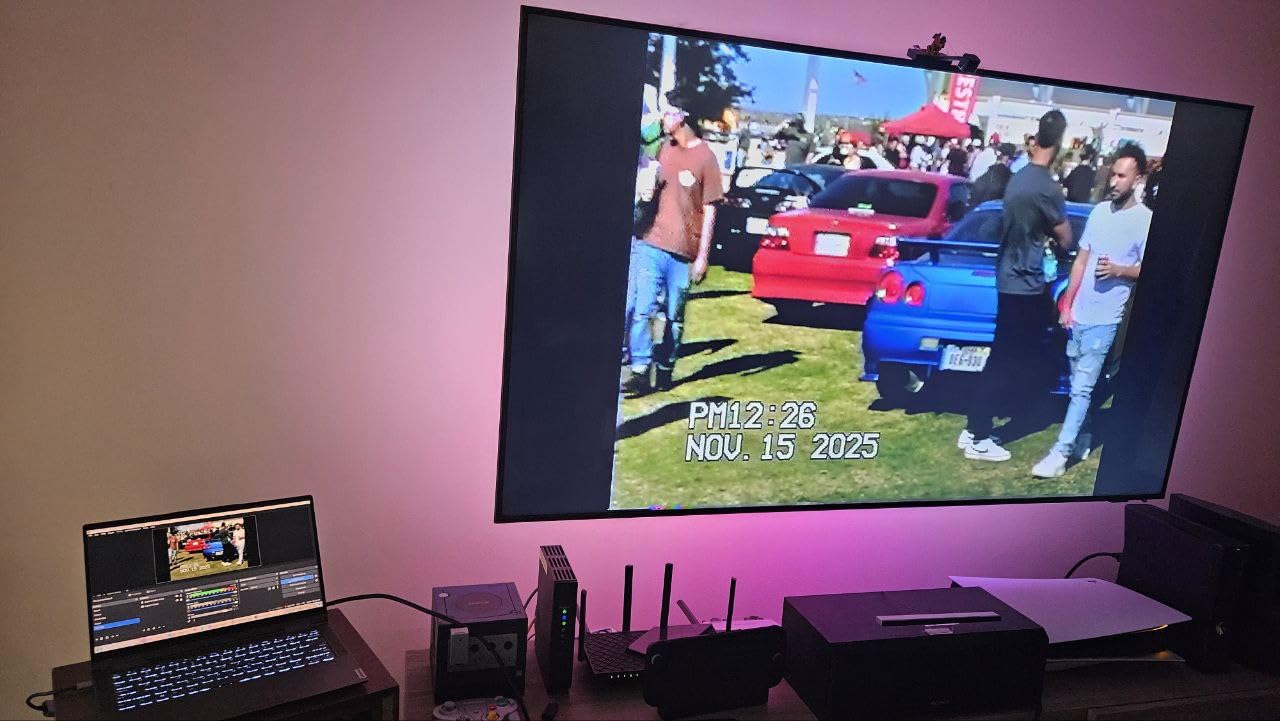
The two setup mistakes everyone makes
First, port selection. Connect it to a real USB 3.0 port or the device falls back to USB 2.0 and loses the bandwidth it needs. On many laptops only the physically marked ports are USB 3.0, and a hub usually is not.
Second, audio. The manufacturer states plainly that OBS Studio must be restarted after audio setup to get sound output. This is not a fault; it is a caching behaviour in the software that catches out almost every new user. Do the audio configuration, close OBS completely, reopen it, and the audio appears.
Where the limits are
Input resolution goes up to 4K at 30Hz, and output resolution is up to 2K at 30Hz or 1920×1080 at 60Hz. So this is a 1080p60 capture card that accepts 4K input, not a 4K recorder. Transmission is one-way only, and reversing the HDMI to USB-C conversion can lose signal. A few users also see a green screen on first connection that resolves by replugging.
Video decoding does introduce millisecond-level latency, so this is a streaming and conferencing tool rather than a competitive gaming passthrough card. For a first stream, a classroom broadcast, or a conference setup, it is more than enough.
7. Guermok GM-72A: Real 4K60 Capture With Everything in the Box
Guermok 4K@60FPS Capture Card for Streaming, 2K@120FPS USB3.0 HDMI Capture
USB 3.0 with Type-A and Type-C
4K60 MJPEG capture
1440p120 and 1080p120 input
3.5mm audio in and mic out
Pros
- Genuinely captures 4K60 over USB 3.0 while passing 4K60 to a display
- Handles input up to 2560x1440 at 120 fps and 1920x1080 at 120 fps
- 3.5mm audio-in and mic-out ports embed commentary and headset audio
- Most complete box contents in this class including HDMI and 3.5mm cables
- Plug and play with no drivers and broad device support
Cons
- Some users cannot achieve the advertised 60 fps in OBS and see 30 fps
- YUY2 4K capture limited to about 25 Hz with 4K60 depending on MJPEG
- OBS must be restarted after audio configuration
This is the card I recommend for anyone who wants real 4K60 capture without moving to an internal PCIe slot. The GM-72A supports up to 4K at 60 fps capture over USB 3.0 and 4K60 HDMI passthrough, which puts it in a small group alongside the internal AVerMedia and the far pricier external flagships.
It also handles high refresh input up to 2560×1440 at 120 fps and 1920×1080 at 120 fps across MJPEG, YUY2, NV12 and XRGB formats, with EDID support. That combination is why this is the pick for a competitive shooter where you want 1440p120 in, a 4K60 recording out, and a playable local display.
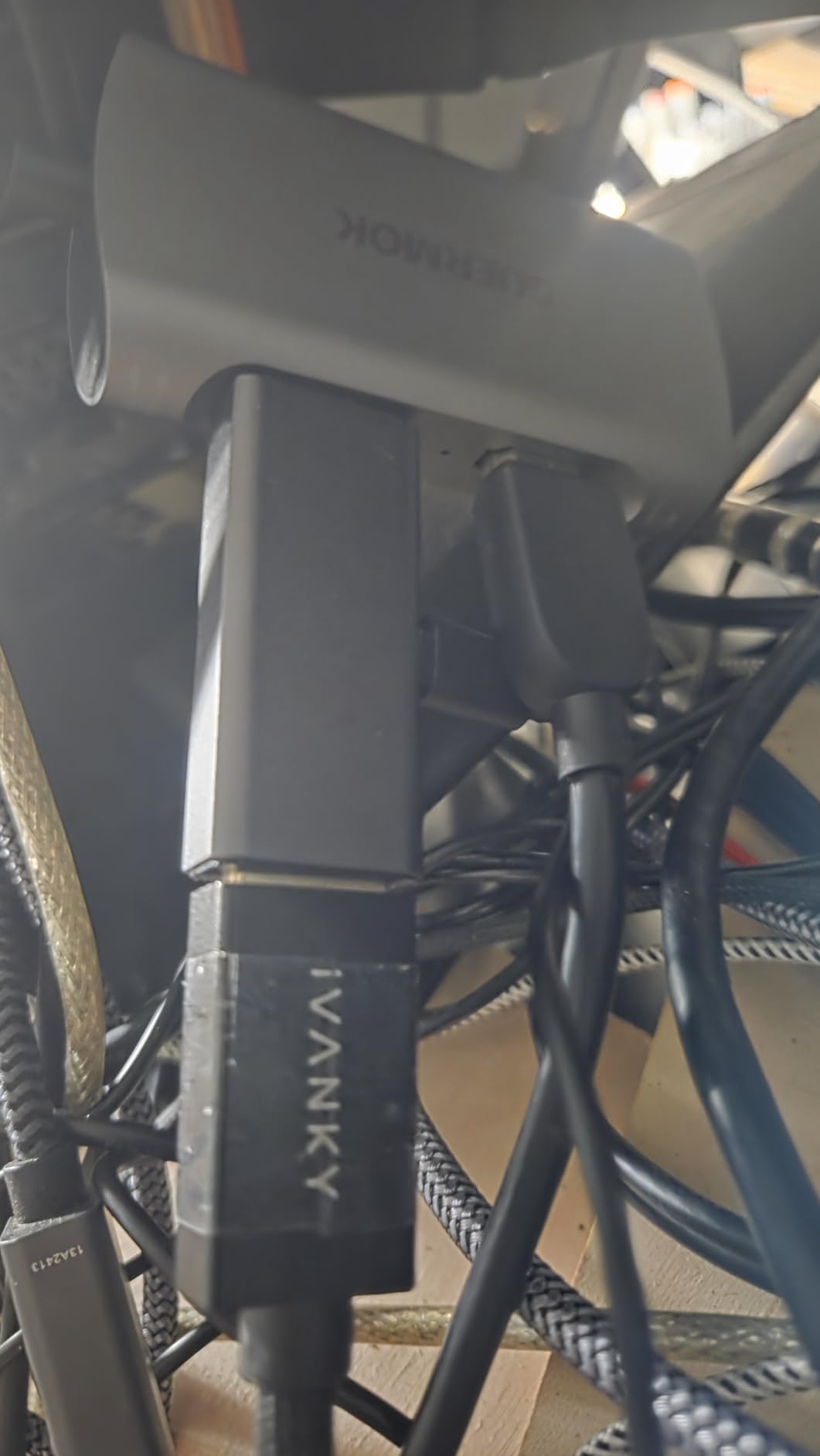
The box contents are unusually generous for this price band. The listed package includes a 1.5 m HDMI cable, a 3.5 mm audio cable, a USB-C to USB-A adapter and the card itself. You do not need to source a single extra cable, which is more than can be said for the Elgato 4K X.
The 3.5 mm audio in and mic out ports are a real differentiator. You can embed console ambient sound or your own commentary directly into the capture without a separate audio interface, and in a single-PC-free rig that removes a piece of kit. Owners report clean picture and sound out of the box for Switch 2, PS5, iPad and church streaming setups.
The format caveat that catches people
4K60 here depends on the MJPEG format. The same card in YUY2 tops out at roughly 4K at 25 Hz, so the frame rate you get is a function of the format you select in your capture software rather than a fixed property of the device. Some users cannot reach the advertised 60 fps in OBS and settle at 30 fps depending on the format they choose.
This is the difference between a 4K60 capture card and a 4K60 input device, and it is exactly why format selection matters. If you need guaranteed 4K60 regardless of format, the internal AVerMedia Live Gamer 4K is the safer buy.
Who it suits
Broad device support is the quiet strength here. The listed compatibility covers Switch and Switch 2, PS5 and PS4, Xbox Series X/S, Quest 3 and 3s, DSLRs, webcams, TV boxes and DVDs, and it works on Windows, macOS, Linux, Android 5.0 and later and PadOS 17. The capture bundle covers OBS Studio, Streamlabs, VLC, Zoom, YouTube, Twitch and Vmix.
The two quirks to plan around are the OBS restart after audio configuration and using the USB-C adapter on the correct side, because the wrong side drops it to USB 2.0. A minority of owners report cards that stopped displaying video after a period of light use, so for a permanent main card I would still lean toward a longer warranty.
8. XIIXMASK USB 3.0 HDMI Capture Card: 4K60 With Multi-OS Reach
XIIXMASK USB 3.0 HDMI Capture Card, 4K60FPS Capture with Pass-Through
USB 3.0 with USB-A and USB-C cable
4K60 capture and passthrough
1080p120 capture
2 year manufacturer warranty
Pros
- True 4K60 capture over USB 3.0 with 4K HDMI passthrough
- Handles input and recording up to 1920x1080 at 120 fps with 144Hz and 240Hz support
- Dual USB-A and USB-C connection options in one cable
- 3.5mm audio-in and mic-out ports
- HDMI cable included with a two year warranty
Cons
- 4K60 capture is format-dependent and can fall back to lower frame rates
- Some users report intermittent signal drops requiring reconnection
- Requires a genuine USB 3.0 port for full resolution
- Limited manufacturer support compared with established brands
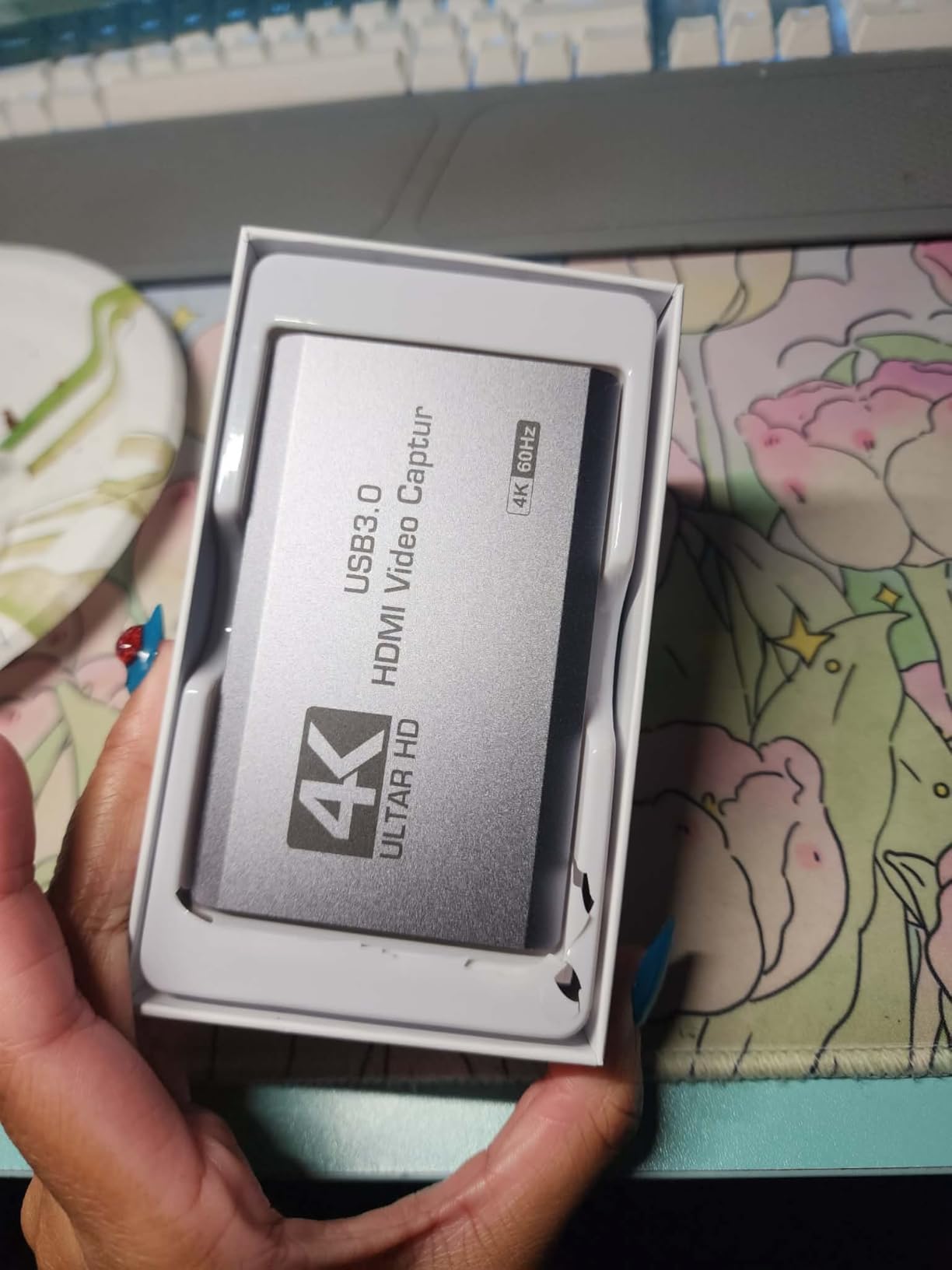
The XIIXMASK is the multi-OS pick. The listed operating system support is Windows 7 through 11, macOS, Linux, Android and iPadOS 17 or later, which makes it the card to consider if your streaming work moves between a Windows PC, a Mac and a tablet.
On capability it sits alongside the GM-72A: up to 4K60 capture over USB 3.0 with 4K HDMI passthrough, and up to 1920×1080 at 120 fps for input and recording, with 144Hz and 240Hz support noted in the product details. The listed box contents include the capture card, a USB 3.0 to USB-A and USB-C cable, an HDMI cable and an English manual.
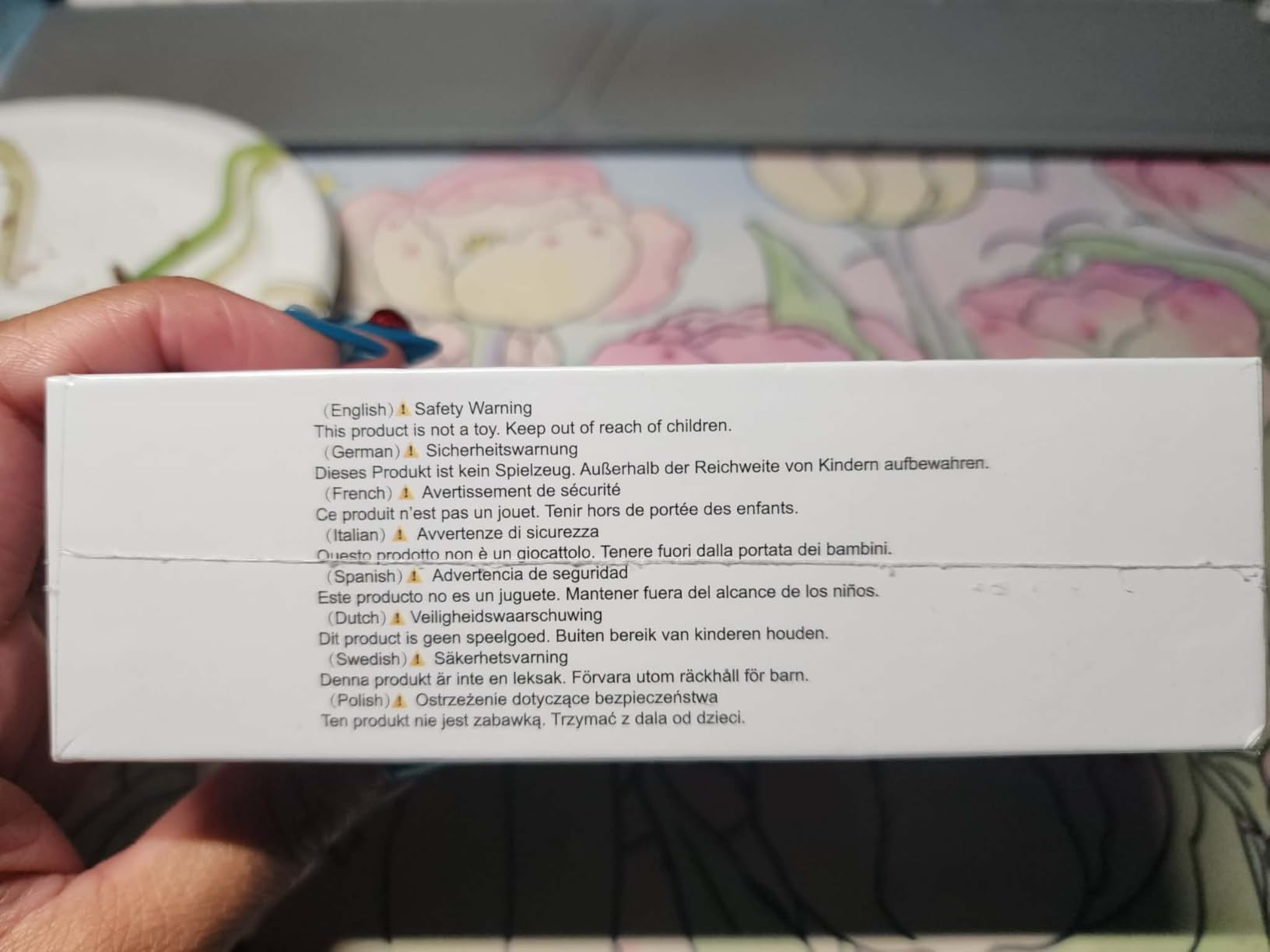
The dual USB-A and USB-C cable is a small design decision that removes real friction. Most competing cards force you to choose one connector or carry an adapter; this one gives you both in the same lead, which matters when you are moving between a desktop tower and a laptop in one session.
The 3.5 mm audio in and mic out ports let you embed commentary and headset audio directly, and the two year manufacturer warranty is notably better than the 60 days offered by the cheapest card in this roundup. Reviewers value it as an inexpensive way to get 4K60 capture plus passthrough without hunting for a specific variant.
Where the reviews split
Satisfaction here is more mixed than for the Guermok units, and the reason is signal stability. A higher proportion of neutral and negative reviews cite dropped signal, reconnection loops and 4K frame rates that do not always match the listing claims. If your source is a console rather than a stable desktop output, those drops are more noticeable.
As with the other USB 3.0 cards, 4K60 capture is format-dependent and can fall back to a lower frame rate depending on the settings your capture software negotiates. And because the manufacturer is unbranded, support is thinner than you would get from Elgato or AVerMedia if something goes wrong.
Who it suits
It makes sense for a creator whose workflow genuinely spans operating systems, who wants 1080p120 high frame capture alongside 4K60, and who would rather not buy a separate HDMI cable and adapter. Device support covers Switch and Switch 2, PS5 and PS4, Xbox Series X/S, Quest 3 and 3s, DSLRs, webcams, TV boxes and DVDs.
It makes less sense as the sole card in a professional dual PC rig where any dropped frame is visible in a live broadcast. For that, the Elgato HD60 S+ or an internal AVerMedia card is a more predictable foundation.
9. AVerMedia Live Gamer Ultra 2.1 GC553G2: The Most Capable Card in the Roundup
AVerMedia Live Gamer Ultra 2.1 4K144 HDMI 2.1 USB Capture Card, GC553G2
HDMI 2.1 in and out
4K144 MJPEG capture on Windows
1440p240 and 1080p360 passthrough
Dual 3.5mm party chat ports
Pros
- Records up to 4K144 MJPEG on supported Windows PCs with macOS capture up to 4K60
- High-refresh HDMI 2.1 passthrough for 4K144 HDR/VRR
- 1440p240 and 1080p360
- Dual 4-pole 3.5mm ports capture headset party chat and gamepad audio separately
- 5.1-channel audio support and custom RGB lighting
Cons
- 4K144 capture is Windows-only and macOS is limited to 4K60
- Monitors using DSC may limit 4K passthrough to 4K120
- Streaming Center and RGB features are Windows-tied
- Requires a recent CPU and GPU for high resolutions
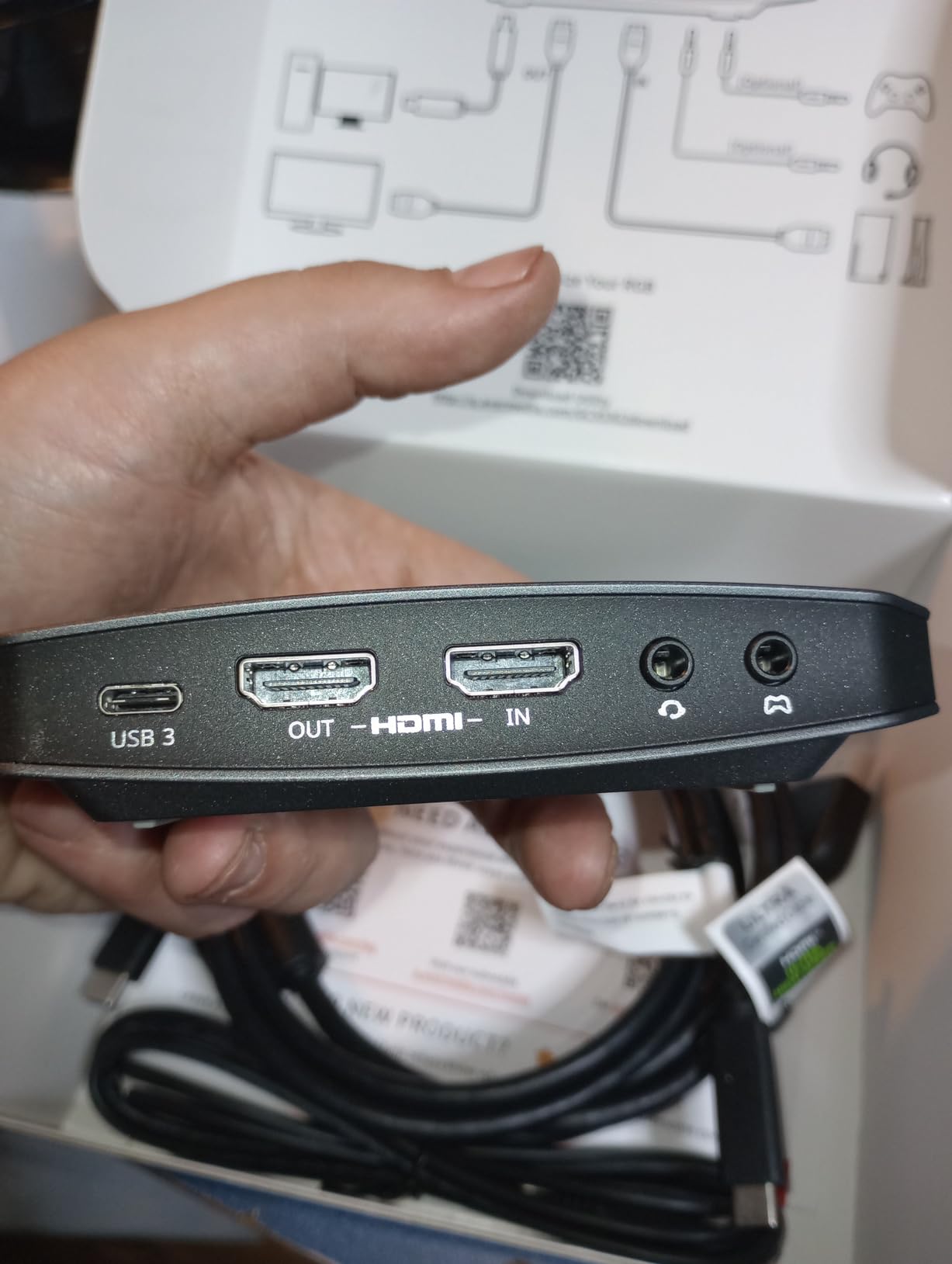
On paper, the Live Gamer Ultra 2.1 is the most capable device here. It records up to 4K144 MJPEG on supported Windows PCs, passes 4K144 HDR and VRR, 1440p240 and 1080p360 through to compatible displays, and connects over USB 3.2 Gen 2 Type-C. Nothing else in this roundup covers 1080p360 passthrough.
The party chat capture is the feature I have not found anywhere else. Dual 4-pole 3.5 mm ports capture headset and gamepad audio separately, so you can record your friends talking on PS5 party chat as a separate audio track and mix it into the stream. Combined with 5.1-channel audio support, that makes this the card for anyone whose content includes console social play.
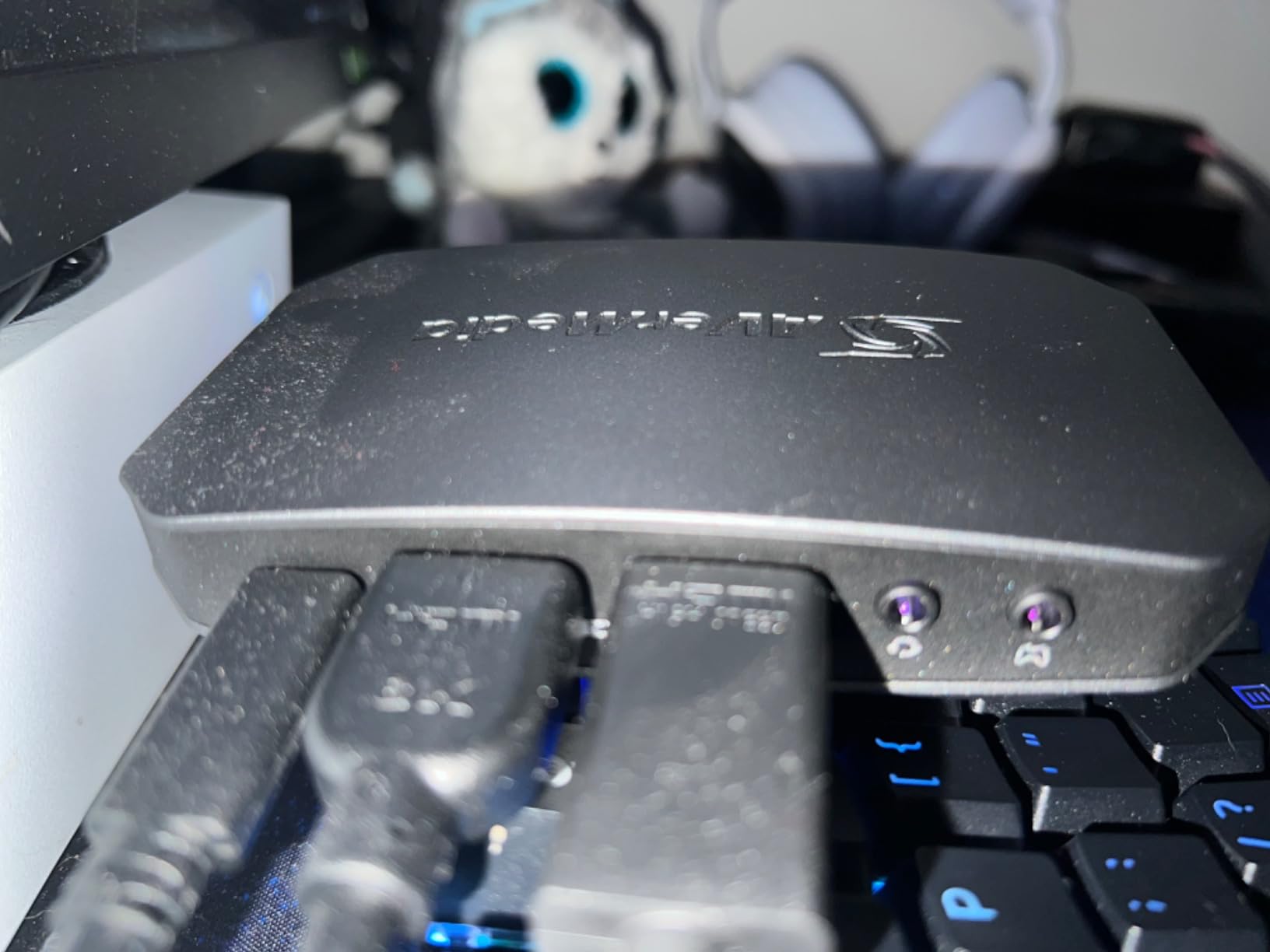
The box is well equipped. Listed contents include the card, an HDMI 2.1 cable, a USB 3.2 Gen 2 Type-C cable, a 4-pole 3.5 mm audio cable and a quick start guide, with a three year manufacturer warranty. It works in OBS Studio through the AVerMedia plugin or in Streaming Center, and the RGB lighting supports Windows Dynamic Lighting.
Reviewers highlight the 4K144 Windows capture, party chat capture and 5.1 audio as the standouts. Device support covers the PS5, Xbox Series X|S, Nintendo Switch 2, PC and Mac, and the USB-C connection means it can be used with Windows, Mac or even an iPad.
The Windows dependency is the whole story
Every headline feature that makes this card special is a Windows feature. macOS capture is limited to 4K60, HDR capture is Windows only, and Streaming Center plus the RGB customisation do nothing on a Mac. If you are not sure you will be on Windows for the life of the card, that is a serious consideration.
There is also the DSC caveat. Displays that use Display Stream Compression can limit 4K passthrough to 4K120, which is a monitor limitation rather than a card fault but will show up as a resolution drop on your second screen.
The honest verdict
This card carries the lowest average rating in the roundup, with a notable share of one-star reviews. That sentiment is not about failure so much as expectation: people who assumed macOS parity or DSC-free passthrough feel shortchanged by features that work exactly as documented but only within a narrower environment than the name implies.
For a Windows creator on a current console or a high-end GPU, it is the most complete package available, and the three year warranty is the second longest here. For a Mac user, it is the wrong purchase regardless of how good the specification sheet looks.
10. AVerMedia Live Gamer Extreme 3 GC551G2: VRR Passthrough Without the Premium Tier
AVerMedia 4K Capture Card for Streaming,1440p120 Video Capture Device for PS5/Pro, Xbox Series X/S, Nintendo Switch, PC, compatible with Twitch, OBS, Windows, Mac – GC551G2 Live Gamer Extreme 3
USB 3.2 Gen 1 Type-C
4K30 capture
1080p240 high frame capture
VRR passthrough at 1440p120
Pros
- Records 4K30 with high refresh rates up to 1080p240
- VRR pass-through at 1440p120 or 1080p120
- Ultra-low latency on the pass-through signal
- USB Type-C to Type-A and HDMI 2.0 cables included
- Works on both Windows 11 and Mac
Cons
- 4K capture limited to 30 fps with no 4K60 HDR capture
- Smallest review base of the AVerMedia cards here
- HDR capture and RGB features limited compared with the Ultra 2.1
- Some users need to adjust source and format settings before the signal locks
The Live Gamer Extreme 3 is the middle AVerMedia card, and its argument is VRR passthrough at a lower tier. It records 4K30 gameplay with high refresh rates up to 1080p240, and it passes VRR through at 1440p120 or 1080p120 with ultra-low latency. If your priority is smooth local play rather than 4K60 files, that combination is unusual in this bracket.
Cross-platform support is genuinely good here. The minimum requirement is a computer with a USB 3.2 Gen 1 Type-C port running either Windows 11 or Mac, which makes it one of the few AVerMedia cards that treats Mac as a first class target. The listed box includes the card, a USB Type-C to Type-A cable, an HDMI 2.0 cable and a quick start guide.
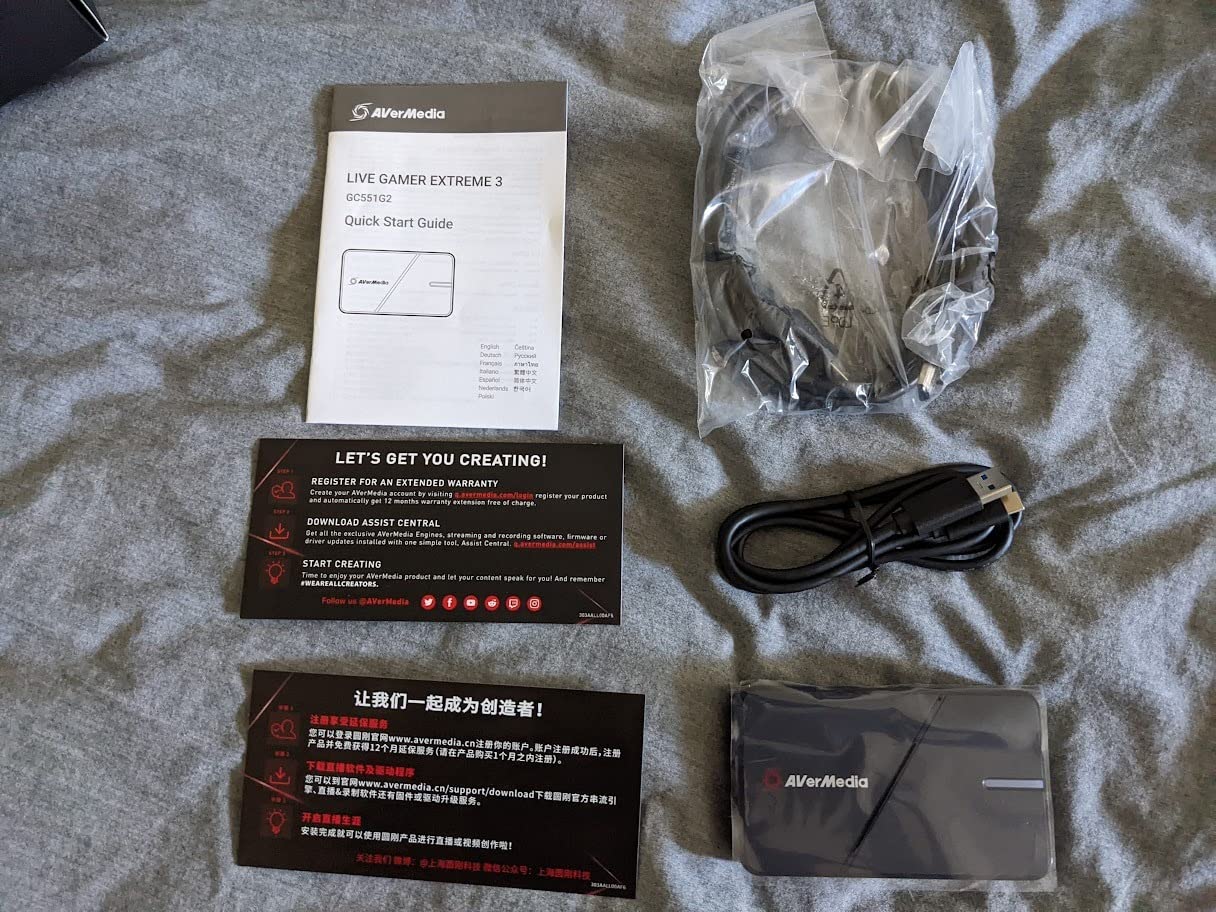
Owners generally confirm plug-and-play setup and cross-platform support for Windows 11 and Mac, and the listed device compatibility covers PS5, Xbox One X/S, Switch, PC, smartphone and tablet, with streaming to YouTube and Twitch. The three year manufacturer warranty matches the rest of the AVerMedia range.
For local play, the 1080p240 capture ceiling covers competitive shooters well, and the VRR passthrough means you are not forced to disable variable refresh rate just to use a capture card. That is a real quality of life improvement that most budget cards cannot offer.
Why the rating sits where it does
The recurring gap is the absence of 4K60 HDR capture. Capture is limited to 4K at 30 fps, so anyone shopping this card for 4K files will be disappointed, and several reviews frame the card as a 4K30 device with a 4K name rather than a 4K60 recorder. The smallest review base of the AVerMedia models here also means long-term reliability data is thin.
Some users report needing to adjust the source and format settings before the signal locks in, which is a common USB capture pattern and resolves quickly once configured. HDR capture and RGB customisation are also more limited than on the Ultra 2.1, so the premium card earns its step up mainly through Windows-only high frame features and party chat.
Who it suits
It fits a streamer on a laptop or a Mac who wants VRR passthrough and 1080p240 capture without moving to an internal PCIe card. It also works as a tidy second device for a console that is not the main capture source.
It does not fit anyone whose plan to record in 4K60 or capture HDR from a console. For those, the Live Gamer Ultra 2.1 is the AVerMedia answer, and for a lower-cost 4K60 recording the GM-72A in this roundup does the job on USB 3.0.
Do You Even Need a 4K Capture Card? Ask These Four Questions First
Plenty of people buy a capture card they will never use, so it is worth checking before you spend. If you stream from a single PC, your streaming software almost certainly has a game capture option that reads the game directly and costs nothing. An OBS game capture on a modern GPU is faster, produces cleaner alpha over game windows, and adds zero latency.
If your content is a face and a microphone, a decent webcam does the job and the extra bandwidth of a capture card buys you nothing. And if your platform or broadcast software already reads your console directly, the hardware route is redundant.
You do need a capture card when any of these are true. You are streaming a console, because consoles have no direct capture output that software can read. You are using a DSLR or mirrorless camera as a webcam, which is the Cam Link 4K use case exactly. You are running a dual PC setup where a dedicated encoding PC keeps the gaming PC free. Or you need a local high quality recording to archive alongside the compressed stream.
Beginner streamers on community forums consistently ask for a single simple recommendation, and the honest answer for a first console stream is the Elgato HD60 S+ or one of the 4K60 USB 3.0 cards. For a first PC-only stream, it is nothing at all yet.
4K Capture vs 4K Passthrough: Why Cheap Cards Only Record 1080p
Every listing in this category uses the word 4K, and the word means different things depending on where it sits in the chain. Input resolution is what the card can accept from your console. Passthrough resolution is what it sends onward to your monitor. Capture resolution is what it actually hands to your recording and streaming software. Only the third one determines the file your viewers watch.
Look at two cards in this roundup as the worked example. The VIXLW accepts 4K input at up to 60Hz, but its own product documentation states output supports up to 2K30. The Elgato HD60 S+ passes 4K60 HDR10 to your display and captures 1080p60 HDR10. In both cases your television shows a 4K picture. In both cases the recording is not 4K60.
The reason is bandwidth, not marketing incompetence. The USB 3.0 link between the card and your PC is the constraint, and the encoding that turns an HDMI signal into a USB video stream has a real cost. Cards that genuinely record 4K60 either move more data over a faster link, use an internal PCIe slot, or rely on MJPEG compression that trades file size for headroom.
This is why the phrase to look for is native 4K60 capture, and why the internal AVerMedia Live Gamer 4K remains the safest buy when the recorded file has to be true 4K. The Guermok GM-72A and the XIIXMASK both record 4K60 over USB 3.0, though you should check which capture format reaches that figure.
One more distinction worth internalising. HDR passthrough and HDR capture are separate too. Most streaming platforms still accept SDR, so HDR capture in a file that is later compressed for a stream gives you an archive, not a better broadcast. That is still worth having, but it is a different reason to buy from the reason a viewer would give.
How to Choose a 4K Capture Card: Interface, Latency, HDR and Console Support
Start with the capture resolution, then the passthrough
Decide first what resolution you intend to record at, because that narrows the list faster than any other spec. 1080p60 is the safe default for live streaming, since it is what platforms recommend and it is what most cards deliver. 4K30 suits archive-focused creators and retro capture. 4K60 capture is a genuine requirement only for local recording, and 4K144 capture matters if you are working at the top end.
Only then look at passthrough, which governs your personal viewing experience, not your stream. A card that passes 4K60 to your television while capturing 1080p60 is the standard configuration and is the one most streamers end up with. Do not pay a premium for passthrough resolution you cannot use with your display.
Choose external USB or internal PCIe based on your machine
External USB cards are the only option for laptops, and they are the right default for anyone who moves between machines. They plug into any PC, need no opening of a case, and generally need no separate power. The cost is bandwidth: USB 3.0 is shared with everything else on that controller, and a card connected to a USB 2.0 port quietly performs far worse.
Internal PCIe cards give you dedicated bandwidth inside a desktop, which is why the AVerMedia Live Gamer 4K can capture 4K60 HDR10 reliably. They remove the desk clutter entirely. The cost is a free slot, a Windows machine in most cases, and the fact that you cannot move the card to your laptop later.
Thunderbolt and USB4 are worth watching in this category as display and capture bandwidth continues to expand, but none of the ten cards here run over those interfaces. Every one of them is USB 3.0, USB 3.2 Gen 1, USB 3.2 Gen 2 or PCIe.
Read latency claims carefully
Near-zero latency in this category almost always refers to the passthrough path, meaning how quickly the card returns your console picture to your television. That number is usually excellent on a decent card and genuinely imperceptible. It says nothing about the delay between what your viewers see and what you are doing, which is governed by your streaming software, your bitrate and your encoder.
Budget sticks that decode video in software do add noticeable delay, and for a talking-head or a retro stream that is irrelevant. For competitive console play it matters, and it is one of the most common complaints about the cheapest cards in this roundup.
High refresh passthrough is a separate market
Competitive players running a 1080p240 or 1440p120 display need a card that can relay those rates. In this roundup, the AVerMedia Live Gamer Ultra 2.1 passes 1440p240 and 1080p360, the Elgato 4K X documents high frame rates up to 240 fps in 1080p with VRR passthrough, and the Live Gamer Extreme 3 passes VRR at 1440p120.
Community discussion on high refresh setups keeps running into the same wall: HDMI on the current cards is the bottleneck when the display link is running at 1440p240, and users are asking for a USB4 or DisplayPort 2.1 passthrough card to send 1440p60 to the capture card while the full rate goes to the monitor. None of the cards here solves that yet, so treat very high refresh plus simultaneous local play as an open problem in 2026.
HDR, VRR and console specifics
Check the console string, not just the HDMI version. The Elgato HD60 S+ lists PS5, PS4 and Pro, Xbox Series X|S and Xbox One X|S. The Elgato 4K X lists Nintendo Switch, PlayStation 5, Xbox Series X and Windows. The AVerMedia Ultra 2.1 lists PS5, Xbox Series X|S and Switch 2. For Nintendo Switch 2, the Guermok units and the XIIXMASK also list Switch 2 support directly.
VRR passthrough is increasingly the feature that separates modern cards, and only three of these ten advertise it. HDR capture narrows the field further: the HD60 S+, the internal Live Gamer 4K and the Elgato 4K X handle it, while the budget sticks have no HDR support at all. Remember that most streaming platforms are still SDR, so HDR capture mainly improves your local archive.
Elgato or AVerMedia is the real brand question for most buyers. Elgato wins on polished consumer software, consistent naming and a very large installed base, and its cards are the ones most streamers encounter. AVerMedia wins on raw internal bandwidth, long warranties of three years, and features such as party chat capture and 5.1 audio that Elgato does not offer.
Laptops and operating systems
If your streaming PC is a laptop, the shortlist narrows immediately. No internal card is available, so you need USB 3.0 or better, and ideally a USB 3.2 Gen 2 port for the high frame cards. The Elgato Cam Link 4K and the AVerMedia Live Gamer Extreme 3 are the most laptop-friendly of the established options, and the Guermok and XIIXMASK sticks cover macOS, Linux, Android and iPadOS as well as Windows.
On the operating system side, the internal AVerMedia Live Gamer 4K is Windows 10 and 11 only, and the Live Gamer Ultra 2.1 restricts its headline features to Windows even though it connects to a Mac. The Elgato HD60 S+ works on both Windows and macOS. If you are on Linux, the unbranded USB 3.0 cards are the realistic options, since Elgato’s software support is not a factor there.
Frequently Asked Questions
What is the best 4K video capture card for live streaming?
The Elgato Cam Link 4K is the easiest and most dependable choice, recognised instantly by OBS, Zoom and Teams with no drivers and carrying the largest review base in our roundup. For consoles specifically, the Elgato HD60 S+ captures 1080p60 HDR10 with 4K60 passthrough, while the AVerMedia Live Gamer 4K is the pick if you need genuine 4K60 HDR recording from an internal PCIe card.
What is the best capture card for 4K streaming?
For a true 4K60 recording, the AVerMedia Live Gamer 4K (GC573) is the most dependable option, capturing 4K60 HDR10 natively over PCIe with unlimited duration. If you would rather avoid opening your PC, the Guermok GM-72A records 4K60 over USB 3.0, though that frame rate depends on selecting the MJPEG capture format.
What is the best 4K HDMI capture card for streaming?
The Elgato 4K X is the strongest external HDMI 2.1 card in this roundup, with 4K144 capture and passthrough plus VRR passthrough. It needs a USB 3.2 Gen 2 port and a recent CPU and GPU; on an older machine or a slower port, capture resolution drops silently. The AVerMedia Live Gamer Ultra 2.1 is the alternative if you also want console party chat and 5.1 audio capture.
What capture card do most streamers use?
Elgato and AVerMedia are the two names that come up repeatedly, and the Elgato HD60 S+ style of external card is the most common answer because it handles 1080p60 HDR capture with 4K60 passthrough on both Windows and Mac. Newcomers on community forums almost always get pointed toward one of these two brands, with Elgato favoured for console setups and AVerMedia for internal PCIe and high refresh.
Why does my 4K capture card only record 1080p60?
Because 4K input and 4K capture are different specifications. A card can accept a 4K60 signal from your console and pass 4K60 through to your monitor while only encoding 1080p60 for your PC, because the USB link and the encoder are the bottleneck. Look for wording that says native 4K60 capture rather than 4K60 passthrough, and check whether reaching 4K60 depends on a specific capture format such as MJPEG.
Are USB or PCIe capture cards better for streaming?
Internal PCIe cards are better when you have a desktop with a free slot, because dedicated bandwidth removes USB contention and enables reliable 4K60 HDR capture with no desk clutter. External USB cards are the only option for laptops and are better for anyone who moves between machines. Match the card to your interface: USB 3.2 Gen 2 for high frame rates, and a genuine USB 3.0 port for everything else.
The Best 4K Capture Card for Streaming in 2026
There is no single winner, but there is a single decision. If you are streaming a console and want the least friction, the Elgato HD60 S+ gives you 1080p60 HDR capture, 4K60 HDR10 passthrough, Flashback Recording and both cables in the box. If your content is a camera, the Elgato Cam Link 4K sets up in under a minute and is the most reviewed card in this roundup.
If you are chasing high refresh and HDMI 2.1, the Elgato 4K X is the external card that will not be your weakest link, and the AVerMedia Live Gamer Ultra 2.1 goes further still if you are on Windows and want console party chat captured separately. For a true 4K60 HDR file, the internal AVerMedia Live Gamer 4K is the one I trust, with the Guermok GM-72A as the no-case-opening alternative.
Last updated for 2026. Check the current listing details before you buy, particularly the capture format options and the minimum system requirements, because those two fields explain most of the disappointment in this category.