
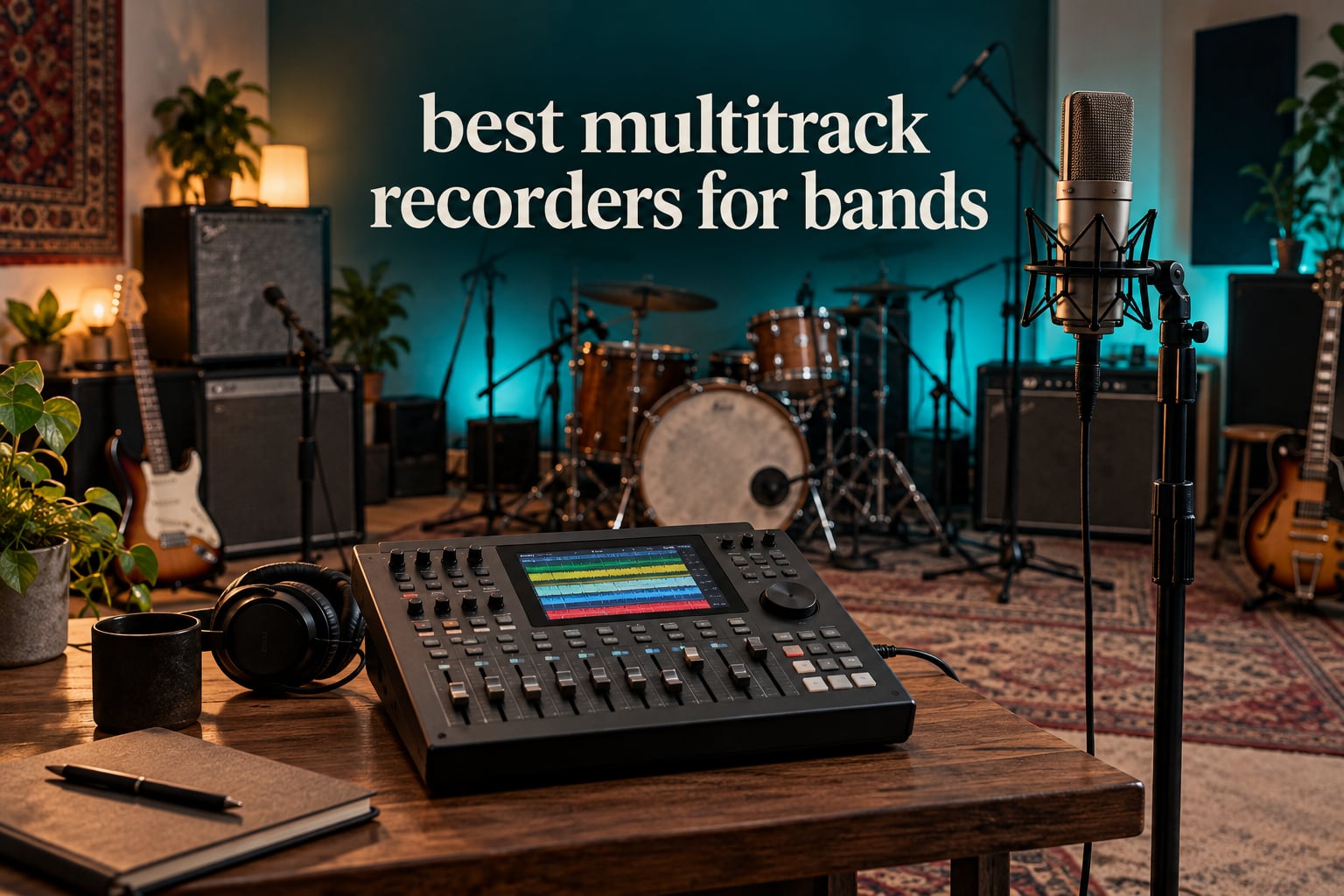
The best multitrack recorder for bands is the Zoom LiveTrak L-20. It records up to 22 tracks at 24-bit/96kHz directly to SD card, gives every performer an independent headphone mix, and doubles as a live mixer and USB audio interface, so one box can handle a full rehearsal, a full show and a later DAW session.
Most bands do not need a studio to make a record. They need one device that captures each instrument on its own track, so the balance, the timing and the tone can be fixed after the take instead of being locked in by whatever happened in the room. That is the whole promise of a standalone recorder, and it is why these boxes keep showing up in rehearsal rooms, church basements and home studios even in 2026.
We compared seven current units across the whole range, from a three-input field recorder that fits in a jacket pocket to a 24-track console that records an entire stage. This is the same shortlist we use when a band asks us what to buy before a weekend of tracking, and the criteria were simple: how many sources record at once, whether each player can hear their own mix, whether the preamps can handle a distant room mic, and whether the tracks export cleanly to a computer later.
Two things get left out of most roundups, so we covered them properly here. First, how many inputs a specific band lineup actually needs, worked through by band size rather than by marketing track counts. Second, the feature gaps that turn up repeatedly in owner complaints, including MIDI sync, punch-in support, and the fact that a unit advertising 20 tracks may only have 8 real inputs behind it.
Table of Contents
Top 3 Picks for Bands (October 2026)
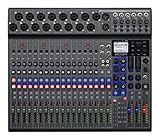
Zoom LiveTrak L-20
- 22 simultaneous tracks at 24-bit/96kHz
- Six independent monitor mixes
- -128dBu EIN preamps
- 20 onboard effects
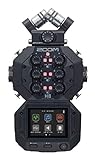
Zoom H8
- Up to 10 individual tracks plus stereo mix
- 4 XLR inputs and 2 combo jacks
- Interchangeable input capsules
- 12-channel USB audio interface
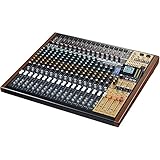
Tascam Model 24
- 24-track simultaneous capture at 24-bit/48kHz
- 16 TASCAM mic preamps
- 8-track punch in/out
- Per-channel compressor and EQ
All Seven Recorders Compared in 2026
Everything below is in the same order as the reviews that follow. The feature lists are drawn from the manufacturer specifications, so you can scan the table first and jump straight to the unit that fits your lineup.
| Product | Specifications | Action |
|---|---|---|
|
Zoom LiveTrak L-20
|
|
Check Latest Price |
|
Zoom H8
|
|
Check Latest Price |
|
Tascam Model 24
|
|
Check Latest Price |
 Tascam Portacapture X8
|
|
Check Latest Price |
 Tascam Model 12
|
|
Check Latest Price |
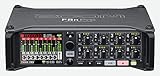 Zoom F8n Pro
|
|
Check Latest Price |
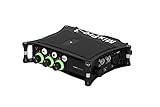 Sound Devices MixPre-3 II
|
|
Check Latest Price |
1. Zoom LiveTrak L-20 – the best multitrack recorder for bands overall
Zoom LiveTrak L-20 Mixer/Recorder for Musicians & Podcasters
20 channels
22 simultaneous tracks at 24-bit/96kHz
6 monitor mixes
8 XLR mic inputs
-128dBu EIN preamps
Pros
- Records every channel individually in one pass
- Six independent monitor mixes with individual volume
- Clean transparent preamps with up to +60dB gain
- Plays multitrack takes back on the console itself
- Doubles as a USB interface for DAW and streaming
Cons
- Individual channel files capture gain and compression but not the onboard effects
- Maximum recording resolution is 96kHz
- Faders keep stored positions when switching projects or sends
The L-20 is the recorder we end up recommending most often, and the reason is not the track count on its own. It is that the recorder is also a working live mixer, which means the same hardware can sit in the middle of a rehearsal room with eight mics and cables attached, or at the side of a small stage with monitors feeding back through six separate mixes.
Owner feedback on this box is unusually consistent. Band owners and worship and tech teams report that it replaces a rack of gear, records everyone separately, and gives each musician their own monitor mix. That is exactly the combination a band needs to record a live rehearsal without unplugging anything between songs.
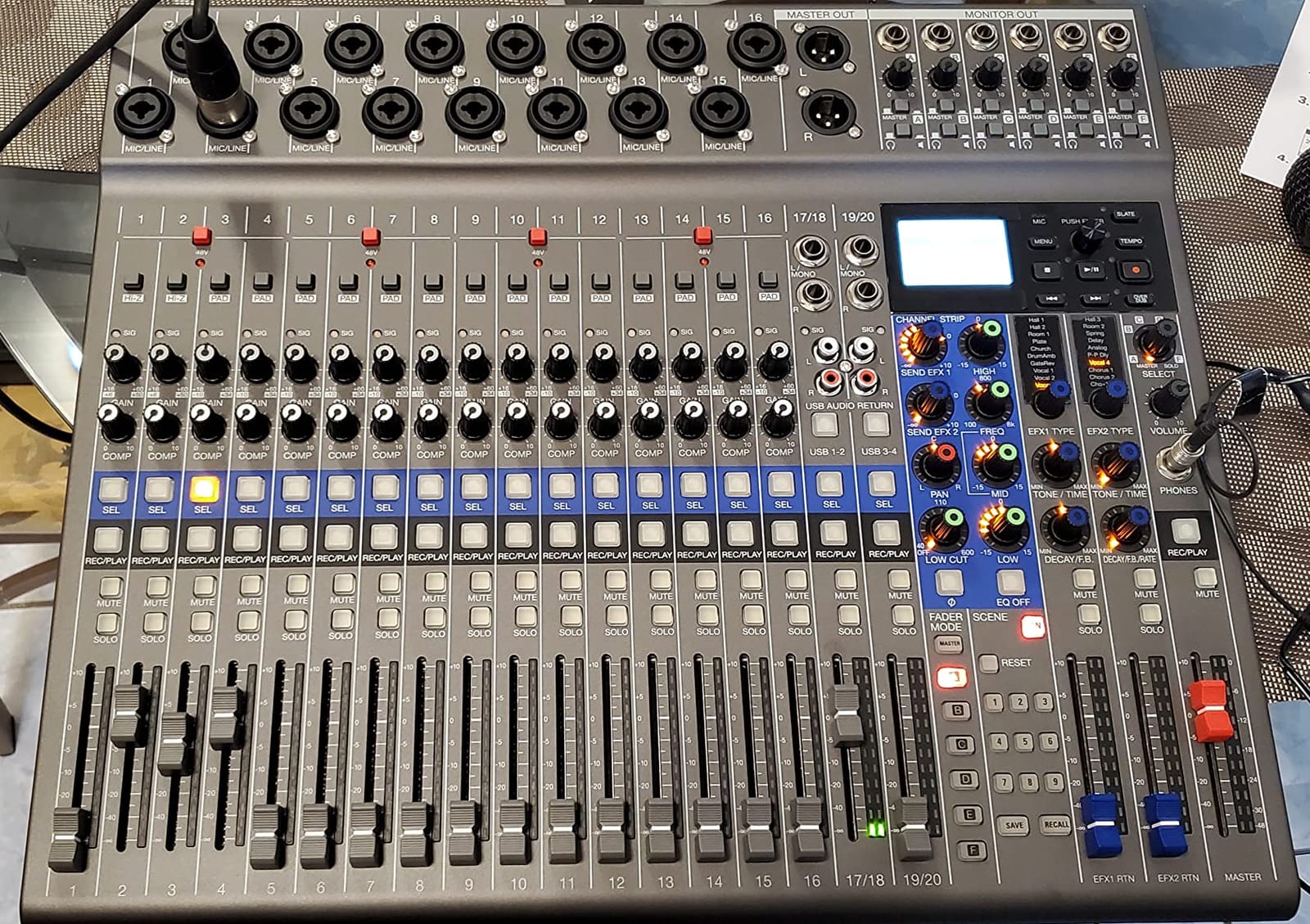
The headline spec is 20 channels simultaneously recording 22 tracks at 24-bit/96kHz straight to SD card. Two channels are stereo line returns, so a keyboard or a stereo DI can land on one file instead of two mono files, which saves you work later. The eight XLR mic inputs plus stereo line channels cover a typical four-piece with a close-mic’ed kit and each amp on its own track.
Monitor mixes are where the L-20 pulls ahead of the field recorders on this list. Six independent headphone and line monitor mixes, each with its own volume control, mean the drummer can hear the click and the guitars while the singer hears something closer to the finished arrangement. Reviewers single this out as the reason the box works as a rehearsal tool and not just a capture device.
The preamps measure -128dBu EIN with gain up to +60dB. In practice that headroom matters most on distant sources like an overhead or a room mic, where the signal arriving at the capsule is small and a noisy preamp amplifies that noise along with the music.
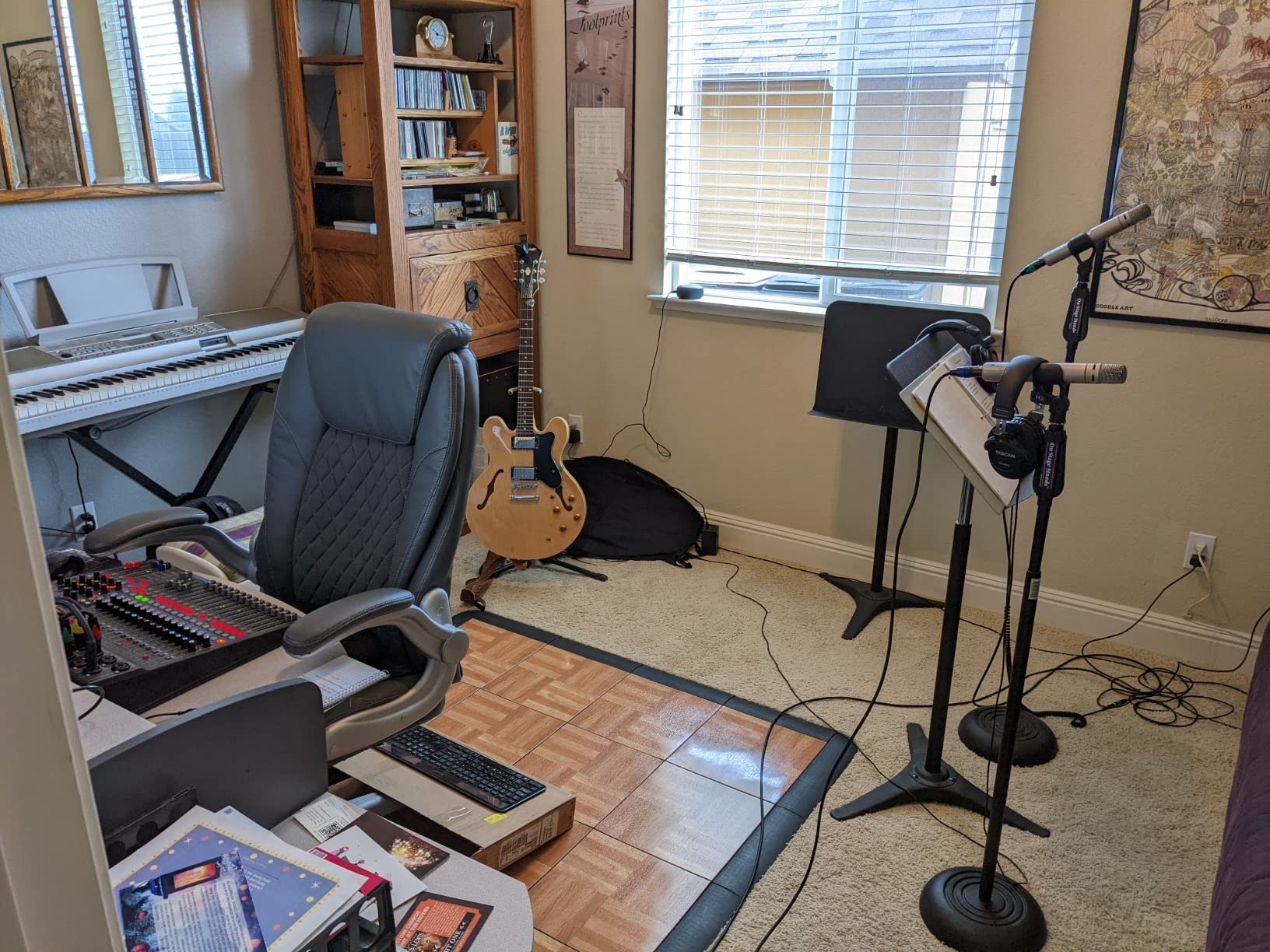
There are 20 onboard effects on the channel and master strips, and wireless control from an iPhone or iPad when the console is on a stand. The same USB port turns it into a full-featured audio interface for tracking into a DAW, so a band can start a project in the rehearsal room and finish the album at home without a second piece of hardware.
What to check before you commit
Channel files record the pre-fader signal with gain and compression applied, but the onboard effects are not printed into those individual files. If you plan to use the amp models during tracking, you will want to re-apply them in your DAW, or bounce the mix separately.
Maximum resolution is 96kHz, with no 192kHz option. That is well above what most band projects need, but anyone chasing the highest sample rates for archival work should know the ceiling before buying.
The fader behaviour trips some people up. Positions stay as they were last set when you switch between projects or monitor sends, so a mixer who moves between two different setups has to re-set levels more often than a DAW user would expect.
Who this is not for
If your band is bigger than a four-piece plus keys and you want every mic of a full kit on its own track, the L-20’s eight XLR inputs will make you share channels. The Tascam Model 24, further down, has sixteen preamps and exists for exactly that reason.
If you are recording to picture at a gig and need timecode on every take, this box does not provide it. The Zoom F8n Pro is built for that job.
Video capture also has no HDMI output, so it cannot act as a picture monitor. That limitation applies to every standalone recorder in this roundup, not just this one.
2. Zoom H8 – the most reviewed recorder for rehearsal tracking
Zoom H8 Recorder for Musicians, Podcasters & Filmmakers
Up to 10 individual tracks plus stereo mix
4 XLR and 2 combo inputs
Interchangeable capsules
12-channel USB
20-hour battery
Pros
- Records up to 10 individual tracks plus a stereo mix from four XLR and two combo inputs
- Interchangeable capsules let the input setup grow with the session
- Streams up to 12 channels over USB to a computer or iPad
- 20-hour battery life in a compact body
- Well regarded as an easy all-round rehearsal recorder
Cons
- Fewer physical inputs than larger console recorders for a full drum-mic'ed band
- Touchscreen-driven workflow is less tactile than hardware knobs
The H8 has the largest review base of anything on this list, and reading through those reviews tells you something useful about where the recorder fits. Owners praise the flexibility, the capsule system and the USB channel count, and they keep noting that the real limit is the number of physical inputs rather than the software.
That is the honest framing. Four XLR inputs and two combo jacks give you six physical inputs, from which the H8 can lay down ten individual tracks plus a stereo mix. A four-piece band playing live in a room can be recorded: kick, snare, two guitar mics, bass DI and a vocal, for example, all on separate tracks in one pass.
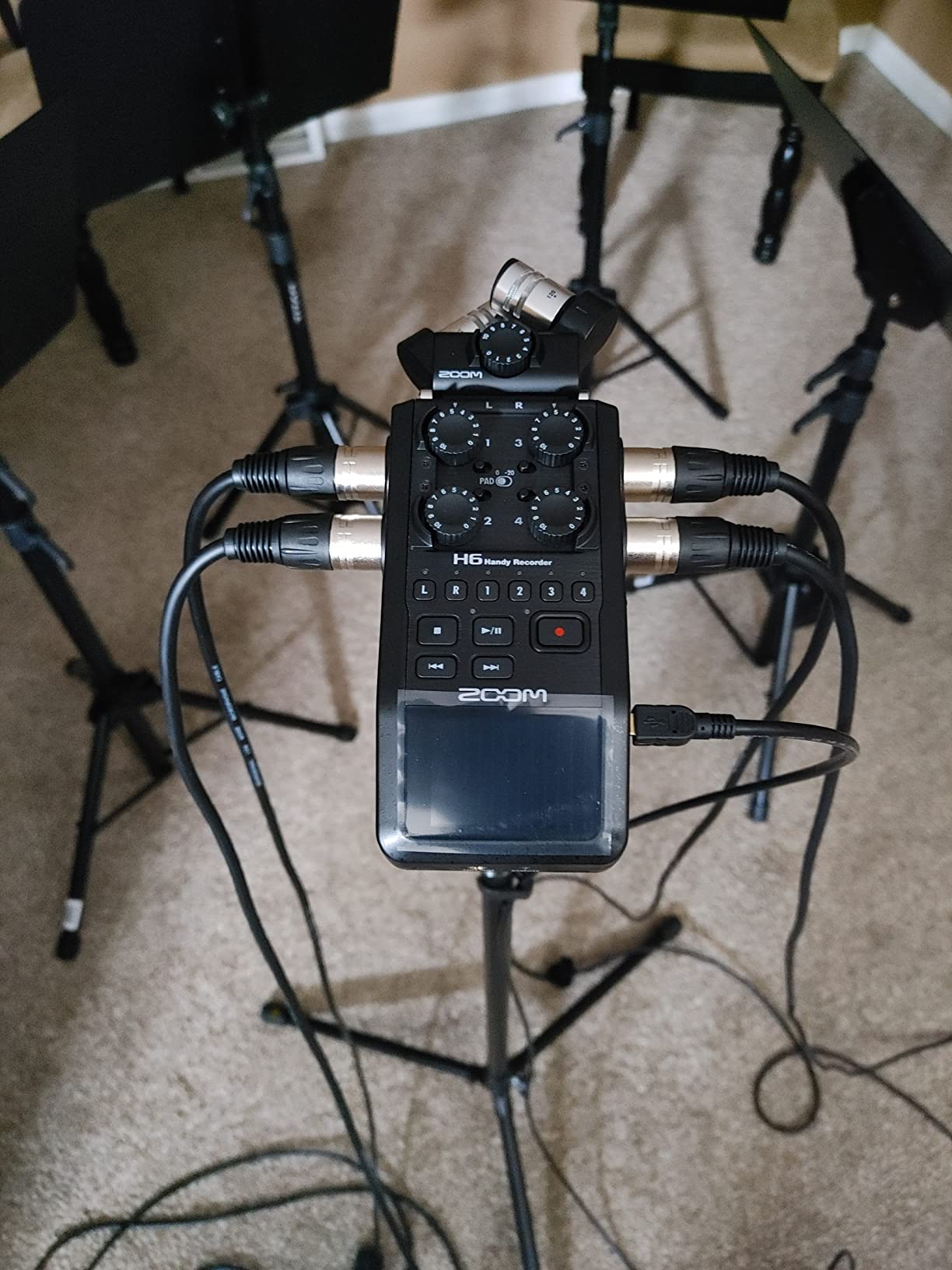
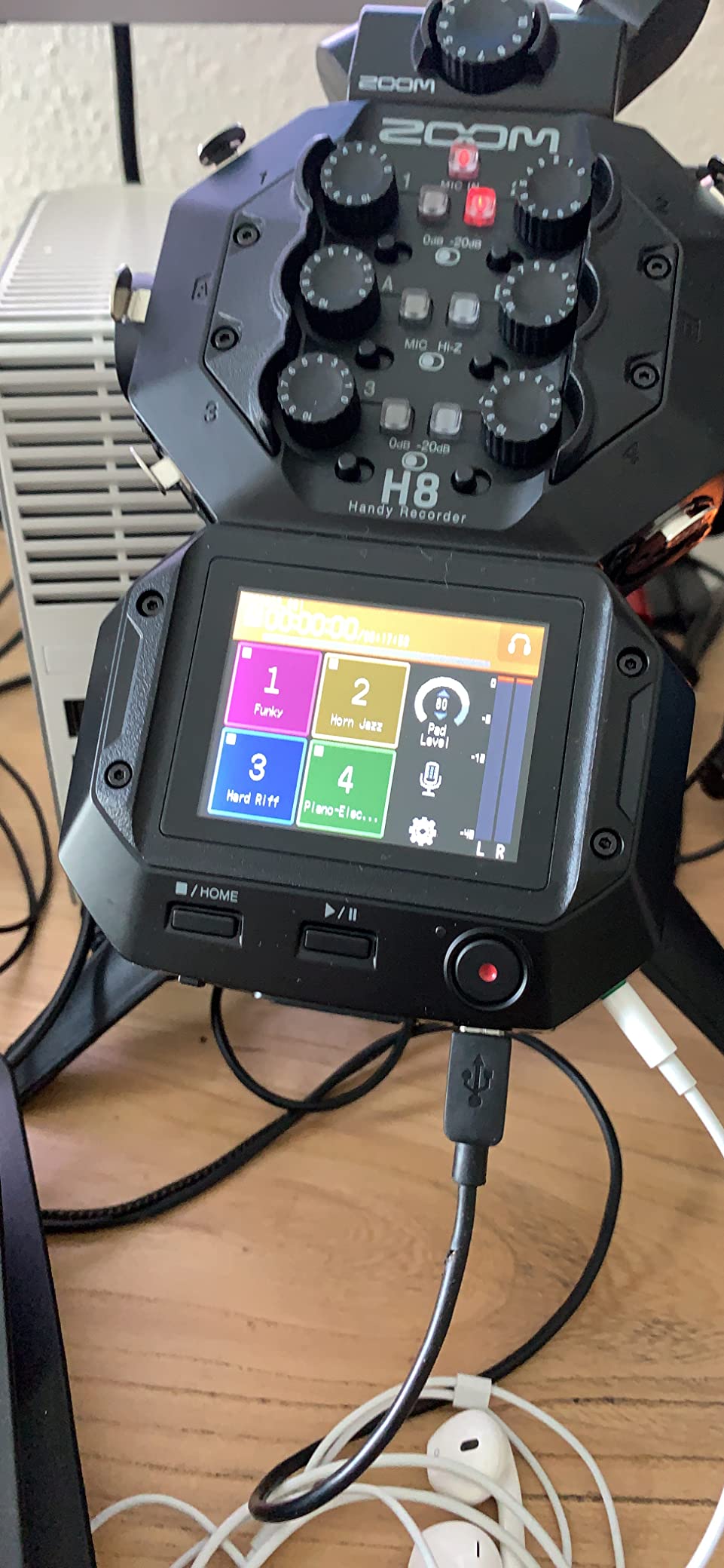
What makes it a genuinely long-lived purchase is the capsule system. Interchangeable input capsules expand the recording setup as needs change, and the same box can cover a rehearsal with a stereo ambient capsule and a session where you swap to a tight XY pair or an MS capsule. For a band that is still figuring out how it wants to record, that flexibility removes the need to buy a second device in a year.
Three dedicated modes cover field recording, music and multi-person recording, which keeps the menus short when you are setting up in a hurry before a rehearsal. Battery life is listed at 20 hours on four AA batteries, so a full day of rehearsals or a whole show is one battery change at most.
The USB side is unusually capable for this class. Up to 12 channels go to a PC, Mac or iPad, so the H8 can behave as a control surface and a multitrack interface for a laptop-based project. For a band that keeps half its workflow on a DAW, that dual role removes a real cost from the decision.
What to check before you commit
Count the physical inputs against your kit before anything else. A full drum close-mic setup alone can want six or eight channels, and once the drums take those, there is nothing left for the rest of the band.
The interface is touchscreen-driven rather than knob-driven. That keeps the body small and the feature count high, but if you are the kind of engineer who wants to feel a physical control under your fingers while tracking live, a console-style surface will feel better.
Screen size is 2.4 inches, which is fine for confirming levels and not much else. Plan on doing your editing and mixing on a computer, or on a tablet when connected over USB.
Who this is not for
If you play shows and want to capture the whole stage rather than the rehearsal room, this is the wrong shape of tool. There are no per-performer monitor mixes here, so a live capture would be made with whatever mix the PA was running.
It also does not record to more than one card at once, so a failed write during a paid session means a lost take. The F8n Pro handles that with dual card slots.
3. Tascam Model 24 – the best choice for a five-piece or bigger band
Tascam Model 24 24-track Multi-Track, Live Mixer and Recording Studio, Analog Mixer, Digital Recorder, USB Audio Interface
24 tracks simultaneous at 24-bit/48kHz
16 TASCAM mic preamps
Per-channel EQ and compressor
8-track punch in/out
USB interface
Pros
- Sixteen mic inputs are enough to record an entire band without cable swapping
- Dedicated EQ
- aux and one-knob compressor controls instead of menu diving
- Records a clean pre-EQ
- pre-fader signal while the live mix stays fully EQ'd
- Easy track export to a computer and DAW
- Familiar analog-console workflow
Cons
- No onboard metronome for stand-alone recording
- Display is small relative to the console surface area
- Phantom power is applied to all channels simultaneously
- Instructions are thin so video tutorials are needed
The Model 24 has more mic inputs than any other unit on this list, and it is the one that comes closest to a mixing console with a recorder built in. If you are recording a five-piece, a horn section, or a full drum kit close-miced plus every amp, the input count is the reason to buy it, and no other recorder here covers it.
Sixteen TASCAM mic preamps sit behind combo inputs, and the unit captures up to 24 tracks simultaneously at 24-bit/48kHz to SD. Semi-pro and bedroom users value the analog feel, the 24-track capture and the preamp and EQ character, while wishing for a metronome and a larger display. Both of those complaints come up often enough to be worth planning around.
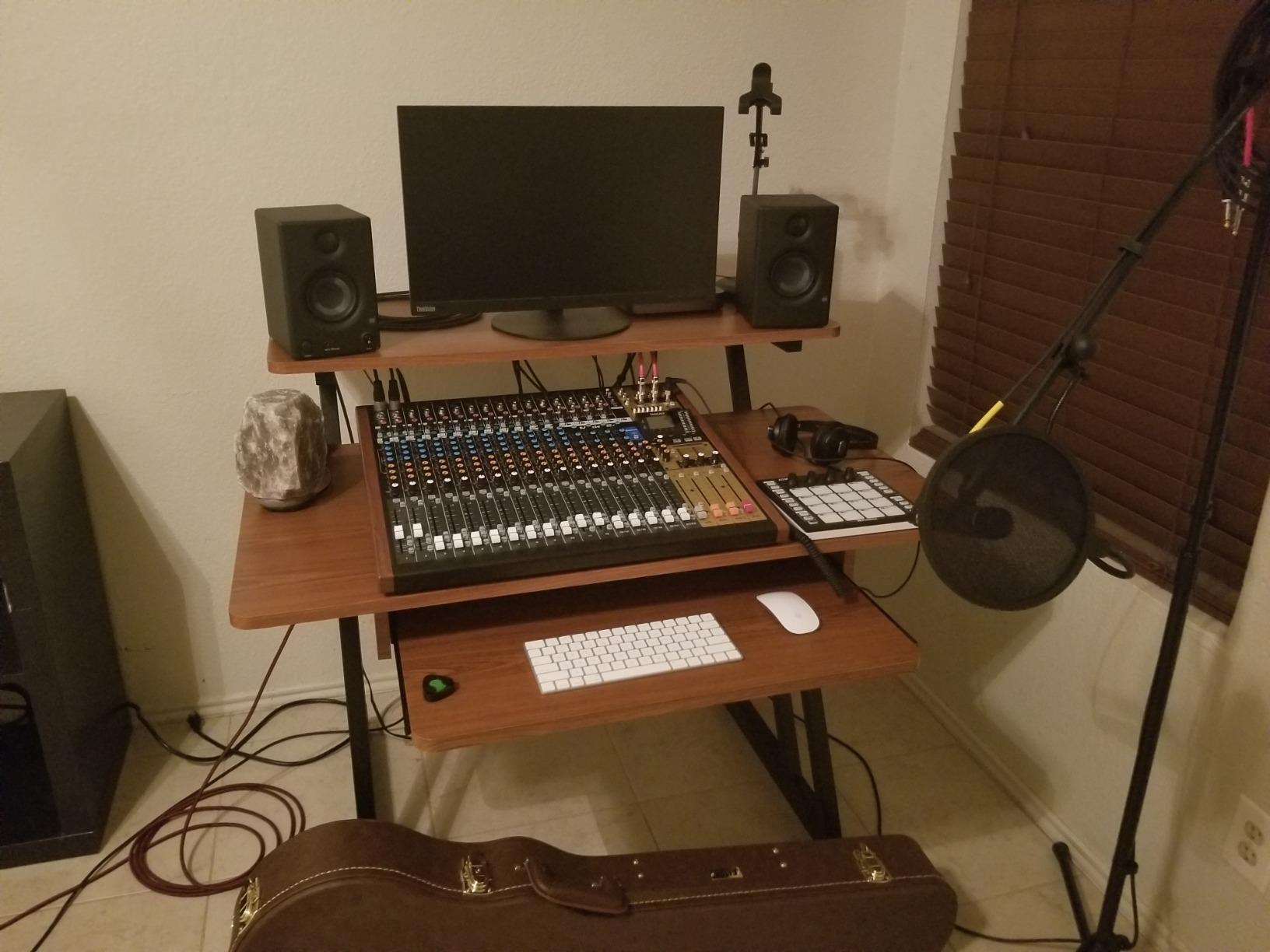
The one feature that separates it from every field recorder on this list is 8-track simultaneous punch in/out. Owners moving from an analog console workflow tend to consider this the deciding factor, because it means overdubs do not have to be made one at a time on a machine with no physical transport control.
Another quiet strength is what actually lands on the card. The console records a clean pre-EQ, pre-fader signal while the live mix stays fully EQ’d and compressed, so the stored tracks are raw enough to mix properly in a DAW later. That is a bigger deal than it sounds when you have used devices that print the console processing into every channel file.
Channel controls are physical. A full set of familiar EQ and auxiliary knobs sits on the surface with all inputs and outputs on the panel, and every input module has its own one-knob compressor and three-band EQ.
What to check before you commit
There is no onboard metronome for stand-alone recording. If you record without a drummer present, you will need a click from a phone app, an external source, or a DAW. Check that before you commit, because band-practice use with no drummer is a common scenario.
Phantom power is applied to all channels simultaneously, which means you cannot power a pair of ribbon mics on one channel while powering condensers on the rest. Plan your input layout around that or use an external phantom supply.
The display is small relative to the console’s surface area, so navigating deeper settings takes more attention than the physical layout suggests. The written instructions are also thin, and most owners report learning the deeper functions from video tutorials instead.
Who this is not for
It runs on mains power and stays on a desk, so it is not a portable gigging recorder. A band that wants one box for both the stage and the studio has to choose, and this one belongs in the studio.
It is also 24-bit/48kHz only. That is fine for band records, but there is no 96 or 192kHz option, and the L-20 records at 96kHz if your project needs the headroom.
4. Tascam Portacapture X8 – best value 32-bit float capture
Portacapture X8 32 bit Float 8 Channel Multitrack Field Recorder
32-bit float up to 192kHz
4 locking XLR/TRS combo inputs
HDDA preamps with phantom power
Detachable 14.6mm condenser mics
3.5-inch color touchscreen
Pros
- Clean recording with no self-noise
- often compared favourably to costlier recorders
- Responsive 3.5-inch color touchscreen that is easier to learn than older menus
- 32-bit float capture makes post-production far easier
- Bluetooth control module gives full wireless control and removes handling noise
- Detachable X-Y and A-B condenser microphones are useful and removable
Cons
- Only six simultaneous input channels despite the X8 name
- Included microphones are fragile-feeling plastic
- No Hi-Z input so passive guitars and basses need a DI box
- Onboard effects are unavailable in 32-bit float mode
- Bluetooth remote control is a separate purchase
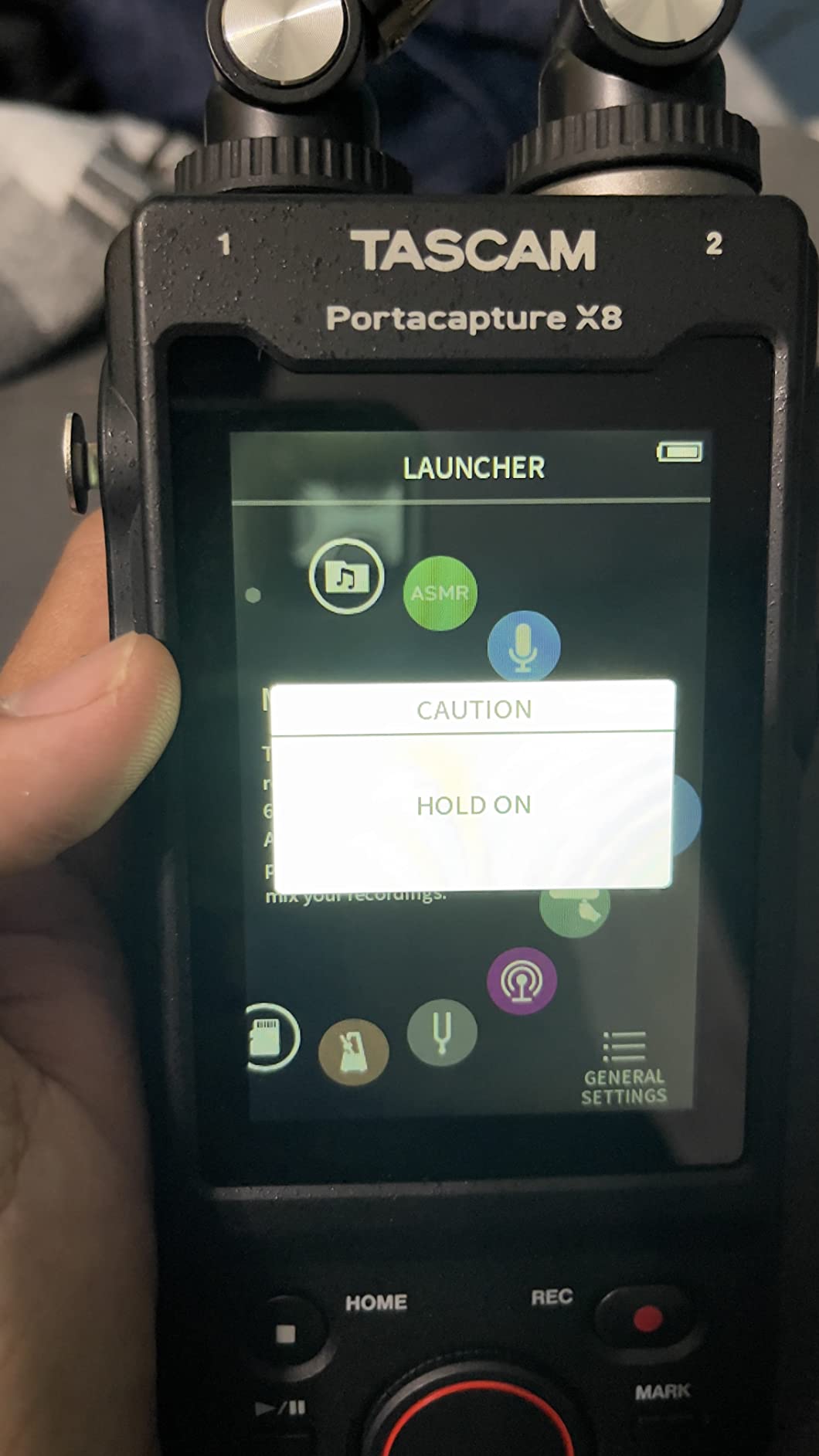
The X8 is our 32-bit float pick, and the reason is straightforward: it combines genuinely clean 32-bit float recording with real locking XLR inputs and switchable phantom power in one body. Owners treat it as the best value in 8-channel 32-bit float recording, praising sound and touchscreen usability while noting the six-channel input ceiling and the cost of the Bluetooth adapter.
Recording quality is clean with no self-noise, and owners regularly compare it favourably to recorders costing more than twice as much. For a band recording in an untreated rehearsal room, that matters, because the ambient sound of the space is usually the limiting factor and a low noise floor keeps it from becoming hiss on every track.
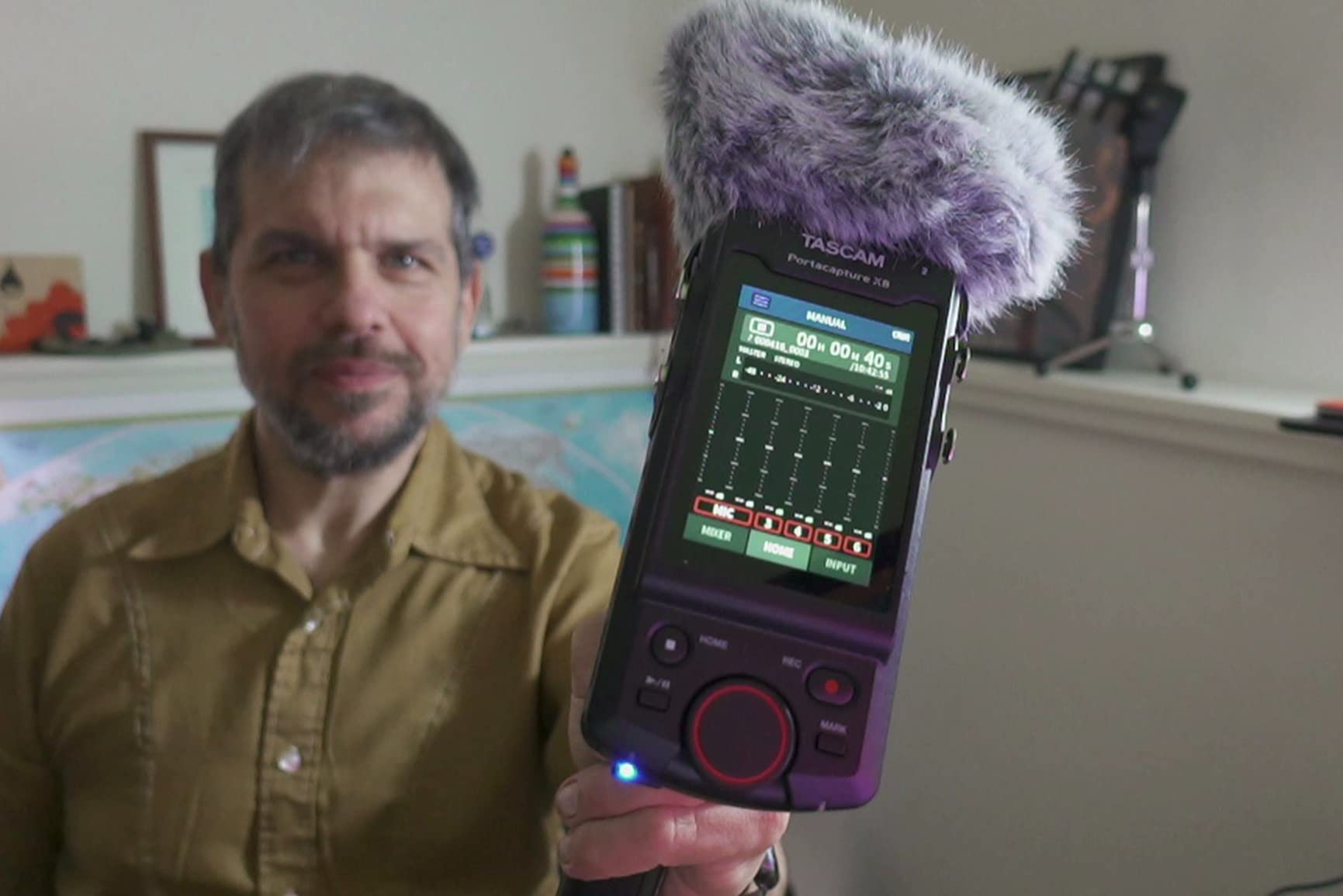
Four XLR/TRS locking combo MIC/LINE inputs come with switchable 24V and 48V phantom power and HDDA preamps. Locking connectors are a genuine upgrade over push-on sockets on a device that will get carried between rooms, and phantom power on this unit is switched per input, which solves the all-channels-at-once problem the Model 24 has.
32-bit float means the recording does not clip when a loud source pushes past the nominal ceiling, which removes the single most common disappointment in live band capture: a distorted kick drum peak that cannot be undone. Recording is supported up to 192kHz and 32-bit float.
The detachable 14.6mm large-diaphragm condenser microphones are configurable in A-B and X-Y positions and can be removed entirely for external mic use. That makes the box useful for capturing a rehearsal ambience or a spaced pair without buying another stereo mic, and it explains why it works for a band as well as for a podcaster.
What to check before you commit
The name overstates the input count. Despite the X8 name, only six simultaneous input channels are available, so a four-piece with a full drum mic array will run out of sockets quickly.
There is no Hi-Z input, so passive guitars and basses need a DI box to get a usable level. That is a small cost and a normal part of band recording, but it is a cost.
Onboard effects are not available in 32-bit float mode, which is a sensible engineering trade but does mean you lose the built-in processing exactly when you are using the feature the box is best at. Bluetooth remote control requires the optional AK-BT1 adapter and does not work with the AK-BT2, and the included microphones feel like fragile plastic, so treat them as a convenience rather than a main pair.
Who this is not for
It is not a live console. There are no per-performer monitor mixes, so capturing a rehearsal where players need their own balance means running a separate mixer alongside it.
It is also not built for a long day away from mains power without a USB supply, since the battery can run out over long sessions if you are not tethered.
5. Tascam Model 12 – the best one-box recorder for band practice
Tascam Model 12 All-in-One 12-track Digital Multitrack Mixing and Recording Studio, Mixer, USB Audio Interface and DAW Controller
12-track simultaneous recording
12 in / 10 out USB interface
1-knob compressor and 3-band EQ on every module
Dual headphone outputs
Onboard MIDI and tap-tempo click
Pros
- Twelve-track simultaneous recording in a single compact console
- Hardware one-knob compressor and 3-band EQ on every input module
- Works as a USB interface and DAW controller for a computer-based workflow
- Dual headphone outputs let two players monitor independently
- Onboard MIDI and tap-tempo click are useful for band practice
Cons
- Fewer inputs than the Model 24 so a large band needs careful input budgeting
- Console workflow takes patience to learn for users coming from a DAW only
The Model 12 is the recorder we suggest to a band whose members are as comfortable behind a mixing desk as they are behind a microphone. It is favoured as an affordable one-box band recorder with per-channel processing and easy DAW integration, and the smaller input count compared with the Model 24 is the main limitation owners report.
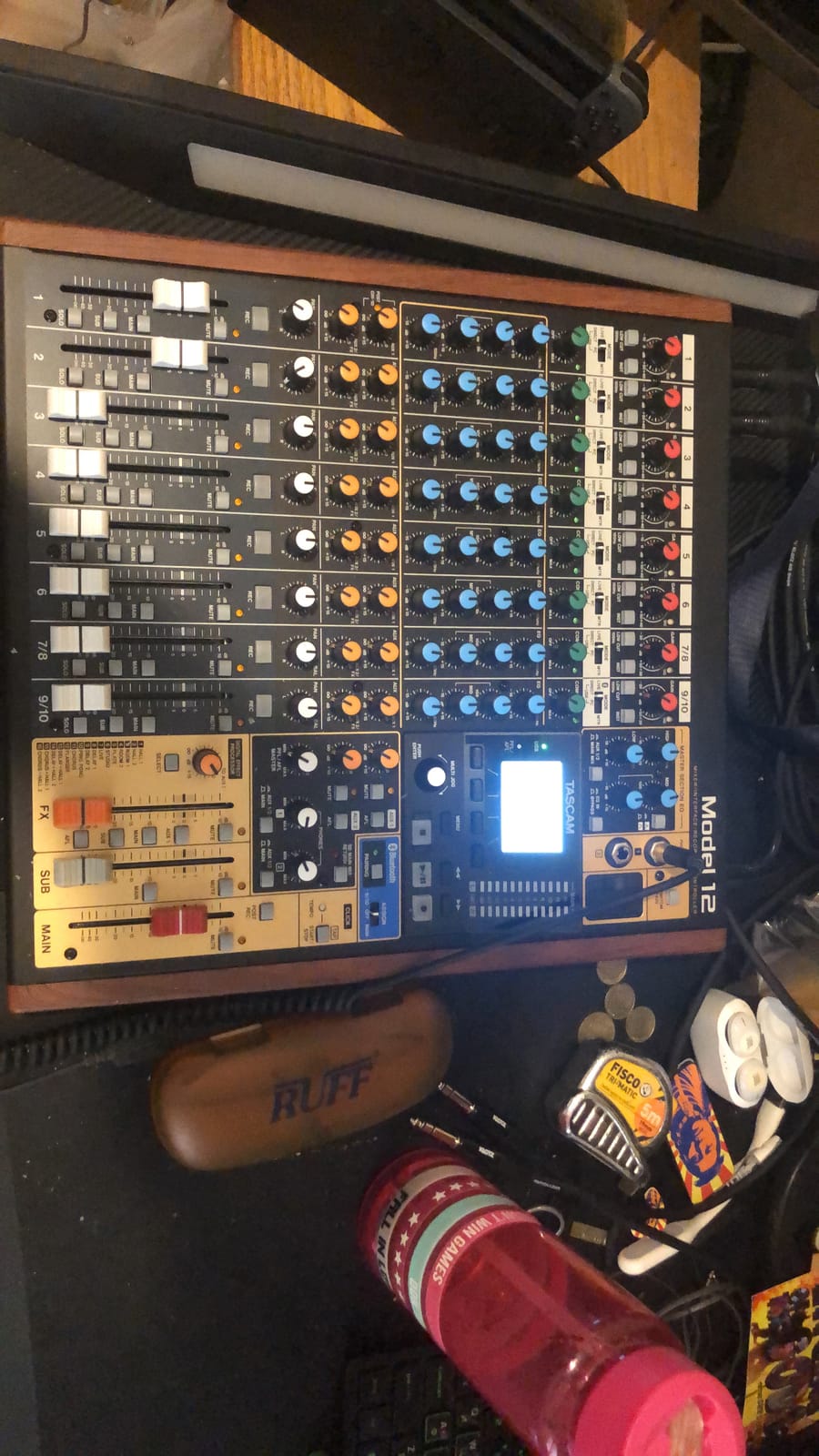
Twelve tracks record simultaneously in a single compact console, and every input module carries a hardware one-knob compressor and three-band EQ. For band practice that is the useful part: the processing that shapes a rehearsal mix is applied by turning a knob on the channel, with no menu to open first.
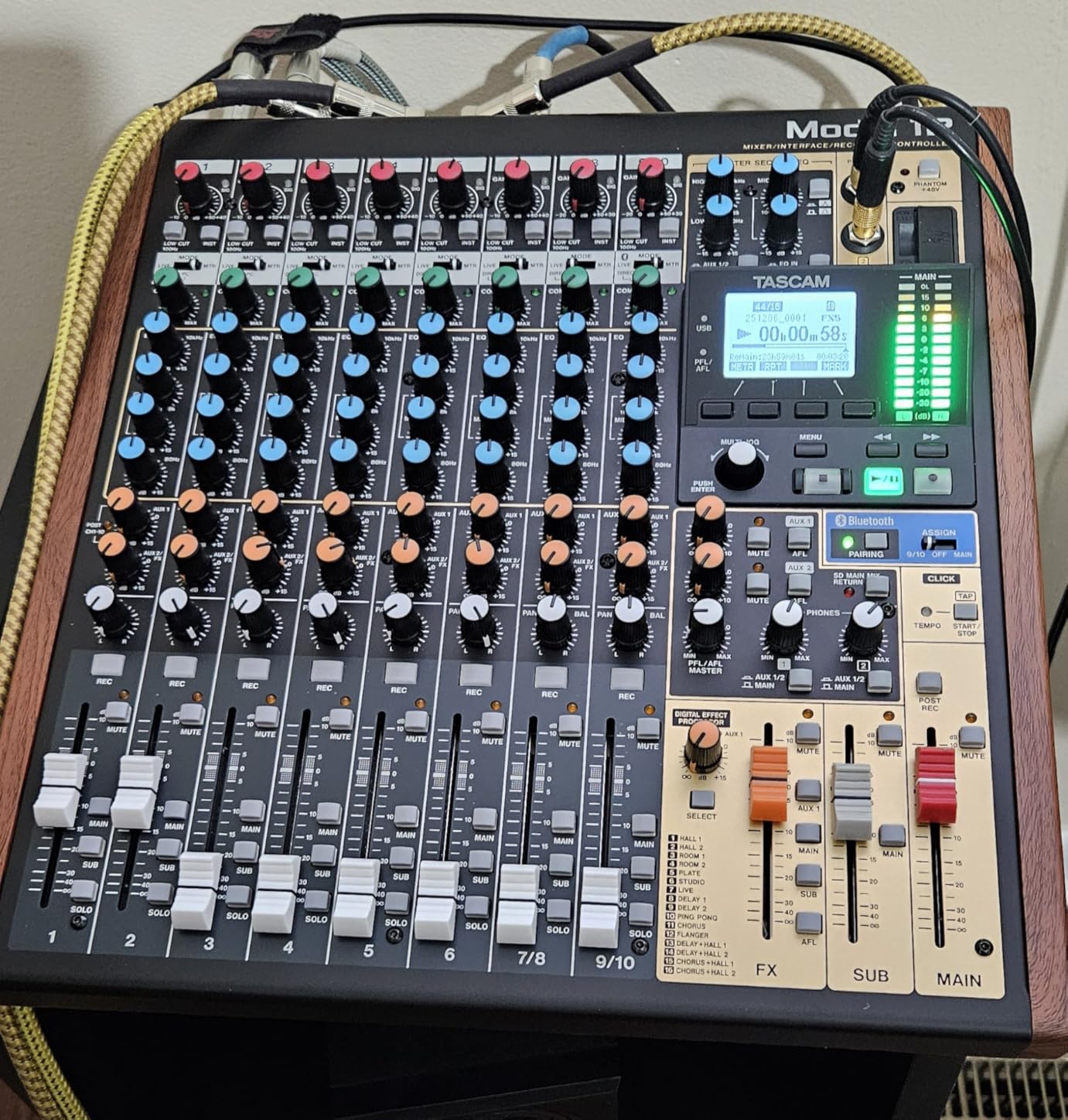
The click output with tap tempo is a small feature with an outsized effect on a rehearsal recorder. A band tracking without a drummer can set a tempo and record to it, which is one of the few shortcuts that makes an overdub session quick without a full DAW.
There is onboard MIDI functionality, which is worth flagging because it is not universal. Owners of used and vintage recorders frequently cite full MIDI syncing as the reason they still hold onto them, and having MIDI in a current box is a genuine advantage for anyone recording with a synth or drum machine.
Two headphone outputs with individual volume and source selection mean two players can monitor independently without a separate headphone amp, and the 12 in / 10 out USB audio interface makes the console a control surface as well as a standalone recorder.
What to check before you commit
Input budgeting is the exercise. With twelve channels there is room for a four-piece, but a close-miced kit plus every amp plus a DI plus vocals adds up fast, and you will be sharing channels on anything larger.
There is a learning curve for anyone arriving from a DAW-only workflow. The console surface is a different mental model, and the thin documentation means the same video-tutorial route the Model 24 owners describe applies here too.
It runs on mains power and weighs 13.3 pounds, so it lives in one room. That is fine for a rehearsal space and wrong for a backline setup you load into a van every week.
Who this is not for
If your band already records into a laptop with an interface and a DAW, the Model 12 is a second recorder rather than a replacement, and the two workflows will fragment your session files.
For a band that wants one box to run a show and a session, the L-20 covers more ground with its monitor mixes and higher resolution ceiling.
6. Zoom F8n Pro – the best choice for recording to picture
Zoom F8n Pro Field Recorder for Filmmakers with 8 Inputs & 10 Tracks
8 channels / 10 tracks 32-bit float
75dB gain, -127dBu EIN
0.2ppm timecode accuracy
Dual 1TB SD slots
8-in/4-out USB at 96kHz
Pros
- 32-bit float recording with dual AD converters prevents clipping
- Eight inputs give plenty of flexibility for multi-mic sessions
- Dual SD slots allow redundant recording
- Simple menu system with a useful mobile control app
- Solid metal build
Cons
- USB port is micro USB rather than USB-C so adapters protrude
- PC connection is multitrack and ASIO only which complicates standard software monitoring
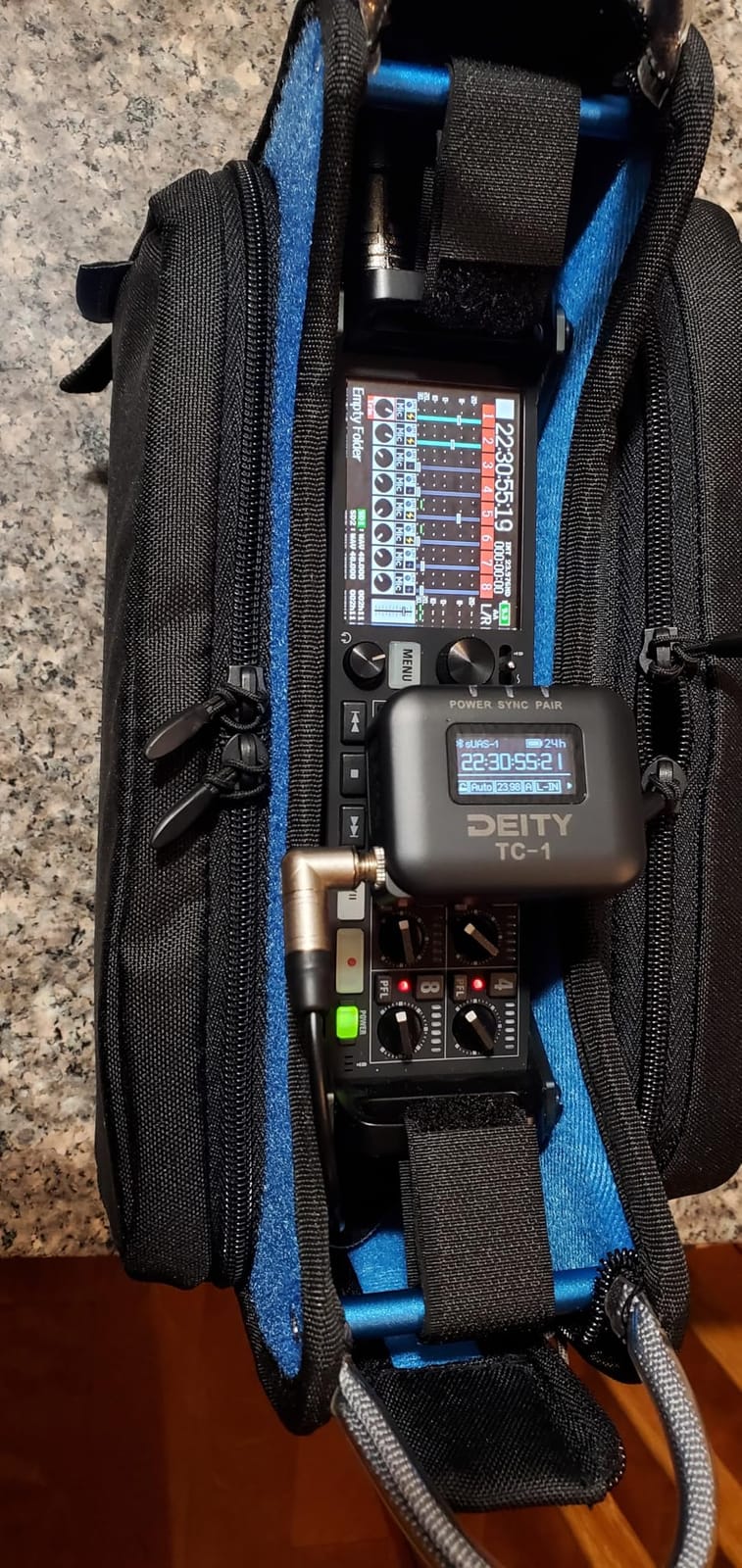
The F8n Pro is the one to buy when the recording has to line up with picture. It is an 8-channel, 10-track recorder with 32-bit float capture and dual AD converters for clip-free audio, and it is the only recorder on this list that states a timecode accuracy figure: 0.2ppm via a TCXO.
Users praise it for low self-noise, high gain headroom, redundant recording and straightforward operation, with the non-USB-C port as the most common gripe. That last point is worth taking seriously if you already own USB-C cables, because you will be carrying a hub for anything beyond basic transfer.
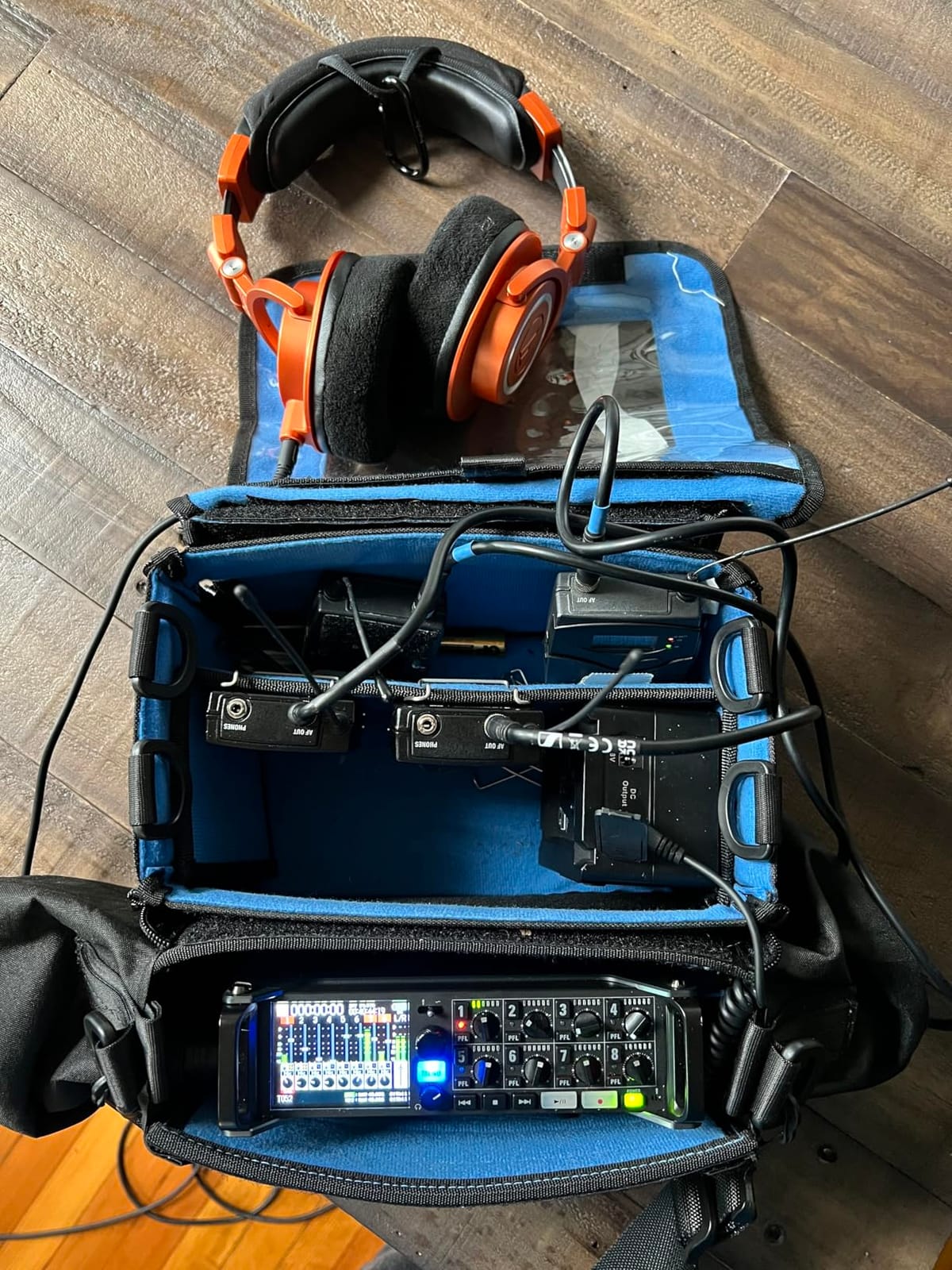
Gain is the headline for band use. Up to 75dB with -127dBu EIN gives real headroom on distant sources, which is the situation a band actually lives in when the overhead mic is three metres from the snare. When the preamp is not the limiting factor, you can capture a rehearsal room honestly instead of pushing a noisy preamp and printing hiss.
Redundancy is the other practical win. Dual SD card slots up to 1TB each allow redundant recording, so a second file is written as you go. A band recording a paid session or a one-take album gets a safety net the other recorders here do not offer.
The interface is 8-in/4-out at 32-bit float and 96kHz while it continues writing to SD, so the same session can be tracked in the room and monitored into a computer at the same time.
What to check before you commit
It is a field recorder, not a mixer. There are no per-player monitor mixes, so a live capture has to be made with the mix the room already provides, or you add a separate mixer like the L-20 or the Model 24 in front of it.
The USB port is micro USB, not USB-C. Adapters protrude from the body, which is awkward in a bag or on a stand.
PC connection is multitrack and ASIO only, which complicates OBS or standard software monitoring. If part of your plan is streaming or video calling alongside a take, test that combination first.
Who this is not for
It is not a good rehearsal-room recorder for beginners. The menu system is simple by field-recorder standards, but there is no console surface to work from, and eight inputs means the same budgeting exercise as any small recorder.
If you need timecode and only three sources, the MixPre-3 II covers that case in a much smaller body with an internal LTC generator.
7. Sound Devices MixPre-3 II – the best portable three-input option
Sound Devices MixPre-3 II Portable 32-Bit Float Multichannel Audio Recorder/Mixer, and USB Audio Interface
3 ultra-low-noise Kashmir preamps
Built-in 3x2 portable mixer
5-in/2-out USB-C at 32-bit float
Internal LTC timecode
1.1 pounds
Pros
- Three ultra-low-noise Kashmir preamps with adjustable limiters
- 32-bit float capture over USB-C
- Built-in LTC timecode generator with HDMI record triggering
- Compact and lightweight for mobile use
Cons
- Only three mic inputs limits full band tracking without extra interfaces
- No wireless control app of its own
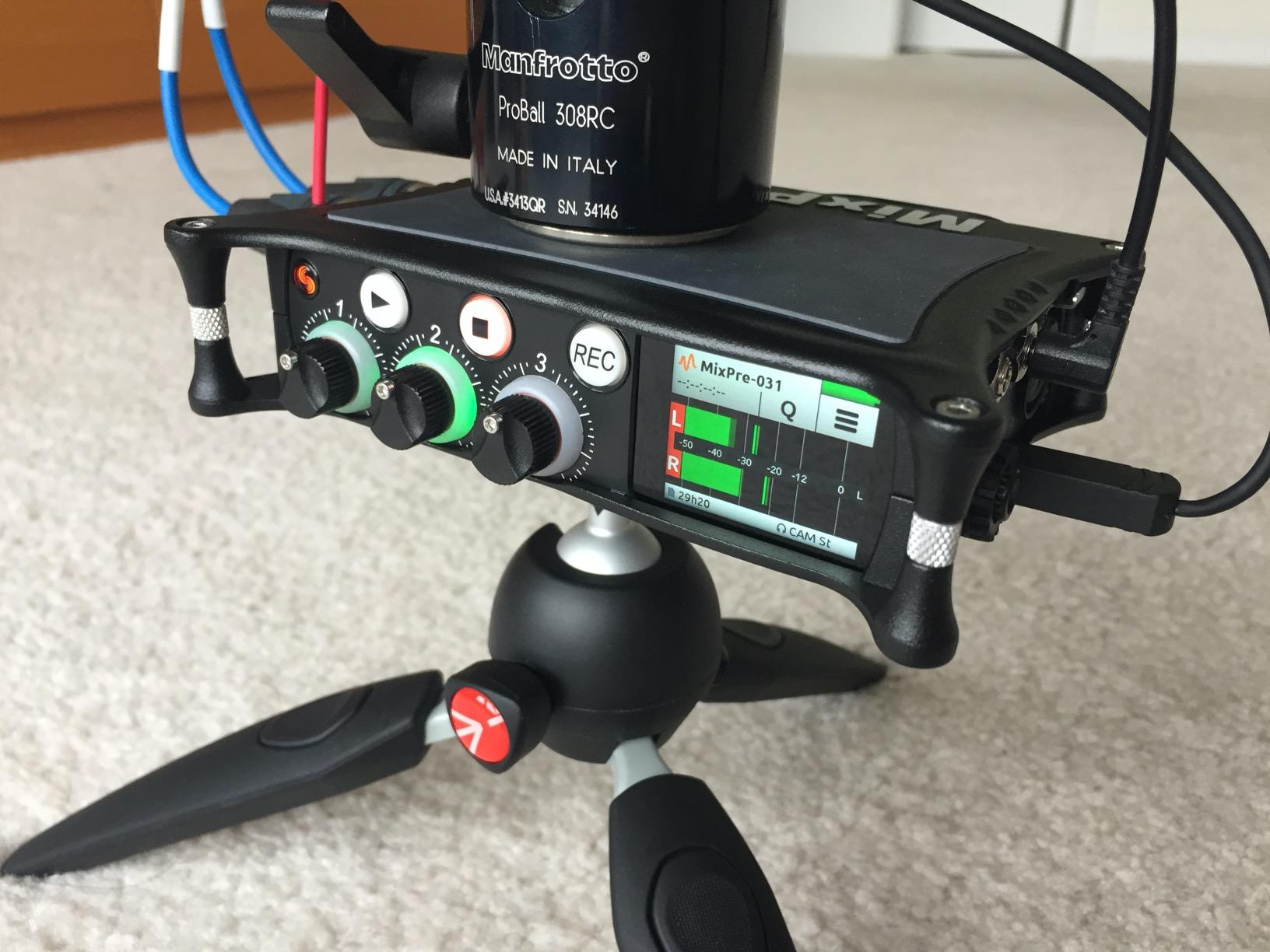
The MixPre-3 II is the specialist pick. Owners rate it highly for clean preamps, 32-bit float recording and timecode features in a small portable package, and at 1.1 pounds it is small enough to carry to a session that happens somewhere other than a rehearsal room.
Three ultra-low-noise Kashmir microphone preamps with adjustable limiters sit behind the inputs, which is where this box earns its place. Acoustic guitars, a vocal and a small ensemble in a treated space is the ideal use, and the headroom means you can leave the recorders on the quietest source without pushing gain.
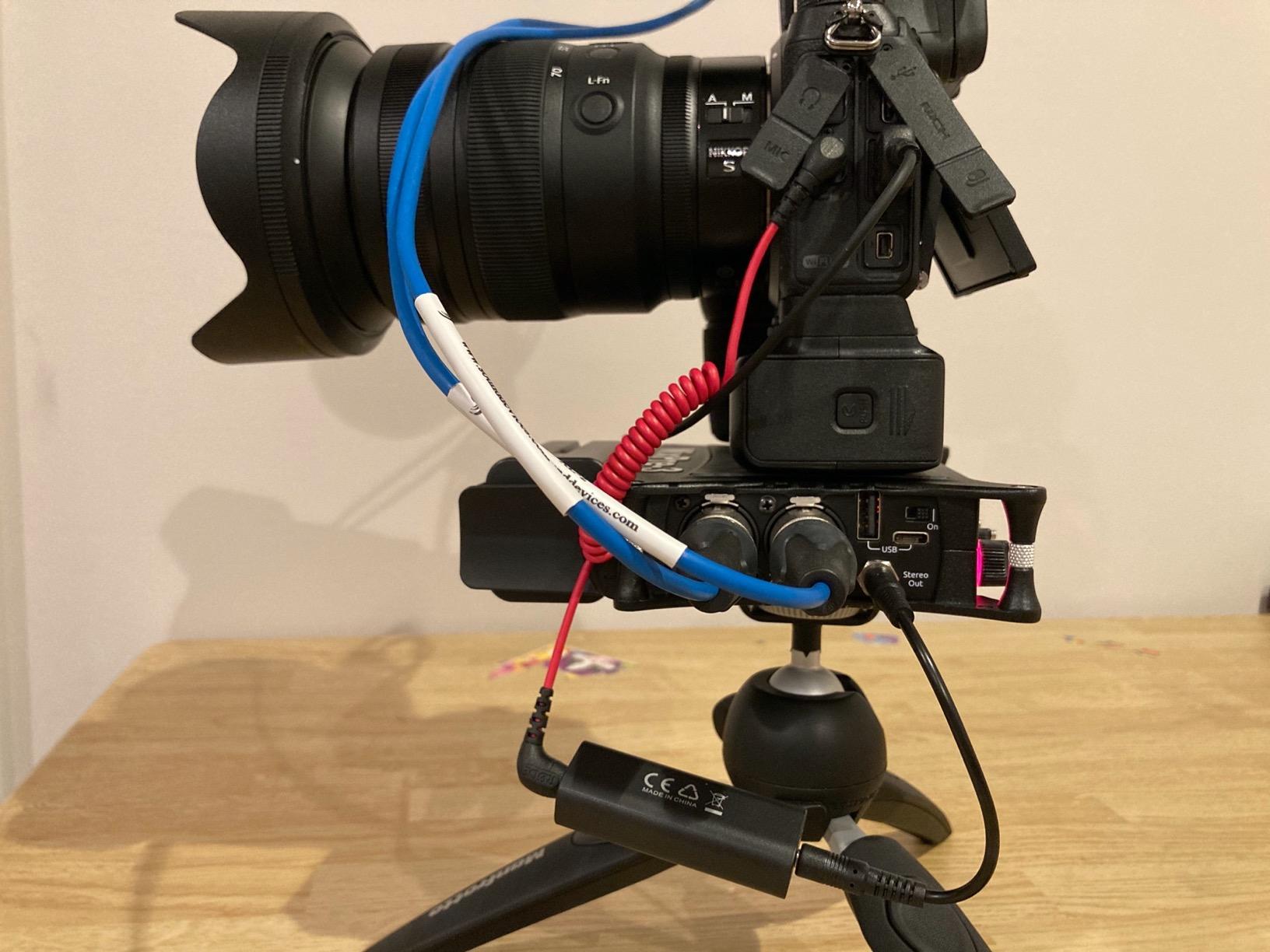
A built-in 3 x 2 portable mixer handles the balance and monitoring on the device itself, so you can set a rough mix and export it. The limiters are adjustable, which matters when one source is much hotter than the others, and 32-bit float capture protects the take if something still gets away from you.
Timecode is built in. There is an internal LTC timecode generator with timecode in and out through the aux and stereo out, and timecode and record triggering via HDMI. For a band recording a live session alongside video, having the generator on board removes a box and a cable.
The USB-C port turns it into a 5-in, 2-out audio interface streaming to a computer at bit depths up to 32-bit float, so a home studio album can start on this and finish in a DAW.
What to check before you commit
Three mic inputs is the hard limit. A trio recording live, or an acoustic trio with each player on a separate mic, is the realistic ceiling, and anything larger needs additional interfaces. For a band, that single number decides whether the box is usable at all.
There is no wireless control app of its own, so level checks mean walking back to the device or using a tape-stop trick. For a single fixed-position session that is fine; for a moving location session it is a small penalty.
Frequency response is listed to 192000 hertz and output is TRS, with a two-year warranty behind it. Screen size is not listed for this unit, so check the physical size against your bag before committing.
Who this is not for
It is not a full band capture tool. If you want a five-piece in one pass, you need the L-20 or the Model 24 and the input count is not negotiable.
It is also not a live mixer, since the monitor section is a 3 x 2 mixer for a small setup rather than a multi-output console with per-player mixes.
How many inputs does a band actually need?
Track-count marketing is where most buying guides go wrong. A unit may advertise twenty playback tracks while offering eight real inputs, and the difference is the number of simultaneous recording channels, which is the only figure that matters when a band plays live in one pass.
Here is how the arithmetic works. A four-piece rock band recording live needs one mic on the kick, one on the snare, one on each guitar amp, one on the bass amp or a bass DI, and one on the vocal. That is six channels. Add a hi-hat, an overhead and a room mic for drums and you are at nine.
A five-piece with keys pushes it further. Keys usually take a stereo pair, which counts as two channels, so the same band with a pad or organ goes from six to eight before you mike anything beyond the basics. Christian worship teams and horn sections push past ten quickly, which is exactly where the Model 24’s sixteen preamps start earning their place.
Here is the same question answered as a shortlist:
Duo, acoustic or singer-songwriter: three to four channels covers two players with a guitar each plus a vocal and an ambient mic. The MixPre-3 II and the Portacapture X8 both handle this.
Trio: six channels is the working minimum for a full kit, a bass DI and one melodic instrument, and the Portacapture X8 sits right at that ceiling. The Zoom H8 has room to spare.
Four-piece: six to eight channels is the realistic target, which points at the Zoom L-20, the Model 12, or the F8n Pro if video sync is involved.
Five or more, or a full close-miced kit: twelve channels and up. The Tascam Model 12 and Model 24 cover this range, and nothing smaller on this list will.
One more calculation matters more than raw input count. If you plan to record a band live, the number of channels that accept phantom power decides how many condenser mics you can use. A ribbon mic on a channel without switchable power saves you a DI or an external supply, and a mix of dynamic and condenser sources is normal in band recording.
Zoom or Tascam: where the two brands differ for bands
Both brands build recorders a band can grow into, but they answer the problem differently. Zoom leans toward portable capture with flexible monitoring, and Tascam leans toward console surfaces with per-channel processing. Neither is better in the abstract, and the right answer depends on whether you play live or sit down to track.
Zoom’s strength on this list is monitor mixes. The L-20 gives six independent headphone and line mixes, which no Tascam console here matches. When a rehearsal or a small show needs every player hearing a different balance, that feature alone settles the decision.
Tascam’s strength is physical control and input count. The Model 24 has sixteen preamps, per-channel EQ and compressor knobs, and 8-track punch in/out. Anyone who has mixed on a hardware console and wants that workflow with recording attached will find the Model series more familiar.
On portable capture the brands trade places. The Zoom H8 has the larger review base and the capsule system, while the Tascam Portacapture X8 offers locking connectors, switchable per-channel phantom power and 32-bit float capture in a body built for stereo work as well as band work.
For timecode, the choice here is the Tascam Portacapture range, the F8n Pro or the Sound Devices MixPre-3 II rather than a LiveTrak, though the F8n Pro pairs its 0.2ppm TCXO with redundant card recording.
MIDI sync, punch-in and the gaps nobody lists
No modern standalone multitrack recorder on this list functions as a master MIDI clock for syncing external gear. This is the most repeated complaint in owner discussions about current standalone recorders, and it is the one specification table that does not prepare you for.
There is a partial exception. The Tascam Model 12 has onboard MIDI functionality and a click output with tap tempo, which lets you drive a session from the recorder. True external sync, where the recorder locks to a drum machine or a DAW and both machines run from one clock, is not something these units do.
For recording to video, timecode is the workaround rather than MIDI. The Zoom F8n Pro specifies 0.2ppm accuracy through a TCXO, and the Sound Devices MixPre-3 II carries an internal LTC timecode generator with HDMI record triggering. Those two solve the alignment problem; the rest of the field does not attempt it.
Punch-in support is the other gap. The Tascam Model 24 supports up to eight tracks of punch in/out at once, which makes traditional overdub work possible on a machine with real transport control. The smaller recorders on this list have no footswitch or punch workflow at all, so an overdub is a matter of starting, stopping and accepting the edit later in software.
Two smaller things worth knowing. On the Zoom LiveTrak, channel EQ affects the monitor and front-of-house mix as well as the recording, so heavy corrective EQ is a feedback risk at a live show. And on every current standalone recorder there is no video output, so you cannot use one as a picture monitor during a synced shoot.
Standalone recorder or audio interface and DAW?
A laptop with an audio interface and a DAW will always win on editing flexibility, unlimited tracks and free visual feedback. A standalone recorder wins on three things that matter in a band setting: it starts instantly with no boot time, it never crashes mid-take, and it records without a computer present at all.
Owners switching from an interface-plus-DAW workflow to a standalone often report the same sequence. They get an interface, abandon the standalone recorder, then come back to it for album work because opening a laptop in a rehearsal room is one more thing to manage. If your sessions are in a fixed room, an interface is defensible. If they move, the box wins.
Six of the seven recorders here also work as USB audio interfaces, which blurs the line. The L-20, the Model 12, the Model 24, the H8, the Portacapture X8 and the MixPre-3 II can all send channels to a computer, so the practical setup is often a standalone recorder for the take and the same box as the interface for the overdubs.
How we picked these seven
We compared simultaneous input count, preamp headroom, phantom power coverage, monitor mix options, recording resolution, storage and whether tracks export cleanly. Ratings and review counts came from the product listings we reviewed, and we used the volume and consistency of owner feedback as a tiebreaker between units with similar specifications.
We left out recorders whose input count makes full band capture impractical, and we did not include any box whose defining feature is track count rather than channel count. Every recorder listed here can record more than one source at the same time, which is the baseline for band work.
Where owner reports conflict with the specification sheet, we went with the specification and said so. That is why the Portacapture X8 appears with a six-channel ceiling noted even though the product is named for eight.
Frequently Asked Questions
What is the best recorder for band practice?
The Zoom LiveTrak L-20 is the best recorder for band practice because it mixes and records in one box. It captures 22 simultaneous tracks at 24-bit/96kHz to SD card and sends six independent monitor mixes, so each player hears their own balance while the whole band is recorded on separate tracks in a single pass.
What is the best multitrack recorder?
The best multitrack recorder for bands is the Zoom LiveTrak L-20. For a fixed studio room, the Tascam Model 24 records more simultaneous tracks and has 16 preamps, while the Tascam Model 12 covers a four-piece on a smaller budget. All three record every input to separate tracks and export to a computer.
What is a good basic multitrack recorder?
The Tascam Model 12 is a good basic multitrack recorder for a band. It records 12 tracks simultaneously, gives every input module a one-knob compressor and 3-band EQ, includes a tap-tempo click for practice, and works as a 12 in / 10 out USB interface once you outgrow the standalone workflow.
Which multitrack recorder is the most user-friendly?
The Tascam Portacapture X8 is the most user-friendly of the recorders here. Its 3.5-inch color touchscreen and Launcher system are easier to learn than older button-driven recorders, and it offers dedicated modes for music, field, multi-person and podcasting so setup does not start in a settings menu.
Which audio recorder has the best sound quality?
The Zoom F8n Pro and Sound Devices MixPre-3 II have the best sound quality in this group. The F8n Pro offers up to 75dB of gain at -127dBu EIN for distant sources like overhead and room mics, while the MixPre-3 II uses three ultra-low-noise Kashmir preamps and records 32-bit float.
The final call
The Zoom LiveTrak L-20 is the best multitrack recorder for bands in 2026 because it is the only unit here that records, mixes and monitors a whole band in one pass with per-player mixes and no computer. Every other pick wins a specific argument, and none of them wins the general one.
Take the Model 24 if you have sixteen mic lines to fill. Take the F8n Pro if the recording has to match video or you cannot afford to lose a take. Take the Portacapture X8 if the budget stops you short and you still want 32-bit float. Take the Model 12 for band practice on a fixed budget, the H8 for rehearsals you carry between rooms, and the MixPre-3 II for an acoustic trio on location.
Work out your real channel count before you buy anything, and buy the smallest unit that clears it with a channel or two spare for the next song.