
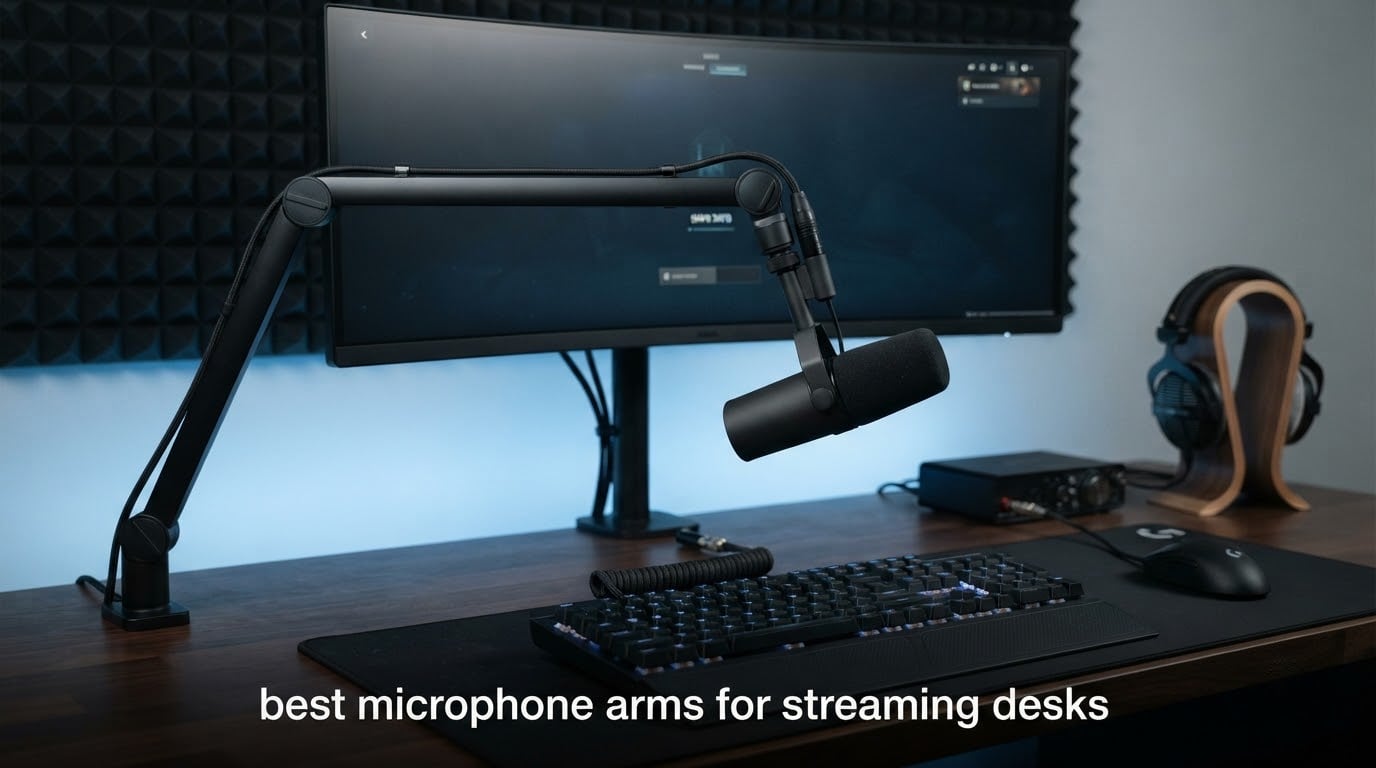
The best microphone arms for streaming desks are the ones that hold a heavy mic chain steady, sit low enough to stay out of your camera frame, and actually clamp onto the desk you own. That last point is where most buying guides go quiet, and it is the first thing that goes wrong: an arm with a beautiful clamp will not fit a desk with a one-inch perimeter rail under the edge, a rounded front, or a glass top.
We compared 10 of the strongest desk-clamp boom arms available right now, from the highest-volume entry scissor arm to full-size broadcast arms used in professional studios. The InnoGear Boom Arm is the default pick for most streaming desks because it holds 3.3 lb of load, adapts to 3/8 and 5/8 threads, and folds flat when you are not on camera. If your mic is heavy, the RØDE PSA1+ is the quietest option. If your monitor sits low and your desk is small, the Elgato Wave Mic Arm LP is the one to buy.
We weighed each arm on four things: total load capacity including the shock mount and pop filter, clamp range against real desk thicknesses, reach at full extension, and how quiet the arm is when you move it mid-take. Every pick below has at least 500 reviews behind it, so the verdict reflects what owners actually report rather than a spec sheet.
Table of Contents
Top 3 Microphone Arms for Streaming Desks (September 2026)

InnoGear Boom Arm
- 3.3 lb load capacity
- Alloy steel body
- Desk edges up to 2 inch
- Adapters included

Elgato Wave Mic Arm LP
- 2 kg load capacity
- 29.1 inch horizontal reach
- Magnetic cable channels
- Two year warranty

Rode PSA1+
- Holds 0.25 to 1.2 kg
- Silent internal spring damping
- Desk up to 70 mm
- Two year warranty
Quick Overview of All 10 Mic Arms We Compared in 2026
| Product | Specifications | Action |
|---|---|---|
|
InnoGear Boom Arm
|
|
Check Latest Price |
 FIFINE BM88 Low Profile
|
|
Check Latest Price |
|
Elgato Wave Mic Arm LP
|
|
Check Latest Price |
|
Rode PSA1+
|
|
Check Latest Price |
 Samson MBA38
|
|
Check Latest Price |
 IXTECH Scissor Boom Arm
|
|
Check Latest Price |
 Aokeo AK-58i Low Profile
|
|
Check Latest Price |
 Shure by Gator SH-BROADCAST1
|
|
Check Latest Price |
 TODI Slim Low Profile Arm
|
|
Check Latest Price |
 Sensic SA-30
|
|
Check Latest Price |
Scissor, Broadcast, or Low Profile: Which Arm Style Fits Your Desk
Every mic arm on this list falls into one of three mechanical families, and picking the wrong family is the most common reason a new arm ends up unused. Scissor arms use a pair of spring-loaded arms that fold in on themselves. They are light, cheap, and easy to adjust, which makes them the natural first arm for a mid-weight USB microphone.
Broadcast arms are the full-size studio style: a long horizontal boom, a vertical riser, and springs hidden inside the arm. They hold the most weight and move the quietest, and they are what you want if you are running a heavy dynamic microphone with a shock mount. The tradeoff is footprint, because a broadcast arm stands tall in your camera frame and takes real desk space.
Low-profile arms run horizontally from the desk edge and stay below the bottom of your monitor. They exist for one reason: on-camera framing. If a microphone arm enters your shot, viewers read it as clutter, so the low-profile silhouette is the streaming-specific answer to a problem broadcast arms cannot solve.
Judged against your desk, the scissor style wins on portability and price, the broadcast style wins on load capacity and silence, and the low-profile style wins on camera presence. Measure your monitor height before buying a low-profile arm, because a short arm under a tall monitor simply cannot reach over it.
1. InnoGear Boom Arm – Best Mic Arm for Streaming Overall
InnoGear Boom Arm Microphone Mic Stand for Blue Yeti Fifine HyperX, Black
Alloy steel scissor arm
3.3 lb / 1.5 kg load capacity
Desk edges up to 2 inch
3/8 and 5/8 inch adapters included
Pros
- Highest load rating among entry scissor arms at 3.3 lb
- Folds away compactly to free desk space
- 360 degree base rotation with 135 degree extension
- Ships with thread adapters cable ties and teflon tape
Cons
- Wobbles when typing hard on the keyboard
- Mic end rotates in one plane only
- Occasional cracked clamp tension dial
This is the arm we keep coming back to. With roughly 24,000 reviews and a 4.5 average, it is the highest-volume option in the group and the default first boom arm for good reason: the 3.3 lb rating is higher than most competing arms at this tier, and the body is solid alloy steel rather than thin plated tube.
Adjustment is genuinely good. The base rotates 360 degrees, the arm shaft extends 135 degrees back and forth, and the metal adapter at the mic end adds 270 degrees on top of that. My favorite detail is the knob-free arm shaft, which removes the spring fatigue point that makes cheaper arms loosen over years of daily repositioning.
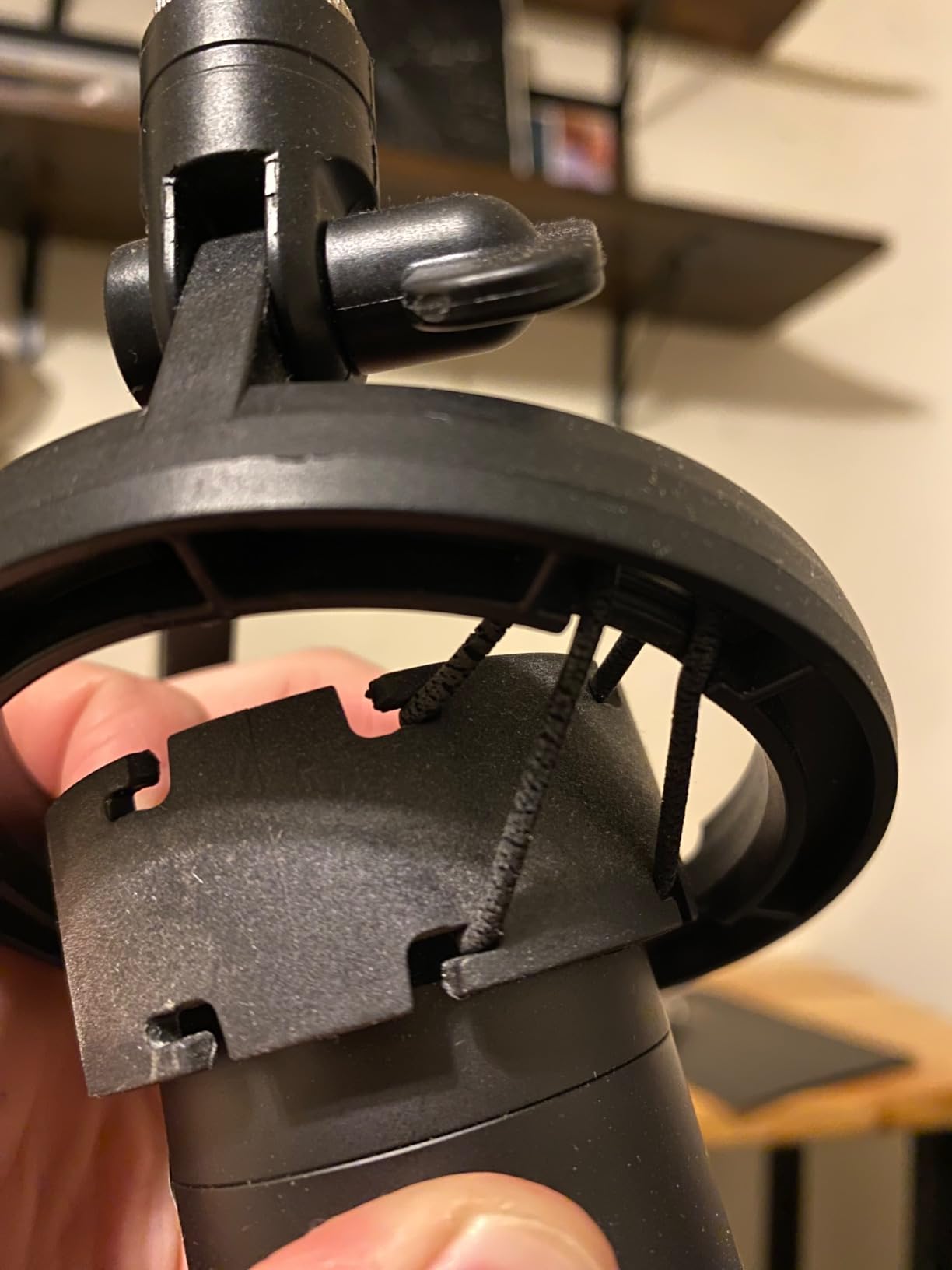
The clamp grips squared desk edges up to 2 inches thick, and the included kit covers almost everything: a standard clip for dynamic mics, a 5/8 inch to 3/8 inch adapter for Blue, HyperX, Shure, and Fifine bodies, plus cable ties and a strip of teflon tape to stop threads from loosening. Assembly took me under five minutes with no tools beyond a hex key.
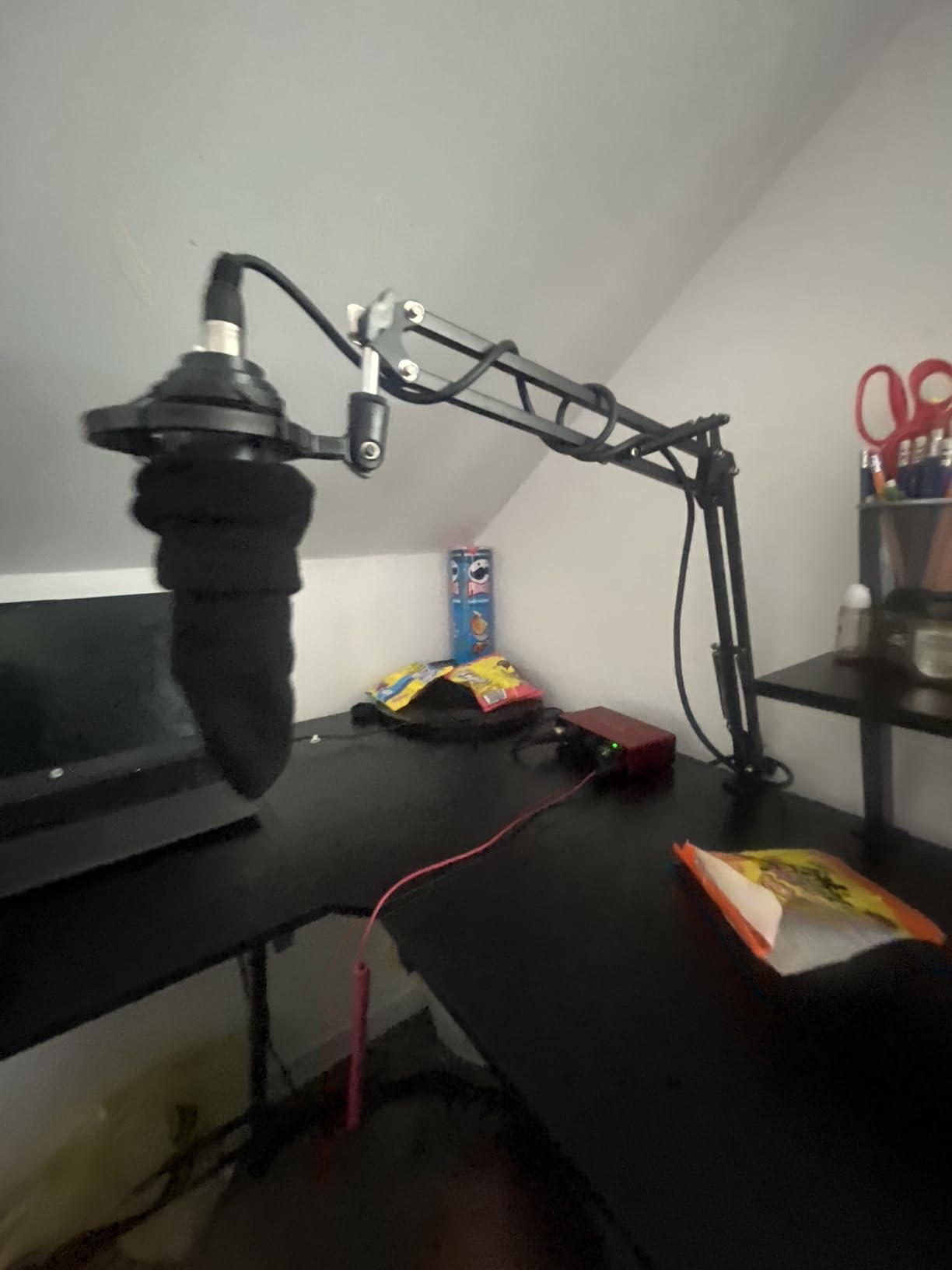
How it handles a mid-weight USB microphone
Paired with a Blue Yeti or HyperX QuadCastS, this arm is stable and quiet, and it folds flat enough to disappear from a shot. That combination is why it has held its position in the category for so long: it is the arm most streamers buy first and rarely need to replace.
Where it will disappoint you
Heavy typists report noticeable wobble, and the mic end only rotates in one plane, so you cannot tilt the capsule upward from a seated position without readjusting the whole arm. A small number of buyers also received units with a cracked clamp tension dial, so inspect the clamp on arrival.
2. FIFINE BM88 – Best Low Profile Mic Arm for the Money
FIFINE BM88 Low Profile Microphone Boom Arm Stand for Gaming Streaming
All-metal low profile arm
Desk clamp fits 0.8 to 2.4 inch tops
29 inch reach
1/4 3/8 and 5/8 inch adapters pre-fitted
Pros
- All-metal build resists wobble and sag
- Hidden internal cable channels
- Extends under the monitor without blocking it
- Rotatable ball head with adapters already fitted
Cons
- Reach can fall short on very wide desks
- Clamp screw faces the wall on a rear edge
- Fine-tip ball joint needs patience to tune
The BM88 is the value alternative to the Elgato Wave LP, and it is the one we recommend to anyone building a first streaming desk on a mid-range budget. Over 5,000 reviews averaging 4.5, with 78 percent five-star ratings, it has become the second-best seller in Microphone Stands.
Build quality is the reason. It is an all-metal arm with a non-slip C-clamp that does not scratch the desktop, and the clamp handles anything from 0.8 to 2.4 inches thick. That range is the widest in this roundup, which means it fits thick laminate tops and thick solid wood that defeat narrower clamps.
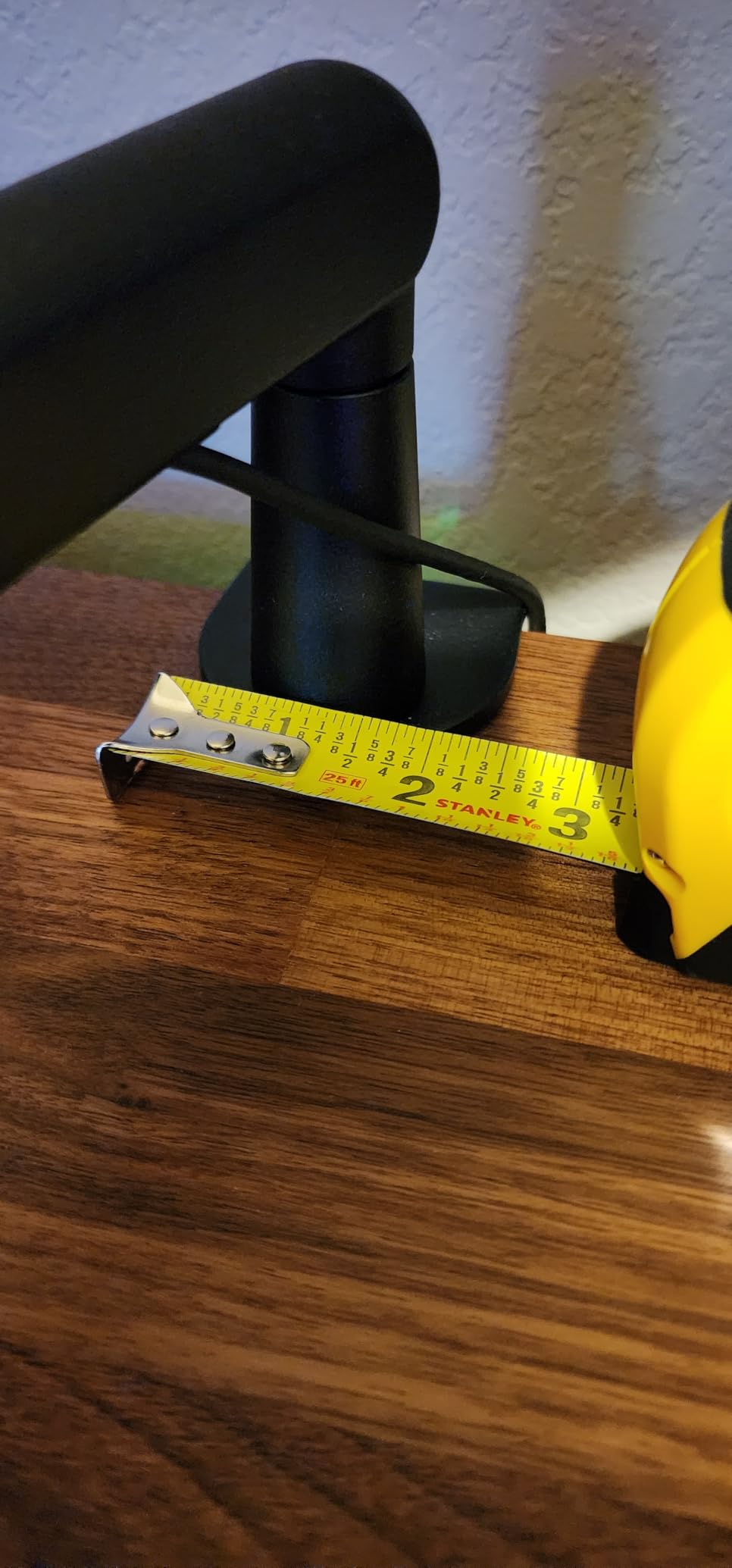
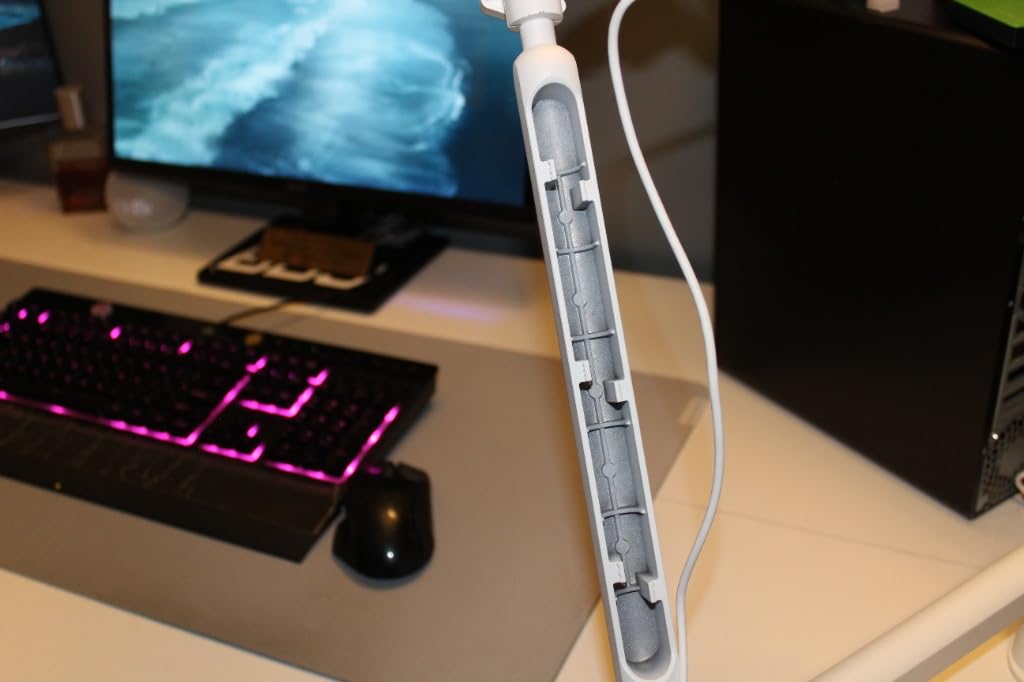
Adjustment covers 220 degrees vertically and 360 degrees horizontally, with a listed reach of 29 inches. The hidden cable channels run through the arm itself, so the cable disappears instead of hanging in a loop, which matters when your camera is pointed at the desk.
Why it beats the price tier it sits in
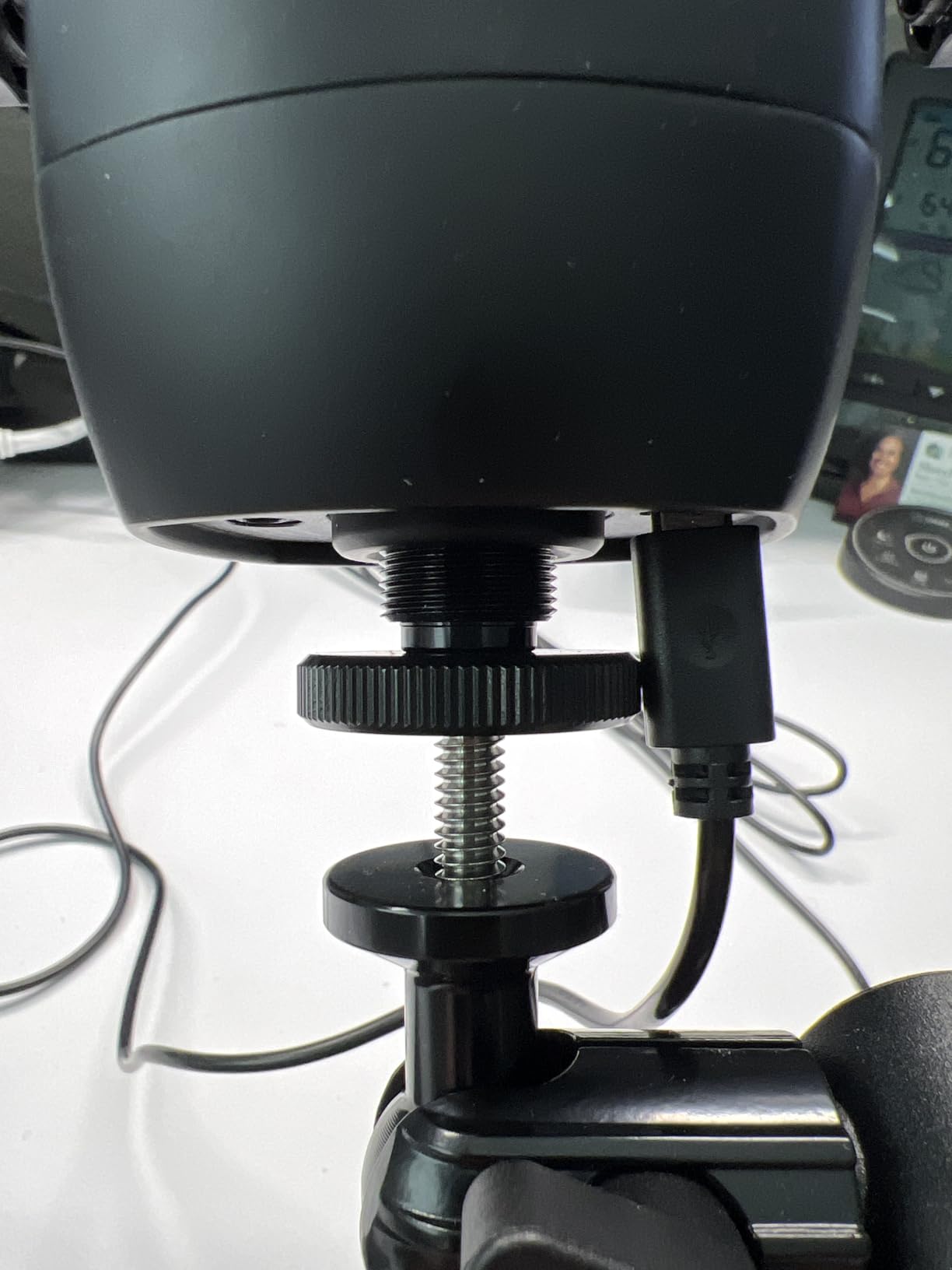
Most arms below this tier use a plastic ball head and external springs. The BM88 uses metal throughout with internal routing, and the 1/4, 3/8, and 5/8 inch adapters are already connected to the ball head, so there is nothing extra to buy before you can mount a mic.
Check your desk before ordering
Two practical gripes recur: the reach can fall short on very wide desks, and the clamp screw points toward the wall when you mount on a rear edge, which makes it awkward to reach. Measure your desk depth and note which edge you plan to clamp before you buy.
3. Elgato Wave Mic Arm LP – Best Low Profile Arm for On-Camera Streaming
Elgato Wave Mic Arm Low Profile Microphone Boom Arm
All-metal anti-torsion arm
2 kg load capacity
740 mm / 29.1 inch reach
Magnetic cable channels
Two year warranty
Pros
- Sits below the shoulder line and out of frame
- Quiet movement that stays where positioned
- Strong magnetic cable covers
- Machine screw clamp ratchets securely
Cons
- Slow sag with heavier mics needing monthly retightening
- Clamp padding can shift under sustained load
- Ball joint tightening gets jerky under pressure
This is the arm we recommend when the camera is the deciding factor. It is engineered to sit below the shoulder line, which means it never rises into frame and never blocks the lower bezel of a monitor. The horizontal reach of 740 mm, or 29.1 inches, covers a large desk from a rear edge clamp.
At about 5,000 reviews and a 4.6 average with 82 percent five-star ratings, it is the most consistently well-rated low-profile arm in this group. Owners regularly describe it as the step up that finally stopped their cheap scissor arm from creeping during a stream.
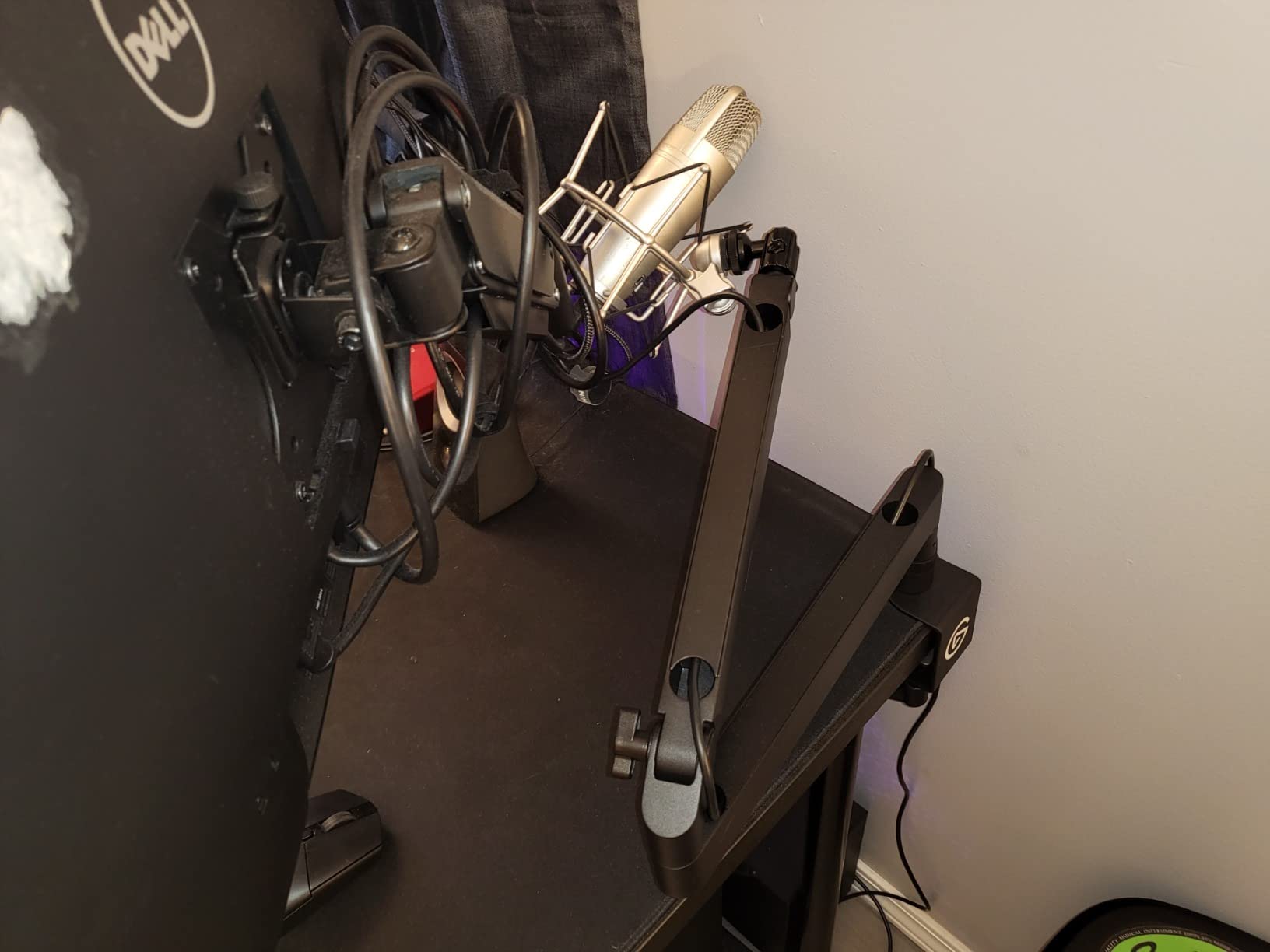
The magnetic cable covers snap on and off, so you can change cables without unplugging anything or stripping the cable. Movement is smooth and quiet, and the padded desk clamp uses a machine screw that ratchets rather than a cheap plastic thumbscrew. A two-year warranty comes from an established streaming-gear brand.
Whether it can carry a heavy broadcast microphone
The 2 kg rating is generous for a low-profile arm, but reviewers running mics in the 500 to 760 g range report slow sag and clamp padding creep. It is a strong match for a mid-weight USB or condenser microphone, and a less certain match for an SM7B-class setup.
What to know before you buy
Two caveats. The arm can sag slowly and need re-tightening once or twice a month under heavier loads, and the ball head tightening action gets jerky as pressure increases. A mid-desktop mounting plate is not included, so plan on a desk edge clamp.
4. RØDE PSA1+ – Top Rated for a Heavy Mic
RØDE PSA1+ Professional Studio Boom Arm with Spring Damping, Black
Full-size studio boom arm
Holds 0.25 to 1.2 kg including shock mounts
Desk clamp up to 70 mm
Internal spring damping
Pros
- Silent internal spring damping moves the arm mid-recording
- Handles 0.25 to 1.2 kg including shock mounts
- Integrated internal cable management
- 360 degree rotation with full extension
Cons
- Larger desk and camera footprint than low-profile arms
- Desk clamp is the only mounting option
- Costs more than every other arm here except the Gator
The PSA1+ is the highest-rated arm in this roundup, sitting at 4.7 with 86 percent five-star ratings across roughly 2,680 reviews. It is the established broadcast standard used across professional podcast and streaming setups, and the reason is the internal spring damping.
Because the springs live inside the arm rather than in an exposed coil, you can reposition the microphone mid-take without a creak or a handling thump leaking into your recording. On a stream that runs two hours, that silence matters more than most buyers expect at purchase time.
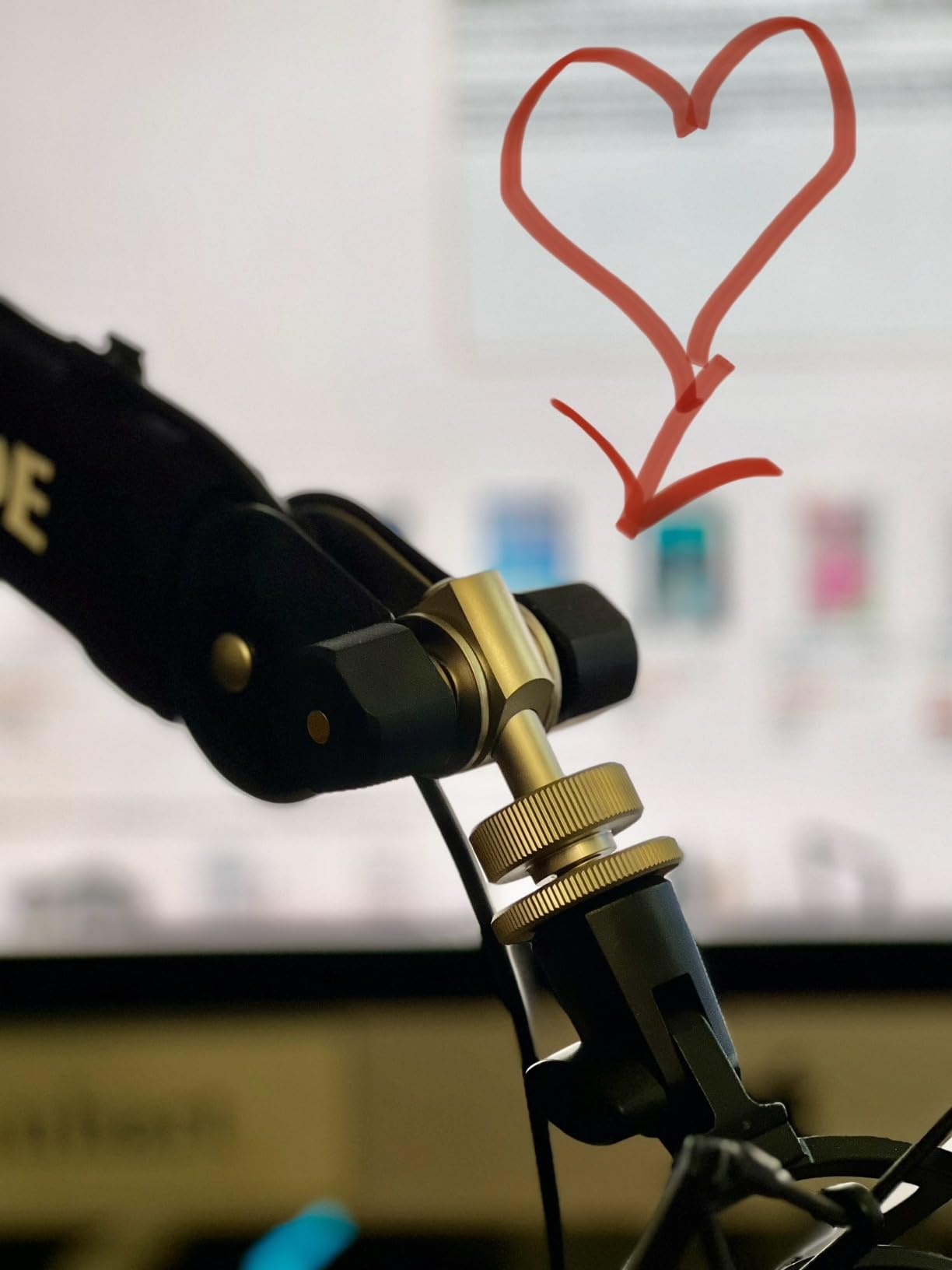
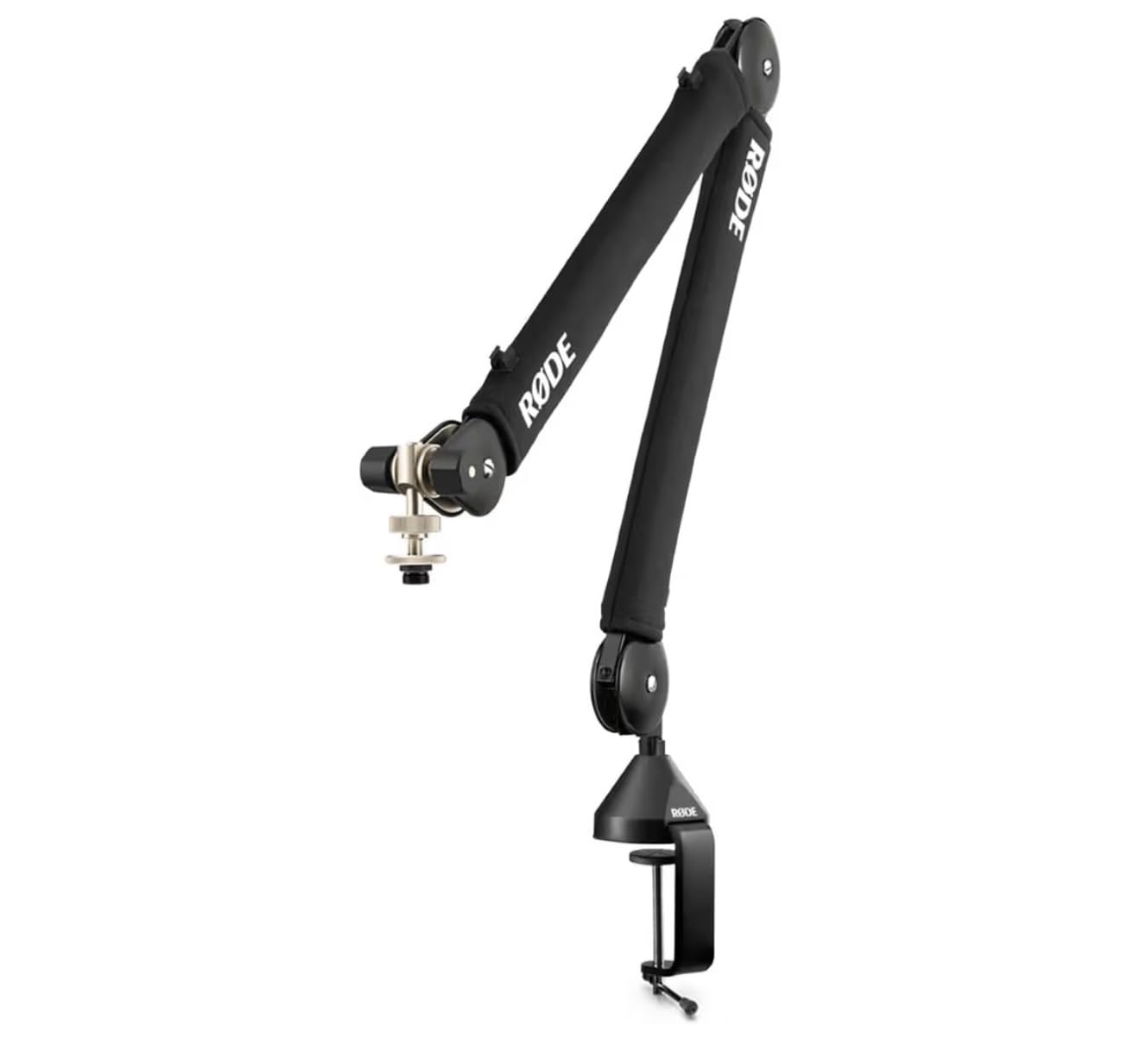
The stated range of 0.25 kg to 1.2 kg explicitly includes shock mounts, which is the number to check against your whole mic chain rather than the mic body alone. The clamp handles desks up to 70 mm thick, and cable runs stay hidden inside the arm through integrated management.
When this arm is the right call
Choose it if you run a large-diaphragm condenser in a shock mount, or any dynamic microphone in the broadcast class. The weight range was clearly specified to cover the mount as well as the capsule, and 360 degree rotation with full extension makes placement easy in a two-monitor setup.
When it is the wrong call
It is a full-size studio arm, so it occupies more desk and camera space than the low-profile designs here, and the desk clamp is the only mounting option. If your desk edge is thin or your monitor sits low, you are paying for capacity and quiet you may never use.
5. Samson MBA38 – Best for Long Reach and Permanent Installs
Samson MBA38 38″ Microphone Boom Arm Studio Podcast USB Mic Stand w/Desk Clamp
38 inch maximum reach
5 lb / 2.5 kg load capacity
Alloy steel with internal springs
5/8-27 mic clip threading
Pros
- Longest reach in the group at 38 inches
- 5 lb capacity handles heavy chains
- Includes a flange mount for permanent installation
- Internal springs are quiet
Cons
- Takes significant desk and camera space
- Only 5/8 inch threading so some USB mics need an adapter
- Sits high in the frame for on-camera use
The MBA38 solves a problem the other arms here cannot: reach. At a listed maximum of 38 inches, it can pull a microphone back over a wide desk or a reach-in position that a 27-to-29 inch scissor arm simply cannot span. Around 1,860 reviews hold a 4.6 average with 80 percent five-star ratings.
Capacity is the other draw. The 5 lb, or 2.5 kg, rating is the second highest here, and the alloy steel body takes heavy chains without complaint. Internal springs keep the movement quiet, and the included flange mount with wood screws lets you install it permanently instead of relying on a clamp.
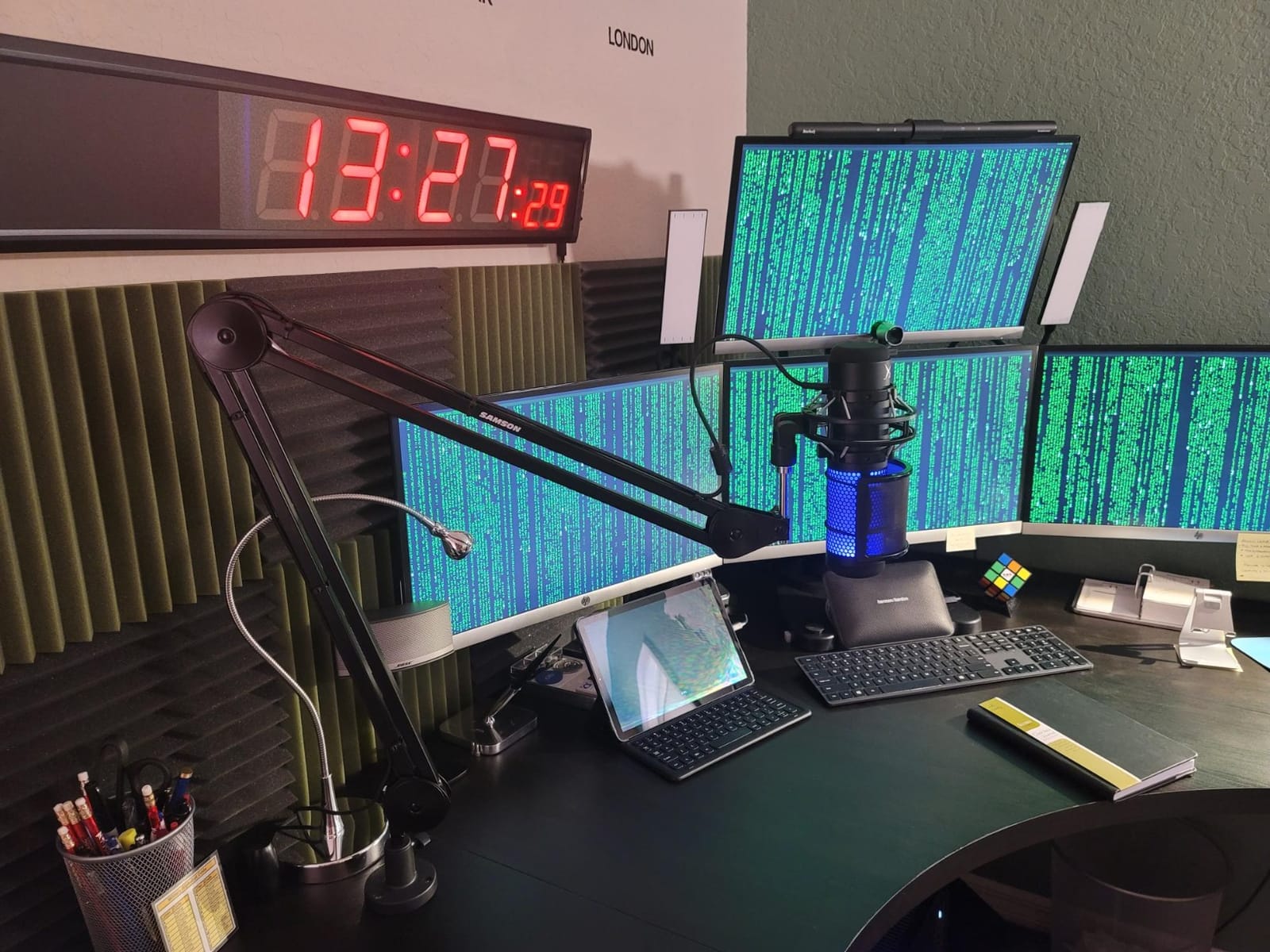
The C-clamp grips up to 2 inches, and the mic clip uses 5/8-27 threading, which is the standard on most broadcast dynamics. Parts and labor are covered for two years, longer than most arms in the entry and mid tiers.
Reach versus camera presence
This arm is built for audio-first rooms: podcasts, radio, and instrument capture where the camera is secondary. If you stream on camera, an arm this tall and this long will appear in your shot and take up desk real estate that a low-profile design leaves free.
What to check first
Only 5/8 inch threading is fitted, so a USB microphone with a smaller thread needs an adapter. Confirm your mic mount before ordering, and measure the space above the desk, because a 38 inch arm needs somewhere to go.
6. IXTECH Scissor Boom Arm – Best for Lightweight Setups
IXTECH Microphone Boom Arm with Desk Mount, 360° Rotatable, Adjustable and Foldable Scissor Mounting for Podcast, Video Gaming, Radio and Studio Audio, Sturdy and Universal – Elegance Model
Stainless steel scissor arm
1 kg load capacity
29 inch maximum height
Includes 3/8 to 5/8 and 3/8 to 1/4 adapters
Pros
- Stainless steel body with sturdy suspension springs
- Strong C-clamp that does not shift during use
- Both thread adapters included in the box
- Folds away for compact storage
Cons
- 1 kg load capacity is the lowest in this group
- Only a 90-day manufacturer warranty
- External clip-on cable holder rather than internal routing
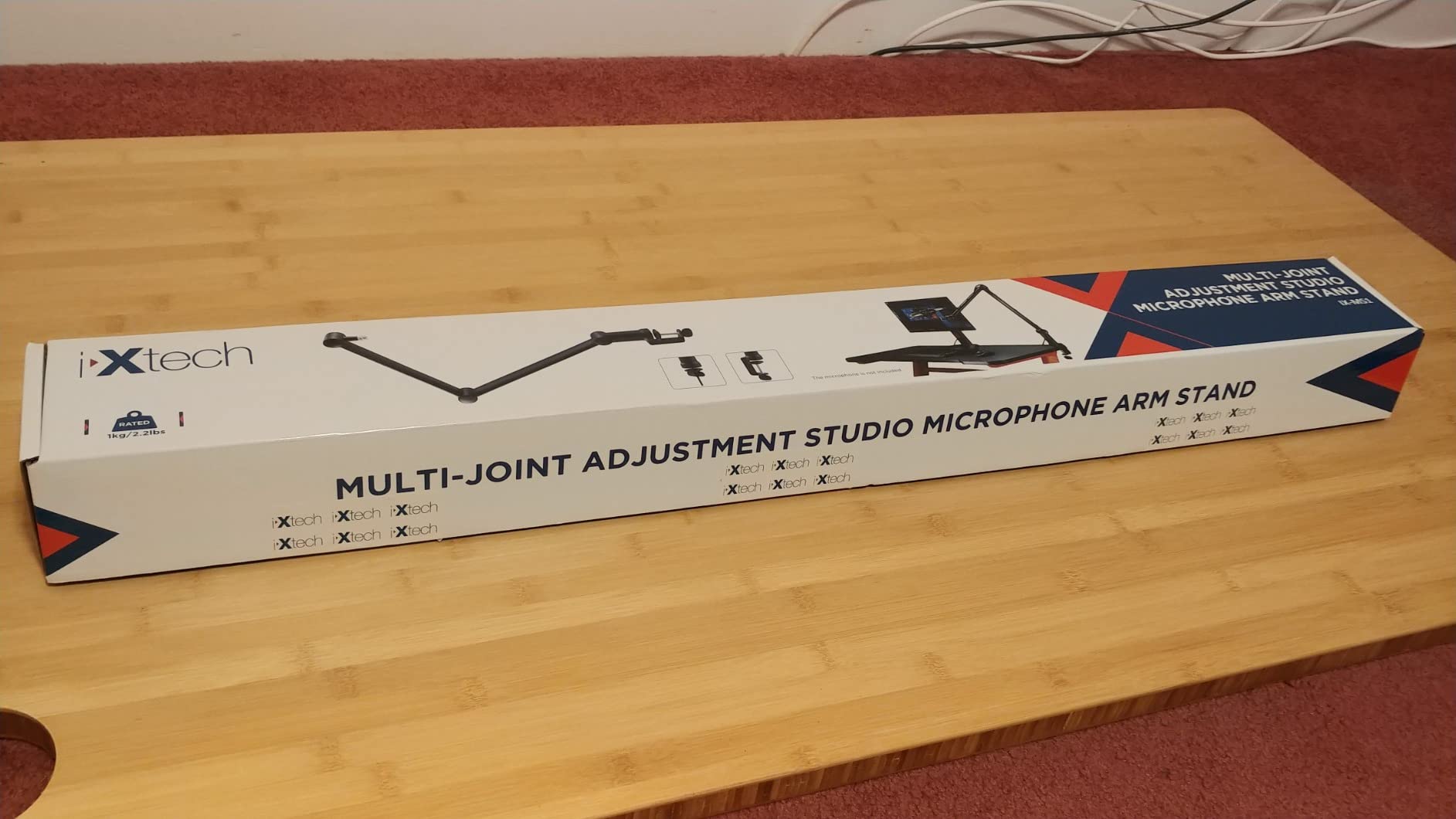
The IXTECH is a clean, well-made scissor arm for people whose microphone weighs little. About 1,350 reviews at a 4.4 average, with a 360 degree rotating arm, stainless steel construction, and springs sturdy enough to stop shaking and rattling with a light USB microphone.
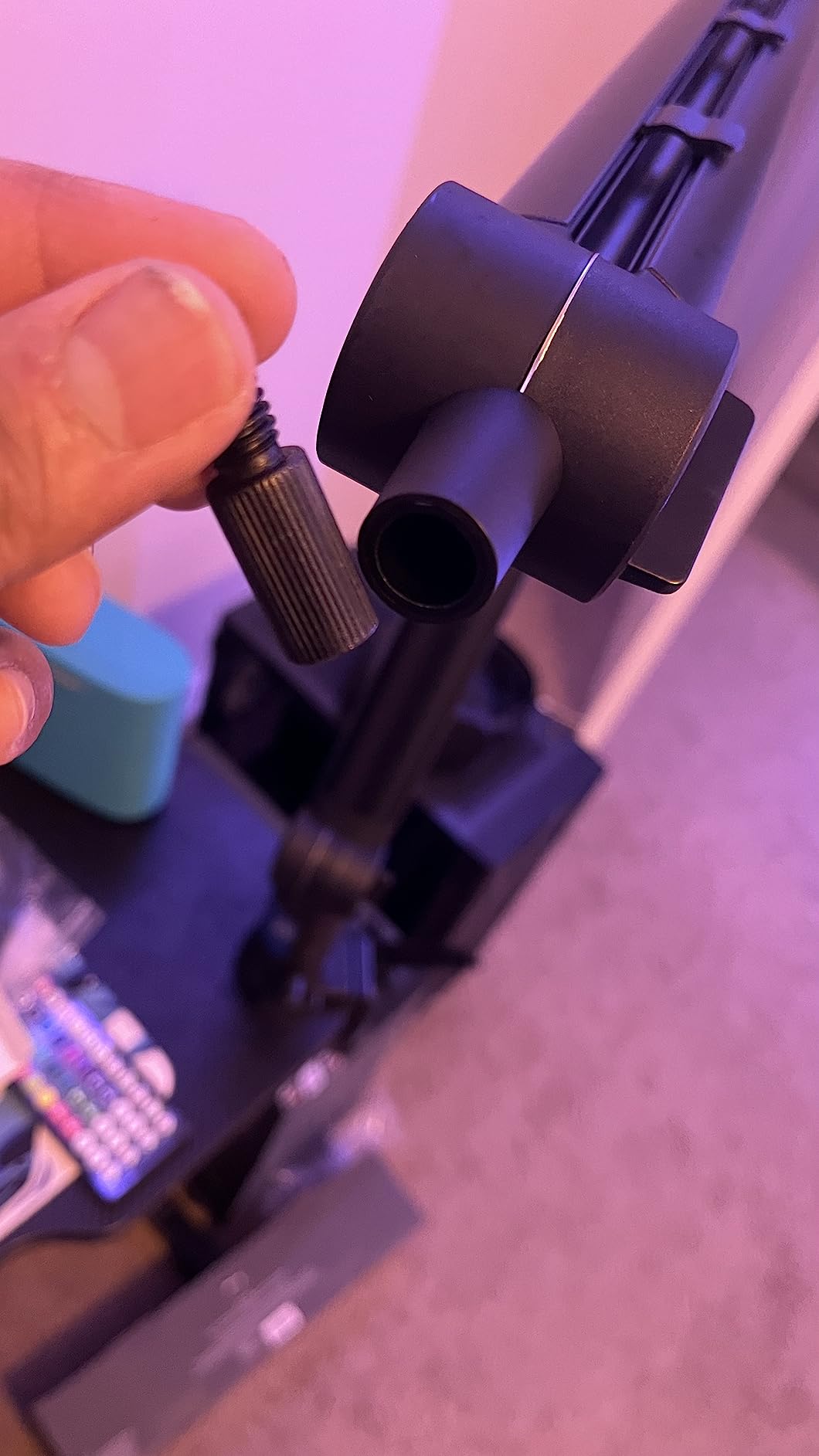
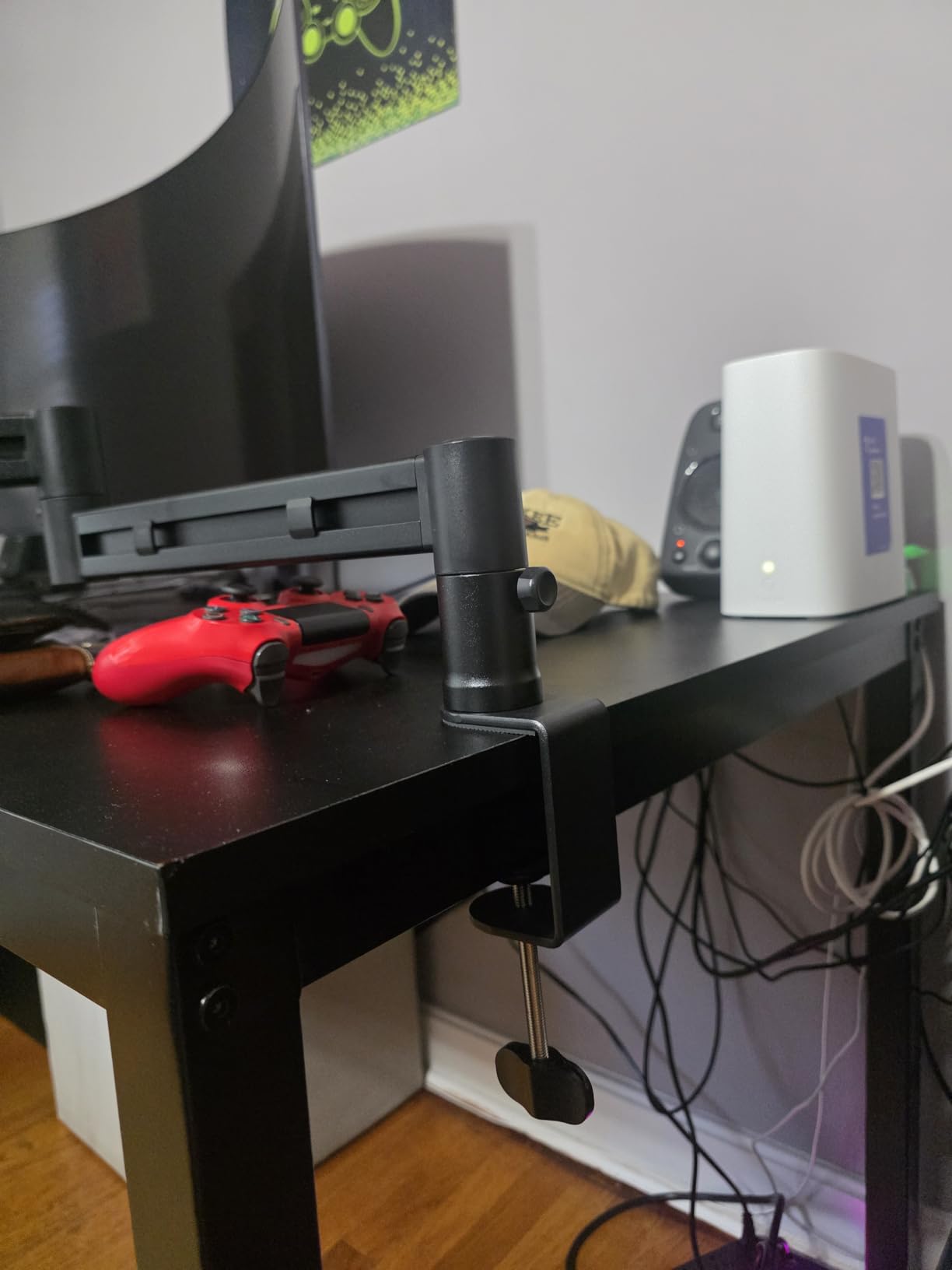
The C-clamp is one of the stronger ones we saw in this category, and it does not creep sideways during use, which is a common failure on cheaper arms. The included adapters cover 3/8 to 5/8 and 3/8 to 1/4, so almost any microphone mount will fit without a separate purchase.
A clip-on cable holder keeps the wire off the desk, though it is external rather than routed through the arm, so it is tidier than nothing but less clean than the hidden channels on the FIFINE or the RØDE. The arm also folds away for storage when you are off camera.
Which microphones it suits
Pair it with a lightweight condenser or a compact USB dynamic. At a 1 kg capacity, a microphone with a shock mount, pop filter, and a thick XLR cable on top can push past the ceiling, and this is the only arm here where that ceiling is genuinely low.
The warranty is the real trade-off
Ninety days is the shortest manufacturer warranty in this roundup, against two-year coverage from Elgato, RØDE, and Samson, and it is the only arm here with a double-digit share of one-star reviews. It is 6 percent, which is not alarming, but it is the number to weigh against a longer warranty elsewhere.
7. Aokeo AK-58i – Best for a Rock-Solid Mic Position
Microphone Arm,Aokeo AK-58i Desk Low Profile Mic Boom Arm Stand,Suitable For Blue Yeti,Snowball iCE,HyperX QuadCast,SoloCast,Elgato Wave,Etc
Low profile metal arm
2 kg load capacity
Fits desks under 7 cm thick
360 degree rotation on both arms
Pros
- Low centre of gravity keeps the mic completely still
- 2 kg rating is high for a low profile arm
- Extends under the monitor to cut visual distraction
- Under-arm cable channel hides the mic cable
Cons
- Only fits desks under 7 cm thick
- Steel forging finish is less refined than machined competitors
- Included screws may need frequent retightening
The AK-58i is the surprise of this roundup. It holds a 4.7 average across 727 reviews with 83 percent five-star ratings, which ties the RØDE PSA1+ for the highest rating here despite being one of the least known brands on the list.
That rating comes down to one design decision. The low-profile geometry drops the centre of gravity, so the microphone stays completely fixed with no shaking and no shifting, and owners with fast hands and a bouncy desk report exactly that. Both arms rotate 360 degrees, and the mic arm swings 180 degrees up and down.
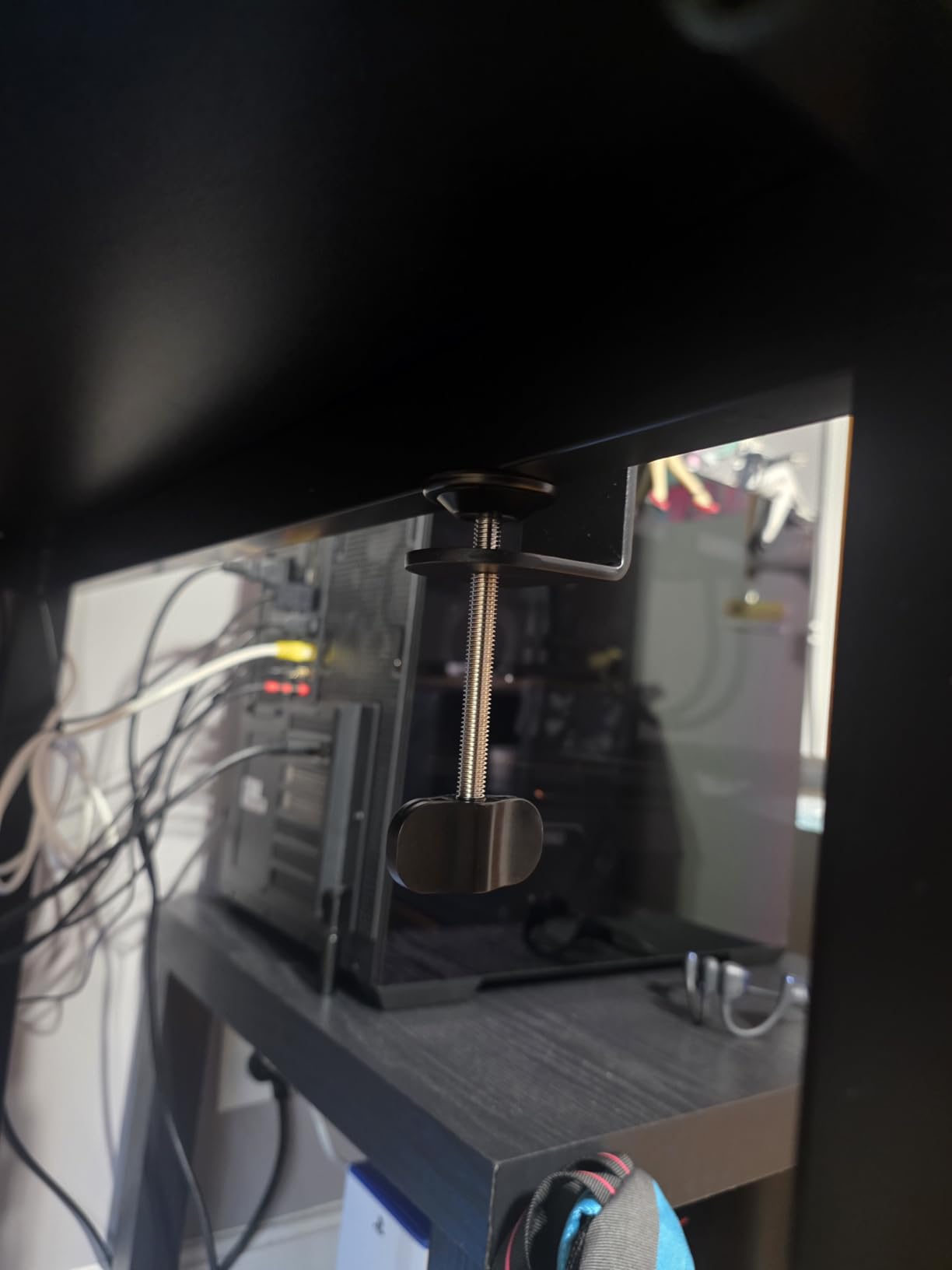
The arm extends across the bottom of the monitor rather than rising above it, which reduces the visual footprint in a stream shot, and the cable hides in a channel under the arm. The included 3/8 to 1/4 and 3/8 to 5/8 adapters cover the common mounts, and there is a one-year warranty.
Why the 2 kg rating matters here
Most low-profile arms in this category rate around 1 kg, which is not much once you add a shock mount and a pop filter. At 2 kg, this arm can carry a mid-weight condenser with its mount and still have headroom, which is unusual for the size.
Measure your desk thickness first
The clamp fits tables under 7 cm thick, roughly 2.75 inches. That is narrower than the FIFINE BM88 range of 0.8 to 2.4 inches, so a slim desk is fine but a thick slab will not work. Expect to retighten the included screws under heavier loads.
8. Shure by Gator SH-BROADCAST1 – Best for Shure Dynamic Mics
Shure by Gator Deluxe Broadcast Desktop Mic Boom Arm (SH-BROADCAST1)
Broadcast boom arm
2 kg load capacity
32.25 inch arm extension
Desk clamp up to 2.17 inch
Pros
- Threaded extension gives real XLR cable clearance for an SM7B
- Quiet 360 degree rotation
- Limited lifetime manufacturer warranty
- Fits both US and Euro mic clip sizes
Cons
- Joints are plastic and owners report cracking at the mic head
- Stiffness knobs loosen on their own
- Large footprint that does not collapse away
This is the arm built around one microphone problem: an SM7B or MV7 needs real vertical clearance for the XLR connector. The threaded extension adapter provides it, and the arm is listed as compatible with both the SM7B and the MV7, which is a narrow but genuine advantage for Shure owners.
Capacity is 2 kg across up to 32.25 inches of arm extension, with quiet 360 degree rotation and a clamp that handles desk surfaces up to 2.17 inches thick. Cable clips run in a channel along the arm to keep XLR or USB runs tidy.
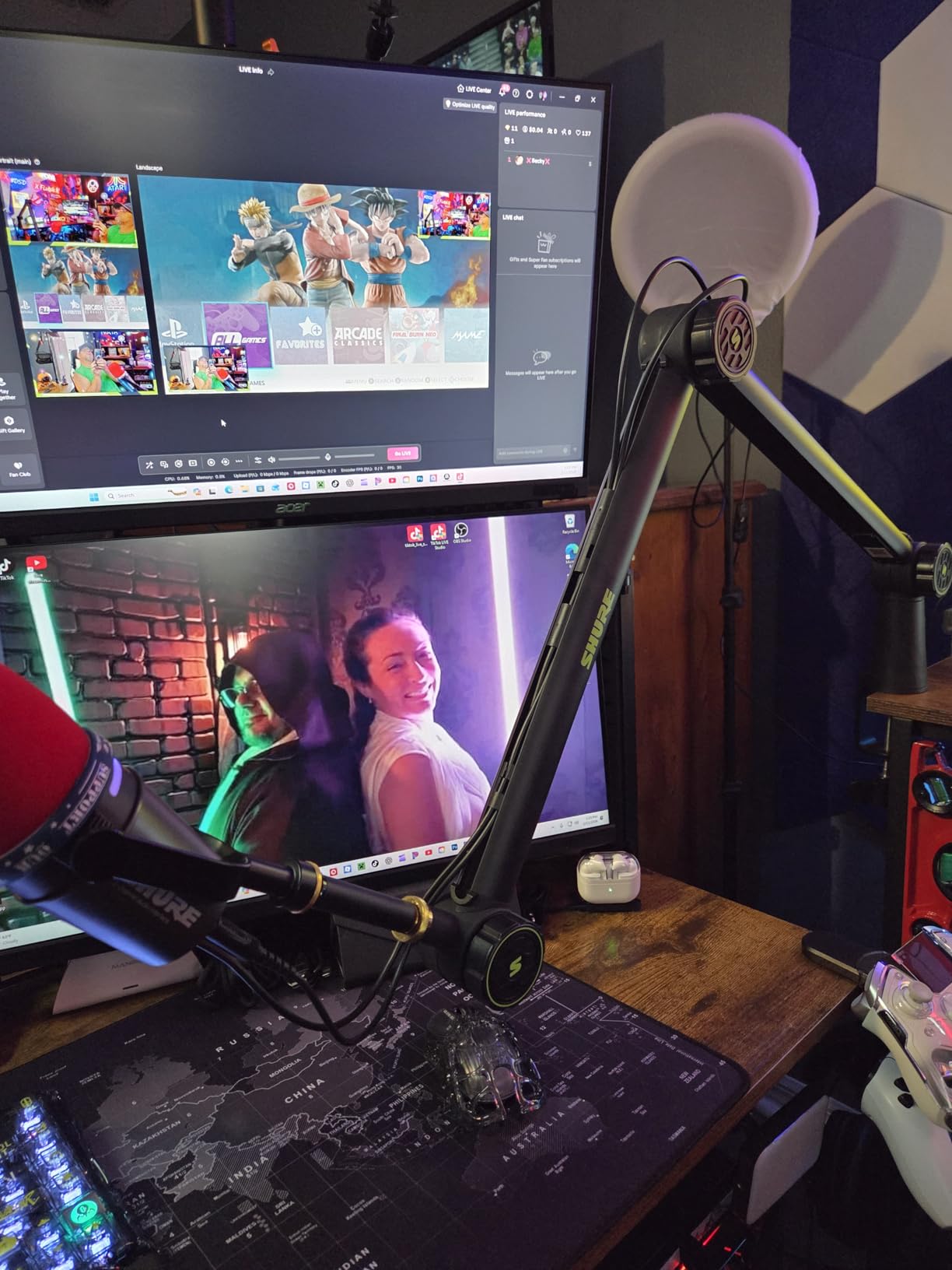
We want to be direct about the negatives, because they are specific. At a 4.2 average this is the lowest-rated arm in the roundup, and 12 percent one-star reviews is the highest negative share here despite premium positioning. Owners report plastic joints cracking at the mic head within months, and stiffness knobs that back off on their own.
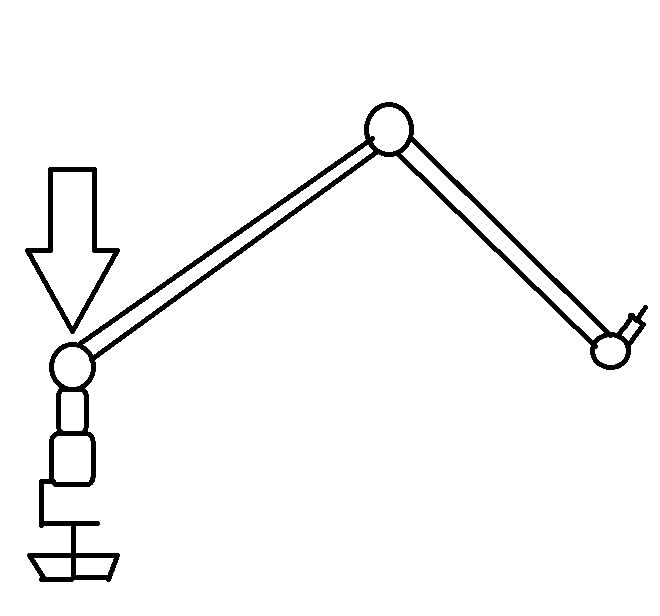
When the SM7B clearance is worth it
If you run an SM7B or MV7 and have hit connector strain or a cable that will not seat, the threaded extension solves a problem no other arm in this list addresses. The limited lifetime manufacturer warranty is also among the strongest cover offered here.
Why we would not buy it otherwise
The build quality reports lag behind the price point: plastic joints at the highest-stress point, self-loosening knobs, and a large frame that does not fold away when you are off camera. Some buyers also received units missing the extender piece entirely.
9. TODI Slim Low Profile Arm – Best for Small Desks and Compact Storage
TODI Mic Arm for Lightweight Mics, Microphone Arm Rotatable, Storable Desk Mic Stand for Bear 3LB with Mount Clamp, Mic Stand Boom Arm with Cable Channel with 3/8” 5/8” Thread for Podcast, Gaming
Slim low profile metal arm
Rated to 3 lb
29 inch reach
3/8 and 5/8 inch threads
Pros
- Folds down to a compact footprint on a small desk
- 29 inch reach from behind the monitor
- Integrated cable channels along the arm
- Desk clamp knob clears tight mounting spaces
Cons
- Rated only for light microphones
- No ball head so the mic moves in two 180 degree arcs
- Does not fully collapse unless cable ties are removed
The TODI is built for a genuinely small desk. Its minimal body extends from behind the monitor with up to 29 inches of reach, and it folds down to a compact footprint when you are not streaming, which is a real benefit in a dorm room or a shared workspace.
Cable channels run along the arm, and a 360 degree base hinge plus multi-angle adjustment using the included hex wrench cover most positions. The clamp knob is positioned so it does not obstruct mounting in tight spaces, a small detail that matters when your desk is against a wall.
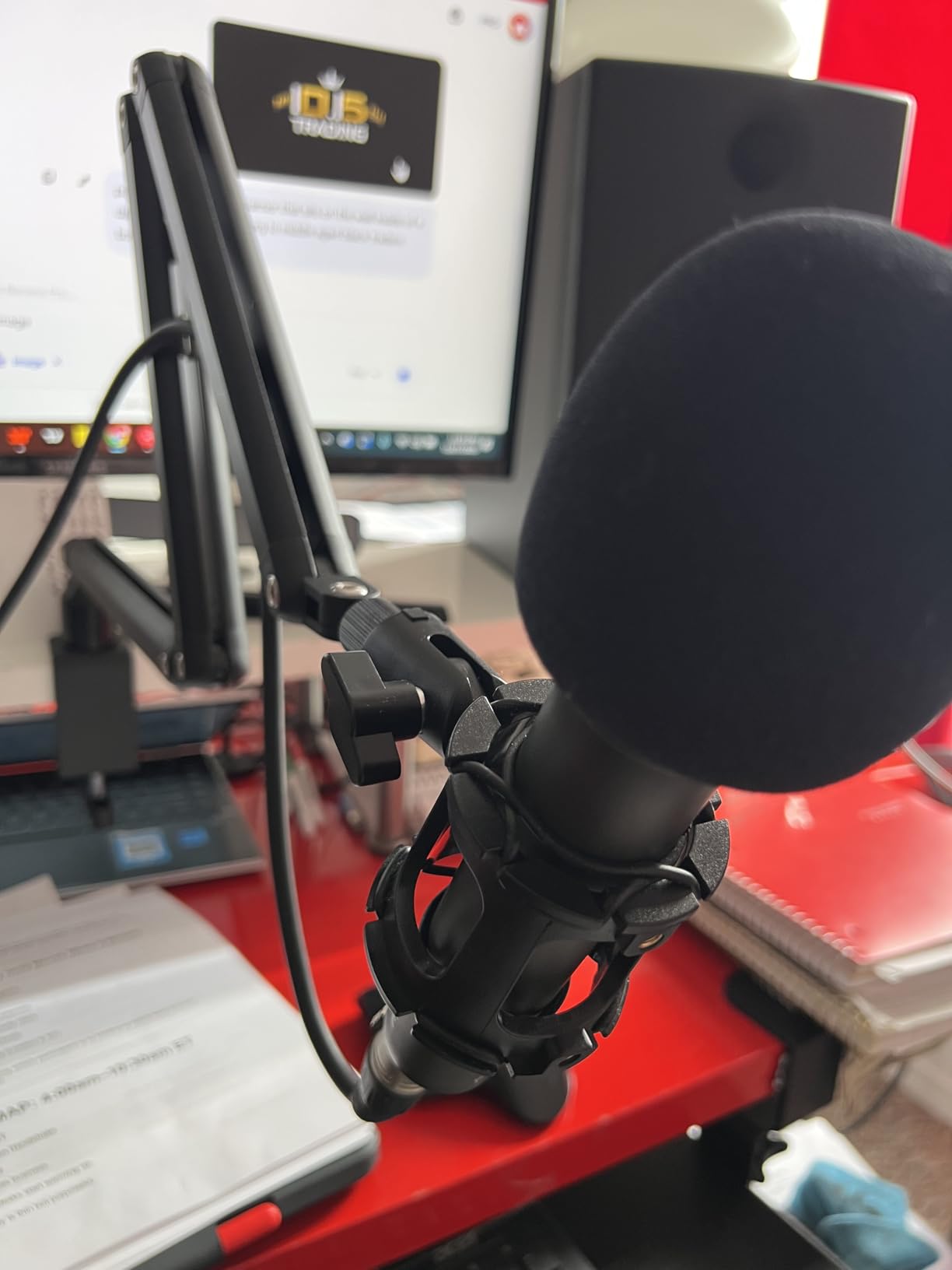
What you give up is load tolerance and adjustability. The listing rates it to 3 lb and states plainly that it is not intended for heavy-duty studio microphones. There is no ball head, so the microphone moves within two 180 degree arcs rather than a free ball joint, which is the single most requested feature from owners.
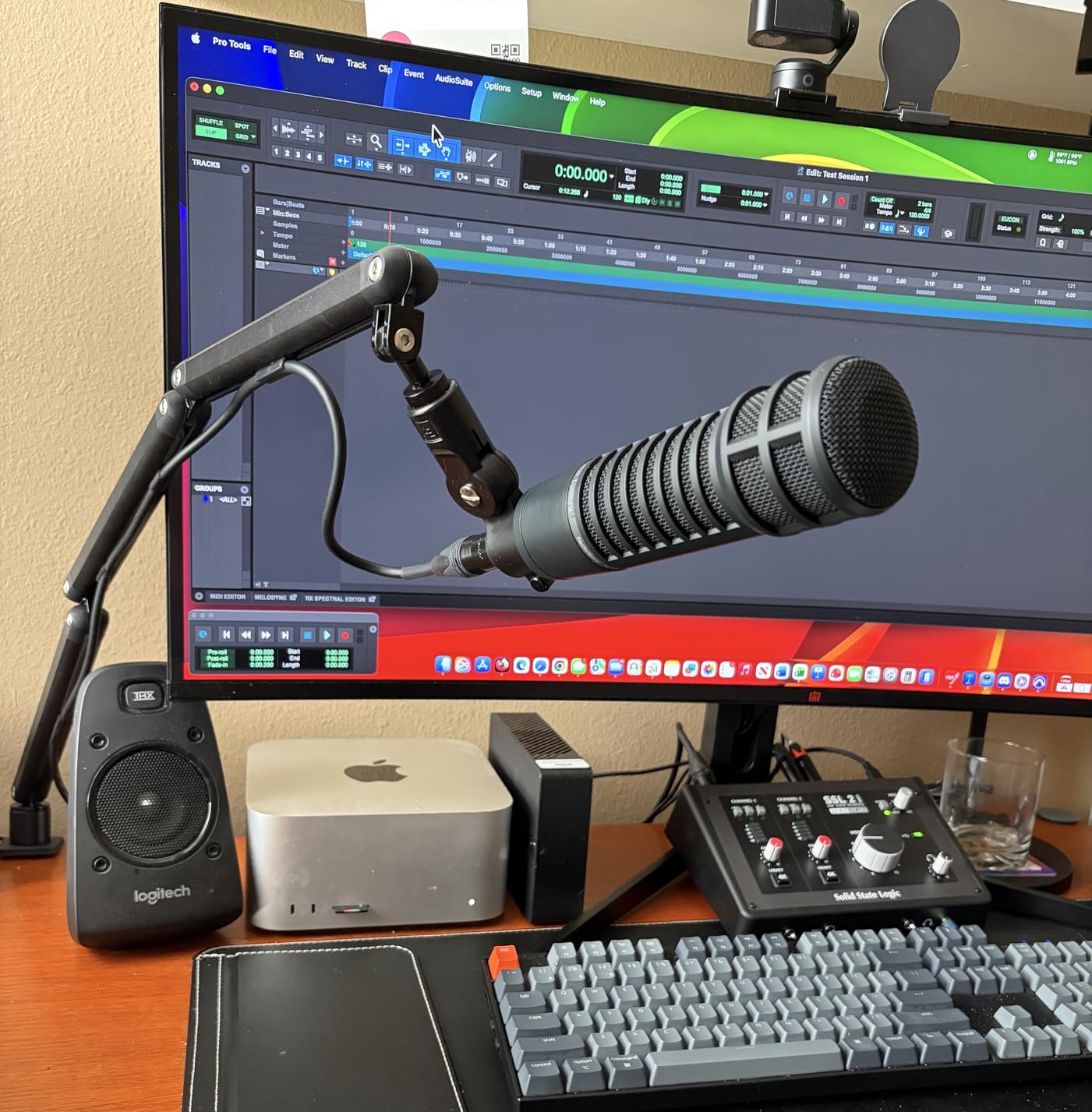
Which setups it works for
Owners with light to mid-weight USB microphones report good value, a stable clamp, and clean cable slots. The critical reviews come from people pairing it with heavier studio microphones, who find the joints back off after moving the mic and need the hex key within reach.
Thread compatibility to check
It carries 3/8 and 5/8 inch threads only, and it is not compatible with minority 1/4 inch mounts. It also cannot fully collapse unless the cable ties are removed, so plan the fold-away with that in mind.
10. Sensic SA-30 – Best for Grommet Mount Desks and Riser Setups
Sensic SA-30 Microphone Boom Arm, 360° Rotatable Mic Stand with 6 inch riser, Microphone Holder with 1/4″, 3/8″ and 5/8″ Adapters, Professional Microphone Arm with Accessories, Mic Boom Arm Black
Stainless steel and aluminum arm
1 kg load capacity
15 cm riser included
Clamp and grommet mount both in the box
Pros
- 15 cm riser lets the mic hang over a monitor from behind
- Includes both a table clamp and a grommet mount
- Cables hide inside the arm
- Handles a heavier mic without slow sagging
Cons
- Spring tension can drift if the arm is not near vertical
- Arm pulls back toward extended at some angles
- Base swivel clearance is cramped in a tight corner
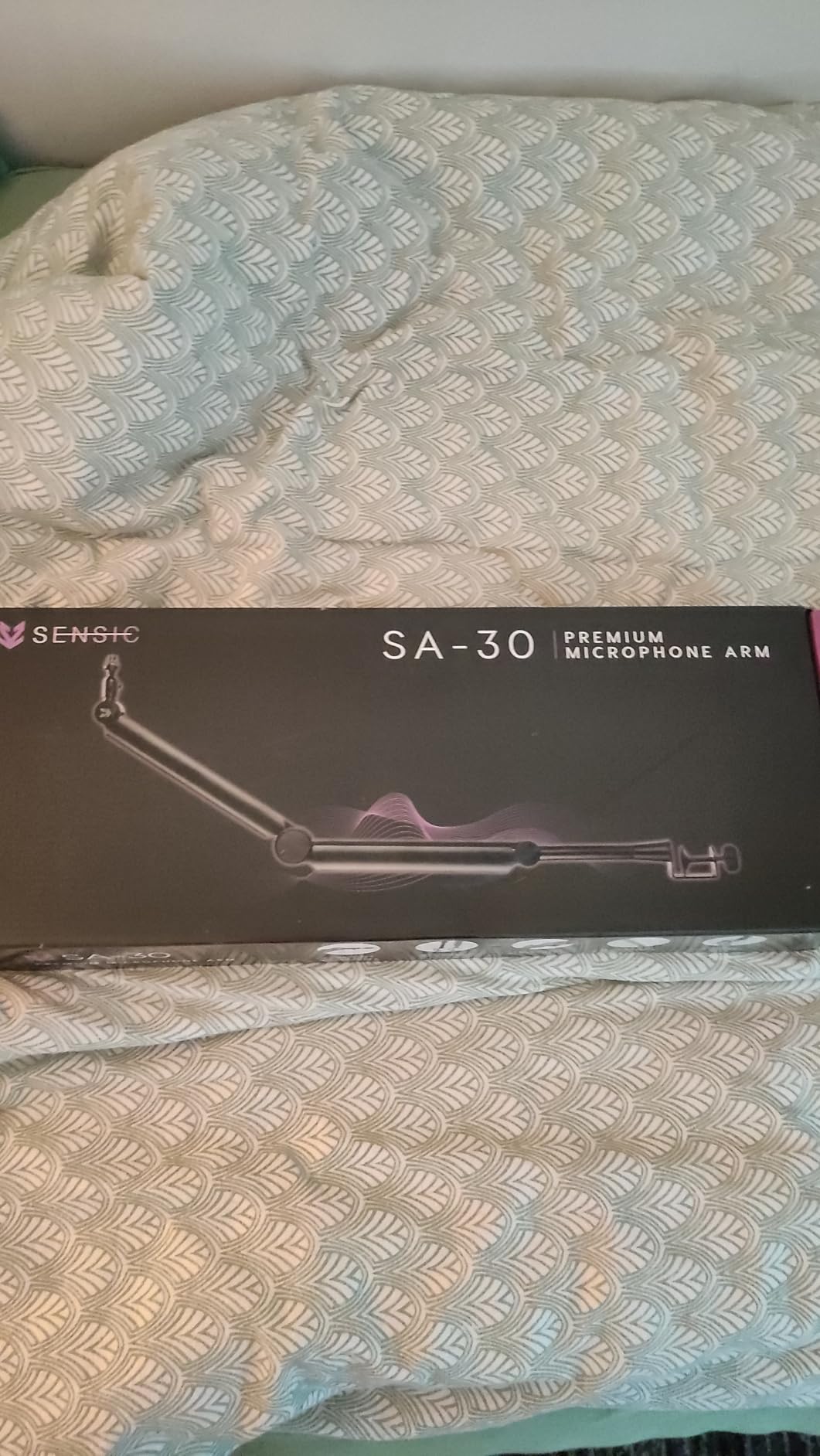
The SA-30 is the only arm here that includes a grommet mount alongside the table clamp, and if your desk already has a cable grommet or you can drill one, that is the cleanest install available in this roundup. It is also the only pick with a 15 cm riser in the box.
That riser is the feature owners single out most. It solves the behind-the-monitor problem, letting the microphone hang over the top of a display from the back edge, which is exactly the placement you want on a desk with a solid wall behind it and no clampable edge.
Build is a mix of stainless steel, aluminum, and plastic, and the arm folds flat. Cables hide inside the arm itself rather than hanging in clips. Reviewers pair it with heavier microphones such as the RØDE NT-1 and report no slow sagging, across roughly 530 reviews at a 4.6 average with 81 percent five-star ratings.
What the spring behaviour is really like
The main negative pattern is spring tuning. Multiple reviews note the arm returns toward its extended position unless it sits close to vertical, and tension can need adjusting after setup. Budget ten minutes with the tension screw before your first stream, not during it.
When to pick it over a low-profile arm
If you want a mic over the monitor rather than under it, or you have a grommet mount and a wall directly behind the desk, this is the arm that solves the geometry. Against a 24-inch or larger monitor, reviewers note the pull-in distance is limited, so measure first.
Will It Fit Your Desk: Fitment Problems and the Fix for Each
The single most common reason an arm ends up in a closet is not the microphone. It is the desk. Before you order anything, put a ruler on the thickness of your desktop at the point where the clamp will bite, and look at what is directly under that edge.
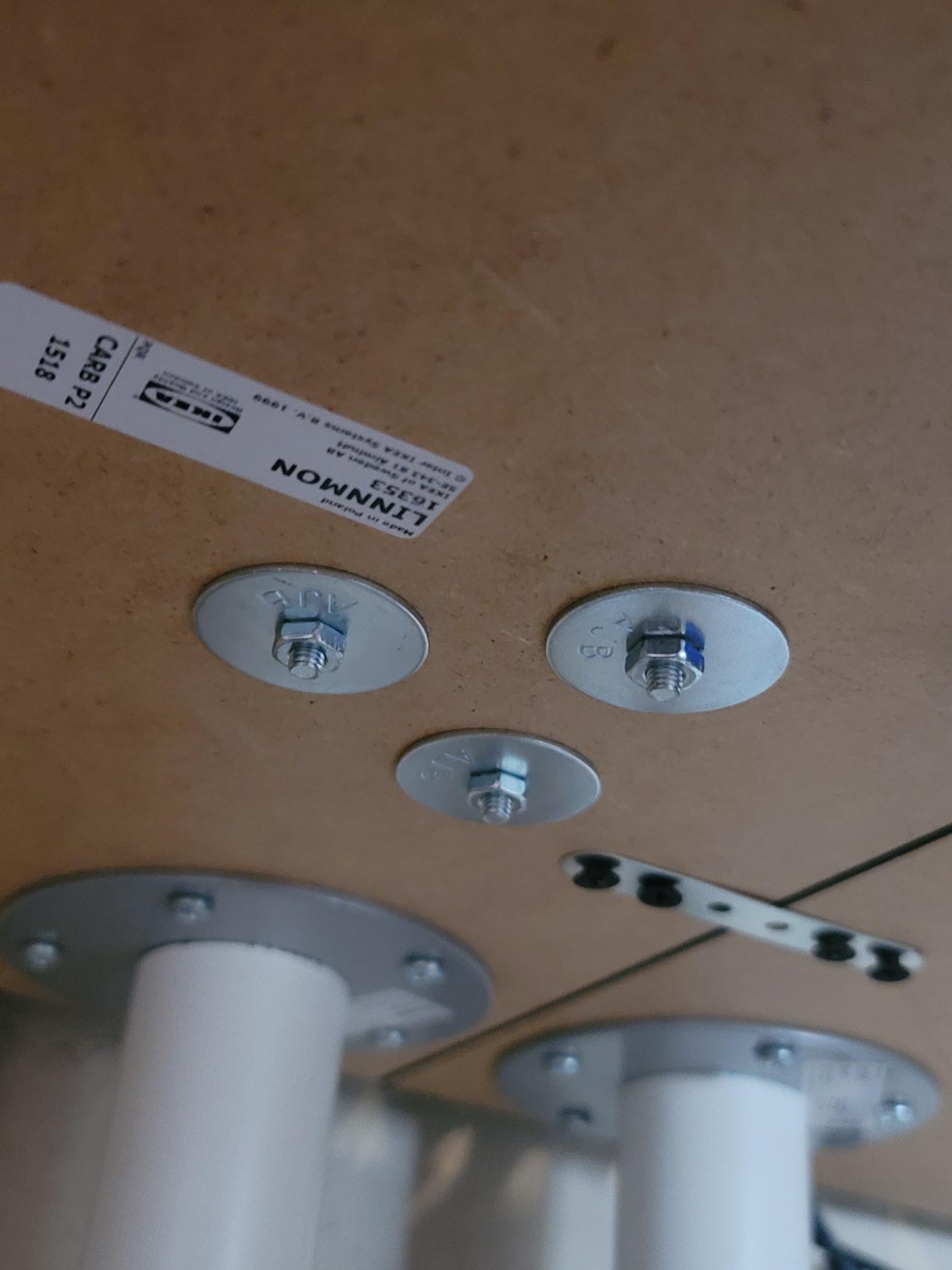
If a one-inch perimeter bar runs around the underside of your desktop, a standard clamp will not seat, because the bracing screw cannot reach a flat surface. This is not a rare edge case. It is the exact blocker described in a long-running thread on r/microphone, where a user with a game-mic setup had already tried printed fixes before asking for help. The fix is a grommet mount or a weighted desktop base, and the Sensic SA-30 is the only pick in this roundup that includes a grommet mount alongside its clamp.
Rounded and beveled front edges are the second most common problem. A clamp designed for squared edges needs flat vertical surface to grip, and a bullnose front edge gives it almost nothing. If your desk has a rounded front, clamp to a squared side or rear edge instead.
Thick tops fail in the opposite way. The Aokeo AK-58i only fits tables under 7 cm, and the RØDE PSA1+ caps out at 70 mm, so a thick solid-wood slab rules both out. The FIFINE BM88 at 0.8 to 2.4 inches and the Gator at 2.17 inches handle thicker tops better.
Glass tops are a special case. Clamps that bite hard can stress glass, and no manufacturer here publishes a glass rating. On glass, use a weighted desktop base or a pole mount rather than a clamp. If you rent or share a workspace, the same logic applies: nothing gets drilled, and a weighted base or floor stand is the only safe answer.
How to Choose: Load Math, Threads, and Mounts
Start with total load, and treat the rated capacity as a ceiling rather than a target. The number that matters is the microphone, plus the shock mount, plus the pop filter, plus the cable, weighed together. A 2 lb-rated arm fails at 3 lb of hanging hardware, and the failure is slow creep, not a sudden drop.
Worked examples from the arms in this roundup. The InnoGear at 3.3 lb comfortably carries a Blue Yeti or HyperX QuadCastS with a mount and pop filter attached. The IXTECH at 1 kg has almost no headroom once a shock mount goes on, which is why its critical reviews cluster around heavier studio microphones. The Gator and the Aokeo, both rated at 2 kg, cover a mid-weight condenser with its mount and still leave margin.
Next, thread size. Most broadcast and dynamic microphones use 5/8-27, while a lot of USB condenser microphones use 3/8, and a smaller group of camera-style mounts use 1/4. The InnoGear, the RØDE, and the TODI include a 3/8 to 5/8 adapter. The FIFINE BM88, the IXTECH, the Elgato, and the Sensic come with 1/4, 3/8, and 5/8 options already fitted to the mount head.
Then reach. Measure the distance from the clamp point to where you want the microphone, and buy an arm with more reach than that number rather than equal to it. Arms need leverage headroom at full extension, and a 27-inch arm trying to span a 29-inch gap will creep downward no matter how good its spring is.
Finally, mounting style. A desk clamp is the standard and needs a thick enough edge. A grommet mount is cleaner and permanent, and needs a hole. A weighted base saves your desk entirely and works on anything, but eats surface area. A floor stand is the right answer in a small desk, a rental, or a room where the wall sits too close behind the desk to clamp.
One last practical note from owners: the arm is only one part of the acoustic picture. Treatments in the room, the pop filter position, and keeping the microphone off-axis all change your sound more than the mount does, so budget your attention accordingly.
Frequently Asked Questions
What is the best mic arm for streaming?
The InnoGear Boom Arm is the best mic arm for most streaming desks because it holds 3.3 lb, fits desk edges up to 2 inches thick, adapts to both 3/8 and 5/8 inch mic threads, and folds flat when you are off camera. Choose the RØDE PSA1+ instead if you run a heavy broadcast microphone and want silent internal spring damping, or the Elgato Wave Mic Arm LP if your camera frame makes height the deciding factor.
What is the best low profile mic arm?
The Elgato Wave Mic Arm LP is the best low profile mic arm we compared. It sits below the shoulder line so it stays out of your camera frame, reaches 740 mm horizontally, handles up to 2 kg, and hides cables under magnetic covers. The FIFINE BM88 is the value alternative, with a wider clamp range of 0.8 to 2.4 inches but a shorter effective reach on very wide desks.
How much weight can a mic arm hold?
Treat the rated capacity as a ceiling that must cover the whole chain: microphone, shock mount, pop filter, and cable together. In this roundup, ratings run from 1 kg on the IXTECH and Sensic SA-30 up to 5 lb on the Samson MBA38, with the InnoGear at 3.3 lb and the Elgato, Aokeo, and Gator arms at 2 kg. Stay well under the limit, because a sagging arm creeps before it fails.
What thread size does my microphone use?
Most broadcast and dynamic microphones use a 5/8-27 thread, many USB condenser microphones use 3/8 inch, and a smaller group of camera-style mounts use 1/4 inch. The InnoGear, RØDE PSA1+, and TODI include a 3/8 to 5/8 adapter. The FIFINE BM88, Elgato Wave Mic Arm LP, IXTECH, and Sensic SA-30 come with 1/4, 3/8, and 5/8 options already fitted.
Why does my mic arm keep sagging?
Sag is almost always a load or tension problem rather than a fault. Weigh the full chain of microphone, shock mount, pop filter, and cable, then compare it with the rated ceiling. If the load is fine, increase the spring tension at the base until the arm holds position at your working distance, and keep the arm closer to vertical so the springs oppose gravity more directly.
What is the 3 to 1 rule for microphones?
The 3 to 1 rule is a placement guideline: put the microphone about three times further from your mouth than the length of your forearm segment from elbow to wrist, which lands a typical setup somewhere between four and eight inches from your lips. It is a starting position rather than a fixed measurement, and adjusting it on a boom arm is much faster than shifting a desktop stand.
Bottom Line: The Best Microphone Arms for Streaming Desks in 2026
The InnoGear Boom Arm is the best microphone arm for streaming desks overall, because it pairs the highest load rating in the entry tier with a clamp that handles desk edges up to 2 inches thick and adapters for nearly every mic mount. Owners put roughly 24,000 reviews behind a 4.5 average, and the recurring complaints are ergonomic rather than structural.
Buy the Elgato Wave Mic Arm LP if your camera frame is what bothers you, the RØDE PSA1+ if your microphone is heavy and you cannot tolerate handling noise, the FIFINE BM88 if you want a wide clamp range in an all-metal low-profile body, and the Sensic SA-30 if your desk has a grommet or a wall too close to clamp. Measure your desk thickness and look under the edge before you order, because that is the step that decides whether any of these arms works at all.