
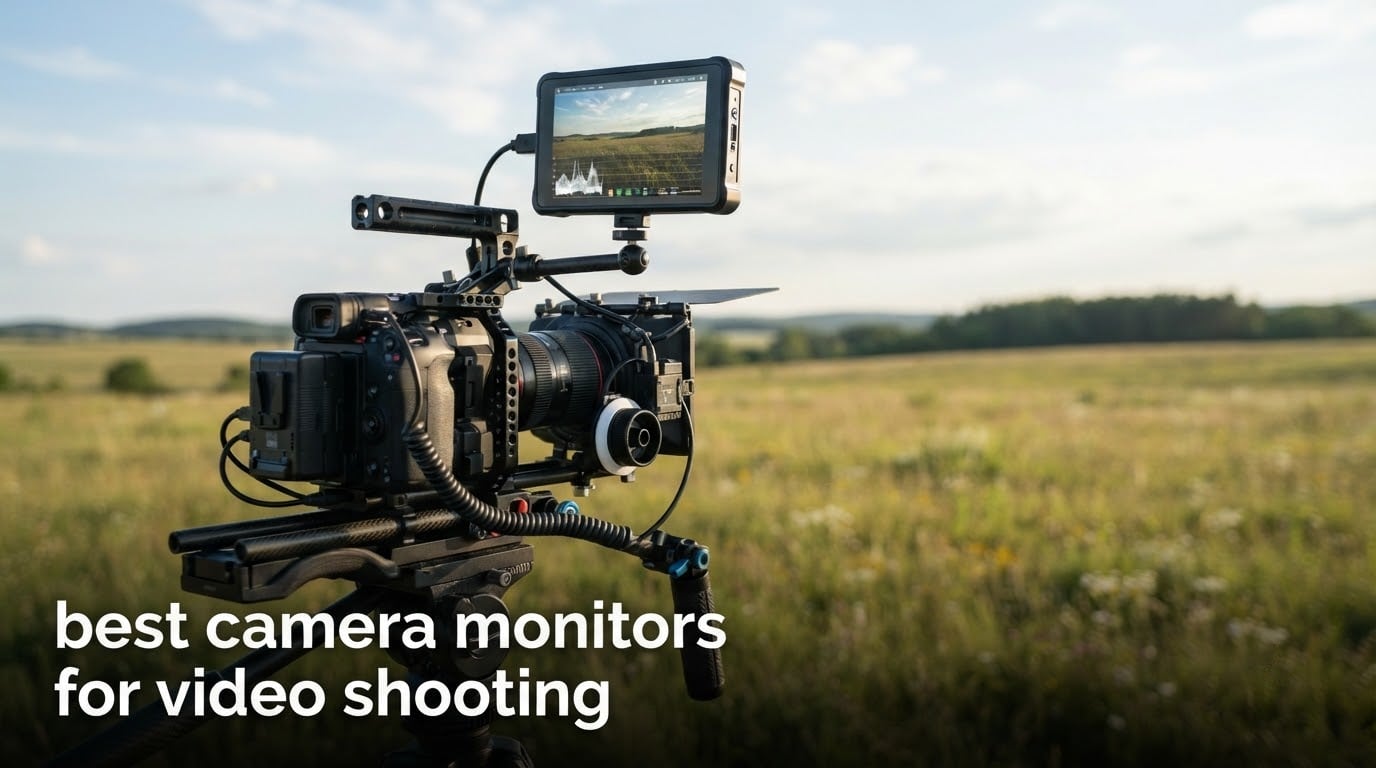
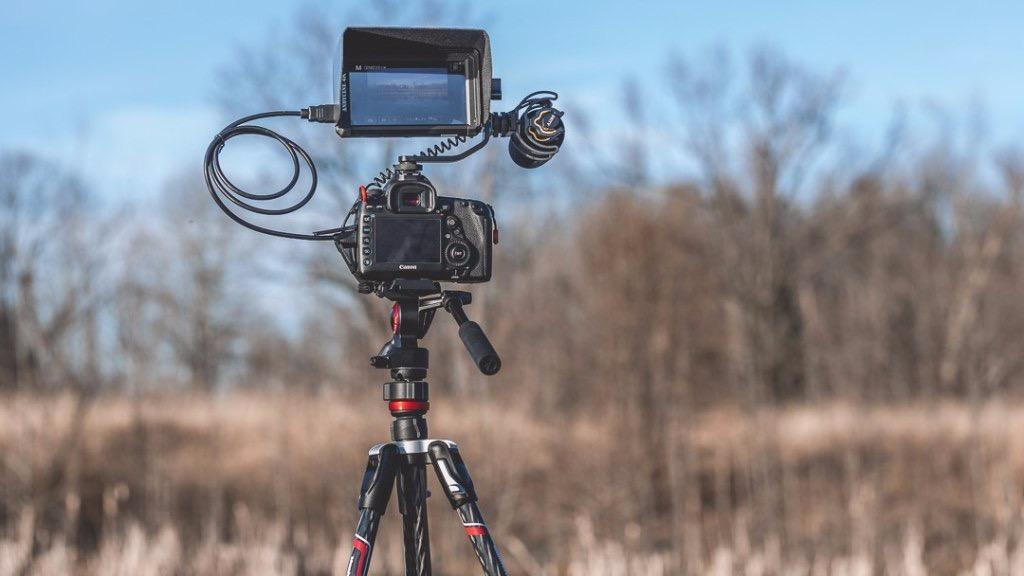
A camera monitor for video shooting is an external display you bolt to your camera or rig that shows the live feed plus professional exposure and focus tools, so you can judge framing, exposure and focus while recording instead of squinting at a small rear screen. It is the cheapest way to shoot a log profile, ride a gimbal, or work at noon on a beach and still know what you have.
That last point matters more than most guides admit. Across ten monitors in this roundup, brightness separates the ones you can actually use outdoors from the ones that live in a bag. Our other three criteria were the accuracy and speed of the focus and exposure tools, how the unit behaves over HDMI with a real camera body, and how it feels balanced on a moving rig.
Every monitor below was judged on published specifications and the patterns that show up repeatedly in owner reviews. We did not test these ourselves in the field, so treat our judgements as careful reading of the data rather than a shoot report.
Table of Contents
Our Top 3 Camera Monitor Picks (September 2026)

FEELWORLD FW568
- 6 inch 1920x1080 IPS at 450 nits
- Full exposure and focus toolset
- 3D LUT with 32 custom slots
- 4K HDMI in and out

NEEWER F700
- 7 inch 1920x1080 touch at 2000 nits
- Waveform and vectorscope included
- Two NP-F750 batteries in the box
- 3.5mm headphone output

VILTROX DC-550
- 5.5 inch 1920x1080 touch at 1200 nits
- REC-709 calibrated
- 3D LUT import via SD card
- Battery and sunshade included
The FW568 wins this list because it does the ordinary job well, carries the full toolset, and has the largest owner base of anything here. The F700 is what you buy if the shoot happens outside. The VILTROX DC-550 is the one we would point a beginner toward who wants a touch screen and daylight legibility without stepping up to a professional monitor.
All 10 Camera Monitors Side by Side in 2026
| Product | Specifications | Action |
|---|---|---|
|
FEELWORLD FW568 6 Inch Field Monitor
|
|
Check Latest Price |
 NEEWER F100 7 Inch Video Assist
|
|
Check Latest Price |
 FEELWORLD FW759 PRO 7 Inch
|
|
Check Latest Price |
|
NEEWER F700 7 Inch Touch Monitor
|
|
Check Latest Price |
 Portkeys PT6 5.2 Inch Field Monitor
|
|
Check Latest Price |
 ANDYCINE A6 V2 Field Monitor
|
|
Check Latest Price |
 Atomos Ninja 5.2 Inch Recorder
|
|
Check Latest Price |
|
VILTROX DC-550 Touch Monitor
|
|
Check Latest Price |
 osee T5+ 5.5 Inch Monitor
|
|
Check Latest Price |
 Portkeys PT5 II 5 Inch Monitor
|
|
Check Latest Price |
Two columns in that table matter more than the rest. Brightness decides whether the screen is usable outside, and whether the monitor records decides whether it is a video assist tool or a monitor recorder. Everything else is preference.
1. FEELWORLD FW568 – The One Most Shoots Should Start With
FEELWORLD FW568 6 Inch 450nit FHD IPS Screen Field DSLR Camera Monitor
6 inch 1080p IPS, 450 nits
Waveform, vectorscope, focus assist
3D LUT, 32 custom slots
4K HDMI in and out
Pros
- Full exposure and focus toolset in a compact 6 inch body
- Included sunshade helps with glare
- 4K HDMI input and output for flexible rig options
- 6 inch size works on handheld and tripod rigs
Cons
- 450 nits is limited in bright outdoor shooting
- Menu and button system feels clunky
- Sparse documentation and inconsistent feature list
The FW568 is the safest pick on this list for somebody shooting indoors, in shade, or in soft overcast light. It carries a 6 inch 1920×1080 IPS panel and, more importantly, it carries the tools: waveform, vectorscope, RGB histogram, focus assist, false colour and peaking are all present, plus 3D LUT loading with up to 32 custom entries.
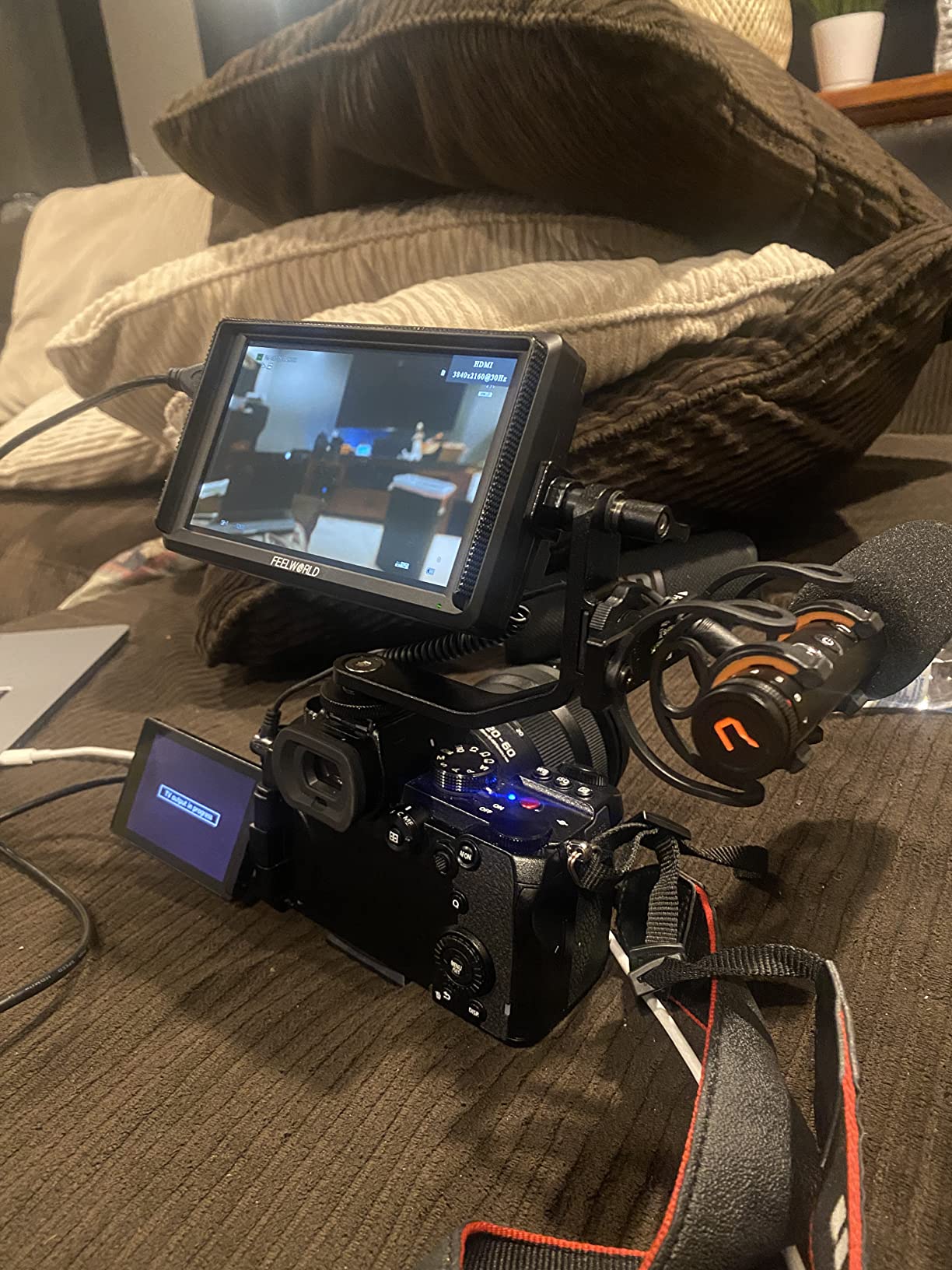
Two details make it more useful than the price suggests. It accepts 4K HDMI input and passes the signal out, so it can sit between a camera and a second display. It also runs from NP-F or LP-E6 batteries and can feed 8.4V back to the camera through a dummy battery arrangement, which keeps a mirrorless body alive on a long interview.
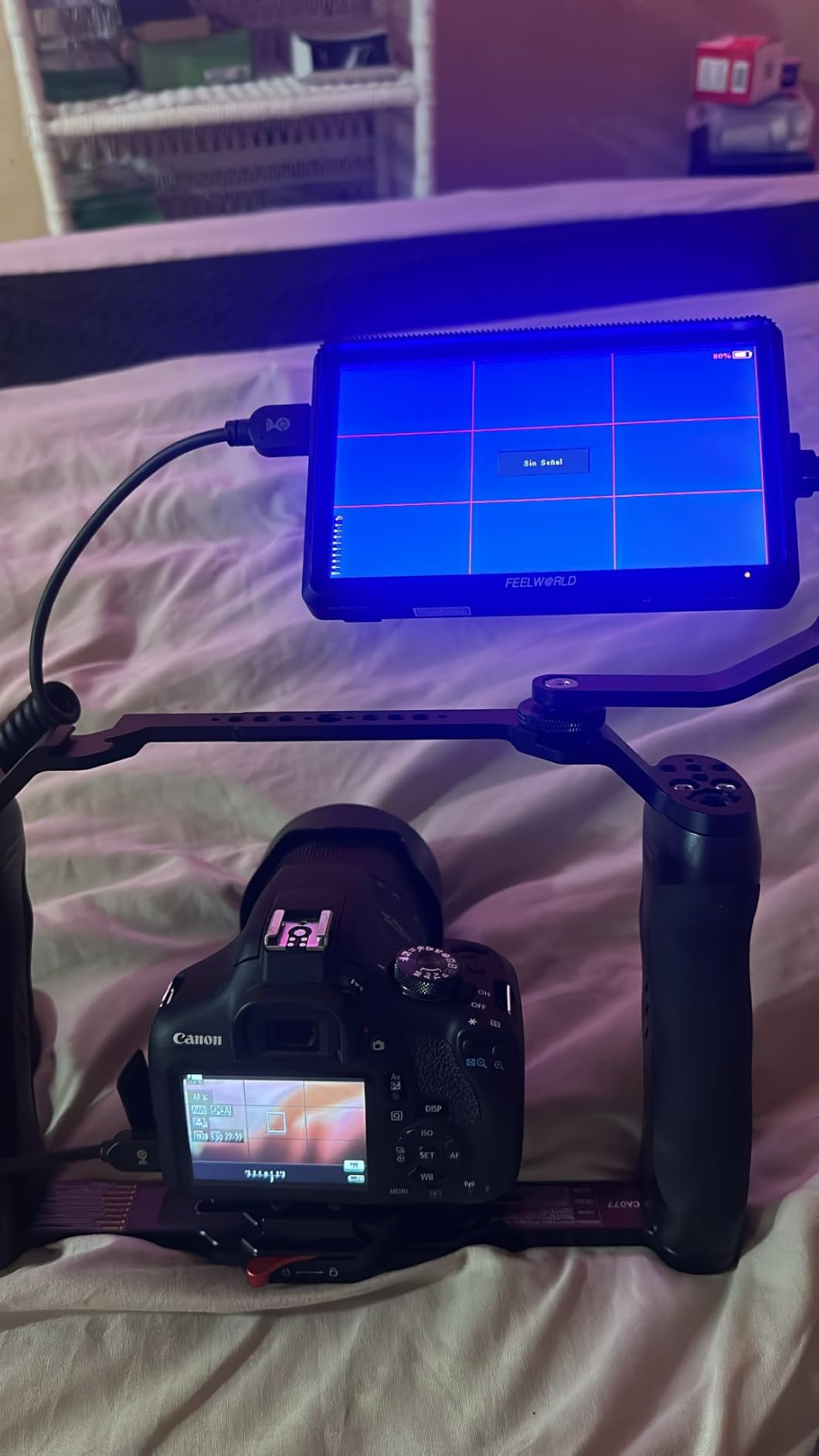
With 2902 owner reviews behind it, this is the unit with the widest field record here, and the complaints in that record are consistent rather than dramatic. Brightness is the headline one. At 450 nits the panel is comfortable indoors or in open shade and genuinely hard to read in direct sun, and the included sunshade only buys so much.
The second recurring theme is the interface. Owners describe the menu system and button layout as clunky, and the documentation is thin enough that the on-screen feature list and the manual do not always agree. If you are the kind of operator who wants to jump to false colour in two presses, that will annoy you daily.
When the FW568 is the right call
Pick it for studio work, corporate interviews, livestream rigs, and any indoor shoot where you mostly need a bigger screen and a decent exposure readout. The 6 inch footprint is a good middle size: large enough to pull focus by eye, small enough not to dominate a compact rig.
It is also a good first monitor because the toolset is complete rather than token. A waveform and a vectorscope on an entry-level screen is unusual, and it means you can learn the tools before you spend on a brighter panel.
When to skip it
Skip it for daylight exteriors, beach work, or anything where you are chasing a moving subject in open sun. Below roughly 600 nits the screen loses to ambient light no matter how good the tools are.
Skip it too if you are building a rig that will be operated by a focus puller who needs fast menu access. The feature list is there, but getting to it takes more steps than it should.
2. NEEWER F100 – The Big Cheap Screen
NEEWER F100 7inch Camera Field Monitor HD Video Assist IPS 1280×800
7 inch IPS 1280x800 at 450 nits
1200:1 contrast, matte finish
Peaking and check field
17 mm slim body
Pros
- Large matte 7 inch screen is easy to frame and pull focus on
- Light and mounts securely to a hotshoe
- Peaking and check field genuinely help manual focus
- Sunshade and mini ball head included
- Long track record of reliable service
Cons
- 450 nits is not usable in direct sunlight
- 1280x800 is fine for monitoring but not for grading
- Menu and documentation are confusing
- Some owners report issues with buttons
- the mount and HDMI
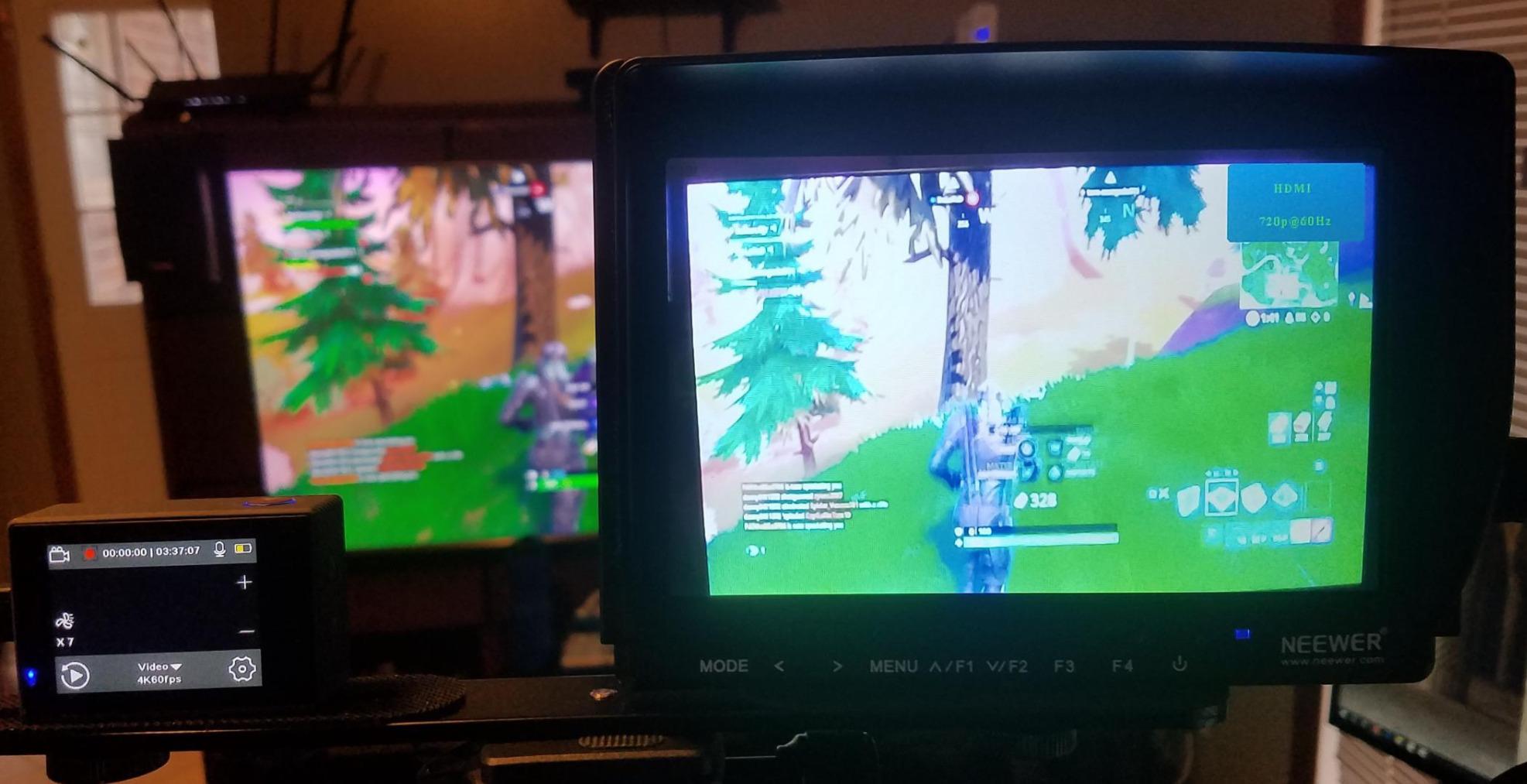
The F100 exists because there is a real category of shoot where a monitor is just a bigger screen. Interviews, YouTube tutorials, livestreams, tripod work indoors. For that, a 7 inch matte IPS panel at 1280×800 is plenty, and at 13 ounces it barely registers on a camera.
The toolset is aimed at manual focus work rather than exposure analysis. You get peaking focus assist, check field in R, G, B and mono, pixel-to-pixel, centre marker, safe frames, image flip, image freeze and custom colour temperature. There is no waveform and no vectorscope.
Owners consistently describe the F100 as a solid budget field monitor: big, light, matte-finished and stable on the hotshoe. The box is unusually generous for this tier, with mini and micro HDMI cables, a sunshade, a mini ball head and an AV cable.
The repeated criticisms are equally consistent. 450 nits will not survive direct sun, and 1280×800 is a monitoring resolution rather than a grading one, so do not expect to judge skin tones or fine colour detail from this screen.
A minority of owners also report colour inaccuracy and edge cropping, and the menu system is described as confusing with features listed in the documentation that the unit does not actually have. Check what you need exists before you commit.
When the F100 is the right call
It suits a solo creator who wants a much larger view than the camera body gives, on a tripod, indoors or in shade. The matte finish also means fewer reflections when you are under house lights than a glossy panel would give you.
It is a strong first field monitor for anyone who has never used one, because peaking and check field are simple, forgiving tools that teach you what manual focus feels like with a bigger screen.
When to skip it
Skip it outdoors in daylight, and skip it if you shoot log profiles and want a monitor that can load a LUT or show a waveform. Neither is on the feature list.
If your work is graded rather than monitored, 1280×800 is the wrong ceiling. Look for a 1920×1080 panel instead, which is where most of the better options in this roundup sit.
3. FEELWORLD FW759 PRO – Video Assist With Batteries in the Box
FEELWORLD FW759 PRO 7 Inch 400nit Touchscreen Field DSLR Camera Monitor
7 inch IPS 1280x800, 400 nits
Histogram, zebras, audio meters
4K HDMI input, sunshade, 2 x F550
Pros
- Accepts 1080p and 4K HDMI input without trouble
- Lightweight at 300 g with a useful sunshade
- Histogram and audio meters are practical aids
- Two F550 batteries included so it is ready to shoot
- Reliable over repeated purchases
Cons
- Some monitors will not accept a splitter or switcher feed
- Minority report connection or HDMI output issues
- Touchscreen is not implemented for camera menus
- No battery level indicator
The FW759 PRO sits between the FW568 and the brighter options. It is a 7 inch 1280×800 IPS panel at 400 nits, the lowest brightness figure quoted by any of these ten, but the 300 g body and the included sunshade keep it honest for handheld work in open shade.
The exposure and focus set is more useful than the headline brightness suggests. Histogram, zebra pattern, focus assist, false colour and audio level meters cover the daily checks, and the kit includes two F550 batteries, HDMI and mini HDMI cables, a hotshoe mount and a USB-C adapter.
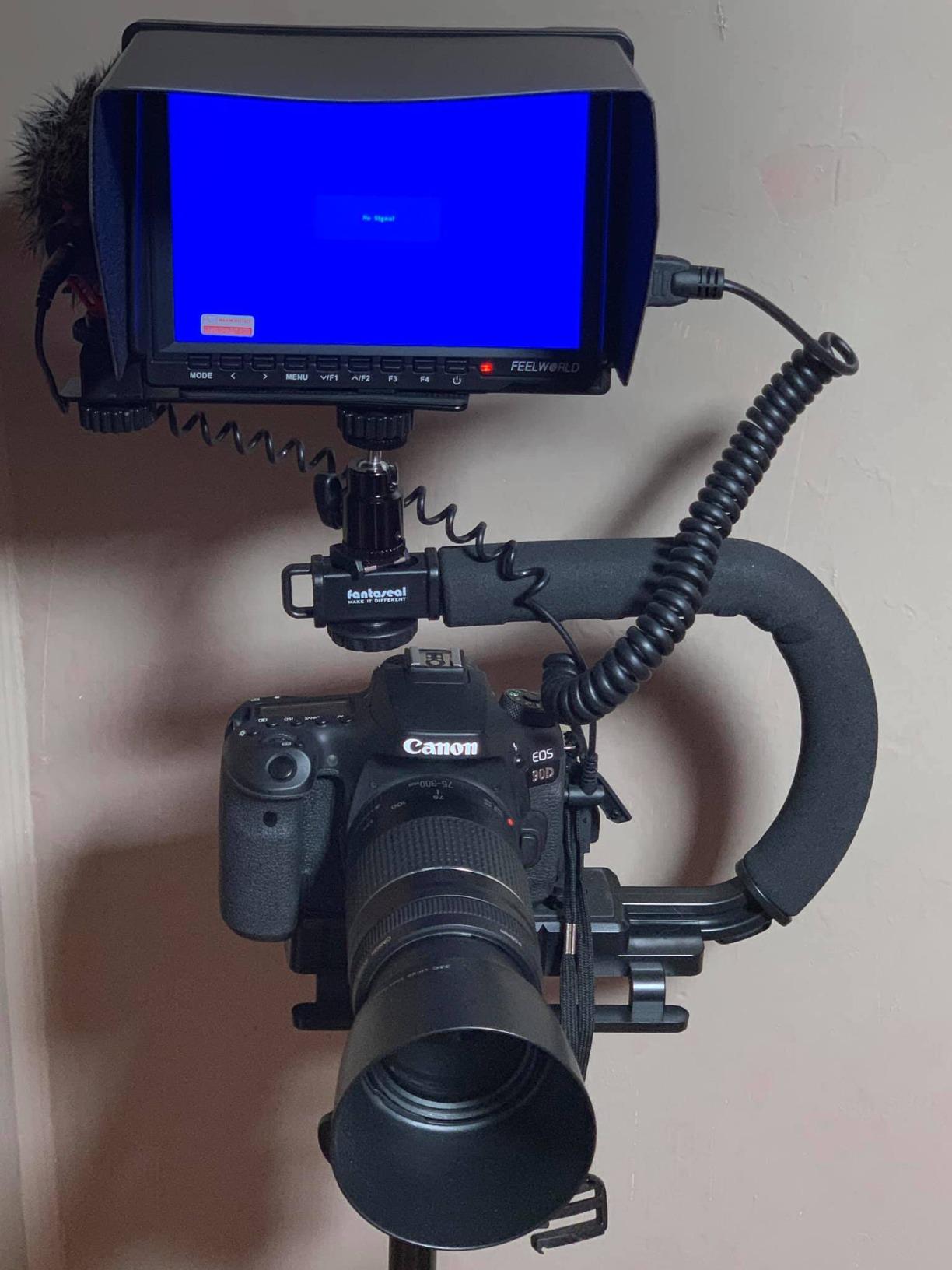
What owners like is the balance. It is bright enough relative to its weight, it accepts 4K HDMI input without fuss, and arriving with batteries means you can rig it and shoot without a shopping trip.
What owners argue about is HDMI behaviour. A recurring finding is that some monitors will not accept a feed from an HDMI splitter or switcher such as an ATEM Mini Pro ISO, and a minority report connection or HDMI output problems on their specific camera body.
Two smaller notes worth knowing. Despite the model name, the touch layer is not implemented for camera menus, so camera settings still have to be changed on the body. And there is no battery level indicator, with camera mode not persisting across power cycles on some cameras.
When the FW759 PRO is the right call
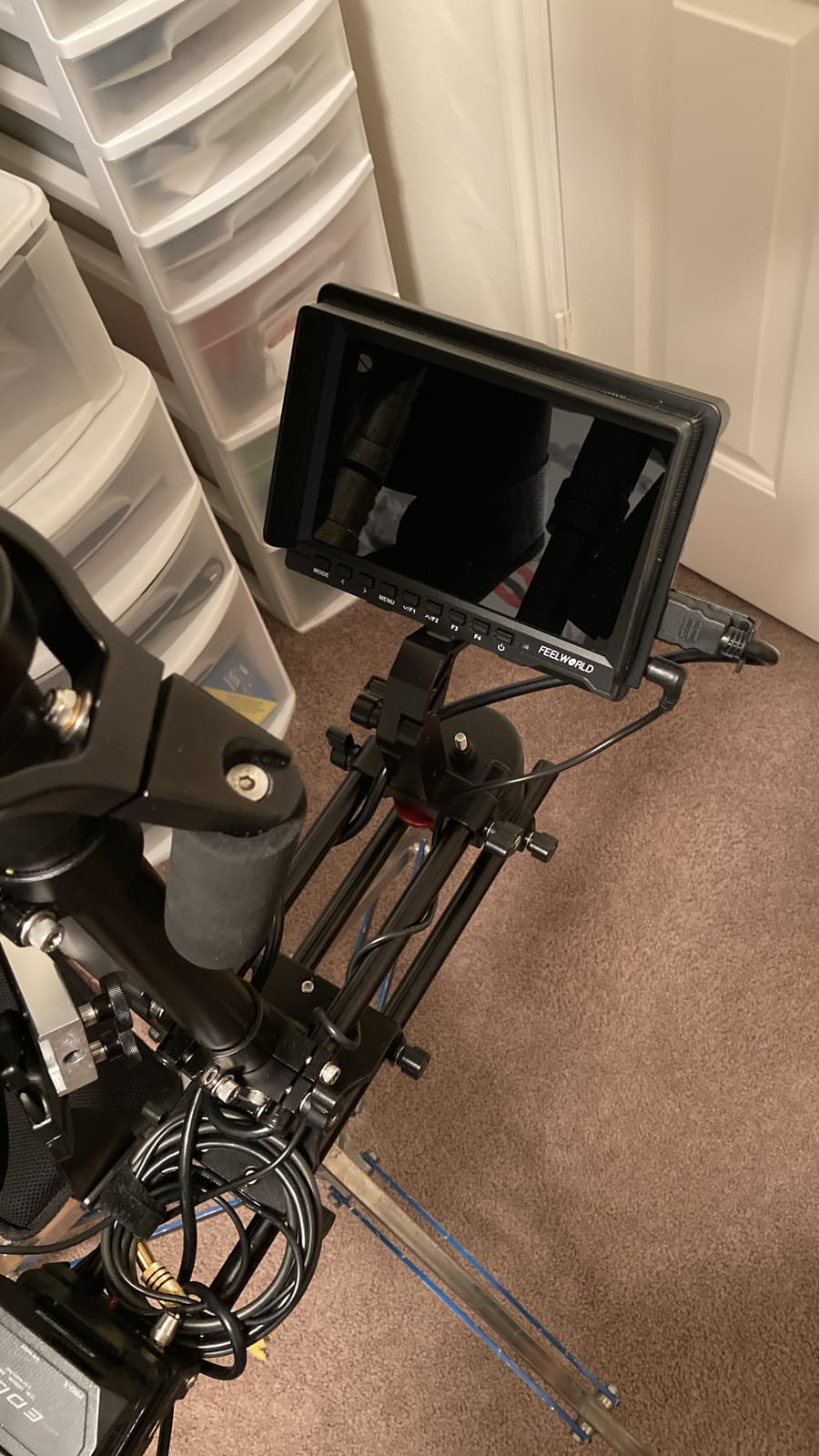
It fits a run-and-gun operator who wants a 7 inch screen, values a light body over raw brightness, and shoots in shade, overcast daylight or a controllable interior. The bundled batteries are a real convenience for a first rig.
It also works well for anyone feeding a single camera and a single monitor, where the splitter and switcher limitations will never come up.
When to skip it
Skip it for direct sun. At 400 nits it is the least bright panel here, and even the supplied sunshade will not close that gap at midday.
Skip it if your workflow runs a switcher or a splitter between the camera and the monitor, or if you expect a touchscreen to control camera menus. Neither works the way the name suggests.
4. NEEWER F700 – Built for Direct Sunlight
NEEWER F700 7″ Camera Field Monitor, 2000nit HD 1920×1080 Touch Screen
7 inch 1080p IPS touch, 2000 nits
Waveform, vectorscope, false colour, peaking
4K HDMI loop in and out
Pros
- 2000-nit panel stays readable in direct sunlight
- Full 1920x1080 image with good colour for the class
- Comprehensive monitoring suite
- Two NP-F750 batteries and cables included
- Built-in fan keeps it from running hot
Cons
- Heavy with two batteries
- noticeable on gimbals
- Peaking is described as overly aggressive
- Colour accuracy drifts and the S-Log3 LUT is not accurate
- DC cable and SD card not included
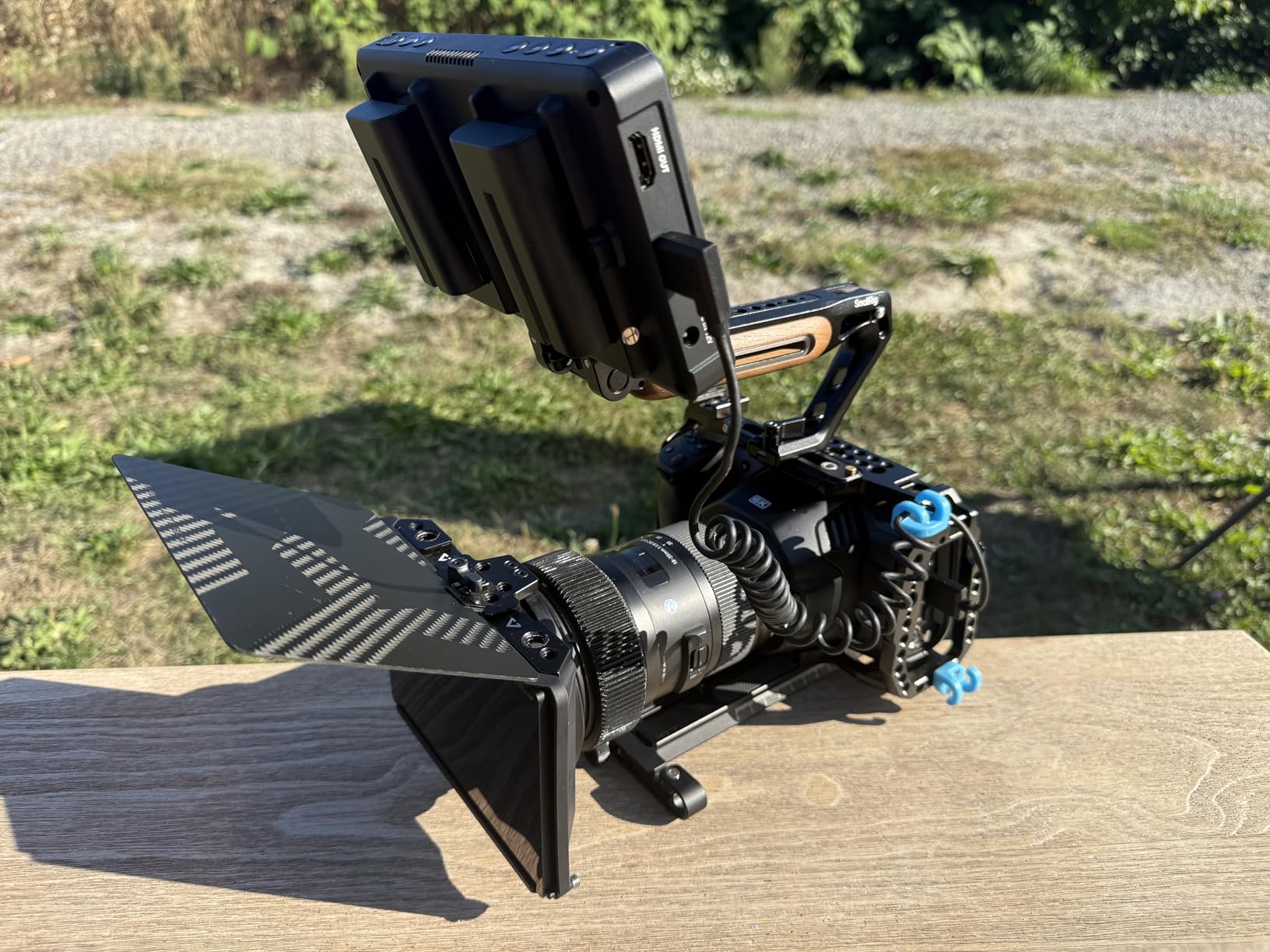
The F700 is the brightness answer in this roundup. A 2000 nit 7 inch 1920×1080 IPS touchscreen with a 160 degree viewing angle is the panel you want when the shoot happens outside and the sun is winning.
The toolset is unusually complete for the tier. False colour, zebras, histogram, oscillogram, full waveform, vectorscope, HDR, single colour, peak focus and audio bar, with F1 to F3 shortcut keys for the ones you actually touch during a take. You also get 15 preloaded LUTs and up to 60 custom 3D LUTs.
It is a working monitor rather than a display. 4K HDMI loop in and out, a 3.5mm headphone jack for simultaneous audio monitoring, a 180 degree adjustable cold shoe, 1/4-20 mounting points and a built-in cooling fan all point at someone who intends to use it rather than admire it.
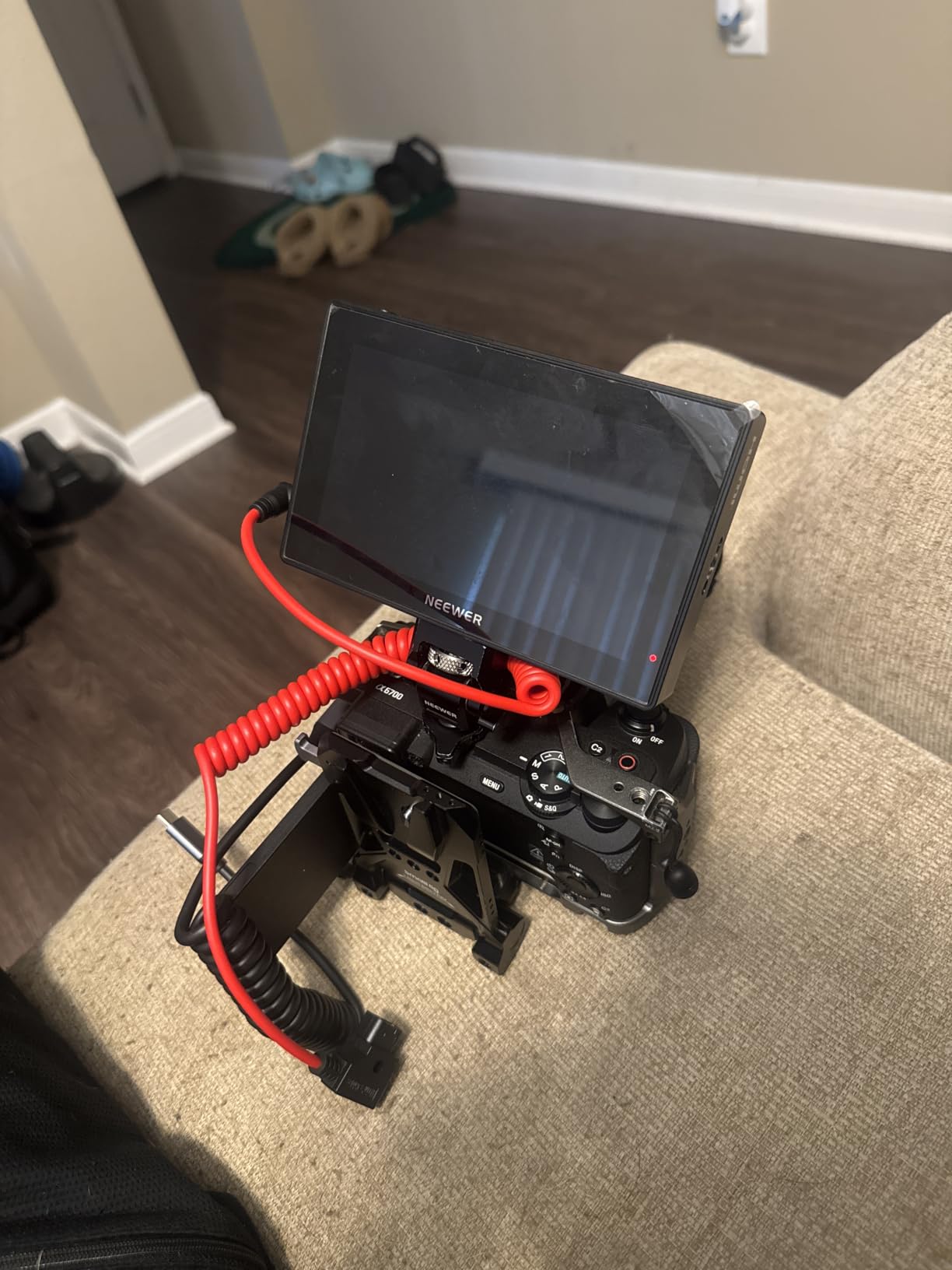
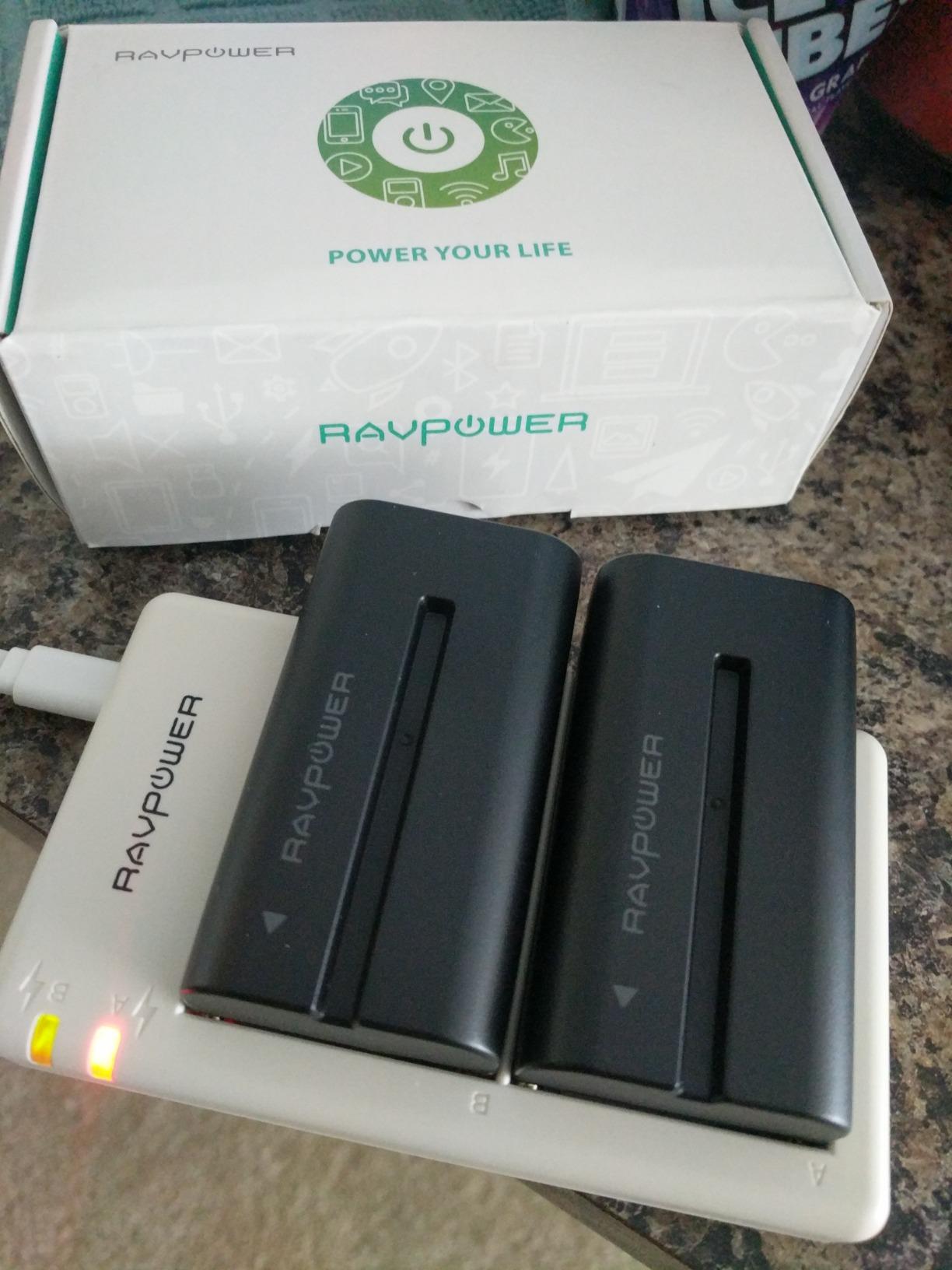
Reviewers recommend it for exactly one reason: you can see it in full sun without a sunshade. The bundled two 4400mAh NP-F750 batteries are rated at about 2.4 hours each, or 4.8 hours on two, which is a full working day for most single-camera shoots.
Power handling is flexible too. NP-F batteries, DC and Type-C all work, and there is a DC 8V dummy battery output that can feed power to a camera body directly from the monitor.
The weight is the real cost. It comes in at 1.6 pounds with two batteries fitted, and that is noticeable on a gimbal or a light rig. The glossy screen finish also catches reflections in bright conditions despite the brightness.
When the F700 is the right call
Pick it for outdoor documentary, run-and-gun, event and construction work where losing the ability to see your image is the failure mode you cannot accept. The brightness plus a full 1080p panel plus a real toolset covers most of what an operator asks for.
It is also the one to consider if you shoot log and want custom LUTs loaded from SD without changing workflow. Sixty custom slots is generous.
When to skip it
Skip it on a gimbal, a slider or a drone rig where every gram matters. At 1.6 pounds with two batteries fitted it is the heaviest unit listed in this roundup.
Skip it if peaking accuracy is your main criterion. Owners describe the focus peaking as overly aggressive and hard to interpret, and colour accuracy is reported as drifting from the camera with an inaccurate factory S-Log3 LUT. Treat the LUTs as a starting look, not a reference.
5. Portkeys PT6 – The One Built for a Gimbal
Portkeys PT6 Camera Field Monitor 5.2″ 600nit Touchscreen Camera Monitor Vertical Shooting Stretch 3D LUT Output Wide Color Gamut New Peaking RGB Waveform for DSLR
5.2 inch 1080p IPS, 600 nits
Luma and RGB waveforms, histogram
3D LUT, peaking, false colour
Pros
- Very light at 0.37 lb
- ideal for gimbal and handheld work
- Fanless and completely silent
- Smooth luma and RGB waveforms with adjustable position
- Rich toolset including 3D LUT loading
- HDMI in and out with auto-flip on the accelerometer
Cons
- 600 nits is marginal in direct sun
- Three-button menu takes more steps than newer models
- Firmware quirks including a slow boot
- Loose cold shoe swivel bracket
- Battery bay grip is awkward
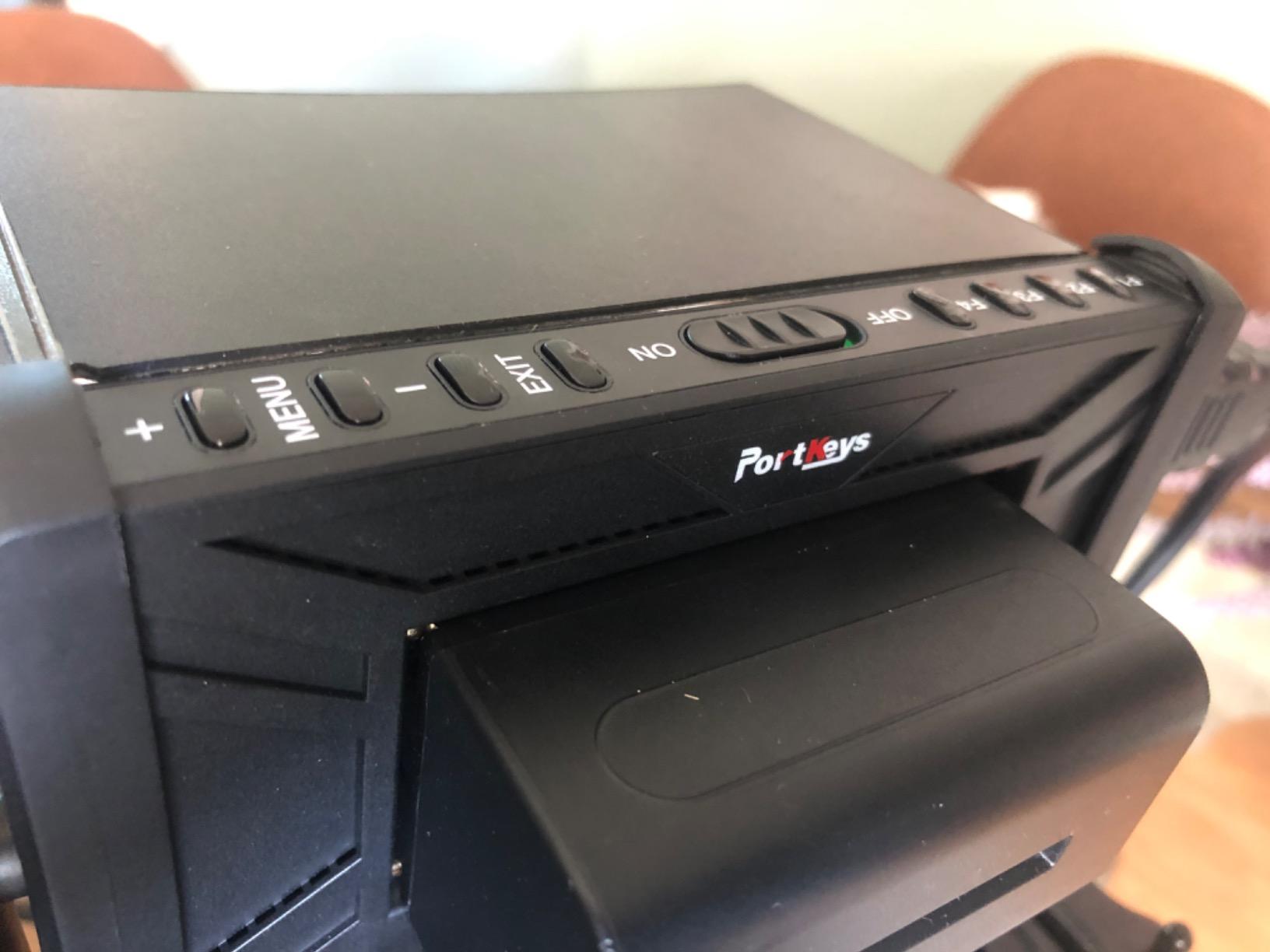
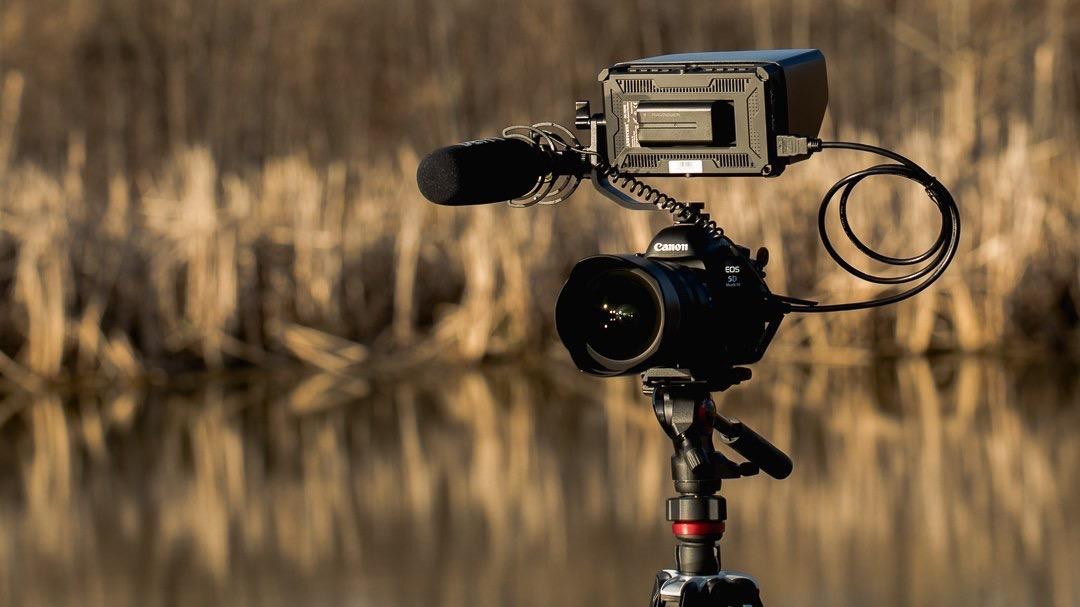
The PT6 is built for a specific problem: a monitor that is heavy enough to unbalance a gimbal. At 0.37 pounds and 4 by 1 by 3 inches, it is among the lightest screens here, and it is fanless, which means completely silent with no fan noise on a quiet take.
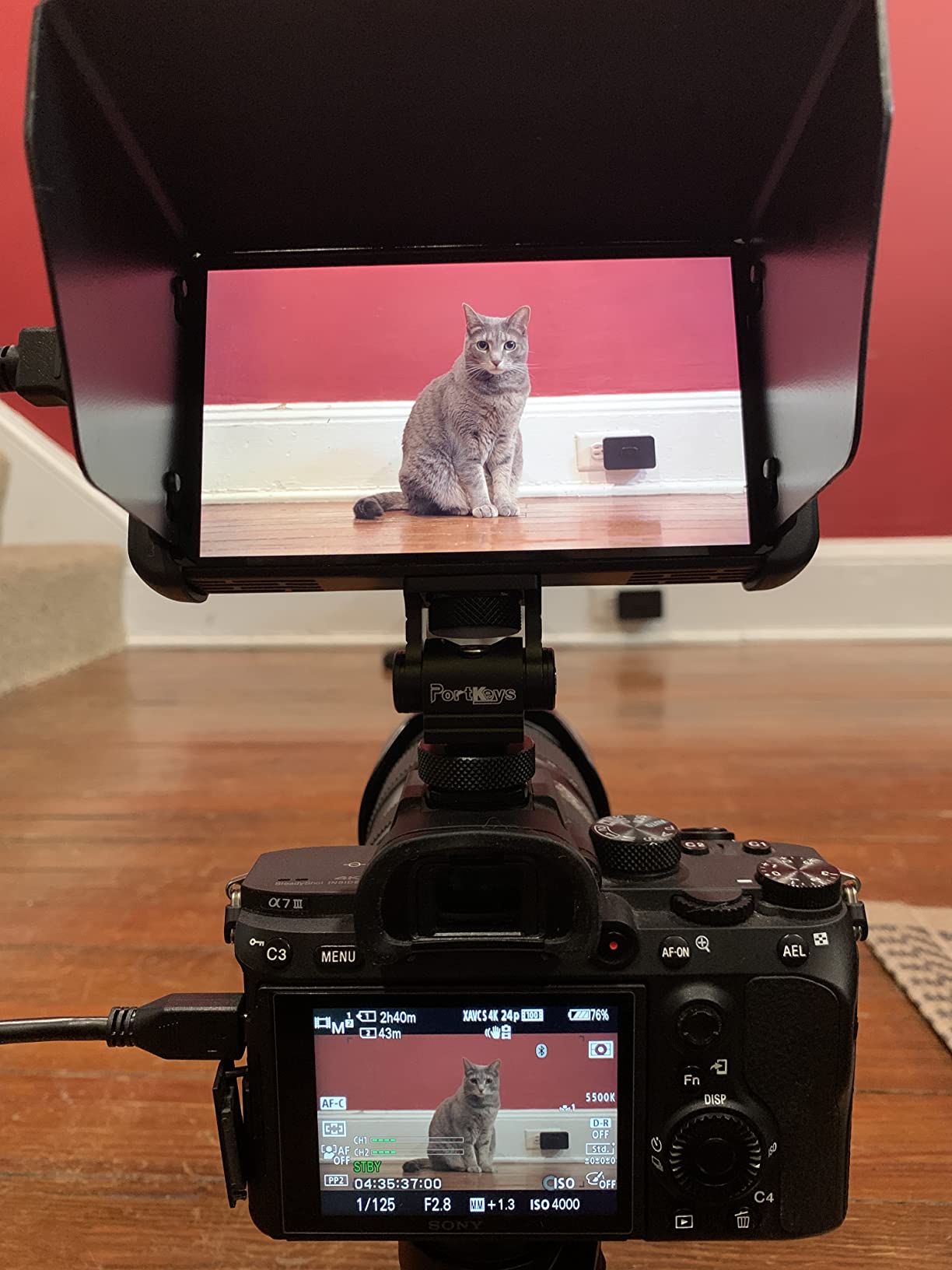
Sharpness is the surprise. It is a 5.2 inch 1920×1080 IPS panel at 400 pixels per inch with a 178 degree viewing angle, so the scopes it draws stay readable even on a small screen. Luma waveform, RGB waveform and luma histogram all have adjustable position, size and transparency.
Owners compare the scopes favourably against pricier monitors, and the rest of the toolset holds up too: 3D LUT output, anamorphic modes, peaking, zebra, false colour, grids, custom RGB, check field, audio meters and image flip. HDMI in and out means it can pass a signal onward, and the accelerometer auto-flips the display.
600 nits is the ceiling, and that is the compromise. It is usable in shade and bright overcast, marginal in direct sun even with the included sunshade. If the shoot is outdoors at midday, this is not the screen.
The smaller annoyances add up. Three-button menu navigation takes more steps than the wheel control on newer Portkeys models, and firmware behaviour is unrepolished in places, including a bright blue screen on signal loss, the LUT being disabled when false colour is toggled, and a boot time of roughly seven seconds.
The physical details matter on a moving rig. Owners report the included cold shoe swivel bracket fits loosely and its pin can break when tightened, and the NP-F battery bay does not hold batteries securely.
When the PT6 is the right call
It fits gimbal operators, steadicam work, and anyone who needs scopes and a LUT on a rig where every gram is being argued about. The silence is a genuine advantage for location sound recordists working nearby.
The 400 pixel density also makes it a good travel companion. It is small enough to live in a jacket pocket between takes.
When to skip it
Skip it for hard daylight. 600 nits will lose to the sun, and the three-button menu means you will be working through firmware quirks rather than judging your image.
Skip it if you shoot on a camera whose battery plate you depend on, because the bay grip is the one part of the package that is repeatedly criticised.
6. ANDYCINE A6 V2 – Sharp Image, Physical Quirks
ANDYCINE A6 V2 6 Inch HDMI Field Monitor 1920×1080 Camera Fiedl Monitor Bundle with 4k HDMI in/Out Tilt Arm, Power Output, Battery & Carry Case Included
5.7 inch 1080p IPS, 460 nits
1400:1 contrast, 3D LUT, waveform
200 g with tilt arm
Pros
- Sharp
- colour-accurate 1920x1080 panel
- Light at 200 g so it suits gimbal and handheld rigs
- Useful toolset including 3D LUT and 16x zoom
- Tilt arm
- sunshade
- battery and carry case included
- Owners report years of reliable daily use
Cons
- Some monitors have no working HDMI loop-out despite the listing
- All buttons on the top edge conflict with the tilt arm
- Tilt arm is loose and swings when tightened
- Awkward mini-USB firmware port and battery release tab
The A6 V2 is the value pick in a specific sense: the picture is better than its tier. A native 1920×1080 IPS panel with 1400:1 contrast and a 170 degree viewing angle, and owners describe the image as sharp and colour-accurate, rivalling monitors well above this tier.
At 200 g it is one of the lightest here, so it works on gimbals. The toolset covers the essentials well: waveform, zebra, histogram, focus peaking, ratio markers, false colour, loadable 3D LUT and zoom up to 16x. The bundle includes a tilt arm, sunshade, F550C battery, micro HDMI cable and a carry case.
Several owners report years of reliable daily use, which is the strongest durability signal in the reviews. For somebody who just wants a good-looking 1080p image and reliable assist tools, that is a good deal.
Almost all the criticism is physical rather than electronic. Every button sits on the top edge, so half of them are blocked or inverted when the tilt arm is flipped the way you normally would for a high or low angle.
There is also a listing-versus-hardware gap worth knowing: some buyers found no working HDMI loop-out despite the wording, which matters if you plan to feed a second display. A small number of buyers report dead pixels appearing over time, so treat the return window seriously.
When the A6 V2 is the right call
It suits a beginner who wants a genuinely good image rather than a large screen. The 1920×1080 panel at 460 nits is a better starting point for learning exposure than a 1280×800 screen, and the 3D LUT and waveform give you room to grow.
It also works for anyone who needs a small, sharp second screen rather than a primary rig monitor, especially on a gimbal or a handheld documentary rig.
When to skip it
Skip it if you flip the monitor constantly for low and high angles, because the top-edge button layout works against you every time. Skip it if you need guaranteed HDMI pass-through and the listing does not confirm it on your unit.
It is also not a daylight monitor at 460 nits. Brightness is the one thing it does not try to solve.
7. Atomos Ninja – The Only Recorder in the Group
Atomos Ninja 5.2″ 4K HDMI Recording Monitor
5.2 inch screen, 1000 nits
Records ProRes, DNxHD, H.265
6Kp30 ProRes RAW, AtomOS 11
Pros
- The only option here that records ProRes
- DNxHD or H.265 to an SSD
- 1000-nit screen stays visible in bright sunlight
- Clean modern AtomOS 11 interface
- El Zone and false colour tools well regarded by colour-critical shooters
- Works with a wide range of HDMI cameras
Cons
- Runs hot and drains batteries quickly
- Needs an SSD and batteries bought separately
- Codec activation reported as difficult by some buyers
- Highlights can look blown out versus a camera display
- Minimal documentation and support
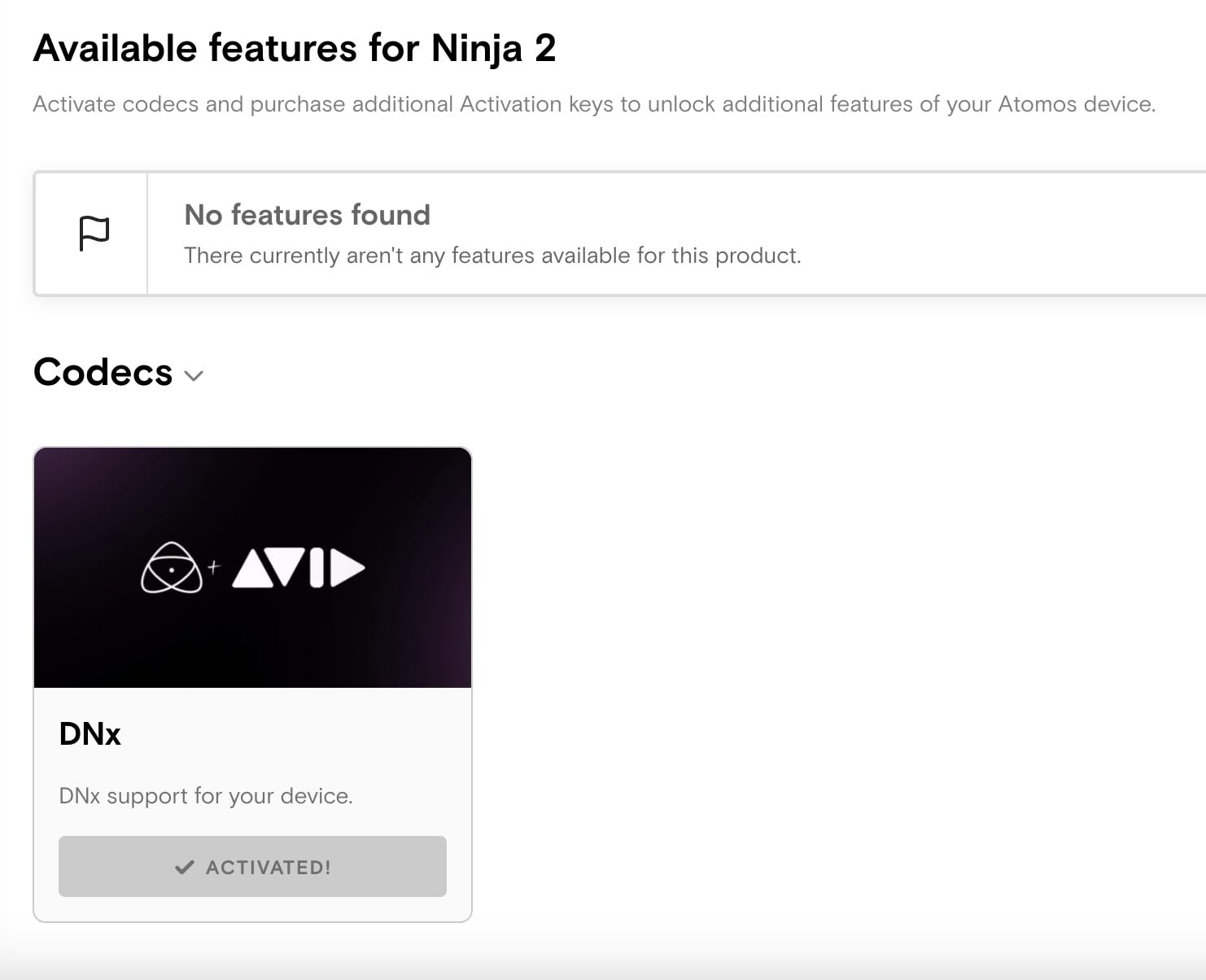
The Atomos Ninja is the odd one out in this list, and that is exactly why it is here. It is a monitor recorder: it displays the feed like the others, and it also encodes that feed to an SSD in Apple ProRes, Avid DNxHD or H.265 at up to 4Kp60, and up to 6Kp30 in Apple ProRes RAW.
For a lot of shoots that is a genuine save. If your camera records to a compressed internal codec, a ProRes or DNxHD proxy off the HDMI feed gives you something far easier to grade, and it protects you if a card fails mid-take.
The screen is a 5.2 inch 1000 nit matte display, which is bright enough to stay highly visible in daylight without a hero panel. The 210 g body keeps it manageable, and AtomOS 11 brings better memory management and responsiveness than earlier versions.
Owners value the El Zone and false colour tools, which are well regarded by colour-critical shooters, and the ability to share wirelessly through Atomos Connect and RemoteView to iPads, Macs and Apple TVs. It also works during photo shoots, which a lot of field monitors do not.
The downsides are the usual Atomos ones. It runs hot during use and drains batteries quickly, and it is not usable out of the box because you need to buy an SSD and batteries separately.
There are also two recurring reports worth taking seriously. Codec activation for ProRes RAW and H.265 is described as difficult, with some buyers unable to unlock them at all. And highlights can look blown out next to the camera’s own display, which means you should not grade by eye from this screen alone.
When the Ninja is the right call
Pick it if your camera has no card slots, if you shoot long form and want an edit-friendly codec off the HDMI feed, or if you want a safety recording of everything the camera sees. The broadcast-standard codecs are the reason this class of device exists.
It is also the choice for anyone who needs to hand footage to a client or an editor the same day without a card reader in the chain.
When to skip it
Skip it if you only need a bigger screen. Every other monitor here does that job for a fraction of the cost, and none of them need an SSD or a codec activation step.
Skip it if heat or battery life drives your day, and treat the blown-out highlight reports as a reason to keep a second reference rather than a reason to rule it out.
8. VILTROX DC-550 – The Brightest-Rated Screen Here
VILTROX DC-550 Touch Screen DSLR Camera Field Monitor 1200 Nits High-Bright 5.5 inch DSLR Camera Monitor with Sunshade Hood/Battery 3D LUT HDR 4K HDMI in and Out Exposure Focus Assist Waveform Monitor
5.5 inch 1080p IPS touch, 1200 nits
REC-709 calibrated
Parade waveform, vectorscope, 3D LUT
Pros
- 1200-nit panel is genuinely daylight viewable without a sunshade
- Full professional monitoring suite including waveform and vectorscope
- Touchscreen controls and 4K HDMI loop in and out suit a compact rig
- Battery
- sunshade hood
- cold shoe adapter and carry case included
- Highest average rating in this roundup
Cons
- 5.5 inch screen is small for showing a whole crew
- 4K input is 30Hz rather than high frame rate
- Tools are reached through a button-driven menu
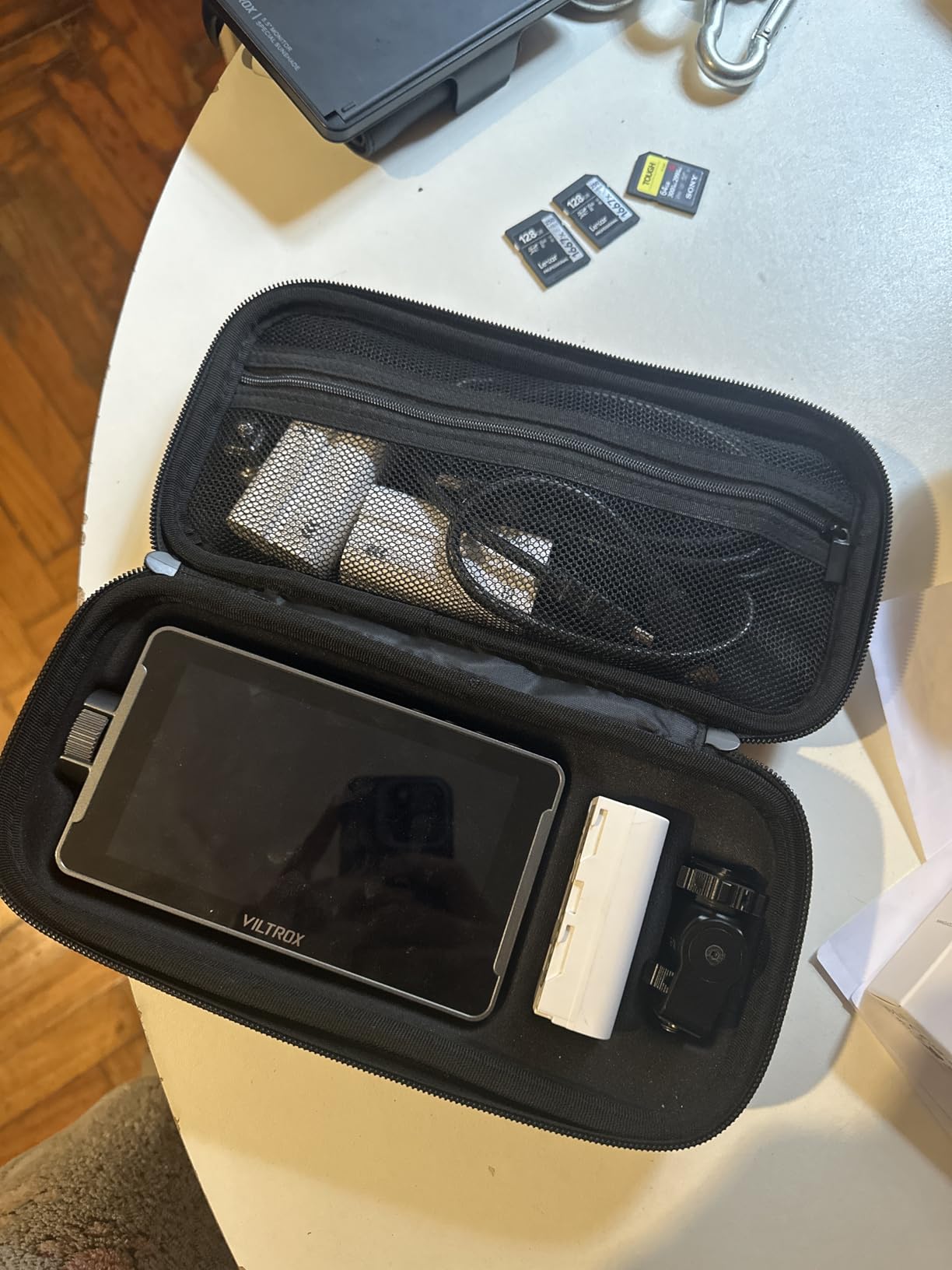
The VILTROX DC-550 carries the highest average rating of the ten monitors here, at 4.4 across 271 reviews, and the reason is fairly simple: it is bright, sharp and correctly specified for daylight use without moving up into pro pricing.
The panel is a 5.5 inch 1920×1080 anti-glare IPS touchscreen at 1200 nits with a 160 degree viewing angle and REC-709 calibration. That combination of brightness, anti-glare coating and factory calibration is what makes it readable outdoors rather than merely bright on paper.
The toolset is the full professional set rather than a subset: parade waveform, vectorscope, brightness histogram, focus assist, audio meter, false colour and image flip, plus 3D LUT import over SD card for previewing log workflows and creative looks. HDMI in and out support 4K at 30Hz, 3840x2160p and 4096x2160p, with 3.5mm headphone monitoring.
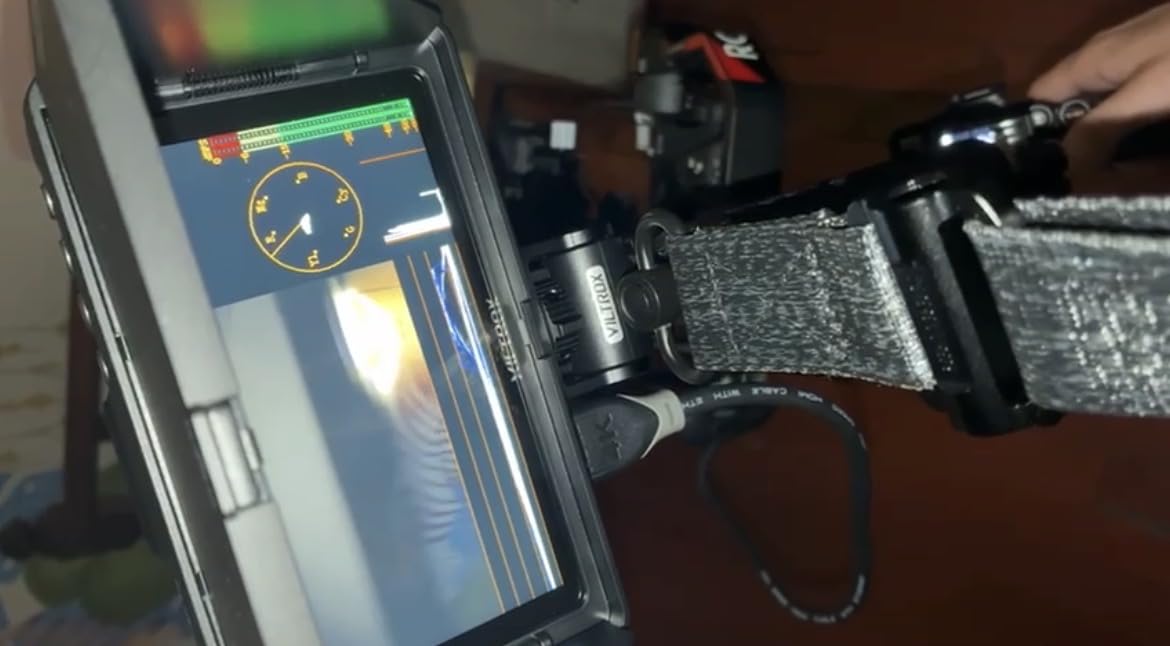
The box is generous. You get a sunshade hood, an NP-F550 battery, a cold shoe adapter, HDMI cables and a carry case, and power can come from NP-F batteries, DC 12-18V or Type-C 5V 3A.
Few negative themes appear in the review set, which is unusual at this price. The most useful caveat is a practical one: at 5.5 inches this is a screen for the operator, not for a whole crew watching a take.
When the DC-550 is the right call
It is the pick for a shooter who wants daylight legibility and a proper scope set without stepping up to professional monitor pricing. The REC-709 calibration also makes it more honest about colour than the uncalibrated panels in this bracket.
The 5.5 inch size and 1.1 pound weight suit a compact rig, a gimbal-adjacent setup, or a camera where a 7 inch monitor would crowd the body.
When to skip it
Skip it if you need to hand a screen to a director or client, because 5.5 inches is small for a second pair of eyes. Skip it if you shoot high frame rates, because 4K input is 30Hz here rather than the higher frame rates you would want for 60p work.
It is also worth noting the 12 watt power consumption figure, the only one quoted in this roundup and a fair signal that a bright panel draws real current.
9. osee T5+ – False Colour With Camera Presets
osee T5+ 5.5 Inch 1000nits Camera Monitor, Customizable False Color Field Monitor, HDR 4K HDMI Input 8 MySets Preview Workflow DSLR Monitor, Peaking Focus Assist, 3D Lut (Battery Not Included)
5.5 inch 1080p LCD, 1000 nits
False colour with camera presets
8 MySets pages, LOG and HDR
Pros
- 1000-nit brightness is unusually high for this tier and works outdoors
- Customizable false colour with per-camera presets
- 8 MySets pages plus joystick make switching setups fast
- Auto-rotate display is handy for flipped positions
- Light plastic build suits small rigs
Cons
- No touchscreen
- DC power out uses a non-standard 4 mm barrel
- Included cables are very short
- Live view to playback switching is slow
- Some reports of colour banding on gradients
The T5+ is the one to look at if false colour is how you actually judge exposure. It is a 5.5 inch 1920×1080 LCD at 1000 nits with 1000:1 contrast and a 170 degree viewing angle, and owners specifically single out the 1000 nits as unusually high at this tier.
The false colour implementation is the headline. It is customizable, with presets for mainstream camera models, so you can load the exposure mapping that matches the camera in your hands rather than guessing at generic zones. Waveform, histogram, vector scope and false colour all sit on one page.
The 8 MySets preview workflow on the MON OS is the most unusual feature here. A single joystick switches between saved setups, and the factory configuration already carries frame, exposure and focus pages, so you are one press away from a framing layout or an exposure layout.
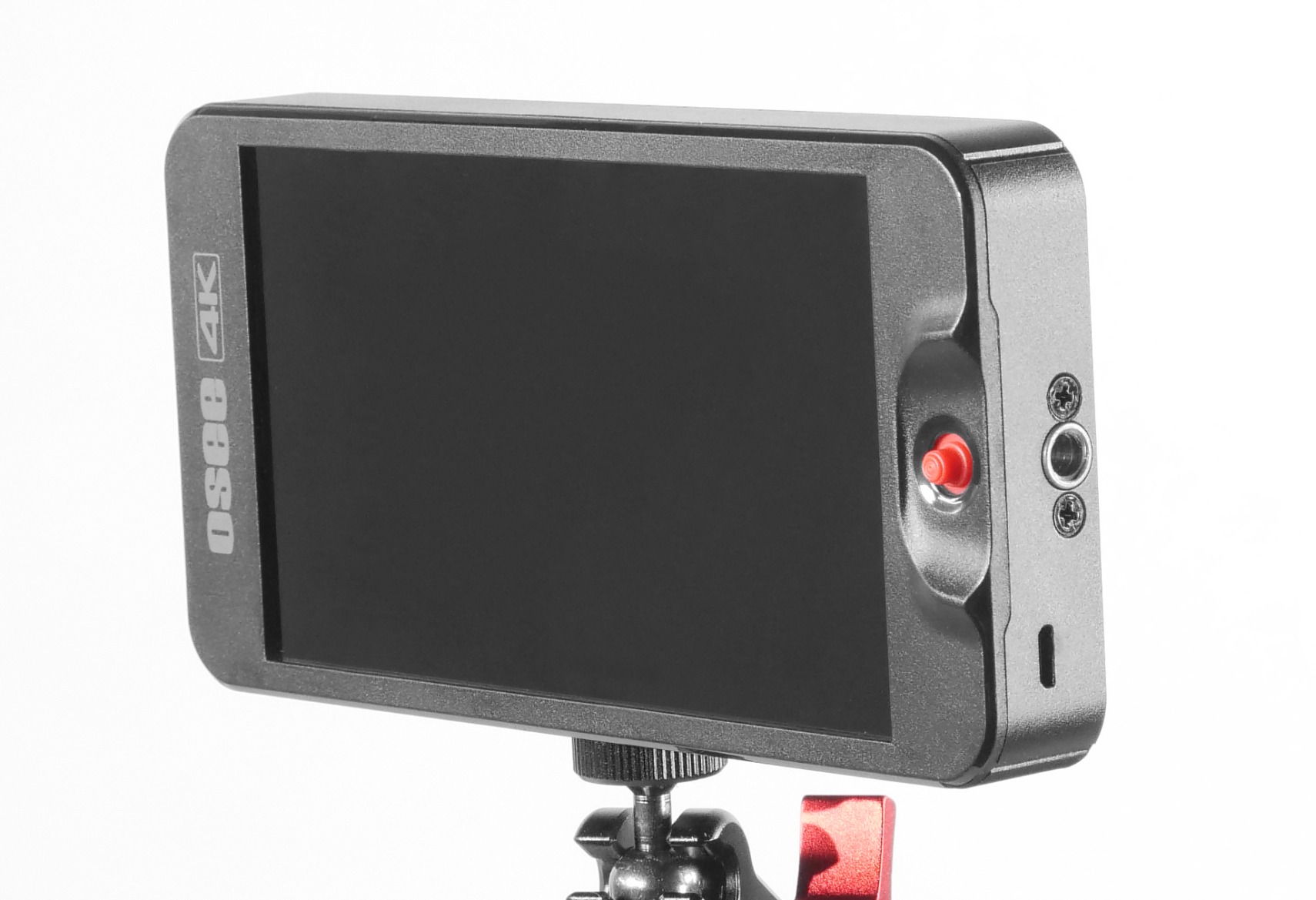
There is also LOG and HDR live preview with de-log for common log curves plus PQ and HLG, and custom LUT upload over SD card. The display auto-rotates, which is genuinely useful when you flip the monitor for selfie or low-angle framing.
The compromises are clear. There is no touchscreen, and owners who expected one on a modern field monitor miss it, so the joystick and buttons are the whole interface. The plastic build keeps it light, but the DC power out uses a non-standard 4 mm barrel tucked beside the HDMI port, so most dummy battery cables do not fit it.
The bundled cables are very short, with one owner reporting an HDMI connector failing on day one. Switching between live view and image review is also slow, at roughly ten seconds.
When the T5+ is the right call
Pick it for an operator who judges exposure by eye against colour zones rather than by numbers, and who wants those zones tuned to the camera model in use. The per-camera presets and adjustable tone levels do real work here.
The MySets workflow suits anyone who moves between roles on a shoot, since switching from a framing view to an exposure view becomes a single press rather than a menu dive.
When to skip it
Skip it if you need a touchscreen or if your rig depends on a dummy battery from the monitor, because the non-standard power output blocks that. Skip it if you need fast review playback, given the ten second delay.
Owners also report some colour banding on gradients, which is a reason to keep an accurate reference for final grading rather than trusting this screen alone.
10. Portkeys PT5 II – Compact 5 Inch Scopes
Portkeys PT5 II Camera Monitor Touchscreen DSLR Field Monitor 5 inch 4K30P Input/Output Wide Color Gamut New Peaking 3D LUT Video Assist Luma RGB Waveform for DSLR with New UI MOVnorm OS
5 inch 1080p IPS, 400 PPI
178 degree view, 2000:1 contrast
4K30P HDMI in and out
3D LUT, peaking
Pros
- Very light and slim so it balances on a gimbal or small rig
- Full complement of scopes and assist tools
- 178 degree viewing angle and 2000:1 contrast give a clean even image
- 4K30P input and output allows feeding a second display
- Physical shortcut buttons are faster than pure touch
Cons
- Brightness is limited for direct sun
- User interface takes practice and some menus are slow
- Battery not included and adds weight
- Scopes less refined than on larger Portkeys models
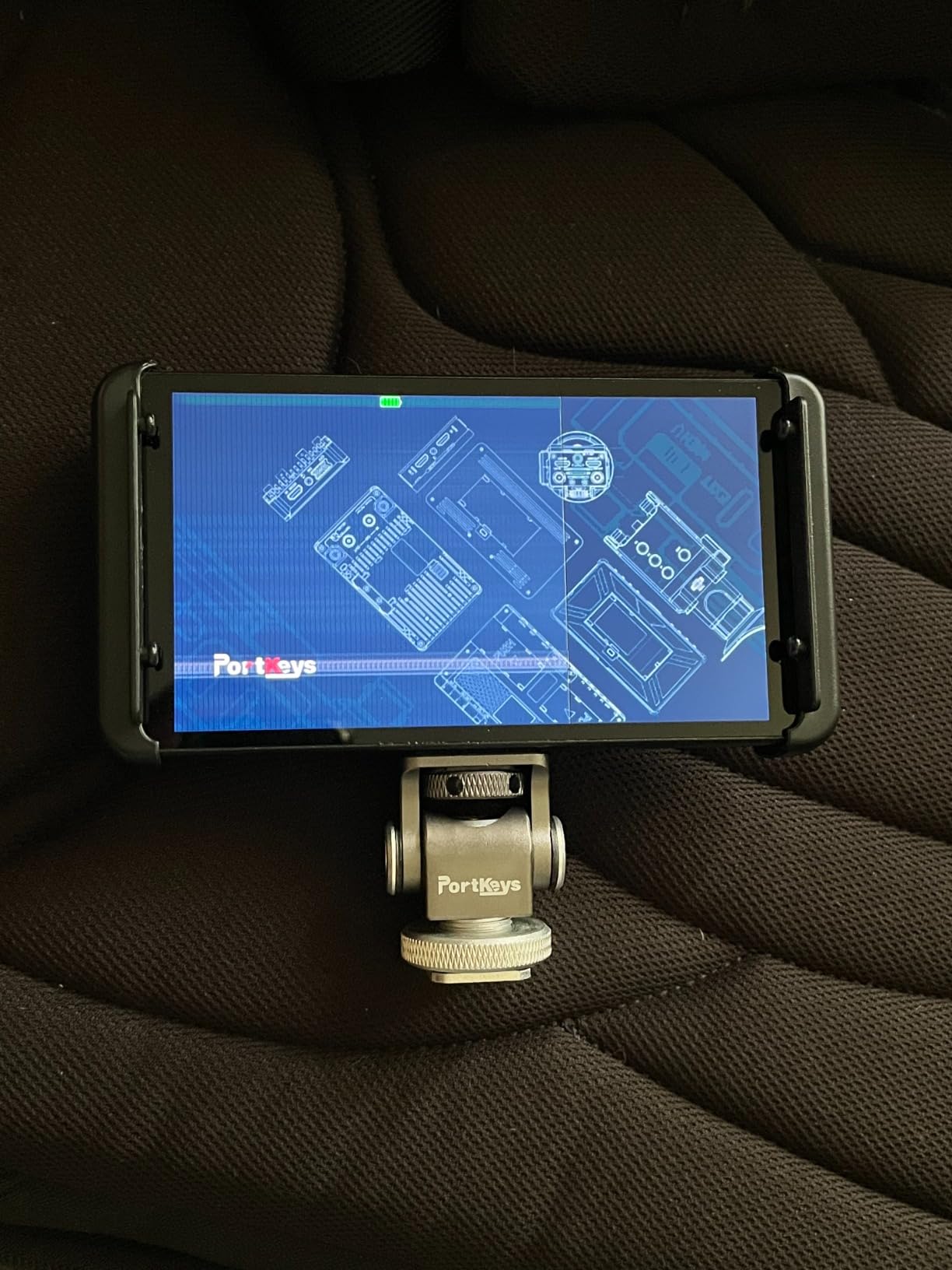
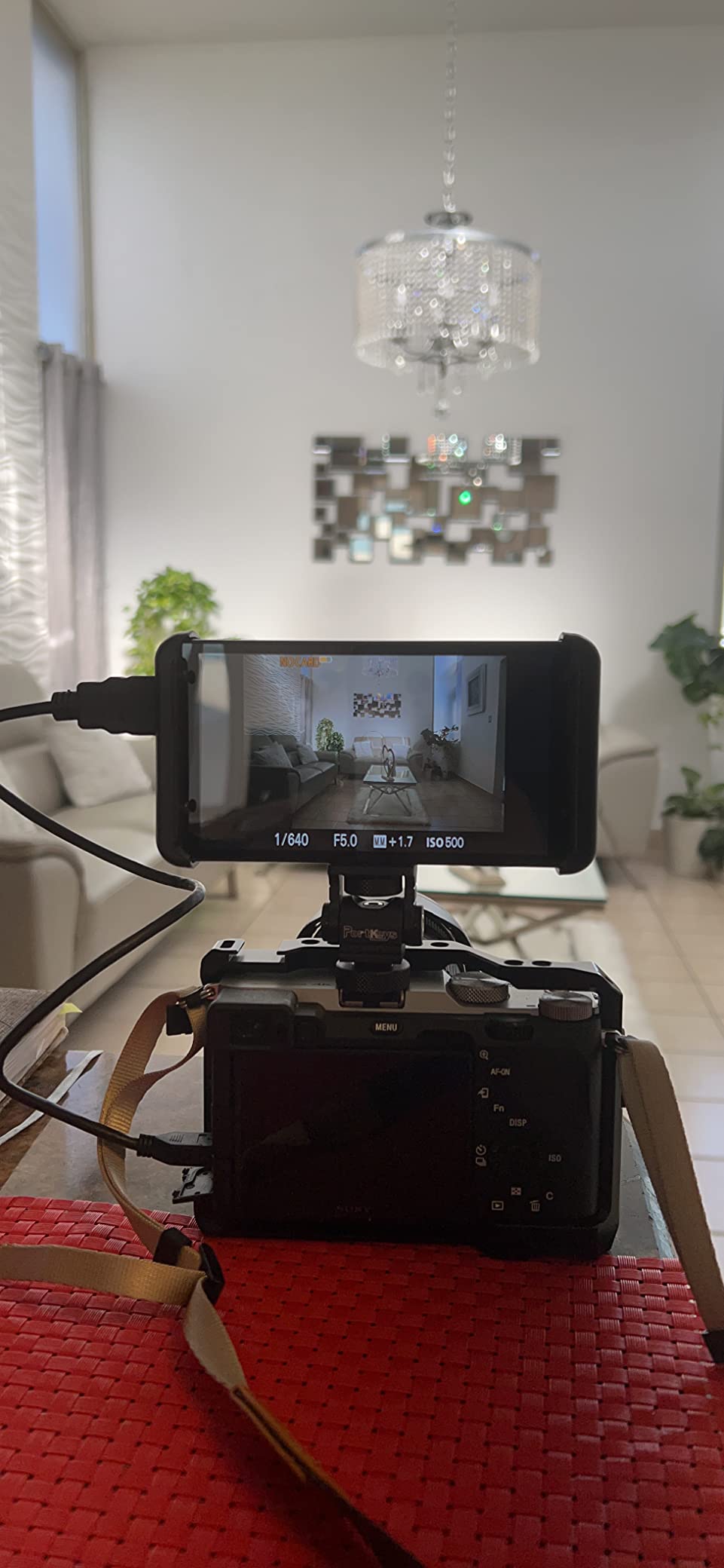
The PT5 II takes the same idea as the PT6 into a slightly different package: a 5 inch 1920×1080 IPS panel at 400 pixels per inch with a 178 degree viewing angle and 2000:1 contrast, the highest contrast ratio quoted by any of these ten. The image comes across as clean and even.
The scope set is the reason to look at it. Luma waveform, RGB waveform and luma histogram, all with adjustable position and transparency, joined by 3D LUT loading, anamorphic modes, peaking, zebra, false colour, grids, custom RGB, check field, audio meters and image flip. That is a full toolset in a 5 inch body.
One practical advantage over pure-touch competitors: the buttons with shortcut keys let you move through the tools faster than a touchscreen, which matters when a shot is running. The 4K30P input and output also lets you feed a second display.
The limitation owners raise most is brightness, which is not quoted in the product data and is consistently described as limited for direct sun. Treat it as an indoor and shade screen.
Second on the list is the interface. The new UI and MOVnorm OS take practice and some buyers find the menus slow. The battery is not included, and a few reviewers note that the scopes are less refined than on larger Portkeys models. Listed weight is 0.28 lb in the feature copy, with a conflicting 0.51 kg figure in the technical details, so verify it before you balance a rig.
When the PT5 II is the right call
It suits a compact rig where you need real scopes rather than a bigger picture, and where you want the option of feeding a second display through 4K30P pass-through. The physical shortcut buttons are a genuine advantage for fast changes mid-take.
For travel and gimbal work, a 5 inch 400 PPI screen with a full scope set is a difficult combination to beat at this tier.
When to skip it
Skip it for daylight shooting, and skip it if you want a touch-first interface, since the buttons and menus are the point here rather than a side effect. If menu speed matters to you, test it before committing.
You will also need to bring your own NP-F or Canon LP-E6 batteries, which adds weight at exactly the moment you were trying to save some.
How Much Brightness Do You Actually Need?
Nits, or candelas per square metre, is how monitor brightness is measured. The number on a spec sheet tells you how much light the panel emits, and the only way to make it useful is to map it to the conditions you will actually shoot in.
At 400 to 460 nits you are choosing an indoor screen. Between 600 and 1000 nits covers shade and bright overcast. At 1200 nits and above you can work in open daylight, and at 2000 nits direct sun stops being the limiting factor.
That is the honest version of the brightness ladder that competitor pages never translate. In this roundup, the four screens at 460 nits and below are indoor and shaded monitors, the 600 nit screen is a step up, the three at 1000 to 1200 nits are daylight-capable, and the 2000 nit screen is the only one here built for midday sun.
Forum threads on dpreview and bcgforums reach the same conclusion from the other direction, with the recurring advice to buy the brightest monitor you can justify rather than the sharpest.
The Monitoring Tools That Decide Your Exposure
A waveform monitor is a graph of luminance across the frame, which tells you where your highlights and shadows sit rather than letting you judge them by eye. A vectorscope plots colour saturation and hue against target lines, which is how you see whether your whites are neutral. A histogram does the same job in a single number distribution. Zebras and false colour are faster exposure tools: zebras stripe clipped areas, and false colour maps brightness zones to colours. Focus peaking draws an overlay colour on edges that are in focus.
False colour and focus peaking are the number one purchase reason for videographers, and they are also the two tools most often included as tokens. The difference between a real implementation and a checkbox is adjustable thresholds and accurate zone mapping. This is exactly where the osee T5+ earns its place, because its false colour carries per-camera presets, and where the NEEWER F700 draws criticism, because owners find its peaking overly aggressive.
Two more tools explain themselves. A 3D LUT is a lookup table that converts log footage into a viewable look, so you can monitor a log profile without a heavy LUT on the camera. HDR modes interpret PQ and HLG signals, which is what the osee T5+ and the NEEWER F700 both provide for de-log preview.
Screen Size, Inputs and Power: What Actually Decides It
Size follows the job. A 5 to 5.2 inch screen is for gimbals, drones and handheld rigs where the operator is close to it, and the 0.37 pound Portkeys PT6 is the reference point there. A 6 to 7 inch screen is the general-purpose choice, big enough to pull focus by eye while still mounting to a body without dominating it. Anything from 8 inches upward belongs on a director’s monitor arm or a cart for a client, not on a camera.
Inputs decide your cameras. Every monitor in this roundup is driven by an HDMI feed, and that is the most common source of friction in owner reviews. HDMI also caps out at shorter cable runs, and several products here are reported to refuse a feed from an HDMI splitter or switcher. If your rig includes 12G-SDI, check that the camera and the monitor agree before you commit. The difference matters: SDI uses locking BNC connectors and holds over 100 metre runs, while HDMI is lighter, cheaper and simpler for a single camera.
Power is where unboxing disappoints people. Some products include NP-F batteries, some include one smaller cell, and some include none at all. Look for three inputs if you can get them, because NP-F, DC barrel and Type-C between them cover almost every rig, and check whether the monitor can output power back to the camera through a dummy battery arrangement before you plan your power budget.
One last point from the forums that no spec sheet will tell you. Recurring complaints across these products are unreliable touch response, menu systems that are slow and buried, and colour shift or overheating after a long day, with budget panels the ones most often described as shifting. If you shoot long days, a calibrated screen with a cooling fan is worth more than a longer feature list.
Frequently Asked Questions
What is the best external camera monitor for video recording?
For most single-camera shoots, the FEELWORLD FW568 is the best balance: a complete toolset including waveform, vectorscope, histogram, false colour, focus assist and 3D LUT loading, at 450 nits. If your shoot happens outdoors in daylight, step up to the NEEWER F700 at 2000 nits or the VILTROX DC-550 at 1200 nits. If you need a proxy recording of the feed, the Atomos Ninja is the only recorder in our group.
What are the best external monitors for cameras?
The ten monitors in the table above cover every common case, from the 200 g ANDYCINE A6 V2 to the 0.37 lb Portkeys PT6 for gimbal work, with brightness ranging from 400 nits on the FEELWORLD FW759 PRO to 2000 nits on the NEEWER F700. All of them run on an HDMI feed, so if your rig needs SDI or IP video, check compatibility before buying.
What monitors do filmmakers use?
Most documentary and commercial work uses a 5 to 7 inch on-camera monitor for the operator, because that size pulls focus well without dominating a body-mounted rig. A separate director’s monitor on an arm, or an 8 inch and larger screen, is used when a director or client needs to watch the take rather than the operator. Larger reference monitors belong in the grading suite, not on the rig.
What is the best monitor for video viewing?
That depends on whether you are on a camera or at a desk. On a camera you want an on-camera field monitor judged on brightness in nits, focus peaking and false colour, and HDMI compatibility. At a desk for editing and grading you want a desktop monitor judged on colour gamut coverage, bit depth, uniformity and calibration, which is a different purchase entirely.
What is the best external webcam for monitors?
That question is about webcams rather than camera monitors, so it points at a different category. If you are building a video shooting setup, the relevant comparison is the ten on-camera field monitors above, and the features that actually change the result are brightness, the accuracy of the focus and exposure tools, and how the monitor behaves over HDMI.
Our Verdict for 2026
Start with the FEELWORLD FW568 if you shoot indoors or in shade. It carries the fullest toolset at this level and the largest owner base in the roundup, and its 450 nits is the one limitation you have to design around.
Shoot outdoors and the choice narrows quickly. The NEEWER F700 at 2000 nits is the only screen here that stays readable in direct sun, and the VILTROX DC-550 at 1200 nits is the smarter buy if the 1.6 pound weight of the F700 does not suit your rig. The VILTROX also carries the highest average rating of the ten.
It is the 0.37 pound Portkeys PT6 or the 200 g ANDYCINE A6 V2 that suit those rigs best. Need a proxy of the feed, and the Atomos Ninja is the only recorder in the group. We are here for the best camera monitors for video shooting, and the reason these ten are separated by brightness and weight rather than by resolution is that those are the two numbers that decide whether a monitor helps you on the day.