
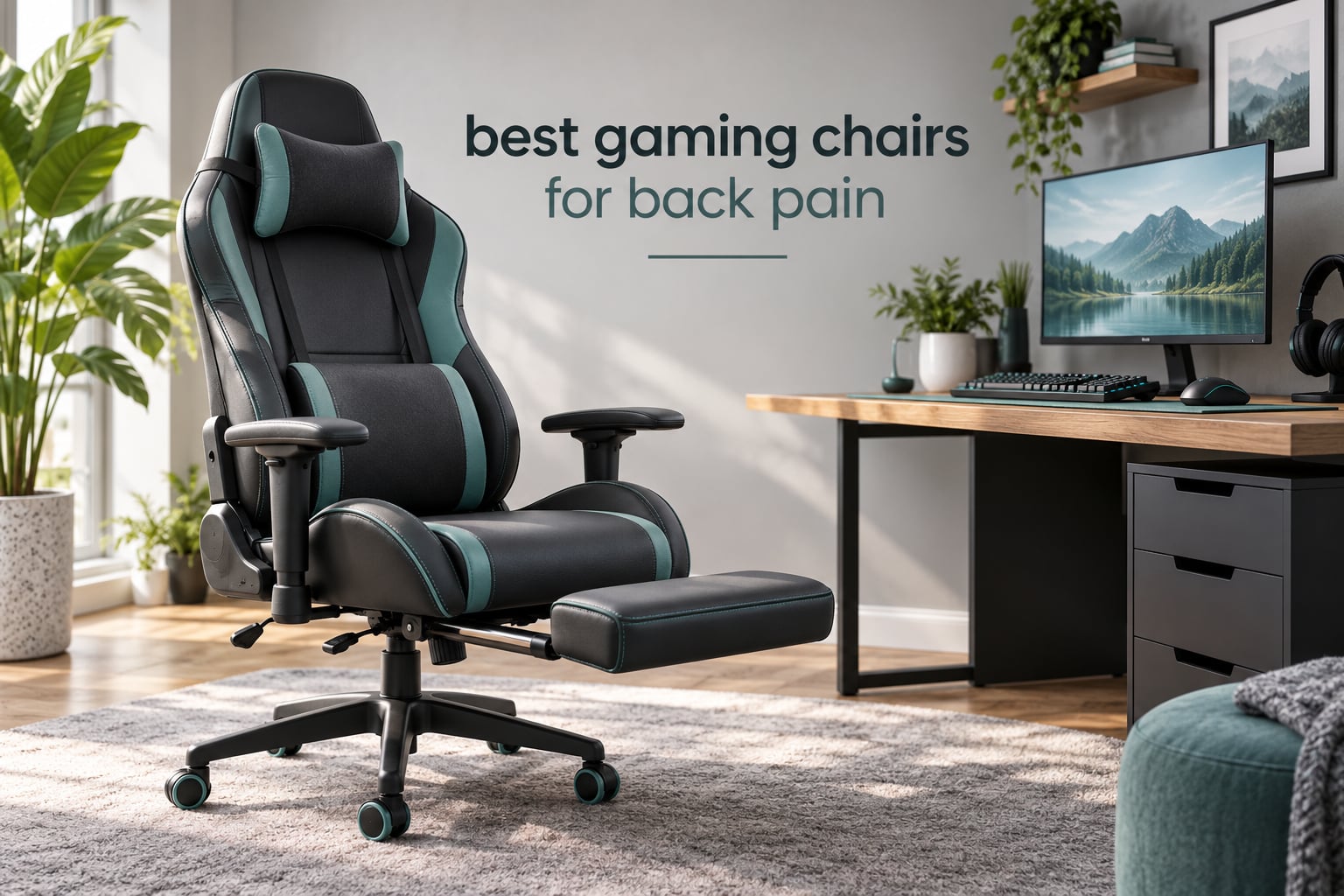
Most back pain that shows up after a long gaming session or a workday at the desk is not caused by one bad posture. It comes from sitting still for hours with nothing filling the gap between the top of your pelvis and the inward curve of your lower spine. A gaming chair for back pain works by fixing that gap, using built-in lumbar support that adjusts in height and depth to hold your lower back in a neutral curve.
That single mechanism is why the chairs below are ranked the way they are. We looked at where each lumbar system sits, whether you can move it, how the recline behaves when you lean back, and what owners say after months of daily use. Everything here was chosen for back support first and style second.
One thing to say plainly first: no chair treats back pain, a herniated disc, sciatica or an injury. A chair can hold you in a better position and stop you loading the same tissues hour after hour, but it is not medical care. If your pain is sharp, radiates down a leg, or has lasted more than a few weeks, talk to a clinician before you spend on furniture.
Table of Contents
Top 3 Picks for Back Pain Relief (October 2026)
If you only have a minute, these three cover the most common situations. The first is the strongest all-rounder we found, the second is the most durable build for daily use, the third is the one that does the most for the least.


Quick Overview: All 10 Chairs Side by Side in 2026
Every chair in this guide, with the details that decide whether it will help your lower back.
| Product | Specifications | Action |
|---|---|---|
|
GTPLAYER Big and Tall 400lbs
|
|
Check Latest Price |
|
GTPLAYER Reclining Footrest Chair
|
|
Check Latest Price |
 GTPLAYER Pocket Spring Fabric Chair
|
|
Check Latest Price |
|
N-GEN GAMING with Footrest
|
|
Check Latest Price |
 COMHOMA Big and Tall Wide Chair
|
|
Check Latest Price |
 Yaheetech Massage Lumbar Chair
|
|
Check Latest Price |
 ELABEST X100 Mesh Chair
|
|
Check Latest Price |
 Razer Iskur V2 X
|
|
Check Latest Price |
 Misolant Fabric Gaming Chair
|
|
Check Latest Price |
 Dowinx Heated Massage Lumbar Chair
|
|
Check Latest Price |
1. GTPLAYER Big and Tall Gaming Chair 400lbs – Best Overall for Back Pain
GTPLAYER Big and Tall Gaming Chair 400lbs Heavy Duty Office Chair with Foot Rest & Ergonomic Pocket Spring Lumbar Support, High Back 3D Saddle Shaped Cushion for Back Pain Relief, Matte-Black
400 lb capacity
Metal frame with 3-level gas lift
90-150 degree recline
22 inch seat depth
Pros
- Pocket spring lumbar spreads load across the lower back
- Wide seat and high back suit taller and heavier frames
- Footrest and headrest make long sessions easier
- Assembly instructions label every part and include spare bolts
Cons
- Seat foam is very firm so many add a topper
- Included casters feel low quality
- The lumbar pillow strap slips and is awkward to refit
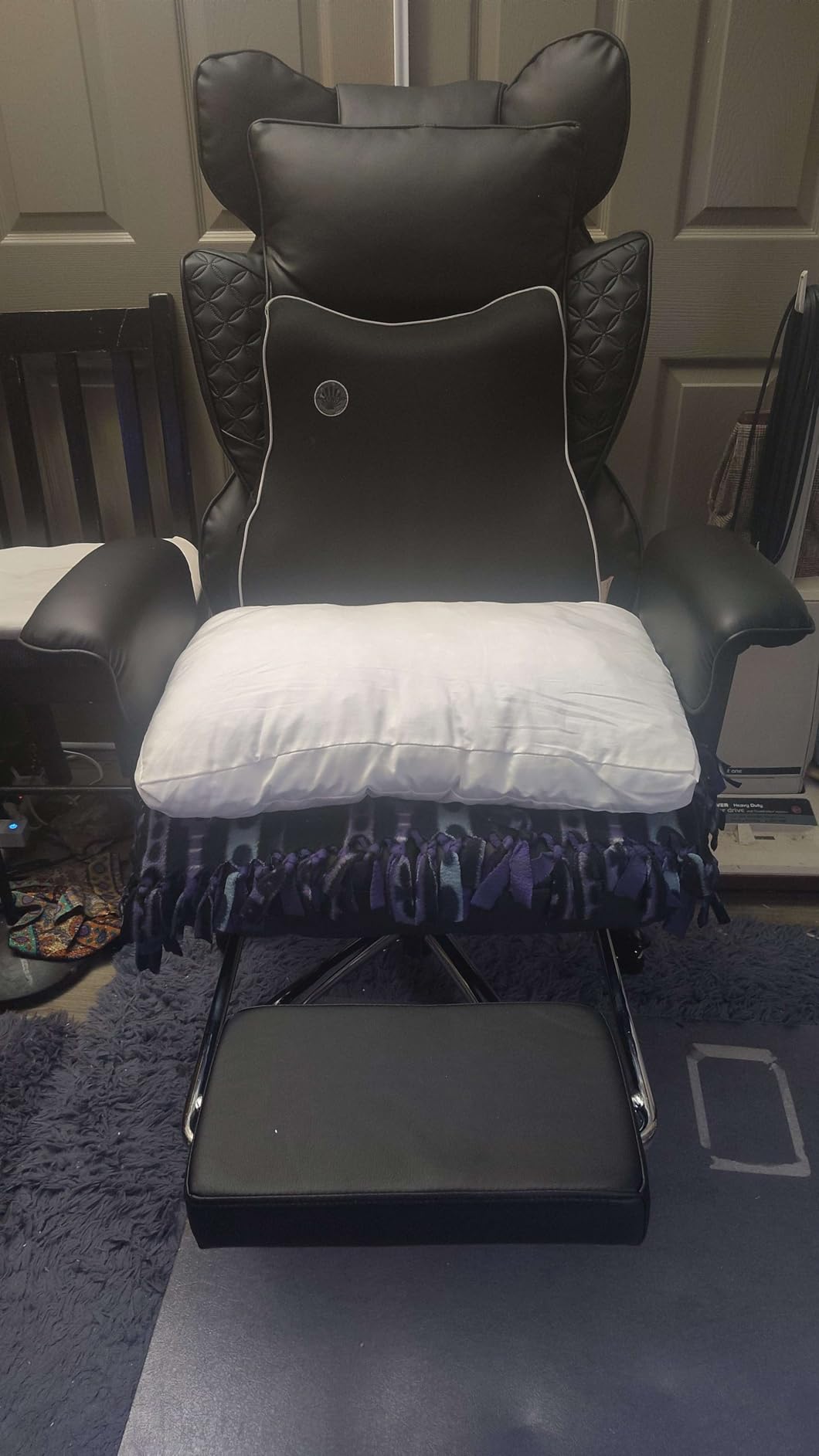
This is the chair I keep coming back to for anyone taller, heavier, or simply tired of their feet not reaching the floor. The 400 lb rating is not marketing decoration, the seat is 22 inches deep, and the backrest is 22 inches wide, so there is real room between your thighs.
The lumbar support is a pocket spring cushion built into the backrest rather than a loose pillow on a strap. That matters more than it sounds. A pillow that slides to the middle of your shoulder blades does nothing, while a spring panel stays against the base of your back.
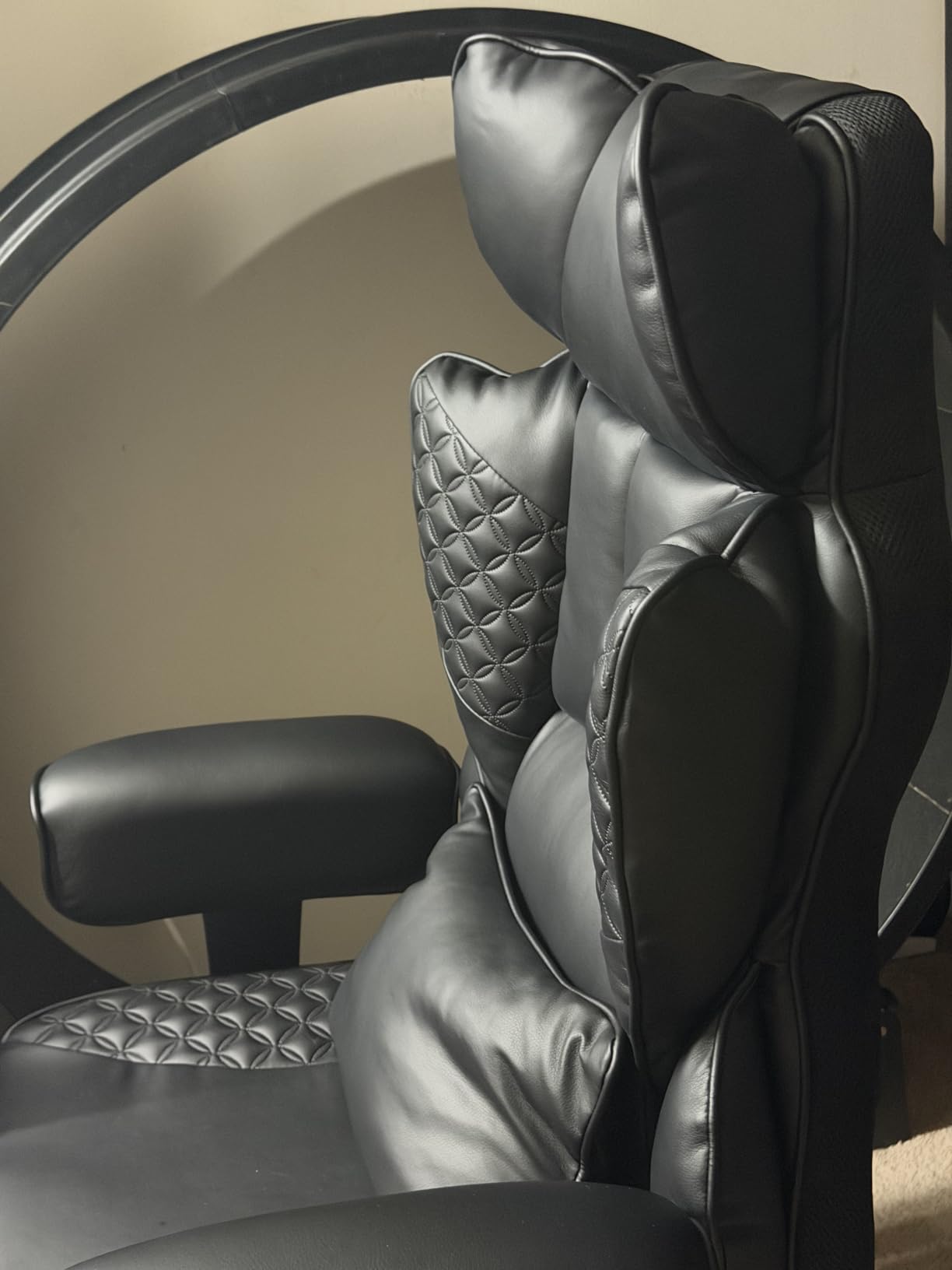
The recline runs from 90 to 150 degrees and does not tip forward when you lean back, which is unusual at this build level. With the footrest you get three real positions to move between, and moving is what actually keeps a back comfortable.
Owners single out assembly, with all parts labeled and spare bolts in the box. Reviewers also note the PU leather wipes clean easily, which is convenient but worth knowing before a long summer session.
Who This Chair Works Best For
This suits anyone who has sat in a standard gaming chair and felt their knees come up because the seat was too short. The 22 inch depth and 30 inch interior back height handle frames that most bucket seats compress. If you regularly drift into a reclined position, the recline plus footrest is the feature you will use most.
Where It Falls Short
The seat cushion is genuinely firm, and owners expecting a plush sofa seat often add a thin topper within the first week. The casters feel cheap and the headrest drifts out of position after repeated leaning. Neither affects back support, but you notice both within a year of daily use.
2. GTPLAYER Reclining Gaming Chair with Footrest – Budget Pick
GTPLAYER Gaming Chair with Footrest, Ergonomic Computer Game Desk Chair, Reclining Gamer Chair Seat Height Adjustment, Swivel Rocker with Headrest and Lumbar (Blue)
300 lb rating
Retractable footrest
3D adjustable armrests
21 inch seat depth
Pros
- Comfortable for far less than most gaming chairs
- Assembly often takes under 20 minutes
- Folding footrest works well under a desk
- Smooth nylon casters that will not scratch floors
Cons
- Runs small for anyone over 200 lbs
- Lumbar pillow slips out of position
- 3D armrests rotate away when pushed
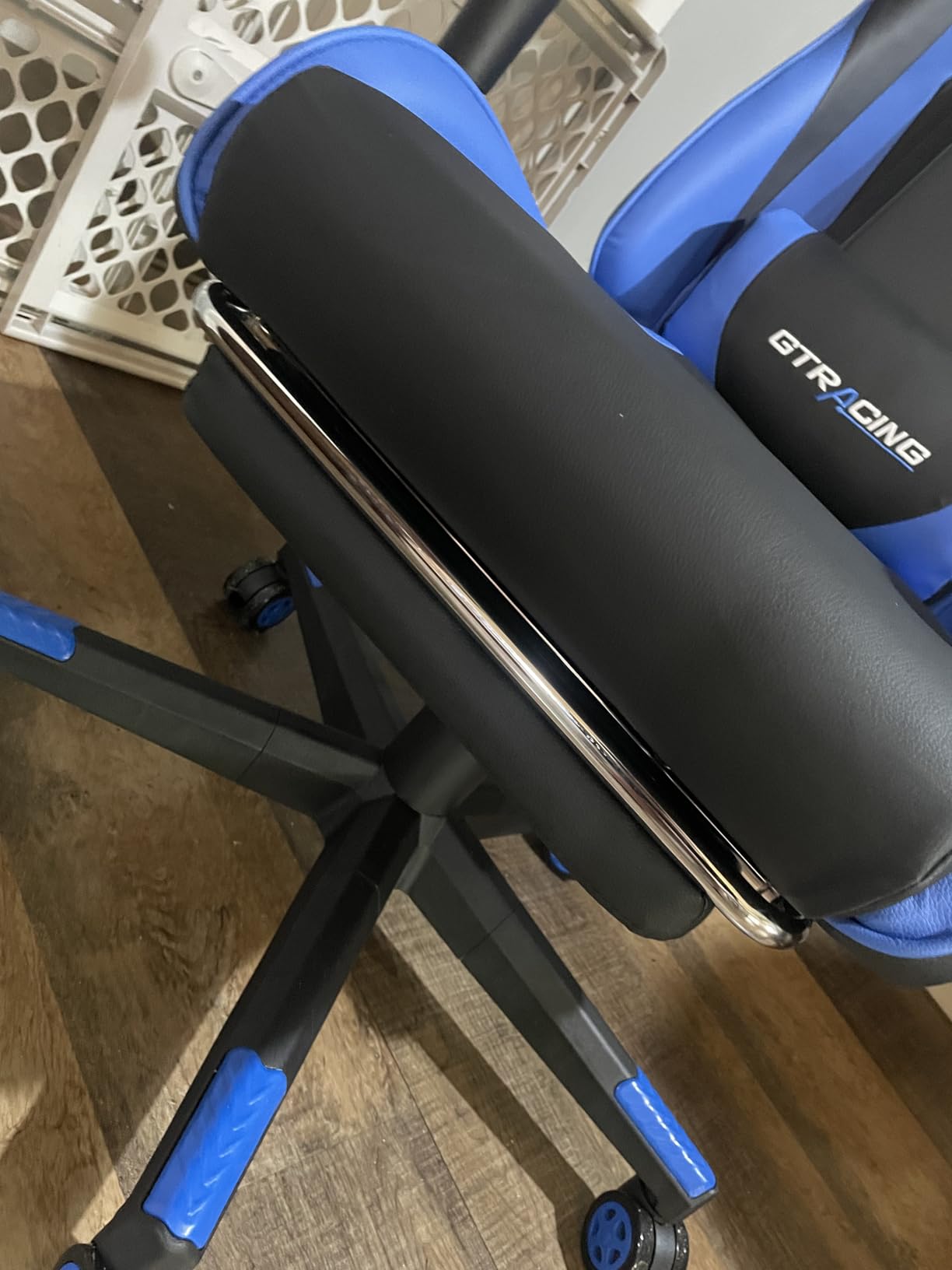
This is the chair to buy if budget is your first consideration and back support is your second. It is a recliner with a metal frame, a folding footrest and a lumbar cushion, and for the money it is hard to argue with on comfort.
The 360 degree swivel rocker base lets you lean the whole chair back rather than only the backrest, which spreads load differently than sitting fixed and upright. For someone at a computer 8 to 9 hours a day, that range of movement is the useful part.
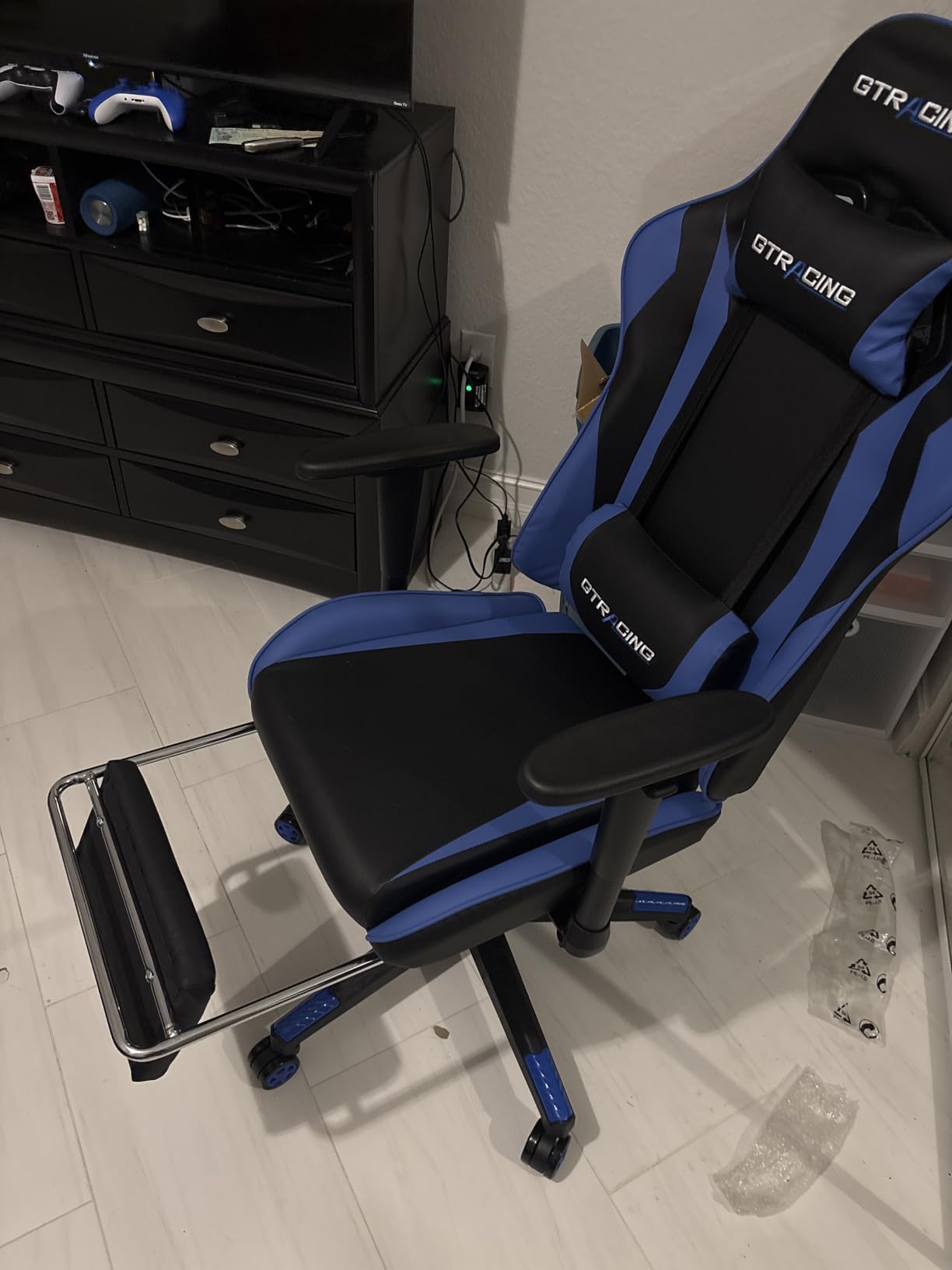
Reviewers frequently describe the lumbar pillow as giving noticeable relief during long remote work days, which is the exact use case we care about here. Assembly is quick, the parts are included, and at about 37.5 pounds the chair can realistically move between rooms.
Watch the sizing. With a 21 inch seat depth and a 300 lb rating, this is built for average frames, and heavier users report feeling crowded once settled in. The wing back holds your shoulders but stops you sitting cross-legged.
Who This Chair Works Best For
This suits students, remote workers and casual gamers who want a footrest and recline without spending serious money. Several owners used it as a stepping stone to a better chair once they understood how much seat depth and lumbar height mattered to their own body.
Where It Falls Short
The armrests are the weak point. They adjust in height, rotation and angle but rotate away under load, which feels unstable for shorter users resting their forearms while typing. Because the lumbar pillow is a separate cushion rather than an integrated system, it drifts during play, which matters if your pain is concentrated in the lower back.
3. GTPLAYER Pocket Spring Fabric Chair – Best for Hot Climates
GTPLAYER Gaming Chair, Computer Office Chair with Pocket Spring Cushion, Linkage Armrests and Footrest, High Back Ergonomic Computer Chair with Lumbar Support Task Chair with Footrest(Black)
Pocket spring seat cushion
Linkage auto-tracking armrests
Breathable quilted fabric
300 lb rating
Pros
- Independent pocket springs give a sofa-like seat
- Linkage armrests follow the backrest automatically
- Fabric upholstery moves far more air than leather
- One-piece molded core with no adhesives
Cons
- Lumbar support is less adjustable than dedicated systems
- Fabric finish will not suit people who want a leather feel
Heat is the quiet reason many back complaints get worse in summer, and this chair is built around that problem. The quilted fabric moves roughly twice as much air as leather, and the see-through butterfly embroidery backrest lets more through than a solid panel.
The seat uses independent pocket springs rather than one block of foam. Springs compress at each point of contact instead of dropping straight through, so the cushion supports your sit bones without the bottomed-out feel of thin foam after a few months.
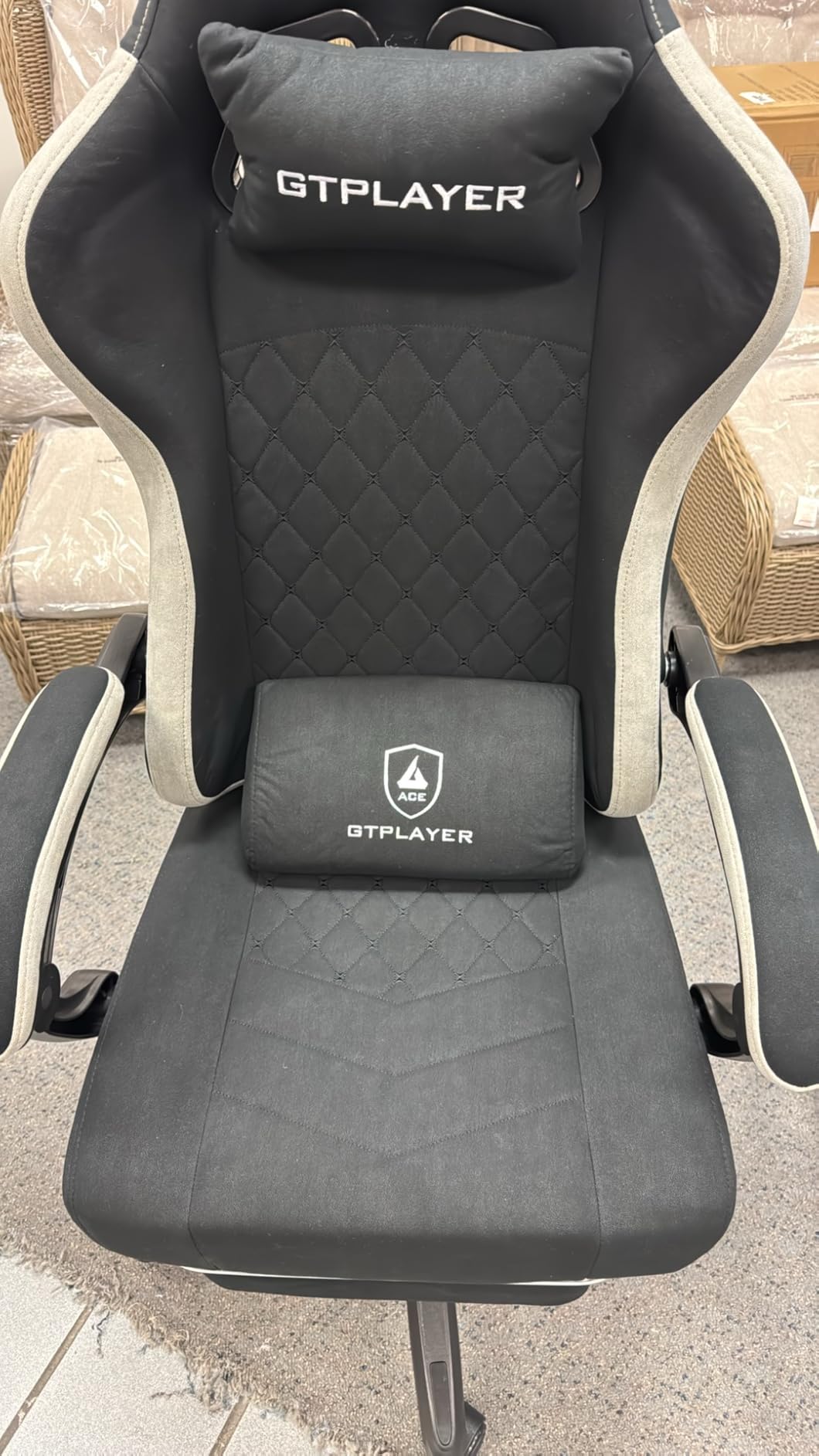
The linkage armrests are the sleeper feature. Linked mechanically to the backrest, they rise and angle themselves as you recline, so your elbows stay roughly level whether you are upright or pushed back. That removes a lot of the shoulder tension that sits alongside lower back pain.
Recline runs through three positions on a step-free mechanism, the retractable footrest tucks away when unused, and at 22 pounds this is one of the lighter chairs here. That matters in small rooms.
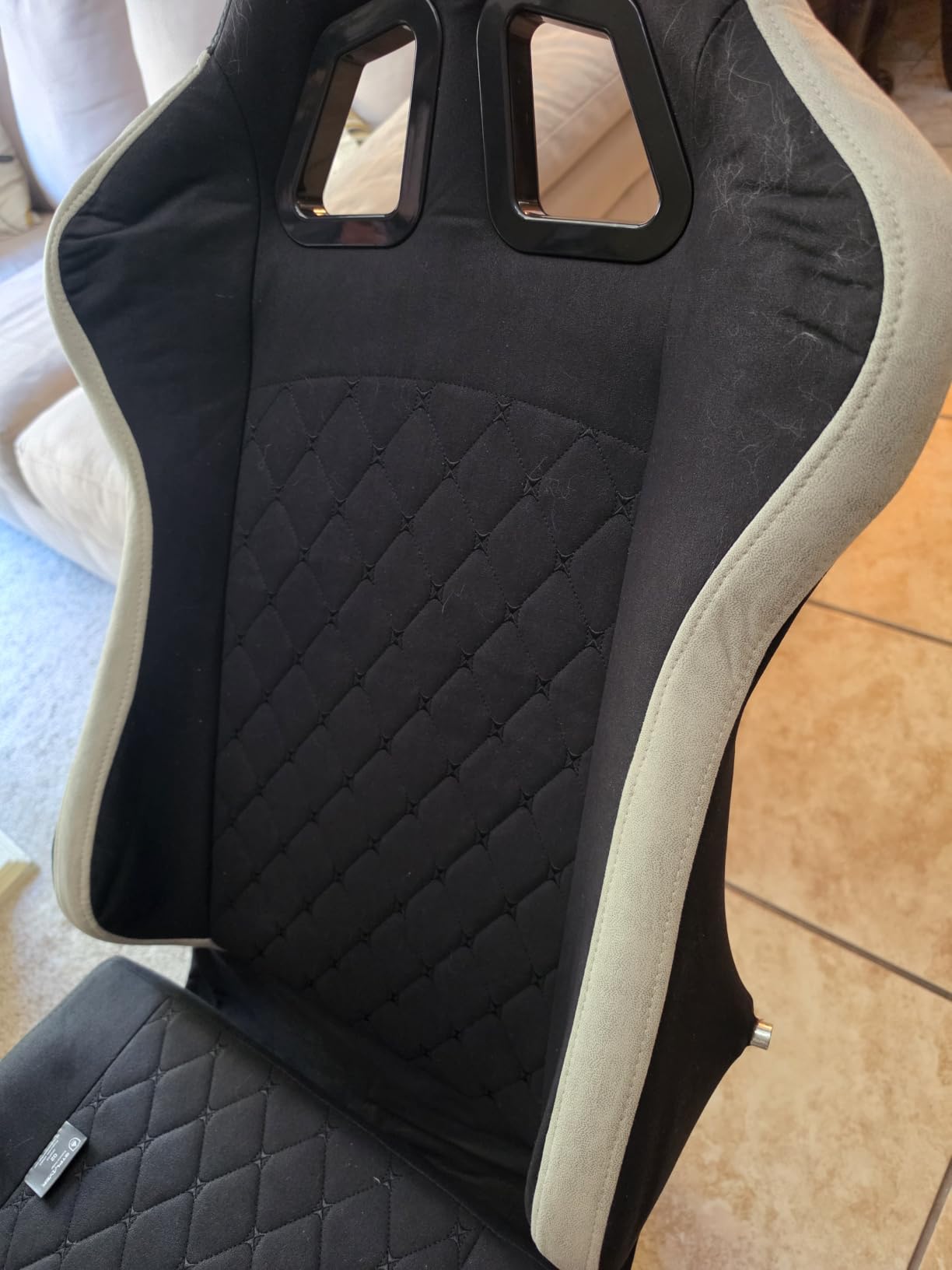
Who This Chair Works Best For
This suits anyone who runs hot, games in a warm room, or has peeled off a leather chair after a two hour session. Owners in warm climates single out the fabric as the reason they keep this chair rather than something more expensive, and the linkage armrests are genuinely useful if you type between matches.
Where It Falls Short
The lumbar support is a fixed panel rather than a height and depth adjustable system, so if your discomfort sits at a specific height you cannot fine-tune it. At a 300 lb capacity and 21.5 inch seat depth it also runs narrower than the big-and-tall options, which matters over 250 pounds.
4. N-GEN GAMING Chair with Footrest – Best for Daily Use
N-GEN GAMING Gaming Chair with Footrest, Lumbar, High-Back, All Black
Alloy steel frame
SGS certified gas lift
90-135 degree lockable recline
1 year warranty
Pros
- Lumbar and neck cushions ease pressure over long desk days
- Reclines and locks at any angle up to 135 degrees
- Linkage armrests are bolted to the frame so they stay put
- Setup usually takes 10 to 30 minutes
Cons
- Seat and back padding are thin and firm
- The lumbar pillow feels too thick for some bodies
- Footrest tubing flexes at its single mounting point
This is the chair we would trust most over a multi-year horizon. The frame is reinforced rust-resistant alloy steel rather than the plastic and particleboard cores that dominate cheaper gaming chairs, and the gas lift is SGS certified.
Back support comes from a lumbar cushion plus a neck pillow, and reviewers describe good results across 8 to 10 hour working days. The recline locks at any angle up to 135 degrees rather than only at set positions, which helps when you are trying to shift pressure around.
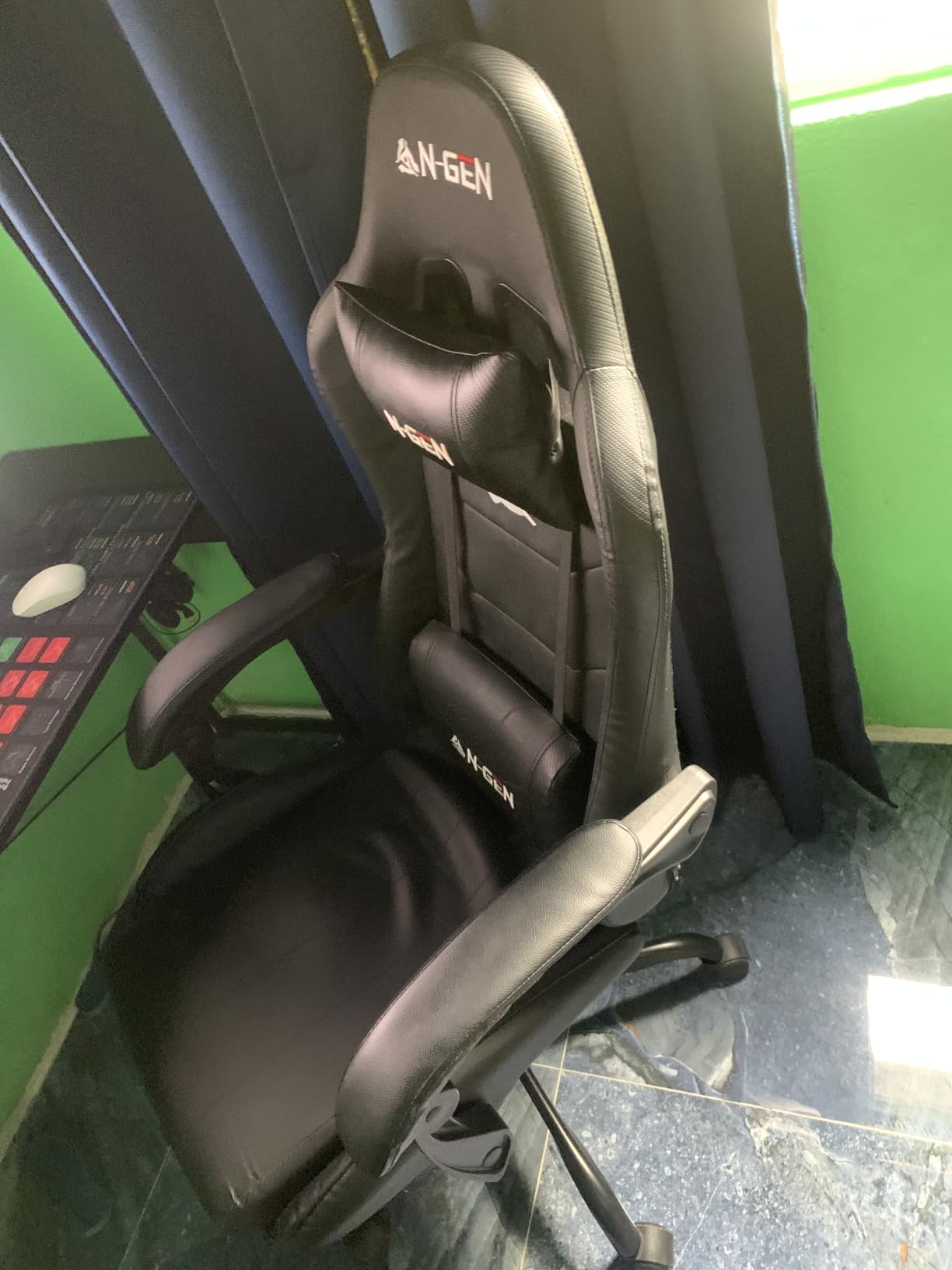
The armrests are the detail we like most. These linkage arms are bolted to the frame, so they move with the backrest and stay where you put them. Most armrest complaints at this price come from rotating pads that drift under load, and this design avoids the problem.
Assembly is straightforward with labeled screws and a setup code, and the base plate, casters, cushions, headrest and screw kit all ship in the box.
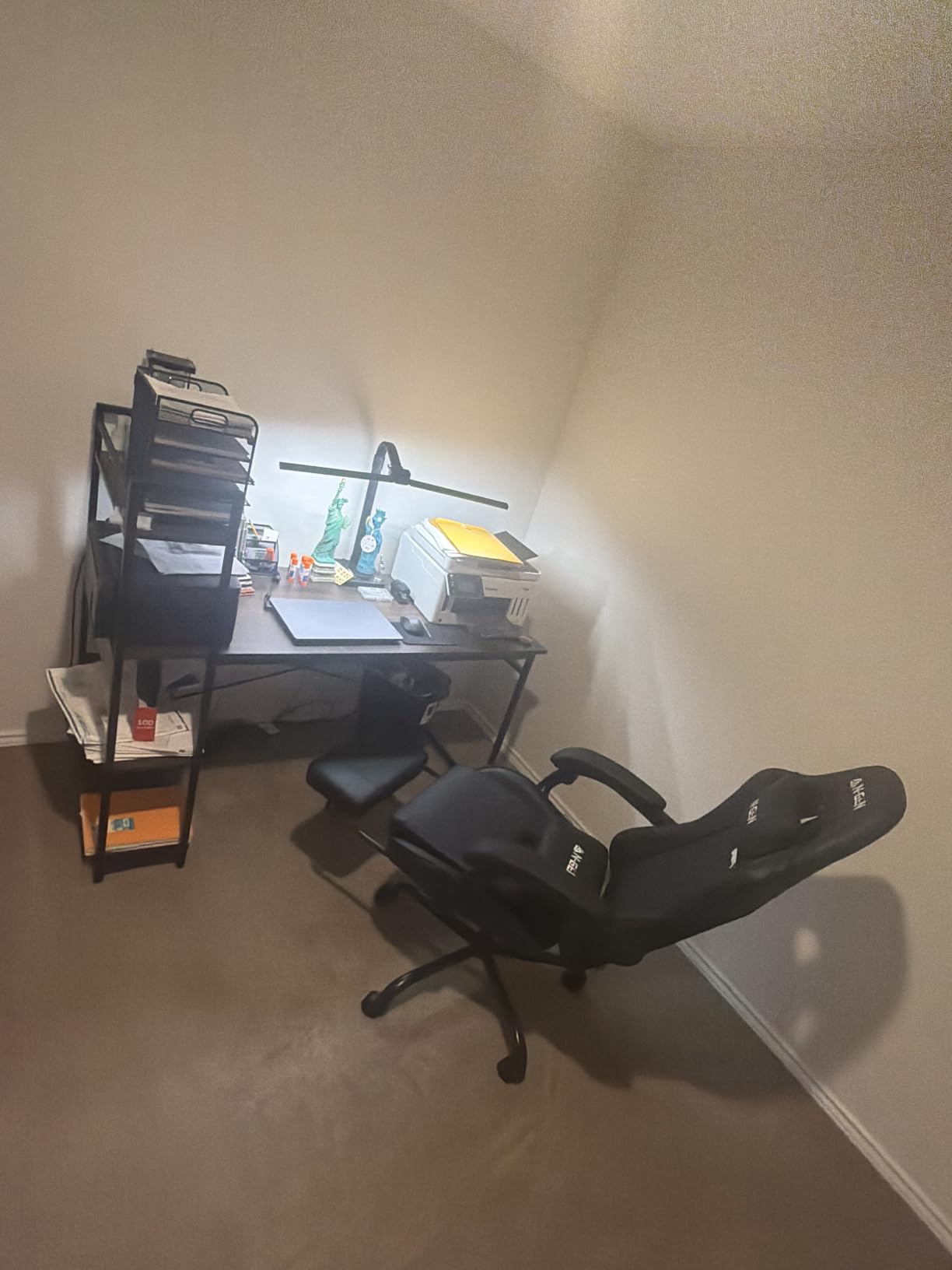
Who This Chair Works Best For
This suits anyone who wants to keep a chair for several years rather than replace it every 18 months. Real multi-year ownership reports matter more than any spec sheet, and the steel frame plus SGS gas lift is the most durable build in this group. It also solves armrest wobble for anyone who has had it before.
Where It Falls Short
The padding is thin and firm, and several buyers add a cushion within a few months. Long-session owners who like a firm seat keep it as is, so this is a preference rather than a defect. One durability note is worth repeating: some owners reported upholstery cracking after around 18 months of daily 40 hour use, though the frame held up.
5. COMHOMA Big and Tall Wide Office Chair – Best Wide Seat
COMHOMA Big and Tall Office Chair Heavy Duty Wide Ergonomic Gaming Chair with Deluxe Embossing Designed Leather with Foot Rest, 145°Reclining Adjustable Armrests Pocket Spring Back Support and Pillow
400 lb capacity
19.68 inch seat depth
145 degree recline with tilt
12 month warranty
Pros
- Extra-wide seat and backrest suit larger frames
- Built-in pocket spring back support with embroidered cushioning
- Height adjustable armrests and a tilt function
- All hardware and tools included for 20-30 minute assembly
Cons
- Padding is moderately firm rather than plush
- Handmade construction means minor cosmetic variation
If your previous problem was being squeezed, this is the fix. The seat runs 19.68 inches deep with a backrest over 21 inches wide, and the 400 lb rating is backed by a metal frame. It reads more like a wide recliner than a racing bucket seat.
Back support comes from built-in pocket springs under embroidered cushioning, so the support stays with the chair instead of sliding away when you shift. That reliability is the single biggest reason it earns a place here.
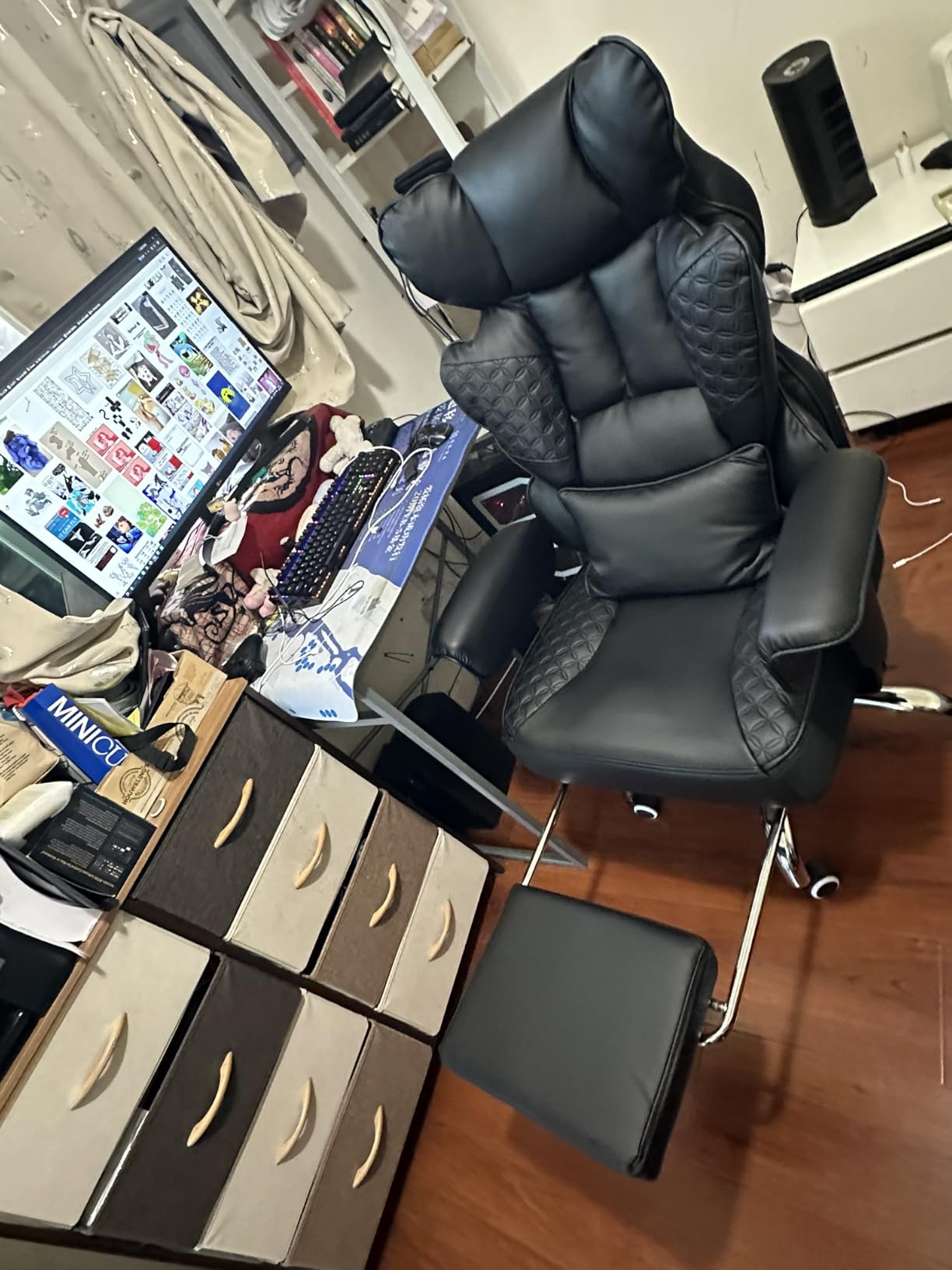
The recline reaches 145 degrees with a tilt function, the integrated footrest sits flush when retracted, and armrest height is adjustable, which matters because fixed armrests are the usual reason people cannot get close to a desk.
Assembly runs 20 to 30 minutes with all hardware included, and there is a 12-month manufacturer warranty. Owners describe the seat as moderately firm rather than plush, which is how it keeps its shape over a full day.
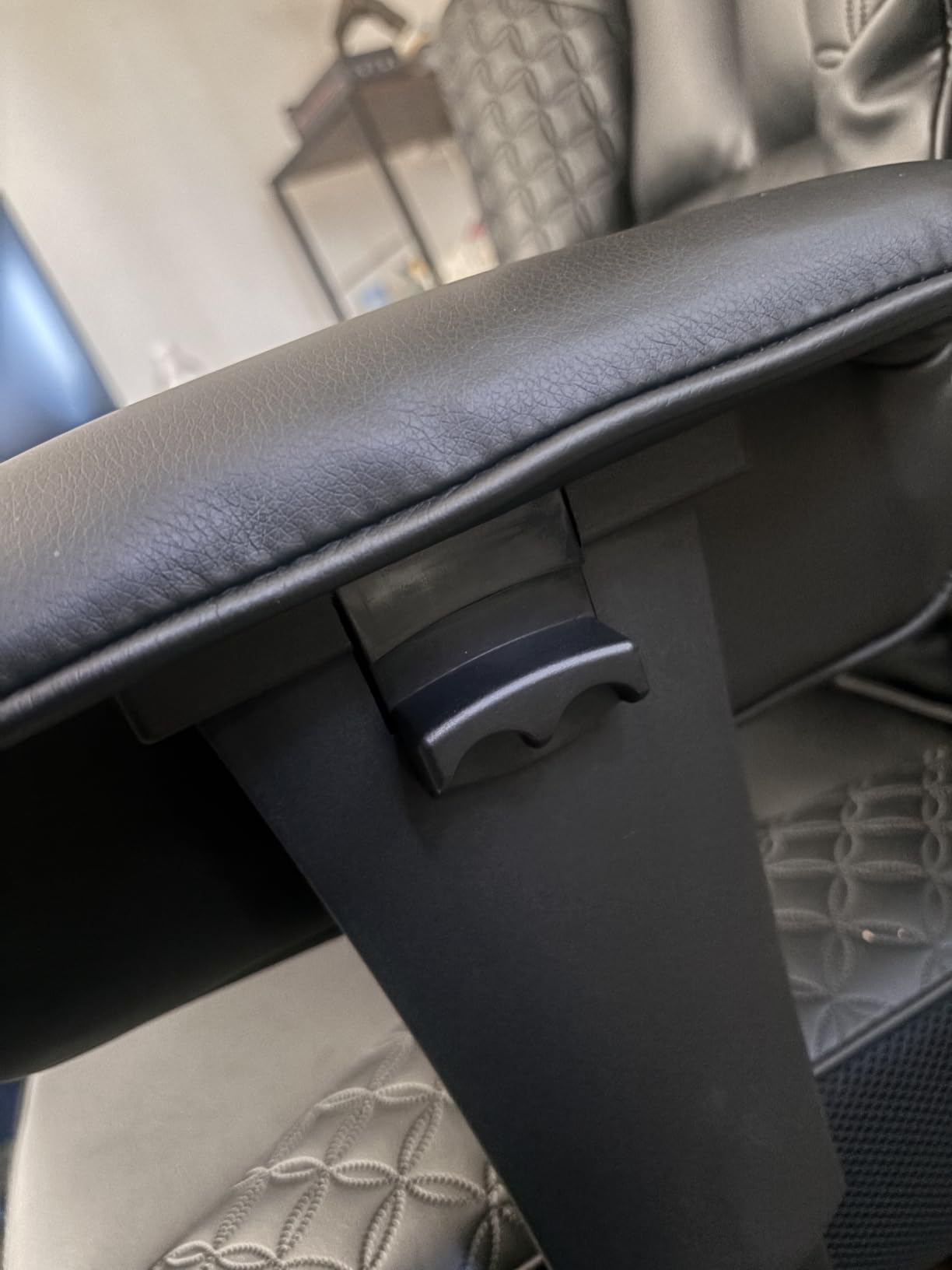
Who This Chair Works Best For
This is built for larger frames who feel pressure on the hips and tailbone in narrower racing seats. Bucket seats concentrate load on the sit bones and sacroiliac joint, and the wide flat seat pan here spreads that load over a larger area. It is also a good one-chair answer for gaming plus working from home.
Where It Falls Short
If you want a very soft, plush seat this will feel firm, since the padding is moderate rather than deep, a deliberate trade for daily durability. Each chair is handmade so cosmetic variation is expected, and at 44 pounds it should be a planned two-person move.
6. Yaheetech Gaming Chair with Massage Lumbar Pillow – Top Rated
Yaheetech Gaming Chair with Footrest Massage Lumbar Pillow Black and White
USB powered massage lumbar pillow
Retractable cushioned footrest
19 to 22.6 inch seat height
Lockable 90-135 degree recline
Pros
- Massage lumbar cushion that eases an aching lower back
- Fits neck and lower back with a broad winged backrest
- Height range covers 19 to 22.6 inches
- Reinforced metal and wood frame with high-resilience foam
Cons
- Minimum seat height still leaves short users feet off the floor
- Lumbar pillow presses uncomfortably for smaller sitters
- Armrests cannot be removed and clash with a keyboard tray
Among the cheaper chairs here, this is the one owners most often credit with helping their back. The Yaheetech USB massage lumbar pillow comes up repeatedly in gaming chair forums as a budget option people say made a difference to lower back pain.
The massage function runs from USB and provides rhythmic vibration rather than kneading rollers, so treat it as a comfort feature that encourages you to move rather than as a treatment.
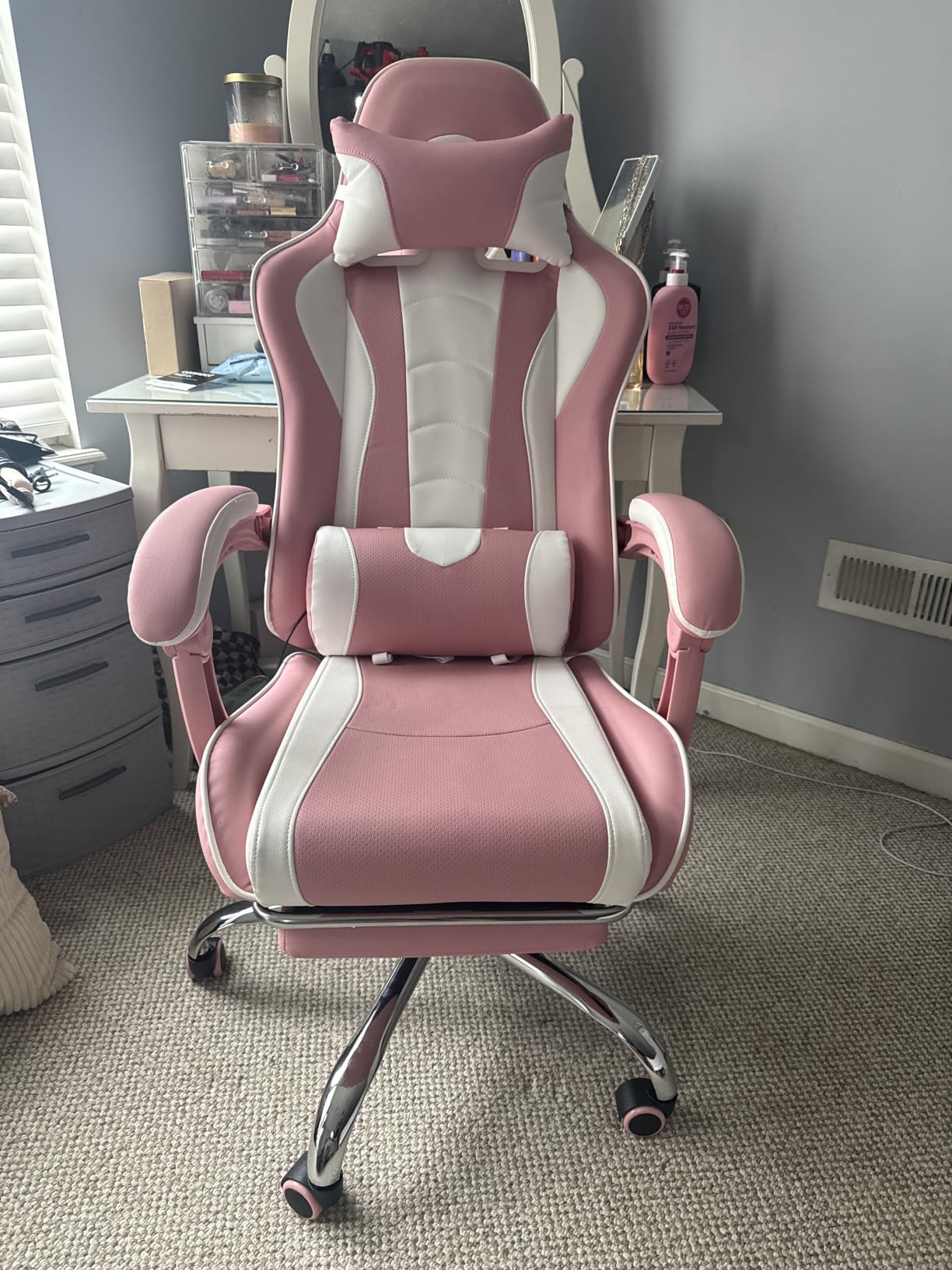
The recline locks through 90 to 135 degrees, seat height runs 19 to 22.6 inches, and the retractable footrest works even with a desk in the way. Linkage armrests and a 360 degree swivel base handle the usual adjustments, and ventilated faux leather with high-resilience foam stays comfortable over long sessions.
At a 4.6 average rating this has the highest rating of any chair we included. Capacity is 300 pounds and assembly is simple with a good included Allen wrench.
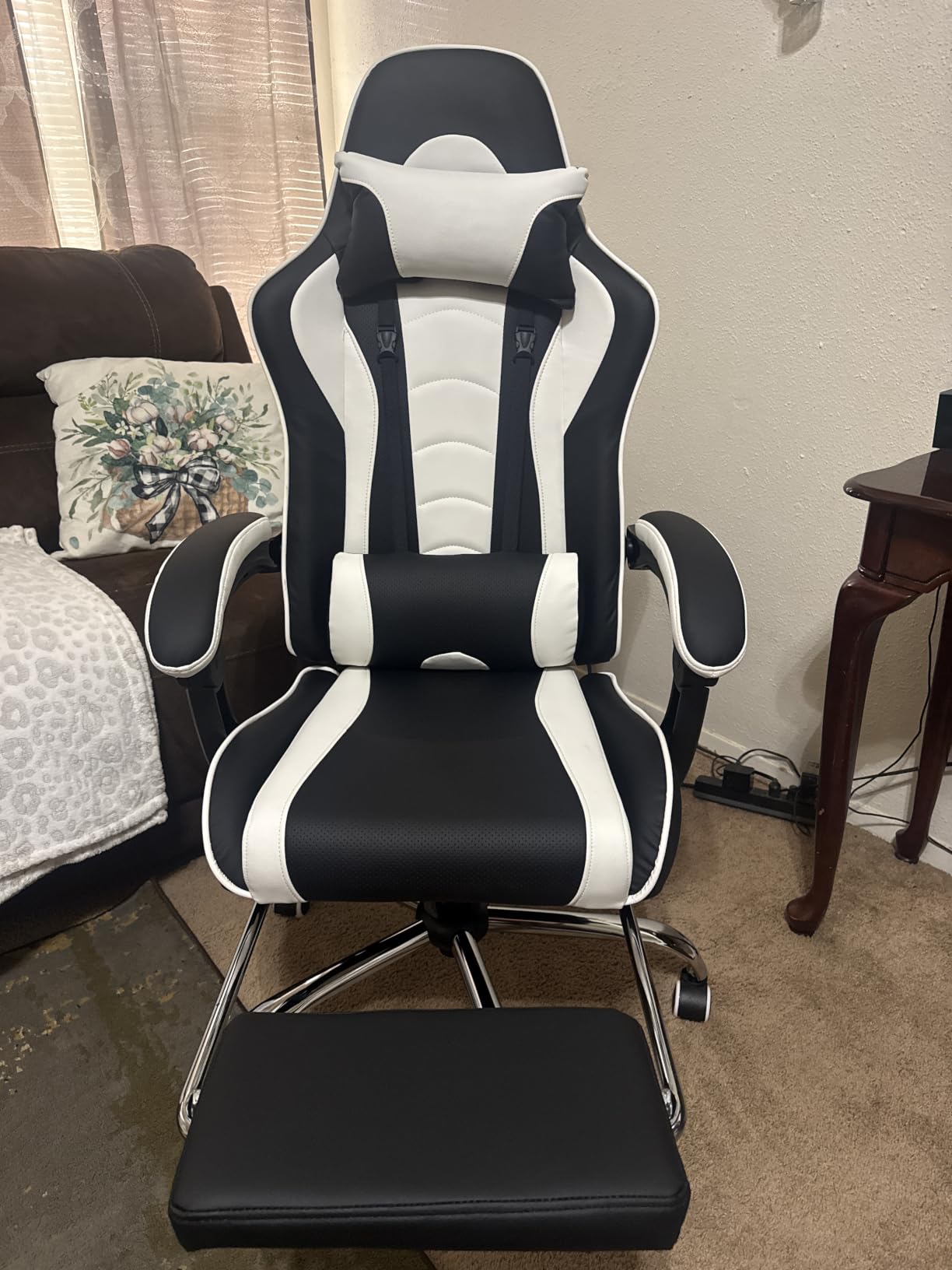
Who This Chair Works Best For
This suits anyone on a limited budget who wants targeted lumbar support rather than a decorative pillow. If back discomfort is why you are shopping, the adjustable massage cushion gives you something to tune and reposition through the day, and the footrest and recline come as standard rather than as add-ons.
Where It Falls Short
Fit is the clear limitation. The minimum seat height still leaves shorter users feet off the floor, and the lumbar pillow is large enough to press uncomfortably for people around five foot three to five foot five, so check the dimensions if you are under five foot five. Armrests cannot be removed, which clashes with a keyboard tray, and some owners report a creaky frame.
7. ELABEST X100 Ergonomic Mesh Chair – Best Adjustable Lumbar Support
ELABEST X100 Ergonomic Mesh Office Chair with Footrest, Big and Tall Hone Desk Chair with 5D Flip-Up Arms, Adjustable 3D Lumbar Support,Gaming & Executive Computer Chairs
3D synchro-tilt lumbar support
5D flip-up armrests
Adjustable 3D headrest
Mesh back and seat, 300 lb rating
Pros
- Lumbar adjusts in depth height and 15 degrees of rotation
- Flip-up armrests let the chair tuck under a desk
- Dual AirMesh runs cooler over 8 hour days
- 18 inch footrest with two position angle adjustment
Cons
- Mesh seat edges are firm and can dig into the back of the knees
- Footrest can feel stiff on first use
- Headrest needs more vertical extension for taller users
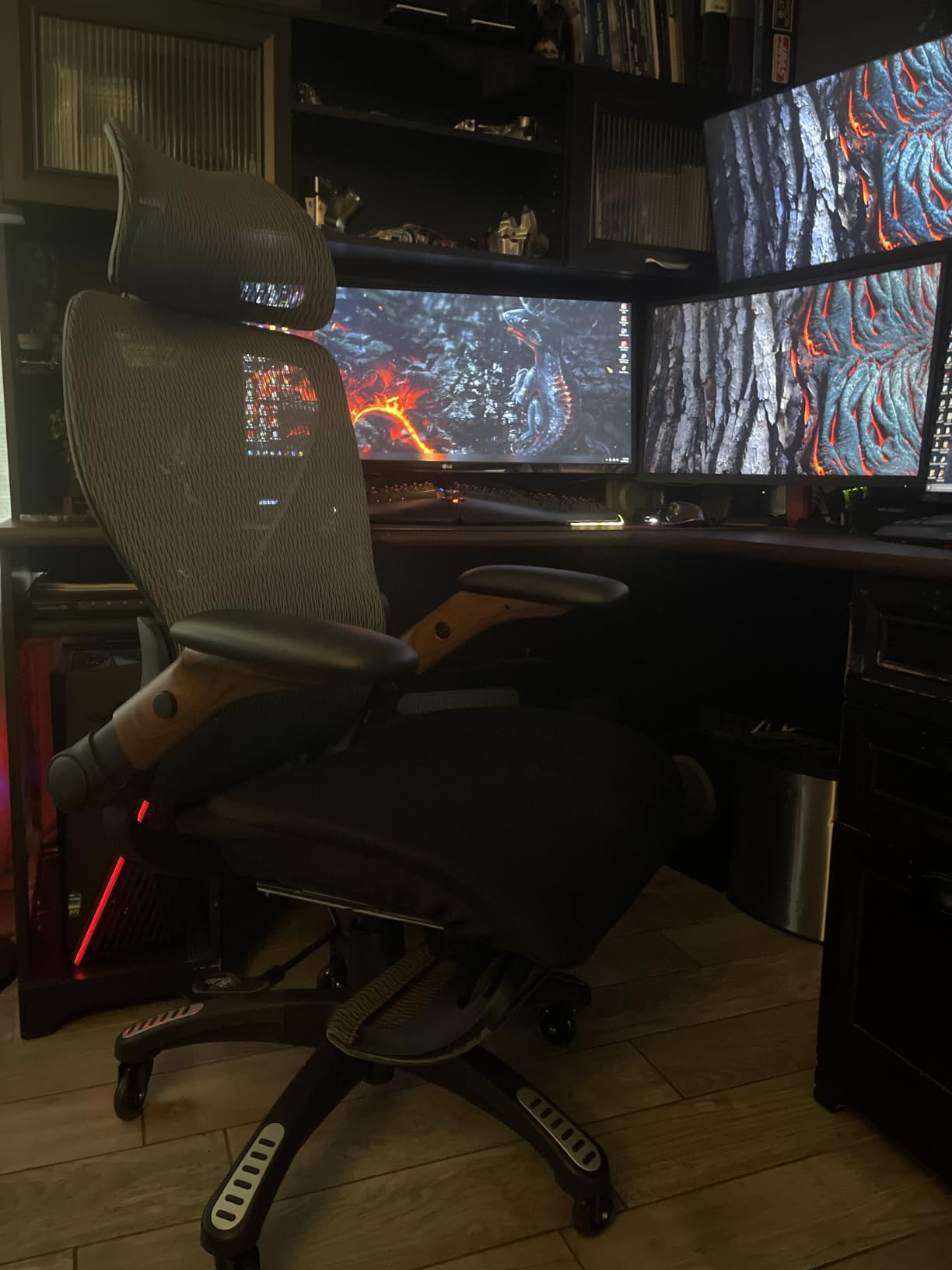
This has the most technically adjustable lumbar system in the guide. The support adjusts in depth, in height and through 15 degrees of rotation on a synchro-tilt frame, so it follows the curve of your back rather than pushing from one fixed point. Multiple owners report chronic lower back pain improving within days of switching.
The armrests are 5D and flip up, which is why this fits under a desk at all, and the headrest is a 3D AirFloat unit with 28cm of adjustment.
The Dual-Stripe AirMesh back and seat are rated at 38% better airflow than standard mesh, and reviewers single out the absence of squeaking and the quiet wheels. Assembly is tool free at about 15 minutes, and the structure is BIFMA certified to 300 pounds on a Grade-4 central column.
There is a footrest, unusual on a mesh task chair, extending 18 inches with two position angle adjustment. This is the most office-chair-like product in the roundup, which is exactly why it works for people who game and work from the same seat.
Who This Chair Works Best For
This suits anyone whose pain sits at a specific height and who has found fixed lumbar pillows frustrating, since changing depth and rotation means finding the exact contact point instead of guessing. It also suits work-dominant users, small spaces where flip-up armrests matter, and anyone who runs hot.
Where It Falls Short
The mesh seat edge is firm and can press behind the knees if you sit for a long time. Swapping in a cushion fixes comfort but removes the footrest, so you choose between the two. Some versions mount armrests to the backrest, which limits their height range and can make the chair lean, and headrest extension is short for taller users, so check the exact variant.
8. Razer Iskur V2 X Ergonomic Gaming Chair – Best Deep Recline
Razer Iskur V2 X Ergonomic Gaming Chair, Black
Built-in lumbar arch
Widened seat base
152 degree recline
299 lb rating
Pros
- Integrated lumbar arch holds the lower back in a neutral curve
- Reduced seat edges spread pressure instead of concentrating it
- Contoured high-density foam that moulds over time
- Plush multi-layer fabric that stays cool to the touch
Cons
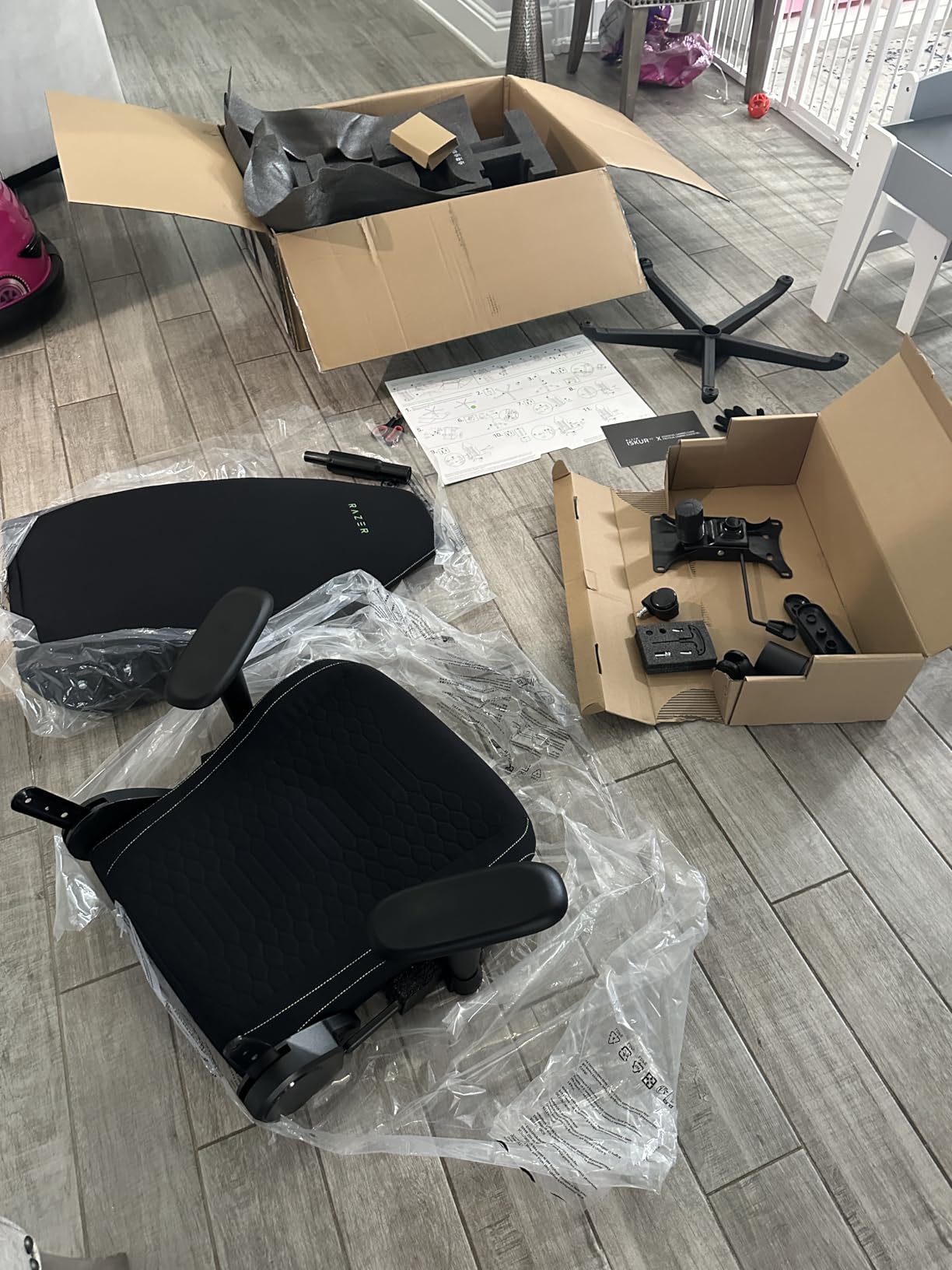
- Weighs over 50 pounds so it is a two person move
- Lumbar arch is sculpted into the frame rather than adjustable
The Iskur V2 X takes a different approach. The lumbar system is an arch moulded into the backrest rather than a part you move, and the widened seat base has deliberately reduced edges so your weight settles toward the center instead of sliding off to the sides.
That combination targets pressure distribution, an underrated part of back comfort. If your discomfort comes from pressure at the back of your thighs rather than from your spine, seat shaping matters more than lumbar ever will.
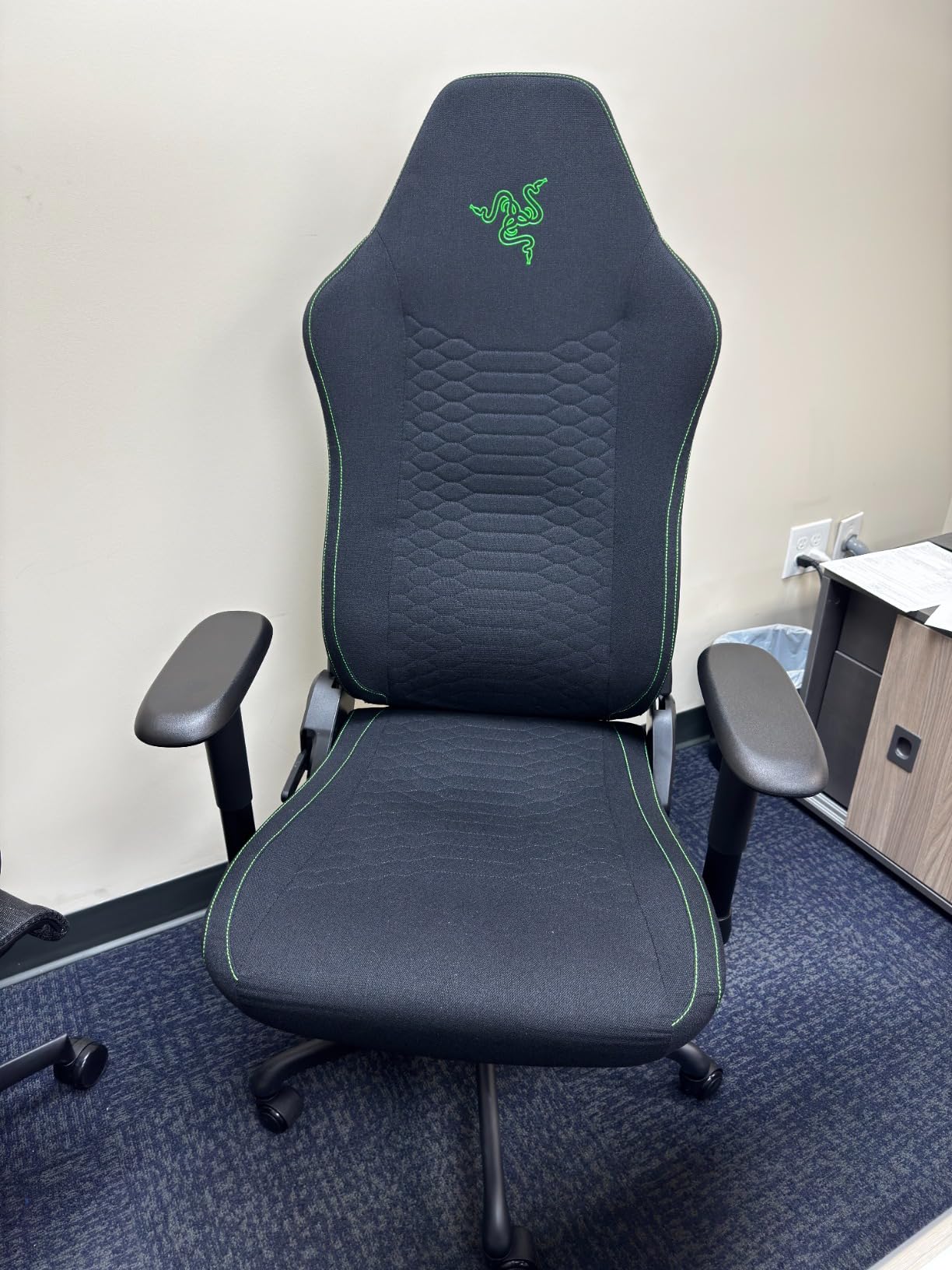
The recline goes to 152 degrees, deeper than anything else here, and the contour is continuous rather than stepped. Contoured high-density foam moulds to your body over the first few weeks, and the plush multi-layer fabric stays cool to the touch longer than leather does.
Armrests are 2D, adjusting in height and rotating inward or outward, which narrows the gap on a small desk. The feedback here rests on a smaller number of reviews than the other picks, so treat it as newer and less thoroughly sampled.
Who This Chair Works Best For
This suits anyone whose back pain is pressure-driven rather than posture-driven, particularly if you feel it at the back of your thighs after sitting. It also works for people who like to recline properly, since at 152 degrees the chair functions as a lounging position for console gaming or watching.
Where It Falls Short
The lumbar arch is fixed, so if your pain sits above or below where the arch lands, no amount of repositioning will fix it, and this is the least accommodating lumbar design in the guide. At over 50 pounds it is the heaviest unit here and should be a two-person move, and the 18.9 inch seat depth can feel cramped for taller users.
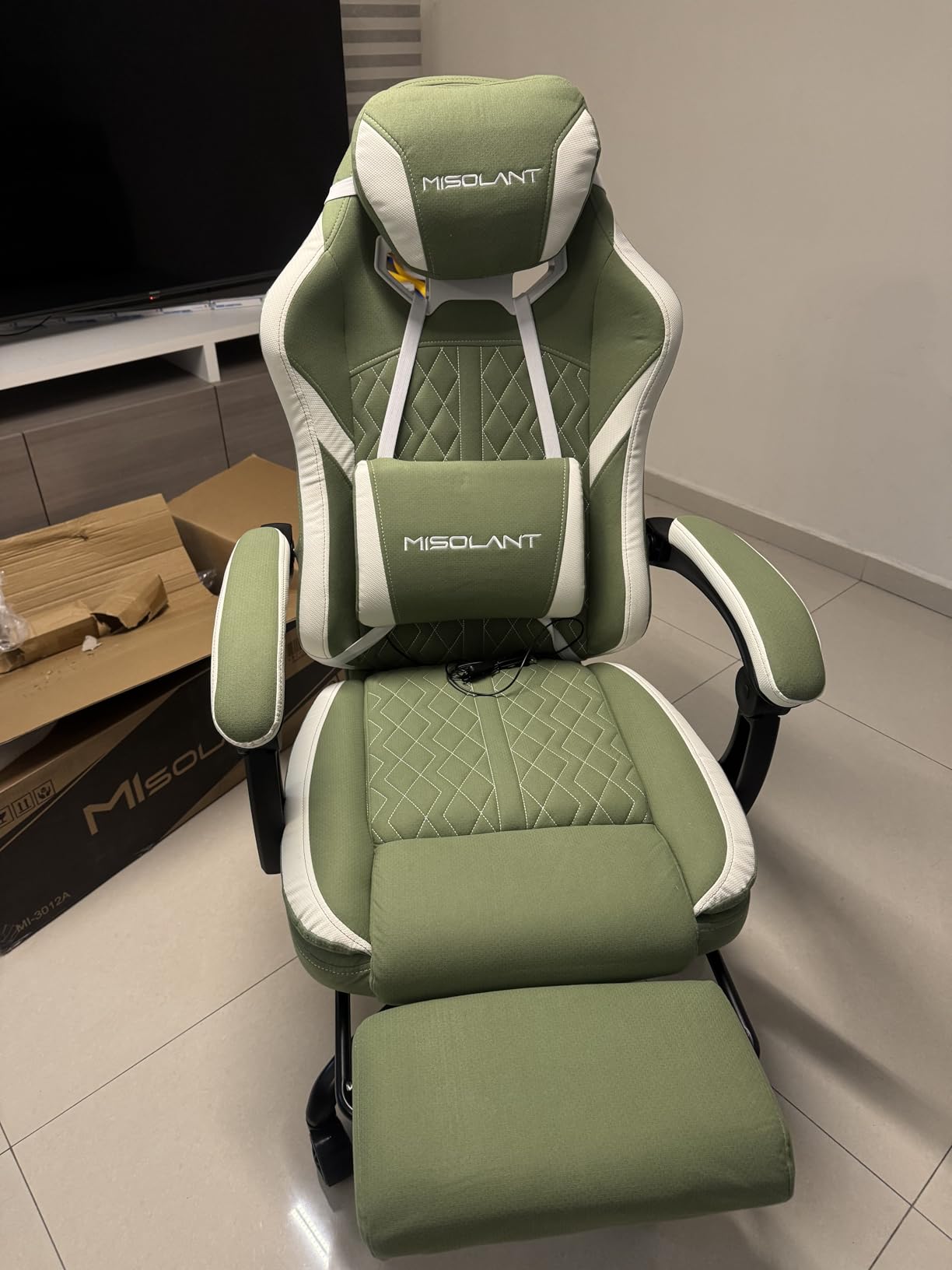
9. Misolant Fabric Gaming Chair with Footrest – Best Soft Fabric Seat
Misolant Gaming Chair, Fabric Gamer Chair with footrest for Adults, High Back Ergonomic Computer Game Chair with Adjustable Headrest and Massage Lumbar Support, 90-155° Recline Free, Green
Spring and memory foam seat
Massage lumbar with height adjustment
90-155 degree recline
BIFMA tested and SGS certified
Pros
- High elastic spring plus memory foam cushion feels like a sofa
- Lumbar pillow height adjusts to your back
- Head pillow slides to the position you want
- Seven lockable recline positions up to 155 degrees
Cons
- Weighs about 46 pounds so it is not portable
- Firm side bolsters do not suit cross-legged sitting
The seat is the selling point. A high elastic spring core wrapped in memory foam gives a sofa-soft landing that spreads weight over a wider area, reducing the concentrated pressure on your sit bones and hips that firmer task seating produces.
The lumbar support is a massage pillow with adjustable height, so you can move it along the backrest to match your own height, and the head pillow slides too, which matters when your neck has been locked forward for three hours.
Seven lockable recline positions from 90 to 155 degrees give you more places to change position than most chairs at any price. The fabric has higher air permeability than leather, and the casters are described as noise free and non-scratching.
Construction is BIFMA tested and SGS certified with a 1 year quality guarantee, and assembly takes about half an hour. This has a smaller review base than the picks above, so the long term picture is less well documented.
Who This Chair Works Best For
This suits anyone who finds foam chairs too hard, or who sits on hard surfaces for long stretches and wants something that feels like a couch. The soft cushioning and wide recline range make it a good chair for reading and long evening sessions, and the fabric breathes better than PU leather in warm rooms.
Where It Falls Short
The high back and frame weigh about 46 pounds, making this the least portable chair here, so decide where it will live before it arrives. Firm side bolsters also make it a poor choice if you sit cross-legged, and that flexibility matters for anyone whose discomfort comes from staying still.
10. Dowinx Heated Massage Lumbar Gaming Chair – Best Heated Lumbar Support
Dowinx Gaming Chair with Heated Massage Lumbar Support,Big and Tall Fabric Gaming Chairs for Adults with Footrest, Ergonomic Computer Game Chair with Poket Spring Cushions, 350lbs, Black
Heated massage lumbar cushion
Pocket spring and coil cushions
350 lb rating
Extendable footrest
Pros
- Heated massage cushion with adjustable warmth and kneading
- Reversible padding switches between plush and massage surfaces
- Open base gives larger users room to stretch
- Cooling ventilated textile seat for long sessions
Cons
- Heavy coil based build is not easy to move
- Powered lumbar cushion needs a free outlet nearby
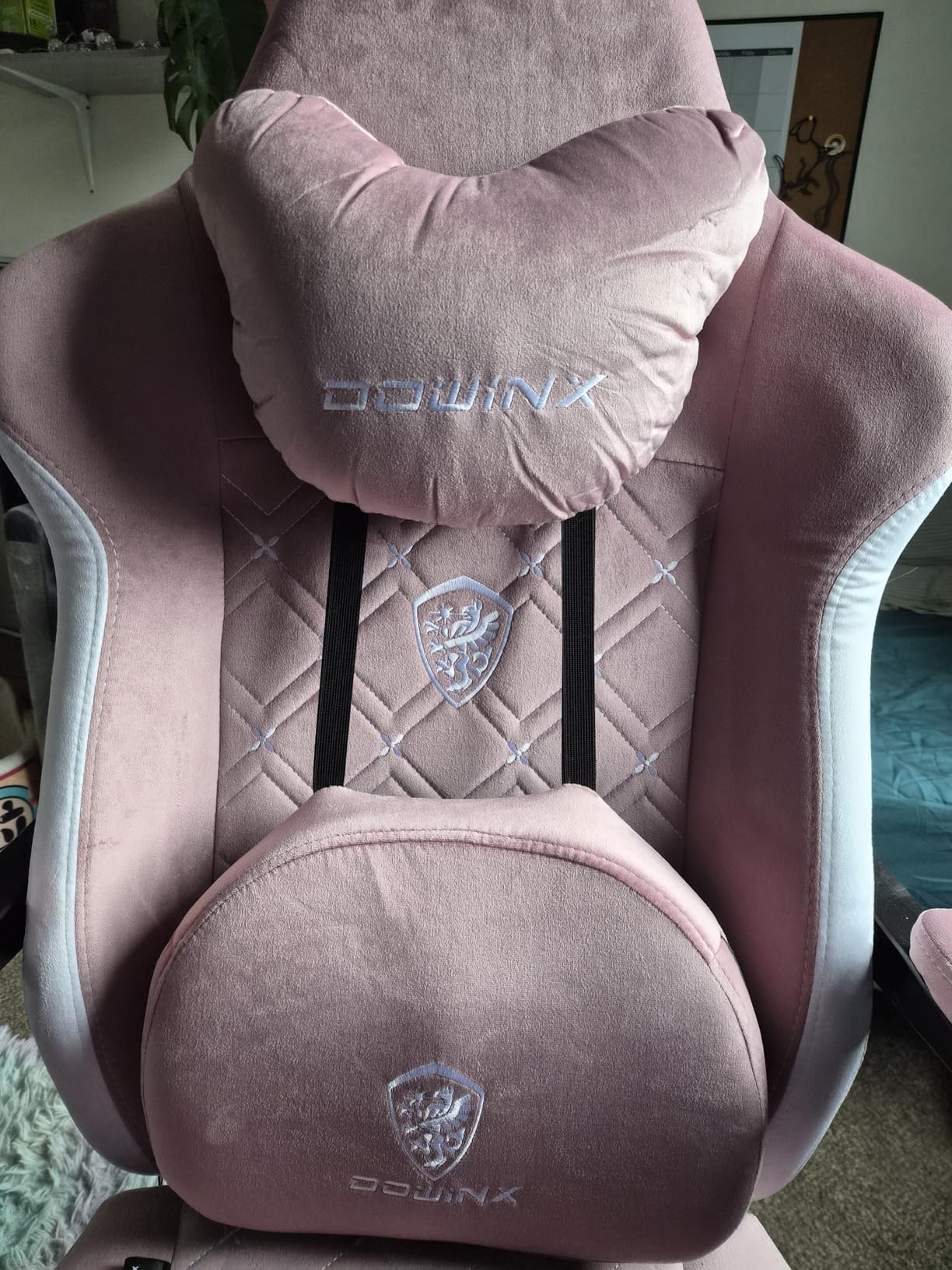
This is the only chair here with a heated lumbar cushion. It simulates fingertip pressure with rhythmic kneading and adjustable warmth, and the padding is reversible so you can flip between a plush surface and the massage surface depending on the hour.
The build is sturdier than the price band suggests. Pocket spring and coil cushion technology adapts as you move rather than letting you sink into a flat block, and the reinforced metal foundation with an FSC-certified wood frame is rated to 350 pounds.
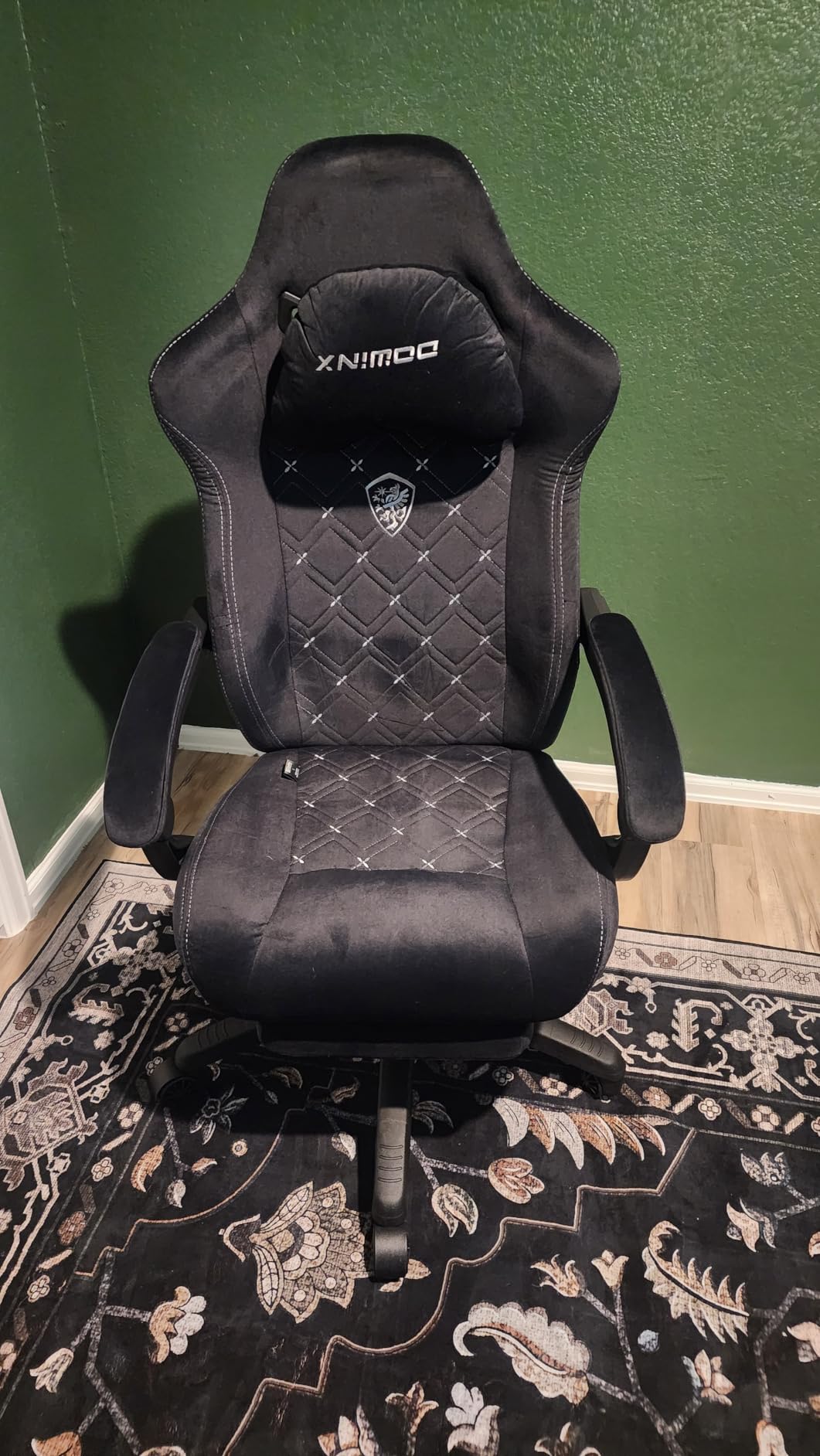
The open base is worth explaining, because it is the opposite of a racing bucket seat. With no bulky side panels, bigger users can spread their legs and change position without fighting the chair, and owners with larger frames consistently call this out as the reason it works for them.
There is an extendable footrest, a tilting backrest reaching 155 degrees with synchronized arms, adjustable seat height and a 360 degree swivel, while the cooling ventilated textile keeps the seat usable in warm rooms.
Who This Chair Works Best For
This suits anyone who wants warmth and vibration on their lower back during long winter sessions, and who likes the massage effect enough to keep a powered cushion plugged in. Owners write about this feature more than any other aspect of the chair, and the open design also makes it a good fit for larger users who find side panels restrictive.
Where It Falls Short
The coil-based build is heavy and not easy to relocate, so treat this as a one-place chair. It is also the only product here with a wired powered lumbar cushion, meaning a cable to route and a socket within reach of your desk. Reviewers also note the massage is a comfort aid rather than a solution, and comfort features do not change how long you can sit still.
How Lumbar Support Actually Eases Lower Back Strain
Here is the mechanical version. When your hips sit lower than your shoulders, which happens in almost every desk chair, the lower spine flexes forward. That loads the discs and facet joints unevenly and keeps the muscles around your lower back working continuously to hold you up rather than resting.
Lumbar support pushes forward at the base of your spine, filling the gap your body naturally leaves there. That returns you toward a neutral curve and spreads load across the whole back instead of concentrating it in one spot, which is why an adjustable lumbar beats a fixed foam block and why position matters more than thickness.
More importantly, it lets you move. Most sitting discomfort comes from staying in one position for hours rather than from any single posture, so a chair with usable lumbar adjustment and a real recline gives you somewhere to go every time you start stiffening.
Where Lumbar Support Should Sit on Your Back
It goes at the top of your pelvis and the base of your spine, roughly the small of your back where the curve is deepest, not halfway up your shoulder blades. This is the most common setup mistake, and it is why people try a chair with lumbar support and end up with more discomfort than they started with.
Sit back into the chair, set the lumbar height so the contact point sits in that lower curve, then use depth or rotation adjustment until the pressure feels spread rather than concentrated on one spot. Recheck every hour or two, because you drift forward as you concentrate. If your support is a loose pillow, expect to reposition it constantly.
Gaming Chair vs Ergonomic Office Chair for Back Pain
For pure upright support an ergonomic office chair usually wins. Task chairs are built to hold you vertical with independent lumbar, seat depth and tension control, and buyers moving from a gaming chair to a task chair regularly report their back pain improving.
Gaming chairs win elsewhere. They recline further, many include a footrest, and their wings hold you in place during a session where you would otherwise slide around. There is also a hybrid path, and it is the one we would take for a work-dominant setup: a mesh task chair with strong adjustable lumbar handles eight hours of typing better than any racing chair, then handles evening gaming well enough.
Mesh, Foam or Faux Leather: What Works for Long Sessions
Mesh wins on heat. It dissipates heat instead of trapping it, which owners repeatedly credit for longer comfortable sessions in warm rooms, and it does not degrade when sweat gets into the cushion.
Firm foam wins on feel and shape retention. High-density foam holds its contour for years, while low-density foam flattens and stops supporting you, which is where a lot of budget chair discomfort comes from. Faux leather sits between the two: it wipes clean but warms up during long sessions and can crack over a couple of years of daily use.
Size and Fit: Matching the Chair to Your Height and Weight
Weight rating is the first filter. Anything rated to 300 pounds covers most people, while frames over 300 pounds, like the GTPLAYER Big and Tall and COMHOMA wide models, are the ones to look at if you are heavier or taller.
Seat depth is the second. You want two to three inches of clearance behind your knees with the backrest in place, and the Yaheetech shows why this matters, since even its lowest setting leaves shorter users feet off the floor. Seat height is the third and the one buyers underestimate most, so check the manufacturer minimum against your inseam before you commit.
Who Should Skip a Gaming Chair
If you already own a decent ergonomic office chair, a gaming chair is a downgrade for desk work. Many people asking about back pain in gaming forums already have a workable task chair, and the answer for them is to adjust what they have.
If you have an active disc injury, ongoing sciatica or a diagnosed spinal condition, treat furniture as a secondary measure and follow clinical advice first. And if your discomfort follows a period of long hours at a folding kitchen table, fix the setup first: raising your monitor to eye level, adding a lumbar cushion and using a footrest costs almost nothing and often tells you whether you need a new chair at all.
Frequently Asked Questions
What is the best gaming chair with lumbar support?
The best gaming chair with lumbar support is the one whose support adjusts in both height and depth, sits at the top of your pelvis rather than mid-back, and stays locked when you move. The GTPLAYER Big and Tall leads our list on build and sizing, while the ELABEST X100 offers the most genuinely adjustable 3D lumbar system we found.
Are gaming chairs good for lumbar support?
Many are, but quality varies widely. Gaming chairs with an integrated lumbar panel you can move in height and depth give you real support. Chairs with a fixed moulded arch give you a fixed position, and chairs where the lumbar is a loose strap-on pillow usually end up sliding into your shoulder blades within a few minutes of play.
What is the best gaming chair for sitting long hours?
For sitting long hours, a mesh back with genuinely adjustable lumbar support and a usable recline range wins. The ELABEST X100 offers depth, height and rotation adjustment with flip-up armrests, while the N-GEN GAMING locks at any angle up to 135 degrees on a reinforced steel frame built for daily multi-year use.
Where should lumbar support be in a gaming chair?
Lumbar support should sit at the top of your pelvis and the base of your spine, in the deepest part of your lower back curve, not halfway up your shoulder blades. Sitting too high is the most common setup mistake and a frequent reason people feel worse in a new chair than in the old one. Recheck the position every hour or two.
Is a gaming chair better than an office chair for back pain?
An ergonomic office chair is usually better for pure upright support, because seat height, seat depth and lumbar adjust independently and lock in place. A gaming chair is better for reclining, footrests and holding you steady during long sessions. For a work-dominant desk, a mesh task chair with strong adjustable lumbar is the better buy.
Can a gaming chair help with back pain?
It can reduce how much discomfort builds up, because adjustable lumbar support keeps your lower back in a neutral curve and a usable recline lets you change position through the day. No chair treats back pain, a herniated disc, sciatica or an injury. If pain is sharp, radiates down a leg or persists, see a clinician first.
Conclusion: The Best Gaming Chairs for Back Pain in 2026
After working through ten options, the GTPLAYER Big and Tall 400lbs is the best gaming chair for back pain overall. Its integrated pocket spring lumbar stays where it is put, the 22 inch seat and 400 pound rating solve the fit problems that push most people back to a task chair, and the recline plus footrest give you somewhere to move when you start stiffening.
If your pain sits at one specific height and you want to fine-tune it, the ELABEST X100 has the most adjustable lumbar in the group. If you want the highest rated option on a tight budget, the Yaheetech massage lumbar chair earns its place on owner feedback alone.
Whichever you choose, set the lumbar at the top of your pelvis, move every 30 to 60 minutes, and walk every couple of hours. The chair supports you. The movement is what keeps your back well.