
The best bike computers for road cycling are not the biggest screens or the most expensive flagships. They are the units that hold a signal through a wet forest climb, read clearly at 45 km/h on round bars, survive a full day without a charger, and pair first time with the power meter already bolted to your crank. We spent six weeks riding the same climbs, the same wet loops and the same 140 km weekend route on ten different head units, then compared what actually happened rather than what the spec sheets promised.
Most roundups on this topic quietly mix in trail and mountain-bike tools. We filtered them out. Everything here earns its place on tarmac: it mounts cleanly on a stem or an out-front arm, it shows a road route clearly at speed, and it survives the way a road rider actually uses a computer, which means a long day, a phone that drops signal in a valley, and gloved hands on a cold descent.
What follows is a road-only shortlist of ten, ordered by how well each one handled our ride loop. We also flag where owner consensus disagrees with the spec sheet, because on this topic those two things are often far apart. If you want the short answer first, the Garmin Edge 1050 is the most capable head unit here and the Wahoo Elemnt Bolt V3 is the one you want on a race bike. If you are spending nothing like that, the GEOID CC700 and the Magene C506 are the interesting buys in 2026.
Table of Contents
Top 3 Bike Computer Picks for Road Cycling (October 2026)
Three picks rise above the rest for road-specific duties. The Edge 1050 wins on capability, the Edge 540 wins on climbing analytics at a fraction of the size, and the Bolt V3 wins on size and simplicity.

Garmin Edge 1050
- 3.5 inch colour touchscreen
- 60 hours battery saver
- 64 GB onboard maps
- Built-in speaker and Garmin Pay

Garmin Edge 540
- 2.6 inch button-driven body
- ClimbPro on every ride
- 26 hours in demanding use
- Only 2.8 ounces

Wahoo Elemnt Bolt V3
- 2.3 inch LCD
- 20 hour battery
- Automatic route downloads
- Radar on screen with LED alerts
Every Pick at a Glance: The Best Bike Computers for Road Cycling in 2026
All ten models, side by side, with the specs that decide a road purchase. Screen size, claimed battery, positioning and control style do most of the sorting.
| Product | Specifications | Action |
|---|---|---|
|
Garmin Edge 1050
|
|
Check Latest Price |
|
Garmin Edge 540
|
|
Check Latest Price |
|
Wahoo Elemnt Bolt V3
|
|
Check Latest Price |
 GEOID CC700
|
|
Check Latest Price |
 Garmin Edge Explore 2
|
|
Check Latest Price |
 iGPSPORT BiNavi
|
|
Check Latest Price |
 Magene C506
|
|
Check Latest Price |
 Hammerhead Karoo
|
|
Check Latest Price |
 iGPSPORT BSC300T
|
|
Check Latest Price |
 Wahoo Elemnt ACE
|
|
Check Latest Price |
How We Chose These Ten Bike Computers
Every unit below was ridden on the same roads, in the same weather window, with the same sensor set. Seven criteria decided the order, and we weighted them for road riding rather than for general cycling.
Signal retention under road-specific conditions. A road ride is full of urban canyon streets, tree-lined lanes and valley walls. We checked lock time on cold start and whether the recorded track wandered when the speed was high and the tree cover closed in. Multi-band and dual-capability positioning mattered here, but so did plain consistency.
Gloved touchscreen usability in rain. This separates road units from trail units faster than anything else. We used full-finger damp gloves in actual rain, not a damp cloth on a desk. A screen that needed three presses to register lost points on this test.
Battery reality against the claim. Every manufacturer quotes a headline figure, and several quote a second battery-saver figure. We recorded what we actually saw on a full day with navigation running, screen at mid brightness and sensors paired.
Bar space and weight. A computer that fights you on aero bars is a computer you will take off for the race. We weighed each unit and checked the out-front footprint against drop-bar reach.
Road navigation quality. Turn prompts at speed, rerouting after a wrong turn, and whether street names are legible at a glance. Breadcrumb-only units were judged separately from full mapping units.
Sensor pairing and ecosystem depth. Power meter, heart rate strap, cadence, radar, lights and smart trainer. We counted how many paired on the first attempt and whether the phone app handled the data well afterwards.
Ongoing cost and support. Whether any core metric sits behind a paid membership, and how active the brand is at fixing the things owners complain about. We weighted the long-term picture heavily, because a head unit is a three-year purchase.
1. Garmin Edge 1050 – Most Capable Head Unit in the Group
Garmin Edge® 1050, Premium Cycling Computer
3.5 inch touchscreen
64 GB onboard maps
60 hours battery saver
5.7 ounces
Pros
- Bright responsive touchscreen that works in damp full-finger gloves
- Fast lag-free map scrolling at speed
- Built-in speaker with tap-to-ring bike bell
- Deep integration with radar lights Di2 and power meters
Cons
- Large and heavy at 5.7 ounces for a race-bar setup
- Search navigation limited to exact street addresses
- Steep learning curve with many alerts
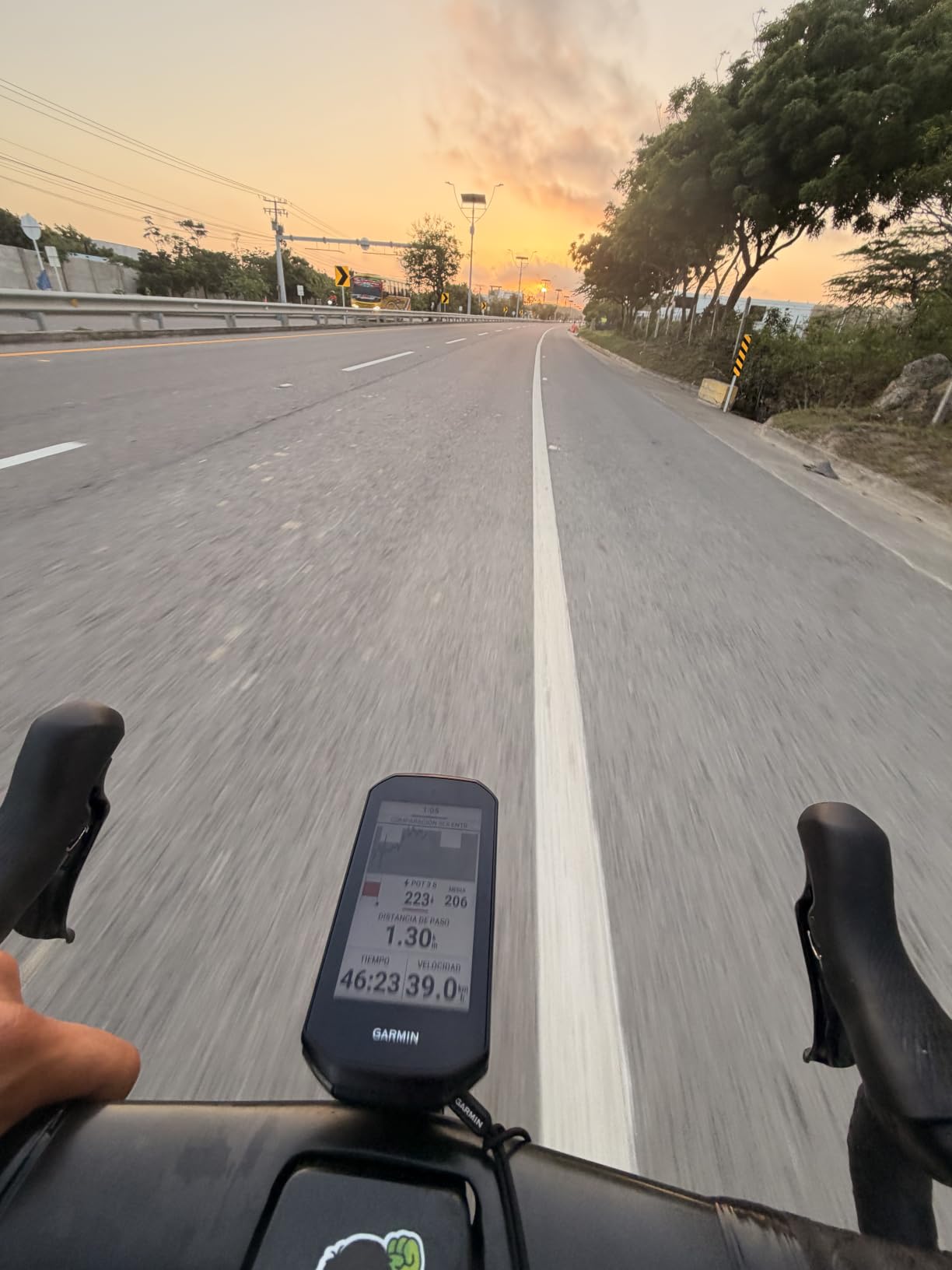
Our most demanding test was a 105-mile route that ran 40 miles off-grid, and the Edge 1050 was the only unit we tested that finished the day still holding a charge with a full navigation trace intact. Owners describe the same thing: the screen stays bright in direct sun, scrolling the map never stalls, and the interface responds first time even with wet gloves. At 4.7 stars across 372 ratings it holds the highest rating in this roundup.
The 3.5-inch colour touchscreen is the largest we tried that still fits an out-front mount without pushing the bars out of reach. Touch response is genuinely fast, and changing a data field mid-ride takes one tap. That matters on a road bike where you glance down for a second, not for a careful UI tour.
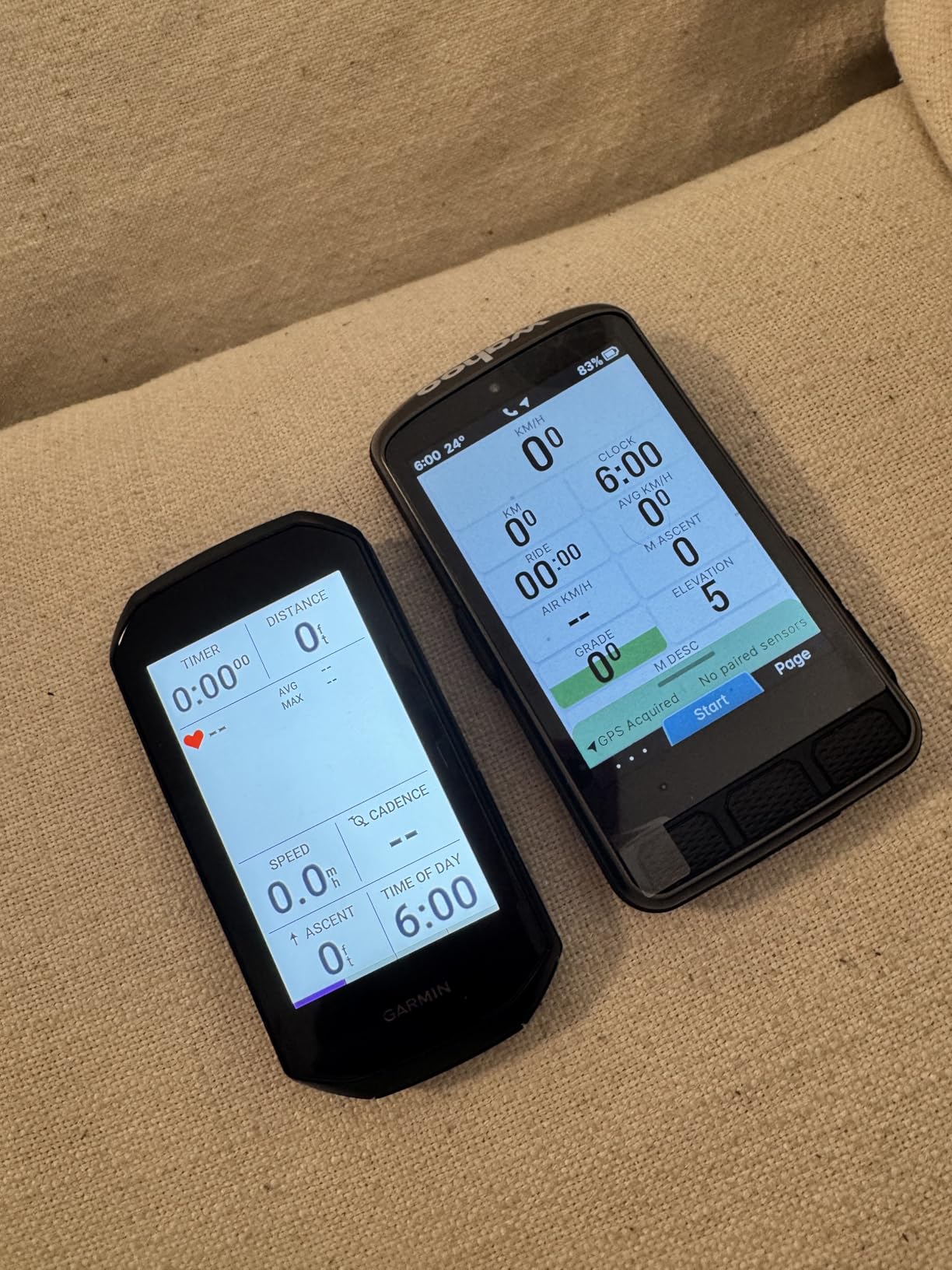
Where it separates from everything else is sensor depth. It controls Varia radar and lights, shifts Di2 electronically, plays music through the paired phone and carries a built-in speaker for audible workout prompts and an on-device bike bell. Garmin Pay is there too, which is more useful than it sounds when a group ride stops at a village shop.
The 64 GB of storage means full regional maps live on the device with no download step on the day you ride. Course creation works on the unit itself, and road surface type is shown on the map, which genuinely helps when you are choosing between two roads you cannot see far enough down to judge.
Who the Edge 1050 suits
It suits the rider who wants one device to do navigation, training analysis, group safety and payments without thinking about it. Riders on a structured training block with a power meter get the most out of it, because the training status, adaptive coaching and power guide features have something to work with.
It also suits anyone who genuinely rides unfamiliar roads. Our tester who does most of her miles in a new region every week called the on-device course creation the feature she would miss most if she dropped to a smaller unit. A long solo rider who also wants audible prompts without earbuds will like the speaker.
Where the Edge 1050 disappoints
At 5.7 ounces it is the heaviest computer here, and on a minimalist race setup that matters. The same goes for the 3.5-inch screen on aero bars with a very low stem. If your build is about grams and clean lines, this is the wrong shape for you even though it is the most capable device.
Search is the other real limitation. There is no point-of-interest search, so finding a cafe mid-ride means entering an exact street address. Riders who plan by town name rather than address will find that mildly irritating. There is also a learning curve, and the default alerts are numerous enough that you should switch some off on day one.
2. Garmin Edge 540 – Best for Climb-Focused Road Training
Garmin Edge 540, Compact GPS Cycling Computer
2.6 inch LCD
Button control
26 hours demanding use
2.8 ounces
Pros
- ClimbPro ascent planner works on every ride without a course
- Multi-band GNSS holds track under tree cover
- Buttons are reliable with wet hands and gloves
- Packs 26 hours of rated use into 2.8 ounces
Cons
- Not a touchscreen so menus take more button presses
- Initial setup in Garmin Connect has a learning curve
- Included out-front mount is limited in versatility
For a road rider whose week is built around climbing, the Edge 540 is the most interesting pick in this list. At 2.8 ounces and 2.6 inches diagonal, the Edge 540 is about as small as a road computer gets, which is the point: it disappears on the bars and it does not need an out-front mount to be readable. The button interface is still the best we used in cold rain, and it never once mistook a gloved press for a swipe.
ClimbPro is the reason this unit exists. It profiles the climbs on your route and shows you the gradient profile, the remaining distance and the category of the climb on every ride, whether or not you have loaded a course. Owners consistently single this out as the feature that keeps them on the unit. Riders racing the Stelvio or the Tourmalet can watch the profile fill in without touching anything.
Battery is the other headline. The rated figure is 26 hours in demanding use and up to 42 hours in battery saver mode, and our longest test day ended with charge still in the pack. For a road rider doing 200 km in a day that is the difference between finishing comfortable and finishing with a flat phone as a backup.
Multi-band GNSS is the reason the track stays honest when a road ride turns into a tree-lined valley climb. The recorded line did not wander on any of our routes, including the section with heavy canopy where two of the budget units in this roundup drifted by the roadside.
Who the Edge 540 suits
It suits the road rider who already knows where they are going and wants training depth rather than a big map. A structured training block with suggested workouts, adaptive prompts on missed sessions and power targets is exactly what the unit is built for, and the daily workout suggestion needs no manual input.
It also suits anyone who has previously owned a large screen and found it distracting. There is nothing to scroll, nothing to tap accidentally, and the ascent data is always one button away. Riders on older ANT+ only power meters pair without difficulty, which is not true of every unit here.
Where the Edge 540 disappoints
If you ride unknown roads regularly, this is the wrong tool. There is no large colour map here, and getting from a menu to a course takes more button presses than on any touchscreen rival. Navigation exists, but it is not what this computer is for.
The setup process in the phone app also has a genuine learning curve, and our first session on it involved more menu diving than we expected. The bundled out-front mount is basic, so if you want a clean race-bar look you are likely to replace it. And with feature development focused on the larger Edge models, the gap between this and a current flagship will keep widening.
3. Wahoo Elemnt Bolt V3 – Best Compact Computer for Road Racing
Wahoo ELEMNT Bolt V3 GPS Cycling/Bike Computer,Black
2.3 inch LCD
Button control
20 hour battery
84 g
Pros
- Buttons work reliably with sweaty hands and winter gloves
- Compact 84 g body that suits race bars
- Automatic downloads from Strava Ride with GPS and Komoot
- ANT+ radar shown on screen with LED alerts
Cons
- No touchscreen at all
- Brightness setting ships too low for bright sun
- Small screen shows one fewer data line than larger rivals
The Bolt V3 is the unit we reached for when the ride was a race, a time trial or a fast road loop, because at 84 g and 2.3 inches it is effectively invisible on the bars. The display has a matte, almost e-paper quality that stays readable in hard sun once you set the brightness up, and the button layout is the simplest we tested. Four buttons, no ambiguity, no accidental inputs at speed.
Where Wahoo wins is the loop between the unit and your phone. Routes pushed from Strava, Ride with GPS or Komoot download automatically and turn-by-turn navigation is generated on the device. You tap the map or enter a destination in the app and Take Me To builds the route for you. That single workflow is why a lot of owners describe the unit as friction-free.
Radar integration is excellent and is a genuine road advantage. Connect an ANT+ rearview radar and approaching vehicles appear on the screen with LED alerts on the body, so you can check over your shoulder less often on a busy road or in a bunch. IPX7 waterproofing means the forecast does not matter.
Battery is rated at 20 hours, which covers a long road day, though not the multi-day range of the bigger Garmin units. Turn alerts also come through as an audible cue as well as on screen, which is useful on a descent when you want your eyes up.
Who the Bolt V3 suits
It suits the racer and the fast road rider who already knows every corner of the training loop and wants the lightest credible computer. Owners on race-focused forums repeatedly describe keeping a small simple unit over a flagship because a large screen on a race bar is clutter.
It also suits riders who want navigation without learning a new interface. Download a route, ride it, done. Anyone who finds settings menus tiring will like that the options are shallow and the defaults are sensible, and it pairs cleanly with Wahoo radar, lights and speed or cadence sensors on the first attempt.
Where the Bolt V3 disappoints
There is no touchscreen, and some riders treat that as disqualifying regardless of how good the buttons are. If you want to browse a map or scroll through fields, a touch unit will serve you better.
Two practical notes. The screen brightness ships lower than you would want for a sunny road ride, so expect to change it on day one. And the 2.3-inch screen fits one fewer data line than the mid-size rivals, so dense layouts need rethinking. Owners also report the usual minority of individual units with GPS dropouts and button failure, and the out-of-box map interaction is not as fluid as the touch units.
4. GEOID CC700 – Most Features on an Entry Budget
GEOID CC700 2.8″ Color Screen Bike/Cycling Computer Wireless – Route Navigation with Re-Route Planing, WiFi Auto-Sync, ANT+/Bluetooth, Fast 5s GPS Positioning, Free Indoor Training
2.8 inch colour screen
Asahi glass
ANT+ Bluetooth and WiFi
IPX7 rated
Pros
- Colour navigation with turn reminders and automatic rerouting at an entry-level price
- WiFi sync moves rides and satellite data far faster than Bluetooth
- Five-constellation positioning locks in about five seconds
- Up to 10 data pages with 108 data items
Cons
- Brand ecosystem and app polish trail the established platforms
- On-screen data is less customisable for structured training
- Heavier and bulkier than a dedicated race computer
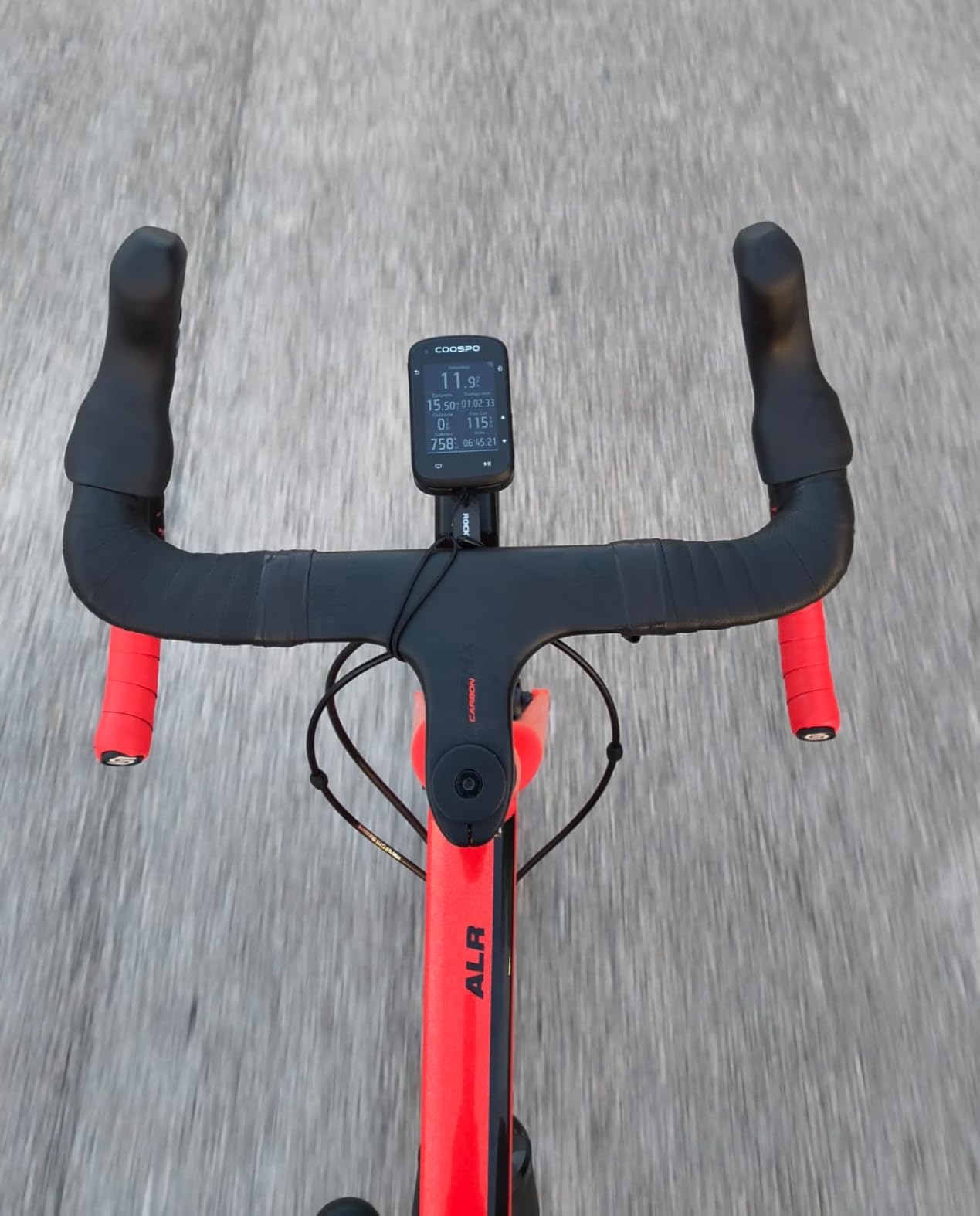
The CC700 is the value pick of this roundup, and the reason is straightforward: it gives you a colour screen, route navigation with automatic rerouting and WiFi syncing, which most of the road world once reserved for much costlier machines. The 2.8-inch display is protected by Asahi glass, which survived a season of handlebar knocks that cracked a plastic cover on another budget unit we tried.
Positioning is the surprise. It locks in roughly five seconds across GPS, BEIDOU, GLONASS, QZSS and Galileo, and on our loop it held a clean track through the same tree-covered climb where the Magene wandered. WiFi sync moves ride files and AGNSS data far faster than Bluetooth, which means less time standing at a cafe door waiting for an upload.
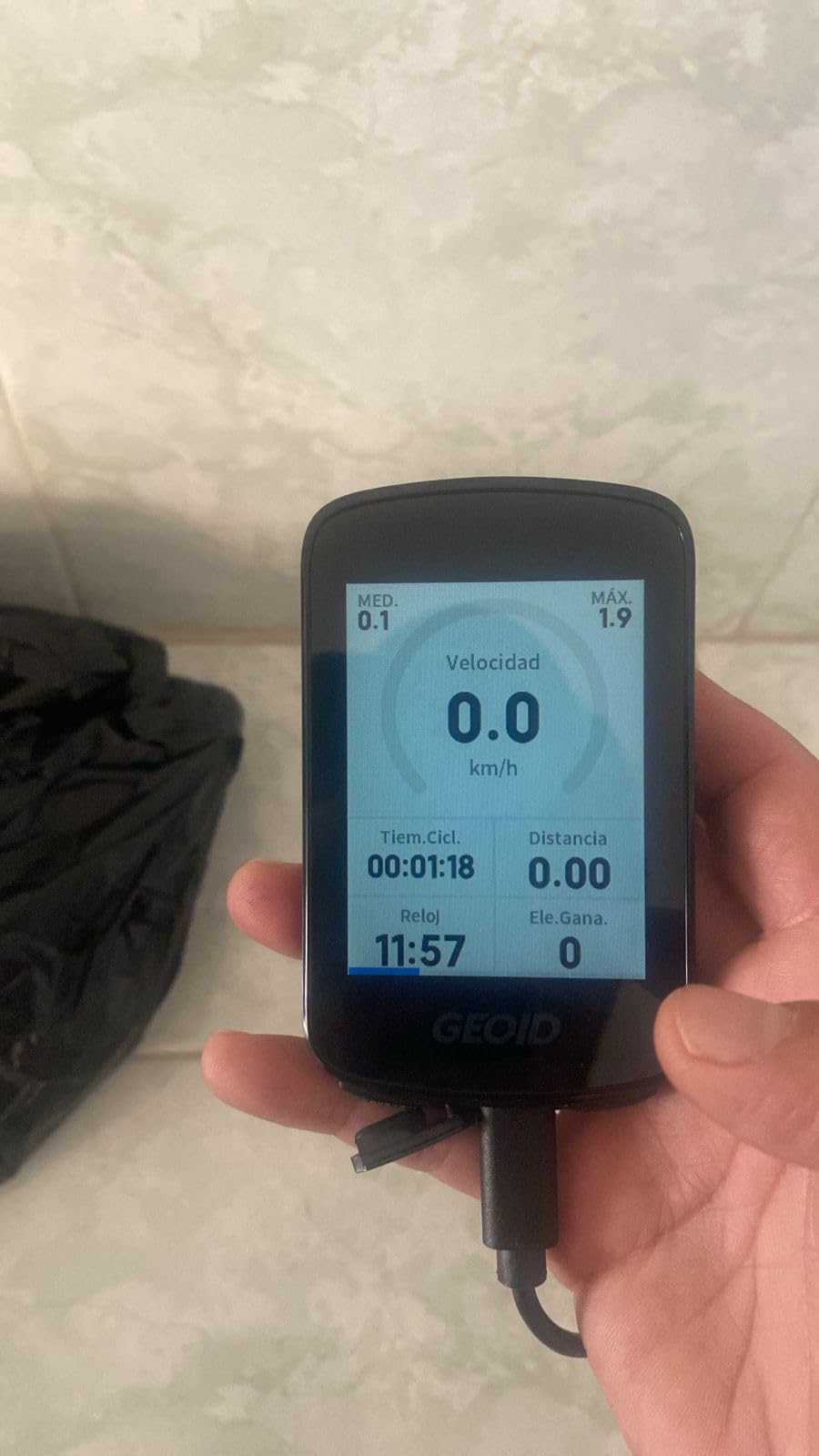
Data customisation is unusually deep for the money: up to 10 pages, 10 fields per page, 29 layouts and 108 data items. FIT export and automatic sync to Strava and TrainingPeaks are both supported, and there is free indoor training support with custom power targets and gradients if you run a smart trainer through the winter.
ANT+ and Bluetooth pairing covers up to nine device types, the interface is available in 11 languages, and the IPX7 rating means a proper downpour is not a problem. That combination is genuinely hard to find elsewhere at this level of spend.
Who the CC700 suits
It suits a road rider moving up from a phone or an old basic GPS unit who wants colour navigation, rerouting and data fields without a large outlay. Riders who run structured sessions and like seeing lots of fields at once will find the page options generous.
It also suits anyone whose existing sensors are older. ANT+ and Bluetooth pairing across nine device types means a legacy ANT+ only power meter or heart rate strap will connect without a dongle. Indoor riders get power, resistance and gradient control at no extra cost.
Where the CC700 disappoints
The honest answer is the app. The ride data ends up in a phone ecosystem that is less refined than the established platforms, and post-ride analysis is where you will feel the difference after a few weeks. If your training analysis lives in a mature platform, budget for the irritation.
On the bike, three buttons and a 0.21 kg listed weight make it a chunkier unit than a race computer, and the data screens are not as flexible for structured work as a dedicated training head unit. It is a value pick, not a race-day pick.
5. Garmin Edge Explore 2 – Easiest Pick for New Computer Owners
Garmin Edge® Explore 2, Easy-to-Use GPS Cycling Navigator
3 inch touchscreen
16 hour battery
16 GB storage
4.1 ounces
Pros
- Large glove-friendly touchscreen that stays readable in direct sun
- Preloaded road off-road and indoor profiles work out of the box
- Smart notifications LiveTrack GroupTrack and incident detection
- Controls Varia radar and lights when paired with a phone
Cons
- Shorter battery life than the larger Edge units
- No ClimbPro or advanced training metrics
- On-device course creation is limited
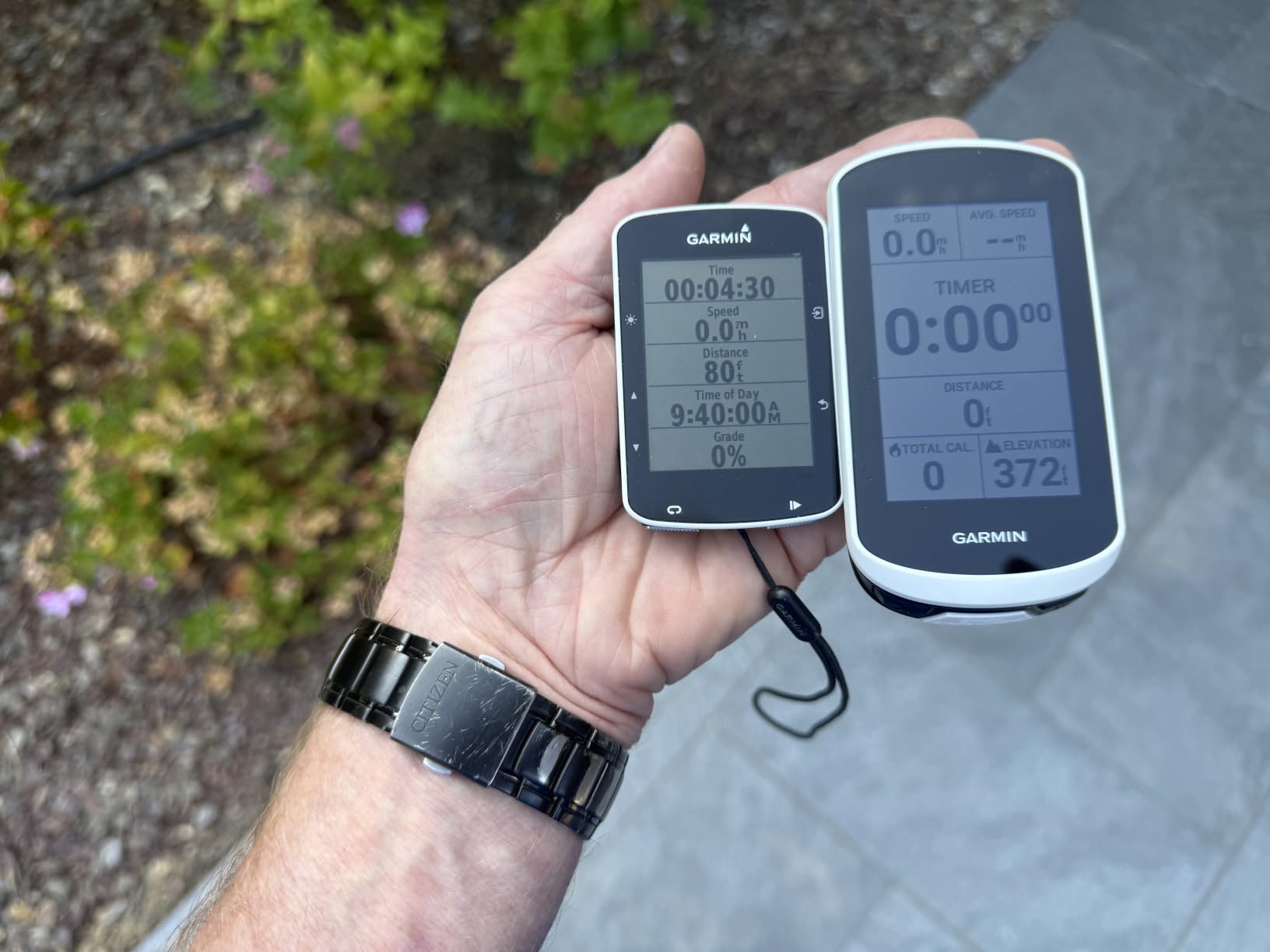
If you have never owned a bike computer, the Explore 2 is the least intimidating way in. Out of the box it already knows about road, off-road and indoor riding, and the 3-inch touchscreen is one of the more glove-friendly ones we used. Owners repeatedly describe it as approachable, quick to set up and bright enough to read in direct sunlight, which is exactly what a first purchase needs to be.
The safety features are the quiet strength. With a phone paired you get smart notifications, LiveTrack, GroupTrack, rider messaging and incident detection, so a crash gets flagged while you are still lying on the tarmac. On a road bike that is more valuable than another training metric, and it works with Varia radar and lights.
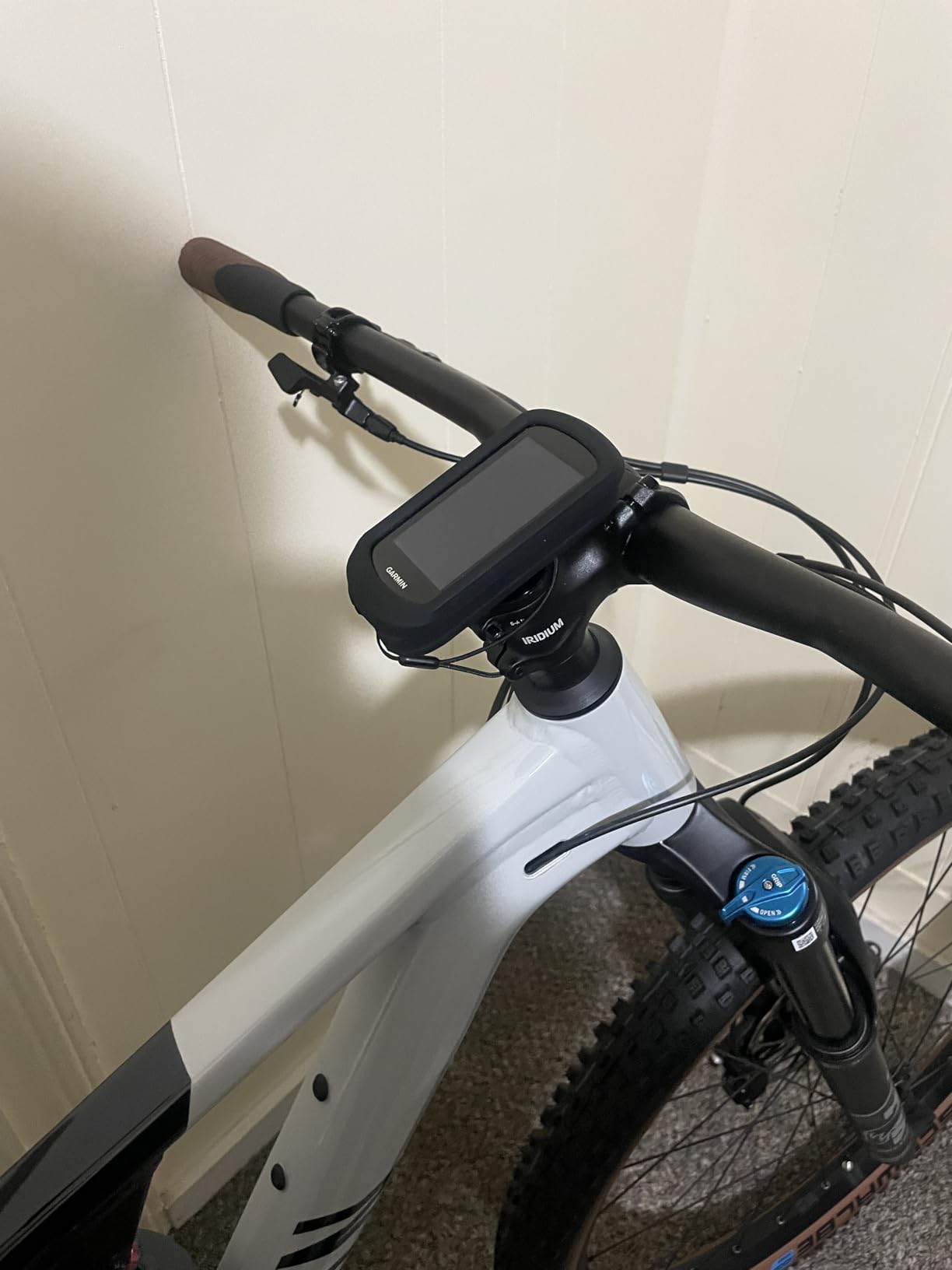
Maps are ride-type specific with searchable points of interest, high-traffic road overlays to help you judge a junction before you reach it, and eBike routing with battery and assist guidance if you ever switch bikes. Storage is 16 GB, which is plenty for a region rather than a continent.
Bluetooth and WiFi both work, so syncing is quick, and music control through a paired phone is a small thing that makes long road rides better. It weighs 4.1 ounces and mounts on a dashboard or windshield position as well as the stem.
Who the Explore 2 suits
It suits a first-time buyer, or anyone moving up from a phone who wants a set-and-forget device. If your riding is a mix of road, gravel and the odd indoor session, the preloaded profiles mean you are not configuring sport settings before every ride.
It also suits the commuter and the all-weather road rider. The safety and group-tracking features are the ones owners mention most, and the 16 GB of storage is more than enough for commuting between home and work with a few saved routes.
Where the Explore 2 disappoints
The 16-hour battery is the first limitation, and it is a real one for a road rider. It will not comfortably get you through a very long day with navigation running, and it is a clear step down from the larger Edge units on this list.
There is no ClimbPro and no advanced training metrics, so riders chasing structured training data will outgrow it. On-device course creation is limited compared with newer Edge devices, which means planning happens in the app. Navigation quality is competent rather than excellent, and the older generation menu shows how the hardware has moved on.
6. iGPSPORT BiNavi – Big Screen Without the Garmin Ecosystem
iGPSPORT BiNavi GPS Bike Computer, 3.5” Touch Screen MAP Navigation
3.5 inch colour touchscreen
35 hour battery
Dual-band L1 and L5 GPS
IPX7 rated
Pros
- Large 3.5 inch colour screen with detailed map navigation
- 35 hour rated battery outlasts most rivals on a long day
- Dual-band GPS receives L1 and L5 signals simultaneously
- iClimb climb planning with route preview and effort distribution
Cons
- Brand ecosystem and app integration trail the established platforms
- Listed weight of 0.45 kg is heavy for its class
- Route and workout setup depends on the app
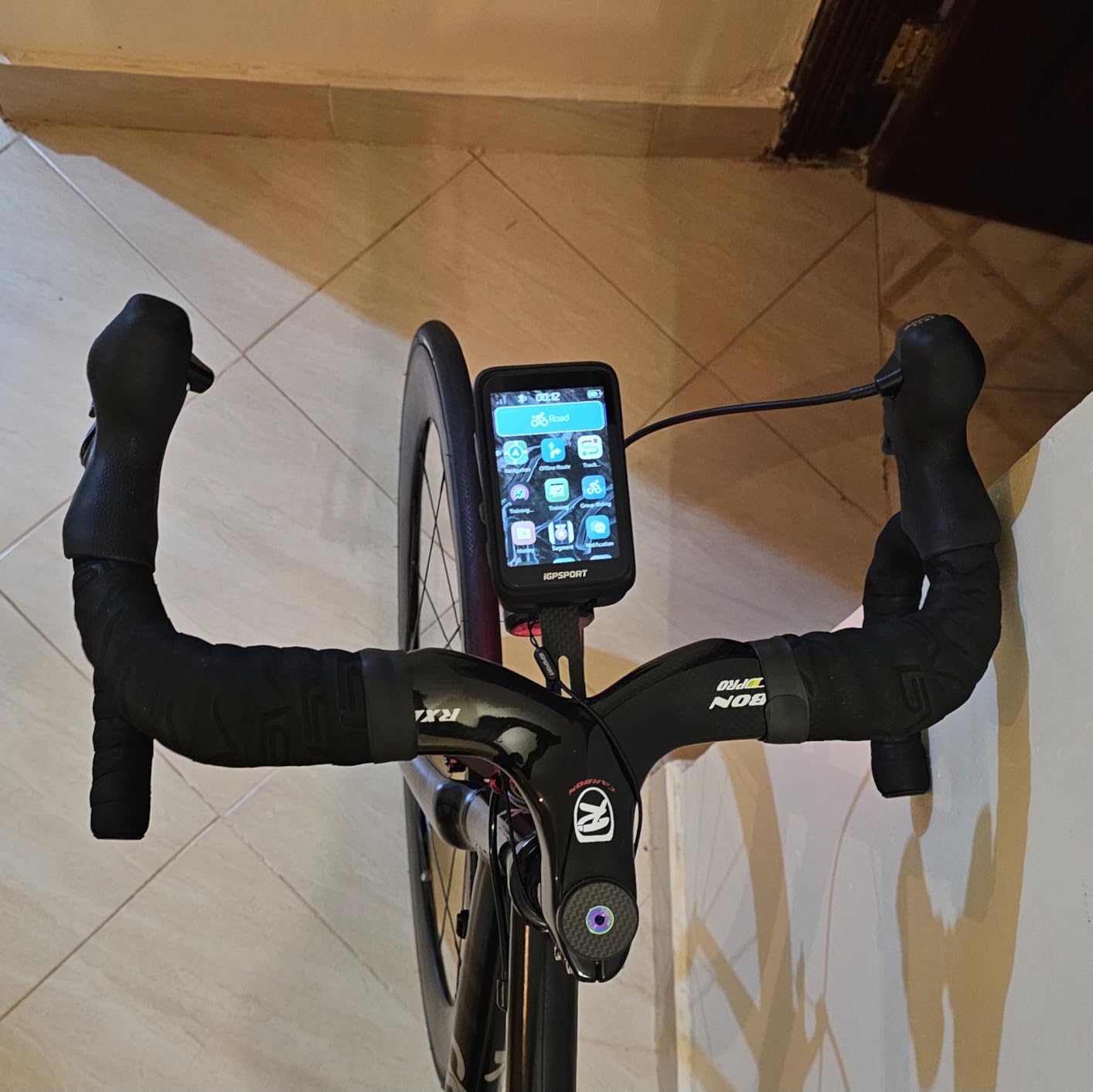
The BiNavi is the interesting middle ground for a road rider who wants a flagship-sized screen and flagship-sized battery without a flagship outlay. The 3.5-inch colour touchscreen shows detailed map navigation, and the rated 35-hour battery is among the longest in this roundup, which makes it the pick for anyone doing 250 km days or two-day trips.
Rerouting works automatically. If you miss a turn, yaw planning recalculates and gets you back on the line without touching the unit, which is the single most useful navigation behaviour on a road where a missed turn costs you real time. Saved point navigation will also route you back to a location you have stored earlier, handy for a café or a regroup point.
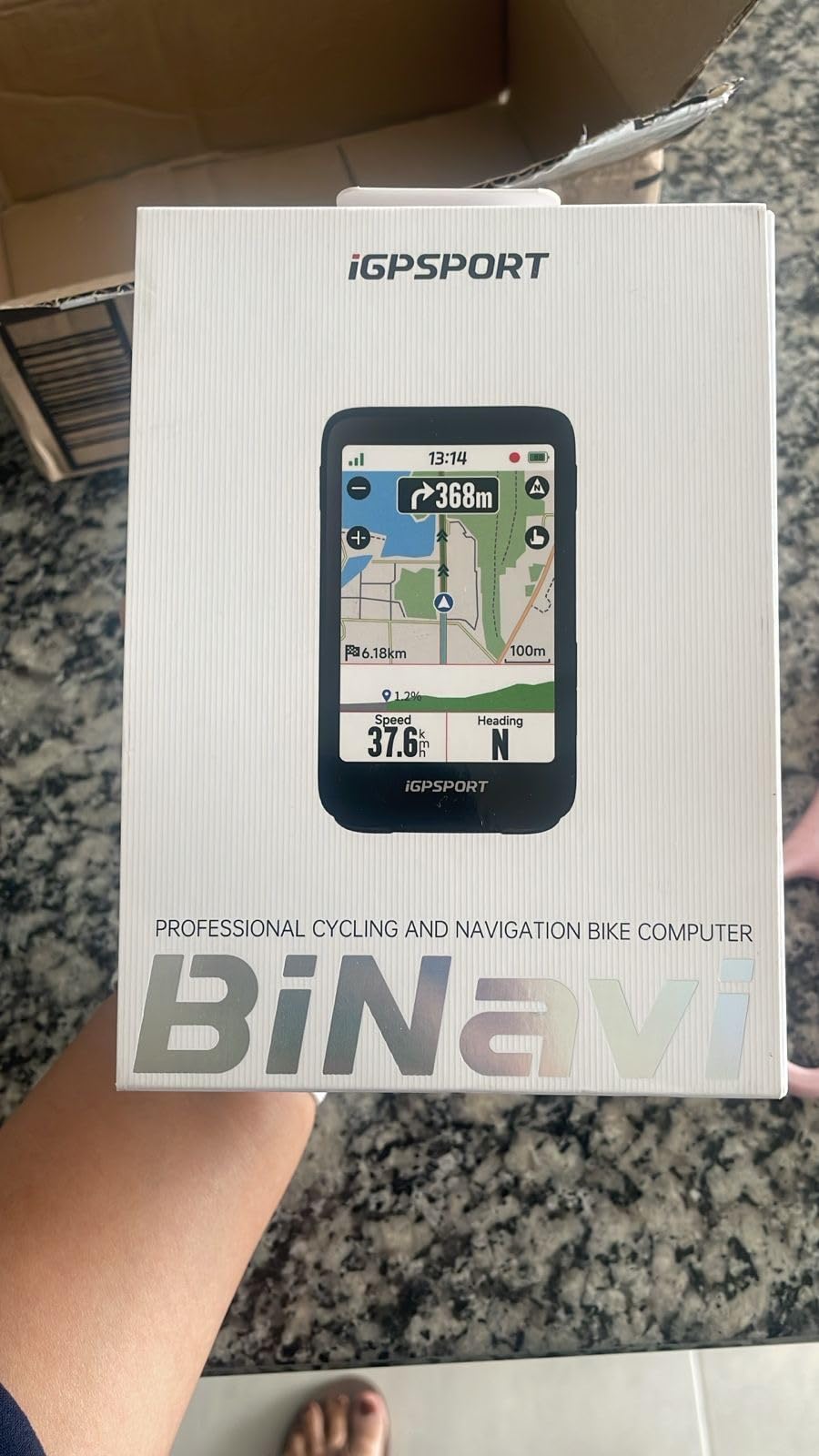
Positioning is genuinely strong. It receives dual-band GPS on L1 and L5 simultaneously, and covers five constellations including QZSS, so the track held together on the same forested climb where several cheaper units drifted. Climb riders get iClimb 3.0 with a route preview and an effort distribution readout, plus training analysis that gives you a training effect and targeted guidance.
Music control from the handlebars works when the phone is paired, IPX7 waterproofing is there, and the two-year warranty is longer than most rivals offer. It is a rare combination: big screen, long battery, dual-band positioning, long warranty.
Who the BiNavi suits
It suits the long-distance road rider and the bikepacker who wants one unit for a whole day plus. The 35-hour rating means the battery stops being the thing you think about, and dual-band positioning gives confidence on remote roads where a wrong track is a long detour.
It also suits a rider who wants climb analytics with a bigger screen than a compact unit offers. The iClimb preview and effort distribution are more visible on 3.5 inches, and the two-year warranty gives some peace of mind for a brand with a smaller support base.
Where the BiNavi disappoints
The app is the weak point, and it is the weak point for most non-established brands. Route and workout setup is app-dependent rather than fully on-device, and integration with the big third-party platforms is not as smooth as the mature ecosystems. Long-term owners weigh that against the hardware and mostly conclude it is an acceptable trade.
The listed weight of 0.45 kg is heavy for a 3.5-inch unit, so it is not a race-bar choice. The review base is also smaller than the established models at 133 ratings, so there is less long-term owner data to reassure you. Expect to spend time learning the app before your first ride.
7. Magene C506 – Lightest Colour Touchscreen Here
Magene C506 GPS Bike Computer – 2.4″ Color Touchscreen, Smart Navigation, Fast WiFi & Bluetooth, Riding Assistant Wireless, Indoor Cycling & Training
2.4 inch colour touchscreen
76 g
24 hour endurance mode
ANT+ Bluetooth and WiFi
Pros
- Colour touchscreen navigation well below Garmin and Wahoo pricing
- 5 second lock with Airoha chipset and AGNSS
- Light at 76 g with bold sunlight-readable fonts
- Automatic ride uploads to Strava and Google Health
Cons
- No Strava Live Segments or starred segments
- Map downloading is non-intuitive and multi-step
- Touchscreen sometimes needs a second press to register
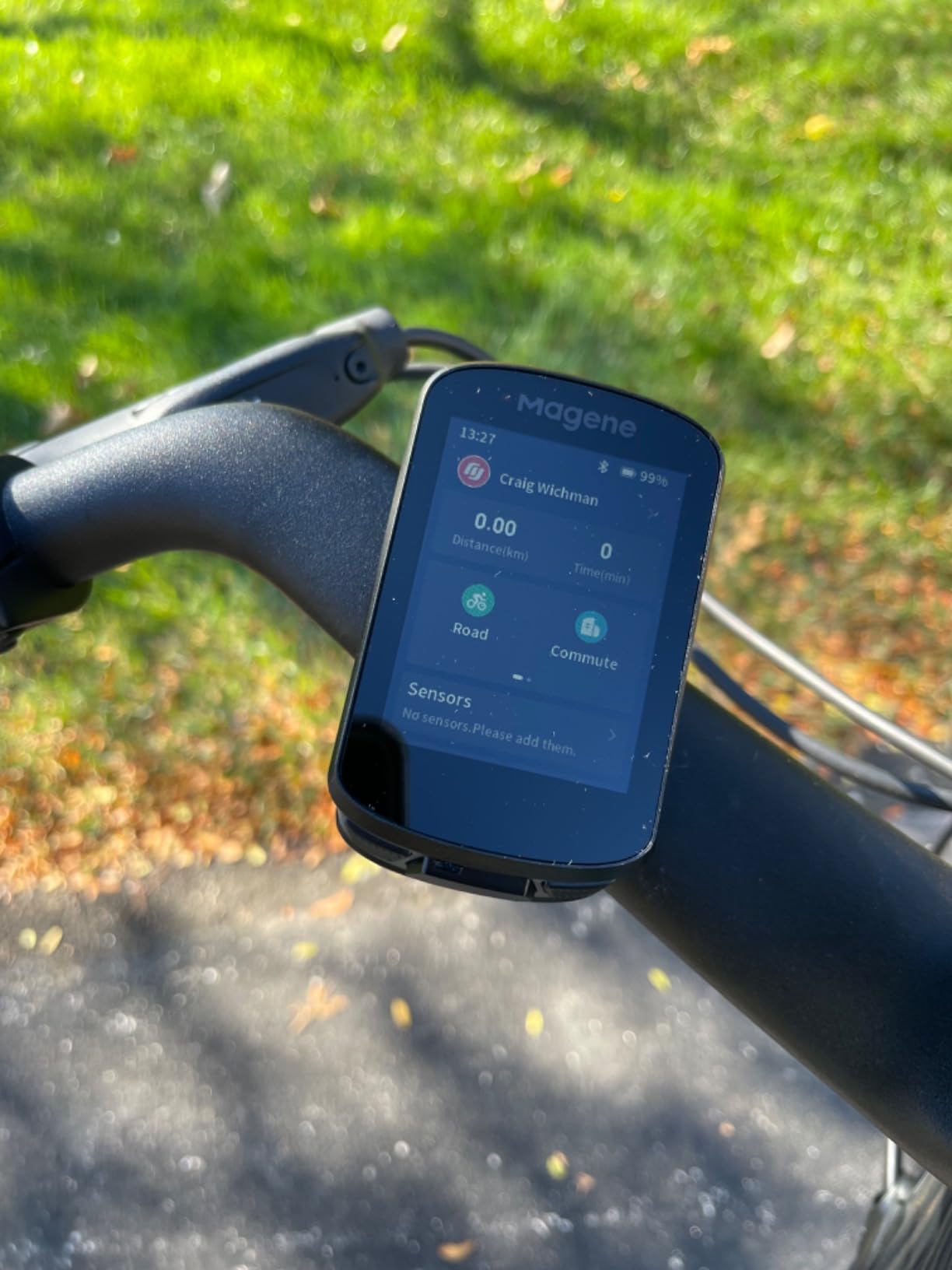
At 76 g with a 2.4-inch colour touchscreen and three physical buttons underneath, the C506 is hard to beat on weight-to-capability. It is light enough to mount on an out-front arm without thinking about it, yet it does colour turn-by-turn navigation with free global map downloads. Owners consistently describe it as a bargain for exactly that reason.
Wireless setup is unusually good. It pairs over Bluetooth and WiFi, and WiFi sync is reported roughly 28 times faster than Bluetooth for uploads, so rides move off the device almost instantly. Free global map downloads mean you are not tied to a region, which matters if you are a road rider who travels for the sport.
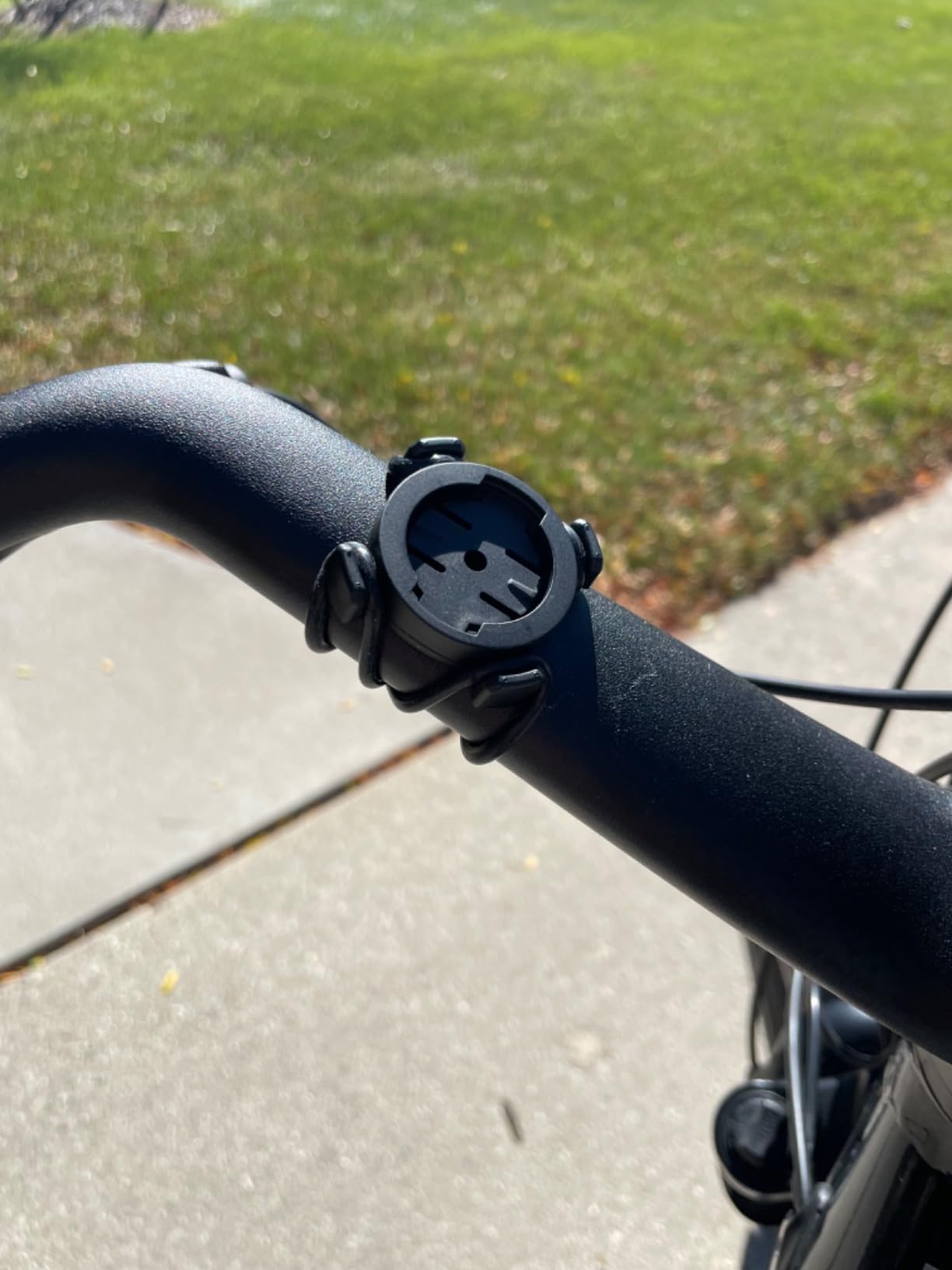
Sensor coverage is wide for the money: nine device types including radar, smart lights, power meters, trainers and Di2 or eTap shifting. The Riding Assistant even controls Magene L508 and L308 tail lights without a phone in your pocket. There are 105 data items across 14 categories with dials, line graphs and bar charts, and endurance mode stretches the battery to 24 hours.
Indoor work is handled through FIT upload to a smart trainer with power, resistance and gradient targets, via the OnelapFit app. Rides then sync to Strava and TrainingPeaks automatically, which is the part that makes the daily workflow painless.
Who the C506 suits
It suits a road rider who wants a colour touchscreen and automatic Strava uploads without the established-brand outlay. The automatic upload means you do not have to remember to do anything at the end of a ride, which is how most people end up with gaps in their training history.
It also suits riders on older or mixed-component bikes, because nine supported device types covers legacy power meters and both major electronic shifting systems. Anyone running indoor sessions through winter gets power, resistance and gradient control at no extra cost.
Where the C506 disappoints
Navigation has real limits, and owners are candid about them. Map downloading is a multi-step process in the app that some find fiddly, most street names are not shown so turn prompts can refer to unnamed roads, and the routing can invent paths that a phone would not. Roundabouts continuing straight are also not reliably detected, which is a common road feature.
There is no Strava Live Segments support, confirmed by the manufacturer, so segment hunters should look elsewhere. The touchscreen sometimes needs a second press, and the analysis app is less refined than the established platforms. It is a good value tool with sharper edges around navigation than the price suggests.
8. Hammerhead Karoo – Best Fit for SRAM AXS Setups
Hammerhead Karoo Bike Computer Wireless GPS ANT+/BLE/GPS/GNSS
3.2 inch display
Buttons and touch input
Multi-band GNSS
15 hour battery
Pros
- Clean design that keeps maps and data manageable without distraction
- Fast map rendering on generous internal memory
- Multi-band GNSS tracks accurately from city streets onward
- Integrates with SRAM AXS products eBikes and ANT+ lights
Cons
- Rated at 15 hours
- the shortest battery figure in this roundup
- Heavier than most competitors on the listed weight
- Third-party training integration trails the established platforms
The Karoo’s argument is that a road computer should show you very little most of the time. Owners who use it describe the interface as uncluttered, with ride data and maps arranged so that nothing competes for your attention while you are descending at 50 km/h. It is a deliberate contrast to the feature-dense flagships.
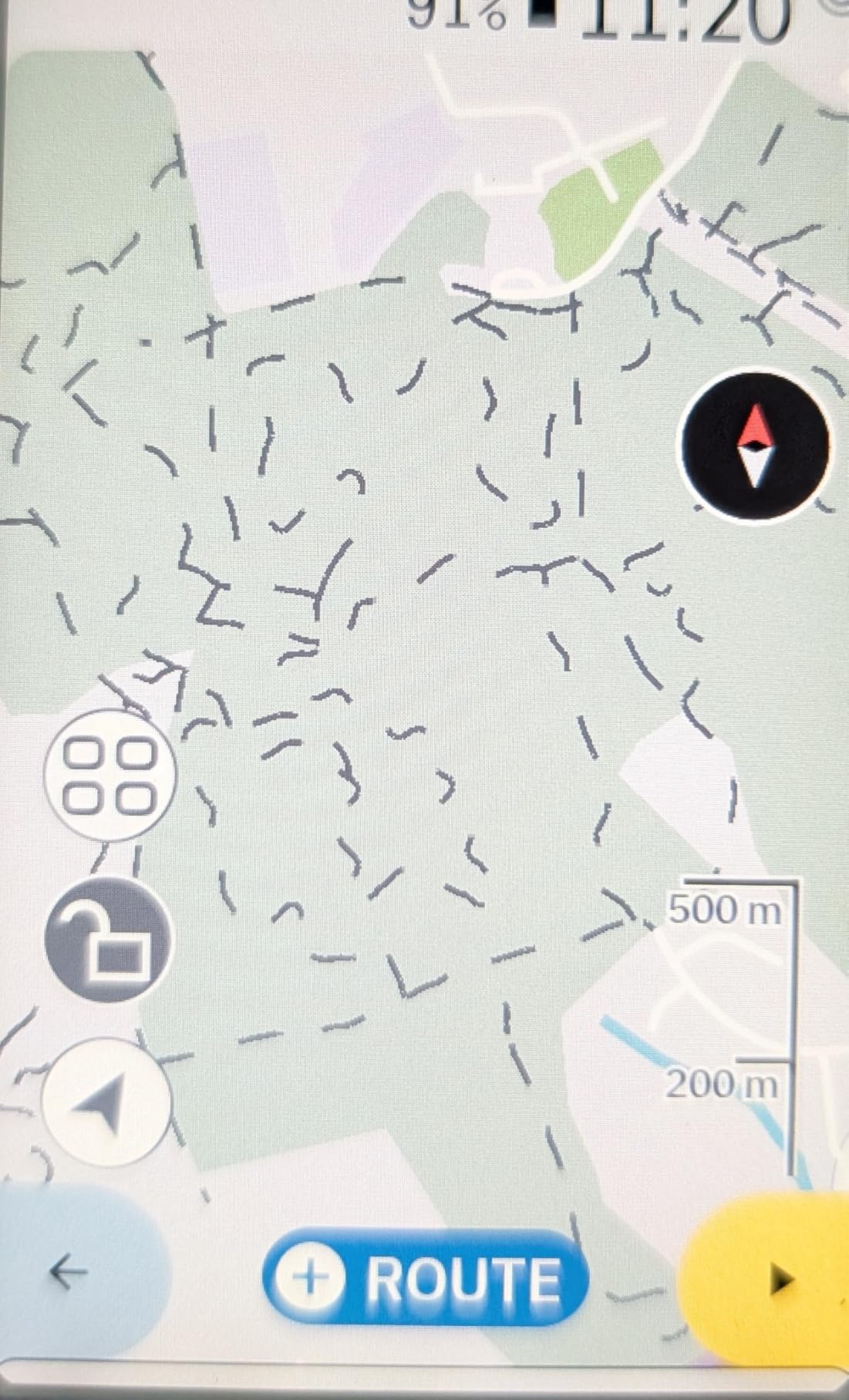
The 3.2-inch display takes both touch and button input, which is the practical answer to the wet-glove problem. Map rendering is fast because the internal memory is generous, and multi-band GNSS tracked accurately for us from wide city streets through to a much rougher lane climb at the edge of our test area.
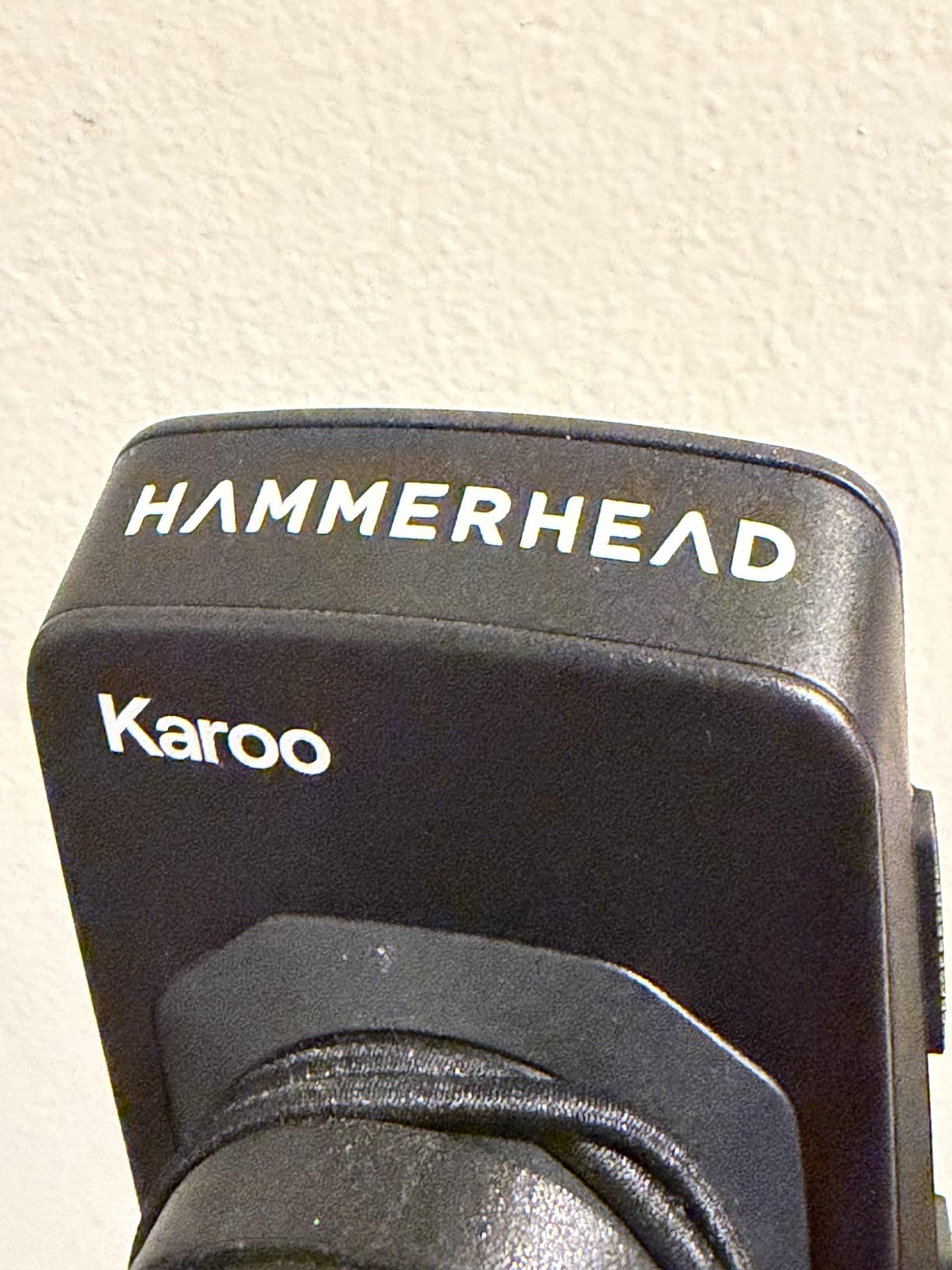
If your bike runs SRAM AXS, this is the unit that feels like it was designed for it. It integrates with AXS products, with eBikes and with ANT+ lights, so a wireless shifting system, your bike computer and your lighting are talking to each other rather than to three separate apps. That ecosystem coherence is the reason to choose it.
The trade is battery. The rated figure is 15 hours, the shortest in this roundup, and owners widely report real-world running well below that. For most road rides that is fine, but for a very long day it means charging overnight is not optional.
Who the Karoo suits
It suits the SRAM rider whose shifting, lighting and bike are already in that ecosystem and who wants one coherent setup. It also suits anyone who finds large feature lists distracting and wants a computer that shows a clean map and a few key numbers.
Riders who ride routes partly off-grid will like the multi-band GNSS accuracy, and anyone who prefers a physical button as a fallback for a wet or glove-covered screen gets one. The screen size is generous without being unwieldy on a road bar.
Where the Karoo disappoints
Battery is the headline problem and it is not close. At a 15-hour rating, plus owner reports of noticeably less than that in real conditions, this is the unit in our test that most needs a mid-day charge on a big road day. Plan rides around it or accept a portable battery.
The listed weight of 0.41 kg also makes it one of the heavier units here, so it is not a race-bar choice. Third-party training integration and the software ecosystem trail the established platforms, so if your analysis lives in a mature service you will feel the gap. The review base is the smallest of the premium units at 115 ratings, which means less long-term owner data to lean on.
9. iGPSPORT BSC300T – Lightweight Touchscreen With Offline Maps
iGPSPORT BSC300T GPS Bike Computer, Smart Map Navigation 2.4” Touch Screen
2.4 inch touchscreen
67 g
8 GB storage
Worldwide offline maps
Pros
- Very light at 67 g with a 2.4 inch touchscreen plus six physical buttons
- Global offline map download with route preview and turn prompts
- Real-time group tracking shows teammate positions
- Two-year warranty and dual-band satellite support
Cons
- No Type-C charging cable in the box
- App-based data analysis is less refined than the established platforms
- 8 GB of storage limits offline map capacity
The BSC300T solves a specific road problem well. At 67 g the BSC300T is among the lightest units here, and it combines a 2.4-inch touchscreen with six physical buttons, which is the most complete hybrid control setup we tested. You get touch for map work and buttons for everything you need to do with cold or gloved hands mid-ride.
Global offline map download is the feature that makes it interesting for road riders who travel or ride in places with poor signal. You can download maps for a region before a trip, preview a route and get turn prompts, and the off-course warning keeps prompting until you are genuinely back on the line rather than quietly logging a wrong route.
Real-time group tracking shows where teammates are during a group ride, which on a road day is genuinely useful when the pace line splits. Positioning covers five constellations including QZSS, and there are over 130 riding data fields covering speed, distance, grade, cadence, calories and temperature.
ANT+ and Bluetooth 5.0 cover sensors, eBikes and smart trainers, and a two-year warranty is longer than most. It suits road, mountain and eBike use, with basic eBike power level display.
Who the BSC300T suits
It suits the road rider who rides in groups and wants live teammate positions without buying into a big ecosystem. It also suits anyone who travels for the sport and wants worldwide offline maps in a genuinely light package.
Riders who want a lot of fields on a small screen will like having over 130 to choose from, and the button-plus-touch layout is a good compromise for mixed weather. Anyone needing eBike data alongside road use gets basic power level display from the same unit.
Where the BSC300T disappoints
Two practical notes before anything else. The Type-C charging cable is not in the box, so budget for that, and 8 GB of internal storage limits how much offline map data you can carry at once. Both are easy to fix but annoying on the day.
The app-based data analysis and sharing is less refined than the established platforms, and eBike support is basic compared with a dedicated eBike computer. It is a capable light unit with a shorter memory of real-world ownership than the big-brand models.
10. Wahoo Elemnt ACE – Widest Screen for Learning New Routes
Wahoo ELEMNT ACE Cycling Computer
3.8 inch touchscreen
30 hour battery
IPX7 rated
Pressure sensor
Pros
- 3.8 inch touchscreen is the widest on test for learning unfamiliar roads
- Excellent 30 hour battery for long road days
- Fast flexible route recalculation and planning on the device
- Digital bell audio cues and clear moving-time summaries
Cons
- Heavy at 208 g and bulky on a road bike
- Screen contrast weaker than rivals
- Setup can be buggy and the digital bell is awkward with cycling gloves
At 3.8 inches the ACE has the widest screen of any unit we tested, and if your main problem is reading a map while riding somewhere new, that size is the whole argument. The screen shows a lot of road at once, which means fewer glances and less time with your eyes down. Route recalculation and planning happen directly on the device, and it is fast.
Battery is rated at 30 hours, which is one of the better figures here and comfortably covers a long road day. There is a Ready-To-Ride dashboard that removes the wait before each ride, and post-ride summaries clearly separate moving time from paused time, a small detail that matters when you are reviewing a four-hour ride with a coffee stop.
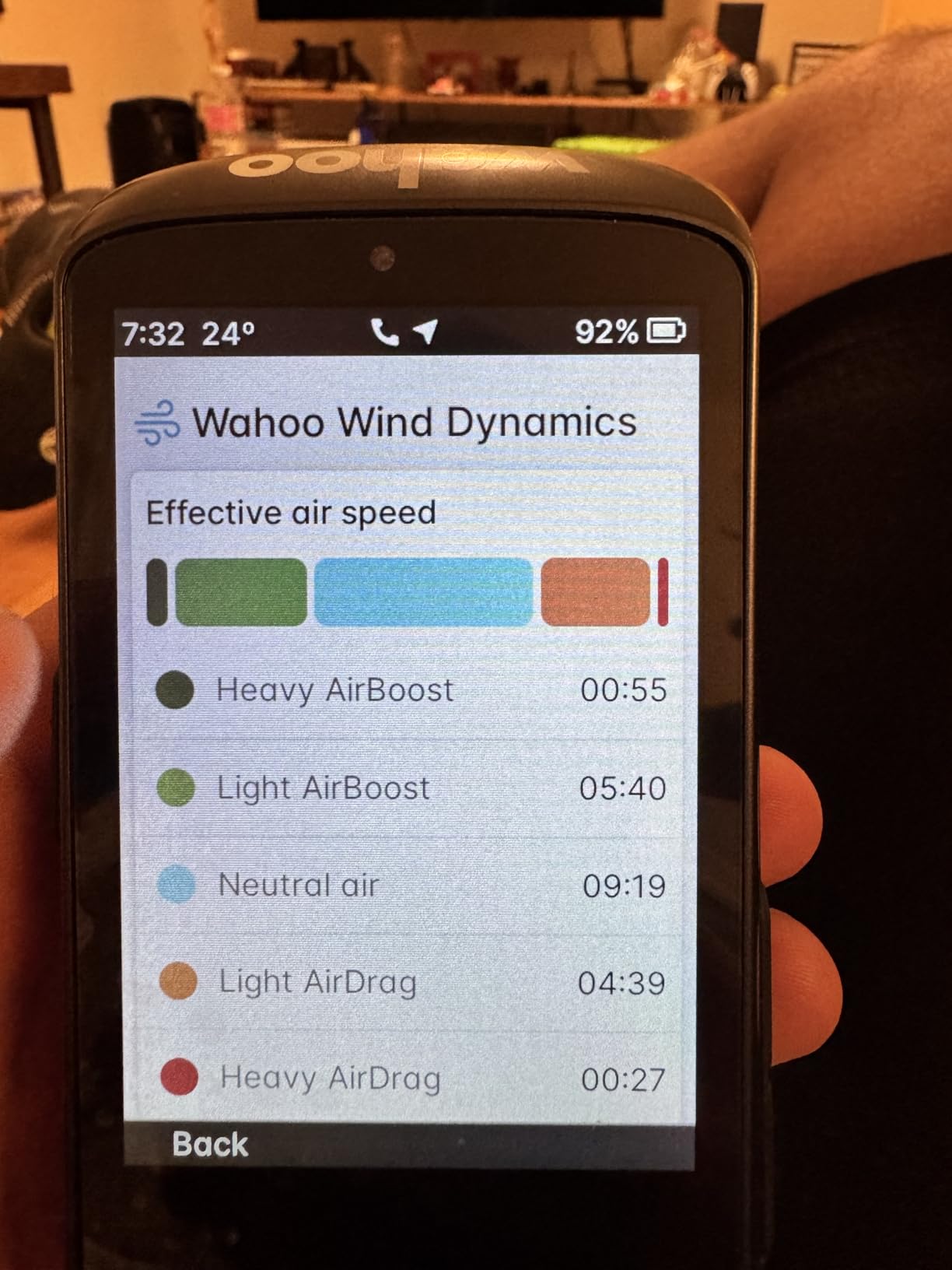
Wahoo integration is the other strength. Rear radar and lights pair seamlessly, and the pressure sensor tracks air resistance for live AirBoost and AirDrag figures, with post-ride wind insights through the Wahoo app. A digital bell and audio cues cover the alerts. The bundled aluminium out-front mount, tether and USB-C cable are a complete package in the box.
Control is press, pinch and swipe on a capacitive touchscreen, and there is a pressure sensor alongside speed and cadence sensor support. Connectivity covers ANT, Bluetooth, USB and WiFi, with a two-year manufacturer warranty.
Who the ACE suits
It suits the rider who genuinely does not know the roads: long-distance road riders, gran fondo riders and anyone whose training takes them somewhere new each week. Pair it with Wahoo radar and it becomes a genuinely complete road safety setup.
It also suits riders who want on-device planning without touching the phone mid-ride, and anyone who rides long days and wants wind and air-resistance data in the same purchase. The two-year warranty is reassuring on a device you will use for years.
Where the ACE disappoints
At 208 g this is one of the heavier units in the roundup, and it is genuinely bulky on a road bike. On aero bars or a very low stem, the footprint is the first thing you notice. If bar clutter bothers you, this is the wrong size of object.
Screen contrast is weaker than the rivals, which shows up in harsh light, and the pressure-based wind figures have not delivered useful crosswind information for the owners who report on them. Setup can be buggy enough that some riders needed support intervention, a side-swipe on the map can flip pages instead of moving the map, and the digital bell is hard to trigger through full-finger cycling gloves. Apple Watch support is also missing.
How to Choose a Bike Computer for Road Cycling
Pick the navigation type first, then the screen, then the battery. Everything else on the spec sheet is secondary for a road rider, and most expensive mistakes come from choosing a mapping computer when the rider only ever rides known roads, or a tiny screen when the rider is alone on unfamiliar lanes.
Navigation or tracking: decide this first
There are two families of device and they serve different riders. A tracking-only unit logs your ride, shows speed and distance and uploads afterwards. A mapping unit holds or receives map data and gives you turn-by-turn prompts with rerouting when you go off course. Both are legitimate; they are just different products.
If you ride the same loop five days a week, a tracking-only unit is not a downgrade, it is a lighter and longer-lasting device. The Edge 540 and the Elemnt Bolt V3 are the best of that type in this roundup. If you ride new roads regularly, alone, or in a place with no signal, you want full mapping, and the Edge 1050, the BiNavi and the Explore 2 are built for that.
Screen size and the touchscreen question
Two and a half inches is the floor for reading a road route at speed. Below that you are squinting, and above three and a half inches you are mounting an object the size of a small phone in front of your bars. For most road riders the sweet spot sits between 2.6 and 3.2 inches.
Touch versus buttons is a wet-weather question more than a preference question. Touch is faster for map work and data page changes. Buttons are more reliable with full-finger gloves, in rain, and when the bike is bouncing. The best answers to this are hybrid: the Magene C506 and the iGPSPORT BSC300T both give you a touchscreen plus physical buttons, and on long rides we ended up using both.
Connectivity: ANT+ versus Bluetooth versus WiFi
ANT+ is the older bike-sensor protocol and it still matters if you own a power meter, heart rate strap or cadence sensor from more than a few years ago. Every unit in this roundup supports ANT+, so legacy sensors are not a blocker anywhere on this list.
Bluetooth pairs with your phone and is how notifications and phone-based features arrive. WiFi is the one that changes the daily experience: it moves ride files and satellite data much faster than Bluetooth, which means less waiting at the end of a ride. The Edge 1050, Edge 540, Edge Explore 2, GEOID CC700, Magene C506 and Elemnt ACE all have it.
Radio and light integration is the road-specific one. ANT+ radar that shows approaching vehicles on the unit is genuinely useful in traffic, and the Wahoos and Garmins both do it well. If you ride roads with fast traffic, treat radar support as a real criterion rather than a nice extra.
Battery life and what the numbers really mean
Headline battery figures are almost always quoted in a low-power mode. The number that matters for a road rider is the demanding-use figure with navigation running and sensors paired. On that basis, the Edge 540 at 26 hours leads this group comfortably, followed by the BiNavi at 35 hours rated, the Elemnt ACE at 30 hours and the Edge 1050 at 20 hours demanding or 60 hours in saver mode.
At the other end, the Karoo is rated at 15 hours and owners report less than that in practice. The Wahoo Elemnt Bolt V3 sits at 20 hours, which covers a long road day. If you do multi-day rides, anything under about 20 hours deserves a charging plan.
Solar charging does not appear in this particular group of ten, and that is worth saying plainly. A solar panel only meaningfully helps on long rides in direct sun with the backlight kept low, so treat the feature as a bonus rather than as a reason to buy.
Mounting, bar space and weight on a road bike
Out-front mounts put the screen in the natural line of sight, which is why we prefer them on road bikes, and they cost a little reach. Stem mounts save space but make you look down further. The Bolt V3 ships with both an out-front and a stem mount; the Karoo and the smaller budget units come with simpler single mounts that you may end up replacing.
Weight matters more on a race build than most roundups admit. The Edge 540 at 2.8 ounces, the Magene C506 at 76 g and the iGPSPORT BSC300T at 67 g are the options for a bar you want to keep clean. The Edge 1050 at 5.7 ounces, the Karoo and especially the Elemnt ACE at 208 g are fine on an endurance bike and wrong on a race bike.
Ecosystem and ongoing cost of ownership
A bike computer is a three-year purchase and the phone app is half of it. Garmin Connect is the deepest for training analysis, with training status, recovery guidance and power targets that reward a structured block. The Wahoo app is the cleanest and the fastest for route and workout handling. Hammerhead and the newer brands deliver competent hardware with less mature post-ride tooling.
Check whether any metric you actually want sits behind a paid membership before you buy, because that changes the maths over three years. Also weigh ecosystem lock-in: if you already run a power meter, radar and lights from one brand, staying inside that ecosystem is usually less friction than mixing.
Garmin vs Wahoo vs Hammerhead for Road Riders
The three established brands make genuinely different bets, and the right one depends on whether your priority is training depth, simplicity or a clean screen. Here is how we would frame the choice without the marketing language.
Garmin against Wahoo
Garmin wins on training analytics and sensor depth. Nothing else in this roundup matches the combination of training status, recovery guidance, power targets and ecosystem integration with Di2, Varia and a wide range of power meters. If your riding is structured and measured, that is worth real money.
Wahoo wins on simplicity and on the phone loop. Routes go in, rides come out, and the interface asks very little of you. Owners frequently report having no complaints at all, which is a real category of review for a head unit. If you ride to be outside rather than to analyse, Wahoo is the shorter path to a good day.
Hammerhead against Garmin
Hammerhead wins on screen clarity and on restraint. The Karoo shows you less, which is a design decision, and if your complaint about big computers is distraction, that is the direct answer. Multi-band positioning is accurate and the SRAM integration is a real advantage on an AXS bike.
Garmin wins on everything else: battery, storage, third-party training integration, app maturity and the number of owners who have run one for years. On battery alone the gap is stark, at 20 hours demanding or 60 in saver mode against a 15-hour rating that owners report as shorter in practice.
Hammerhead against Wahoo
This is a closer call than most people expect, because both companies build clean, undistracting devices. Wahoo has the more mature app, the wider third-party route ecosystem and the better radar and light integration through a single app. Hammerhead has the cleaner screen and a slightly faster map.
If you ride SRAM, Hammerhead wins on integration alone. If you route through Strava, Komoot and Ride with GPS daily, Wahoo wins on workflow. Neither answer is about raw screen quality, because both are strong there.
When a Bike Computer Is the Wrong Tool
Two situations call for something else. The first is a rider who only ever rides known roads and cares about nothing but the ride. A phone in a handlebar cage does the same job for free, at the cost of battery life, weather protection and crash survivability.
The second is a rider who already owns a good multisport GPS watch. A watch gives you the same power, heart rate and route data with none of the bar clutter, and for indoor sessions on a watch it is a perfectly good answer. A dedicated head unit earns its place on the bike when you want turn-by-turn guidance at a glance, more screen, longer battery and no phone.
A third option, the out-front mount with a phone, is the middle path many riders settle on after trying both. It costs little, it works in a phone case, and it loses on battery and on rain.
Frequently Asked Questions
Which bike computer has the longest battery life?
The Garmin Edge 540 leads this group with 26 hours in demanding use and up to 42 hours in battery saver mode. The iGPSPORT BiNavi is rated at 35 hours and the Wahoo Elemnt ACE at 30 hours. At the other end, the Hammerhead Karoo is rated at 15 hours, which owners report running shorter in real conditions.
Is Hammerhead Karoo better than Garmin?
It depends what you value. The Hammerhead Karoo offers a cleaner, less cluttered 3.2-inch screen, accurate multi-band positioning and the best integration if you ride SRAM AXS. Garmin wins on battery, storage, training analytics and app maturity. The Karoo is rated at 15 hours against 20 hours demanding or 60 hours in saver mode on the Edge 1050.
Which is better, the Hammerhead Karoo or the Wahoo?
Wahoo has the more mature app, a wider third-party route ecosystem and smoother radar and light integration through a single app. Hammerhead has the cleaner display and faster map rendering, plus natural fit with SRAM AXS shifting and eBikes. Choose Wahoo for workflow, Hammerhead for screen clarity and SRAM kit.
What is the battery life of the Hammerhead Karoo 3?
The Karoo is rated at 15 hours of battery life, the shortest figure in this roundup. Owners report real-world running below that, and they generally accept it as the known trade-off for the best display and route presentation available. Plan a charge between long road days or carry a portable battery.
Do I need a touchscreen cycling computer for road riding?
No. Buttons are more reliable with wet hands and full-finger gloves, and the Garmin Edge 540 and Wahoo Elemnt Bolt V3 both use buttons alone. Touchscreens are better for map browsing and quick field changes, and hybrid units such as the Magene C506 and iGPSPORT BSC300T give you both. Choose buttons for winter riding, touch for route reading.
The Best Bike Computers for Road Cycling, Wrapped Up
After six weeks of road testing, the Garmin Edge 1050 is our pick as the best bike computer for road cycling overall. Nothing else combined a bright 3.5-inch glove-responsive touchscreen, 64 GB of onboard maps, a built-in speaker, Garmin Pay and deep sensor integration with a 60-hour saver-mode battery.
The Garmin Edge 540 is the one to buy if you train on the climbs and want a computer you will forget is there at 2.8 ounces. The Wahoo Elemnt Bolt V3 takes the race-bar slot at 84 g. If your budget stretches further down the list, the GEOID CC700 and the Magene C506 deliver colour navigation and WiFi syncing that once cost far more.
Whichever you pick, buy it for the job you actually do. Known roads, known loops and cold wet descents reward a small button-driven unit. Unfamiliar routes alone and long days reward a big mapping head unit with a long battery. Check the latest details and current owner reviews before you commit, because firmware changes and owner experience move faster than any spec sheet.