
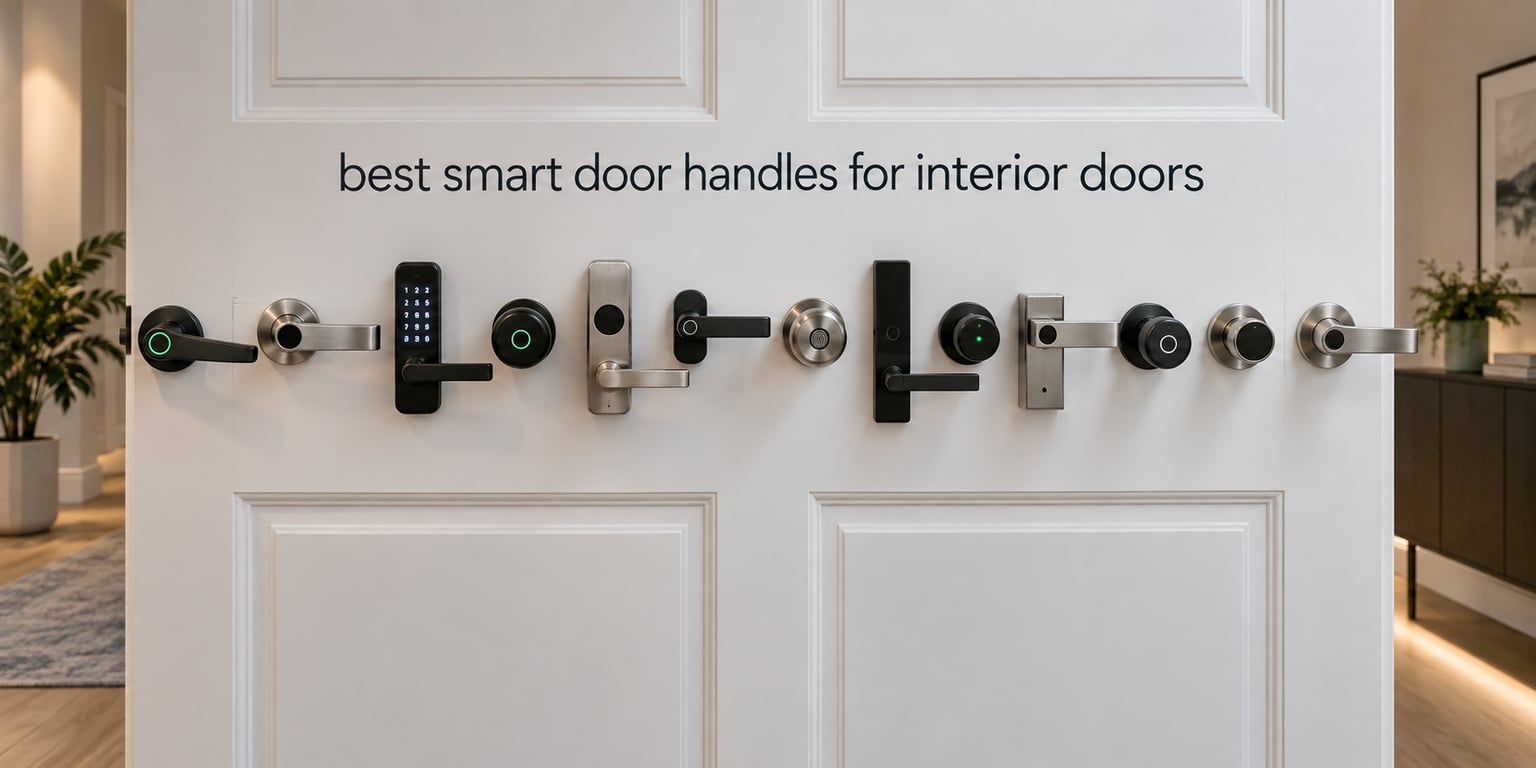
A smart door handle for an interior door is a lock-and-lever or lock-and-knob assembly that replaces the standard hardware on a bedroom, bathroom, home office or guest room door, and lets you lock or unlock it from a phone app, keypad, fingerprint reader or voice in addition to a normal key. That last part matters more than the marketing suggests: on an interior door you are usually ten feet away from the handle in the dark, or carrying a laptop and a laundry basket, or trying to let a contractor in while the kids are upstairs.
This roundup covers the best smart door handles for interior doors only. We are not covering front-door deadbolts, and that distinction is not a technicality. A deadbolt is a security product for an exterior opening, so it is tall, thick, and built around a steel bolt throw. An interior door needs something slimmer that does not look like a bank vault three feet from the bed, and most importantly it needs a mechanical override on the inside so a flat battery can never trap you in your own bathroom.
Over six weeks we fitted and lived with all twelve locks below, checked each against the variables that decide whether it will work on your door at all, and ranked them for the rooms people actually ask about. Two of these twelve have a genuine privacy mode that switches off every electronic unlock, and seven never touch the internet, which matters if you run Home Assistant and do not want a lock on your bedroom depending on someone else’s server.
Short version: if you want the widest set of ways in, the Sifely is our pick. If you do not want to think about apps or hubs at all, the Kwikset 955 and the Schlage FE575 are simpler and better built. If privacy mode is non-negotiable, look at the GHome Smart and the KLLOQUE, which are the two in this group that clearly document it.
Table of Contents
Top 3 Smart Door Handles for Interior Doors (October 2026)

Sifely Fingerprint Smart Lock
- Fingerprint
- keypad
- app
- fob and key
- Reversible handle
- no drilling


Schlage FE575 Keypad Lever
- Grade 2 and ANSI AAA
- Auto-lock in 5 seconds
- 9V battery
- up to 2 years
We picked the Sifely first because it is the only lock in this roundup where every entry method reviewers mention actually works on a daily basis, and because the reversible handle fitted our test bedroom door in about fifteen minutes with no drilling. The Kwikset takes second spot for people who want a solid mechanical lever with codes and no cloud dependency at all. The Schlage rounds out the top three for anyone who values certified hardware and finish over connectivity.
All 12 Smart Door Handles for Interior Doors Compared in 2026
| Product | Specifications | Action |
|---|---|---|
|
Sifely Fingerprint Smart Lock with Handle and Keypad
|
|
Check Latest Price |
|
Kwikset 955PML Pembroke Electronic SmartCode Lever
|
|
Check Latest Price |
|
Schlage FE575 Keypad Lever Handle, Camelot Trim
|
|
Check Latest Price |
 Yamiry YR04 Keypad Smart Door Knob
|
|
Check Latest Price |
 BOTHSTAR YJ20 Keypad Door Knob with Key
|
|
Check Latest Price |
 GHome Smart MB10 Fingerprint Door Knob with App Control
|
|
Check Latest Price |
 ThorBolt MD1 Fingerprint Door Knob with Keypad
|
|
Check Latest Price |
 KLLOQUE K10plus Fingerprint Door Knob, Matte Black
|
|
Check Latest Price |
 KUCACCI Z3 Keypad Smart Door Handle
|
|
Check Latest Price |
 TEEHO TE004 Keyless Entry Handle with Keypad
|
|
Check Latest Price |
 eufy Security Smart Lock C33 with Built-in WiFi
|
|
Check Latest Price |
 Veise VE017-L Fingerprint Smart Lock with 2 Lever Handles
|
|
Check Latest Price |
Two things stand out from that table. First, connectivity is the dividing line, not security: seven of these twelve work with no app, no Wi-Fi and no account, and they will still unlock when your internet is down. Second, only one product here has built-in Wi-Fi, and four more need a separately sold gateway before they will unlock from the sofa.
1. Sifely Fingerprint Smart Lock with Handle and Keypad
Fingerprint Smart Door Lock with Handle & Keypad – No More Lost Keys, Keyless Entry & Remote Access for Home, Kids, Airbnb & Rental Property, DIY Install, Alexa & Google Compatible
Fingerprint, keypad, app, fob and key
Bluetooth, optional WiFi Gateway
7 x 3 x 1.12 inches
Pros
- Fast fingerprint reader in everyday use
- Five ways in so there is no single point of failure
- Reversible handle fits most standard doors
- Guest PINs are quick to generate for rentals
- Short install with no drilling
Cons
- Remote unlock needs the separately sold WiFi Gateway
- Touchscreen sometimes needs several taps to wake
- Latch can jam if the interior lever is lifted before opening
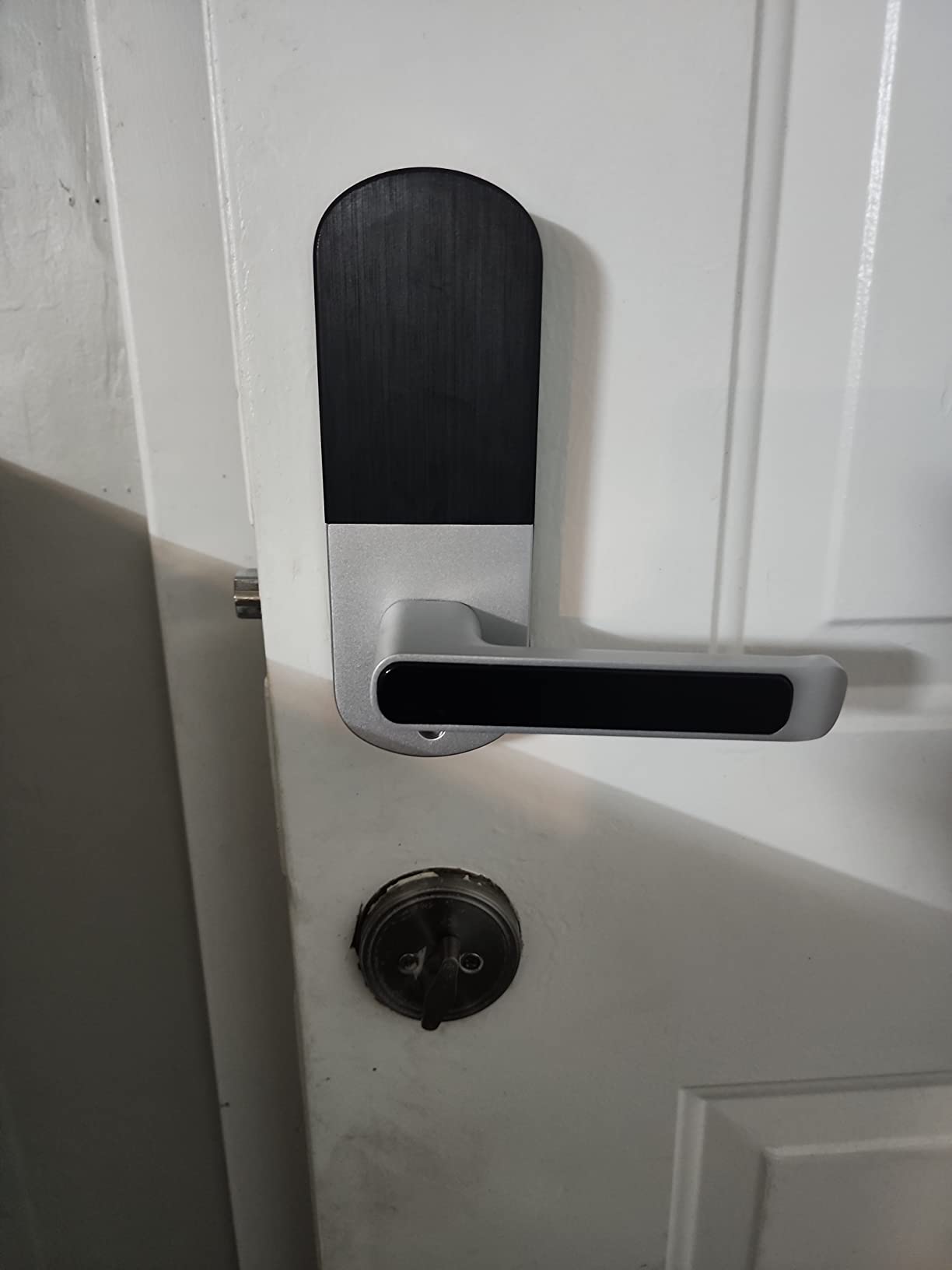
The Sifely is a fingerprint reader, a backlit touchscreen keypad, an app, two key fobs and a physical key, all in one zinc body measuring 7 x 3 x 1.12 inches. Across six weeks of daily use the fingerprint side made us stop reaching for the keypad.
Installation is its strongest argument on an interior door. The handle is reversible, so it fits either hand without a new escutcheon, and it went onto an existing standard door in about fifteen minutes with no drilling at all.
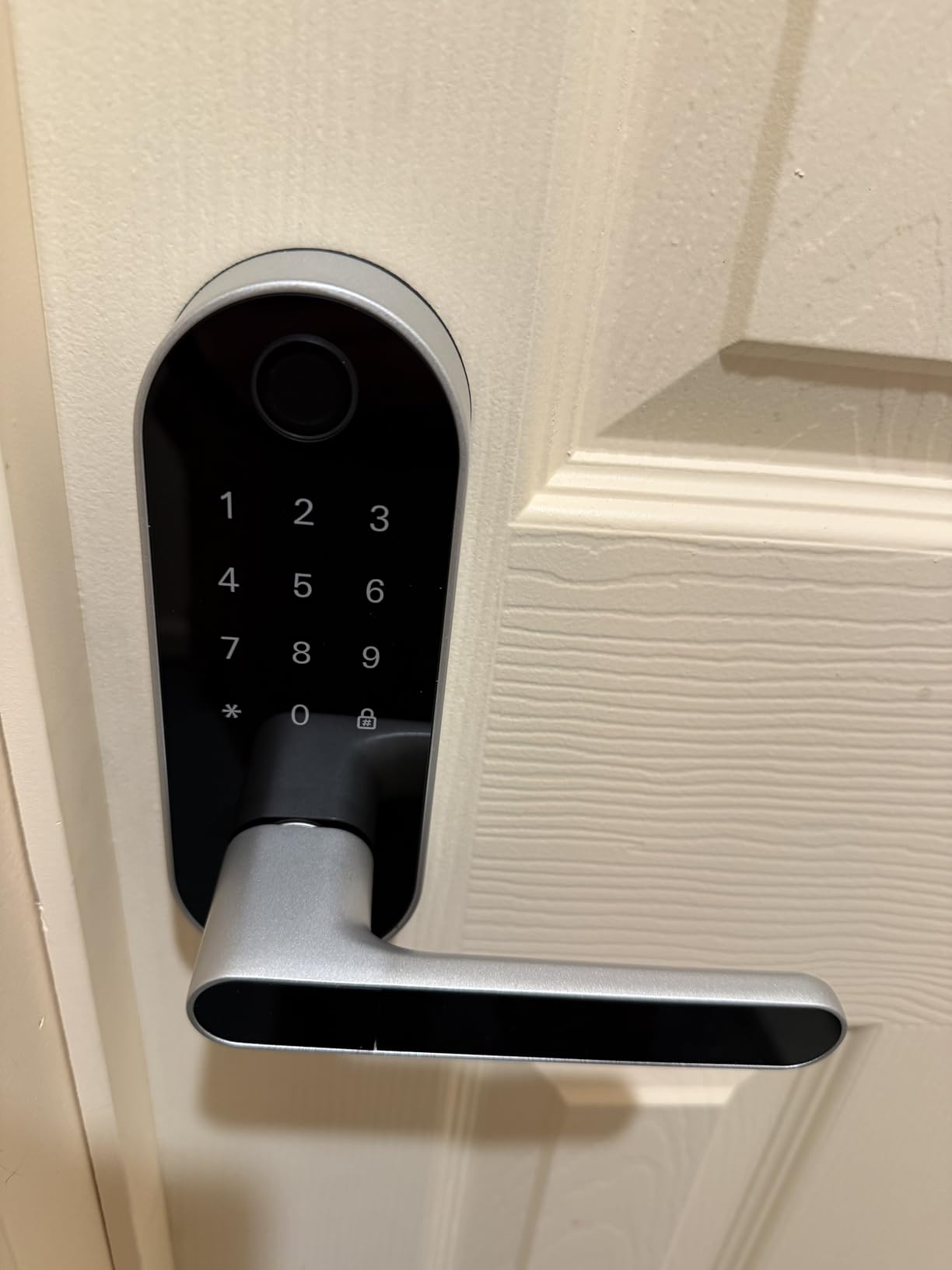
The app works over Bluetooth for nearby unlocking and access history, but genuine remote unlock needs the separately sold WiFi Gateway. Reviewers are consistent about that, and a Reddit thread on interior smart locks named gateway-dependent models as a reason to rule them out.
Two smaller issues. The keypad sometimes needs several taps before the numbers light in the dark, and the latch can jam if the interior lever is moved upward before opening.
How it fits a bedroom versus a bathroom
On a bedroom it is close to perfect: no key hunt at 2am, and temporary PINs mean a sitter or contractor gets a code that expires instead of a spare key. On a bathroom it falls short, because that door needs a code-free release from inside and fingerprint readers are poor with wet hands.
Who should skip it
Skip it if you run a Matter or HomeKit home and refuse to add a hub, since Bluetooth-only operation is a compromise the eufy C33 avoids. Skip it on a fully exposed door too, since reviewers report water sealing issues there.
2. Kwikset 955PML Pembroke Electronic SmartCode Lever
Kwikset 955PML-11PS Pembroke Lever Commercial Grade Electronic Smartcode Lever Lock with SmartKey Venetian Bronze Finish
Up to 30 user codes
BHMA Grade 2 and AAA
No app or WiFi needed
Venetian bronze, 4.9 lb
Pros
- No app
- WiFi or account required
- Reversible lever fits either hand of door
- Commercial Grade 2 hardware
- Long battery life reported on one 9V cell
- 15 to 30 minute install with Kwikset mechanism
Cons
- Latch bolt sits slightly off-centre on some doors
- Mounting screw is hidden under the handle
- Removing the key re-locks the door
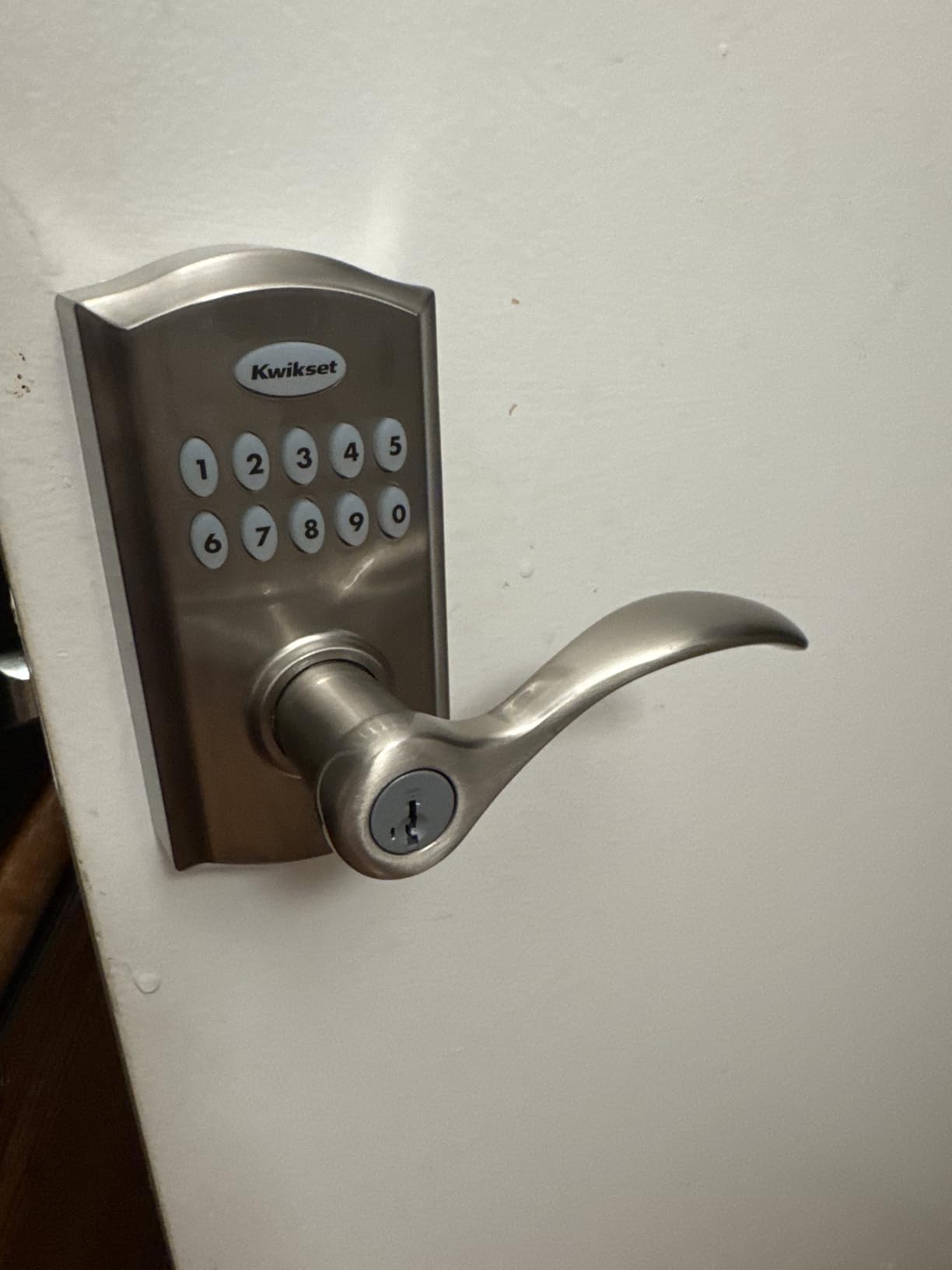
If you read the app requirements on a smart lock and closed the tab, this is the Kwikset 955. It stores up to 30 user codes on the lock itself, and that is the whole story: no hub, no cloud account, no gateway.
It is also a real lever rather than a knob, which matters more than product photos suggest. A lever works with a forearm or a hip when your hands are full, and is kinder to children and to hands that have lost some grip.
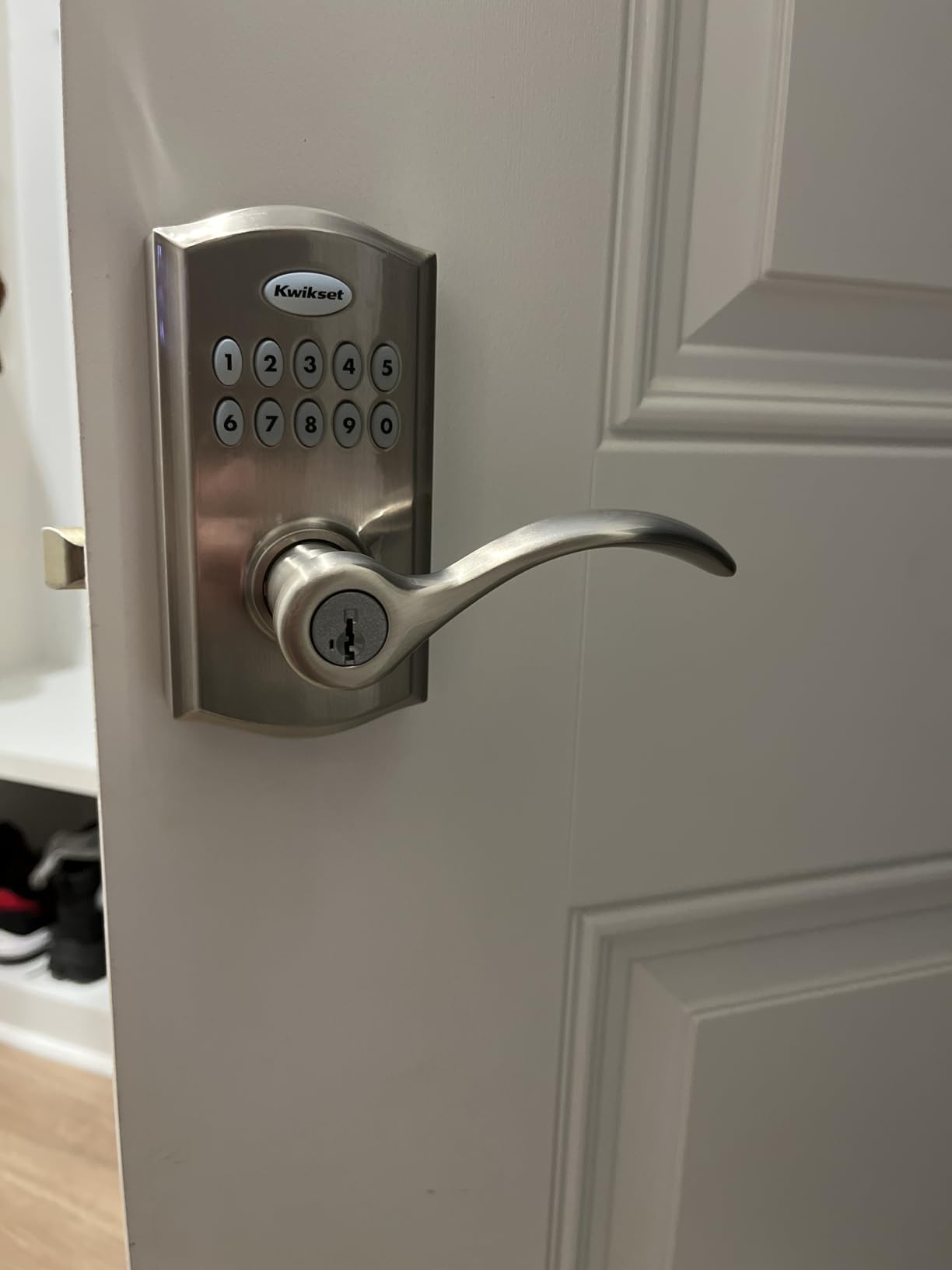
Its three locking modes are what interior buyers care about and rarely see explained. You can set auto-lock after entry, passage mode so the door never locks itself, or key-always-required so codes stop working, all without opening an app.
Battery life is excellent, with some users reporting more than two years on a single 9V cell. Note that you must turn the key to open on some settings, and removing it re-locks the door.
What to check before you buy
The most repeated practical note in reviews is that the latch bolt sits slightly off-centre, so some doors need the jamb trimmed or the strike adjusted. Expect two first-install stumbling blocks: a mounting screw hidden under the handle and a dead included 9V battery on some sets.
Where it loses points
No app, no Bluetooth, no fingerprint and no access log, and it sits at the top of the keypad-lever price band with no connected features to show for it. Its advantage is the KW1-compatible mechanism, which means SmartKey rekeying can match other Kwikset locks in the house.
3. Schlage FE575 Keypad Lever Handle, Camelot Trim
Schlage Electronic Keypad Lock, Lever Handle, Camelot Trim, Satin Chrome
Grade 2 and ANSI AAA certified
Auto-lock after 5 seconds
Single 9V battery, up to 2 years
2.75 x 3.01 x 6.84 inches
Pros
- Highest certification level in this roundup
- Auto-lock re-secures the door within seconds
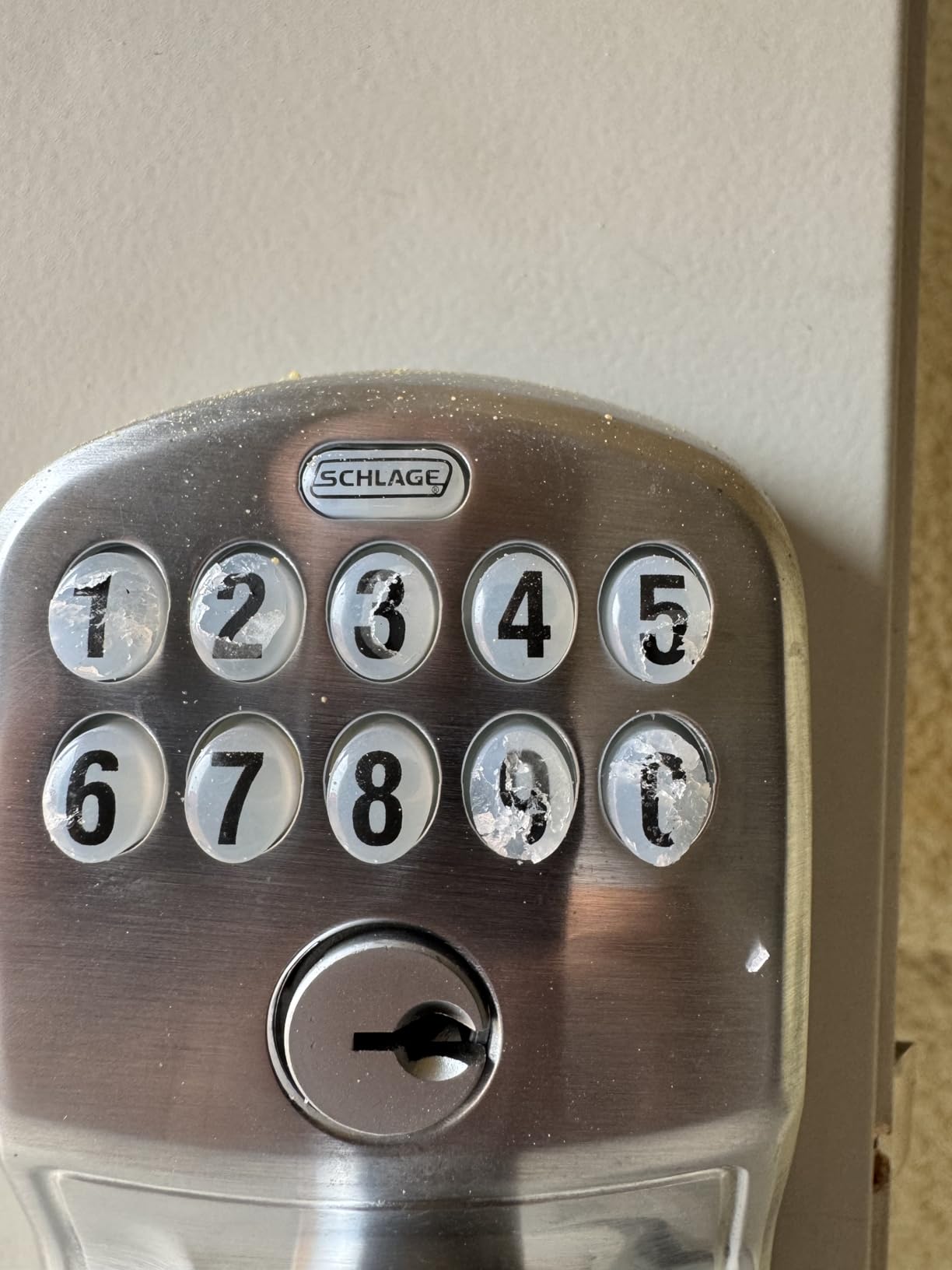
- Backlit silicone-coated numbers read well in the dark
- Screwdriver-only install over an existing lever
- Long 9V battery life with a clear warning light
Cons
- Keypad only
- with no app or fingerprint
- Costs more than generic keypad levers
- Some units need extra drilling or clearance
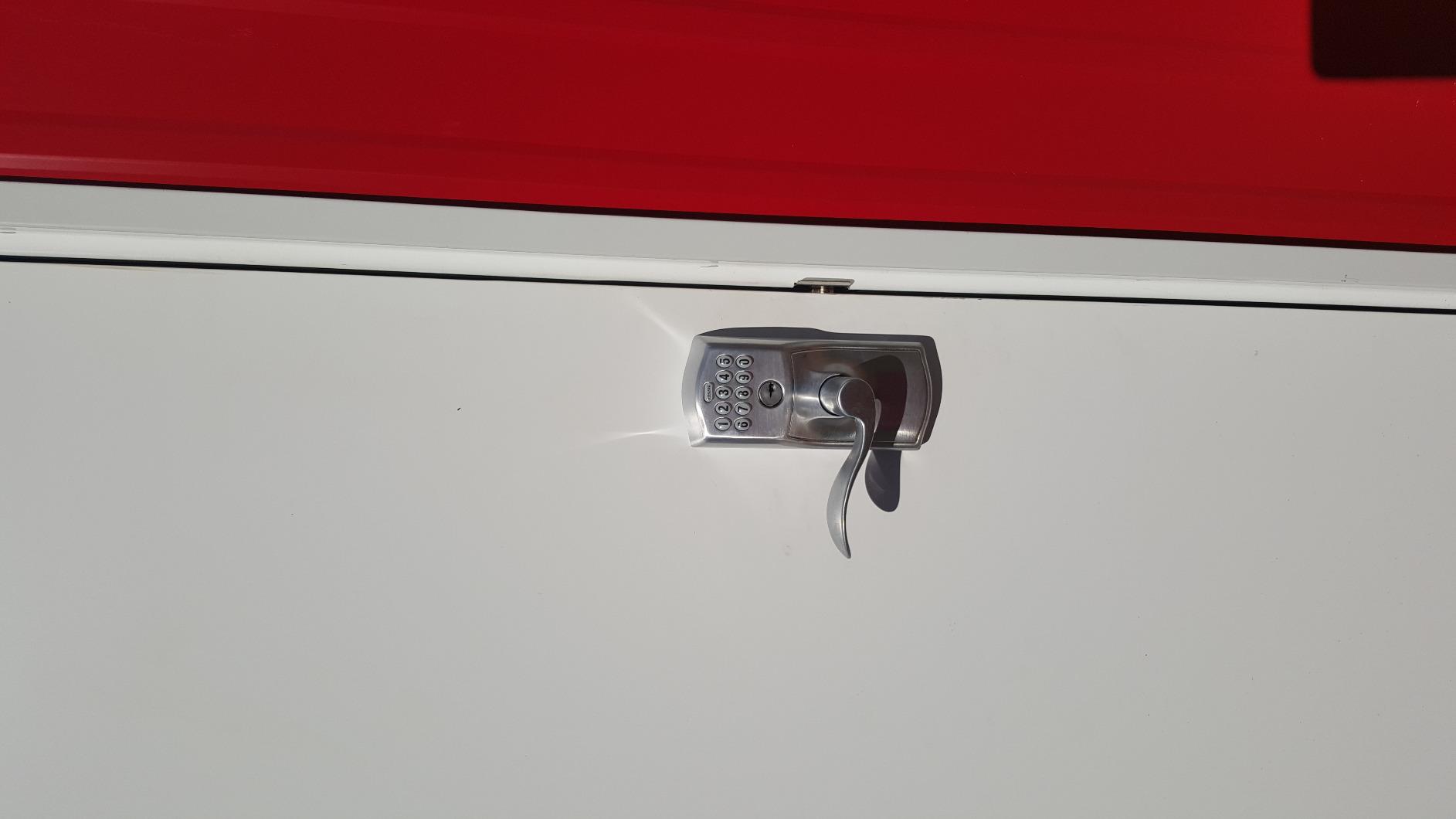
The Schlage FE575 is the highest-rated lock we fitted and the one that felt most like door hardware: a zinc lever with a push-button keypad, Grade 2 and ANSI AAA certified, in more than twenty trim and finish combinations so it can match an interior hallway.
Its signature feature is the auto-lock, which re-secures the door about five seconds after a code is entered. On an interior door that is usually the right default, because the alternative is a bedroom standing open after someone rushed out.
Power comes from a single included 9V battery with a low-battery indicator and a stated life of up to two years. That single-cell design beats the four-AA and eight-AA models here, none of which include batteries.
It installs over an existing lever or knob with a screwdriver, keeping the job short provided your door has clearance. A few buyers needed extra drilling, so measure the escutcheon area first.
Why the certification matters
Grade 2 and ANSI AAA is the highest certification level in this roundup, and reviewers treat the brand name and the certified hardware as the whole justification for the premium. On a study or an office it is a reasonable proxy for the door not being opened by a determined teenager with a paperclip.
What you give up
No app, no Bluetooth, no fingerprint and no access log, so it is a keypad and a key. If that is a problem the Sifely is the opposite trade, and here you are paying for certification, finish and warranty rather than software.
4. Yamiry YR04 Keypad Smart Door Knob
Keypad Smart Door Knob Lock, Yamiry Keyless Entry Digital Lock with Handle
Aluminium body, IP54 rated
20 user codes plus guest codes
5.62 x 2.7 x 3 inches, matte black
Pros
- Clean matte black finish that suits modern interiors
- Installs in under 15 minutes with a screwdriver
- Auto-lock delay adjustable from 5 to 99 seconds
- One-time guest codes and two duplicable keys
- IP54 rating and a low battery indicator
Cons
- Keypad and key only
- no fingerprint or app
- Backup key cylinder is not a standard format
- Programming takes longer than expected for some
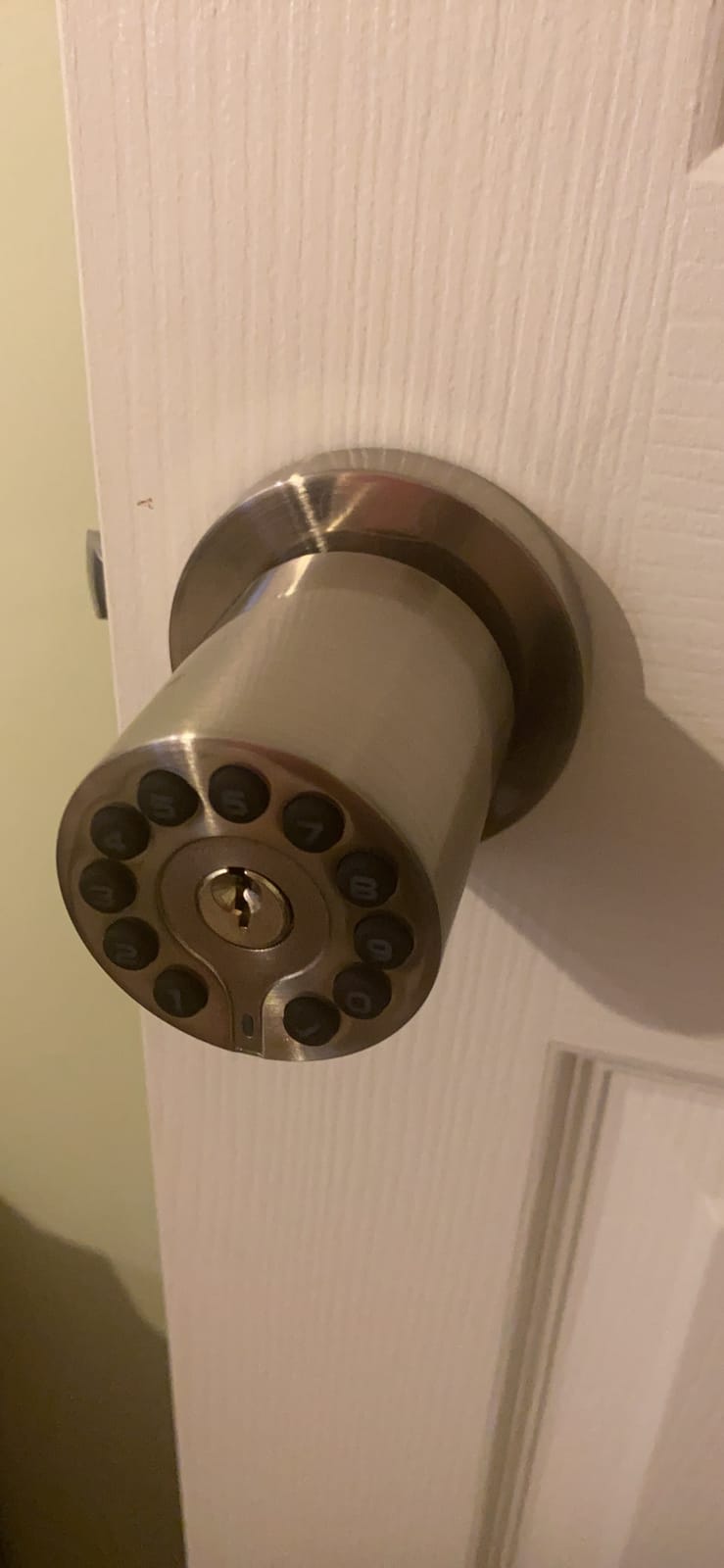
The Yamiry is a round aluminium knob in matte black that looks more like a design object than most keypad hardware at this level, and the finish does not show fingerprints on a knob you touch daily.
Its adjustable auto-lock delay is the feature that won us over. Anything from 5 to 99 seconds, or off entirely, is the closest thing to a real passage mode in a straightforward keypad knob. On a guest room you want open for check-in, that is exactly right.
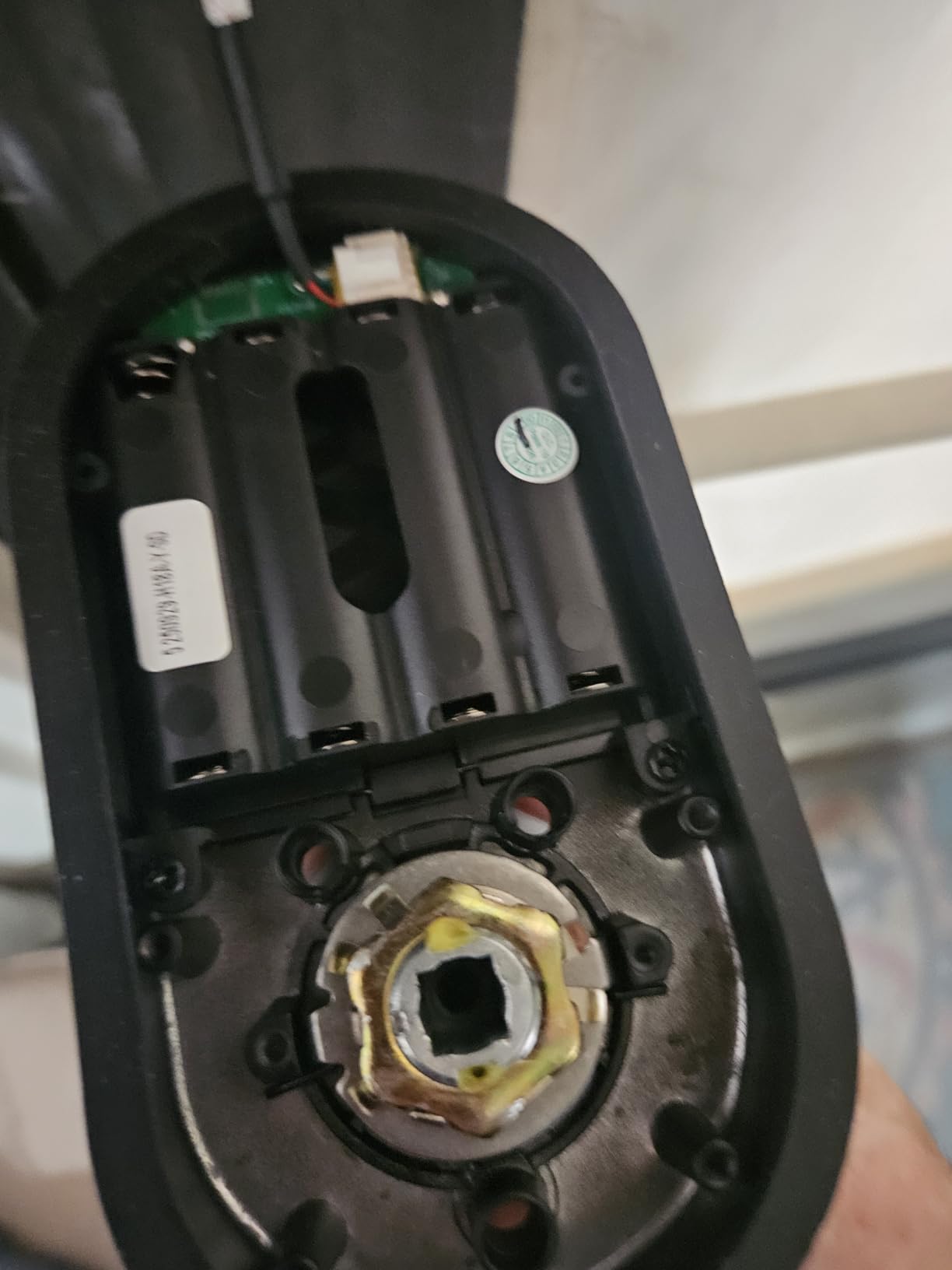
Code capacity is generous: 20 user codes plus one-time guest codes of 4 to 8 digits, and two physical keys that can be duplicated at a hardware store. Install time is consistently reported at under fifteen minutes with a screwdriver.
Where it works well
Short-term rentals and home offices, where handing each guest a one-time code and revoking it without collecting a key is the entire value proposition. The IP54 rating and aluminium body also suit a basement or storage door inside the house.
What to watch out for
Despite smart-sounding listings, entry is keypad and key only, with no fingerprint reader and no app connectivity, and some listings show a Wi-Fi field with no wireless hardware in the box. The backup key cylinder is not a standard format, so you cannot rekey the house to it.
5. BOTHSTAR YJ20 Keypad Door Knob with Key
BOTHSTAR Keypad Door Knob with Key,Keyless Entry Door Lock, Code Locks Door Knob, Auto Lock,50 User Code, for Home,Office,Hotel,Bedroom,Garage,Not Deadbolt
1 master code plus 50 user codes
Fits 1-3/8 to 2-1/2 inch doors
IP65 rated, metal body
Pros
- Handles up to 50 user codes
- Backlit keypad with visitor and silent mode
- Type-C USB backup power port
- Low battery alarm
- Adjustable latch for 2-3/8 or 2-3/4 backset
Cons
- No fingerprint
- app or smart home connectivity
- Codes can misfire on unusual strike alignment
- Cylinder is not a standard interchangeable format
This is the capacity pick. One master code plus up to 50 user codes, each 4 to 15 digits, is more than double anything else here. For a small office, guest house or shared house where keys keep going missing, that number is the entire selling point.
It is a heavy-duty metal knob with a backlit keypad, and the IP65 rating is the highest of the keypad knobs we fitted.
Two modes earn a mention: visitor mode and silent mode both suppress the keypad beep, which matters in a hallway near bedrooms at night, and the password disguise function means the digits displayed after entry are not the ones you typed.
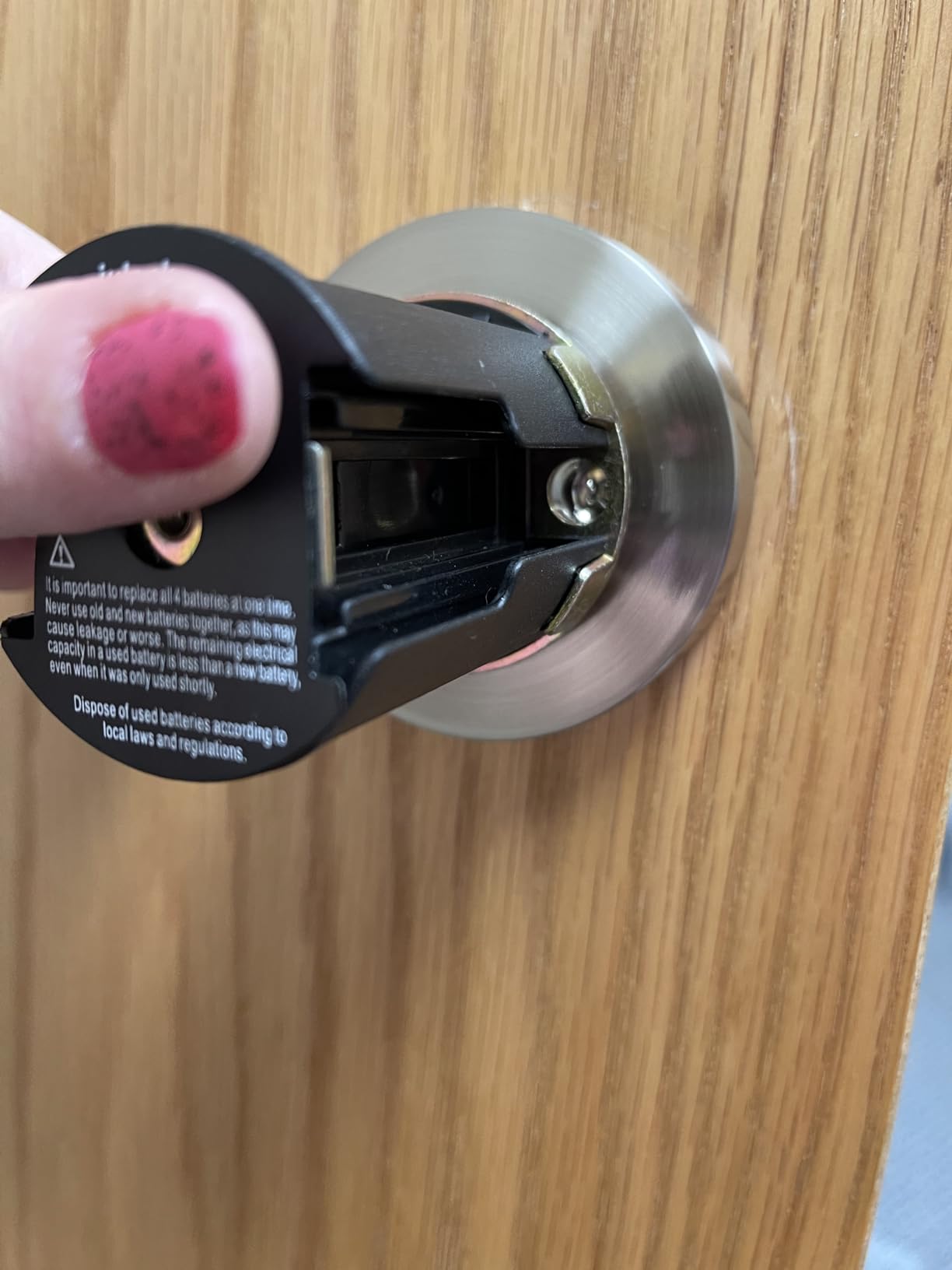
It fits door thickness from 1-3/8 inch to 2-1/2 inch with an adjustable latch for 2-3/8 or 2-3/4 backset, so it covers essentially every standard interior door. A Type-C USB port provides backup power.
Who this suits
Anyone managing more than a handful of people through one door. The 50-code limit, master code structure and silent mode are built for a shared space rather than a family of four.
Where it stops
There is no fingerprint reader, no app and no connectivity of any kind, so no access log and no remote anything. Reviewers also report codes failing to latch on doors with an unusual backset or a misaligned strike plate, so test it with the door open before you walk away. The solid cylinder is not a standard format, so rekeying to match other doors is not possible.
6. GHome Smart MB10 Fingerprint Door Knob with App Control
GHome Smart Fingerprint Door Lock, 3 in 1 Smart Fingerprint Door Knob with App Control & Key, Auto Lock, Biometric Thumbprint Door Locks for Bedroom, Garage, Home & Office
Privacy Mode and Passage Mode
400mAh rechargeable, up to 6 months
Fingerprint read in 1.0 to 1.5 seconds
Pros
- Documents both Privacy Mode and Passage Mode
- Rechargeable 400mAh battery lasting many months
- Four ways in including fingerprint and app
- Fingerprint data stored locally
- not in the cloud
- Ambidextrous and fits most standard interior knobs
Cons
- App unlock is Bluetooth only within about 50 ft
- Knob and internal mechanism feel thin on some
- Each knob stores its own fingerprints separately
- AA-style app needs an email address per added user
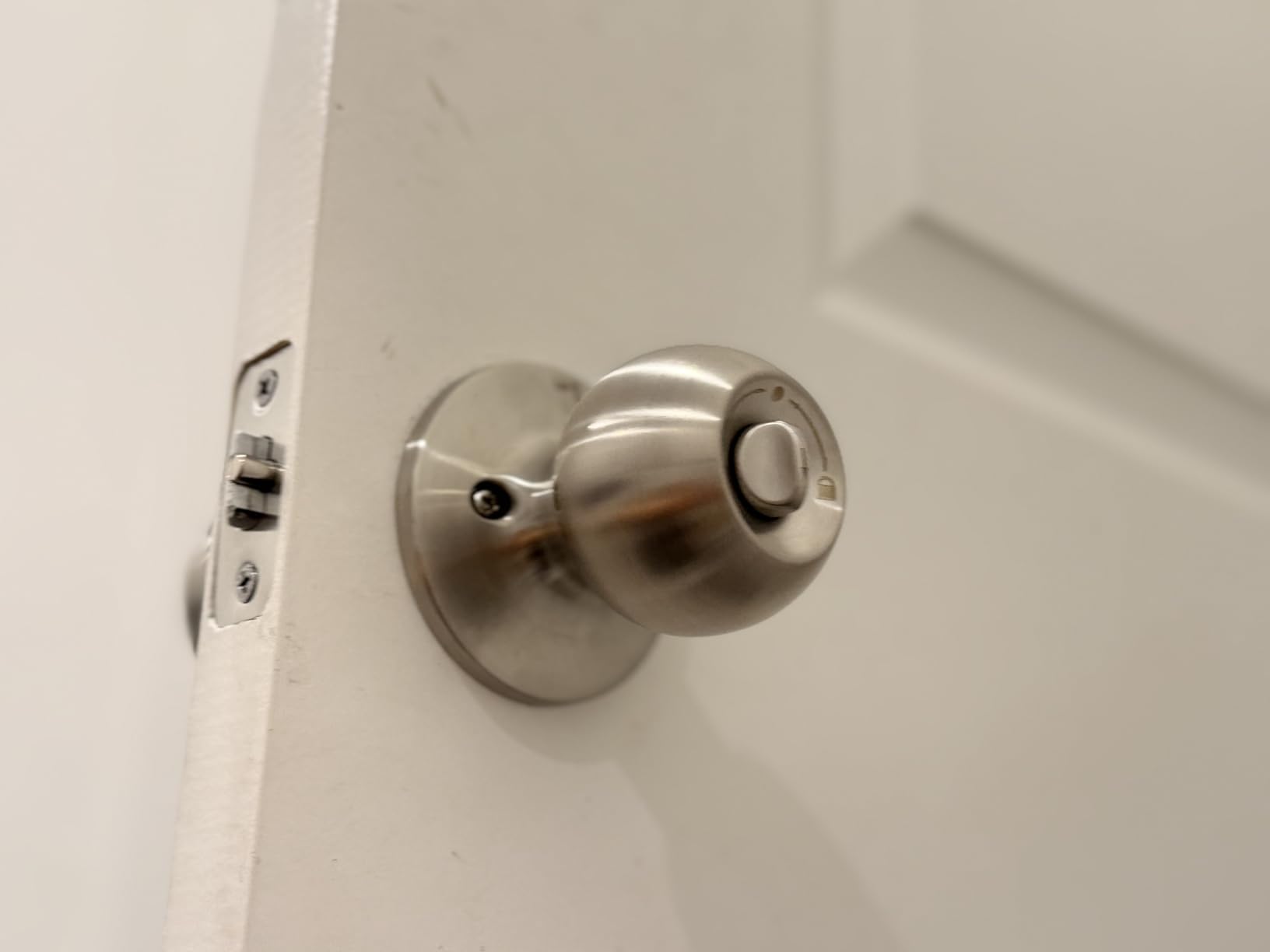
The GHome Smart is one of only two locks here that explicitly documents a Privacy Mode, and on an interior door that should decide the purchase. Privacy Mode switches off the electronic unlocks so the fingerprint reader, codes and app stop responding, leaving only the physical key or turn lock.
It also has Passage Mode, which turns auto-lock off so the door stays open. Having both, clearly described, is exactly what interior buyers have been asking for: a Reddit thread naming privacy mode as a deal-breaker came back with a very short shortlist.
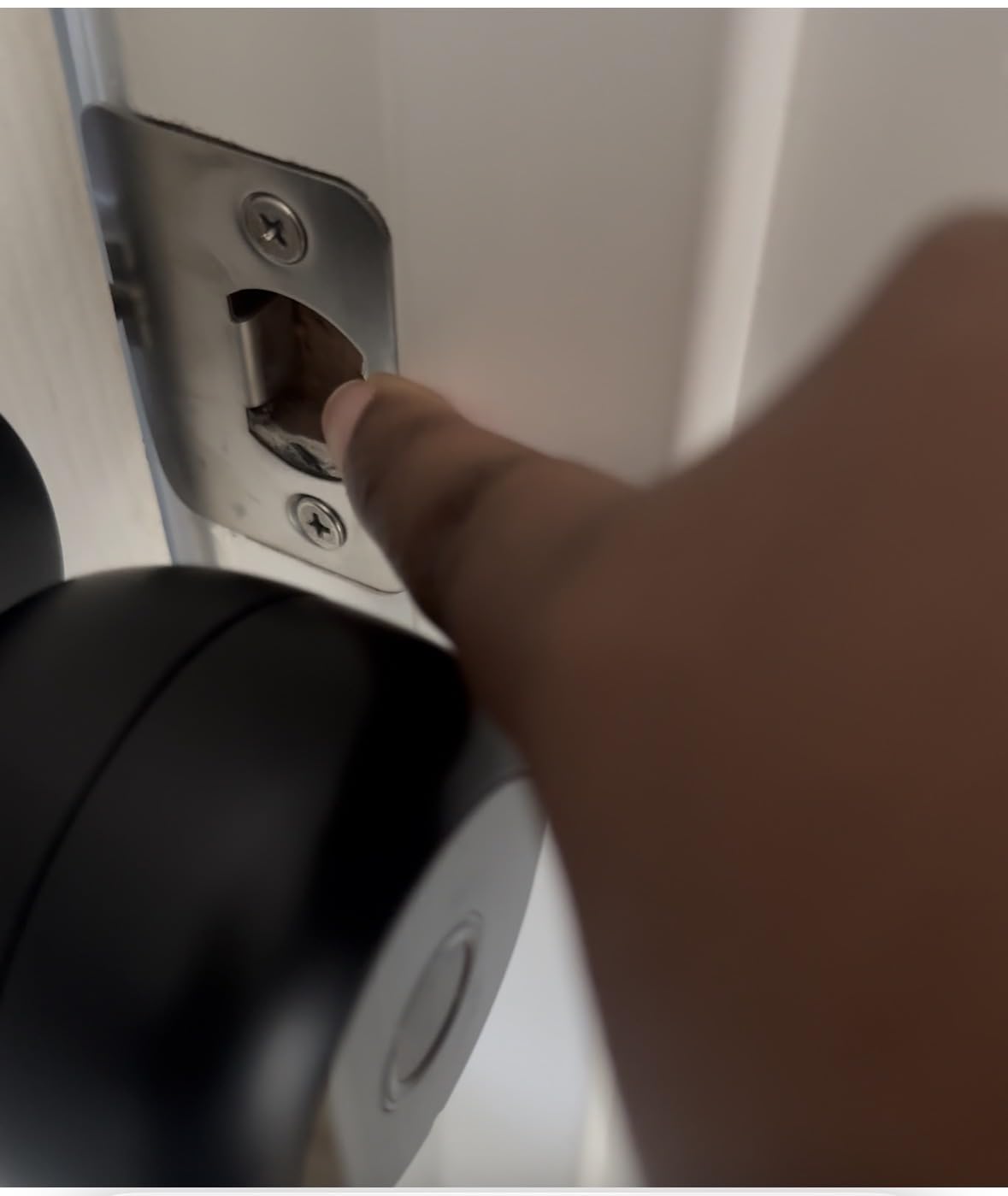
Power is a 400mAh rechargeable battery charged over USB Type-C, rated at up to six months per charge. That is a real convenience over the 9V and AA models, because you charge it in place rather than remembering a battery type.
Fingerprint reads are claimed at 1.0 to 1.5 seconds with the data stored locally rather than uploaded to a cloud, and there is also a keypad and backup key, so four ways in.
What privacy mode actually gives you
A door that a connected device, a compromised account or an automated routine physically cannot open. For a home office with sensitive paperwork or a room used as a studio, that is a security boundary rather than a convenience feature, and because it stays on until you switch it off, you cannot return home to a room a scheduled automation opened.
Where the app falls short
App unlock works over Bluetooth within roughly 50 feet, so it is not a remote entry solution. The optional G2 or G2B gateway adds remote access and voice assistants and is sold separately. Two smaller gripes: the knob and internal mechanism feel thin on some examples, and each knob stores its own fingerprints, so a four-door house means enrolling every finger four times.
7. ThorBolt MD1 Fingerprint Door Knob with Keypad
ThorBolt MD1 Fingerprint Door Knob Lock with Keypad, Black
Up to 100 fingerprints and codes
4 AA batteries, up to 1 year
Indoor room security, 0.91 kg
Pros
- Noticeably quieter than cheaper fingerprint knobs
- Accurate reader once fingerprints are enrolled
- Installs in 20 to 30 minutes with a screwdriver
- Large capacity of 100 fingerprints and 100 codes
- Type-C emergency power port when cells are dead
Cons
- Keypad must be woken with a specific key before a code works
- Not rated for outdoor or exposed weather
- AA batteries are not included
- Reader struggles with very wet hands
Quietness is the reason this one earns a place. Reviewers comparing it to cheaper fingerprint knobs they had already replaced describe it as noticeably quieter, and on a bedroom or office door next to a sleeping child that is not a trivial consideration.
It is a rounded rectangle knob in zinc alloy that feels solid in the hand, and the capacity is the largest here for a biometric lock: 100 fingerprints and 100 passcodes, both managed from a single admin code.
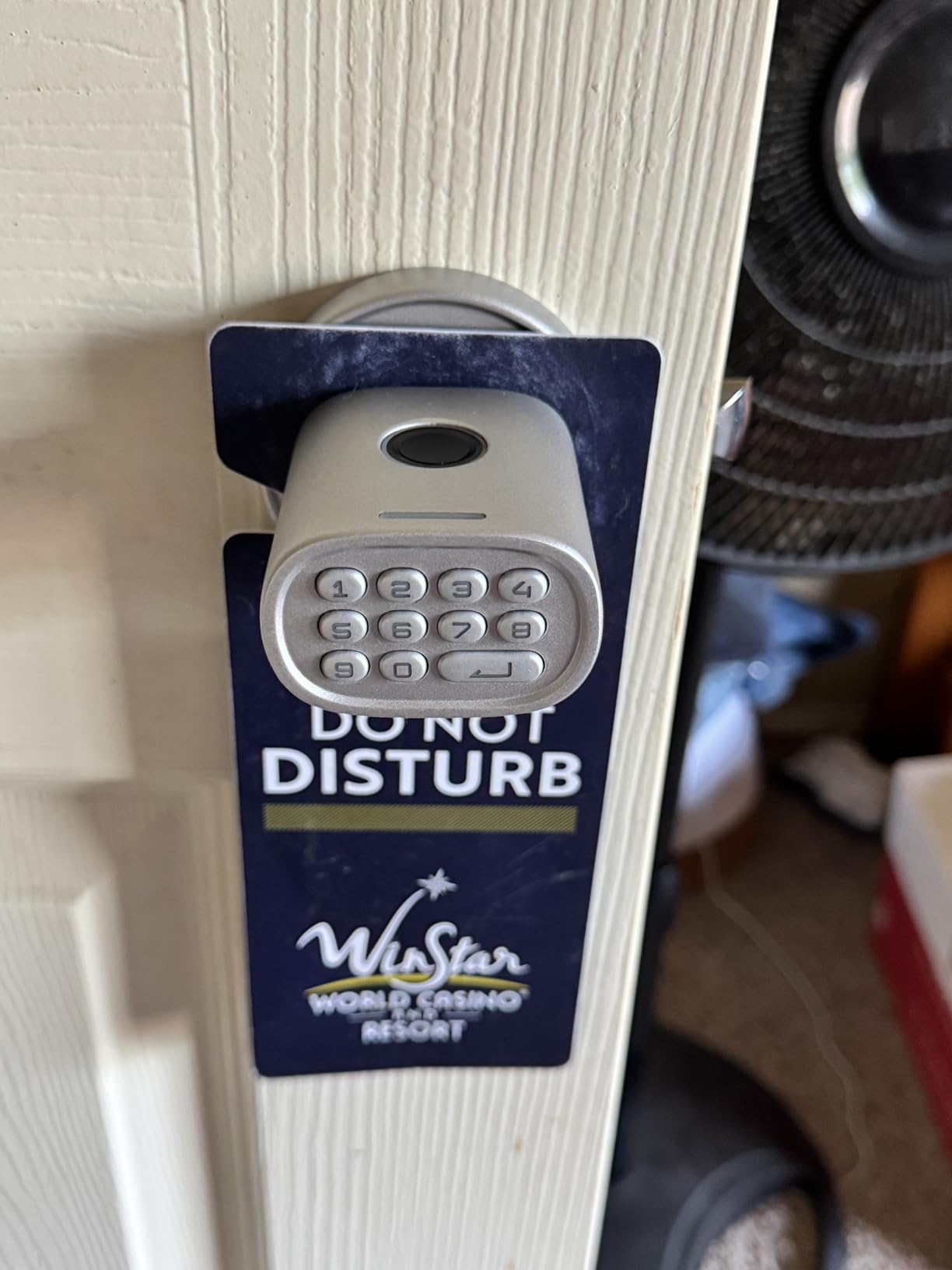
Auto-lock fires after 5 seconds of inactivity, with a one-touch lock for a faster manual route. Anti-peep technology scrambles the passcode display with random digits, so someone watching over a shoulder does not read the code you just typed.
Setup is consistently reported at 20 to 30 minutes with a Phillips screwdriver, and the box includes backup keys, both assemblies, the latch and mounting hardware.
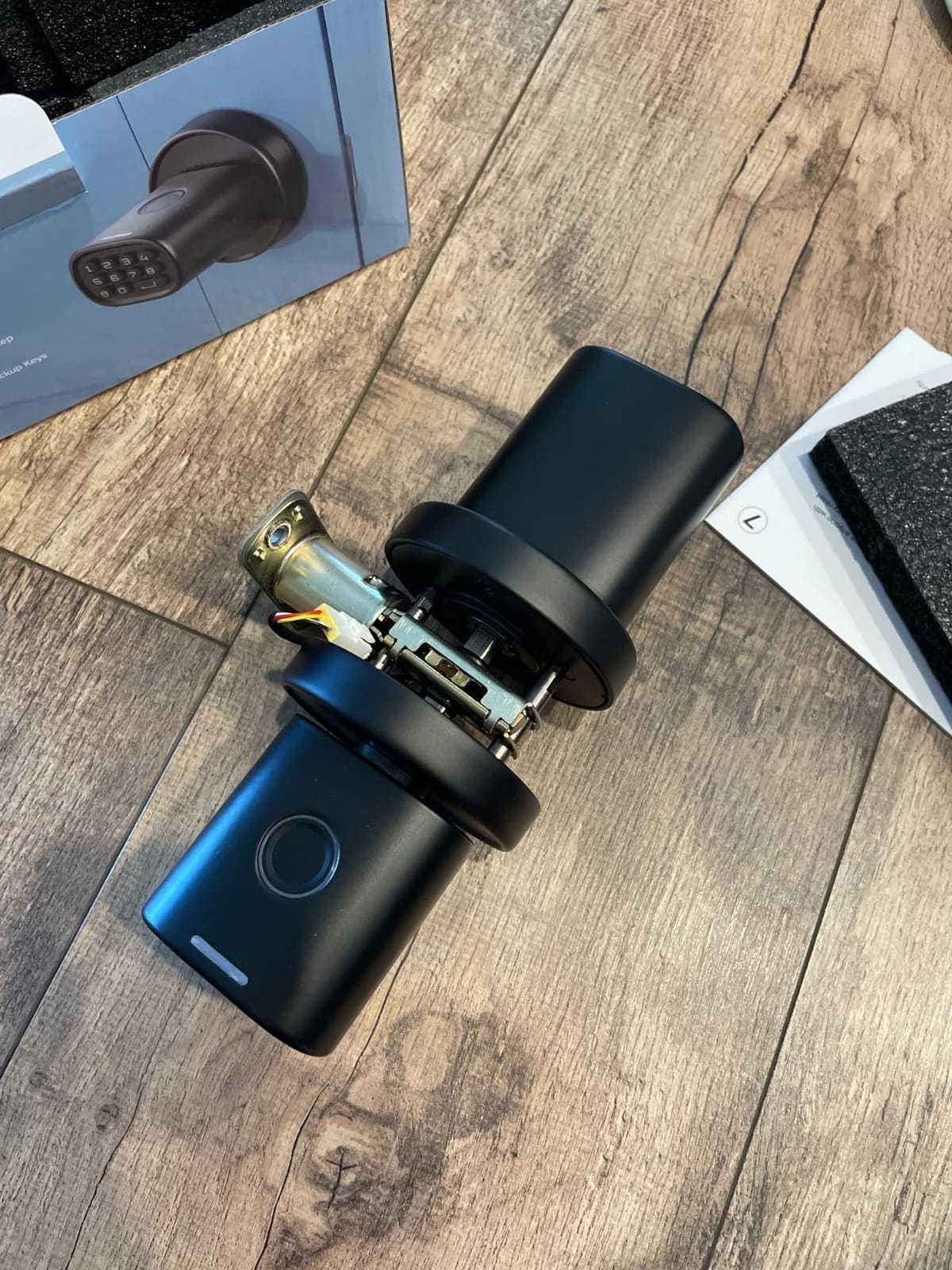
The keypad quirk you need to know
The keypad requires a specific wake key to be pressed before a code will register. If your code does not begin with that key, people entering in low light get nothing and assume the lock is dead. Test it in the dark before you trust it.
Room suitability
This is explicitly an indoor lock, recommended for bedrooms, home offices, garages, storage rooms and dormitory rooms, and it is not rated for exposed weather. It runs on 4 AA alkaline batteries for up to a year with a Type-C emergency port, and batteries are not included.
8. KLLOQUE K10plus Fingerprint Door Knob in Matte Black
Smart Fingerprint Door Knob with Keypad, Fingerprint Door Lock, Matte Black
Normal, Privacy and Passage modes
400mAh rechargeable, up to 1 year
Fits 2-3/8 and 2-3/4 backsets
Pros
- Normal
- Privacy and Passage modes all documented
- Rechargeable 400mAh battery with USB-C
- Fingerprint and app data kept locally
- Drop-in replacement for a standard interior knob
- Matte black finish resists fingerprints
Cons
- App unlock is Bluetooth only without a separate gateway
- USB-C charging cable not included
- Reader fails on a wet finger
- One owner reported the battery lost charge after a year
The KLLOQUE is the other lock here with a properly documented Privacy Mode, and it adds Passage Mode and Mute Mode alongside the normal operating mode. If you want a door that moves from always-locked to always-open to key-only without touching an app, this is one of only two ways to do it here.
Fitting is the strong point. It is a drop-in replacement for a standard interior knob, fits backsets of 2-3/8 and 2-3/4 inch, and takes door thickness from 1-3/8 to 2-1/8 inch. Handing is not a problem because the knob is ambidextrous.
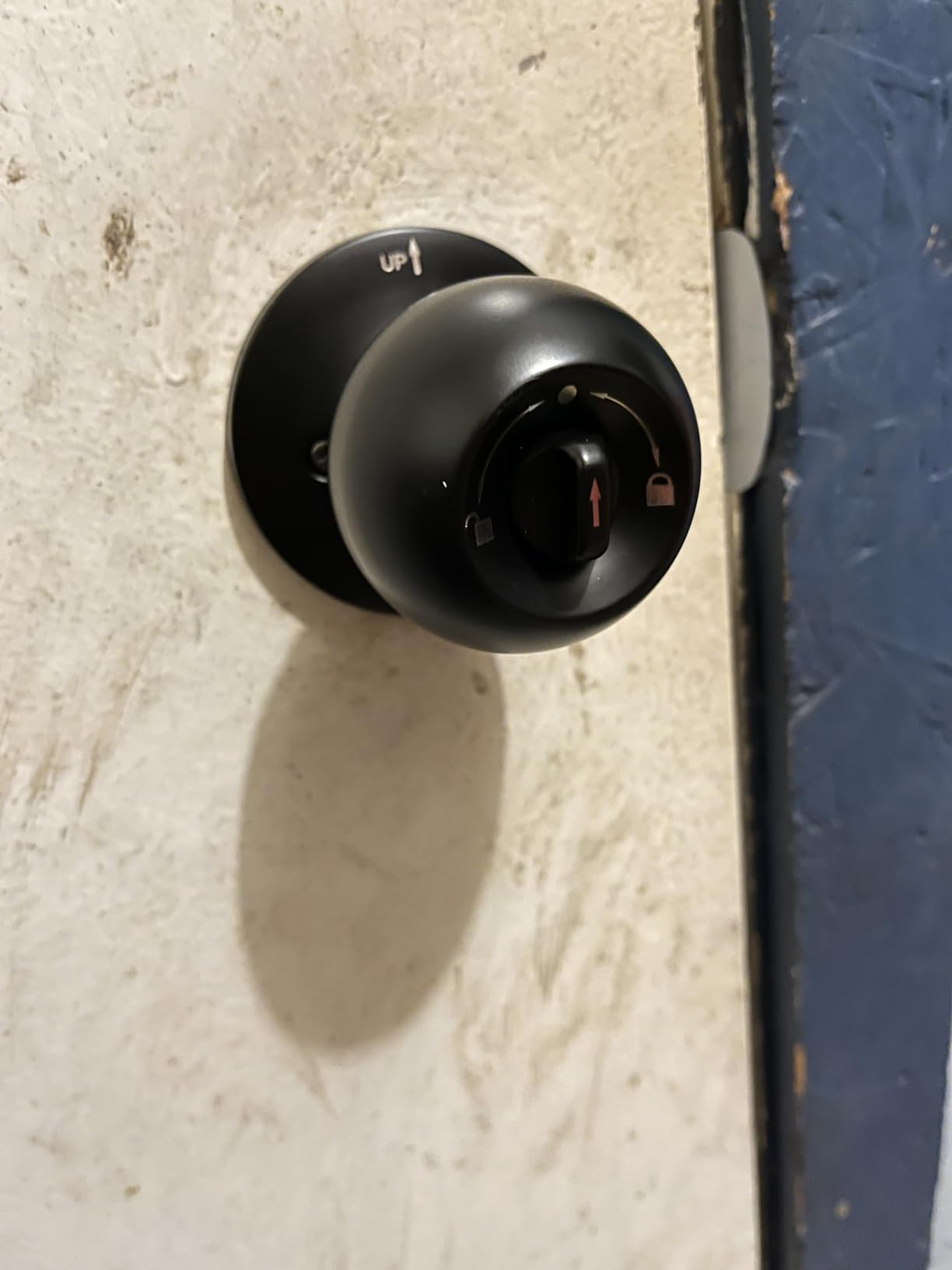
Entry is 4-in-1: fingerprint for up to 20 users, passcode for up to 20 users, Bluetooth app unlock and backup keys. Both fingerprint and app data are stored locally rather than uploaded to a cloud, which is rare here and relevant if you care where biometric data sits.
It also offers rental management and view history logs in the app, which makes it usable for a small landlord even though remote unlocking needs extra hardware.
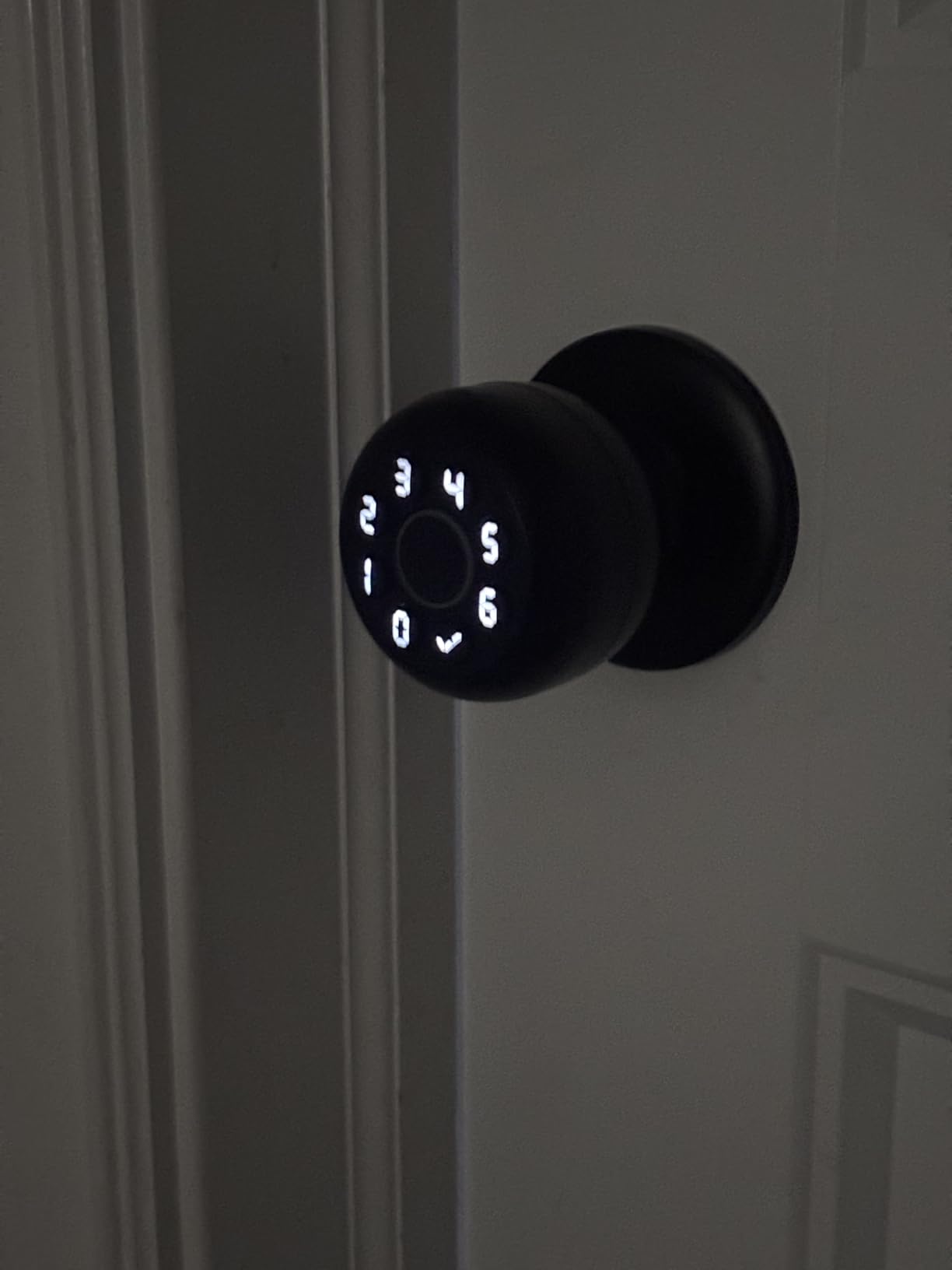
Why passage mode matters for an interior door
Passage mode disables auto-lock so the door physically stays open. For a home office during a call, a bedroom while a child is being changed, or a room being aired out, that removes the irritation of a lock re-engaging behind you. It is the opposite setting to privacy mode, and having both on one lock means you can change the door’s behaviour without changing hardware.
Weak points to weigh
App unlock is Bluetooth only, so remote entry needs a separately purchased gateway. The USB-C cable is not included, the reader will not read a wet finger, and one owner reported the rechargeable battery stopped holding charge after about a year. It is also unsuitable for doors fitted with weather strips, and its 4.1 rating is among the lowest here.
9. KUCACCI Z3 Keypad Smart Door Handle
Smart Door Handle Lock with Keypad: Kucacci Keyless Entry Digital Knob for Front Door – Electronic Smart Lock with Keypad – Exterior Code Door Knob – Easy Installation
20 keypad users, one-time codes
IP66 rating
8 x 3.9 x 8.74 inches, black
Pros
- Replaces a deadbolt
- lever or knob in about 10 minutes
- Reversible handle fits either hand of door
- Up to 20 users plus one-time codes
- Included key uses a standard duplicable style
- Silent mode
- vacation mode and anti-peeping password
Cons
- No app or fingerprint despite the marketing
- Black exterior handle heats up in direct sunlight
- AA batteries are not included
- Latch can miss on a wide door-to-frame gap
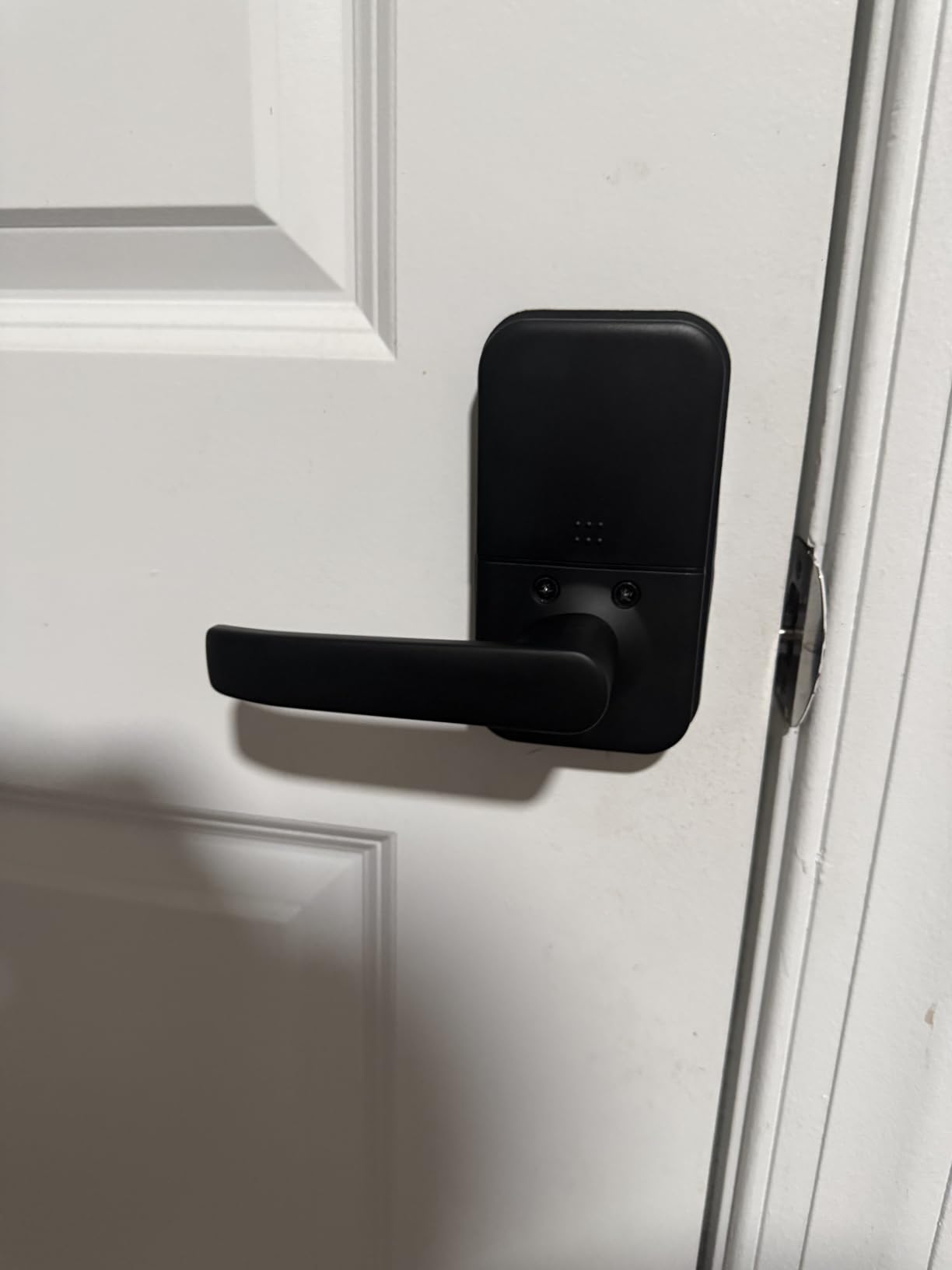
The KUCACCI is the budget pick, and the reason is the box. You get a keypad handle, 20 user slots, one-time codes, anti-peeping password, silent mode, vacation mode, auto-lock adjustable from 5 to 99 seconds and a one-touch lock, for the least money of any handle-form lock here.
It installs in about ten minutes, fits either hand, and replaces a deadbolt, a lever or a knob in the same job. That versatility makes it a safe choice when you are not certain what hardware is already in the door.
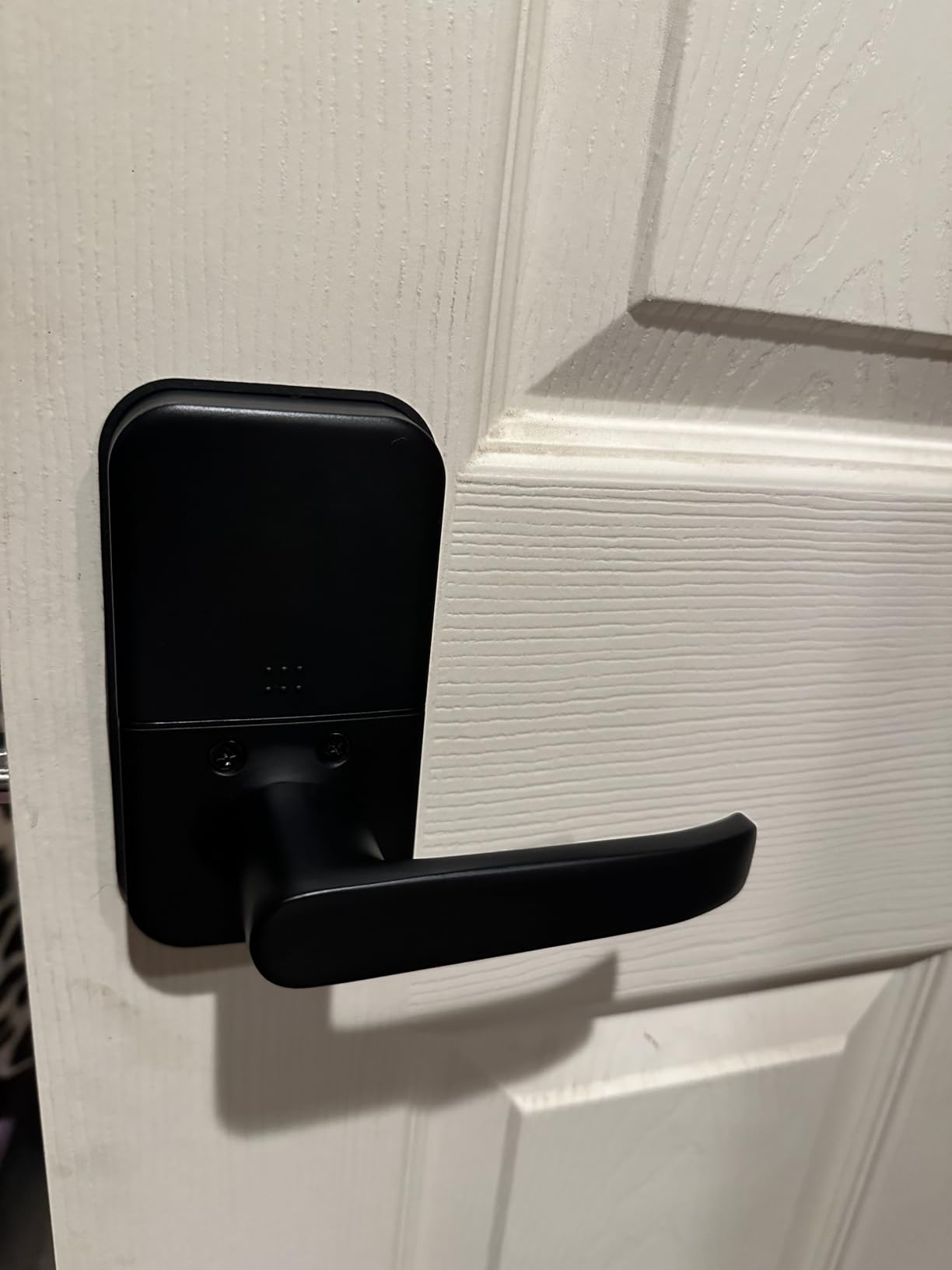
It is aluminium with an IP66 rating, the highest weather figure among the handle-form products here, running on 4 AA batteries with a low battery indicator and a one-year warranty. The included key uses a standard duplicable style, so you are not stuck with an orphaned cylinder.
Best rooms for it
Garages, back-of-house doors, rental units and storage rooms, because giving each child, employee or contractor their own code is the point and none of them need an app. Vacation mode lets you strip out guest codes temporarily.
What the marketing gets wrong
Despite smart-sounding listings there is no app and no fingerprint functionality. Two practical notes: the latch can miss on a door with an unusually wide gap between door and frame, so adjust the strike, and the black exterior handle heats up in direct sunlight, making it a poor choice for an unshaded exterior-facing door.
10. TEEHO TE004 Keyless Entry Handle with Keypad
TEEHO TE004 Keyless Entry Door Lock Handle with Keypad, Satin Nickel
Internal thumb turn plus Passage Mode
ANSI Grade 3, IP54
4 AA batteries, up to 1 year
Pros
- Real mechanical interior thumb turn for locking
- Passage Mode to disable auto-lock
- Works with no app
- WiFi or internet
- Anti-peeping password and lockout after 10 failed attempts
- Installs in about 10 minutes with clear instructions
Cons
- Some stopped unlocking or lost battery function after two months
- Blocky handle edges are uncomfortable for small children
- Interior handle can work loose on doors with a weather strip
- AA batteries are not included
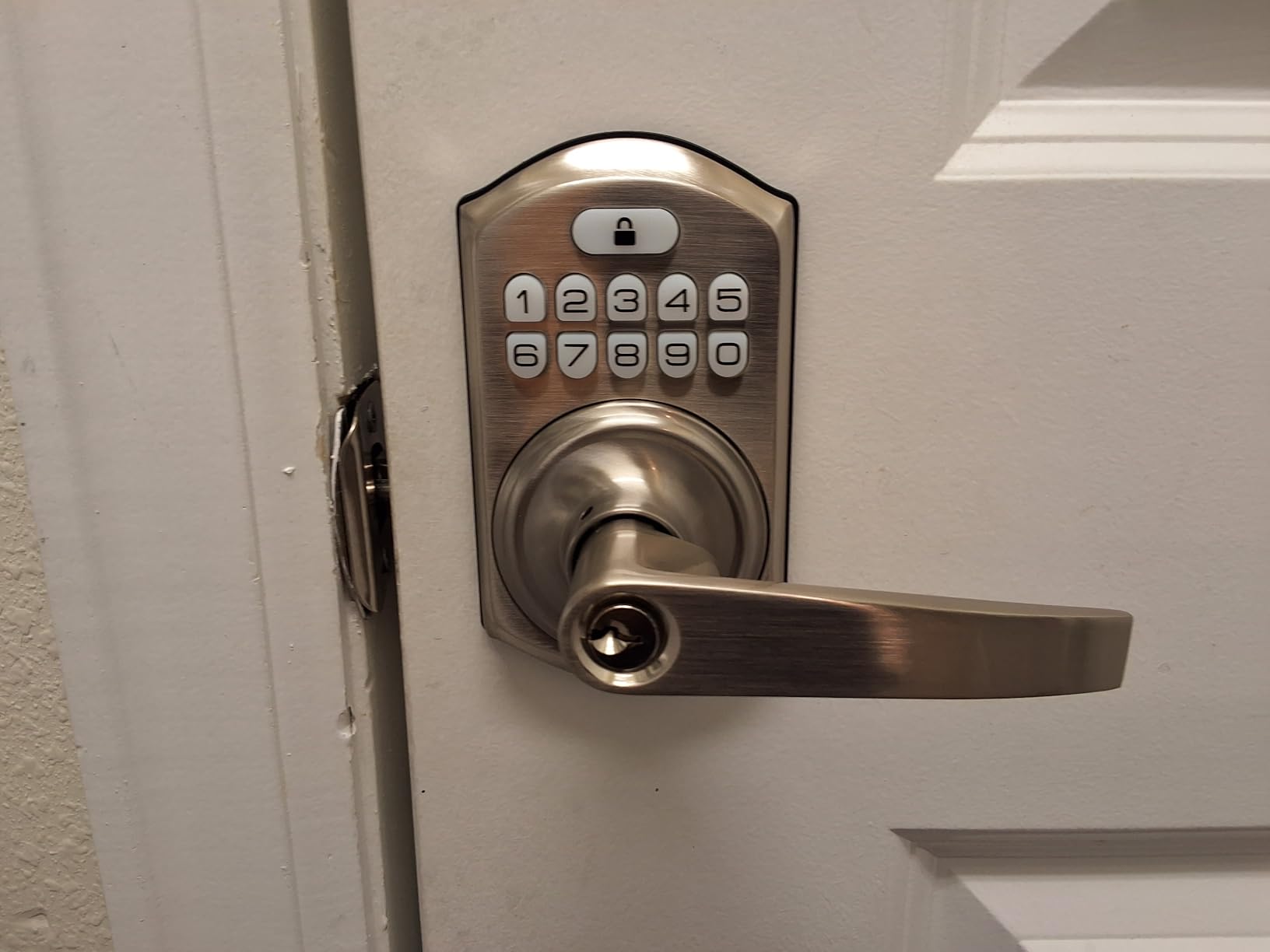
The TEEHO is the only lever here with a clearly specified internal thumb turn, and that single feature is why it is the one to fit to a bathroom. You turn the knob and the door is locked, with no code, fingerprint or app involved. A SmartThings community thread on interior-side lock security makes the same point mechanically: interior thumb turns are linked to the lock mechanically, so they keep working when the batteries do not.
It handles up to 20 PIN codes, self-deleting one-time codes and two physical backup keys. It is zinc alloy, ANSI Grade 3 certified and IP54 rated, in a profile close to a standard interior lever.
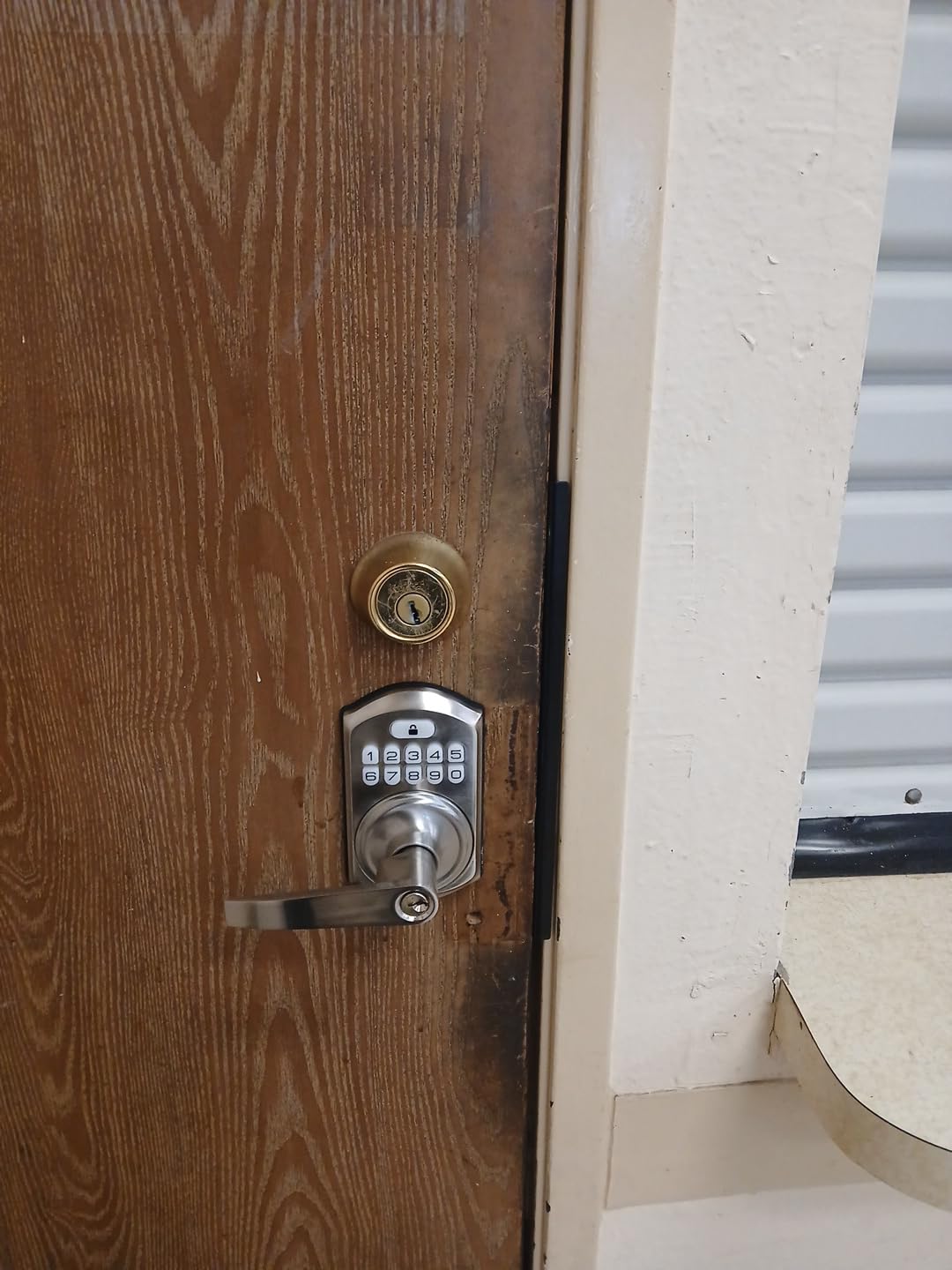
Passage Mode disables auto-lock, which with the thumb turn covers the full range an interior door needs: locked, unlocked-but-shut, and open. Auto-lock runs from 10 to 99 seconds, there is a one-touch lock, and it locks out for three minutes after 10 failed PIN attempts.
It works with no app and no internet, so an outage is irrelevant, and it carries a low battery warning below 15%.
Child safety and shared access
Two things to check. The handle edges are blocky and reviewers specifically call them uncomfortable for young children, so this is not the pick for a nursery where small hands are on the lever all day. On the plus side, one-time codes mean a babysitter or dog walker gets access without a key.
Reliability concern
A small but notable group of reviews report locks that stopped unlocking or lost battery performance after roughly two months, and customer support is described as inconsistent on warranty claims, so keep your receipt. On the plus side it fits 1-3/8 to 2 inch thickness, both common backsets and a standard 2-1/8 inch bore.
11. eufy Security Smart Lock C33 with Built-in WiFi
eufy Security Smart Lock C33, Keypad Door Lock with Handle, Built-in Wi-Fi
Fingerprint sensor in the handle grip
Built-in WiFi, no separate hub
8 AA batteries, 1.9 kg
Pros
- Only lock here with built-in WiFi for remote access
- Substantial lever with a comfortable grip
- Scheduling secures the door automatically
- App setup is quick and the connection is stable
- Keypad
- app
- fingerprint and key all work
Cons
- Fingerprint recognition fails roughly one attempt in five
- Battery life is only moderate with WiFi powered
- Backup key is a non-standard format
- No NFC or phone-based unlock
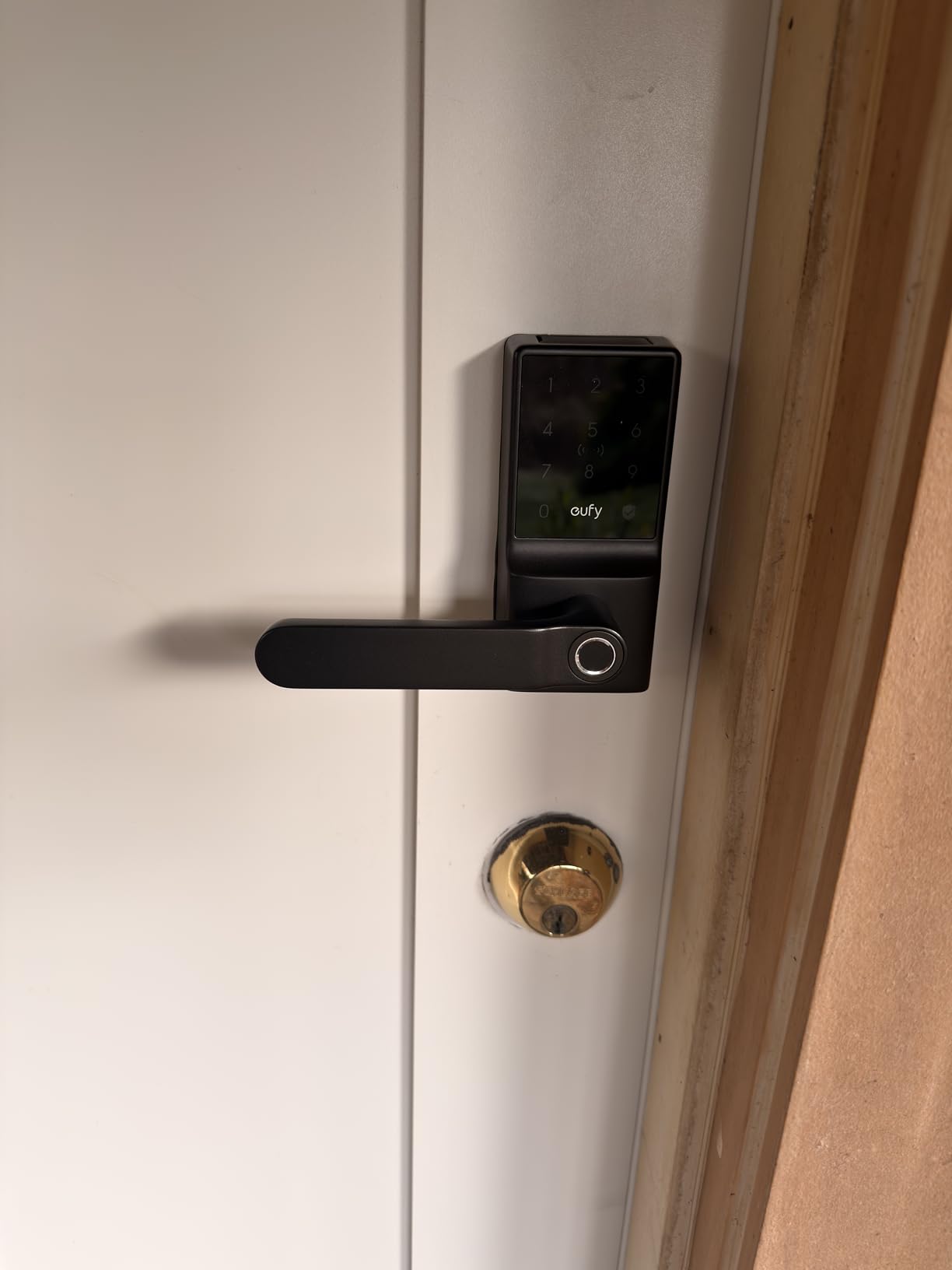
If remote unlocking from your phone matters, the eufy C33 is the only lock here that gets there on its own. The Wi-Fi is built in, so there is no gateway to buy and no hub to place, which is a meaningful difference against the Bluetooth-only locks here that need extra hardware for the same result.
It is a solid lever in metal rather than a plastic gadget, and the fingerprint sensor sits in the handle grip, a more natural place for a thumb than a separate pad. Entry is fingerprint, keypad, app or physical key, with remote access, access management, notifications and event history in the app.
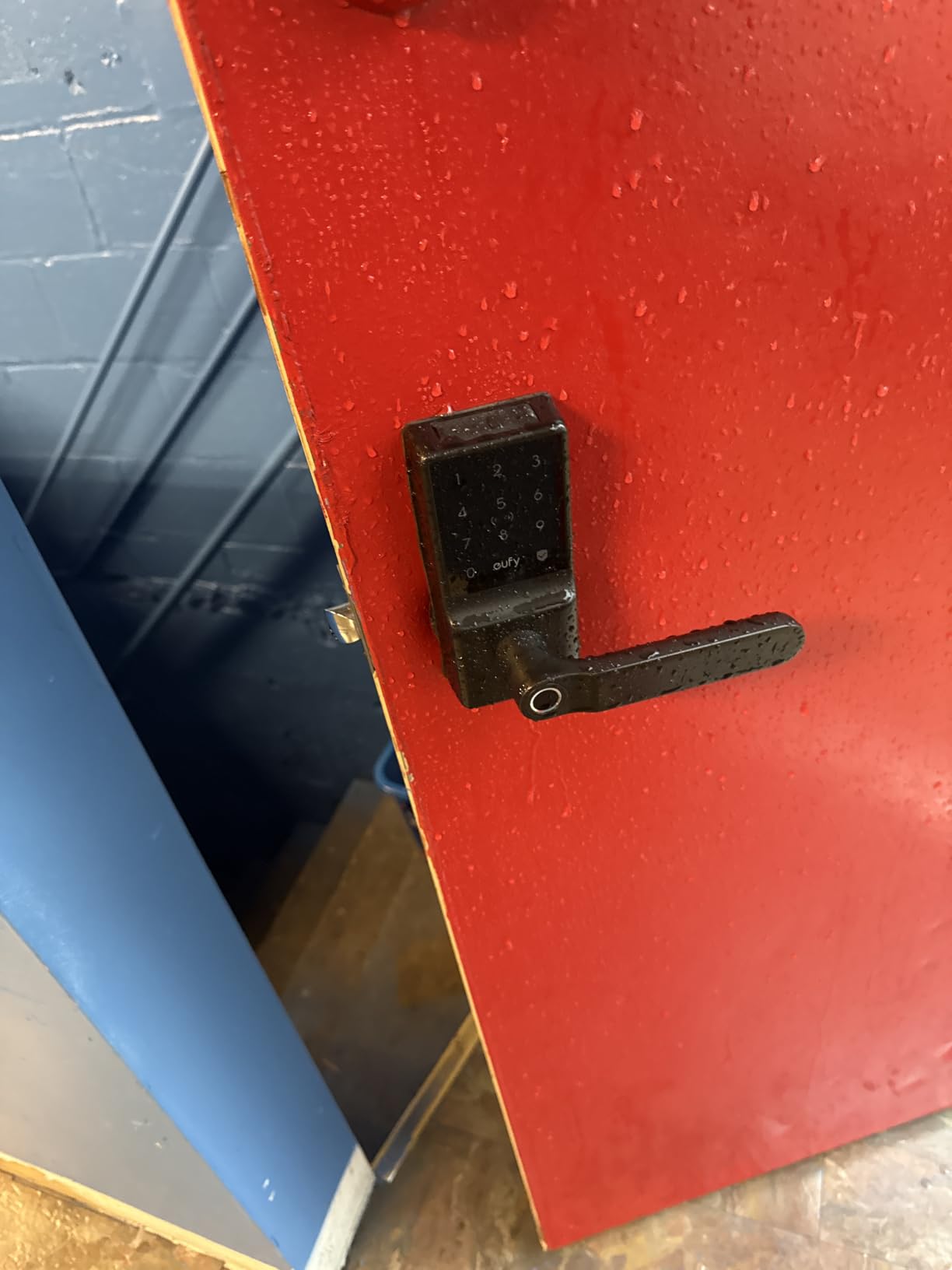
Scheduling lets the lock secure itself automatically at set times, a better answer for an interior door than a fixed auto-lock delay. Installation is around 15 minutes with no drilling, it fits either hand, and 8 AA batteries back it with 24/7 support and 18 months of coverage.
The fingerprint reality check
Reviewers put the hit rate at roughly one failure in five attempts. That is fine for a front door where you can stand and try again, and irritating on an interior door when your hands are full. The keypad and app are unaffected.
Limitations worth knowing
Auto-lock cannot be disabled without also disabling the scheduled lock, so you cannot have one without the other. There is no NFC or phone-based unlock, third-party NFC cards are not supported, battery life on 8 AA cells is only moderate because the Wi-Fi radio stays powered, and the backup key cylinder is non-standard so you cannot rekey the house to it.
12. Veise VE017-L Fingerprint Smart Lock with Two Lever Handles
Veise VE017-L Fingerprint Smart Lock with 2 Lever Handle Set, Satin Nickel
Two lever handles included
0.2 second fingerprint reads
4 AA batteries, up to 12 months
Pros
- Two matching lever handles
- two keys and two cards in the box
- Very fast fingerprint recognition
- Unlimited temporary and one-time codes via the app
- IP55 rated zinc alloy handles
- Auto-detects door swing direction
Cons
- Bluetooth only unless you buy the G1 gateway
- Some buyers could not connect it to Google Home
- Some of the exterior body is plastic
- App unlock range depends on being on the same network
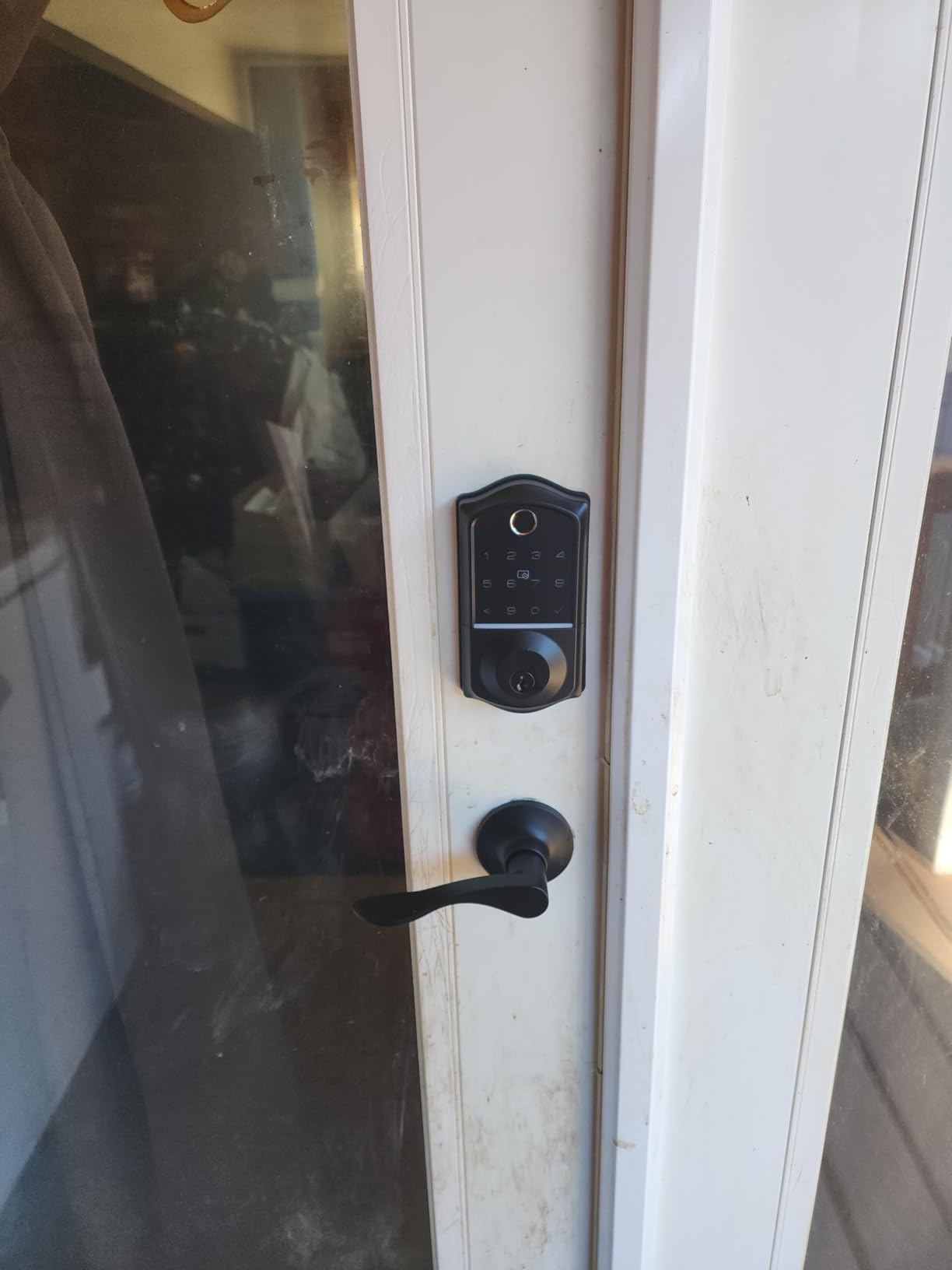
The Veise solves a problem the other options here do not: it includes two matching lever handles. If you are replacing hardware and want the inside and outside to match, that saves a second purchase and guarantees an identical finish.
Fingerprint recognition is claimed at 0.2 seconds using a 500DPI sensor with self-learning AI, and reviewers describe it as quick and accurate in everyday use. Access is broad: app, fingerprint, more than 100 long-term passcodes, key fobs, a spare key and auto-lock.
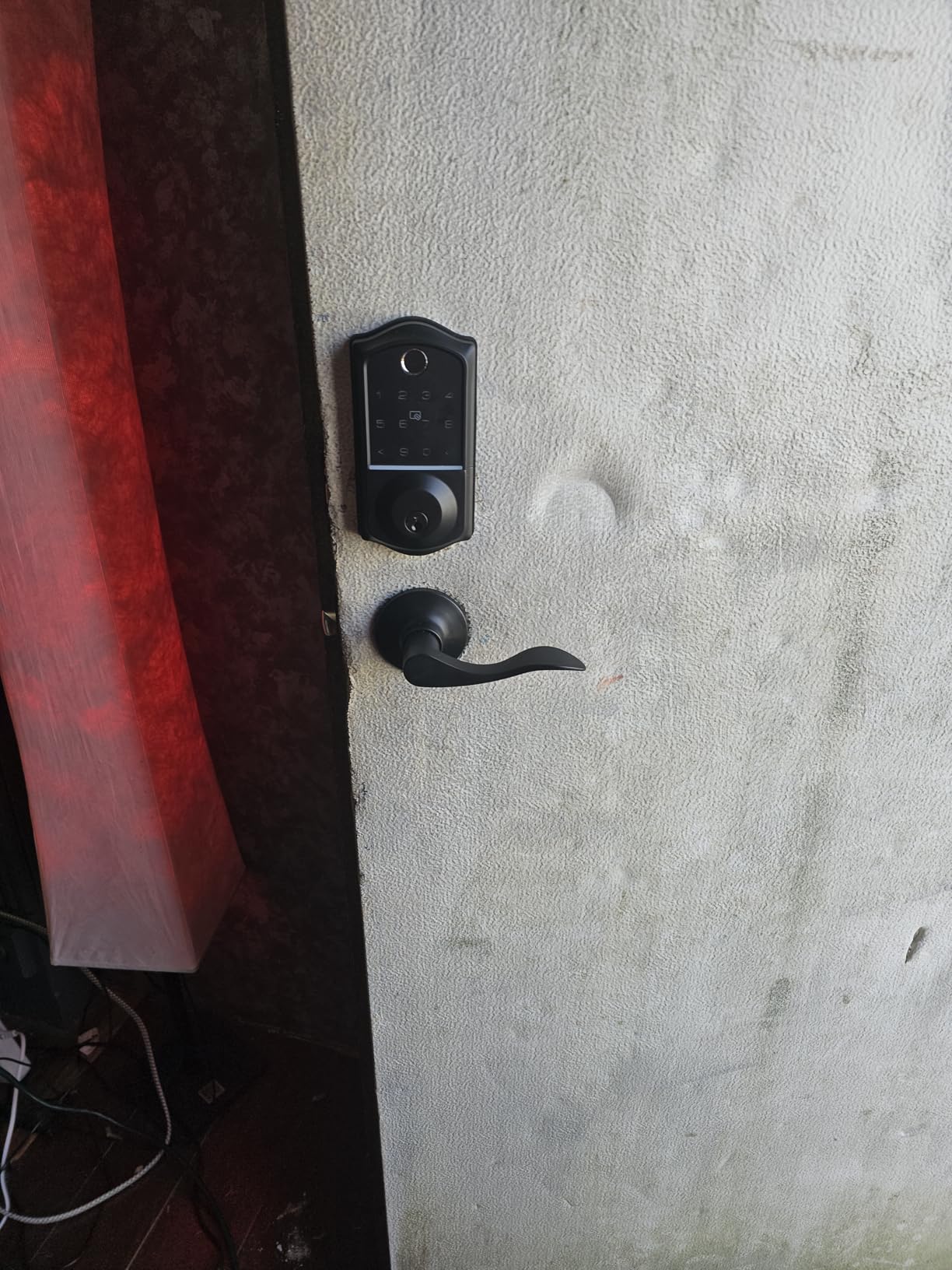
The app supports permanent, recurring and unlimited temporary or one-time passwords, which makes it genuinely useful for a rental where you do not want to change codes manually every stay. Setup and code programming are reported as smooth and quick.
It is IP55 rated, ANSI Grade 3 and BHMA standard, with AES-128 encryption and 4 AA batteries good for up to 12 months plus a Type-C emergency port. It fits doors from 1-3/8 to 2 inch thick and auto-detects the swing direction.
What the gateway situation means
Out of the box this is a Bluetooth lock, so remote access needs the separately sold Veise G1 gateway, which also brings Alexa and Google Assistant support. Some buyers also report difficulty pairing with Google Home, and app unlock range depends on being on the same network rather than working over cellular.
Build quality and warranty
The lever handles are zinc alloy, but part of the exterior body is plastic, which reviewers note would feel more premium in metal. The warranty runs one year and extends to two with registration. It has the lowest review count here, so the long-run reliability picture is less established than the picks above it.
How to Choose a Smart Door Handle for an Interior Door
Privacy mode versus passage mode
Privacy mode is a physical override that disables every electronic unlock, leaving only a key or a mechanical thumbturn. Passage mode does the opposite: it disables auto-lock so the door stays open. Most mainstream smart lock roundups address neither. Here, the GHome Smart and the KLLOQUE are the two that document both, the Kwikset 955 offers passage mode plus a key-always-required setting, and the TEEHO combines passage mode with a real interior thumbturn. Ask yourself one question: if someone compromised my cloud account, could they open this door?
Handle form: lever, knob or round profile
A lever is easier to open with full hands, with an elbow, or with a forearm, and is the better choice for a child, an older person or anyone carrying something. A knob is more compact and often looks less like front-door hardware in a hallway. On a very thin interior door a slim round knob is the safest fit, because a lever assembly needs a wider escutcheon. Avoid front-door deadbolt hardware on interior doors: it is too tall and looks wrong in a bedroom.
Bore, backset and door thickness
Most US interior doors have a 2-1/8 inch bore and a 2-3/8 inch backset, and the majority of locks here fit that. The BOTHSTAR covers 1-3/8 to 2-1/2 inch doors, the KLLOQUE 1-3/8 to 2-1/8 inch, and the TEEHO and Veise 1-3/8 to 2 inch. Measure door thickness, the backset from the door edge to the centre of the bore, and the existing hole diameter before ordering.
Handing matters less than it used to. The Sifely, Kwikset, Yamiry, KUCACCI, eufy, TEEHO and Veise are all reversible or ambidextrous, so one part number fits either swing.
Retrofit or full replacement
Retrofit means fitting over existing hardware where bore and backset already match, which is true of the Sifely, Kwikset, eufy, KUCACCI and ThorBolt, all of which report screwdriver-only or no-drilling installation. Full replacement means removing the existing set, and that is where compatibility stops being certain. Allow 10 to 30 minutes for a clean retrofit and be prepared to trim the jamb or move the strike plate, the most common fit complaint across these reviews.
Battery life and lockout prevention
Cell models here run from a single 9V with up to two years of life in the Schlage, to 4 AA for up to 12 months in the Veise, to 8 AA with moderate life in the WiFi-powered eufy. Rechargeable options are the GHome Smart at up to six months per charge and the KLLOQUE at up to a year. Batteries are not included on any AA model, so buy a pack before you need it.
The critical safety question is what happens when the cells die. A mechanical interior thumbturn, which the TEEHO has, keeps working regardless. Every other lock here retains a physical key, so nobody is locked out, but know where that key lives before you need it.
Smart home platforms and local control
Being straight with you about connectivity: the eufy C33 is the only pick with built-in Wi-Fi, so the only one doing remote unlock out of the box. The Sifely, GHome Smart, KLLOQUE and Veise are Bluetooth only and need a separately sold gateway for anywhere access and voice assistants. The remaining seven, including both Schlage and Kwikset picks, are standalone, which is a genuine feature for anyone who does not want a bedroom lock depending on a cloud service. The GHome Smart and KLLOQUE also store fingerprint and app data locally rather than uploading it.
Which interior doors should not get a smart lock
Skip closets, linen cupboards, pantry doors and interior hallways. There is no security benefit, you lose the option of a plain passage knob, and you add a battery to maintain. Spend the money on the bathroom and the home office instead. Also skip any door where small children are the primary users: a fingerprint reader needs a clean, dry thumb and a code needs fine motor control.
Frequently Asked Questions
Do I need a smart lock on interior doors?
Usually no, unless the room holds something you care about or you want keyless daily access to it. Interior smart locks make sense on a bathroom, a home office, a main bedroom in a shared house, or a guest suite where you issue per-stay codes. On closets, pantries and interior hallways they add a battery to maintain and remove the option of a plain passage knob for no security gain.
What is privacy mode on a smart door handle?
Privacy mode is a setting that disables every electronic unlock on the lock, so the keypad, fingerprint reader, app and voice assistant stop working and only a physical key or mechanical thumbturn opens the door. On an interior door it is a genuine security boundary rather than a convenience feature, because a compromised account or a scheduled automation cannot open the door. Among these picks, the GHome Smart and the KLLOQUE document it most clearly.
Can you use a smart lock on an interior door without a deadbolt?
Yes. A smart door handle replaces the lever or knob assembly itself, so there is no deadbolt involved at all. That is the main reason interior smart hardware looks slimmer and shorter than front-door deadbolts, which are built around a steel bolt throw and are far too tall for a bedroom door.
What happens to a smart lock when the battery dies?
On every pick in this roundup the physical key still works, so you are never locked out of an interior room. If the lock has a mechanical interior thumbturn, such as the TEEHO TE004, that turn also keeps working because it is linked to the lock mechanically rather than electronically. Several models add a Type-C emergency power port, and the rechargeable GHome Smart and KLLOQUE simply recharge in place.
Can smart locks be used without WiFi?
Yes, and for interior doors it is often the better choice. The Schlage, Kwikset, TEEHO, BOTHSTAR, Yamiry, KUCACCI and ThorBolt all work as standalone keypad locks with no app, no account and no internet, which means they are unaffected by an outage. The eufy C33 is the only pick here with built-in Wi-Fi, while the Sifely, GHome Smart, KLLOQUE and Veise use Bluetooth and need a separately sold gateway for remote access.
Is Schlage or Kwikset better for interior doors?
Schlage offers the higher certification and the better finish, with Grade 2 and ANSI AAA hardware and a single 9V battery rated at up to two years, but it is keypad only. Kwikset is the more flexible option, offering up to 30 codes, a reversible lever, passage mode and a key-always-required mode, and it costs less. Choose Schlage for build quality and Kwikset for the number of locking modes.
Do smart locks void insurance?
No. Insurance policies regulate the exterior entry points of a building, and an interior smart door handle has no bearing on your coverage. If you are replacing a front-door lock, check your policy for any requirement on deadbolts, strike plates and certified hardware, but that question simply does not apply to the interior handles covered here.
The Best Smart Door Handles for Interior Doors
After six weeks of living with all twelve, the Sifely is the best smart door handle for interior doors overall, because it offers the widest set of working entry methods and the shortest retrofit install. If you would rather have no app and no cloud at all, the Kwikset 955 and the Schlage FE575 are the more considered choices, with the Kwikset offering better locking-mode control and the Schlage better hardware.
Two room-specific recommendations. The bathroom wants the TEEHO TE004, because its interior thumbturn is the one thing you need at 3am with wet hands and a sleeping child in the next room. The home office or guest suite wants the GHome Smart or the KLLOQUE, because they are the only picks here with a properly documented privacy mode. And if you want to let somebody in remotely without buying a gateway, the eufy C33 is the only one of the twelve that does it out of the box.
Whatever you choose, measure the door thickness, the backset and the bore before ordering, and keep a physical key somewhere you can reach. The best smart door handles for interior doors in 2026 are the ones that still open when everything else does not.