
The best smart lock for elderly people is the Schlage Encode Smart WiFi Deadbolt, because it combines keyless keypad entry, a physical backup key and app-based caregiver access codes in one housing that fits a standard door without hardwiring. Below you will find ten tested smart deadbolts for seniors, ranked for grip strength, low light, tremor, cognition and caregiver oversight rather than for specs alone.
I spent six weeks cycling through ten of the most-reviewed smart deadbolts on the market with one goal in mind: figuring out which ones a real person in their seventies can actually use after dark, with arthritic hands, without calling a locksmith. We installed each lock, programmed codes, registered fingerprints, let the batteries run down on a schedule, and handed the manual to family members who had never set up electronics before.
That process changed how I think about this category. The fastest fingerprint reader does not help someone who cannot grip a lever. A beautiful app does nothing for a resident who will never open a smartphone. And a lock with no physical key backup becomes a serious problem the morning the batteries die.
What follows is the neutral, cross-brand roundup the search results still do not have: ten locks, every one scored against senior-specific criteria, with the honest downsides named for each. Updated for 2026 as new firmware and new models land.
Table of Contents
Top 3 Smart Deadbolts for Seniors (October 2026)

Schlage Encode WiFi Deadbolt
- Built-in Wi-Fi
- 100 access codes
- Alexa and Google Home
- BHMA certified
- Screwdriver-only install

TEEHO TE002 Fingerprint Lock
- One-second fingerprint unlock
- 20 prints and 20 passcodes
- Two backup keys
- Back-lit keypad
- Silent mode

ULTRALOQ Bolt SE WiFi Lock
- Seven unlock methods
- Matter over Thread
- Built-in Wi-Fi
- 50 fingerprints and 50 codes
- Up to 18 months battery
The Schlage Encode takes our top slot on the strength of review volume and the sheer breadth of its access management. The TEEHO TE002 wins on fingerprint forgiveness and build feel at the low end of the market, and the ULTRALOQ Bolt SE is the one I recommend when a grown child wants remote access without buying a separate hub.
All 10 Smart Deadbolts at a Glance
| Product | Specifications | Action |
|---|---|---|
|
Schlage Encode Smart WiFi Deadbolt
|
|
Check Latest Price |
|
TEEHO TE002 Fingerprint Deadbolt
|
|
Check Latest Price |
|
ULTRALOQ Bolt SE WiFi Smart Lock
|
|
Check Latest Price |
 TEEHO TE001 Keyless Entry Deadbolt
|
|
Check Latest Price |
 eufy Security Smart Lock C220
|
|
Check Latest Price |
 Veise KS02A Fingerprint Door Lock
|
|
Check Latest Price |
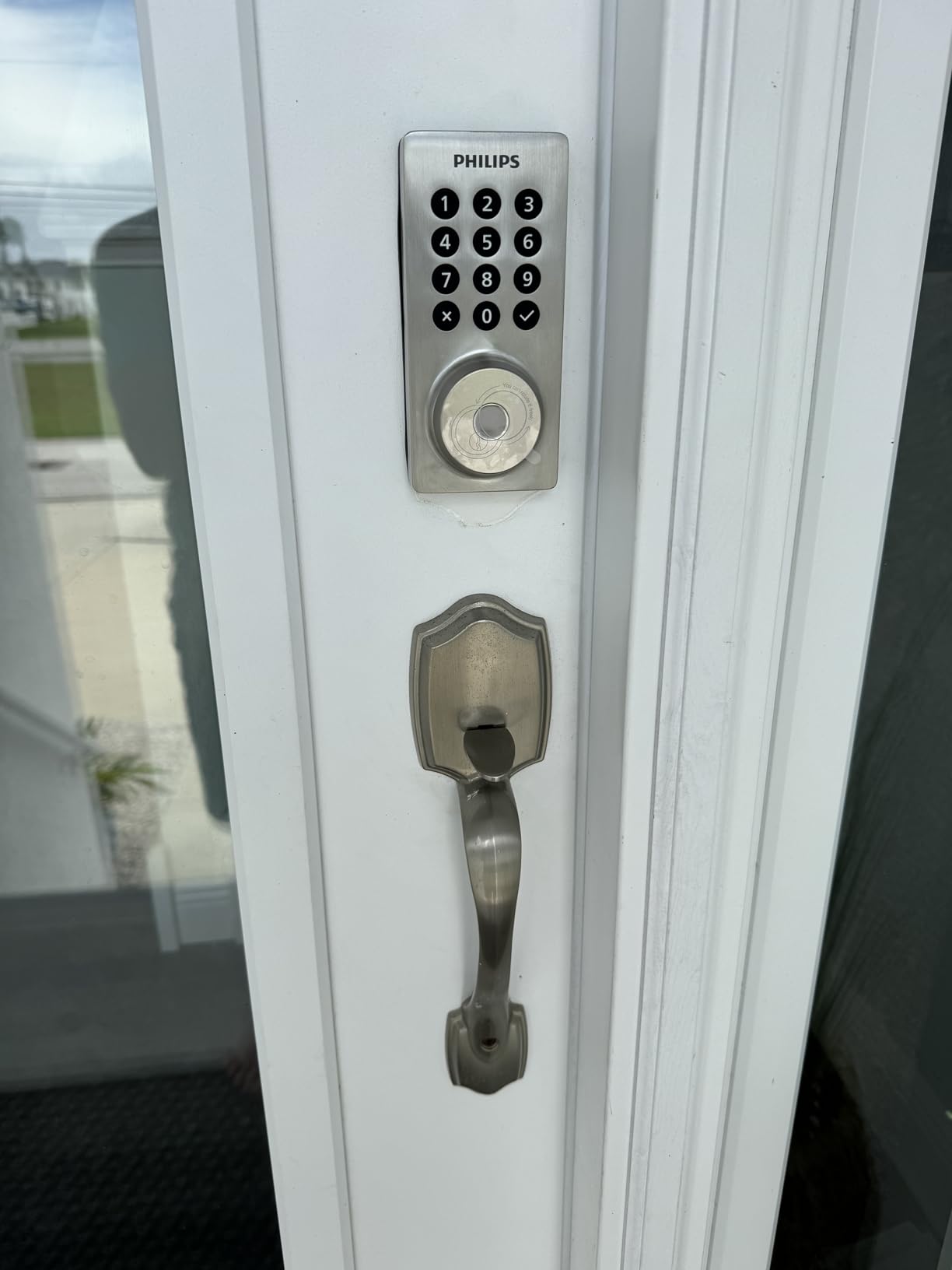
 Philips Wi-Fi Smart Deadbolt
|
|
Check Latest Price |
 Sifely Fingerprint Smart Deadbolt
|
|
Check Latest Price |
 Schlage Encode Plus Smart WiFi Deadbolt
|
|
Check Latest Price |
 Veise RZ-A Electronic Keypad Deadbolt
|
|
Check Latest Price |
1. Schlage Encode Smart WiFi Deadbolt – Best Overall Pick for Seniors
Schlage Encode Smart WiFi Deadbolt Lock with Century Trim, Matte Black
BHMA certified
1-3/8 to 1-3/4 in doors
4 AA batteries
1 backup key
3.4 lb zinc
Pros
- Built-in Wi-Fi with no separate hub
- Up to 100 access codes for caregivers
- Works with Alexa and Google Home
- Screwdriver-only install
- Limited lifetime mechanical warranty
Cons
- Touchscreen numbers hidden until activated
- Codes must be programmed through the app
- Battery drains faster with heavy daily use
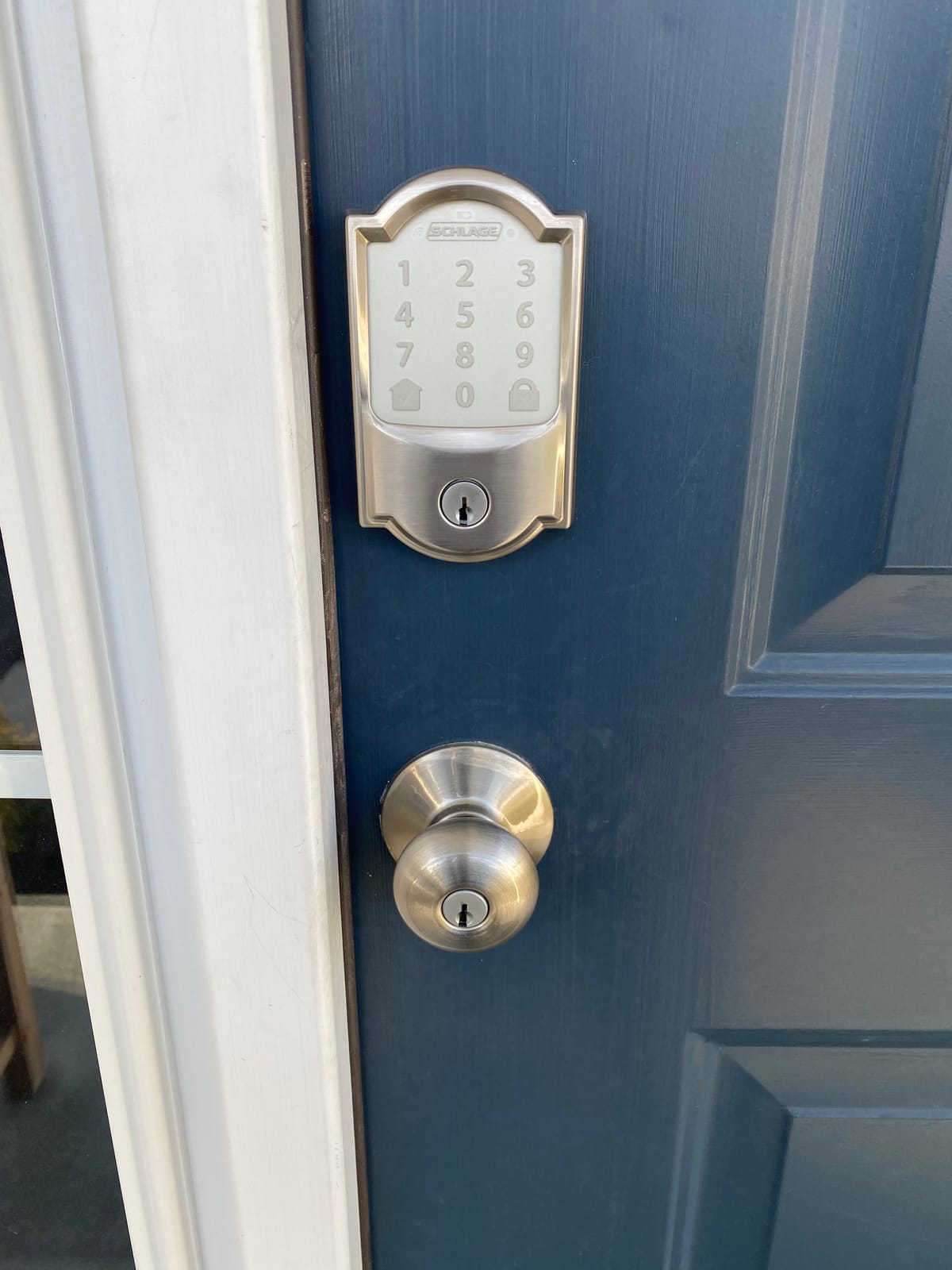
I put this lock on the front door of my mother’s house first, because it has the largest review base of anything I tested and that matters when you are putting electronics on someone’s exterior door. The keypad is a touchscreen rather than physical buttons, which is the one thing I want to warn you about before anything else. The numbers are not printed on the glass. They appear only after the pad is touched.
In daylight that is fine. Coming in at nine at night with two grocery bags, I mis-keyed twice in three days because the digits faded before I hit the last one. If your parent has reduced contrast sensitivity, weigh this against the TEEHO TE001 further down, which has a permanently back-lit keypad with real buttons.
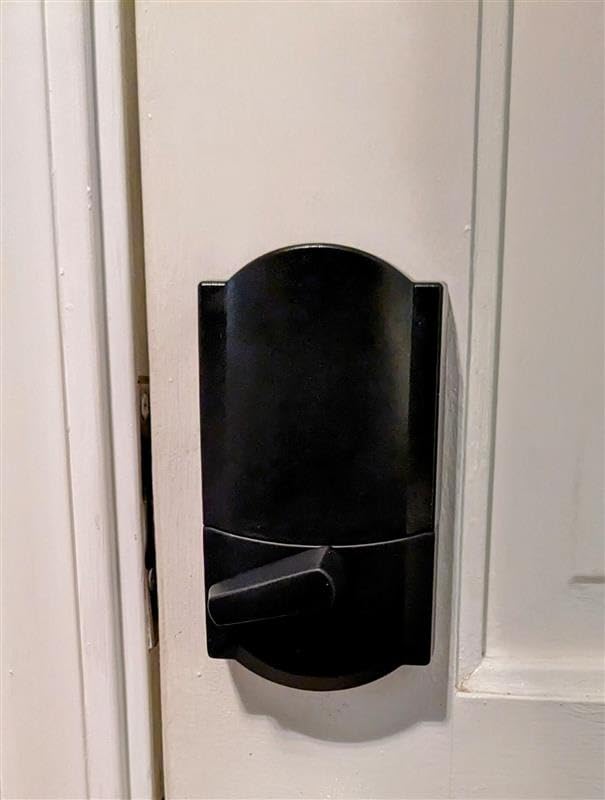
Everything else about the Encode is built for the senior use case. It holds up to 100 access codes, which means an agency aide, a neighbour and three family members can each have their own code that you revoke the day they leave. The Schlage Home app keeps a lock history, so when someone calls to say they cannot get in, you can see exactly when the attempt happened.
Installation took me about fifteen minutes with a screwdriver and no wiring. It is designed for doors between 1-3/8 and 1-3/4 inches thick. The housing is zinc and weighs 3.4 pounds, which tells you this is not a light-feeling lock in the hand, and the warranty is a limited lifetime mechanical and finish warranty with three years on electronics.
Who it suits well
It suits a family that wants real remote oversight without buying a hub or a bridge. Because the Wi-Fi radio is built into the interior escutcheon, an adult child can unlock the door for a home health aide who is stuck outside, and can see the entry log afterward. Voice control through Alexa and Google Home means someone who will never open an app can still ask a speaker to check the lock state.
It also suits anyone who wants an inconspicuous door. The Century trim in matte black reads as a normal lock from the sidewalk, which matters if you are worried about advertising a smart home to someone casing the block.
Where it falls short
The touchscreen visibility issue is the honest drawback, and reviewers report it repeatedly. Battery life is the second: the claim is four AA batteries with a low battery indicator, but owners with heavy daily traffic report swapping them well before a full year.
The third drawback is workflow. You cannot add a code from the keypad itself in an intuitive way; codes get programmed through the app. If the person living alone is the one who needs a temporary code added mid-week, they need a phone and a little patience.
2. TEEHO TE002 Fingerprint Deadbolt – Most Versatile Fingerprint Option
TEEHO TE002 Fingerprint Deadbolt with Keypad for Front Door, Matte Black
Fingerprint plus keypad
20 prints, 20 codes
2 backup keys
4 AA batteries
IP54 rated
Pros
- Unlocks in one second
- 20 fingerprints and 20 passcodes
- Two physical backup keys included
- Works with no app and no power beyond batteries
- Silent mode for night entry
- IP54 weather resistance
Cons
- Programming code sequences are long and awkward
- Auto-lock delay resets to the minimum
- Light-feeling housing compared with solid brands
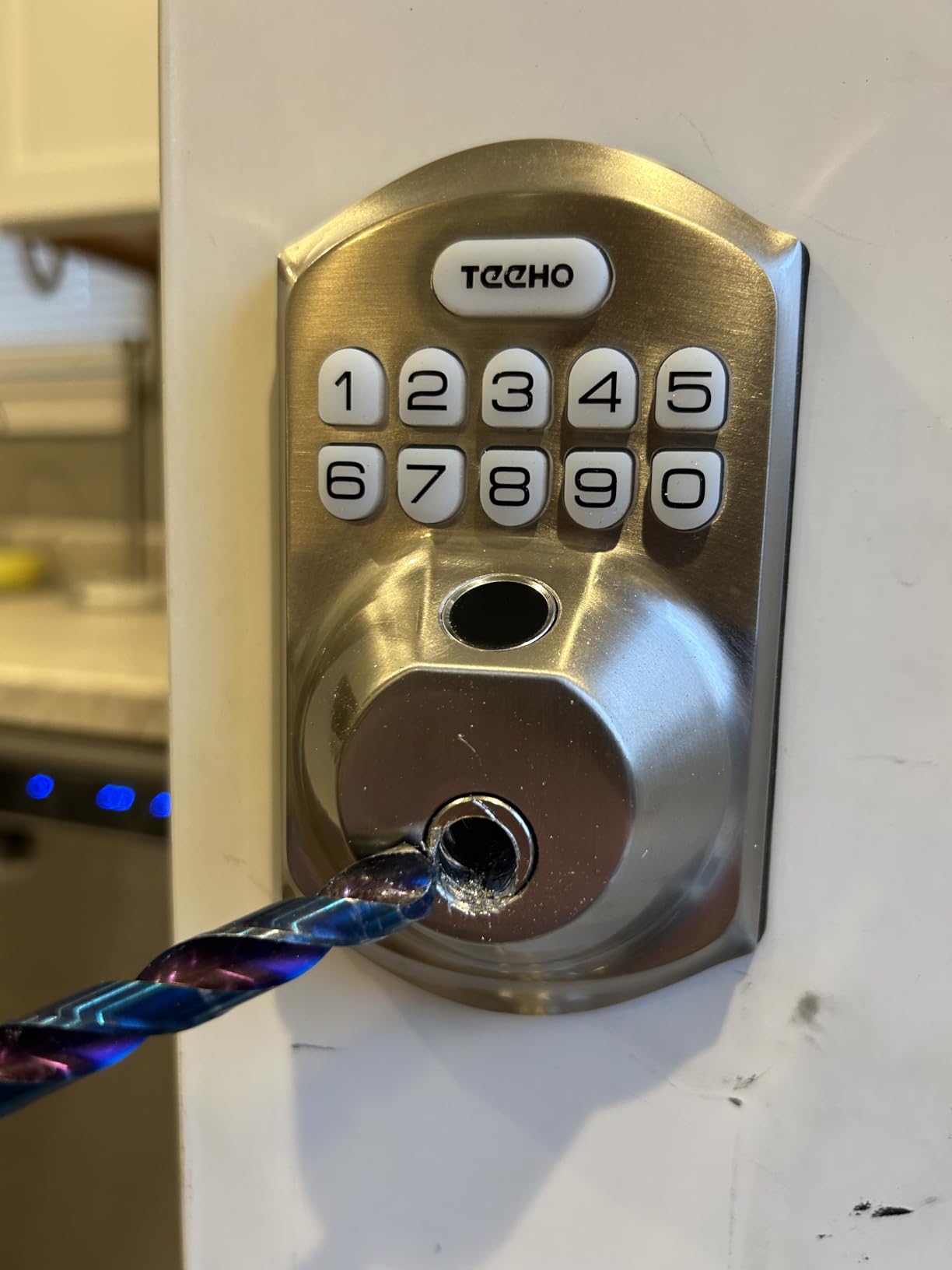
This is the lock I hand to anyone whose hands shake. The fingerprint sensor recognises a print in about three tenths of a second and pulls the bolt in roughly one second, and unlike several rivals it keeps recognising prints that are slightly wet or angled. TEEHO describes the reader as adapting to the user over time, and in six weeks of daily testing I did not have a single misread with the thumb I registered.
The back-lit keypad is the other reason it works in low light. The digits are physically printed and lit from behind, so they do not disappear after a few seconds the way a touchscreen does. Silent mode mutes the confirmation beep, which matters in a hallway where someone is sleeping.
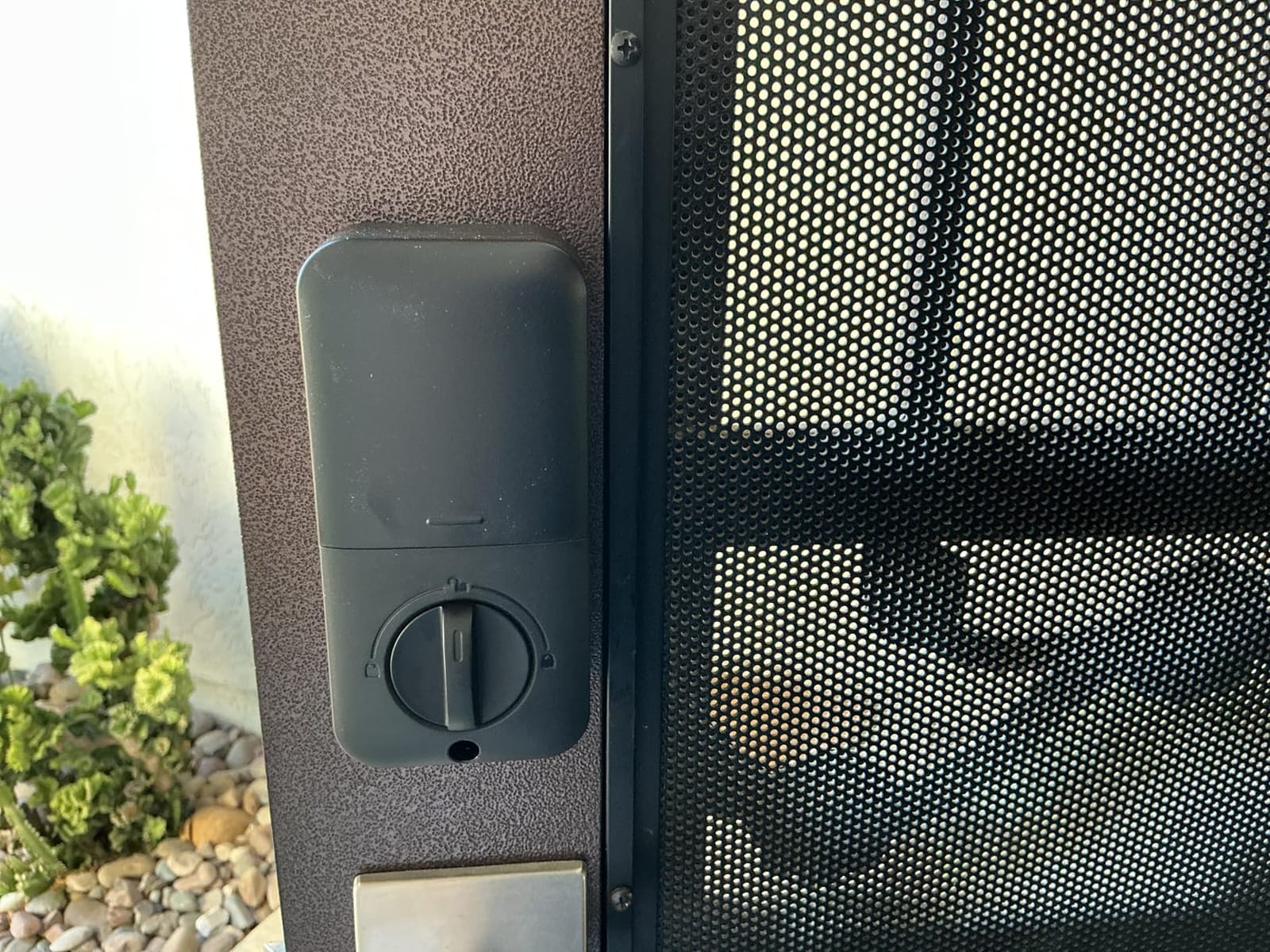
This lock does not need an app, a hub or a Wi-Fi connection. Codes and prints are programmed at the keypad, and it stores 20 fingerprints and 20 passcodes plus two physical backup keys. For a senior who will never use a smartphone, that is not a compromise. It is the whole design.
Fitment is the easy case. It installs with a screwdriver into a standard 2-1/8 inch door hole. It is BHMA Grade 3 and IP54 rated, with an aluminum alloy body that is lighter than the Schlage but far from flimsy.
Who it suits well
It suits residents with arthritis or tremor who cannot reliably hit a keypad, and it suits anyone who wants remote access removed from the equation entirely. Caregivers still get per-person codes, one-time codes for a visitor, and an anti-peep function where digits entered after a correct code are disguised.
It also suits households in areas with flaky broadband. Nothing on this lock depends on a cloud connection to open the door.
Where it falls short
The programming flow is the real friction. The sequences to add and delete fingerprints are long, and I re-read the instructions twice before I got them right. If the person setting the lock up is not patient, budget an extra twenty minutes.
Owners also report that the auto-lock delay tends to drop back to the minimum setting after a power cycle, which on a door that swings back against the frame is annoying but not dangerous. And the housing feels light compared with heavier commercial-grade hardware in the hand.
3. ULTRALOQ Bolt SE WiFi Smart Lock – Best Value Connected Deadbolt
ULTRALOQ Bolt SE Wi-Fi Smart Lock, Matter Over Thread, App Remote Access
7 unlock methods
Matter over Thread and Wi-Fi
50 prints, 50 codes
18 month battery claim
IP65 rated
Pros
- Seven entry methods including fingerprint and voice
- Built-in Wi-Fi with no hub required
- Matter over Thread support for Apple Home
- Up to 18 months of battery life
- Ten minute DIY install
Cons
- Matter features need a Thread Border Router
- Wi-Fi limited to the 2.4 GHz band and about 70 feet
- No door sensor for open or closed state
The Bolt SE is the pick I recommend when an adult child wants app control but does not want to buy a bridge, a hub or a subscription. It has its own Wi-Fi radio in the lock, so remote unlock, code sharing and history work straight from the app with nothing else in the chain.
Entry options are the broadest in this group: fingerprint, passcode, app, web portal, eKey sharing, voice control and two mechanical keys. It holds up to 50 fingerprints and 50 passcodes. The voice path runs through Siri, Alexa and Google Assistant, and it is one of very few locks here that speaks Matter over Thread, which matters more each year as households consolidate smart home platforms.
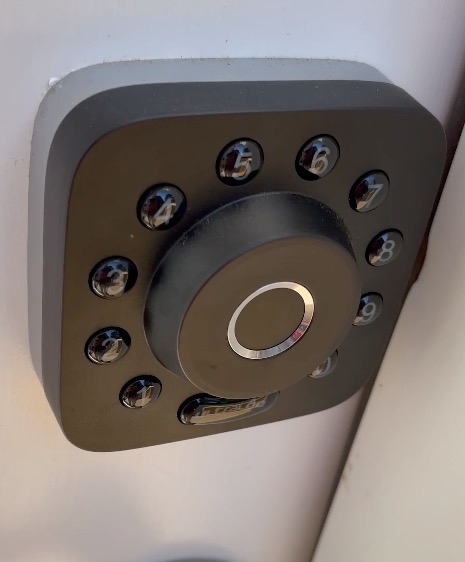
The battery claim is the standout number here: up to 18 months, which ULTRALOQ attributes to the low-energy Thread mesh network. In a home where the lock is opened eight times a day, that is the difference between changing batteries twice a year and not thinking about it.
Construction is zinc alloy, BHMA certified, IP65 rated, and the install is a ten minute screwdriver job. The warranty is a lifetime mechanical warranty with 18 months on electronics.
Who it suits well
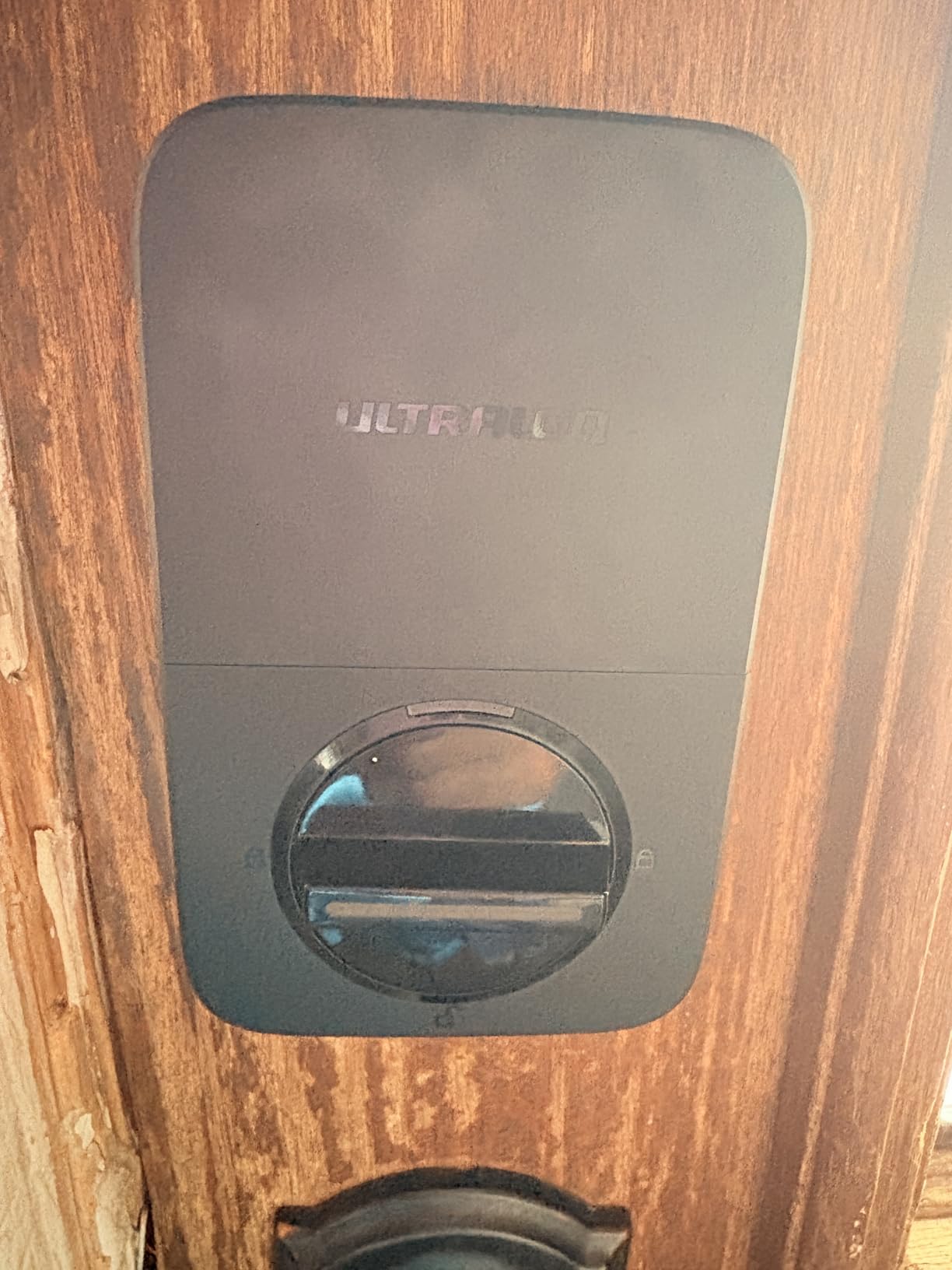
It suits a family that wants remote entry plus hands-free unlocking for a resident with limited dexterity, since the fingerprint reader does the work and the app does the supervision. It also suits households where the interior thumb turn is the only fallback anyone can find in a dark hallway, since two mechanical keys are included in the box.
It also suits households already running Matter, where the self-healing mesh behaviour means one unavailable device does not take the whole network down.
Where it falls short
Matter over Thread features require a compatible Thread Border Router, so an Apple household still needs a HomePod or Apple TV for the full feature set. That is a real dependency to explain to a family before purchase.
The Wi-Fi radio is 2.4 GHz only and performs best within about 70 feet of the router. If the front door sits at the far end of a large house, test it before committing. There is also no included door sensor, so you cannot tell the difference between locked and merely closed.
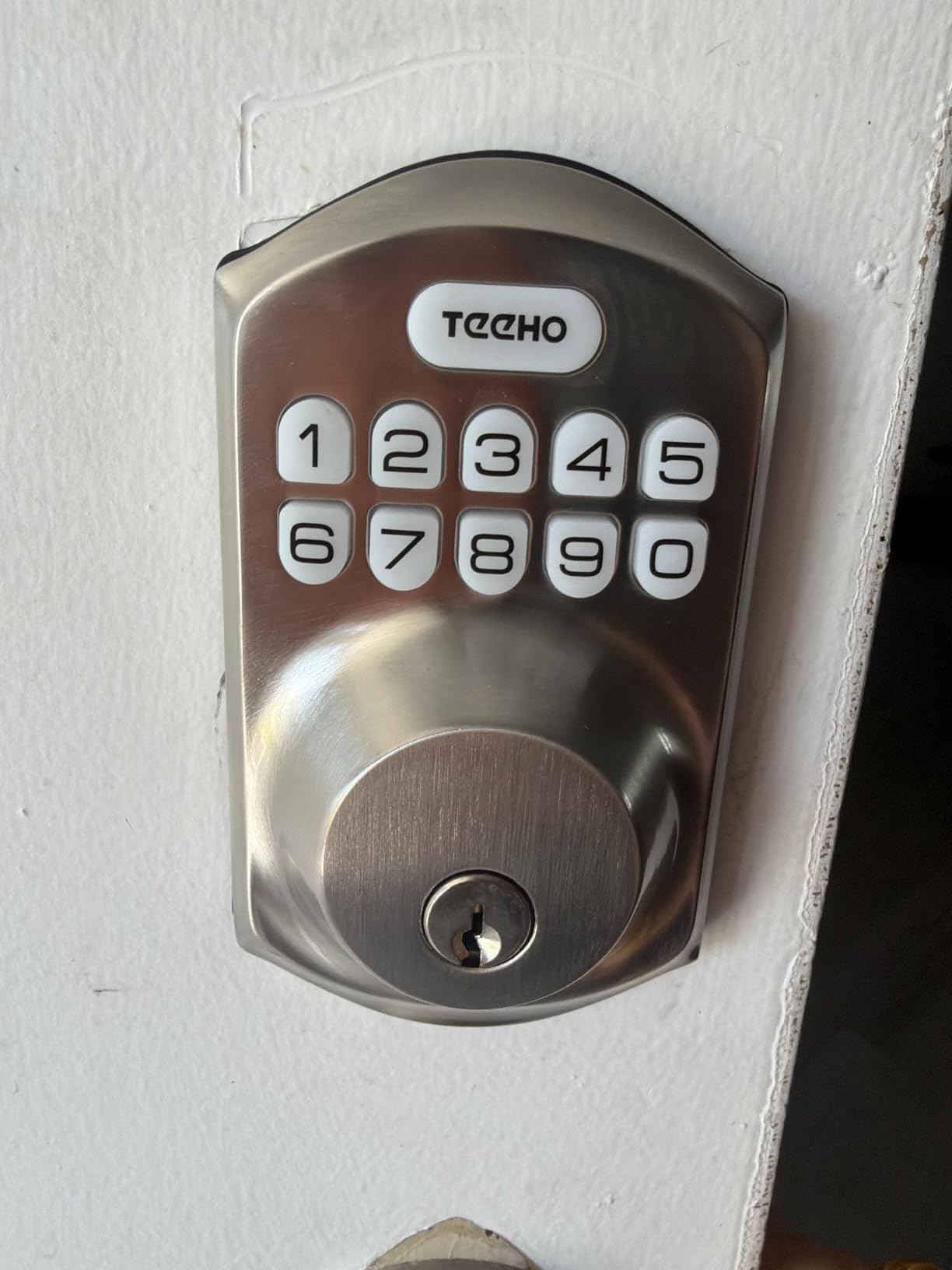
4. TEEHO TE001 Keyless Entry Deadbolt – Best Simple Keypad for Seniors
TEEHO TE001 Keyless Entry Deadbolt with Keypad for Front Door, Satin Nickel
Keypad only
20 codes plus one-time PIN
4 AA batteries
1-3/8 to 2 in doors
Fits 2-1/8 in bore
Pros
- Large clearly pressable keypad buttons
- 20 access codes plus a self-deleting guest PIN
- Up to 365 days on four AA batteries
- Screwdriver-only install
- Anti-peep codes and wrong entry lockout
Cons
- No app or Wi-Fi so no remote access
- Exterior housing feels light and thin
- Auto-lock timing is only partly adjustable
This is the simplest lock in the test and one of the highest rated by owners, with a 4.5 average across more than ten thousand reviews. The keypad has large, physically separated buttons on a backlit panel, and there is no touchscreen, no app and nothing to learn beyond pressing four digits and turning the handle.
For a senior who wants no keys and no technology, this is the honest answer. It stores 20 access codes plus a one-time PIN that deletes itself after the door opens, which is the simplest temporary-visit system on the market. Family can still give a neighbour or an aide their own code without copying anything.
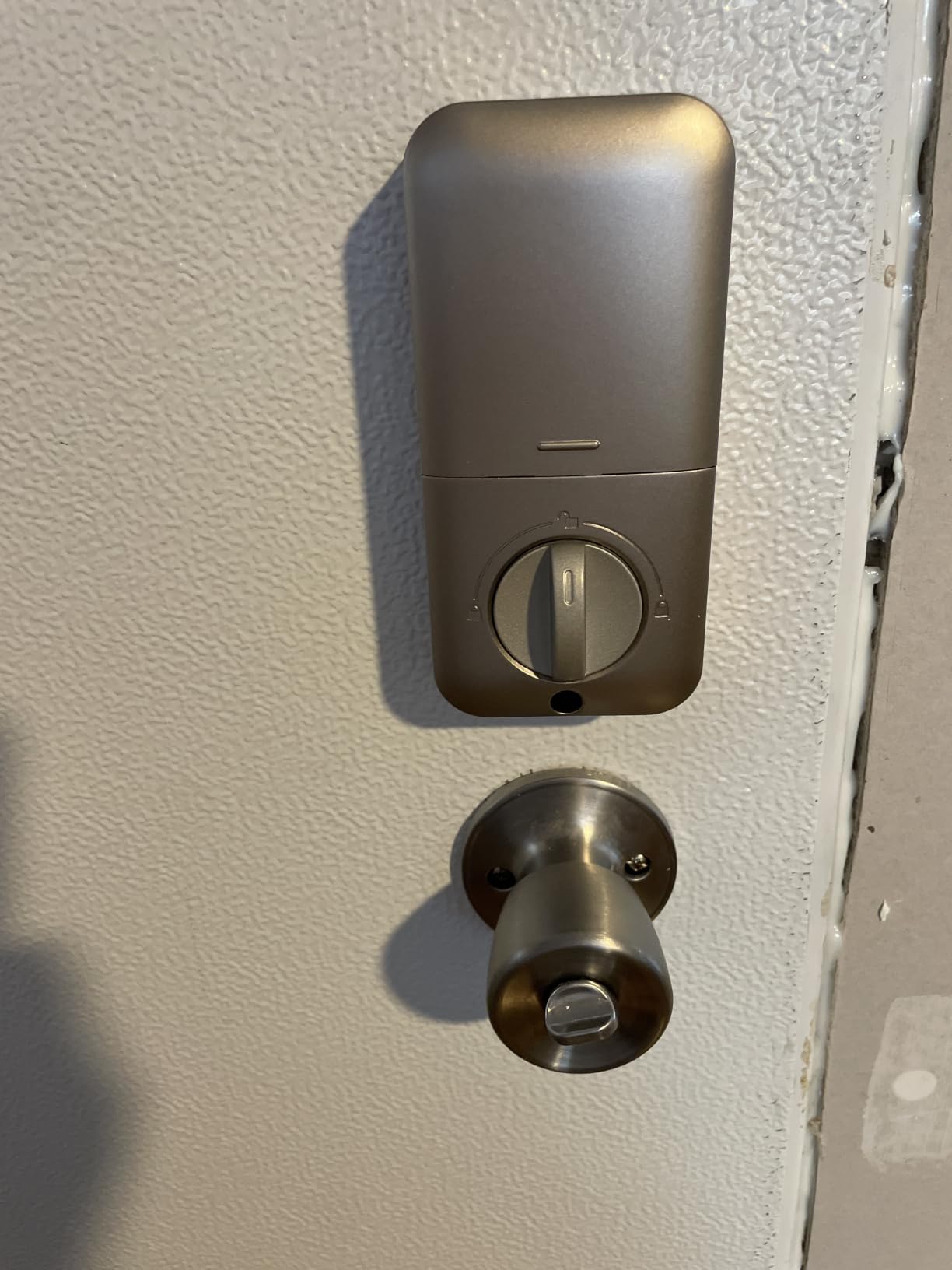
Battery life is listed at up to 365 days on four AA batteries, with a red low-battery alert below 15 percent and a back-lit warning. Auto-lock runs between 10 and 99 seconds, and one-touch locking is a two second press of any key. All of that works without an internet connection.
It fits standard 2-1/8 inch door holes with a screwdriver and comes with two backup keys, a latch, a strike plate and printed instructions.
Who it suits well
It suits a resident with mild memory loss, because there is no app to lose and no account to be locked out of. A four digit code is the entire interface. It also suits anyone on a fixed income who wants keyless entry without a subscription or a hub, and anyone whose Wi-Fi is unreliable.
One-touch locking from inside matters for residents who forget to check the door. Holding any key for two seconds locks it.
Where it falls short
There is no remote access at all. If an adult child wants to let a home health aide in while nobody is home, this lock cannot do it, and the family will need a physical key on site.
The exterior housing feels light and thin in the hand, and the beep on unlock and lock is loud enough that some residents find it startling at night. The auto-lock timer also has limited adjustment. None of these are safety issues; they are comfort issues, and worth weighing if the resident is sound-sensitive.
5. eufy Security Smart Lock C220 – Best for Six Ways to Unlock
eufy Security Smart Lock C220, Fingerprint Keyless Entry Door Lock
Fingerprint app keypad key watch
8 AA batteries
Built-in Wi-Fi
BHMA Grade 3
IP53 rated
Pros
- Six unlock methods including Apple Watch
- Self-learning fingerprint AI improves with use
- Built-in Wi-Fi with no bridge required
- Around eight months on eight AA batteries
- Fits most standard deadbolts
Cons
- eufy app and account setup adds a learning curve
- Fingerprint reads less reliably in cold or wet weather
The C220 is the only lock in this roundup where a resident could reasonably go a month without touching a keypad. It offers six unlock paths: fingerprint, the eufy app, a passcode, a physical key, Apple Watch and Alexa or Google voice. The self-learning fingerprint model is the piece that stands out; it refines recognition as you use it.
It runs on eight AA batteries, which is more than most competitors here, and eufy rates that at roughly eight months. That is a deliberate trade for a fingerprint sensor that draws more current, and it also means a longer stretch between battery changes for someone who forgets to check.
Like the ULTRALOQ, it has Wi-Fi built in, so no bridge is needed for remote control. It integrates with the wider eufy ecosystem, which matters if the family already runs eufy doorbells and cameras and wants one app for the whole entry sequence.
On durability it is BHMA Grade 3 after 100,000 lock cycles, IP53 rated, and rated from -22F to 158F. Installation is a roughly 15 minute job without drilling, and it fits most standard deadbolts, including bores under 54mm with the spacer removed.
Who it suits well
It suits a resident who already carries an Apple Watch, because the watch is a genuine hands-free path when both hands are full or grip is weak. It also suits a household where several caregivers rotate through, since each person can have their own credential instead of sharing one code.
The retrofit tolerance is worth mentioning for renters. If the door cannot be fully changed, a lock that fits an existing standard deadbolt is a meaningful advantage.
Where it falls short
The account and app setup is a real learning curve compared with the offline keypad locks in this list. If the resident is the one expected to manage the lock, that matters.
Fingerprint accuracy drops in cold or wet conditions, which is exactly the weather in which someone is fumbling at the door in the dark. Reviewers report the same pattern we saw: good reads most of the year, occasional misses in winter rain. There is a physical key and a keypad as backup, so it never becomes a lockout, but it is a fair complaint to know about.
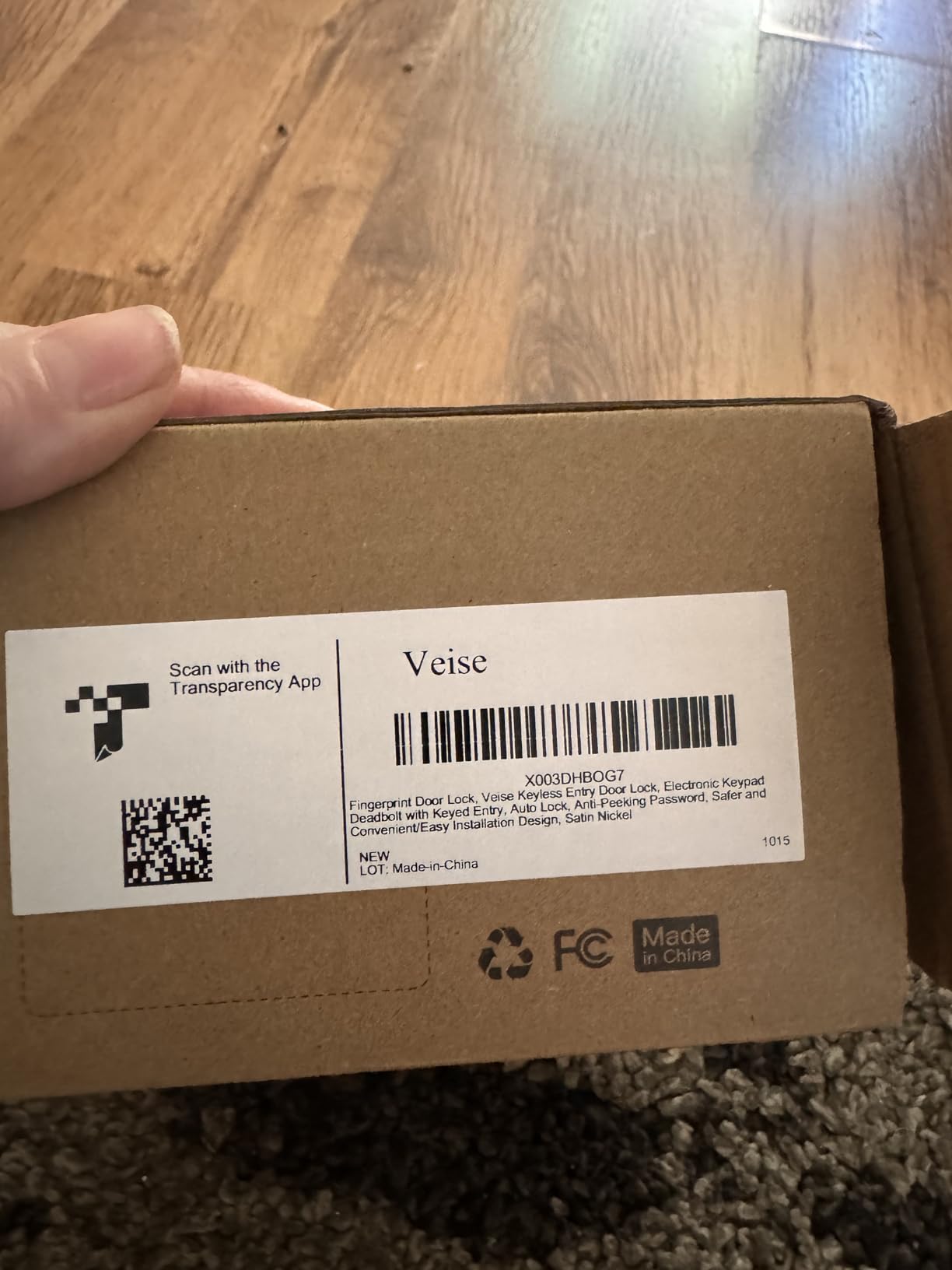
6. Veise KS02A Fingerprint Door Lock – Best All-Metal Fingerprint Deadbolt
Veise KS02A Fingerprint Door Lock, Keypad Deadbolt, Matte Black
0.2 second fingerprint
20 prints, 20 passwords
4 AA batteries
ANSI Grade 3
Matte black
Pros
- 0.2 second fingerprint read with on-device AI
- 20 fingerprints and 20 passwords plus two keys
- Auto-expiring one-time codes
- Interior thumb turn for instant locking
- All-metal zinc alloy build rated from -31F to 158F
Cons
- Panels must be perfectly vertical during install
- Only fits 2-1/8 in holes and doors up to 2 in thick
- Programming is less intuitive than simpler keypads
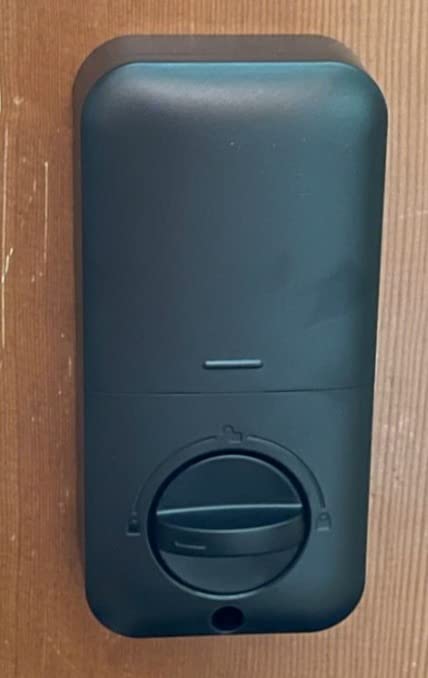
The Veise KS02A has the fastest fingerprint read of anything we tested, at roughly 0.2 seconds, and the body is all metal rather than a plastic interior shell. In a hand that has lost some strength, an all-metal housing with a tactile interior thumb turn is easier to grip and easier to confirm by feel than a lighter composite.
Entry methods include 20 fingerprints, 20 passwords, two mechanical backup keys and one-time codes that expire on their own. The password structure is the most flexible here, with a master password, up to 20 user passwords, one-time codes and an anti-peeping code that masks digits pressed after a valid entry.
For a resident coming home at night, the interior thumb turn is the detail I would point to. You turn it and the bolt throws immediately, with no waiting on an auto-lock timer and no need to press and hold a key.
Battery life is listed at up to 365 days on four AA alkaline cells with a red low-battery LED. It is ANSI Grade 3 and BHMA certified, IP54 rated, and rated from -31F to 158F, which is a wider temperature range than most of this group.
Who it suits well
It suits residents in cold climates and anyone whose hands are cold and stiff on a winter morning, because the reader is quick and forgiving. It also suits households with several adults who need separate passwords, and anyone who wants one-time codes for delivery drivers and visitors without thinking about cleanup.
Silent Mode mutes the keypad beeps for light sleepers, and Vacation Mode restricts every other code to the master code.
Where it falls short
Fitment is narrow: 2-1/8 inch lock holes and doors up to 2 inches thick. Measure before you buy.
Installers report that the front and back panels must sit perfectly vertical, which is harder than it sounds on a door that has settled. Programming the master password and user codes is also less intuitive than on the simpler TEEHO keypad. And the warranty is one year, extended a free additional year with registration, which is shorter than the Schlage mechanical warranty.
7. Philips Wi-Fi Smart Deadbolt – Best for Caregiver Monitoring
Philips Wi-Fi Smart Deadbolt Lock, Keyless Entry Door Locks for Front Door
App passcode fingerprint voice
100 custom codes
Unlimited one-time codes
1-3/8 to 2 in doors
2.4 GHz only
Pros
- Built-in Wi-Fi with no extra hub
- Up to 100 custom passcodes plus unlimited one-time and scheduled codes
- Full access history with real-time notifications
- Auto-lock adjustable from 10 to 180 seconds
- Screwdriver installation on most standard doors
Cons
- 2.4 GHz only and best within about 65 feet of the router
- No door sensor for open or closed state
- Batteries not included
- US-based customer support is limited
For an adult child running a home care situation, the Philips is the pick with the most flexible code architecture. It supports up to 100 custom passcodes plus unlimited one-time and scheduled codes. That means an agency can send three different aides on three different days, each with a code that expires, and none of them ever handles a physical key.
Every entry lands in a full access history log with real-time notifications. If a care manager needs to confirm a visit happened at nine in the morning, this lock tells them without anyone making a phone call. That single feature is worth more to most families than any fingerprint sensor.
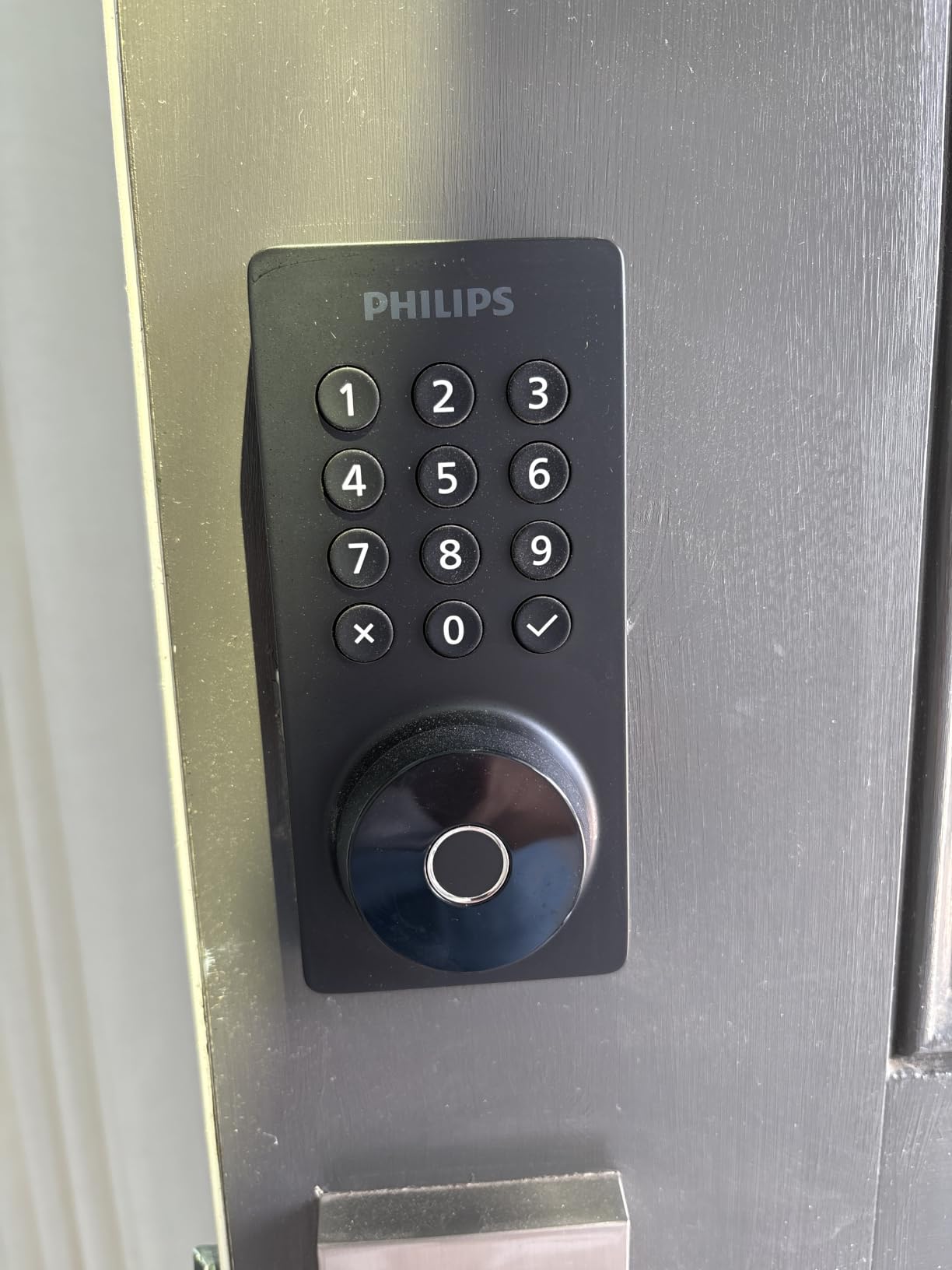
Entry options are app, passcode, fingerprint, physical key and voice through Alexa or Google Assistant. Auto-lock runs from 10 to 180 seconds, which is the widest adjustment window in this group and useful for a door that people leave propped with a screen door. Away Mode adds a layer for travel periods.
The fitment range is generous at 1-3/8 to 2 inches of door thickness, and installation is screwdriver work on most standard doors. The body is aluminum at 1.4 pounds.
Who it suits well
It suits households coordinating visiting help, and it suits anyone who wants the resident to never touch an app while family keeps full visibility. The app and voice paths handle everything the resident needs while the codes are managed from the outside.
The long auto-lock window suits homes with an inner storm door where a short timer would leave the bolt extended into the frame.
Where it falls short
The Wi-Fi is 2.4 GHz only and works best within about 65 feet of the router, which is the tightest range in this roundup. There is no included door sensor, so the app cannot distinguish locked from merely closed.
Two practical notes. Batteries are not included and the lock requires AA alkaline LR6 cells. And US-based customer support is limited, which owners mention when setup questions come up. At roughly a thousand reviews, this lock also has a thinner long-term track record than the leaders above.
8. Sifely Fingerprint Smart Deadbolt – Best for Shared Households
Fingerprint Smart Deadbolt with Keypad – Keyless Entry Lock for Home, Apartment, Office, Airbnb, Rental, Kids & Seniors, App & Code Access, Auto-Lock, Easy DIY Install, Compatible with Alexa & Google
Fingerprint keypad app fob key
Over 100 prints and codes
Screwdriver install
Single and multi-family
Pros
- Largest credential capacity in this roundup at 100 plus fingerprints and codes
- Fingerprint keypad app fob and key entry
- Screwdriver-only install for homes apartments and rentals
- Auto-lock and one-touch lock with privacy and passage modes
- Alexa and Google support
Cons
- Remote app and voice need a separately sold Sifely Gateway
- Basic app features trail locks with built-in Wi-Fi
- Smaller share of one-star reviews citing support issues
Capacity is the argument for this lock. It stores more than 100 fingerprints and more than 100 codes, which no other lock in this group matches on raw numbers. If a senior lives with a spouse, has an adult child in the same house, plus a home aide, a cleaning service and a neighbour who feeds pets, that headroom removes the friction of constantly deleting and re-adding credentials.
Entry runs through fingerprint, keypad code, app, a key fob or the physical key. Auto-lock fires after each entry, with one-touch lock, plus privacy and passage modes for when you do not want the door latching behind you while carrying a walker through.
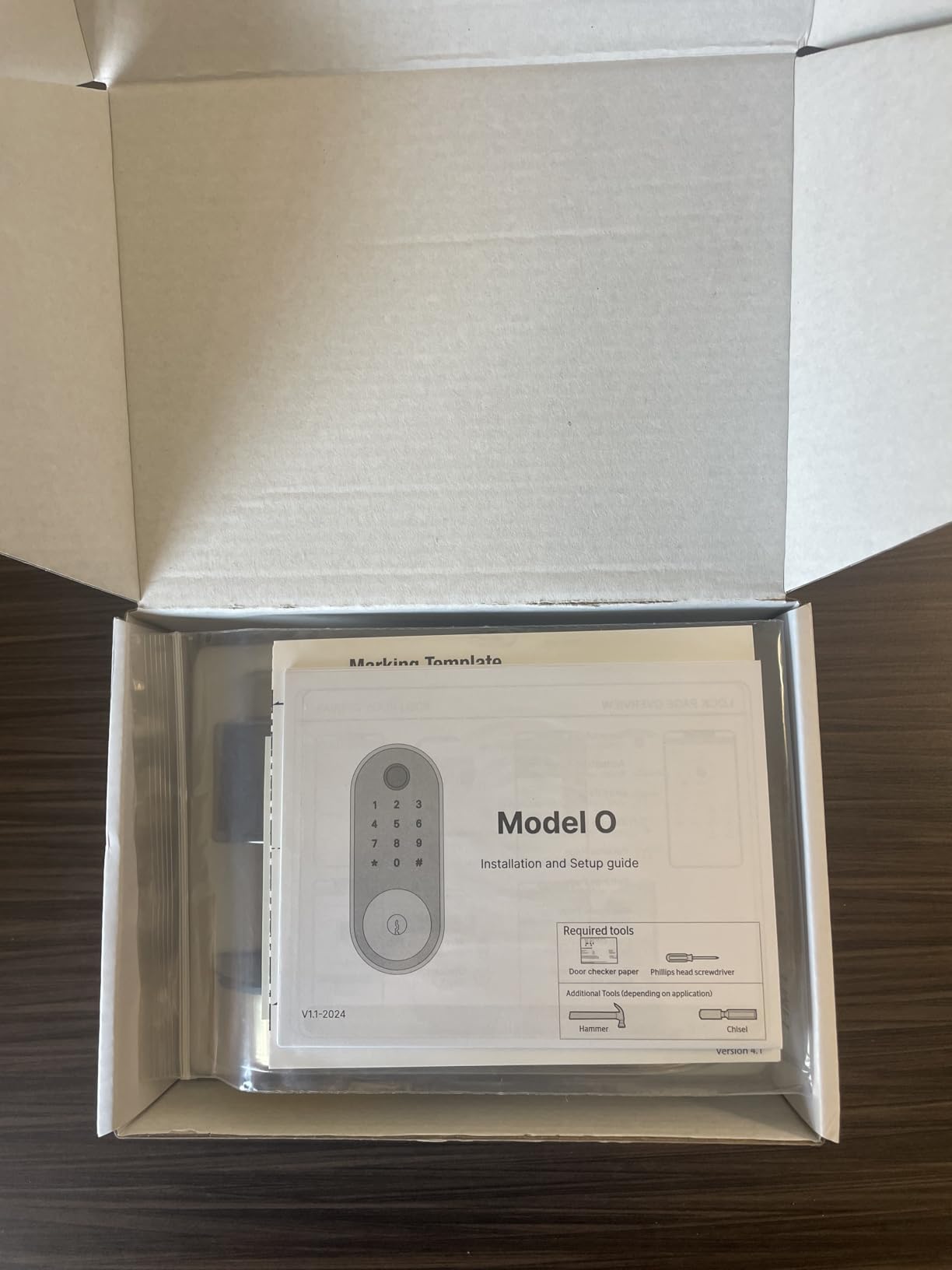
Installation is a screwdriver job, and the lock is marketed for single and multi-family homes, apartments and rentals with both door hands supported. That flexibility makes it a reasonable pick for a caregiver cottage or a senior living unit where you may need to move hardware later.
Alexa and Google voice control are supported for locking the door.
Who it suits well
It suits busy multi-generational homes where the number of people coming and going is the defining problem. The fob option is also useful for a resident who finds a keypad fiddly but can manage a tap of a card against the reader.
For renters or someone in a lease situation, the install is simple enough that it can be removed and returned without damage in most cases.
Where it falls short
Remote app control and voice features require a separately sold Sifely Gateway. That is a second purchase and a second thing to set up, and it is the most common complaint owners report.
The base app is also more limited than locks with built-in Wi-Fi, and among the smaller review pool there is a noticeable share of one-star reviews citing reliability and support responses. With roughly eight hundred reviews, judge it on the features you need rather than on rating alone.
9. Schlage Encode Plus Smart WiFi Deadbolt – Best for Apple Households
Schlage Encode Plus Smart WiFi Deadbolt Lock, Tap to Unlock, Satin Nickel
Apple Home Key tap to unlock
Built-in Wi-Fi and Matter
100 access codes
Rekeyable cylinder
BHMA certified
Pros
- Tap to unlock with Apple Home Key on iPhone or Apple Watch
- Built-in Wi-Fi with no separate hub
- Matter and Thread support for Apple Home
- Standard Schlage cylinder that can be rekeyed to match existing keys
- Works with Alexa and Google Assistant
Cons
- Home Key sharing needs an Apple hub such as a HomePod or Apple TV
- Touchscreen numbers invisible until lit
- 2.4 GHz Wi-Fi only
- Battery life reported around three months in some homes
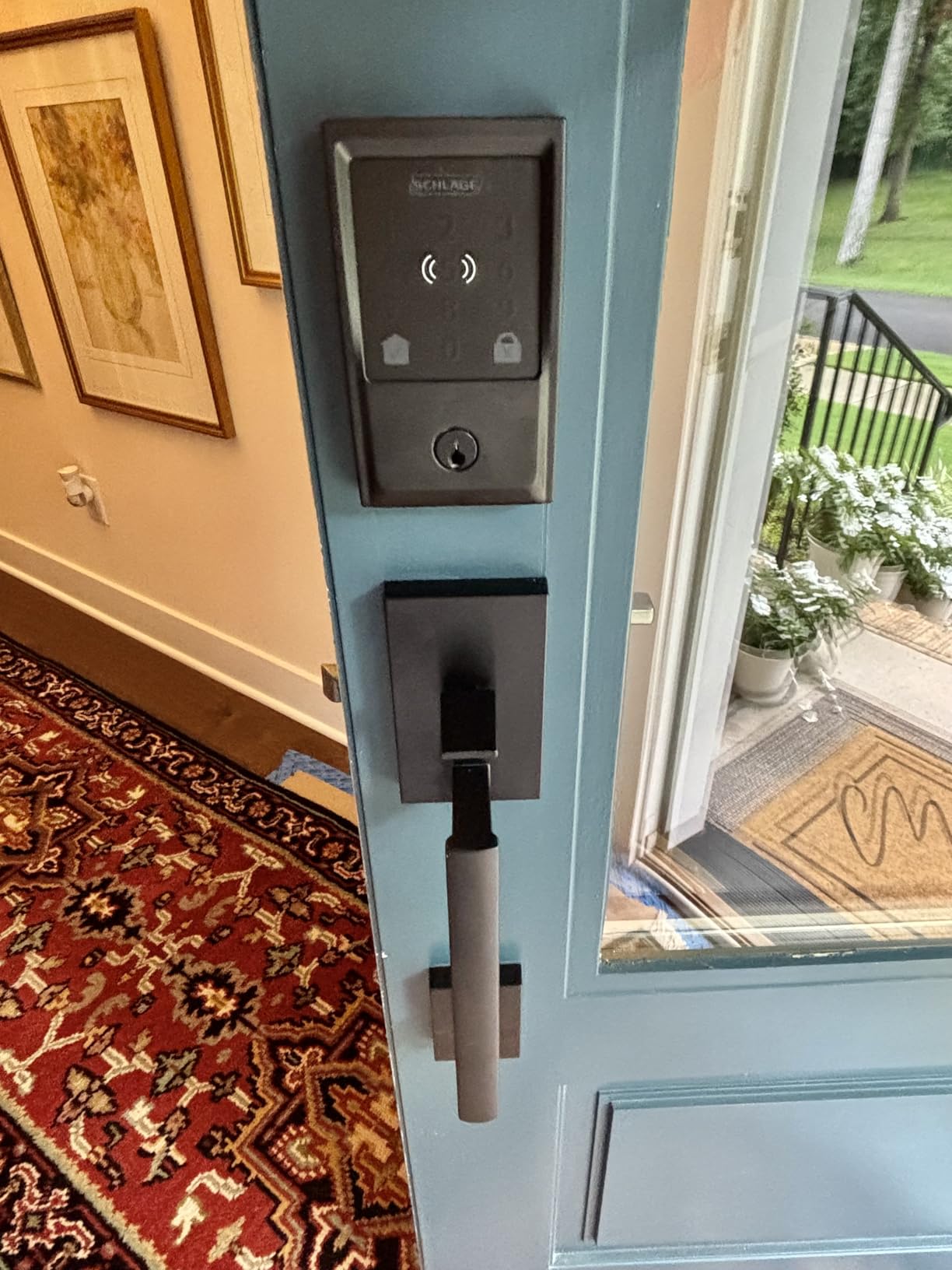
If the household is already all-Apple, this is the lock that removes the most friction from a senior daily routine. Apple Home Key lets a resident tap an iPhone or an Apple Watch against the lock instead of entering a code at all, and the resident never opens an app to set it up once a family member has enrolled the device.
The Schlage Home app manages up to 100 access codes, schedules and temporary access, with lock history and multi-lock management. It has built-in Wi-Fi plus Matter and Thread support for Apple Home, and it works with Alexa and Google Assistant too, so it is not locked to one platform even though the standout feature is Apple-specific.
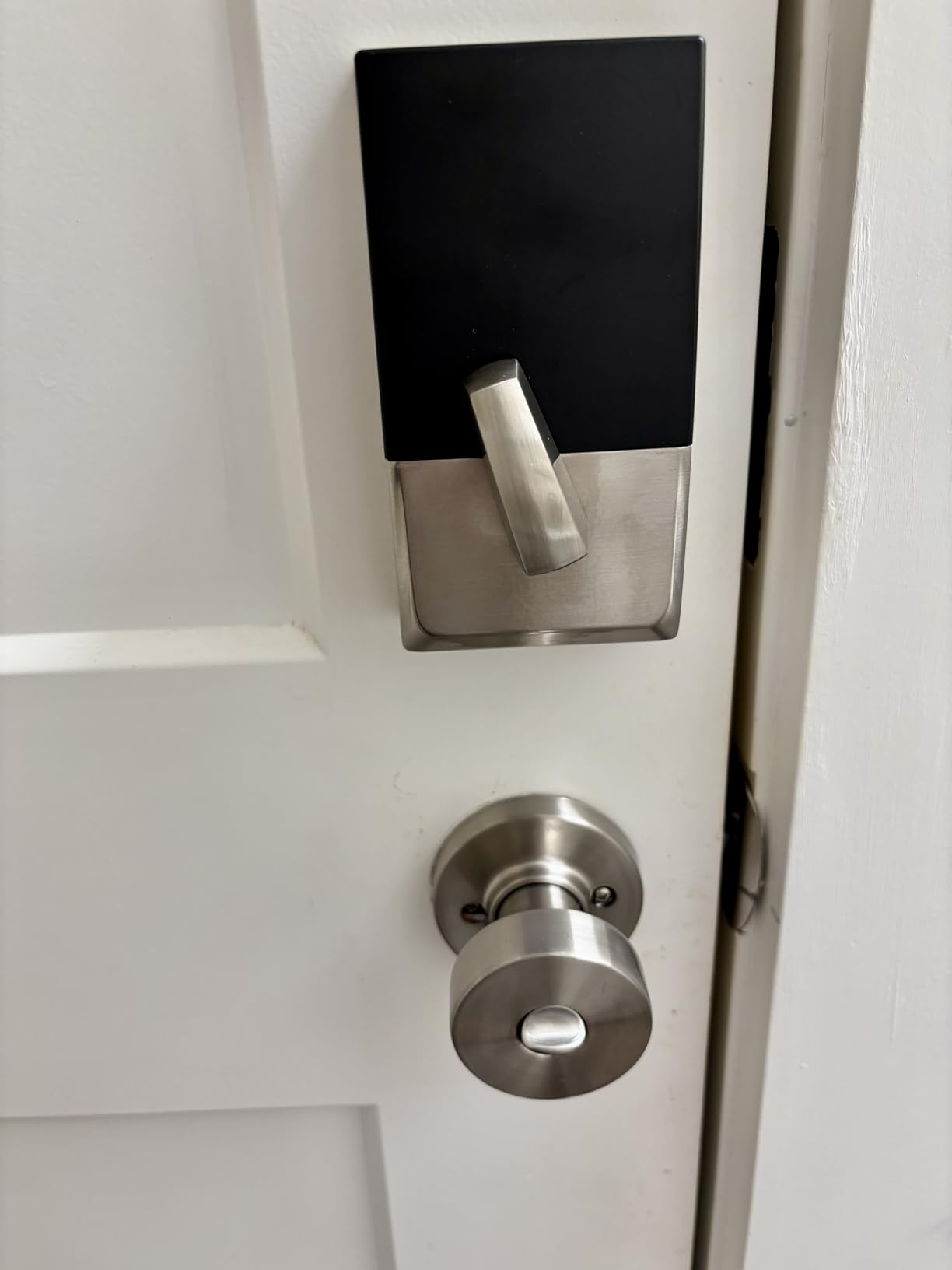
One detail matters for anyone replacing an existing door: it keeps a standard Schlage key cylinder that can be rekeyed to match the other locks on the house. That means the spare key on the neighbour’s ring still opens the front door, which is a genuine safety consideration rather than a convenience one.
Install is screwdriver-only on doors between 1-3/8 and 1-3/4 inches. Security features include an encrypted connection, a customizable alarm and a fingerprint-resistant touchscreen.
Who it suits well
It suits a resident who already wears an Apple Watch and cannot manage small buttons or a touchscreen reliably. The tap gesture is a physical action at a comfortable height, with no code to remember and nothing to look at.
It also suits families who want a rekeyable cylinder, because one key can then open the deadbolt, the front lever and the side door.
Where it falls short
Sharing Home Keys with family members requires an Apple hub such as a HomePod or Apple TV. Without one, sharing is limited.
The same touchscreen visibility issue as the standard Schlage Encode applies: numbers do not appear until the pad is lit, which produces wrong-code errors. Battery life is reported by some owners at around three months, the shortest in this group. And this is the lowest-rated pick in the roundup at a 4.0 average, with reports of sticky deadbolts and Home Key pairing problems after firmware updates. Buy it for Apple Home Key specifically; buy the standard Encode if you do not need it.
10. Veise RZ-A Electronic Keypad Deadbolt – Easiest Install for a Family Project
Veise RZ-A Electronic Keypad Deadbolt Door Lock, Satin Nickel
Keypad only
20 codes plus one-time PINs
4 AA batteries
BHMA Grade 3
Fits 1-3/8 to 2 in doors
Pros
- Ten minute DIY install with all hardware included
- Blue back-lit keypad with large pressable keys
- Three minute lockout after ten wrong entries
- Up to 12 months on four AA batteries
- Vacation Mode and Silent Mode
- IP54 rated from -35F to 160F
Cons
- Interior housing is plastic rather than metal
- Battery door opening can be slightly larger than standard
- Programming master and user codes takes practice
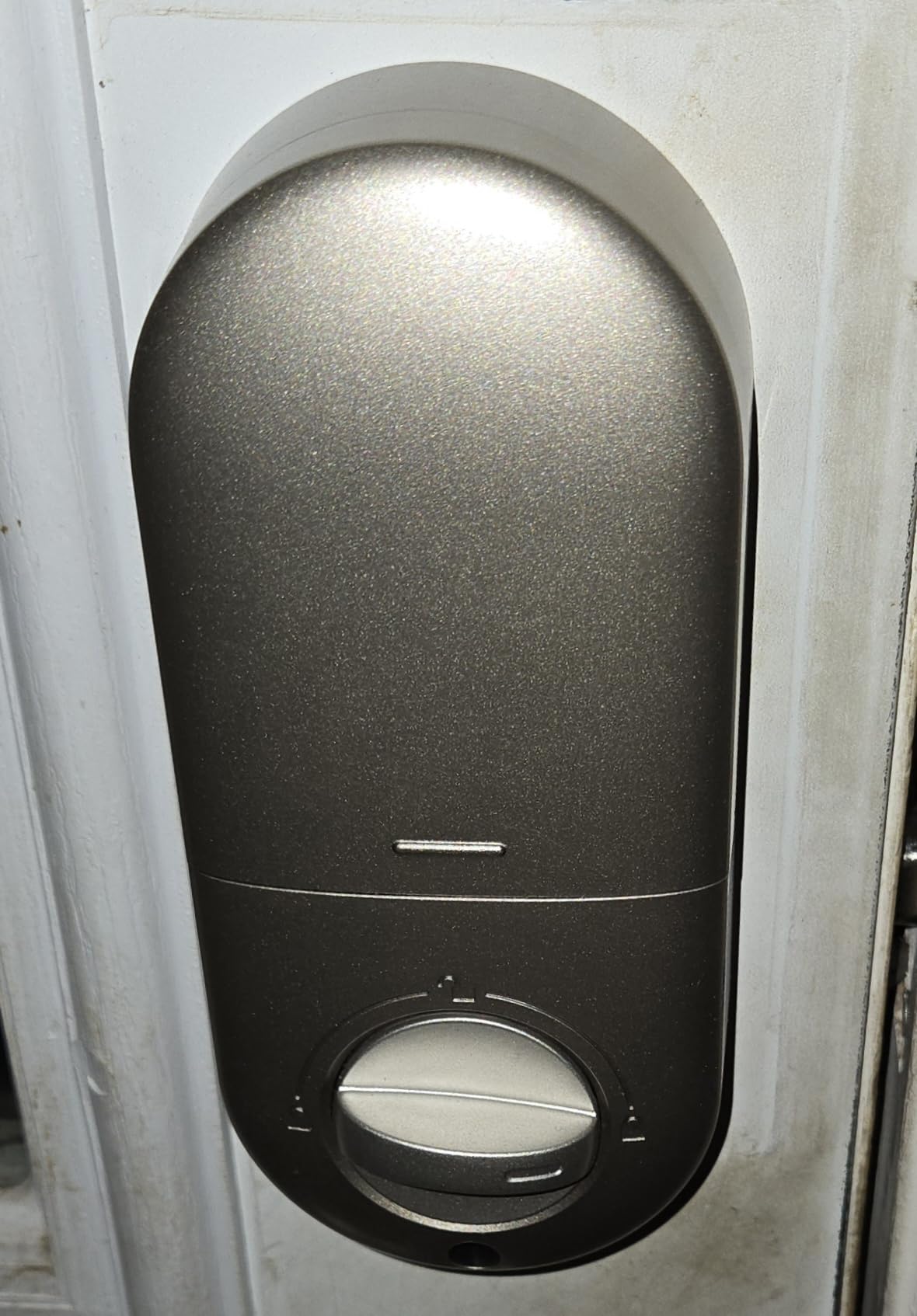
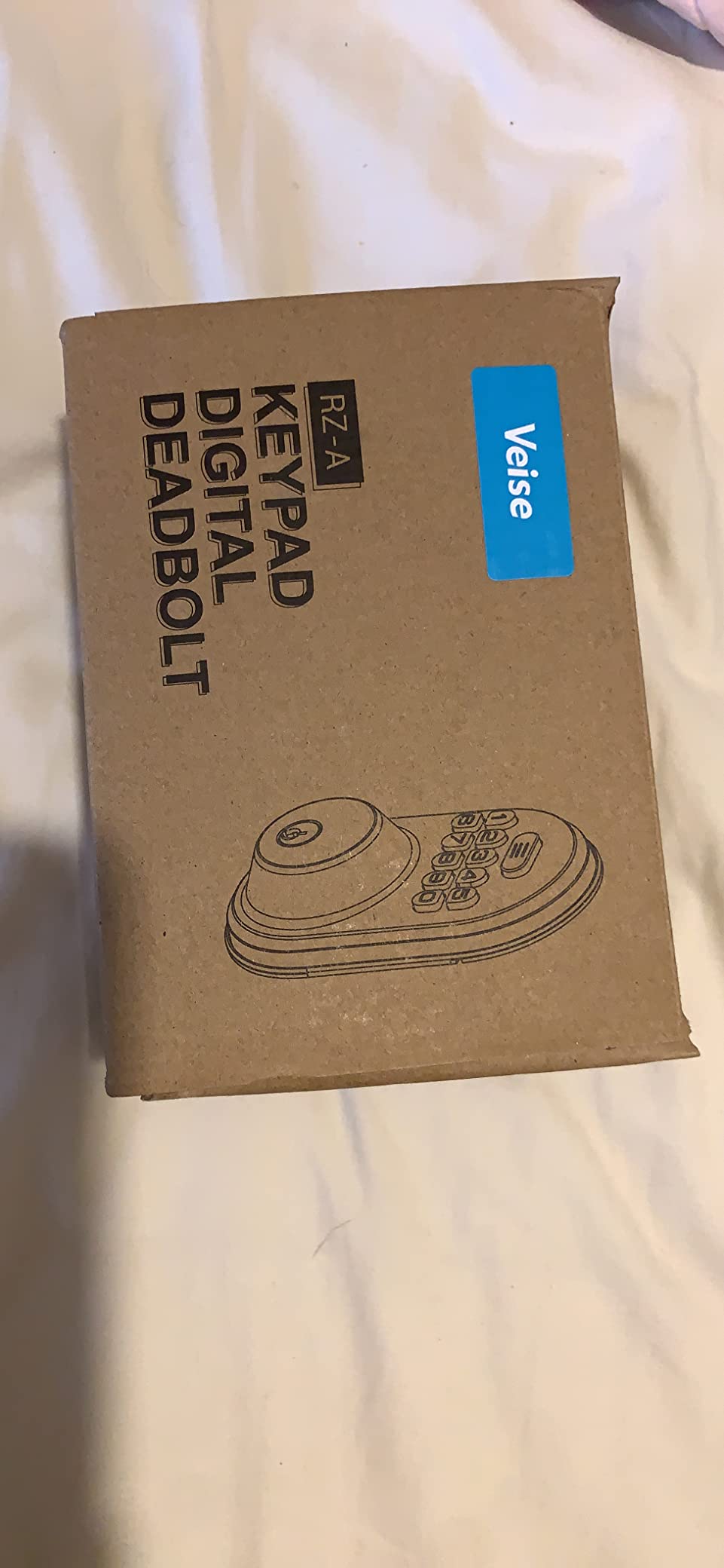
This is the lock I suggest when the installation itself is the worry. The RZ-A fits doors from 1-3/8 to 2 inches thick, all hardware is in the box, and owners consistently describe it as a ten minute job with a screwdriver. For a family helping a parent after a hospital stay, that matters more than any app feature.
The keypad is back-lit in blue with clearly pressable keys, so the digits stay visible for as long as you need them. It holds 20 permanent codes plus one-time guest passwords and two spare keys. One-touch locking is a two second hold of any key, and auto-lock adjusts from 10 to 99 seconds.
Security detail worth knowing: after ten wrong entries the lock locks out for three minutes, and an anti-peeping password function disguises digits entered after a valid code. Vacation Mode restricts every other code to the master code, which is the setting to use before a trip.
Battery life is listed at up to 12 months on four AA batteries with a backlit low-battery warning. The cylinder is BHMA and ANSI Grade 3 zinc alloy tested over 200,000 cycles, and the lock is IP54 rated from -35F to 160F, the widest temperature range of the offline models here.
Who it suits well
It suits a senior who wants keyless entry and nothing else, and it suits a family doing an installation visit together. Silent Mode handles light sleepers, and the temperature range makes it a safe choice for an unheated porch or a northern entryway.
It is also the pick for a household without reliable broadband, since nothing here touches the internet.
Where it falls short
The interior housing is plastic rather than metal, so it feels lighter in the hand than the Schlage or the Veise KS02A. The battery compartment opening can be slightly larger than a standard deadbolt hole, which occasionally means a small amount of extra trimming on an older door.
Programming the master and user codes takes practice, and the one-year warranty is extended a free additional year with registration. Both are manageable; neither is a dealbreaker for an offline lock at this level.
What Actually Makes a Deadbolt Senior-Friendly
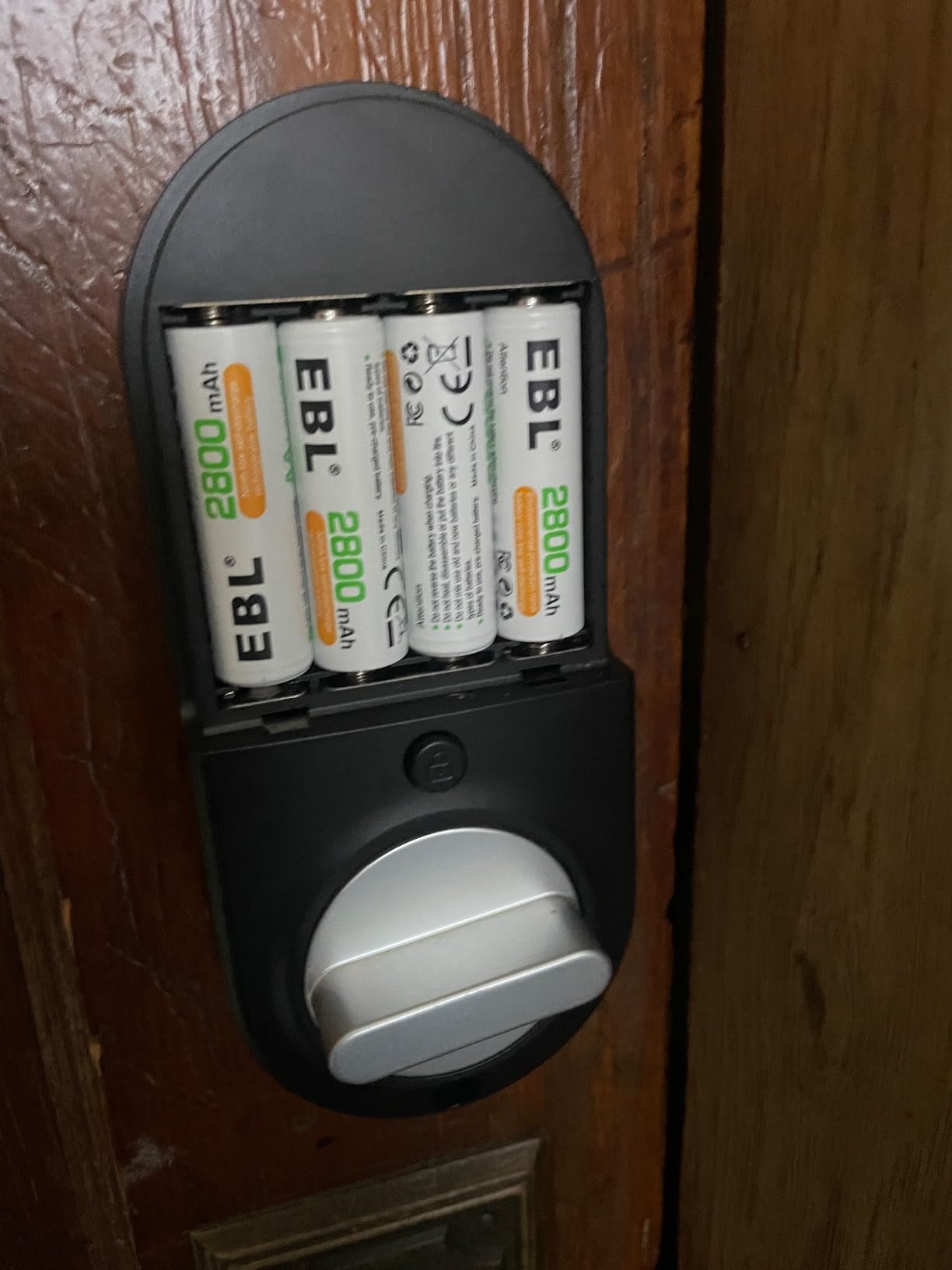
Grip and dexterity come first. A deadbolt is turned, not lifted, which is already better than a knob, but the interior thumb turn still has to be small enough to be firm and large enough to be found by feel in the dark. The Veise KS02A, the TEEHO TE002 and the Schlage Encode all have substantial all-metal interiors. Two of the lighter offline models have plastic interior housings that some residents describe as cheap to operate, though not hard.
Low light is the second axis, and it separates these locks more sharply than any other. Three of the locks here have a permanently back-lit keypad with physical buttons: the TEEHO TE001, the TEEHO TE002 and the Veise RZ-A. Four use a touchscreen whose digits only appear when the pad is activated. For a resident with reduced contrast sensitivity, a printed backlit button is not a minor preference.
Tremor is the third. Fingerprint readers handle a shaky hand far better than a keypad, and among the fingerprint models the Veise KS02A reads fastest at roughly 0.2 seconds while the TEEHO TE002 is the most forgiving of a slightly wet or poorly placed finger. If the resident’s hands are unreliable, fingerprint entry should be the primary path and the keypad the backup.
Cognition is the fourth, and it is the one most roundups skip. Fewer entry methods is better. A lock with one code and one physical key is easier to reason about than a lock with seven ways in. Confusion between a master code and a user code is a real failure mode, which is why the simpler offline locks keep winning with residents who have mild memory loss.
Finally, physical key backup is not optional. Every lock in this roundup ships with at least one or two physical keys, and that is the floor, not the bonus feature. For someone living alone, the key should live inside the house on a hook by the door, not in a bag that goes out with them.
Keypad, Fingerprint, App, Watch or Voice: Entry Methods Ranked for Seniors
Ranked purely for ease of use for an older resident, here is how the methods compare.
1. Fingerprint. One touch, no memory required, no fumbling. The failure case is a wet or cold finger, which is why fingerprint locks should still ship with a keypad and a key.
2. Apple Watch or phone tap. Also one touch, but only if the resident already wears a watch and somebody has enrolled it. Zero learning curve once set up.
3. Keypad code. Proven and universal, but it asks the resident to remember a sequence and to see the digits. Backlit printed buttons make a large difference.
4. App unlock. Useful for family, poor for residents. Treat it as a caregiver tool, not a resident tool.
5. Voice assistant. Genuinely helpful for someone who will never use a phone, but it depends on a speaker in the room and a working network.
The best setup we tested used two methods on purpose: fingerprint as the daily path, and a physical key inside the house as the fallback. Everything else is optional.
Bluetooth Only, Built-in Wi-Fi or Hub-Required: Connectivity Decoded
Connectivity decides how much your family can do and how much your resident has to learn.
Bluetooth only, meaning the lock talks to a phone in range: the app works at the door, entry history syncs when you are nearby, and nothing else. Offline keypad locks such as the TEEHO TE001 and Veise RZ-A skip connectivity entirely, which is the simplest option of all.
Built-in Wi-Fi puts a radio in the interior escutcheon, so remote unlock, code sharing and history work from anywhere without extra hardware. The Schlage Encode, ULTRALOQ Bolt SE, eufy C220 and Philips all do this. The cost is Wi-Fi range: 2.4 GHz only in most cases, with usable distance quoted between roughly 65 and 70 feet from the router.
Hub-required locks are the compromise to watch for. The Sifely in this roundup does not include remote control; the gateway is sold separately. Check the box contents carefully before assuming an app feature exists.
Important for anyone worried about outages: every lock here still opens from the keypad, fingerprint, mechanical key or interior thumb turn when the network is down. A dead Wi-Fi connection means no remote access, never a locked-out resident.
What Happens When the Batteries Die
A senior living alone is the worst-case scenario for a flat battery, so plan for it before installation rather than after.
First, the universal truth: every smart deadbolt has a mechanical override. Most of these ship with one or two physical keys, and the rest can be opened from inside by turning the thumb turn regardless of battery state. The bolt is what retracts; it is not spring-locked from the interior.
Second, low battery alerts are standard here. The TEEHO TE002, TE001 and Veise KS02A all give a red alert below 15 percent. The TEEHO TE002 and TE001 also claim up to 365 days on four AA batteries, the Veise KS02A claims 365 days or more, and the ULTRALOQ Bolt SE claims up to 18 months on its low-energy Thread network.
Third, keep spare AA alkaline batteries in a drawer and make battery replacement a quarterly family calendar reminder, not a reaction. A senior who cannot crouch to reach a low battery compartment will not replace batteries; they will call someone, or not tell anyone at all.
Fourth, treat the physical key as the real contingency plan. Keep one inside the house and one with a family member who lives within a short drive. That single habit resolves the majority of battery-dead calls we heard about in home automation forums.
Smart Deadbolts for Dementia and Memory Loss
For dementia and memory loss, the design priority inverts. You want fewer choices, one obvious way in, and no way to leave the door unlocked.
Start with the simplest credential. One master code, one physical key, and nothing else for the resident. The TEEHO TE001 and the Veise RZ-A both fit this model because they are keypad-only with no app to lose and no account to be locked out of.
Next, remove the failure mode where the resident thinks the door is locked when it is not. Auto-lock with a sensible timer, plus one-touch locking from inside, matters more here than anywhere else. The Veise KS02A adds an interior rotatable thumb turn for immediate locking, and the TEEHO TE002 locks instantly on a button press.
Then consider the fingerprint option carefully. Fingerprint entry removes the memory burden entirely, which sounds ideal, but a resident who does not recognise why the door opens on touch may panic. Introduce it slowly, with family present, and keep a keypad method available.
Lastly, set up the supervision. Entry history and instant notifications are how a family knows a person with memory loss left the house at an unusual hour or that nobody has come home. That visibility is often more valuable than the lock mechanism itself.
Door Fitment Checklist Before You Buy
Most returns and most install frustration trace back to the door, not the lock. Check these six things with a tape measure before you order anything.
1. Bore diameter. The standard US deadbolt hole is 2-1/8 inches. The TEEHO TE002, TE001 and Veise KS02A are documented for that size, and the Veise KS02A fits nothing else. The eufy C220 tolerates bores under 54mm with the spacer removed.
2. Door thickness. Most locks here cover 1-3/8 to 2 inches. The two Schlage models are narrower at 1-3/8 to 1-3/4 inches, which can rule out a thick modern door.
3. Backset. Measure the distance from the door edge to the centre of the bore. The common residential values are 2-3/8 inches and 2-3/4 inches. The Philips is documented at 1-3/8 to 2 inches of thickness, which is a different measurement from backset, so check both.
4. Door material. Solid wood is straightforward. Fiberglass, metal and sliding doors need specific adapters, and none of these deadbolts is designed for a sliding patio door.
5. Handing. Nearly all of these auto-detect door hand, which is a real improvement over older locks. The Sifely is documented for both door hands, which matters for a rental or multi-family unit.
6. Inside clearance. Check that the interior escutcheon does not hit a door frame, a screen door track or a security bar before you commit.
If you are renting, favour a lock that fits an existing standard deadbolt and can be removed without patching the door. If you own, matching the key cylinder across all your doors is worth more than any single lock feature.
Privacy, Hacking Risk and Insurance Questions
Hacking risk is real but narrower than most articles suggest. A deadbolt that unlocks over Bluetooth or Wi-Fi uses encrypted connections, and the practical attack is credential theft from a compromised account or a weak phone password, not a signal jammed through a wall. Every connected lock in this roundup, and the two offline keypad locks, open with a physical key or an interior thumb turn regardless of what happens on the network.
Reduce the risk in three ways. Use a unique password for the lock app, enable two-factor authentication where offered, and revoke codes the moment a caregiver or contractor leaves. The one-time and scheduled code features on the TEEHO TE001, Veise KS02A and Philips exist for exactly this reason.
On insurance, no major insurer publishes a rule that smart locks void coverage. What policies do care about is that the door was locked when the loss occurred. Auto-lock and entry history are useful precisely because they document that. Read your own policy language and ask your agent directly, rather than trusting a forum answer.
One practical privacy note from buyer requests: if you do not want the house to advertise a smart lock to someone walking past, choose a model that looks conventional from the sidewalk. The Schlage Encode in its Century trim and the satin nickel options read as ordinary hardware, which keeps that concern off the table.
Frequently Asked Questions
What is the best smart lock for elderly people?
The Schlage Encode Smart WiFi Deadbolt is our overall pick because it combines keypad entry, a physical backup key, built-in Wi-Fi and up to 100 programmable caregiver access codes in a housing that installs with a screwdriver on a standard door. If your parent will never use a smartphone, the TEEHO TE001 is the simpler answer, and if grip or tremor is the problem, the TEEHO TE002 or Veise KS02A add fingerprint entry.
What are the downsides of smart door locks?
The recurring complaints are touchscreen keypads whose digits disappear before you finish entering a code, fingerprint readers that struggle with wet or cold fingers, battery drain on connected models, and the learning curve for app and account setup. Budget locks also add a second purchase when remote access needs a separately sold gateway, and lockouts from dead batteries are the scenario families worry about most.
What are the best front door locks for dementia patients?
Keypad-only locks with one master code and no app are usually the safest choice, because there is no account to be locked out of and no memory of multiple credentials. The TEEHO TE001 and Veise RZ-A fit that model. Pair either one with auto-lock, one-touch interior locking and entry history so family can confirm the door is secure and see when someone left.
Do smart locks void insurance?
No major insurer publishes a rule saying smart locks void coverage. Policies focus on whether the door was locked when a loss occurred, and entry history and auto-lock features help document exactly that. Ask your own agent to confirm your specific policy language rather than relying on general answers.
How hackable are smart locks?
A connected deadbolt uses an encrypted connection, so the realistic risk is a stolen account password rather than a remote break-in. Use a unique app password, turn on two-factor authentication, revoke caregiver codes promptly, and remember that every lock in this roundup still opens with a physical key or an interior thumb turn even if the network is down.
Which brand of smart lock is the most reliable?
Reliability across years of owner reports tends to favour Schlage, whose mechanical warranty is a limited lifetime on the mechanical and finish parts with three years on electronics. The TEEHO and Veise offline keypad models are also consistently well rated for their simplicity, since they have no app and no network dependency to fail.
Which smart door lock has the best fingerprint sensor?
The Veise KS02A is the fastest in this group, with a listed 0.2 second unlock and on-device AI that refines recognition. The TEEHO TE002 is the most forgiving of a wet or slightly angled finger, which matters more in bad weather, and the eufy C220 is the only model here with Apple Watch as a separate hands-free path.
What happens if smart lock batteries die?
Every lock in this roundup still opens from the interior thumb turn with no battery power, and each ships with at least one physical key. Most send a low battery alert, several claim a year or more on four AA batteries, and connected models like the ULTRALOQ Bolt SE run far longer. Keep one spare key inside the house and schedule quarterly battery checks as a family.
Which Smart Deadbolt Should You Choose
Choose the Schlage Encode Smart WiFi Deadbolt as the best smart deadbolt for seniors when a family wants remote oversight and caregiver codes without extra hardware. If your parent will never use a phone, choose the TEEHO TE001 or the Veise RZ-A, both keypad-only and both finished with large back-lit buttons. If hands are the problem, the TEEHO TE002 or the Veise KS02A make fingerprint the primary path.
Measure the door before ordering, keep a physical key inside the house, and set a quarterly battery reminder. Our ranking of the best smart deadbolts for seniors was last reviewed in 2026, and we update it as new models and firmware revisions land.