
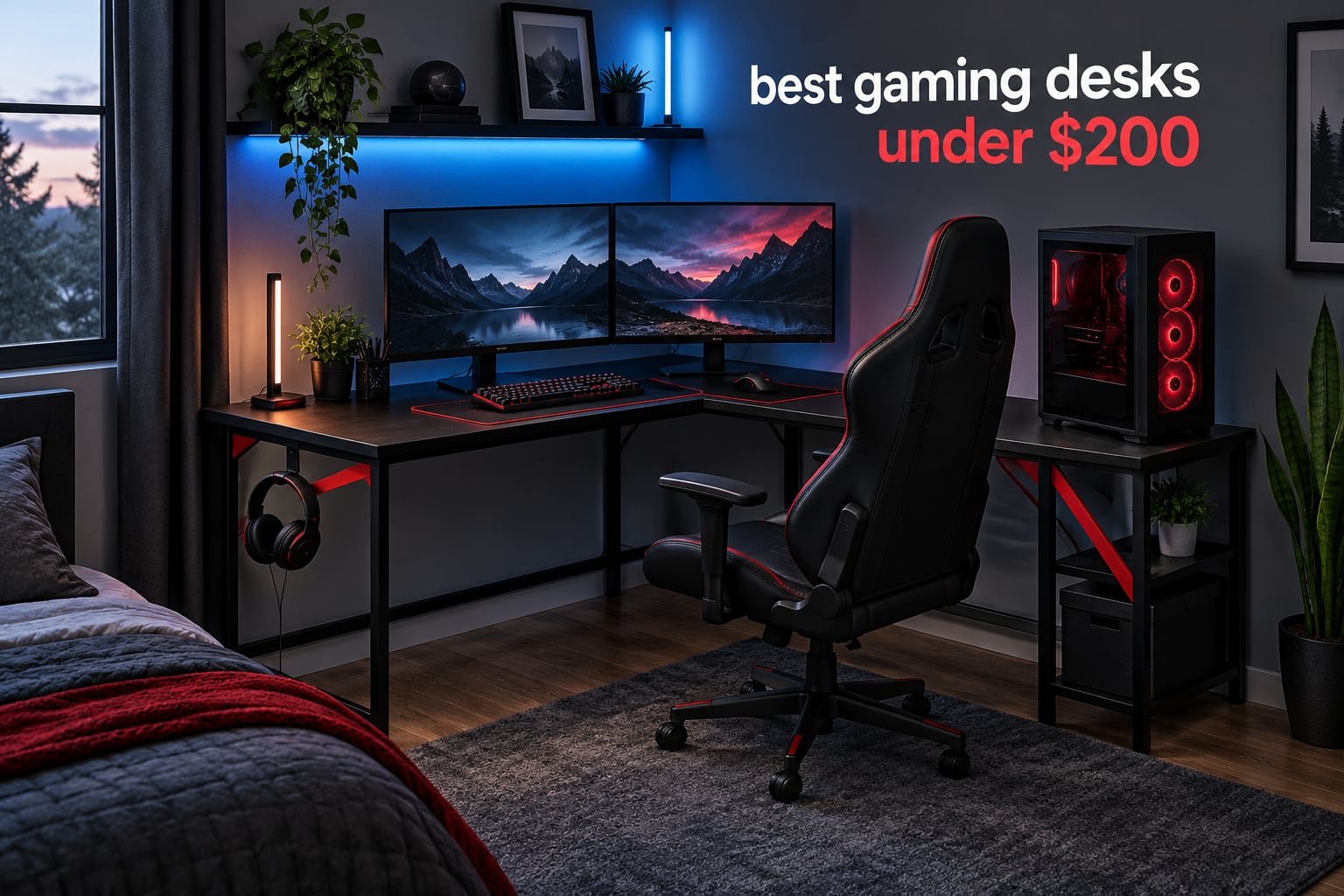
Most budget gaming desks fall apart in one of two ways: the frame develops a wobble when you type hard, or the engineered wood top bows in the middle after a few months under two monitors and a PC tower. Both problems show up in forum threads and owner reviews, and both are fixable if you pick the right frame and respect the real load limit.
That is what this guide is for. We spent weeks going through twelve budget gaming desks that all land under 200 dollars, checking the listed load ratings against the actual construction, comparing frame shapes, and reading owner feedback on LED failure rates, assembly headaches and desktop sag. The result is the best gaming desks under 200 for 2026, organized by the situation you actually need to solve rather than by brand.
Every desk below has built-in power, LED lighting or both, because that is where this price band is most competitive. What separates them is depth, frame geometry and how much storage you get for the money. If you want the short answer, the Bestier 42-inch L-shape is the one we would put in a bedroom, the FDW 47-inch T-frame is the best pure value, and the ODK 53-inch L-shape is the least wobbly of the group. Everything else in this roundup is worth reading about too, especially if your setup is corner-bound or you need sit-stand movement.
Table of Contents
Top 3 Picks for the Best Gaming Desks Under 200 Dollars Right Now (October 2026)
These three cover the most common setups: a corner workstation, a plain dual-monitor station, and a full RGB build. Each has the highest combined rating and owner feedback volume in its category, and all three stay under the 200 dollar ceiling.

Bestier 42 inch L-Shape Desk
- 42 inch corner footprint
- Reversible shelves
- Built-in 2 AC plus USB and Type-C
- LED strip under upper shelf

FDW 47 inch T-Frame Desk
- 47 inch surface
- 250 lb listed load
- Adjustable leg pads
- Cup holder and cord pass-throughs

HLDIRECT 47 inch RGB Desk
- App-controlled 4x4 LED strips
- ZZ shaped frame
- Includes extra-large mouse pad
- Cup holder and headphone hook
All 12 Gaming Desks in 2026 at a Glance
Every desk in this roundup, with the specs that actually separate them. Depth matters more than most buyers expect, so it is called out where the manufacturer lists it.
| Product | Specifications | Action |
|---|---|---|
|
Bestier 42 inch L-Shaped Desk
|
|
Check Latest Price |
|
HLDIRECT 47 inch RGB Gaming Desk
|
|
Check Latest Price |
|
FDW 47 inch T-Frame Desk
|
|
Check Latest Price |
 AODK 53 inch L-Shaped Desk
|
|
Check Latest Price |
 Veken 47.2 inch Electric Standing Desk
|
|
Check Latest Price |
 ODK 48 inch Desk with Shelves and LED
|
|
Check Latest Price |
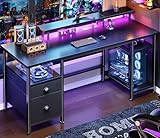 Furologee 51 inch Desk with Outlets
|
|
Check Latest Price |
 GTPLAYER 48 inch Electric Standing Desk
|
|
Check Latest Price |
 SEDETA 67 inch L-Shaped Desk
|
|
Check Latest Price |
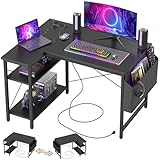 TIQLAB 40 inch L-Shaped Desk
|
|
Check Latest Price |
 ODK 53 inch L-Shaped Desk
|
|
Check Latest Price |
 Grandder 40 inch Desk with Drawer
|
|
Check Latest Price |
1. Bestier 42 Inch L-Shaped Desk with Charging and LED
Bestier 42-Inch L-Shaped Computer Desk with Charging & LED, Black
42 inch L-shape
32.28 by 41.93 inch footprint
0.75 inch top
2 AC plus USB and Type-C
32.6 lb
Pros
- Compact corner footprint suits small rooms
- Reversible side shelves adapt to the room
- 2-in-1 monitor stand and display shelf
- LED strip under the upper shelf
- Built-in charging cuts cable clutter
Cons
- Assembly required and two adults recommended
- Modest surface is tight for large multi-monitor setups
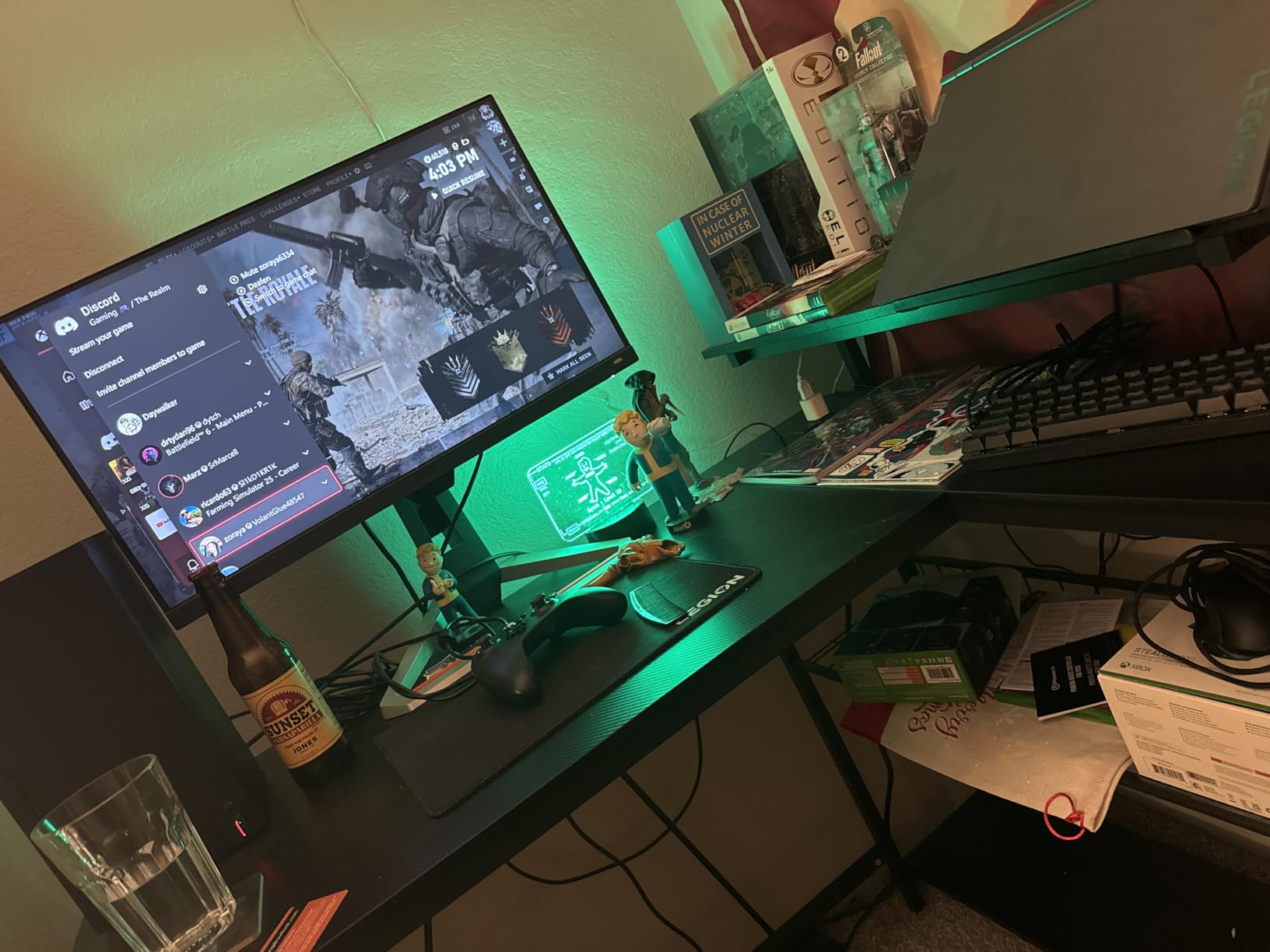
The Bestier 42-inch L-shape is the desk we keep coming back to because it solves the corner problem better than anything else at this level. It measures 32.28 inches deep by 41.93 inches wide with a 35.91 inch height, which means it fits into a bedroom corner that a 47-inch straight desk simply cannot occupy, and the working diagonal of 51.34 inches still gives you room for a 27-inch monitor, keyboard and mouse side by side.
What surprised us most is how much is built into the frame. The power hub carries 2 AC outlets, 1 USB port and 1 Type-C port, so the monitor, headset charger and phone all plug into the desk rather than a strip on the floor. Owners consistently mention the charging hub first when they describe why they kept the desk after the first week.
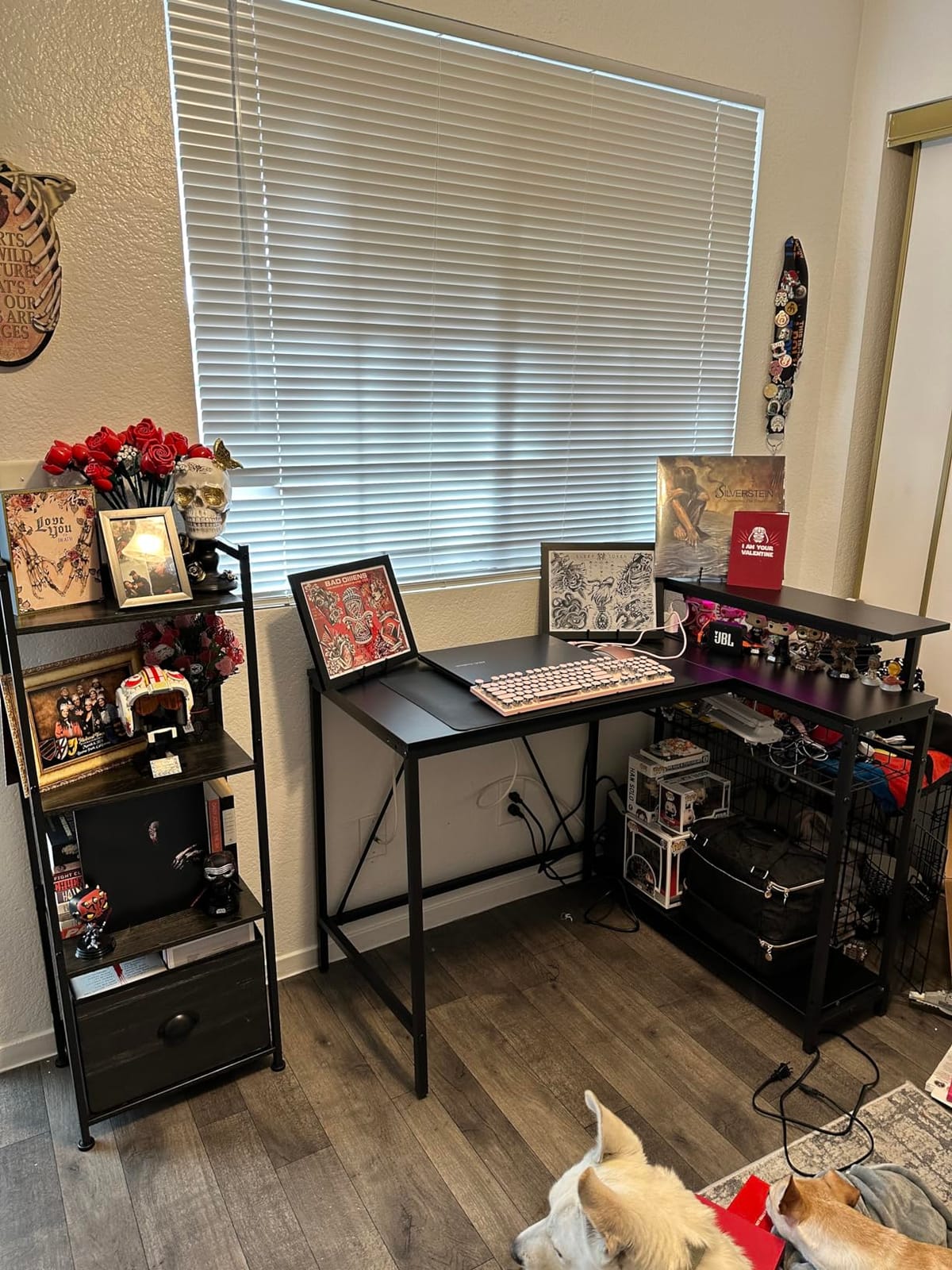
Structurally it is an engineered wood top on a stainless steel base with bolted and screwed joints, and the top measures 0.75 inches thick. The 2-in-1 monitor stand doubles as a side display shelf, and there are four shelves in total with reversible side units, which is how you get storage out of a desk this small. The LED strip sits under the upper shelf, so it washes the desktop rather than pointing at your eyes.
At 32.6 pounds, it is light enough to move between rooms without a second person, though the instructions do recommend two adults for assembly. A headphone and backpack hook on the side keeps the floor clear, and the vertical shelves double as cable routing. If your room is tight and you want one desk that handles gaming, charging and storage, this is the one to start with.
Who the Bestier L-Shape Works For
Dorm rooms, studio apartments and any bedroom where a straight 47-inch desk will not turn the corner. The depth at 32.28 inches is deeper than most corner desks in this group, which means real mouse room rather than a cramped edge.
It also suits anyone who wants charging built in without paying for a separate power strip and cable channel. Reviewers report the reversible shelves adapting easily to whichever wall your outlets are on, which is a small detail that saves real drilling during setup.
Who Should Look Elsewhere
If you run three monitors or a 32-inch ultrawide, the 42-inch footprint becomes the limiting factor and a 51-inch or 53-inch model will serve you better. The same applies if your tower is full-tower size and needs floor space under the desk.
Buyers wanting a height-adjustable frame should also skip this one. It is a fixed-height desk, and that trade is the price of the corner shape and the accessory bundle.
2. HLDIRECT 47 Inch Gaming Desk with App-Controlled RGB Lights
HLDIRECT 47 Inch Gaming Desk with App-Controlled RGB LED Lights, Black
47 by 23.6 inch surface
FSC-certified wood top
Alloy steel ZZ frame
Listed to 200 lb
29 lb
Pros
- Wide surface fits two monitors comfortably
- App-controlled 4x4 LED strips with multiple modes
- Extra-large mouse pad included
- Headphone hook and cup holder
- Assembly usually under 30 minutes
Cons
- LED clips feel flimsy and can arrive chipped
- Two-halves desktop leaves a visible center seam
- Monitor mount is not always included
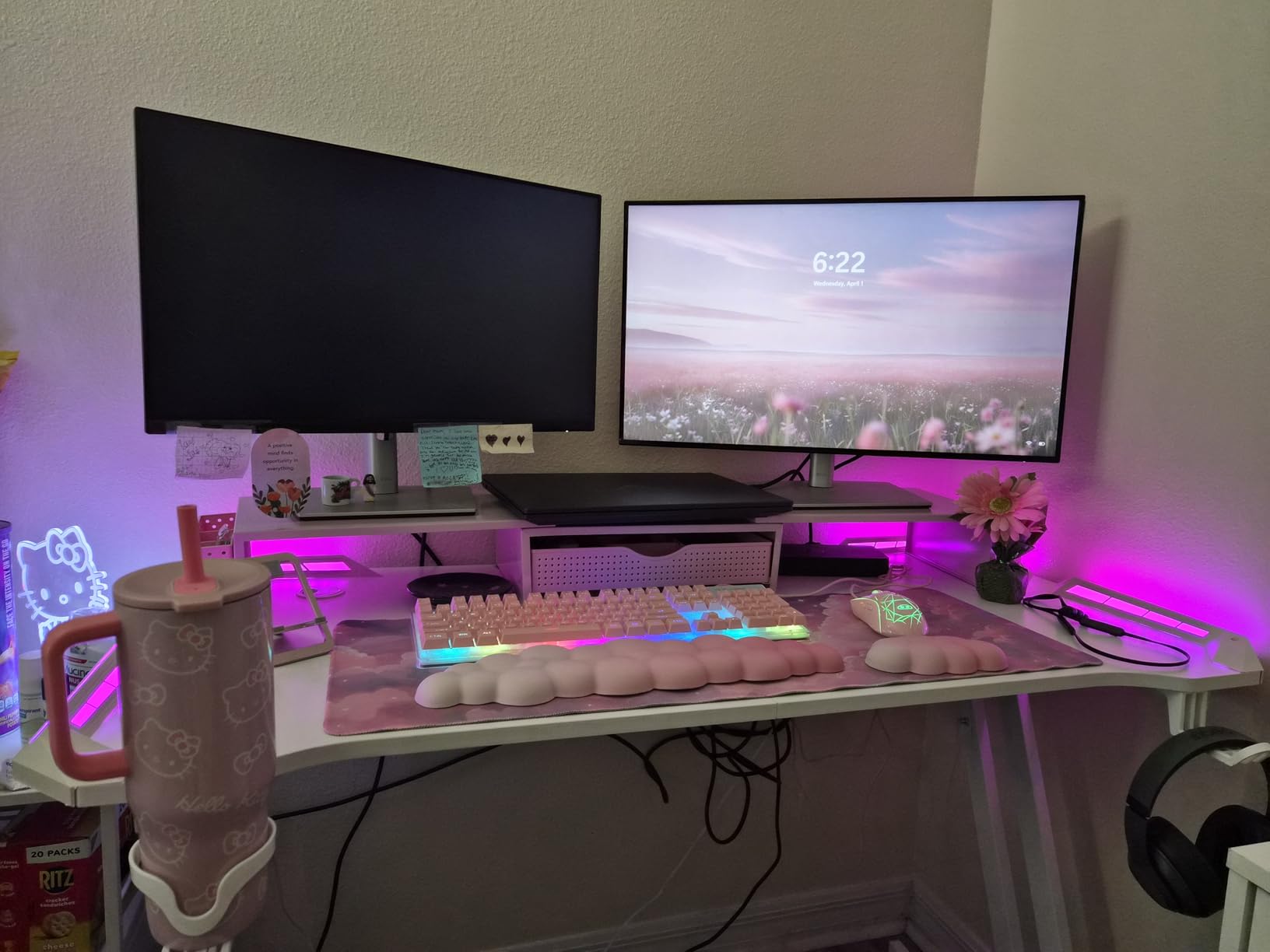
If lighting is the thing you care about, the HLDIRECT 47-inch is the desk to look at. The LED system runs as a 4×4 grid of strips across four groups, controlled from an app on your phone, with multiple modes and color settings. On a desk that is otherwise plain black, the effect is genuinely dramatic at night, and it is the reason this model has more owner feedback than anything else in the roundup at over 3.3k reviews.
The surface is 23.6 inches deep and 47 inches wide, a working diagonal of 52.82 inches, which is a comfortable dual-monitor footprint. The listing notes a maximum weight recommendation of 200 pounds, and the desktop is FSC-certified engineered wood at 19.05 millimeters thick on a ZZ-shaped frame made of two independent triangular structures. That geometry is what keeps the front-to-back wobble down when you lean on the desk.
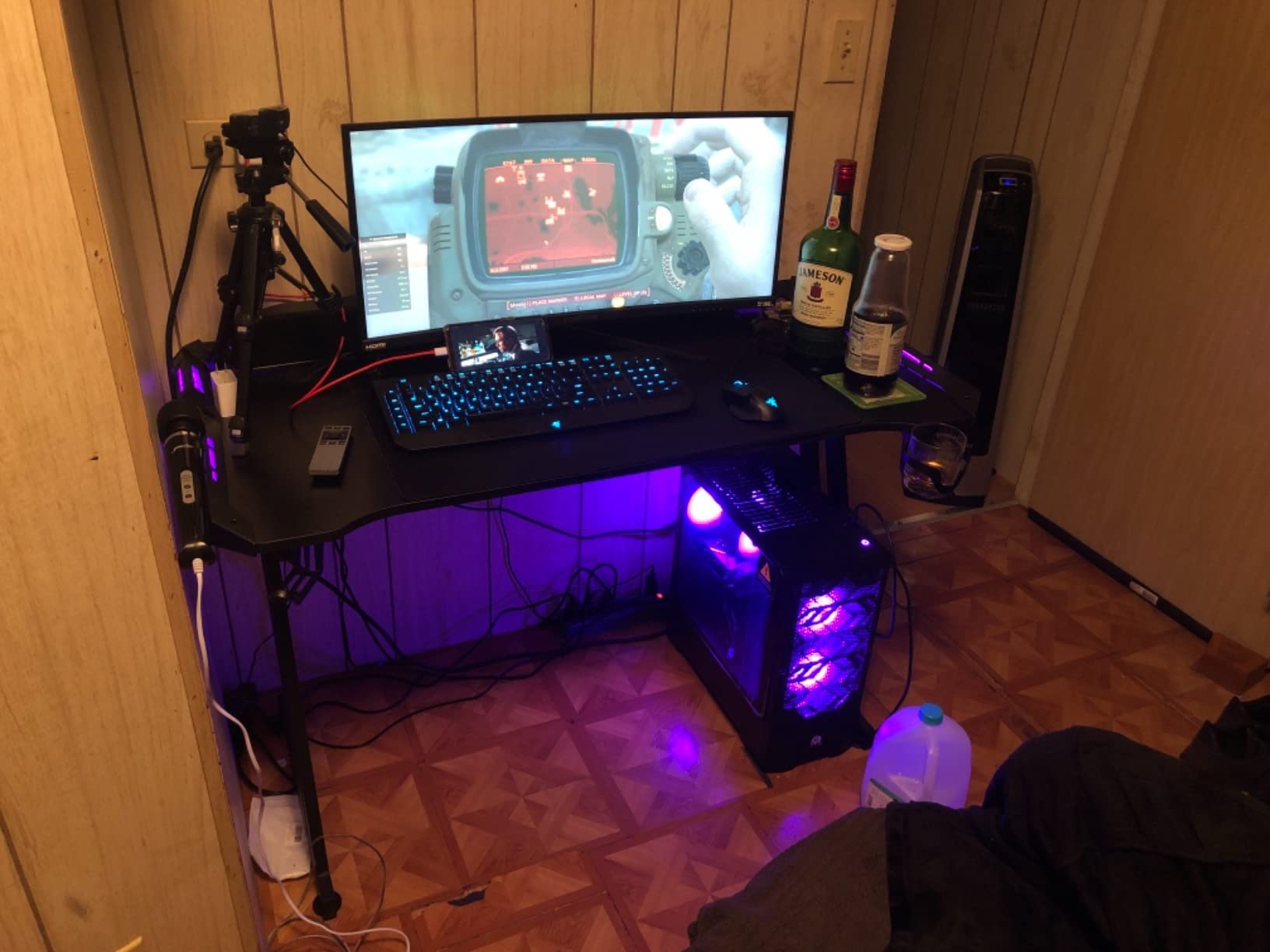
It ships 29 pounds, which is on the lighter side for a desk this size, and the accessories are unusually generous: a large mouse pad, a headphone hook, a cup holder and a cable manager. Several owners note that assembly took under half an hour, which puts it ahead of the flat-pack desks that need an evening and a second pair of hands.
The honest complaints cluster around the electronics. Reviewers report that the plastic LED clips feel cheap and sometimes arrive chipped, and the LED power lead is short enough to need the separate transformer brick positioned carefully. The desktop also arrives as two halves, leaving a visible center seam, and some listings reference a monitor mount that does not arrive in the box.
Who the HLDIRECT RGB Desk Works For
Anyone building a first dedicated gaming room where the lighting is the centerpiece. Four controllable LED groups beat a single accent strip, and the app control is far more useful than a physical remote you will forget about.
It is also a strong choice for dual-monitor productivity, since 47 inches of width leaves room for a 32-inch screen plus a secondary panel without crowding. The included mouse pad saves you a separate purchase and the carbon fiber style top keeps the whole thing looking deliberate.
Who Should Look Elsewhere
Buyers who care about surface quality should know the seam runs down the middle of a two-piece top, which is visible under direct light. If you plan to clamp a monitor arm to the rear edge, check the box contents first because the mount is referenced inconsistently across listings.
Owners who want storage or built-in AC outlets should also keep looking. This desk has cable management and lighting, but no power strip and no shelves, so accessories go on the floor.
3. FDW 47 Inch T-Frame Extra Large Gaming Desk
FDW 47 Inch Gaming Desk with Large Desktop Computer Desk Student PC Desk Extra Large Modern Ergonomic Racing Style Table Workstation for Adult Teens,Black
47.2 by 23.6 inch surface
MDF top with steel frame
18 mm top
Listed to 250 lb
40 lb
Pros
- Largest reviewed owner base in the group
- Generous surface for two monitors and accessories
- Adjustable leg pads steady it on uneven floors
- Cord pass-through holes
- Quick straightforward assembly
Cons
- Thin inexpensive-feeling desktop and cable parts
- Frame welds can be uneven and creak
- Cup holder durability is limited
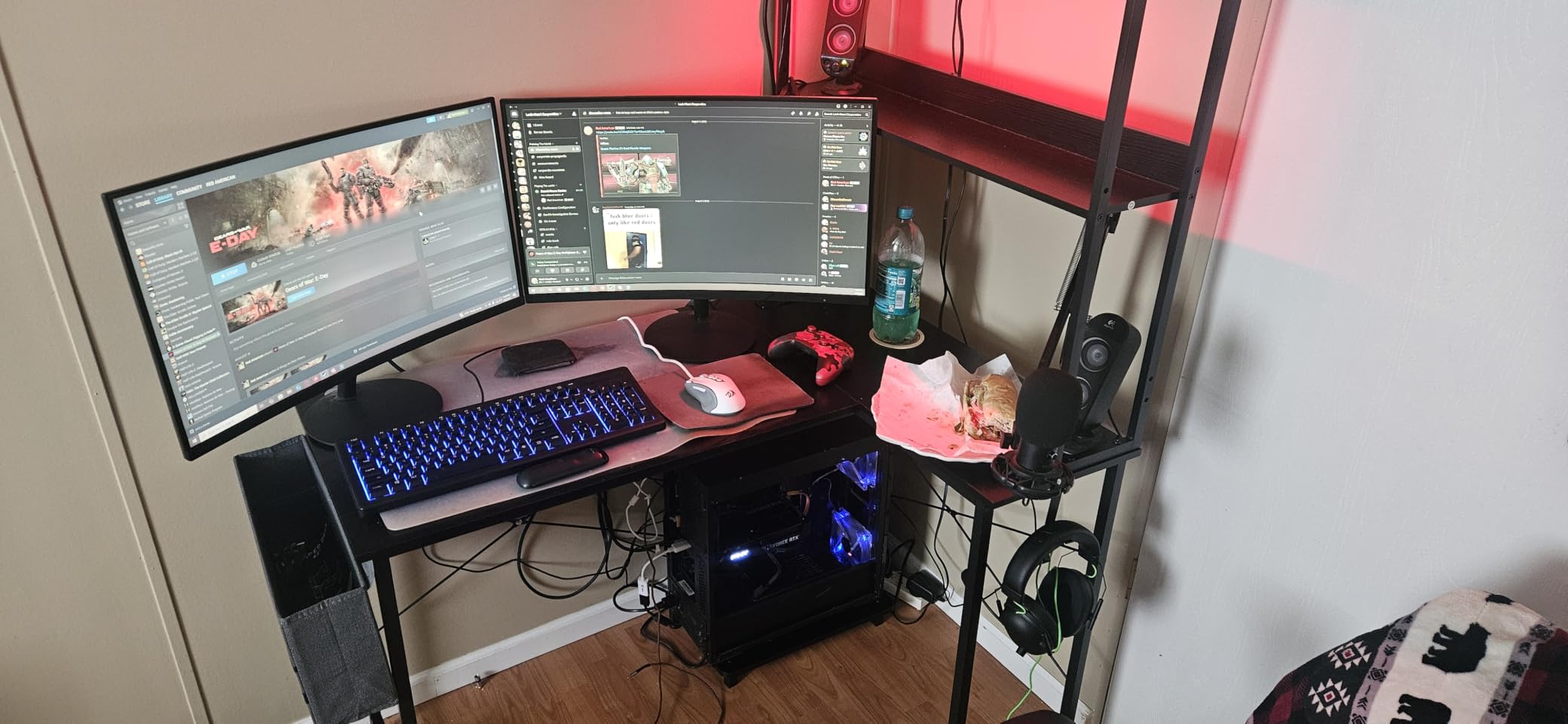
The FDW 47-inch is the simplest desk here and the one with the most owner feedback, which makes it the easiest to buy with confidence. At 47.2 inches wide by 23.6 inches deep with a 29.3 inch height, it is a full-size workstation surface rather than a compact one, and the surface is rated in the listing for two monitors plus keyboard and accessories.
Construction is an 18 millimeter MDF top on an alloy steel frame, weighing 40 pounds, and the listed maximum weight recommendation is 250 pounds, which is among the higher static figures in this roundup. Adjustable leg pads matter more than they sound: they let you level the desk on carpet or an old wooden floor, which removes a surprising amount of the wobble people attribute to the desk itself.
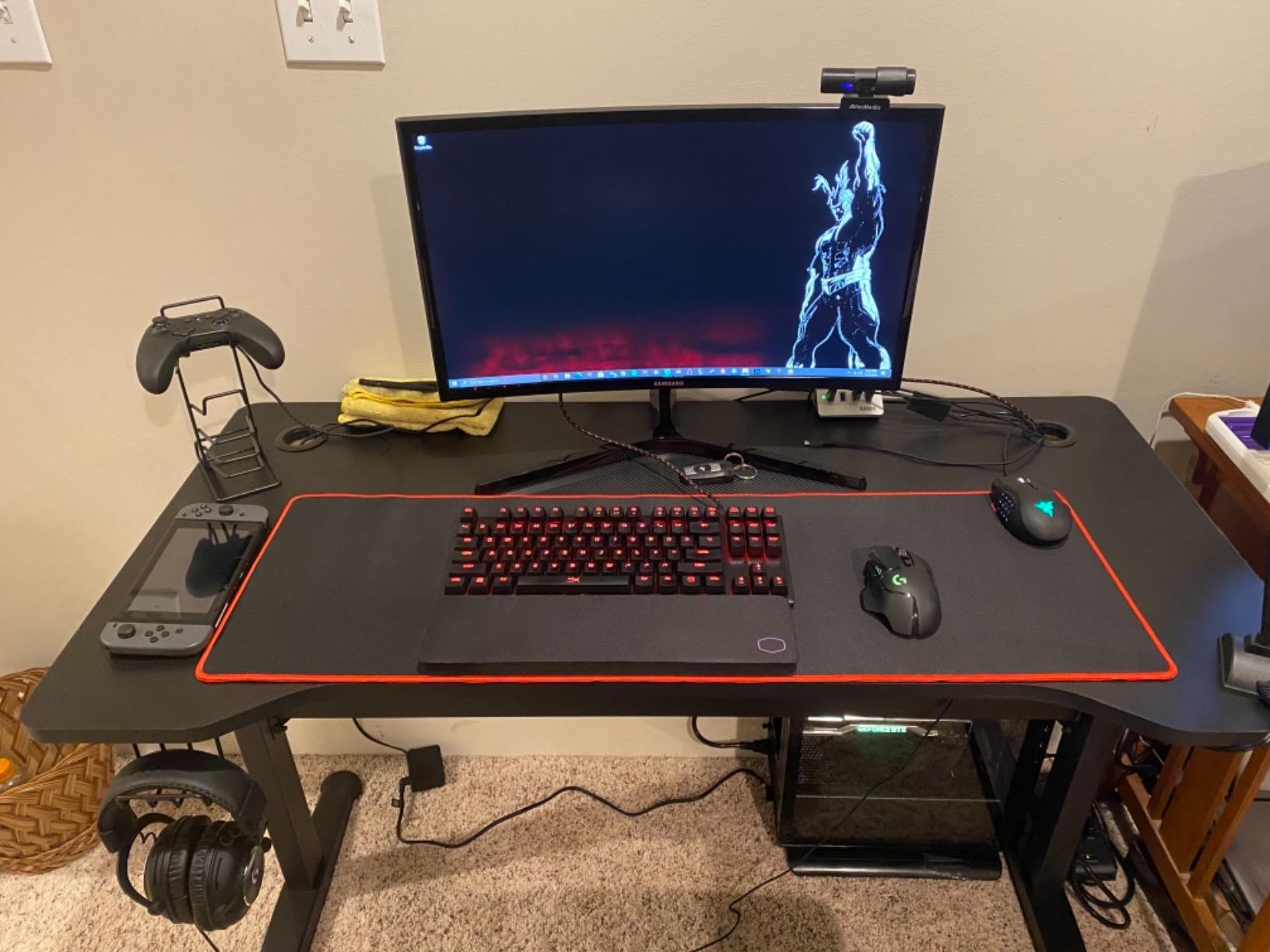
It has a side cup holder, a headphone hook and cord pass-through holes for routing monitor and PC cables. The limited warranty runs 90 days, which is the shortest in the group, so keep the box and hardware in case you need to file a claim in the first quarter. Assembly is straightforward and the surface wipes clean easily, which matters if you eat at the desk.
Owners commonly call the size the headline benefit and the component thickness the main complaint. The desktop and the cable management hardware feel inexpensive, frame welds on some units are uneven and creak under load, and the cup holder is the part most likely to break. None of that stops the desk doing its job, but it is where a pricier model would feel better.
Who the FDW T-Frame Desk Works For
Students and first-time builders who want maximum usable surface for the least complexity. A single monitor, a dual-monitor setup and a full keyboard all fit with room for a headset stand and a mug.
It is also the best pick if your floor is uneven, since the adjustable leg pads do more for stability than the frame shape does. The carbon fiber style top gives the plain desk a gaming look without any lighting to maintain.
Who Should Look Elsewhere
Skip it if you want built-in charging, LED lighting or any storage. The FDW is a surface and a frame, so all cable management and device parking happens on the floor beside it.
Buyers who are hard on their desks should also weigh the shorter 90-day warranty. At 40 pounds the desk is heavy and solid, but a thinner top means more long-term flex under a heavy monitor arm than a 1-inch engineered wood model.
4. AODK 53 Inch L-Shaped Gaming Desk with LED and Power Outlet
AODK L Shaped Desk Gaming Desk with LED Light & Power Outlet
53 inch reversible L-shape
1 inch engineered wood top
3 AC outlets plus 2 USB
Storage volume 200 liters
Pros
- Reversible L-shape maximizes corner space
- Three AC outlets and two USB ports built in
- LED with 10 colors and memory function
- Two-tier upper rack works as monitor stand
- CPU stand and storage bag included
Cons
- Shallow 18.9 inch depth limits mouse space
- Assembly required
The AODK 53-inch L-shape is the feature-maximizer of the corner desks here. It carries 3 AC outlets and 2 USB charging ports in the frame, which is more built-in power than anything else in the roundup except the SEDETA, and it fits that hardware into a top that is 1 inch thick, one of the thicker tops in this group.
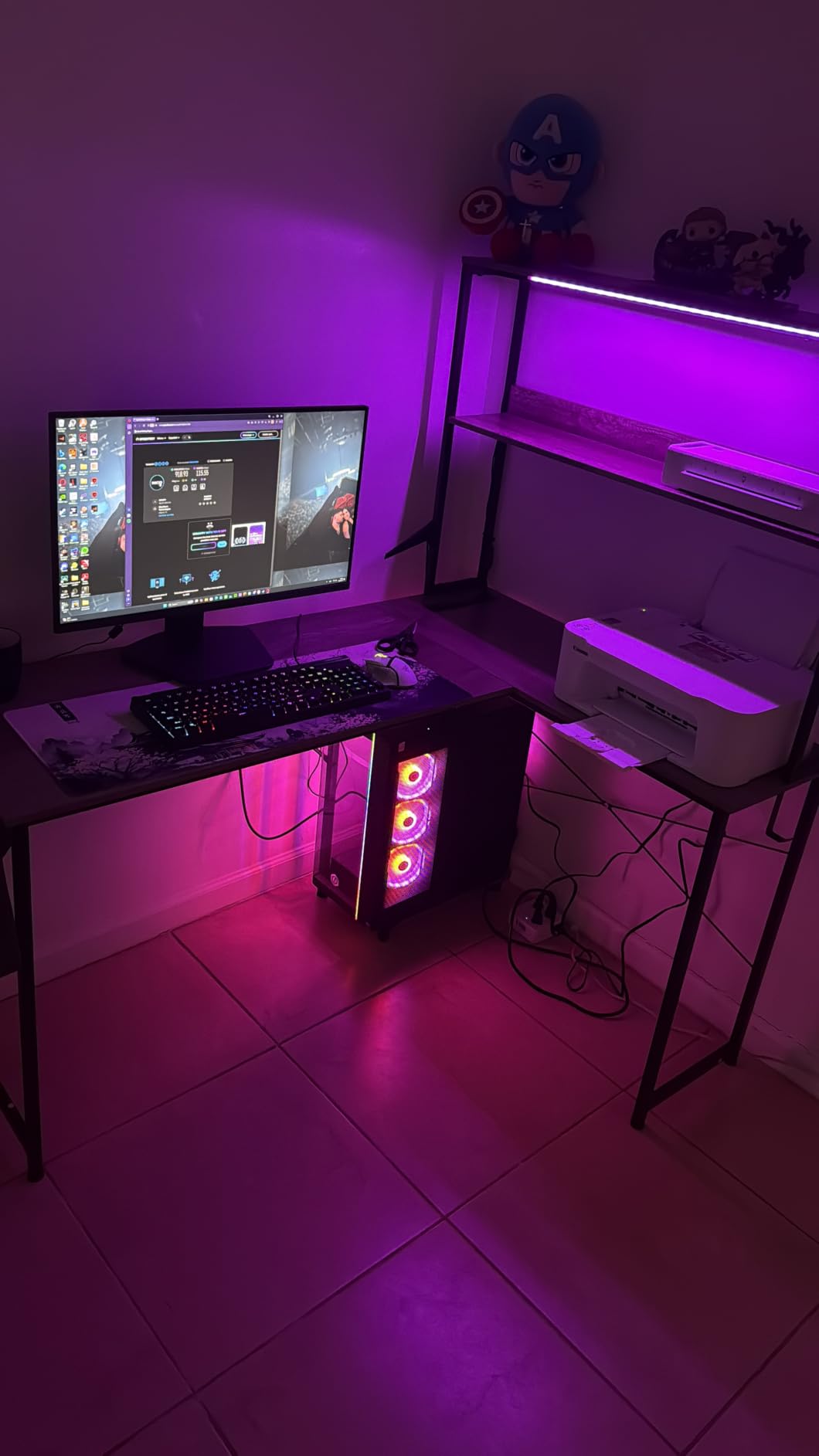
The layout is a reversible L-shape where the hutch mounts left or right, and the two-tier upper rack works as a display shelf or a monitor stand depending on how you set it. The LED strip runs 10 static colors, 8 brightness levels and 10 dynamic modes with a memory function, so the setting survives a power cycle. Storage volume is listed at 200 liters across 2 shelves, and a CPU stand and headphone hook come in the box.
Dimensions are 18.9 inches deep, 53.15 inches wide and 29.8 inches high, giving a 53 inch working diagonal. That shallow depth is the thing to think hard about. It is fine if your main monitor sits on the upper rack and your keyboard sits toward the front edge, but for a low-sitting monitor on a wide stand you will be working with less arm room than you expect.
Buyers single out the labeled parts and detailed instructions as a real time saver during assembly. The included components list covers storage shelves, the power outlet, LED light strip, UPC stand, headphone hook and storage bag, so there is no separate accessory purchase after the desk goes up.
Who the AODK L-Shape Works For
Corner setups where every device needs its own outlet. A monitor, a PC, a speaker pair and a phone charger will fit inside the frame, which removes the floor power strip entirely.
It also suits anyone who changes rooms or reconfigures corners, because the reversible layout means the return side can follow whichever wall has the outlet. The two-tier rack and CPU stand give a small footprint the storage of something much larger.
Who Should Look Elsewhere
If you play with a wide mousepad and a low monitor, the 18.9 inch depth is the dealbreaker. Pick a desk with 23 inches or more of depth instead, even if it means giving up built-in power.
Buyers who want a hutch for a second monitor should also check the clear height under the upper rack. It is a display shelf first and a monitor riser second, so very tall monitor stands may not clear it.
5. Veken 47.2 Inch Electric Standing Desk
Veken 47.2 Inch Large Electric Standing Desk, Gaming Table, Black
47.2 by 23.6 inch surface
Electric lift 28.3 to 46.5 in
Carbon steel frame
42.1 lb
Pros
- Smooth quiet electric height adjustment
- Saved memory presets on the control panel
- Carbon steel frame stays stable fully extended
- Protective packaging arrives undamaged
- Headphone hooks on both sides
Cons
- Slight wobble near maximum height
- Desktop arrives as two joined boards with a seam
- Rear cable cutout sits in prime monitor stand space
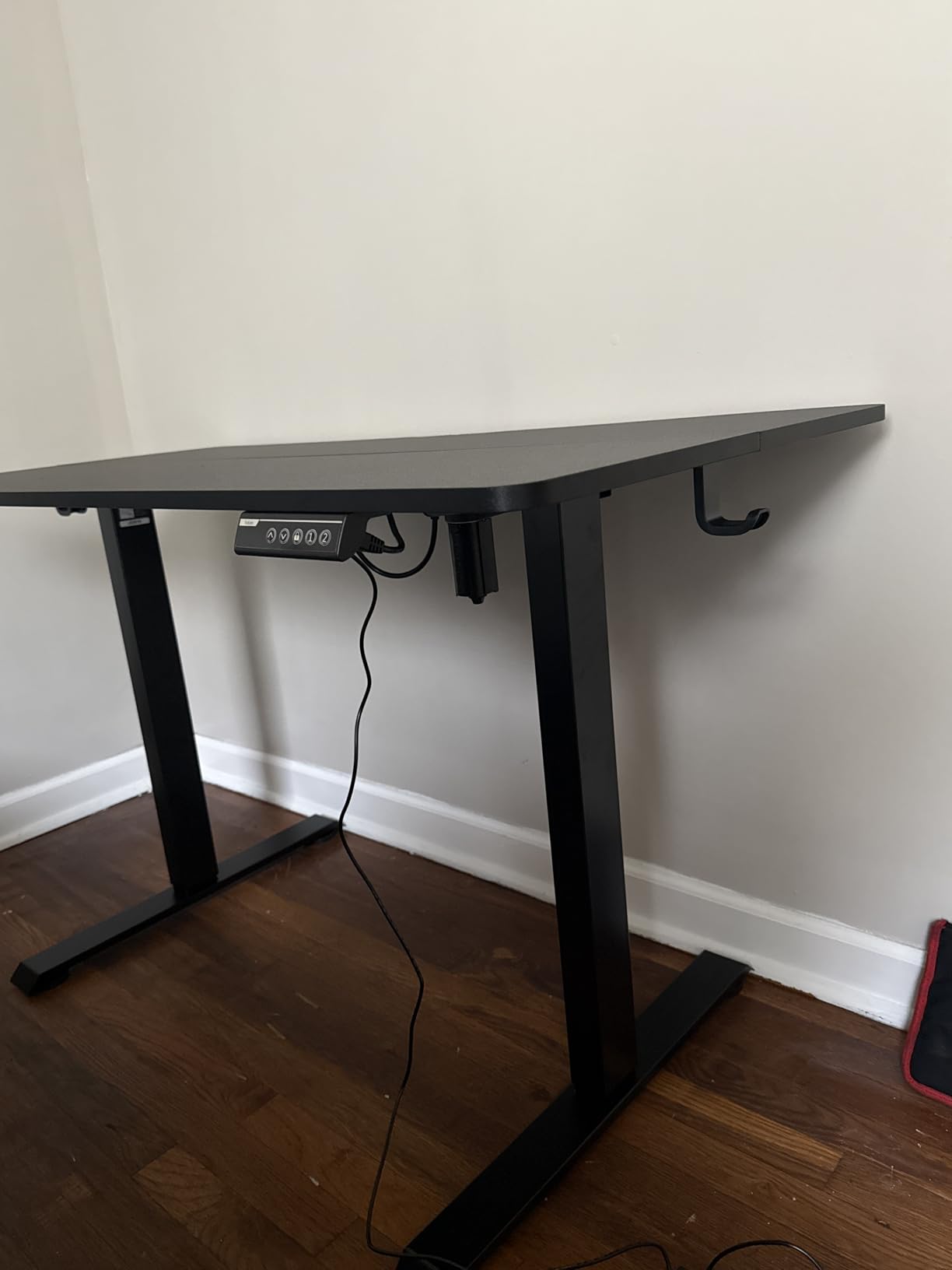
Two electric sit-stand options made this roundup, and the Veken is the one to pick if your floor space or budget rules out the other. The lift range runs from 28.3 inches to 46.5 inches, which is a genuinely useful span for gaming and desk work, and the motor is listed under 52 dB, quiet enough to use in a shared apartment without waking anyone.
The surface is 47.2 by 23.6 inches, a 53.03 inch working diagonal, on a carbon steel frame with a pedestal base rated to 176 pounds. Sitting and standing changes are saved as memory presets on the control panel, so switching positions mid-session takes one press rather than holding a button through the full travel. Headphone hooks sit on both sides and there is built-in cable management.
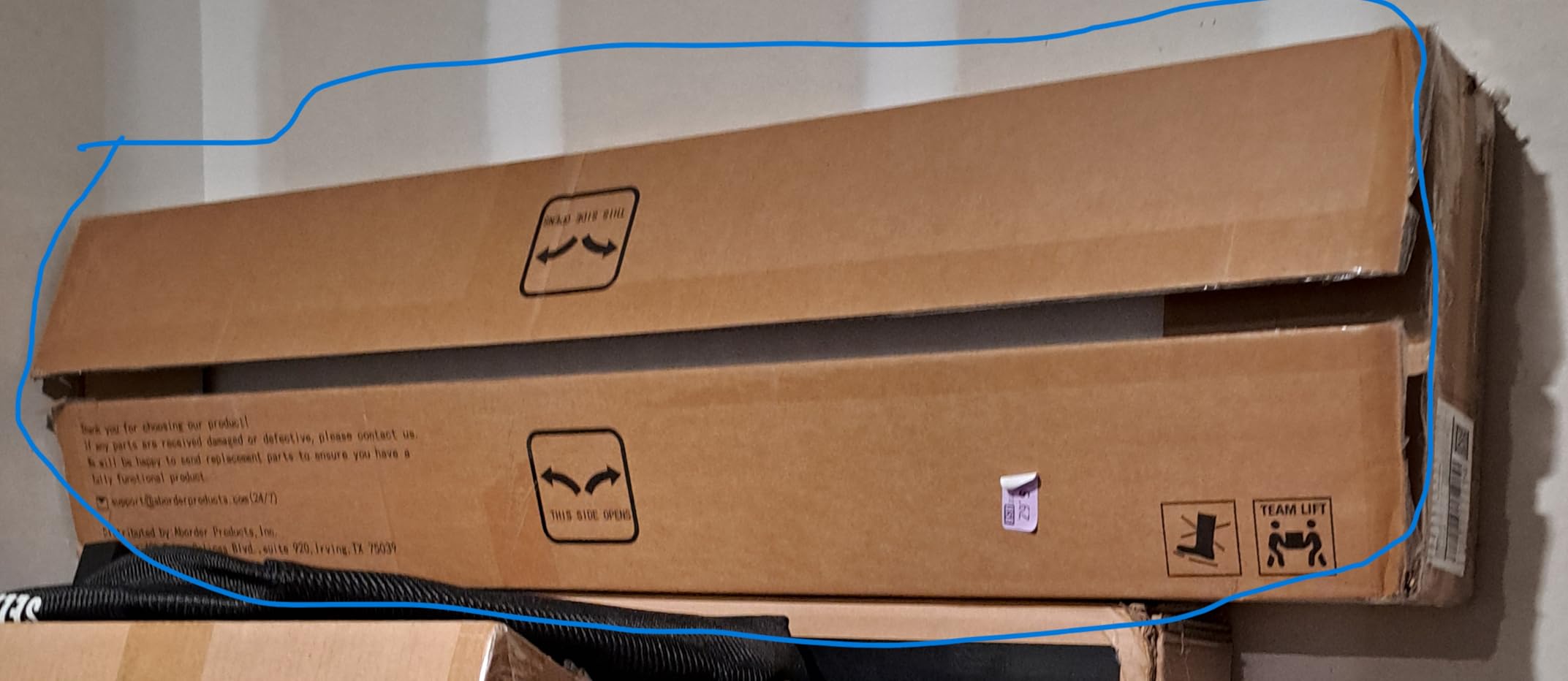
At 42.1 pounds, the desk is substantial without being awkward for one person, and the protective packaging is good enough that owners specifically mention turning up with no transit damage. Assembly runs 10 to 30 minutes with clear instructions, and the anti-slip desktop texture keeps a mousepad from walking.
Two things to plan around. Owners note slight wobble near the top of the lift range, which is normal for a two-leg frame at full extension and much reduced if you stay under the 46 inch mark. The desktop also arrives as two joined boards with a visible seam, and the rear cable cutout is positioned where a dual-monitor stand would otherwise sit.
Who the Veken Standing Desk Works For
Anyone who splits the day between gaming and desk work and wants to change position without getting up. The 18 inch of travel is enough to move from a low seated position to a standing one that suits a monitor placed on a riser.
It also suits people in shared rooms, since the motor is under 52 dB and the presets make transitions quick rather than long. Two headphone hooks and built-in cable management matter in a setup that is constantly reconfigured.
Who Should Look Elsewhere
If you need a full drawer unit or file storage, this desk has neither, and the cable cutout position may force you to move your monitor stand. Buyers with a very tall setup should stay below the top of the range to avoid the wobble owners report.
It is also not the option for someone who wants built-in AC outlets and LED lighting, as neither is present. Those buyers should look at the AODK or Furologee instead and accept a fixed height.
6. ODK 48 Inch Gaming Desk with LED Lights and Storage Shelves
ODK 48 Inch Gaming Desk with LED Lights & Storage Shelves, Black
48 inch surface
0.75 inch engineered wood top
3 shelves
X crossbar frame
35.9 lb
Pros
- LED customization with memory function
- Built-in power outlets and USB ports
- Reinforced frame holds a console and monitor
- Raised monitor stand and CPU stand
- Compact 48 inch footprint works in dorms
Cons
- Assembly can take a couple of hours
- Desktop scratches easily during normal movement
- Top shelf area is tight for larger monitor stands
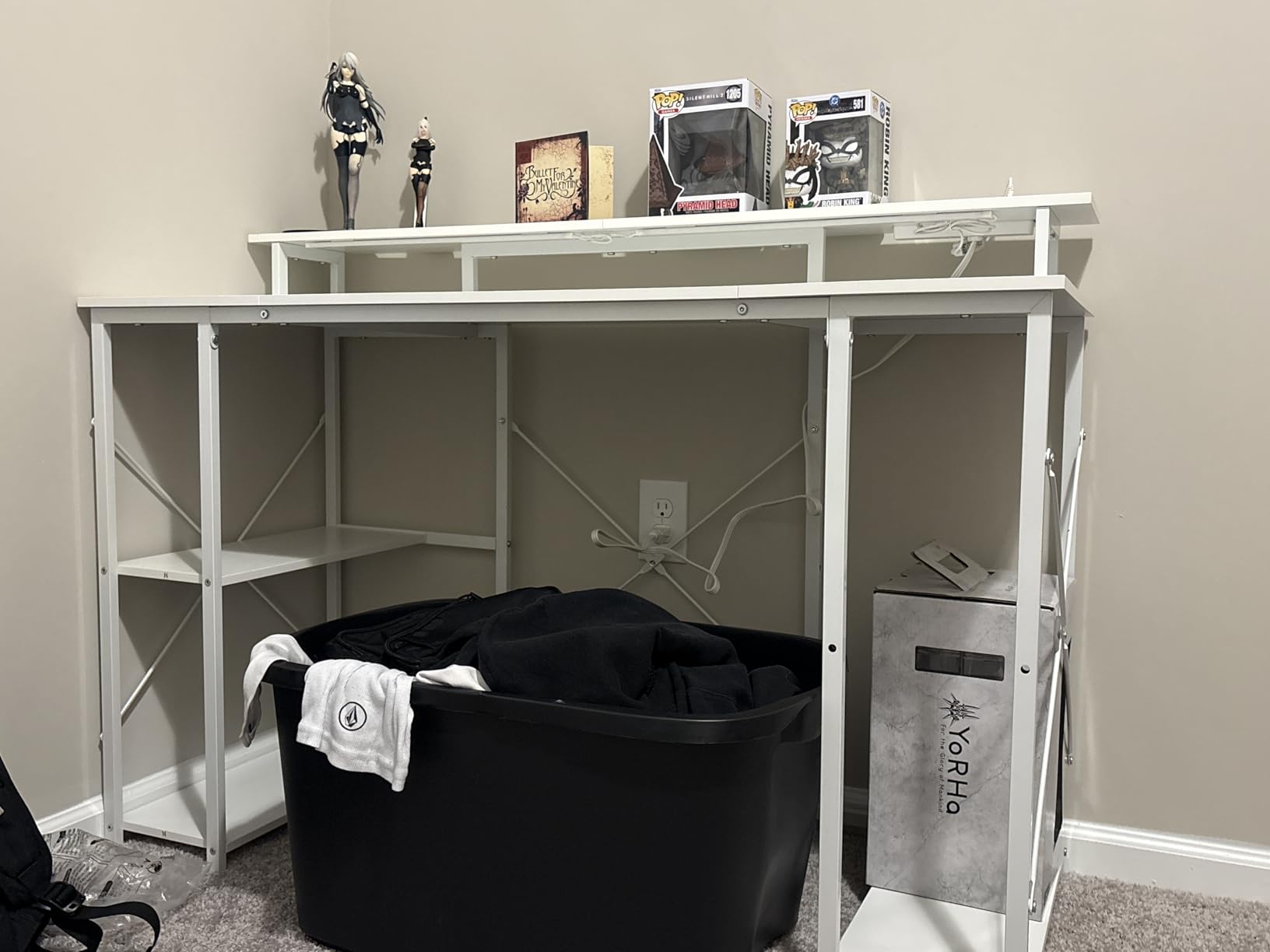
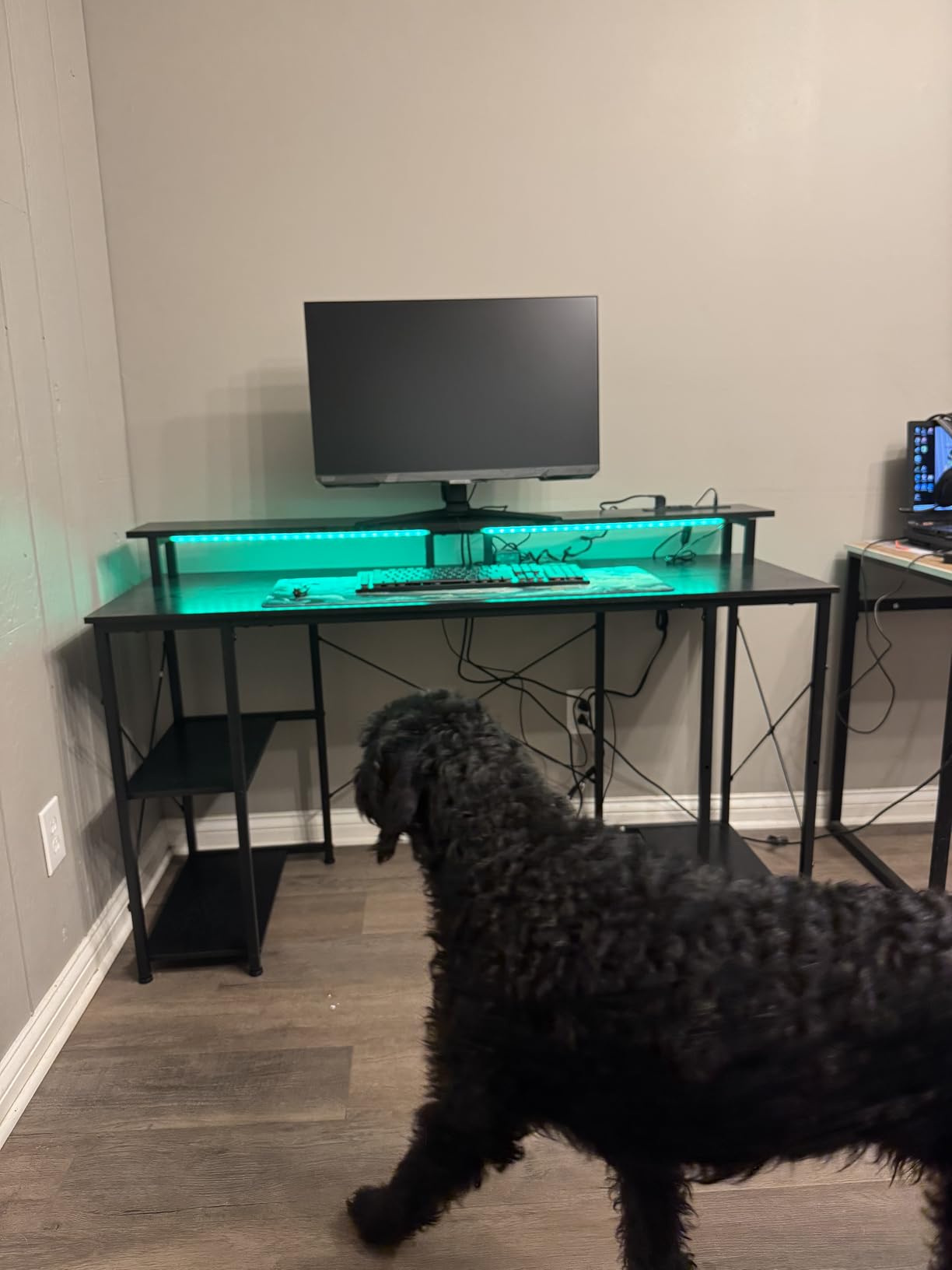
The ODK 48-inch is the tidiest fixed-height desk in the roundup. A raised monitor stand lifts the screen toward eye level, a dedicated CPU stand moves the tower off the floor, and three shelf options give you somewhere to put everything that would otherwise migrate to the floor. The frame is a reinforced steel design with an X-shaped crossbar, and the desk weighs 35.9 pounds.
Lighting runs 10 static colors, 8 brightness levels and 10 dynamic modes with a memory function, and there are built-in power outlets and USB ports in the frame. The top is 0.75 inch engineered wood and the overall footprint is 47.24 by 19.6 by 34 inches, so this is a deep-ish, tall desk that lifts the monitor more than it widens the surface.
Buyers consistently call the parts clearly labeled and the instructions step-by-step, with tools included. The same buyers, though, warn that assembly realistically takes a couple of hours rather than the half hour the box implies, and that a 55 inch version of this desk also exists if you need more width later.
The most common gripes are surface and clearance related. Owners report the desktop scratches easily during normal movement of monitors and keyboards, and the top shelf area is tight for larger monitor stands. Some builds also arrive with an outlet panel that sits unevenly against the frame, which is a cosmetic issue rather than a functional one.
Who the ODK 48 Inch Desk Works For
Bedrooms and dorms where a monitor at eye level and a visible tower beat raw surface area. The combination of a monitor riser, CPU stand and three shelves keeps a compact footprint looking organized.
It is also a good match for console plus PC setups, since the reinforced frame is specified to hold a console, a monitor and accessories. Anyone who likes to change the lighting mood without touching a phone will like the memory function.
Who Should Look Elsewhere
Skip it if you are impatient, because the reported assembly time is the longest in this roundup. Anyone moving heavy peripherals around on a daily basis should also know the surface scratches easily.
If you need a wide surface for three monitors, note the 19.6 inch depth and the tight top shelf clearance. A 51-inch or 53-inch model gives you more usable desk for large setups.
7. Furologee 51 Inch Gaming Desk with Outlets and LED
Furologee 51″ Gaming Desk with Outlets & LED, Computer Office Desk, Black
51 inch surface
18.9 inch depth
3 AC outlets plus 2 USB
2 drawers, 2 shelves
34.5 inch height
Pros
- Generous 51 inch surface with a monitor shelf at eye level
- Built-in 3-outlet power strip and 2 USB ports
- RGB with 20 colors and 22 modes
- Fabric file cabinet plus drawer and open shelves
- Eight adjustable feet steady the desk
Cons
- Shallow 18.9 inch depth constrains keyboard and mouse room
- Assembly required
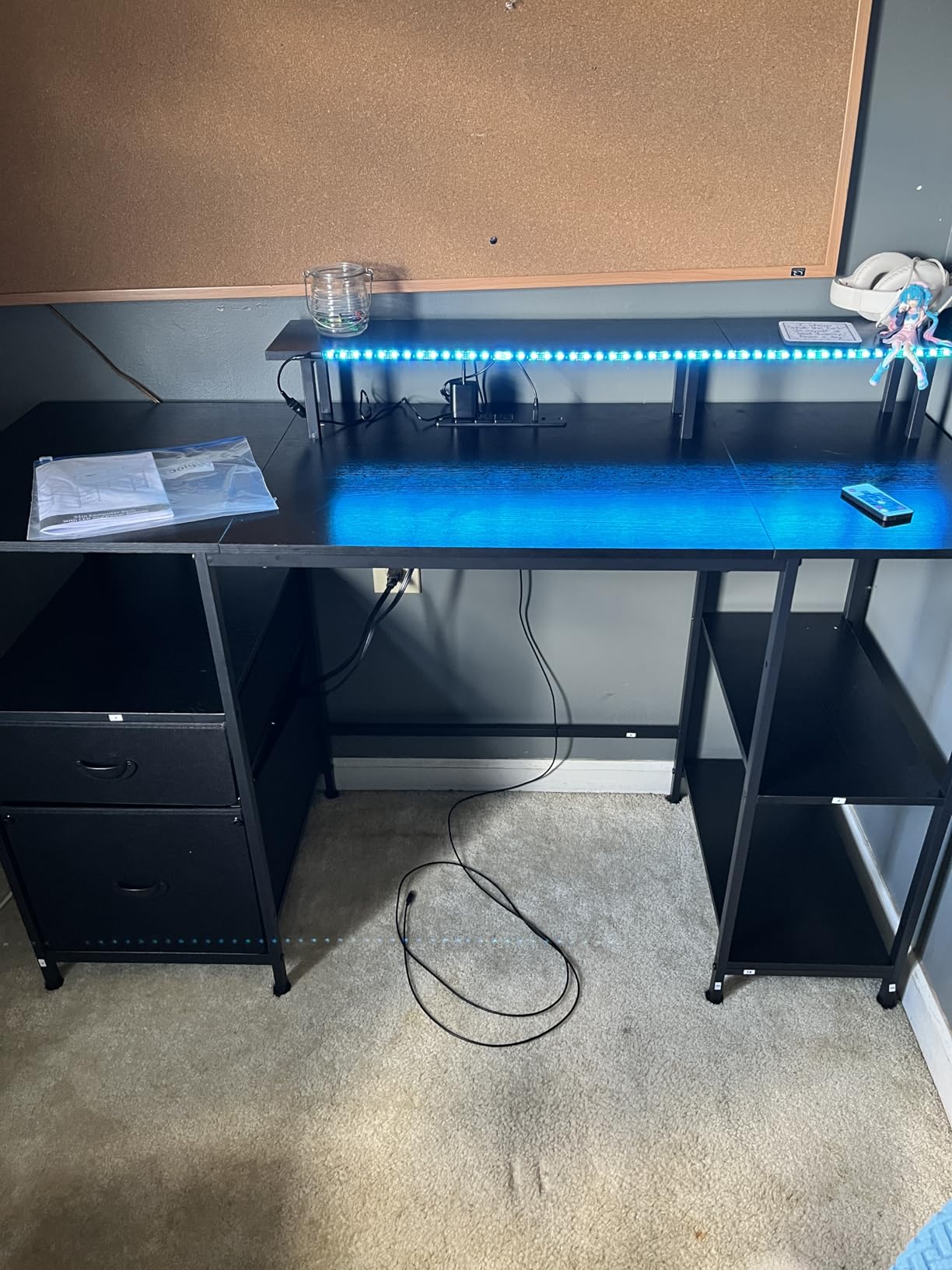
The Furologee 51-inch is the only desk here with real filing built into the frame. A fabric file cabinet, a drawer and two-tier adjustable open shelves are built in, and the shelves can mount in the upper or lower holes depending on whether you want storage up high or within reach. Two drawers and two shelves come as standard, which is unusual at this level.
Power and lighting are both strong here. The built-in strip carries 3 AC outlets and 2 USB ports, and the RGB system runs 20 colors, 22 modes and 5 brightness levels. The monitor shelf raises the screen to eye level, the shelf placement is reversible left or right, and eight adjustable feet protect the flooring while steadying the desk on uneven surfaces.
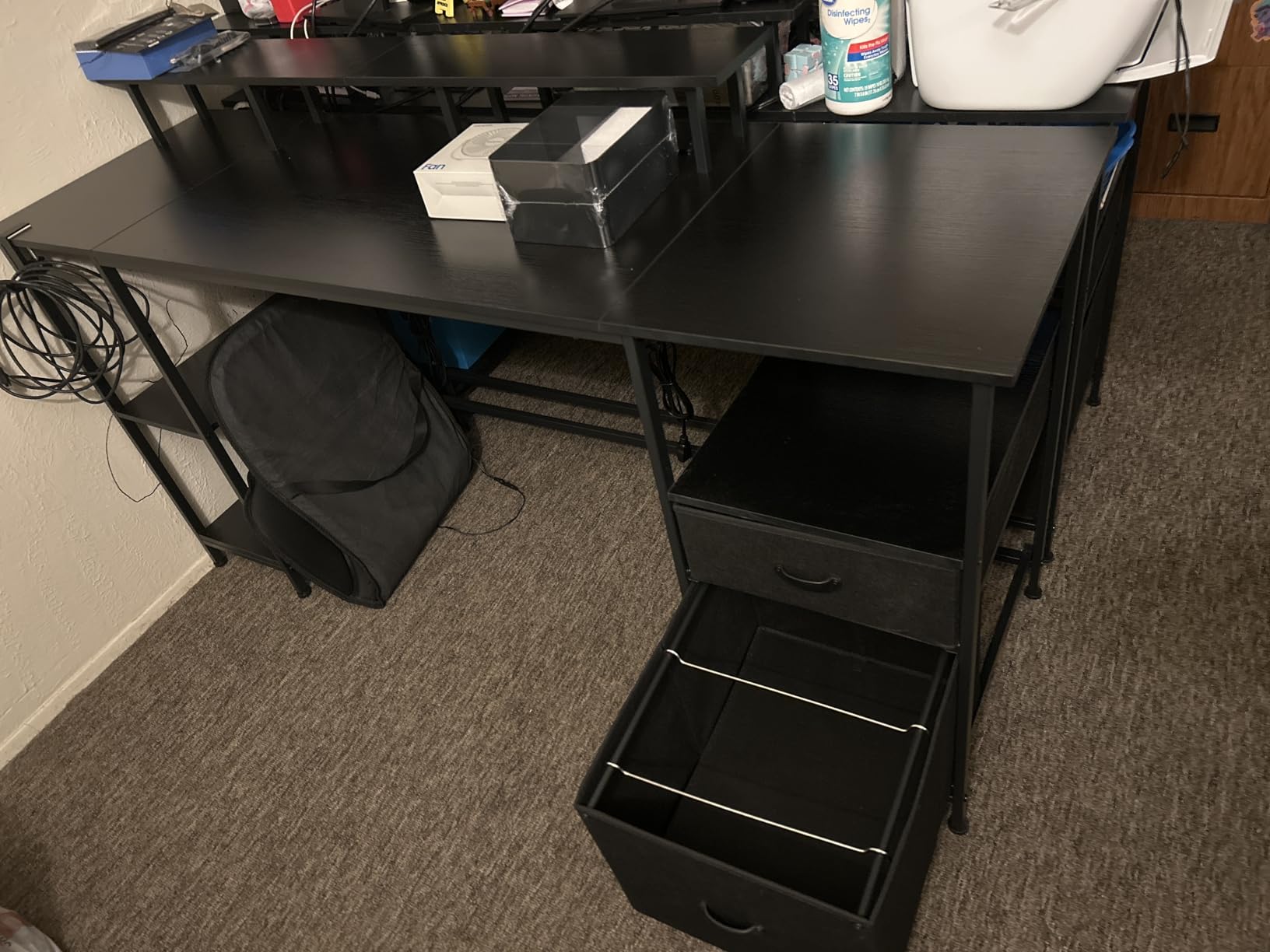
Construction is an FSC-certified wood board with a metal frame in black, measuring 18.9 inches deep by 51.2 inches wide and 34.5 inches high for a 55.68 inch working diagonal. The board is listed as engineered wood in the material field, and the FSC certification on the wood source is worth checking against the packaging when it arrives.
The recurring reservation is depth. At 18.9 inches, the desktop is shallower than the 23.6 inch models here, and that shows when you sit down with a full-size keyboard and a wide mousepad. Buyers who take the storage trade say it is worth it for anyone who works from the same desk they game on.
Who the Furologee Desk Works For
Hybrid work and study setups where documents, a headset and a controller all need homes. The file cabinet alone pushes this ahead of every other desk in the roundup for storage value.
It suits apartment living too, since the reversible shelf placement and eight adjustable feet help you fit the desk to a specific room and floor. The three-outlet strip means a full PC, monitor and lamp setup needs no floor strip.
Who Should Look Elsewhere
Competitive players who need forearm room will feel the 18.9 inch depth more than anyone else. The same applies to anyone using a wide mousepad or a push-pull desk mat.
Buyers who want sit-stand movement should also note this is a fixed-height desk at 34.5 inches, which is taller than the standard 29 inch models and closer to a drafting height for some sitters.
8. GTPLAYER 48 Inch Electric Standing Desk with Drawers
GTPLAYER Electric Standing Desk with Drawers, 48 x 24 Inch Height Adjustable Gaming Desk with Monitor Stand, Power Outlets & LED Lights, Home Office Sit Stand Up Desk with Memory Preset (White)
48 by 24 inch surface
Electric lift 28.3 to 48 in
T-frame rated 220 lb
2 AC outlets plus 2 USB
Pros
- Quiet motor with smooth strong height adjustment
- Three memory presets for fast switching
- T-shaped steel frame rated to 220 pounds
- Built-in outlets and USB charging ports
- Drawer and hooks add storage in a small footprint
Cons
- LED light bar can arrive stuck on one color
- Two-piece desktop rather than a single slab
- Frame feels top-heavy under load at full lift
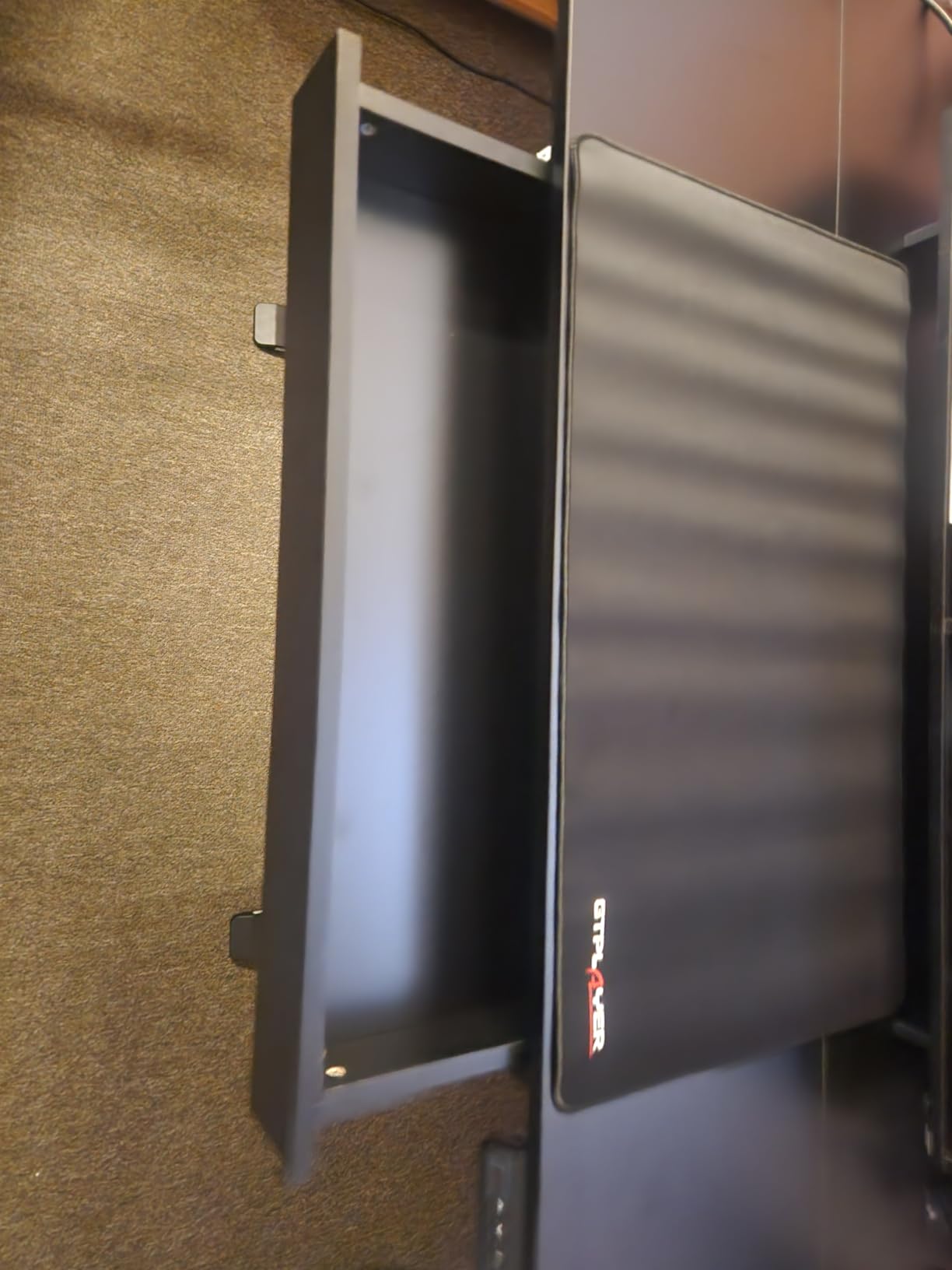
The GTPLAYER 48-inch is the most complete sit-stand desk of the two electric models here, adding storage that the Veken leaves out. It raises from 28.3 inches to 48 inches on a T-shaped alloy steel frame rated to 220 pounds, the highest load figure among the electric models here, and it adds a pull-out storage drawer and two hooks that most standing desks at this level leave out entirely.
Electric height adjustment runs under 55 dB through an LED display control panel with three memory presets. The built-in power strip carries 2 AC outlets and 2 USB charging ports, and the RGB lighting offers 12 scene modes across 5 brightness levels. The surface is 48 by 24 inches, which is the deepest desktop among the electric models in this roundup and a genuine advantage for mouse room while standing.
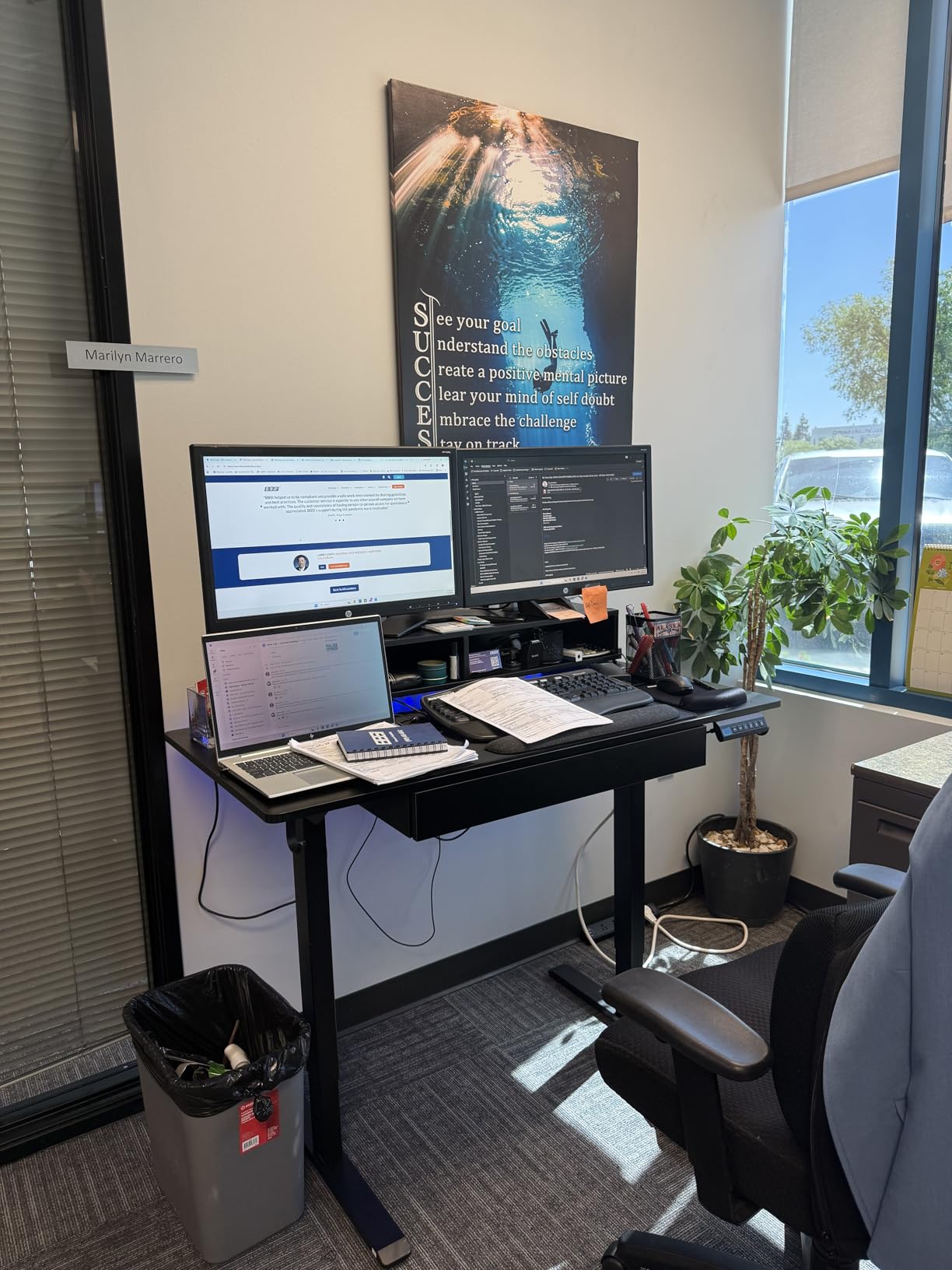
Assembly is quicker than most of this category because the frame comes pre-drilled, with an installation video included and most buyers finishing in about 30 minutes. The top is FSC-certified wood in white, the desk weighs 64 pounds, and the warranty is limited rather than extended, which is typical at this price.
Owner feedback shows the trade-offs clearly. The LED light bar occasionally arrives stuck on a single color or unresponsive, the desktop is a two-piece construction rather than a single slab, and the frame feels top-heavy under load at full lift. The drawer also desyncs from its tracks if it is pulled from one side, so open it from the center.
Who the GTPLAYER Standing Desk Works For
People who want standing capability without giving up storage. A drawer inside a sit-stand frame is genuinely rare in this price range and it holds headsets, cables and controllers instead of leaving them on the floor.
It suits long-session players who switch between sitting and standing, since three presets make the change fast. The 24 inch depth is the best in the roundup for a large mousepad or a mat, and two USB ports plus two outlets cover a full rig.
Who Should Look Elsewhere
If you lift the desk to its maximum height regularly with heavy gear on top, the top-heavy feel owners report will bother you. Staying nearer the middle of the 28.3 to 48 inch range keeps it solid.
Buyers who need a single-piece seamless top should also look elsewhere, and anyone who wants strong RGB depth will find 12 scene modes less interesting than the Furologee or SEDETA systems.
9. SEDETA 67 Inch L-Shaped Gaming Desk with Pegboard
SEDETA 67″ L Shaped Gaming Desk with Pegboard LED Lights and Power Outlet
67 inch reversible L-shape
19.7 inch depth
0.75 inch FSC top
4 outlets plus 2 USB charging
76 lb
Pros
- Highest rating in the roundup at 4.7 stars
- Massive 67 inch surface that holds three monitors
- Reversible design converts to a 94.5 inch two-person desk
- Charging station with 4 outlets and an on off switch
- Rich accessory set with pegboard and keyboard tray
Cons
- Heavy at 76 pounds and best built by two people
- 19.7 inch depth is shallow for the footprint size
- Assembly required
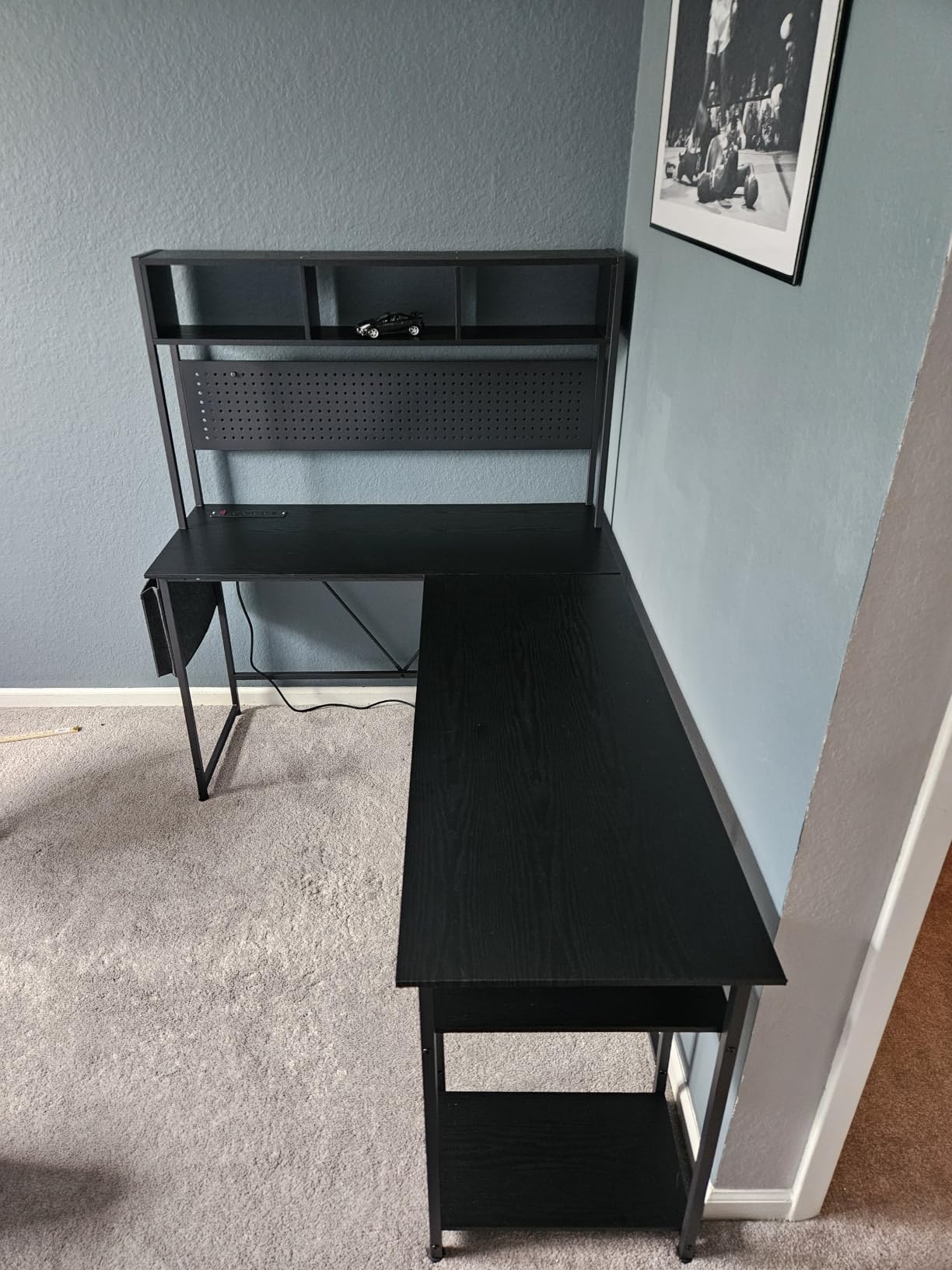
The SEDETA 67-inch is the one to buy if you want the largest single desk surface available in this band, and a 4.7 rating with very few negative reviews in the owner feedback. At 67 inches wide by 19.7 inches deep and 57 inches high, it holds three monitors or two full desktops plus a laptop, and the reversible design converts it into a 94.5 inch straight two-person desk.
The accessory list is where this desk separates itself. A pegboard, top hutch, keyboard tray, storage bag and CPU stand all come in the box, which means the hutch, tray and CPU stand cost you nothing extra. The charging station has 4 outlets, 2 USB ports and an on-off switch, the most built-in power in the roundup.
Lighting is app-controlled with 60,000+ colors, 29 flashing modes and music sync with adjustable microphone sensitivity, which is the most elaborate lighting in this group by a wide margin. The top is FSC-certified engineered wood at 0.75 inches on a metal frame, and the pegboard gives you a proper hanging surface for a controller, headphones or a second display arm.
The two practical warnings are size-related. At 76 pounds, this is by far the heaviest desk here and the instructions recommend two people plus a screwdriver, so plan the assembly with someone available. And at 19.7 inches deep, the desktop is shallow for a 67 inch footprint, so a wide mousepad in the corner is a squeeze.
Who the SEDETA L-Shape Works For
Streamers and creators who run a capture rig, a stream deck and multiple displays off one surface. Three monitors, a keyboard, a mic arm and a tower all fit without a second desk.
It also suits two people sharing one space, since the reversible configuration turns it into a 94.5 inch straight desk. The pegboard and keyboard tray give each side its own working zone.
Who Should Look Elsewhere
If you are furnishing a small room, this desk is far too large. A 40-inch or 42-inch corner model occupies a fraction of the floor space and can be moved by one person.
Anyone who wants a monitor arm with a clamp on the rear edge should measure the 19.7 inch depth against their arm reach. And anyone assembling alone should skip this one entirely, since the two-person requirement is not optional.
10. TIQLAB 40 Inch L-Shaped Gaming Desk with Power Outlets
TIQLAB Gaming Desk with Power Outlets – 40 inch L Shaped Computer Desk, Reversible Design Small Corner Desk, Bookshelf Workstation for Work Study Play Home Office, Black
40 inch reversible L-shape
27.6 inch depth
2 AC plus USB and Type-C
187 lb static load
24.2 lb
Pros
- Compact 40 inch footprint fits dorms and tight corners
- Built-in 2 AC outlets plus USB and Type-C
- Reversible layout adapts to either side of the room
- X-frame metal structure reduces wobble
- Lightweight at 24.2 lb and easy to assemble
Cons
- 40 inch width is the smallest surface in the roundup
- Not height adjustable
- Assembly required
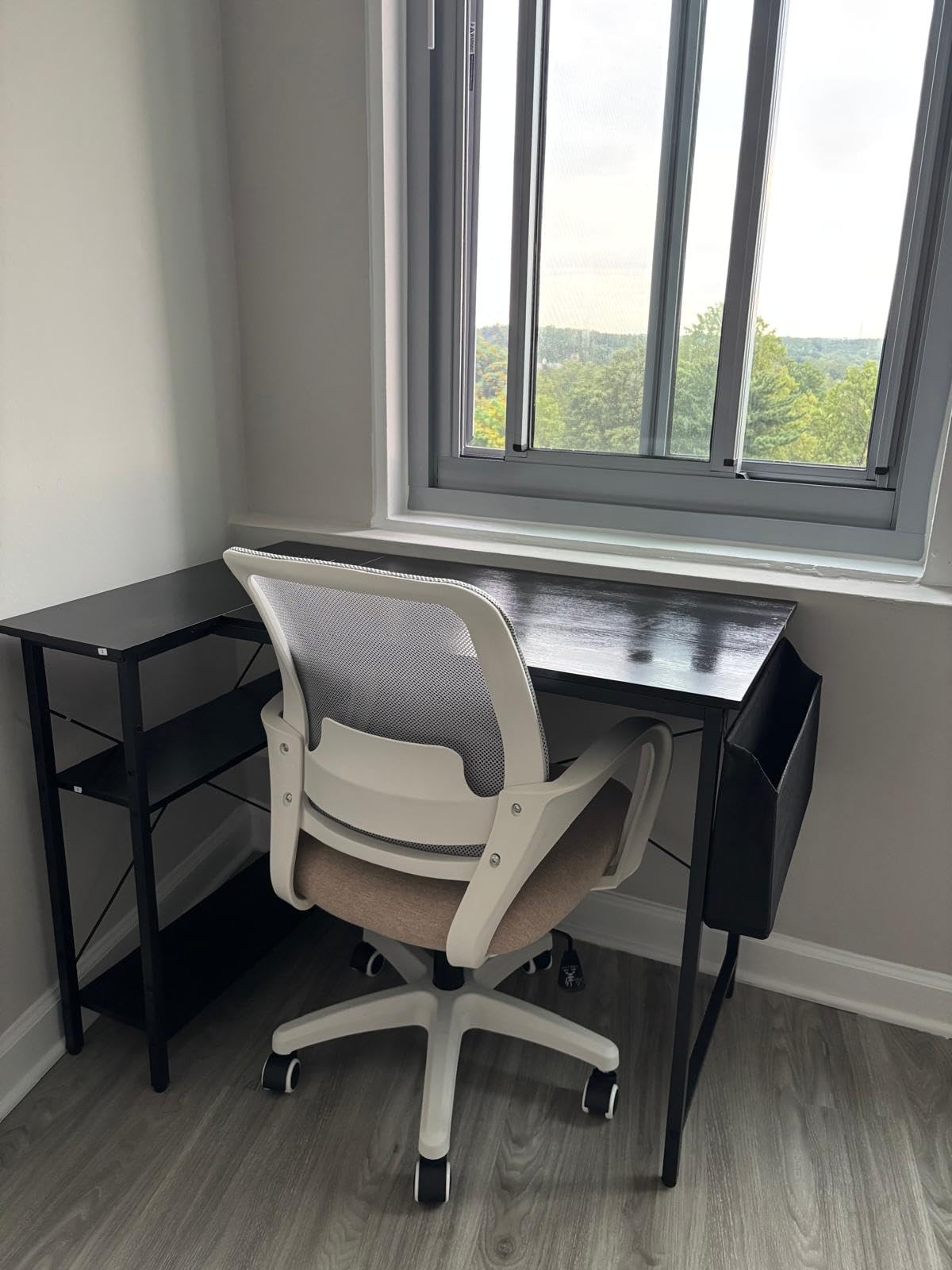
The TIQLAB 40-inch is the desk for when floor space is the constraint rather than the budget. It measures 27.6 inches deep by 40 inches wide at 29.5 inches high, and at 24.2 pounds it is the lightest desk in this roundup, which means one person can carry it into a dorm room or set it up alone. The 27.6 inch depth is far deeper than the 18.9 inch corner models here, so mouse room is not the problem it is on the shallower designs.
Frame construction is the standout. The X-frame metal structure is specifically designed to reduce wobble, and the listing gives a 220 pound recommended weight with a maximum static load of 187 lb, which is a real published figure rather than a marketing round number. The top is FSC-certified wood 0.75 inches thick on an alloy steel frame.
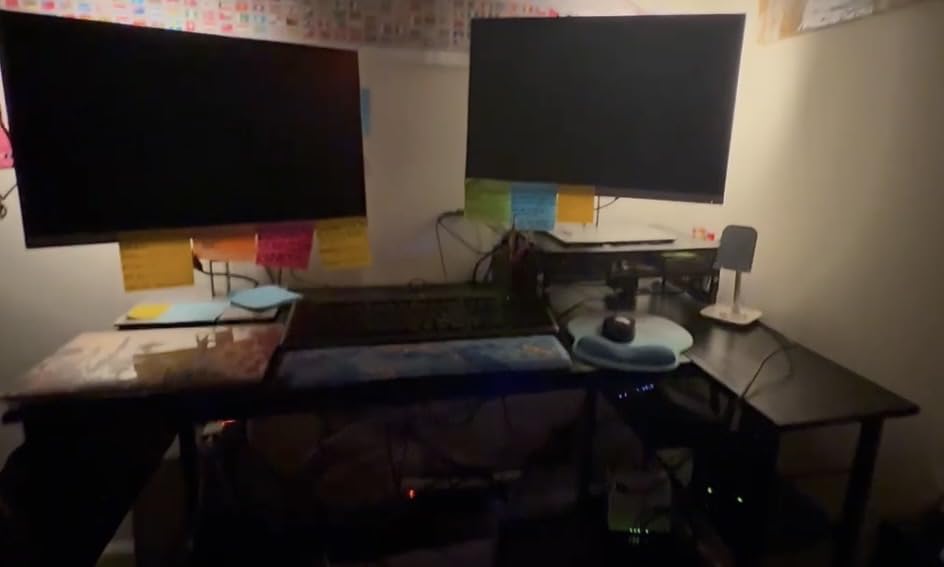
Built-in power covers 2 AC outlets, 1 USB port and 1 Type-C port, and there are 2-tier under-desk shelves for books and files. The smaller desktop section installs on either side, so the desk can follow whichever wall has your outlets. A working diagonal of 48.5 inches is enough for a single 27-inch monitor with a keyboard and mouse plus a laptop riser.
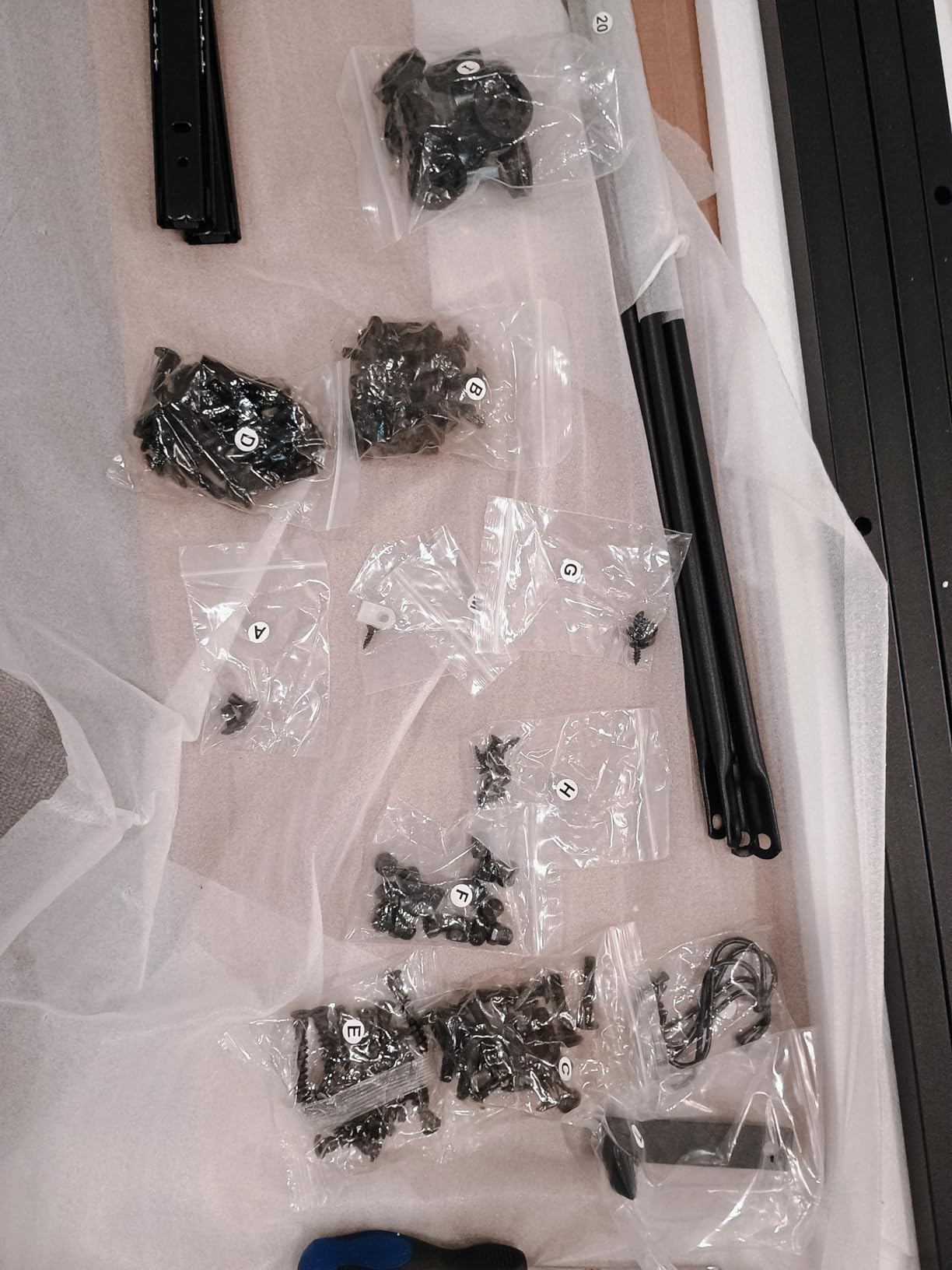
Assembly comes with step-by-step instructions, labeled parts and an L-shaped allen wrench in the box, which is a nicer touch than hunting for tools. The trade is size: this is the smallest surface in the roundup, and anyone running a 32-inch ultrawide will feel it immediately.
Who the TIQLAB Corner Desk Works For
Dorm rooms, studio flats and anyone who genuinely cannot spare 5 feet of wall width. The 40-inch footprint and 24.2 pound weight mean one person can position it exactly where they want it.
It is also a good first desk for a student or a child starting a gaming setup, since the X-frame holds up to a real published static load and the built-in charging covers a laptop, a monitor and a phone.
Who Should Look Elsewhere
Multi-monitor builders should stop here, because 40 inches is not enough width for two 27-inch panels. The same goes for anyone with a wide mousepad or an audio interface laid out beside the keyboard.
Buyers who want to stand or raise the screen later will also be disappointed, since this is a fixed-height desk with no lifting mechanism.
11. ODK 53 Inch L-Shaped Gaming Desk with Shelves and Outlets
ODK 53″ L Shaped Gaming Desk with Shelves, LED & Outlets, Black
53 inch reversible L-shape
1 inch top
300 lb listed load
3 AC outlets plus 2 USB
46.1 lb
Pros
- 4.7 rating with 82 percent five-star reviews
- X-shaped steel frame with adjustable foot pads
- 3 AC outlets plus 2 USB and cable channels
- RGB with 10 colors and memory function
- Reversible left and right side modules
Cons
- 18.9 inch desk depth is shallow
- Assembly required with pre-labeled parts
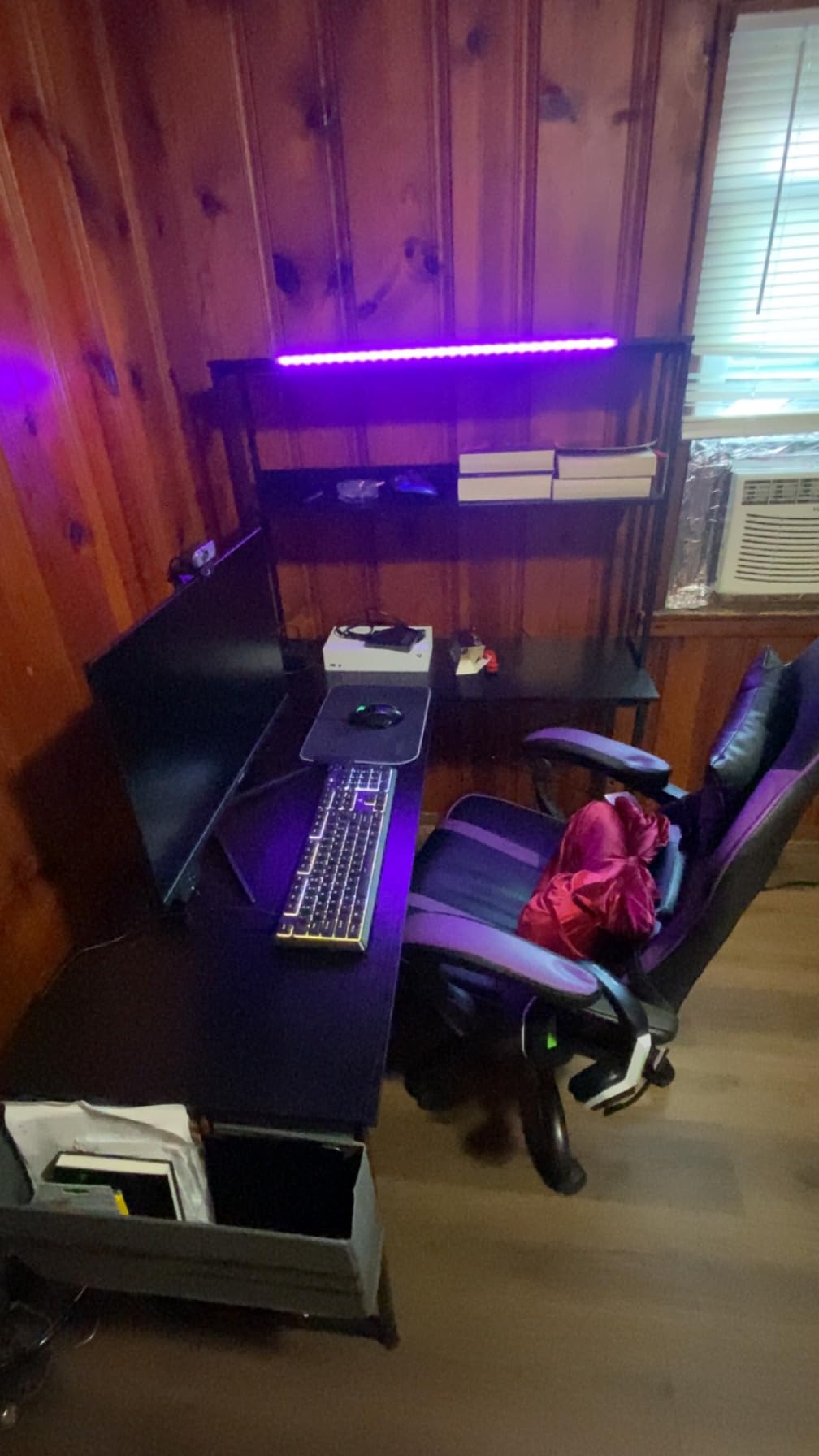
The ODK 53-inch L-shape is the sturdiest fixed-height desk we reviewed. It carries a 4.7 rating with 82 percent of owners giving five stars, and the reason is structural: an X-shaped steel frame with adjustable foot pads, a 1 inch top, and a listed maximum weight recommendation of 300 pounds, the highest figure in the roundup. In practice that headroom is what keeps the center from bowing when two monitors and a tower sit on it at once.
Built-in power is 3 AC outlets and 2 USB ports, paired with dedicated cable management channels so the wiring stays inside the frame instead of draping behind the hutch. The RGB LED strip offers 10 colors, 8 brightness grades and 10 dynamic modes with a memory function, matching the pattern most manufacturers use at this level.
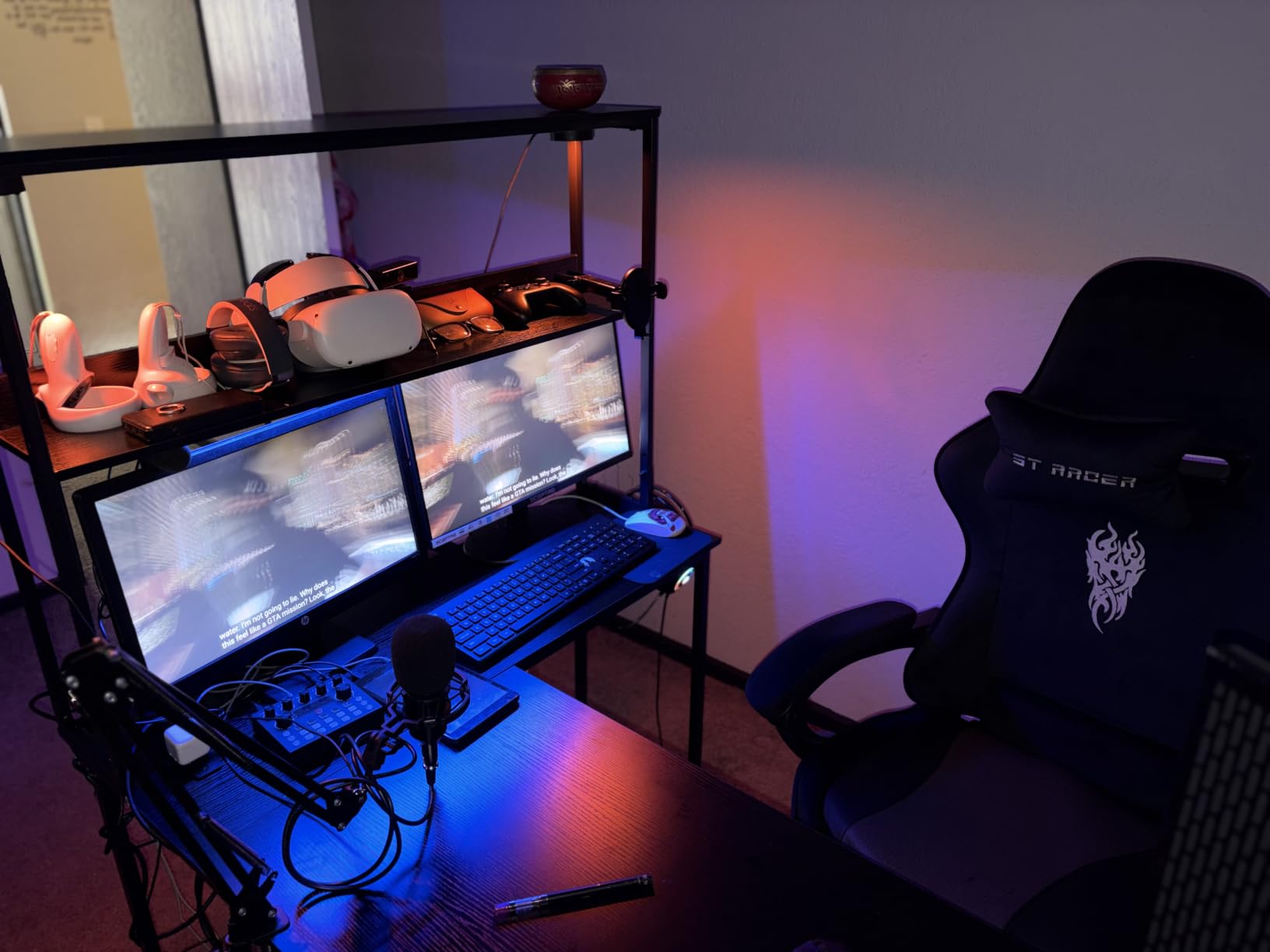
Storage and hardware are unusually complete: dual shelves with 11.8 inch clearance, a CPU stand, an accessory hook and a tool bag, plus a tool kit and pre-labeled assembly parts. The left and right side modules are interchangeable, so the L can face either direction. The desk weighs 46.1 pounds and stands 58.27 inches tall overall with a 53.15 inch width.
The consistent complaint is the 18.9 inch desktop depth. The listing confirms 18.9 inches in the feature notes even though the width figure reads 53 inches, so measure your mouse space before committing. Otherwise, this is the desk we would trust with a monitor arm and a heavy rig.
Who the ODK 53 Inch L-Shape Works For
Anyone who will clamp a monitor arm to the desk. The X-frame and 1 inch top give far more resistance to rear-edge clamp pressure than the thinner tops in this roundup, and the 300 pound listed load leaves plenty of margin.
It suits corner rooms that still need serious surface area, and the reversible modules mean the return leg can match your layout. The included CPU stand and dual shelves keep a full tower setup off the floor.
Who Should Look Elsewhere
If you need more than about 18 inches of desk depth, this is the wrong shape. Deep-mouse-area players should compare the HLDIRECT, FDW or GTPLAYER surfaces instead.
Buyers who want a single slab top rather than a joined one, or who need sit-stand movement, should also look elsewhere. Both features are outside what this frame offers.
12. Grandder 40 Inch Gaming Desk with Drawer and LED
Grandder Gaming Desk 40 Inch with Power Outlet and LED Light, Computer Desk with Reversible Shelves and Storage Drawer, Pc Small Desk for Home Office Table with Bag, Carbon Fiber Black
40 inch surface
19.7 inch depth
2 sockets plus USB and Type-C
1 drawer, 2 shelves
12 kg
Pros
- Shelves and drawer install on either side
- Built-in 2 sockets plus USB and Type-C fast charging
- LED strip with remote and app control
- Sliding iron hooks for headphones and hats
- Includes keyboard tray cable tray cup holder and monitor arm
Cons
- 40 inch surface is compact for multi-monitor setups
- 19.7 inch depth limits workspace
- Assembly required
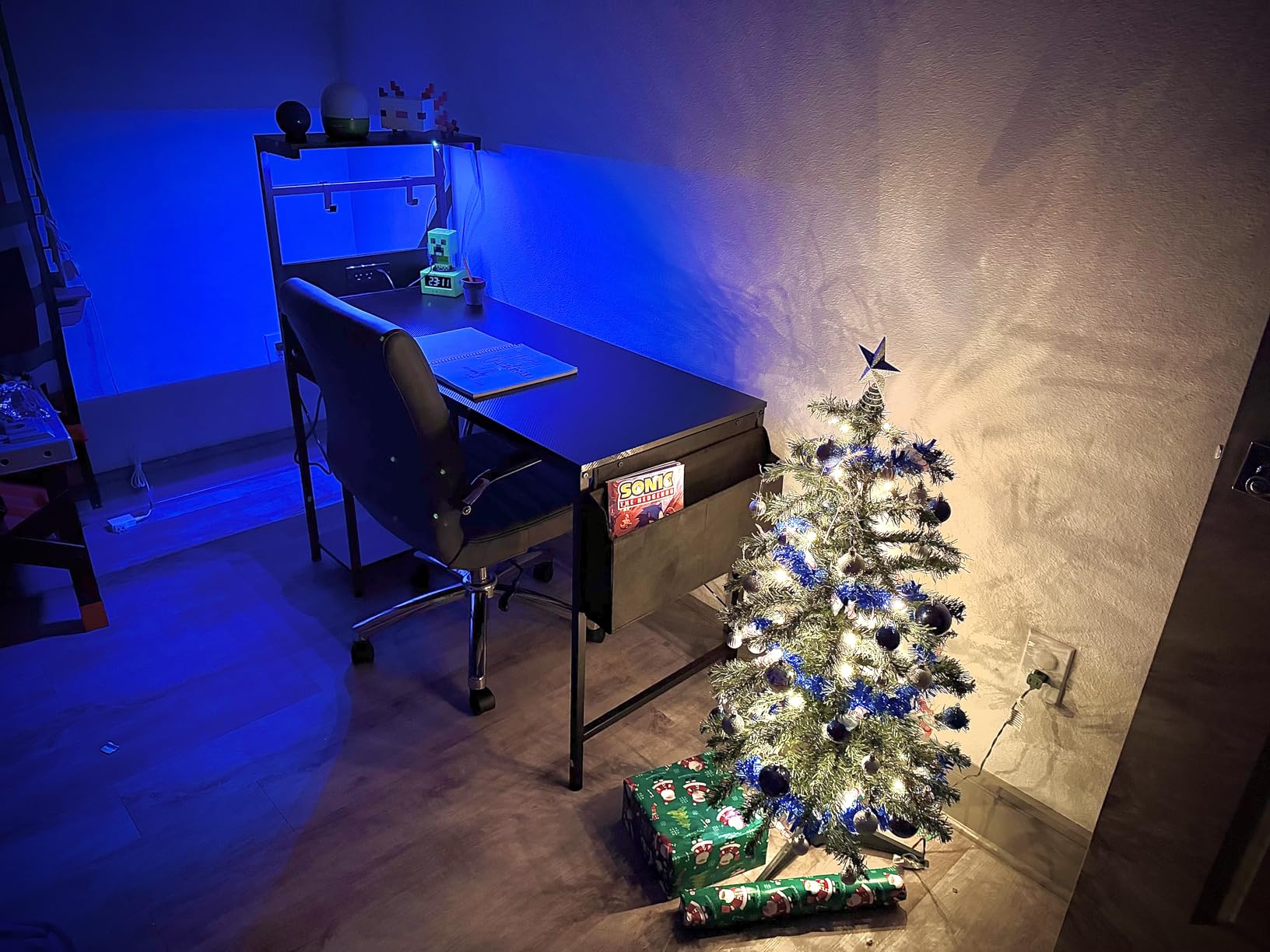
The Grandder 40-inch wins on what arrives in the box. The included components list names a keyboard tray, headphone hook, cable management tray, cup holder and a monitor arm alongside the desk itself, and the power outlet carries 2 sockets plus USB and Type-C fast charging. That is a fuller bundle than most competitors at this size manage, and it means a complete first setup without a second order.
The storage module is the flexible part. The shelves and the drawer install on either side of the desk, so you can put the drawer under your dominant hand and the shelves on the other side, or flip both after you settle into a room. Two shelves, one drawer and sliding iron hooks for headphones and hats cover the usual suspects.
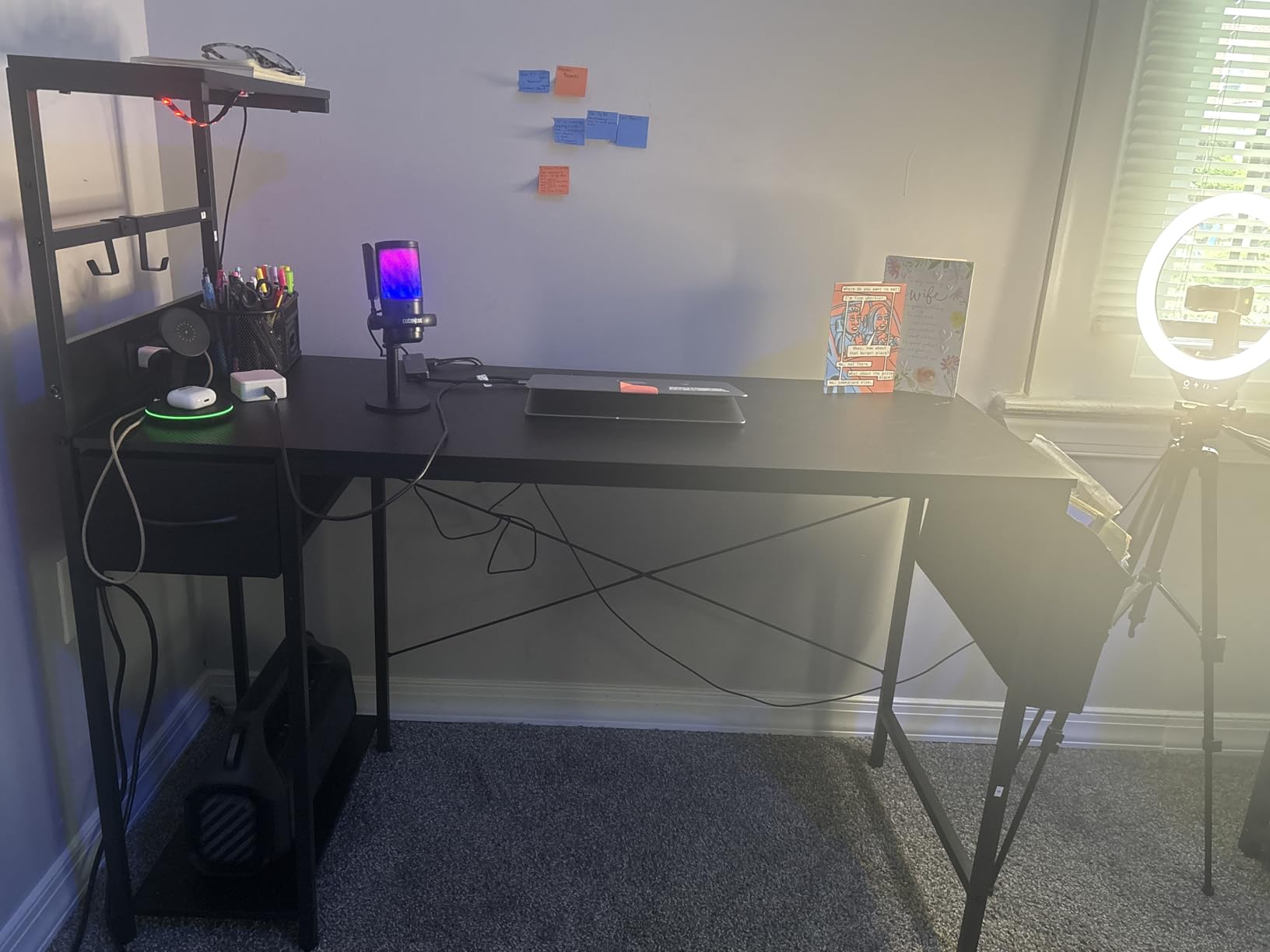
Surface and lighting details are conventional but competent. The top is a carbon fiber finish engineered wood panel on an alloy steel base, 19.7 inches deep by 40 inches wide at 29.5 inches high, for a 46.2 inch working diagonal. The LED strip runs from a remote or an app with control over brightness, speed and color, which covers most of what people want from a lighting preset.
At 12 kilograms, roughly 26.4 pounds, the desk is manageable for one person. The trade is the same one the TIQLAB has: 40 inches of width and 19.7 inches of depth is a single-monitor desk, not a dual-monitor one. Reviewers are consistent that the desk itself is on the smaller side.
Who the Grandder Desk Works For
First-time builders who want a monitor arm and keyboard tray included rather than bought later. The bundle alone can cover a week of setup shopping in one box.
It also suits people who move between rooms or change desks around, since the reversible shelf and drawer module reconfigures without tools. The remote-controlled LED is a plus if you would rather not open an app.
Who Should Look Elsewhere
Multi-monitor users should look at a 47-inch or larger model. There is not enough width here for two panels, and the included monitor arm does not change the geometry.
Buyers who want a raised monitor shelf, a keyboard tray with real clearance, or a top at 1 inch should also pass. At 0.75 inch and 19.7 inches deep, this is a compact desk that prioritizes accessories over surface area.
How to Choose a Budget Gaming Desk: 8 Criteria That Matter
Below 200 dollars, the differences between desks come down to geometry, depth and how the manufacturer builds the frame. None of them will out-spec a desk at twice the price, but the right one removes most of the complaints people post about budget gaming desks. Work through these eight points in order and the choice gets easy.
Size and depth: the number most buyers skip
Width gets all the attention, and it matters, but depth is what you feel every session. A desk at 18.9 inches deep looks generous on the product page and feels cramped once you lower your monitor to desk level and try to use a full-size keyboard. Anything at 23.6 inches or deeper gives you real forearm and mouse room, which is why the HLDIRECT, FDW and GTPLAYER are the three we would size a competitive setup around.
Second rule: measure the corner, not the wall. An L-shape needs both leg lengths plus clearance to move it into position. A 67 inch L-shape needs a room, while a 40 inch one fits a dorm.
Frame shape and wobble resistance
Wobble is the most common complaint in budget desk threads, and the frame geometry explains most of it. A T-shaped or X-shaped steel frame ties the two legs together with a crossbar low near the floor, which resists the front-to-back movement you create when you lean and push a monitor arm around. The FDW, the ODK 53-inch L and the TIQLAB all use that approach explicitly.
Independent triangular structures, like the ZZ frame on the HLDIRECT, do the same job differently. What does not help is a thin leg with no crossbar, no adjustable feet, or a desk assembled onto an uneven floor. Check for adjustable foot pads before anything else; they are the cheapest wobble fix available.
Static load claims versus the safe working load
Manufacturers publish a static load, which is weight sitting evenly at rest. Real use is dynamic: you type, lean, shift a monitor arm, and land a controller. A workable rule is to take the published static figure and cut it by 30 percent, then check your setup against that number.
Worked example: the ODK 53-inch L lists 300 pounds, so your safe working load is about 210 pounds. Two 27-inch monitors with stands at roughly 15 pounds each, a mid-tower PC at 35 pounds, keyboard, mouse, headset, speakers and a streaming deck come to well under 100 pounds, leaving generous headroom. Apply the same maths to a desk listing 187 lb static, like the TIQLAB, and you are working to about 130 pounds, which is still fine for a single-monitor setup.
MDF and engineered wood: what to look for
Almost every desk in this band uses engineered wood, a mix of wood fibers and adhesive pressed into a panel. MDF is the common form, and it is perfectly serviceable for a desktop as long as you respect it. The specification that matters is thickness: the 1 inch tops on the AODK and ODK 53-inch L are noticeably stiffer than the 18 millimeter and 0.75 inch tops, and that difference shows under a monitor arm.
Prefer FSC-certified or otherwise certified board when the listing offers it, since that covers the sourcing of the wood rather than the adhesives. If a new engineered wood desk has a strong chemical smell in a closed room for the first few days, ventilate it rather than living with it.
LED lighting, controllers and longevity
Most budget LED strips are 5V strips powered by a small transformer, and the failure mode is almost always the controller or the connector, not the LEDs themselves. Reviews across this roundup report strips that stop responding, arrive stuck on one color, or have plastic clips that feel flimsy. That is the single most common accessory complaint in this price range.
Two practical tips. Mount the strips so the light washes a surface rather than pointing at your face, and leave a drip loop in the cable between strip and transformer so a tug does not pull the connector out. If replaceability matters to you, a separate LED strip you can swap costs less than you would think and avoids the proprietary controller problem entirely.
L-shaped versus rectangular layouts
An L-shape turns a corner into usable surface, which is why it is the right answer in small rooms and the wrong answer in open ones. Reversible designs, which most models here offer, let the return leg follow your outlet wall. A rectangular desk is simpler, cheaper in footprint terms, and easier to run cables from, and it doubles as a second desk when you need a flat writing surface.
A practical warning on L-shapes: the 67 inch SEDETA and the 53 inch L-shapes are deep enough to feel enormous in a room that looked fine on the product page. Tape the footprint on the floor with masking tape before ordering.
Assembling a flat-pack desk without stripped holes
Most complaints about assembly here are about the process, not the parts. Engineered wood strips cam locks and screws quickly if you overtighten, and pre-drilled holes occasionally do not line up. Assemble in the order the instructions specify, build the frame before attaching the top, and hand-tighten cam locks until they engage before using a tool.
Set the desk upright before wiring any LEDs or power, since routing a strip under a frame while the desk is on its side is how connectors get pinched. Check the wall alignment on the power panel while you still have access, and level the feet last of all.
Where to spend the last of your budget
Forum consensus on budget builds is consistent: buy the desk slightly cheaper and keep some money for a monitor arm and cable management. A clamp arm mounted on a reinforced plate or a plywood backing spreads its load across a wider area of the top and removes the crushing that cracks engineered wood. A pack of J-channel or Velcro ties costs almost nothing and does more for the look of a setup than another lighting feature.
If your desk is fixed height and you want to change that later, the two electric models here cover 18 inches of travel. Just remember that electric lift, a monitor arm and cable management together will push a total build well past the desk-only budget, so plan the whole setup rather than the desk alone.
Frequently Asked Questions
What is the best gaming desk under 200 dollars?
The Bestier 42-inch L-shaped desk is the strongest all-round pick in this price band, combining a corner-friendly footprint with built-in 2 AC outlets, a USB port, a Type-C port and an LED strip under the upper shelf. For a straight dual-monitor station the FDW 47-inch offers the largest surface, and the ODK 53-inch L-shape is the sturdiest of the fixed-height options.
How much should a good gaming desk cost?
Most buyers find that 100 to 200 dollars covers the features that matter at this level: a steel frame, built-in power outlets, LED lighting and a top at least 0.75 inch thick. Below 100 dollars the top and frame get noticeably thinner, and above 250 dollars you start paying for sealed hardwood, better cable management and longer warranties rather than new features.
Do budget gaming desks wobble?
Some do, and the frame geometry usually explains why. T-shaped and X-shaped steel frames tie the legs together low to the floor and resist movement far better than thin single-column legs. Adjustable foot pads also matter a great deal on carpet or uneven wooden floors, because an unlevel desk looks unstable even when the frame is sound. Assembling the frame before attaching the top and tightening cam locks firmly but not fully stops most of the movement people report.
What weight can a 200 dollar gaming desk hold?
Published static load ratings in this band run from about 176 to 300 pounds, but treat those as best-case figures. A workable rule is to cut the published number by 30 percent and check your real setup against that. Two 27-inch monitors on stands plus a mid-tower PC, keyboard, mouse and headset typically lands under 100 pounds, which every desk in this roundup handles comfortably.
What is the best standing desk under 200 dollars?
The Veken 47.2-inch is the pick if you want a simpler frame, since it raises from 28.3 to 46.5 inches on a carbon steel frame with a motor listed under 52 dB and three memory presets. The GTPLAYER 48-inch is the pick if you want more, adding a storage drawer, two hooks, built-in outlets and a T-shaped frame rated to 220 pounds across a 28.3 to 48 inch range.
Are budget gaming desks worth it?
At this level you get a steel frame, a laminated engineered wood top, built-in power and LED lighting for a fraction of the price of a premium desk, and the owner ratings across this roundup sit between 4.4 and 4.7 stars. The trade is component thickness, a visible seam on some two-piece tops, and integrated lighting that cannot be replaced. For most first-time builders that is a good deal.
The Verdict on the Best Gaming Desks Under 200 Dollars in 2026
The Bestier 42-inch L-shaped desk takes the top spot for a simple reason: nothing else in this price band puts a corner-friendly footprint, 2 AC outlets, USB, Type-C, an LED strip, reversible shelves and a headphone hook into one frame that one person can still reposition. The FDW 47-inch is the better buy if you want maximum flat surface and no frills, and the ODK 53-inch L-shape is the one to trust with a monitor arm and a heavy rig.
Everything else here earns its place for a specific room. The HLDIRECT owns the lighting, the AODK and Furologee own built-in power, the GTPLAYER and Veken own sit-stand movement, and the SEDETA and TIQLAB cover the two extremes of L-shape size. Measure your floor and your depth needs before ordering, and check the best gaming desks under 200 listings for the current specifications before you buy.