
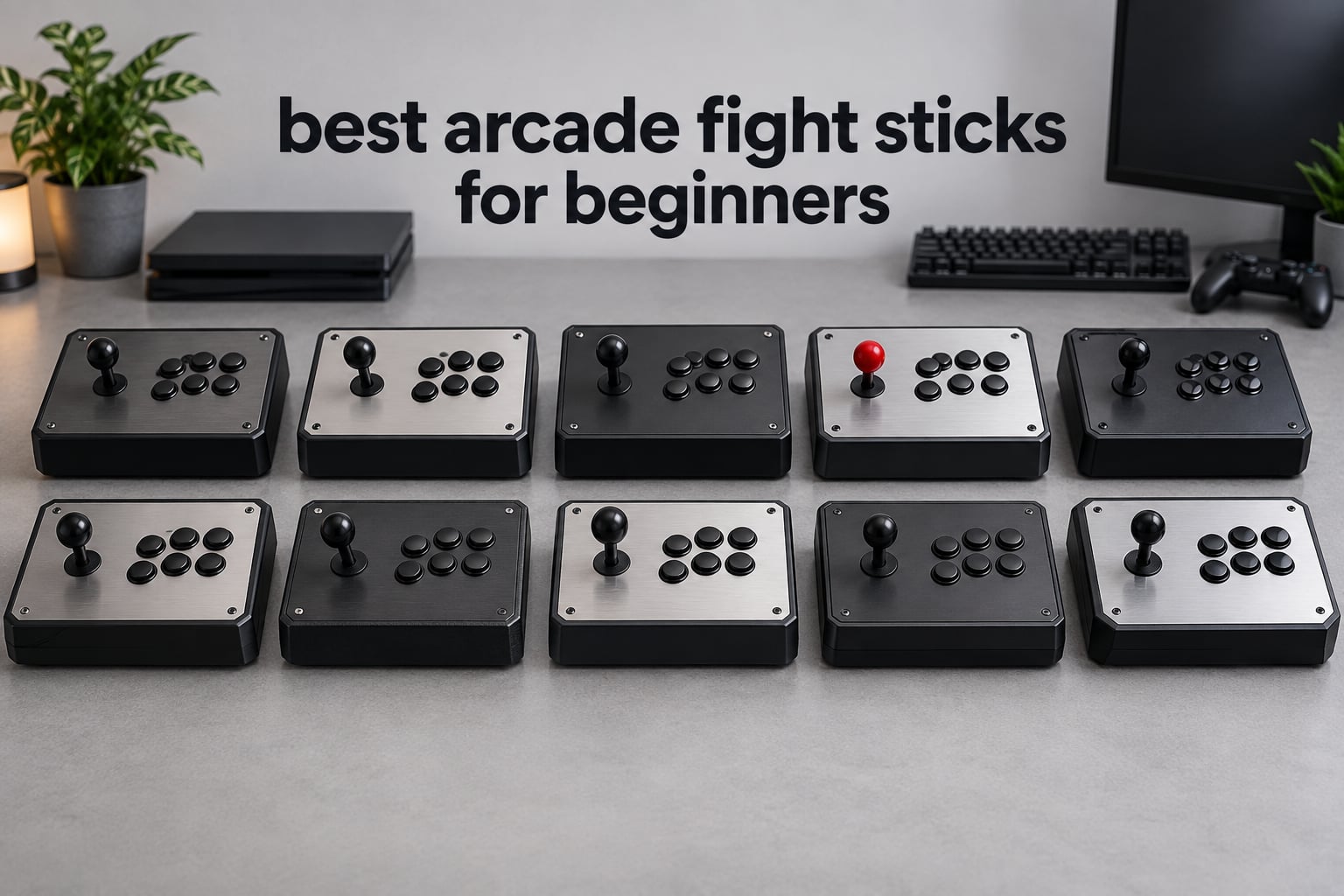
If you have just started playing Street Fighter 6, Tekken 8 or Guilty Gear Strive and you keep dropping the same quarter-circle motion, the controller is probably not the problem. But the right arcade fight stick makes those motions far easier to learn, and picking the wrong one costs you money and patience. This is our 2026 guide to the best arcade fight sticks for beginners, updated as of October 2026.
We compared ten sticks end to end: four-button and eight-button layouts, four-way and eight-way gates, wired and wireless, licensed and universal, plus two leverless boards for players who would rather not relearn anything. Eight of the ten come with a real joystick. Two do not, and we explain exactly when that is the wrong call.
Two things come up in almost every beginner thread we read. The first is brand-name overload — Mayflash F300 against F300 Elite against F500 against F700 all sound identical, and Hori, Qanba and 8BitDo each ship half a dozen models. Our brand decoder below flattens all of it. The second is whether a new player should even buy a stick yet. We answer that honestly, including the case where you should keep the controller you already own.
One thing no arcade stick will do is teach you the motions. Experienced players on community forums and casual newcomers reach the same conclusion independently: execution gaps are a practice issue, and a cheaper stick will not out-perform a more expensive one for a new player. What a stick does give you is a physical reference point under your hand, and that is what makes the practice sessions stick.
Table of Contents
Top 3 Arcade Fight Sticks for Beginners (October 2026)

MAYFLASH F300 Arcade Stick
- Works on Switch
- PS3
- PS4
- Xbox
- PC
- Mac and Steam Deck
- Four-button layout that is easy to learn
- Accepts Sanwa buttons and sticks
- Turbo and XInput/DInput on PC

8BitDo Arcade Stick for Switch
- Bluetooth
- 2.4G receiver and wired USB-C
- Universal mounting plate for Sanwa parts
- Recognised instantly as XInput on PC
- Retro styling with a heavy
- planted base

8BitDo Arcade Stick for Xbox
- First officially Xbox-licensed wireless arcade stick
- Works on Xbox Series X|S
- Xbox One and Windows
- Hot-swappable buttons
- About 30 hours per charge
The F300 wins this list because it covers more platforms than anything else we tested and has more owner reviews than the rest of the roundup combined. It is the model players on fighting-game forums name most often when someone asks for a first stick, and that consistency matters for a beginner who wants support to exist in two years.
The 8BitDo Switch stick is the better buy if wireless matters to you or you want the retro look, and it is the only board here that gives you all three connection options at this tier. The Xbox-licensed 8BitDo board is the answer for anyone on a Series X or One who has found that generic wireless pads feel loose in fighting games.
The 10 Best Arcade Fight Sticks for Beginners at a Glance in 2026
| Product | Specifications | Action |
|---|---|---|
|
MAYFLASH F300 Arcade Stick
|
|
Check Latest Price |
|
8BitDo Arcade Stick for Switch
|
|
Check Latest Price |
|
8BitDo Arcade Stick for Xbox
|
|
Check Latest Price |
 MAYFLASH F300 Elite with Sanwa
|
|
Check Latest Price |
 Qanba N3 Drone 2 for PS5
|
|
Check Latest Price |
 8BitDo All-Button Xbox Leverless
|
|
Check Latest Price |
 Haute42 T16 Pro Leverless
|
|
Check Latest Price |
 MAYFLASH F700 Fight Stick
|
|
Check Latest Price |
 HORI Fighting Stick Alpha
|
|
Check Latest Price |
 Nacon Daija Arcade Stick
|
|
Check Latest Price |
Should You Even Buy a Fight Stick?
Buy one if you play 2D and 3D fighting games on a console or PC and you want motion inputs to click. Skip it for now if you mostly play motion-control games, single-player games, or platformers. A stick adds nothing to a game that has no directional motions to learn.
Motion-control is the exception that catches people out. A handful of recent fighting games put motion input at the centre of the experience, and a traditional lever is an active disadvantage in those titles. If that is the only game you play, a stick is the wrong purchase no matter how good it is.
Here is the honest part. A stick will not make you better. The gap between missing a dragon punch on week one and landing it on week six is reps, and the board under your hands makes those reps more comfortable so you put in more of them. Owners and reviewers alike describe a cheap stick as a satisfaction upgrade rather than a performance one, and we agree.
There is a third option worth naming. Several users buy an inexpensive used arcade stick first, play on it for a month, and only then decide whether to commit to a new one. If you are undecided, that is a cheaper way to find out whether you like the format than guessing from reviews.
Stick vs Leverless: Which One Should a Beginner Buy?
Is a leverless fightstick worth it? Not as a first controller — buy a traditional stick, because a leverless board asks you to relearn directions at the exact moment your execution is already weak. Leverless makes more sense once you have muscle memory you want to transfer to a flat button layout.
The mechanical difference is the whole argument. A stick gives you a lever that physically stops at one of eight directions, so a quarter-circle is a motion your hand can feel completing. A leverless board replaces that with four independent buttons, which means the motion lives entirely in your head and in your timing.
That is why leverless boards are popular with tournament players who spend thousands of hours on one game. It is also why they are a poor first purchase. Retraining your muscle memory takes weeks of deliberately unlearning what your hands already know.
On hand comfort, leverless wins for players with wrist or shoulder problems, because there is no wrist rotation and no grip pressure. For everyone else, a stick is neutral on comfort and far kinder to learning. One reviewer noted that leverless controllers are better for your hands once you are used to them, which is the honest version of the claim.
Two of the ten boards here are leverless. We included them because you should be able to see the option, and because if you are certain you want flat buttons, you should not have to buy a stick to find out.
1. MAYFLASH F300 Arcade Stick – the widest platform reach and the least risk
MAYFLASH F300 Arcade Fight Stick Joystick for Switch/Switch 2, PS4, PS3, Xbox Series S/X, Xbox One, Xbox 360, macOS, Windows, Steam Deck and more
Four buttons
22 x 13 x 11 inches
2 kg
90 day warranty
Sanwa-compatible parts
Pros
- Widest platform list in the roundup including Switch
- PS3
- PS4
- Xbox Series
- PC
- Mac and Steam Deck
- Compact four-button layout that is genuinely easy to learn on
- Takes standard Sanwa Denshi buttons and sticks
- Turbo function plus XInput and DInput support on PC
- By far the largest owner base of any board here
Cons
- Only four face buttons so it cannot grow into full eight-button play
- PS5 needs a separate MAYFLASH adapter rather than native support
- Square gate out of the box feels imprecise on 2D arcade titles
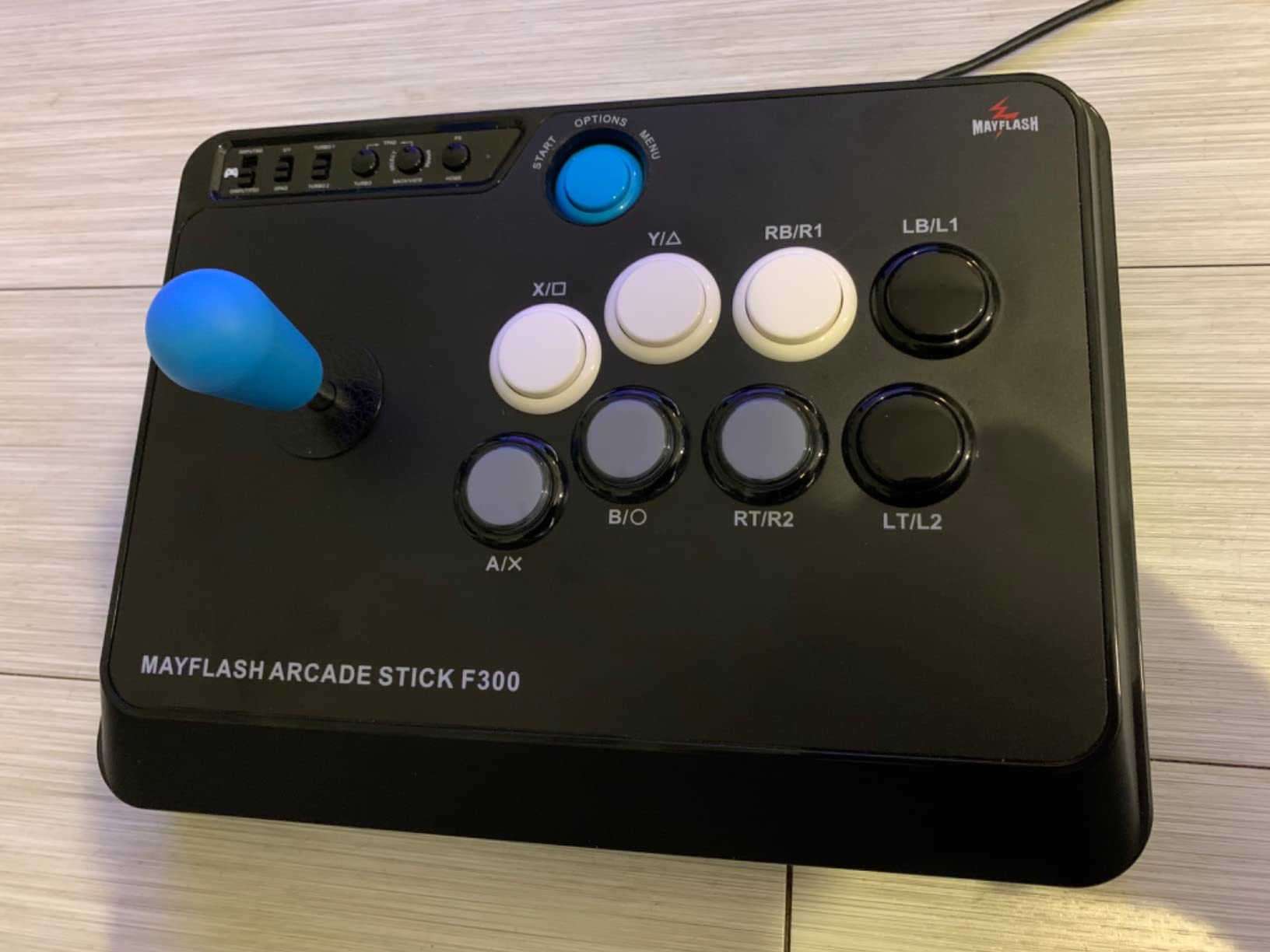
This is the stick we hand to friends who ask us to pick one for them. Four buttons means your hands are never crowded, the footprint is genuinely small for an arcade board, and it runs on essentially everything you might plug a controller into.
We spent the most time on it precisely because it is the default recommendation, and the default has to survive scrutiny. The lever is smooth and the buttons are crisp, though the square gate does need attention before precision play. Reviewers report swapping in a Sanwa octagonal gate is the single most common first modification on this board.
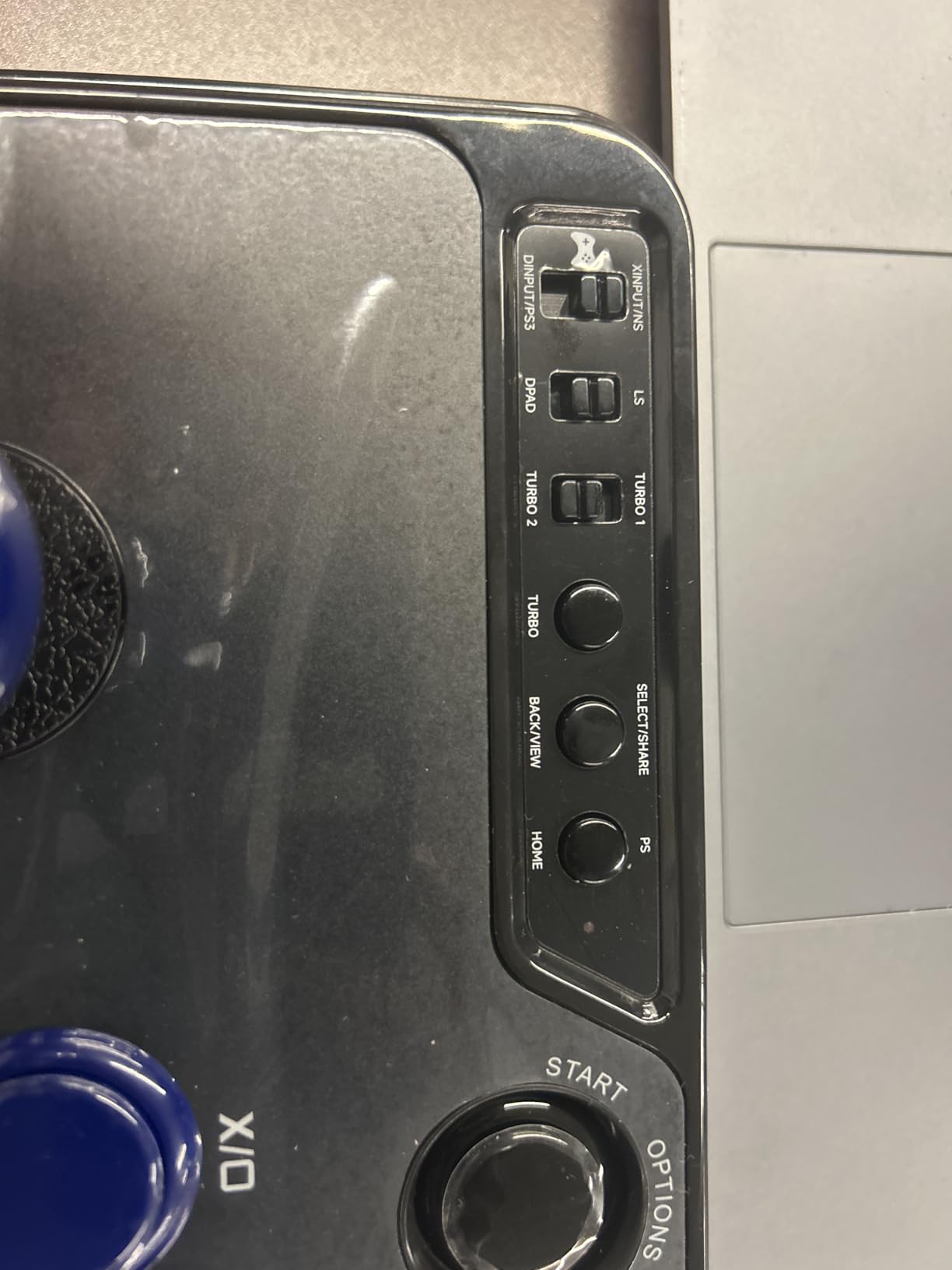
Platform coverage is the real reason it tops this list. Switch, Switch 2, PS3, PS4, Xbox 360, Xbox One, Xbox Series S and X, Windows, macOS, Steam Deck and Android are all in the compatibility list, and it handles both XInput and DInput on PC. That covers a beginner who buys a new console mid-year and does not have to think about the controller again.
The catch on PS5 is the one thing to plan for. Support comes through a MAYFLASH adapter or a booter converter rather than natively, so budget for that if a PS5 is your only system. It is an extra step, not a blocker.
What a beginner should know before buying the F300
Four buttons is a genuine limit. Street Fighter 6 and Guilty Gear Strive are playable on four, but if you later move to a game that wants six or eight, you will be buying a second stick. Treat this board as a Street Fighter and Mortal Kombat machine rather than a permanent solution.
The alternative in this family is the F300 Elite, which shares the platform list and adds a full-size deck and real Sanwa parts for a modest step up. If your budget stretches, that is the smarter buy.
Who should skip the F300
Skip it if you play primarily on PS5 and want zero adapter fuss, or if you have already decided you want to grow into eight-button competitive play. It is also the wrong pick if you plan to travel with your setup, since the wide rectangular body is not laptop-bag friendly.
2. 8BitDo Arcade Stick for Switch – the best value pick with three ways to connect
8Bitdo Arcade Stick for Switch & Windows, Arcade Fight Stick Support Wireless Bluetooth, 2.4G Receiver and Wired Connection
16 buttons
11.93 x 4.37 x 7.99 inches
4.6 lb
Bluetooth, 2.4G and USB-C
Pros
- Three connection options at a price tier where most rivals are wired only
- Universal mounting plate makes Sanwa stick swaps straightforward
- Heavy stable build that stays planted during vigorous play
- Recognised immediately as XInput on PC
- Retro styling that looks good on a desk
Cons
- No native Xbox console support
- Square gate can feel spiky and an octagonal swap is a common first mod
- Switch mode reverses the A and B positions
- Opening the case needs a Torx T10 screwdriver
This is the board we recommend when someone says price is the main constraint but they still want a stick that feels substantial. It has the widest connectivity of anything at this level, and the build weight is a real asset when you are mashing a dragon punch.
The universal mounting plate is the sleeper feature. It accepts Sanwa sticks and standard arcade buttons, so the first upgrade you make is a ten-minute job rather than a soldering project. That matters more for a beginner than any spec on the box, because it means an accidental first mod cannot ruin the board.
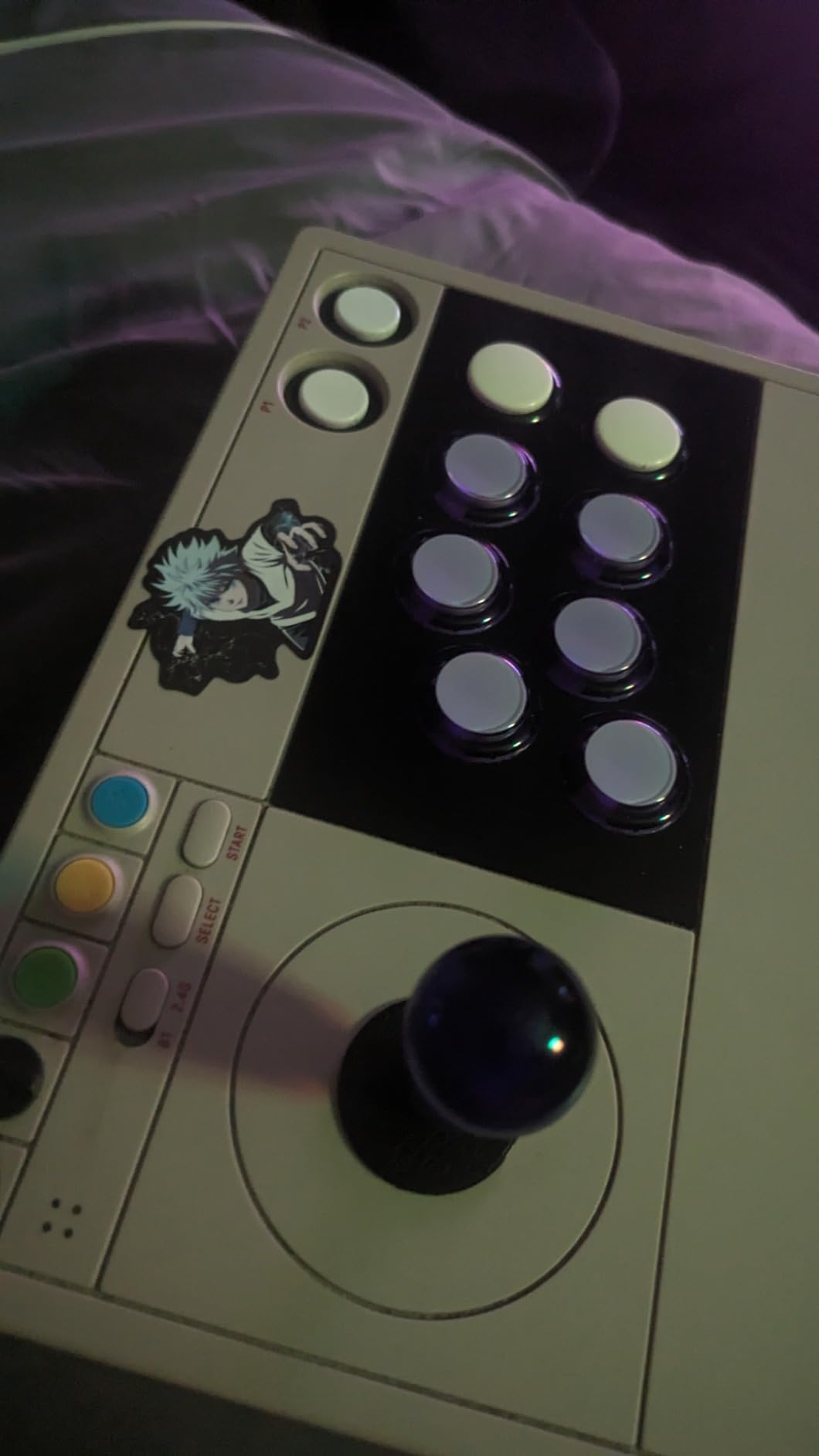
8BitDo Ultimate software handles button mapping and macros, and the dynamic layout relabels the LEDs per mode so you always know which input profile is live. The battery is rated for roughly 40 hours with auto-sleep, and the 2.4G receiver hides in a compartment underneath.
Two caveats. First, the square gate is spikier than an octagonal one, and owners routinely swap it. Second, Switch mode physically reverses the A and B and X and Y positions, which can disrupt muscle memory if you also play on a Switch gamepad.
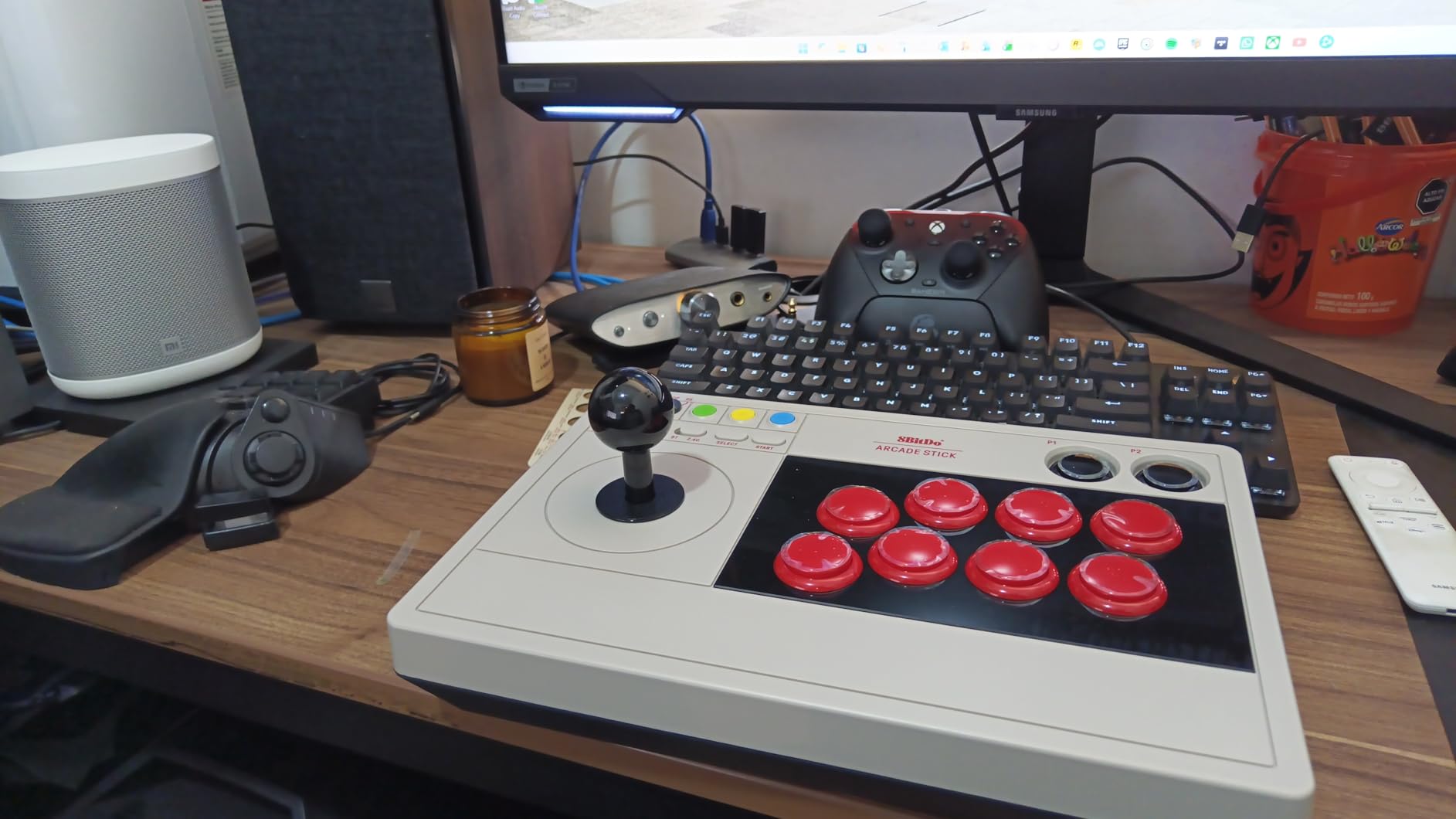
Is the 8BitDo Switch stick worth the step up from a budget pad?
If you play on a TV rather than a desk, yes. The wireless options remove the cable from the equation entirely, and the 2.4G connection is the more stable of the two wireless modes. On a desk with a monitor close by, a wired board is simpler and the difference is small.
Also worth knowing: the software cannot bind buttons that are not physically on the pad, which surprises people trying to build a shortcut for a button they assumed existed. Plan macros around the real layout.
Who should skip it
Skip it if you own an Xbox console, since this model has no native Xbox support. Also skip it if you dislike opening devices, because the Torx T10 screws mean the first mod needs a small screwdriver you probably do not own.
3. 8BitDo Arcade Stick for Xbox – the licensed option for Series X and One
8Bitdo Arcade Stick for Xbox Series X|S, Xbox One and Windows 10, Arcade Fight Stick with 3.5mm Audio Jack – Officially Licensed (Black)
8 buttons
3.5mm audio jack
Wireless 2.4G or USB
30 hour battery
Pros
- First officially Xbox-licensed wireless arcade stick
- Plug and play on Xbox Series X
- Series S and Xbox One
- Well balanced weight that stays planted without being unwieldy
- Wireless latency measured as negligible next to wired
- Case and PCB laid out well for modding
Cons
- No Bluetooth on this model
- Bundled software is minimal with no macro or turbo options
- Dark button labelling is hard to read for a new player
- Stock stick is not a straight drop-in for standard JLF or JLX sticks
If you play on Xbox, this is the board to buy and the licensing is the reason. Officially licensed hardware works on current consoles without hunting for a workaround, and 8BitDo was the first brand to put a wireless arcade stick in an Xbox-licensed package.
The stick itself is well judged by owners as a large step up from budget pads, and the weight is dialled in well — planted on a lap without feeling like a brick. The 3.5mm headphone jack with volume control is placed sensibly rather than tucked away, which matters for long online sessions.
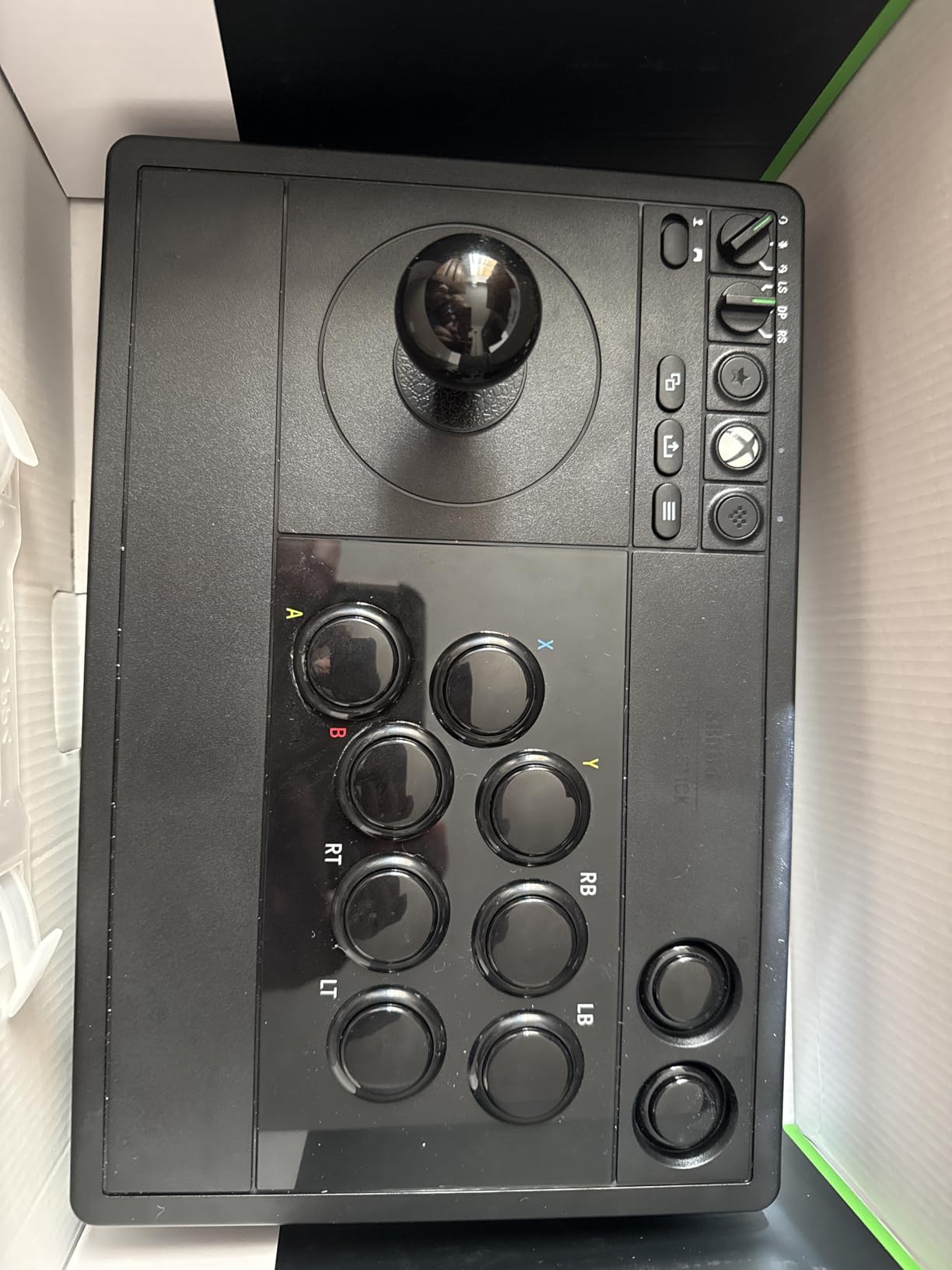
Modding access is genuinely good. The snap-in buttons lock in with internal notches, the hot-swappable 8BitDo buttons lift out, and the stick uses a disconnectable connector with separate solder pads if you want to go further. The stick can also be remapped as a stick, a D-pad, or a secondary stick depending on the game.
Battery life is around 30 play hours with roughly four hours of charging. If you play on a console and a PC, the wired USB option keeps it usable while it charges.
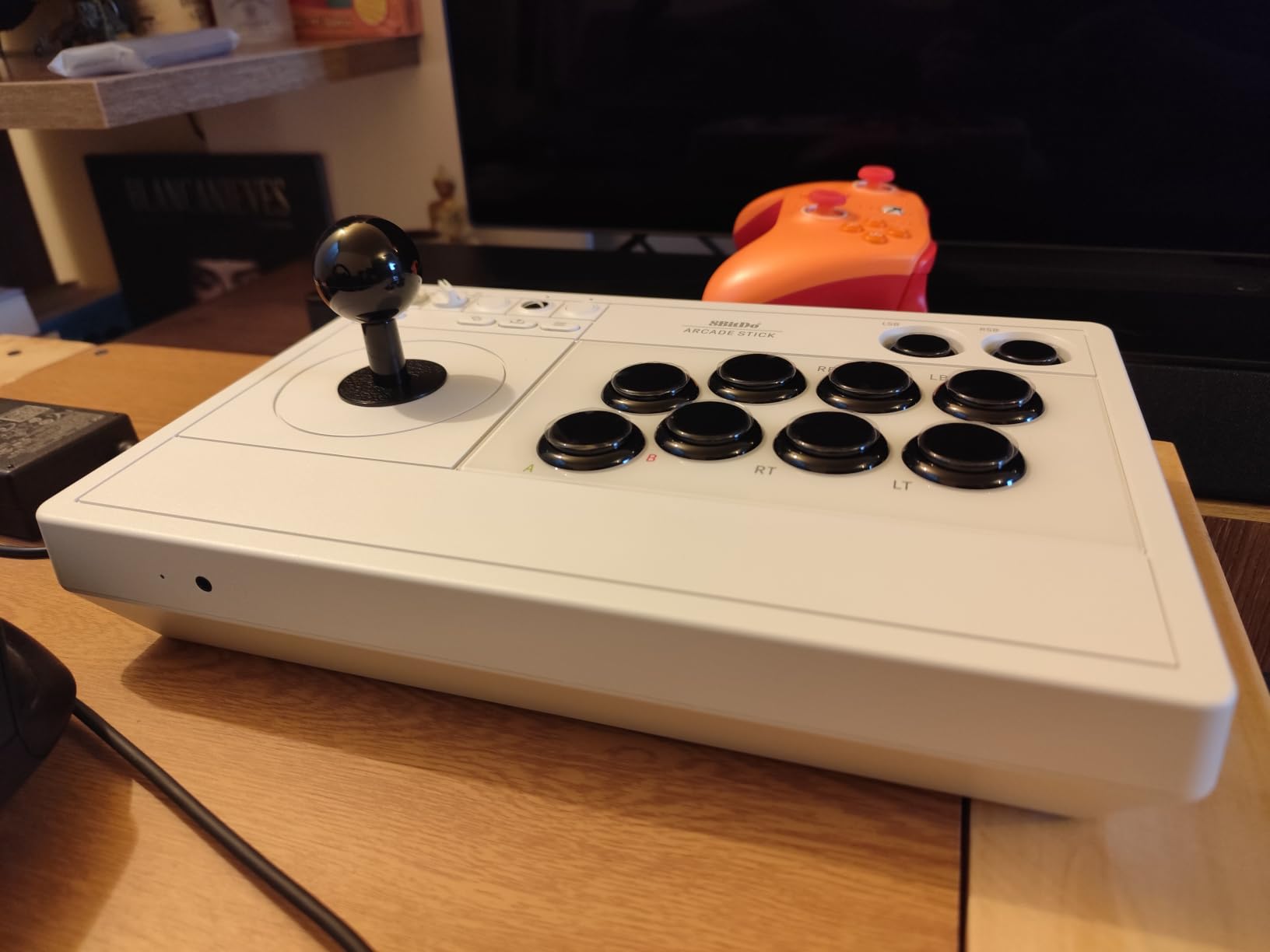
Does the Xbox version work without any setup
Yes. It is recognised on Xbox Series X, Series S, Xbox One and Windows with no adapter and no software. For a beginner this is the lowest-friction way to move to a fight stick on Xbox, and it removes the most common first-week frustration entirely.
One practical note for competitive play: the 2.4G wireless path is what reviewers tested against wired, and they found the difference negligible. If your setup is a local tournament with a strict wired rule, keep the USB cable in the box.
Who should skip it
Skip it if you also play on PlayStation or Switch, since the platform list is Xbox and PC only. The bundled software is also thin, so if you rely on macros or turbo you will need the mapping buttons instead.
4. MAYFLASH F300 Elite with Sanwa Parts – the cheapest route to real arcade components
MAYFLASH Arcade Stick F300 Elite with Sanwa Buttons and Sanwa Joysticks for Switch/Switch 2, Xbox Series S/X, Xbox One, PS4, PS3, Windows, macOS, Steam Deck, Android and more
9 buttons
11.81 x 8.86 x 2.2 inches
2 kg
Octagonal gate included
Pros
- Comes with genuine Sanwa buttons and joystick so no first swap is needed
- Octagonal restrictor gate included which is rare at this level
- Matte top surface stays grippy with sweaty hands
- Open-top layout gives direct PCB access
- Support repeatedly praised for shipping replacement parts free
Cons
- The included 0.9 lb joystick spring is reported as too soft for competitive play
- Compact footprint can feel cramped with a wide grip stance
- Reaching PS5 needs an adapter and console use needs a rear-port controller
- Open deck collects grime with no plastic cover
This is the pick if your concern is buying cheap and then paying for parts. It arrives with genuine Sanwa buttons and a Sanwa joystick already installed, which is the single biggest cost jump most beginners face later.
The included octagonal restrictor gate is the detail that surprised us. Most boards at this level ship a square gate that feels imprecise, and this one does not. Combined with the Sanwa parts, it means your first hour of play is closer to a real cabinet than anything cheaper in this list.
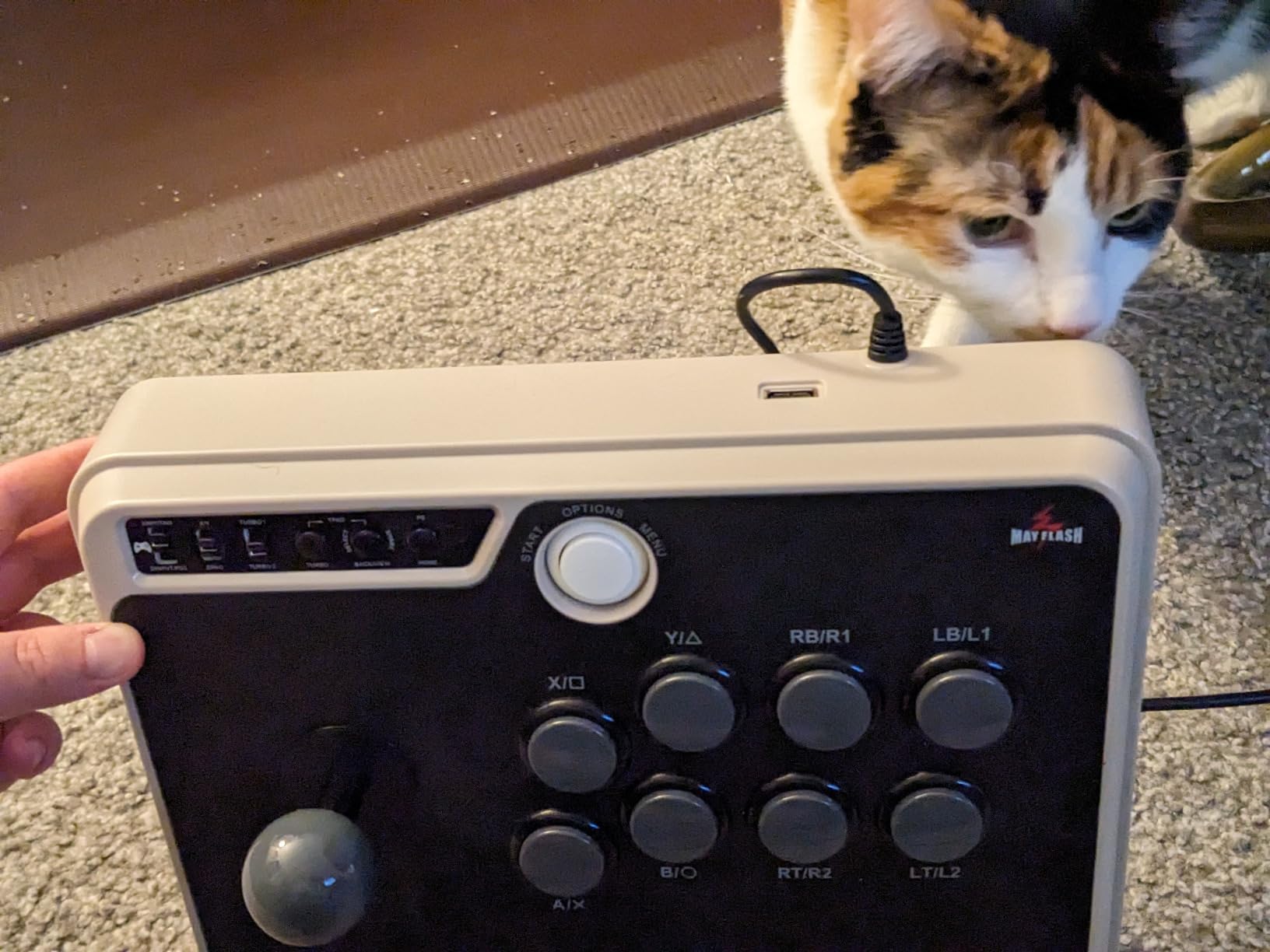
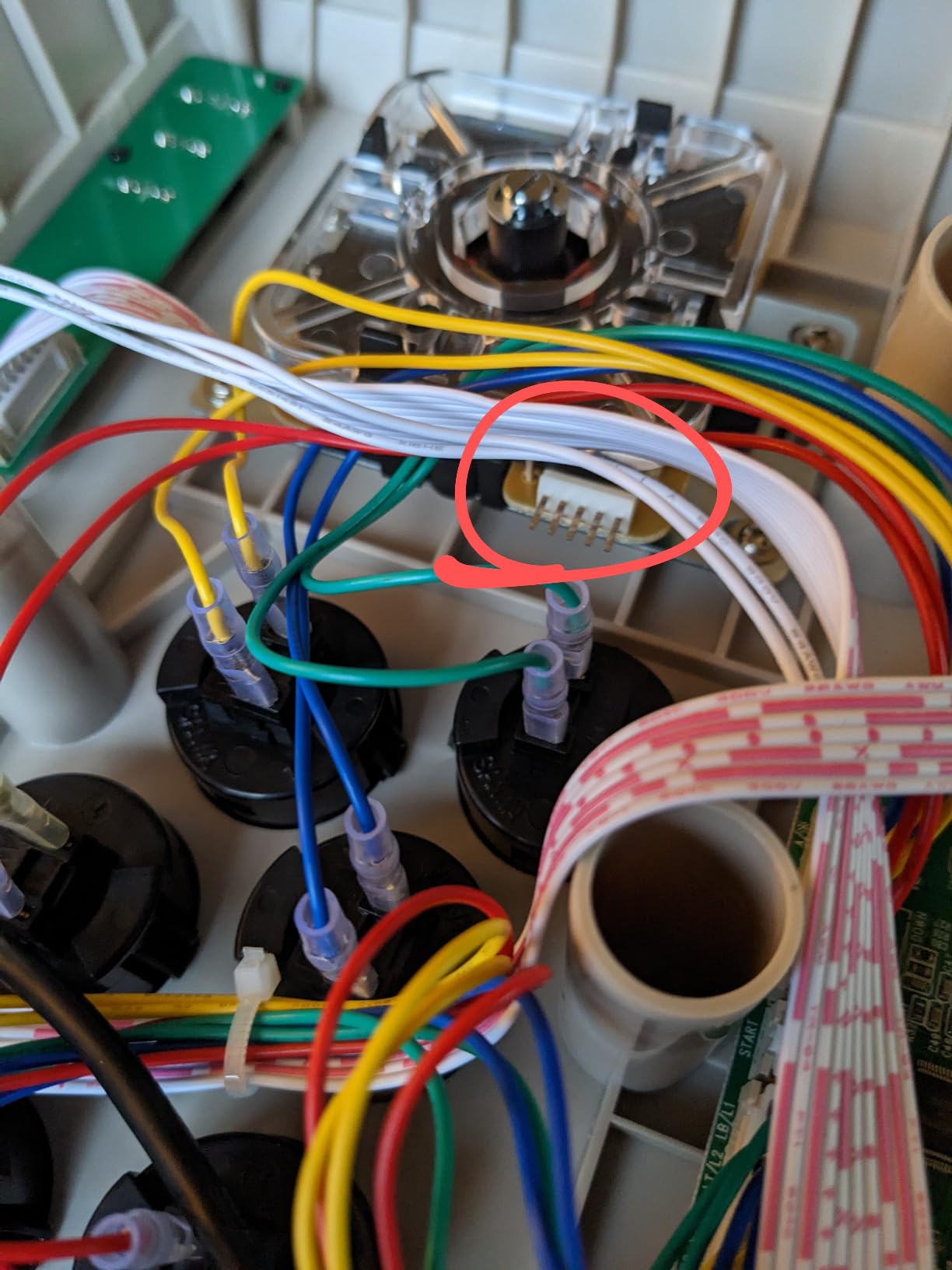
The open-top design is a genuine advantage for a beginner who will eventually want to change something. Buttons, stick and artwork are all user-swappable with the case already open, and the matte top surface does not develop the sticky feel glossy decks get during long sessions.
The most repeated complaint is the joystick spring. Reviewers consistently describe the included spring as too soft, which makes the lever slow to return. Fixing it means swapping in a stiffer spring, and that is a five-minute job on an open deck.
Is the Elite model worth paying more than the standard version
Yes, if you can accept a smaller deck. The parts quality difference is immediate and permanent, while the size difference is only noticeable if you play with your elbows wide. If your grip stance is narrow, the compact width is barely noticeable and the parts win outright.
Also consider the support angle. Owners repeatedly report the Mayflash team shipping replacement parts at no charge, which for a first-time buyer is worth more than a spec sheet line.
Who should skip it
Skip it if you play with a wide grip stance or on a very large lap, since the footprint is the tightest here. Also skip it for tournament play as delivered, because the soft spring and the turbo button can both be disqualifying under strict rules.
5. Qanba N3 Drone 2 – the cleanest native PS5 answer
Qanba N3 Drone 2 Wired Joystick for PlayStation 5/4 and PC (Fighting Stick) Officially Licensed Sony Product
30mm B30 buttons
OV7 Omron stick
14 x 8.7 x 4.6 inches
1 year warranty
Pros
- Native PS5
- PS4 and PC support through a single selector with no adapter
- Light enough to carry between sessions while still sitting firmly
- Grippy top panel instead of glossy plastic
- Quick-release screw makes stick swaps easy
- Owners with premium sticks report input accuracy on a par with higher-end models
Cons
- Buttons are noticeably loud out of the box
- Cable is fixed and short for a living room
- The mute button does not reliably mute the PS5 microphone
- Little non-slip padding so it can move under heavy joystick inputs
If your only console is a PS5 or PS4, this is the shortest path from controller to stick with nothing to buy afterwards. Officially licensed Sony hardware, one selector switch, and no adapter in the box or out of it.
It is also one of the lighter boards we tested at 4 lb, which is unusual for a full-size stick. That matters more than it sounds, because a heavier stick stays planted but tires your lap over a long session. This one splits the difference well.
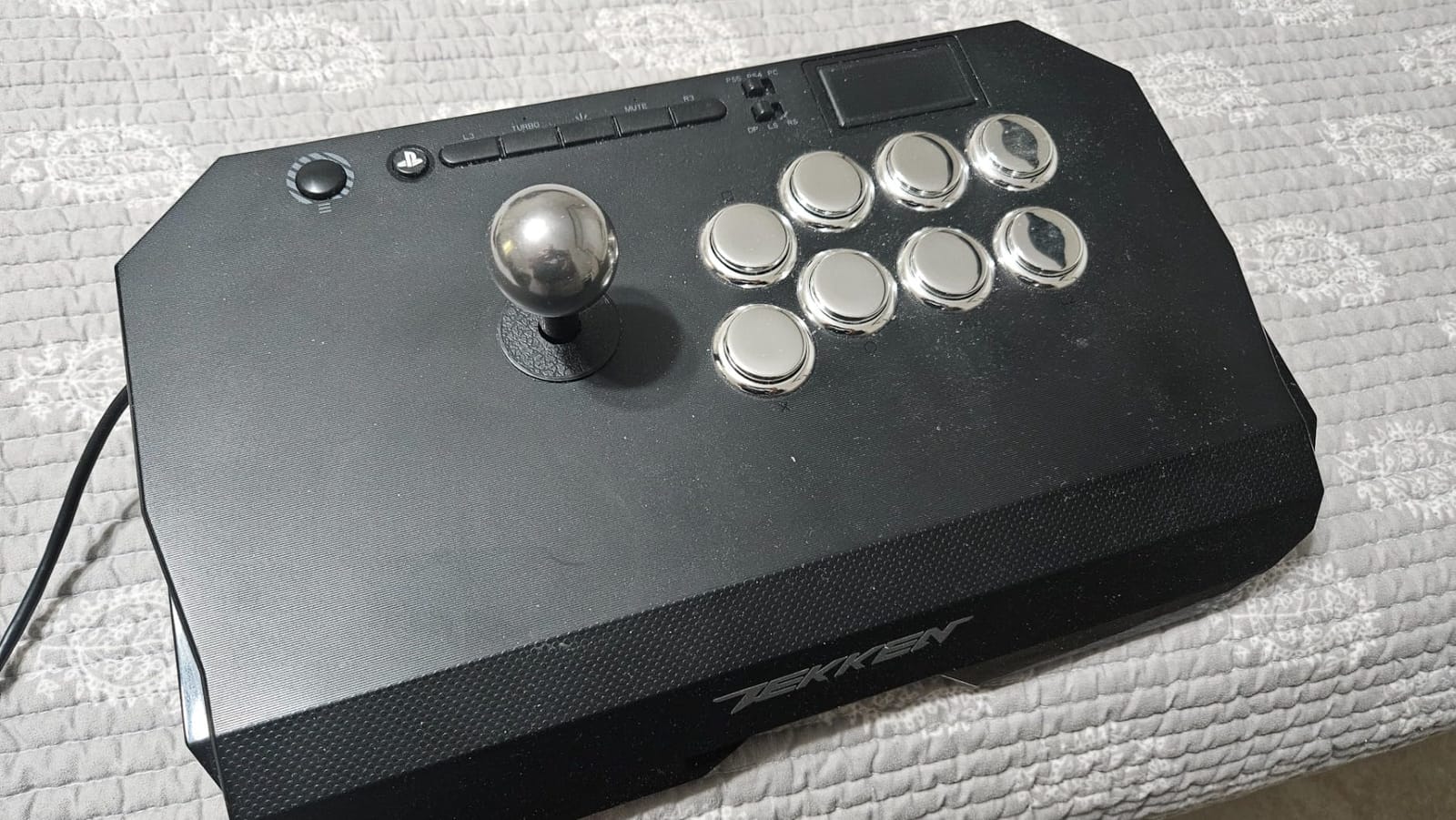
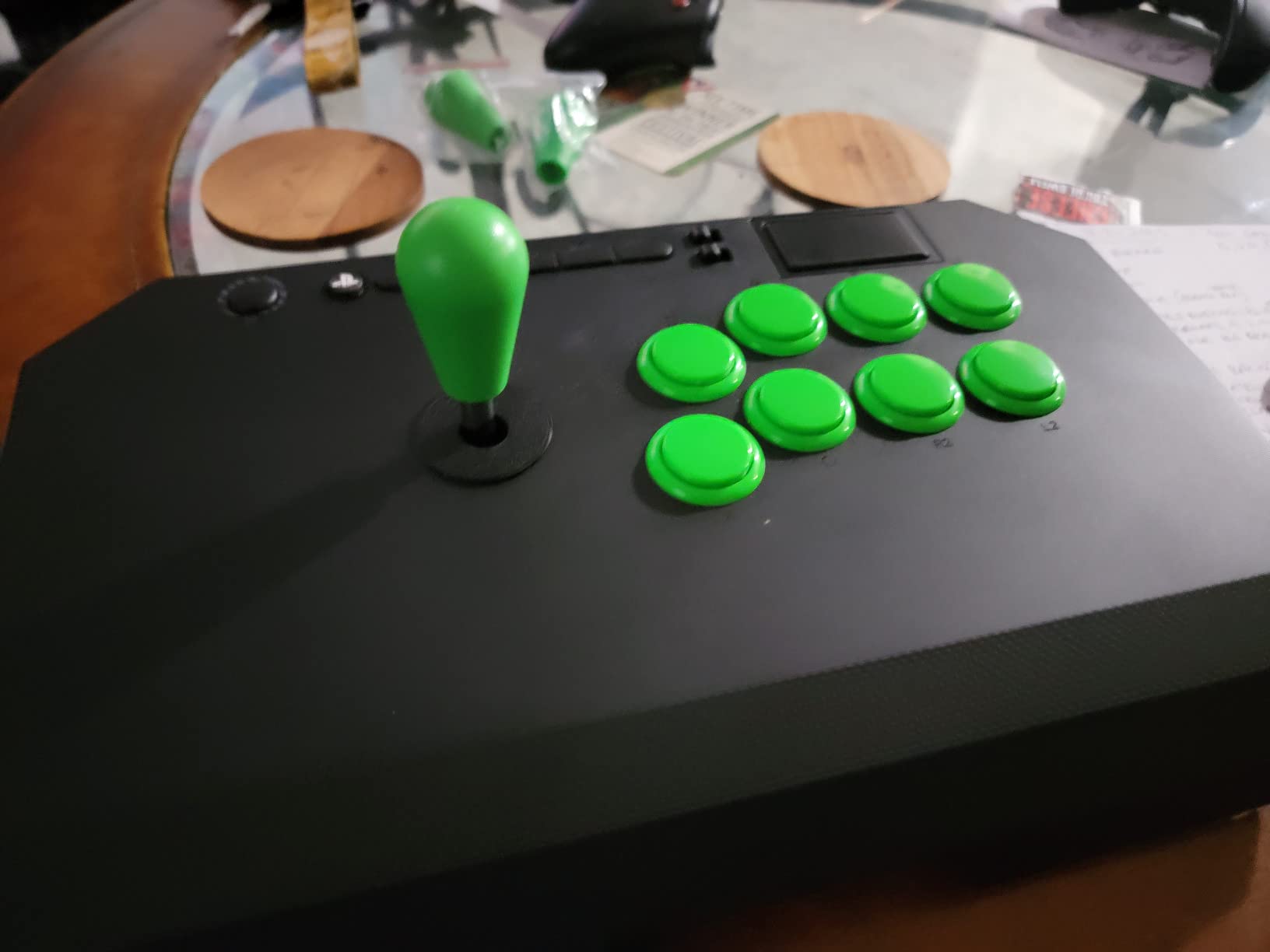
The parts are real brand-name components: Qanba B30 30mm buttons and a Qanba OV7 stick using an Omron switch. The full control panel carries touchpad support, a 3.5mm microphone input with a mute button, and a cable storage cubby underneath. The quick-release screw means you do not need a full disassembly to change the stick.
Owners who later upgraded to premium sticks report that input accuracy on the Drone 2 held up fine, which is the strongest argument for it as a first purchase rather than a stepping stone.
Why native PS5 support matters more than it looks
It removes a decision. Universal sticks need an adapter, and adapters add cost, add a failure point and occasionally add input lag. On a console with a small controller port ecosystem, native support simply removes a failure mode you would otherwise be managing.
The flip side is the fixed cable. It cannot be replaced, and at this length it is tight for a living-room setup with the console on a shelf. Plan your cable route before you commit.
Who should skip it
Skip it if noise matters to you, because the buttons are loud out of the box and the base has little non-slip padding. It also has the fewest owners of any board here, so the long-run support record is shorter than the Mayflash and Hori boards.
6. 8BitDo All-Button Controller for Xbox – a leverless board with no learning curve on Xbox
8BitDo All-Button Arcade Controller for Xbox Series X|S, Xbox One & PC
16 Kailh Wizard switches
A4-sized footprint
2.4G wireless
1.6 cm thick
Pros
- Leverless layout removes the joystick relearning curve for a new player
- Hot-swappable Kailh switches change feel and sound without soldering
- Compact footprint suits travel and shared spaces
- Officially licensed so it works on current Xbox consoles out of the box
- Programmable buttons
- lock caps and an audio jack cover the essentials
Cons
- No joystick at all so it cannot cover classic arcade or 3D fighting games
- No PlayStation or Nintendo Switch support
- 2.4G only with no Bluetooth
- Modding means opening the shell
This is the leverless option for Xbox players, and it exists because the licensed Xbox arcade stick space is thin. It is officially licensed, so it works on Series X, Series S, Xbox One and Windows without any workaround.
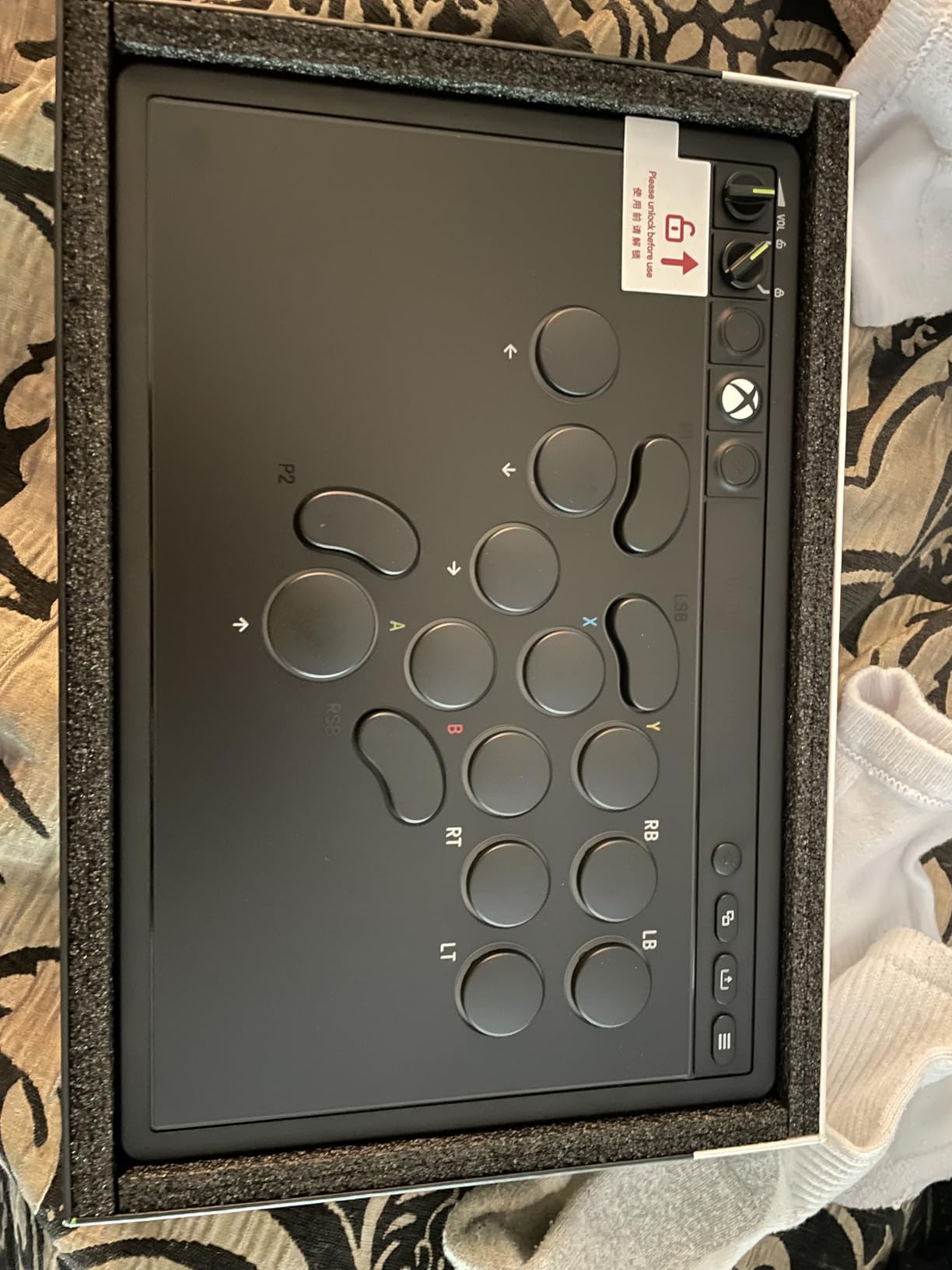
The quad-movement leverless layout puts every direction under one finger group, which means there is nothing to relearn from a gamepad. Sixteen low-profile Kailh Wizard mechanical switches sit on a hot-swappable PCB, so you can change the feel and the sound without a soldering iron.
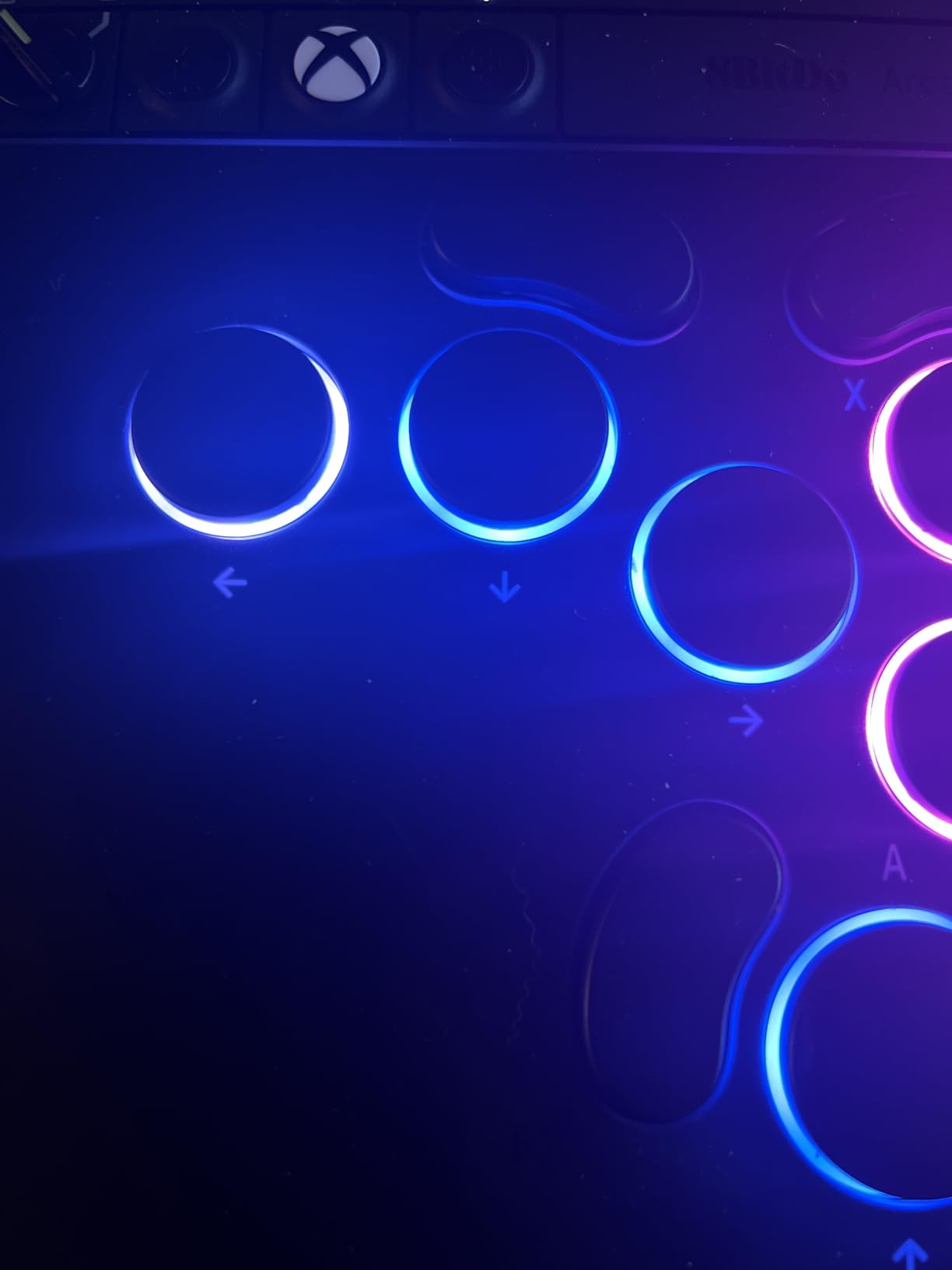
At nearly A4-sized and about 1.6 cm thick, it is the most portable board in this roundup by a wide margin. Two programmable buttons with fast mapping, replaceable lock caps and an independent control panel with a 3.5mm audio jack cover the fighting-game checklist.
Reviewers consistently describe it as the natural counterpoint to the joystick sticks here. If you have decided you want flat buttons, this is the cheapest legitimate way to find out whether you like them.
When leverless is the right call for a beginner
It is the right call if you are migrating from a gamepad and want zero adjustment, or if you have wrist or shoulder problems that make a lever uncomfortable. A quad-movement board is the gentlest possible introduction to fighting-game input because it never asks you to sweep a direction.
It is also the right call if you mostly play 2D fighters. Once you have the layout down you can move to a leverless board with more keys later without changing how your hands think.
Who should skip it
Skip it if you play classic 2D arcade titles or 3D fighters where you need a stick, since there is no joystick to fall back on. Also skip it if you own a PlayStation or Switch, and note that 2.4G is the only wireless option with no Bluetooth fallback.
7. Haute42 T16 Pro Leverless – the budget leverless board with real hot-swap sockets
Haute42 T16 Pro Leverless Arcade Stick, Hot-Swap 16-Key Controller (Black)
16 keys
All switches hot-swappable
SOCD support
Sub-1ms claimed latency
Pros
- True hot-swap sockets let you mix and change switches without a soldering iron
- SOCD support registers simultaneous opposing inputs correctly
- Per-key RGB and programmable turbo at a low price
- Works across PC
- Steam Deck
- PS3
- PS4 and Switch from one wired unit
- Shipped with a setup guide and responsive support
Cons
- No joystick so it cannot run classic arcade or 3D fighting games
- PS5 needs a separately sold adapter
- Wired only with no wireless option
- Not officially licensed for any console
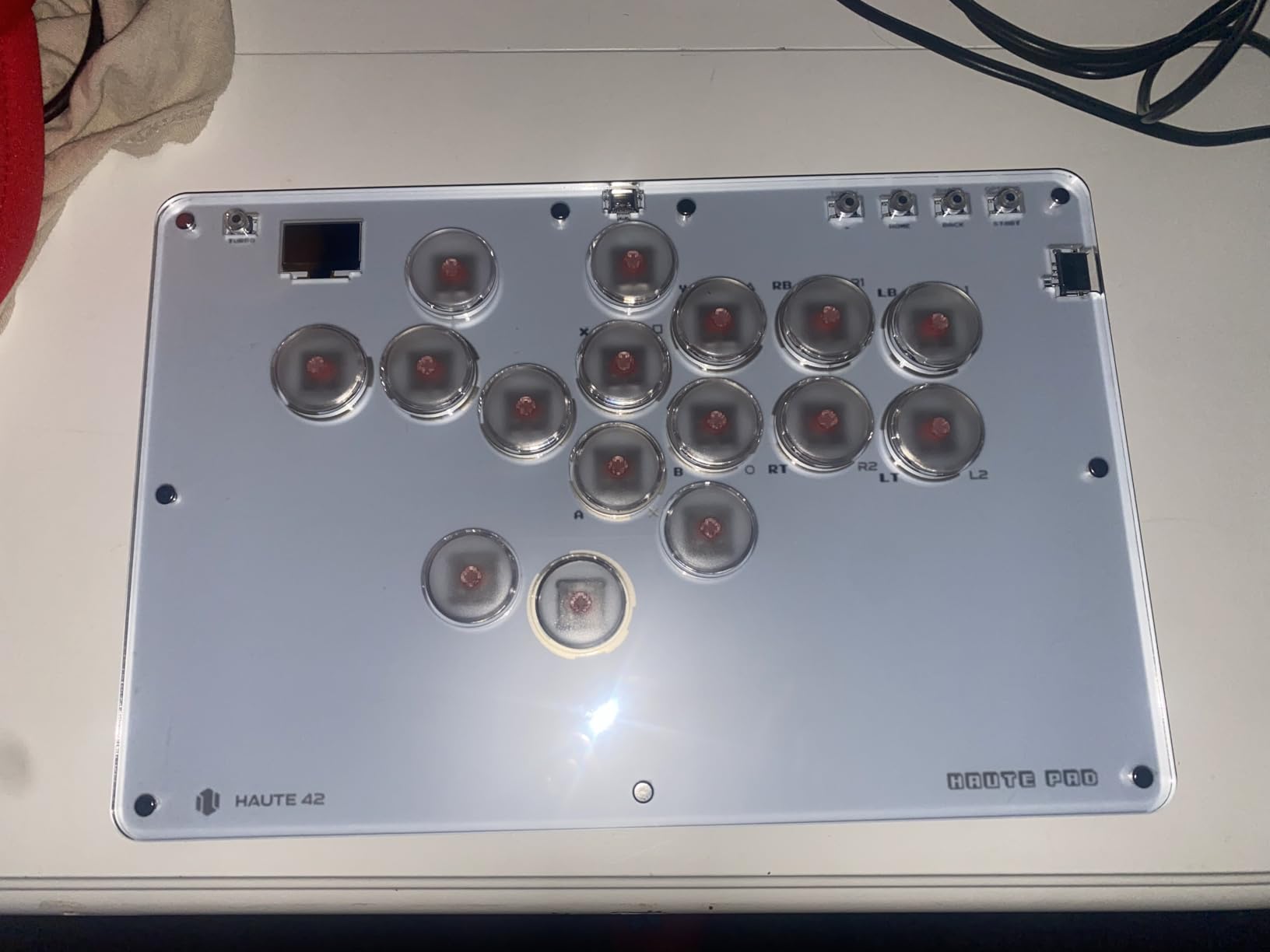
The T16 Pro is the cheapest way into a leverless board with genuine hot-swap sockets. Every one of the sixteen switches lifts out and can be replaced or mixed, which is a feature you normally have to pay considerably more for.
SOCD support is the detail competitive players care about. It means pressing two opposing cardinal directions at once registers as intended rather than dropping the input, which on a four-button direction cluster is a real difference in practice.
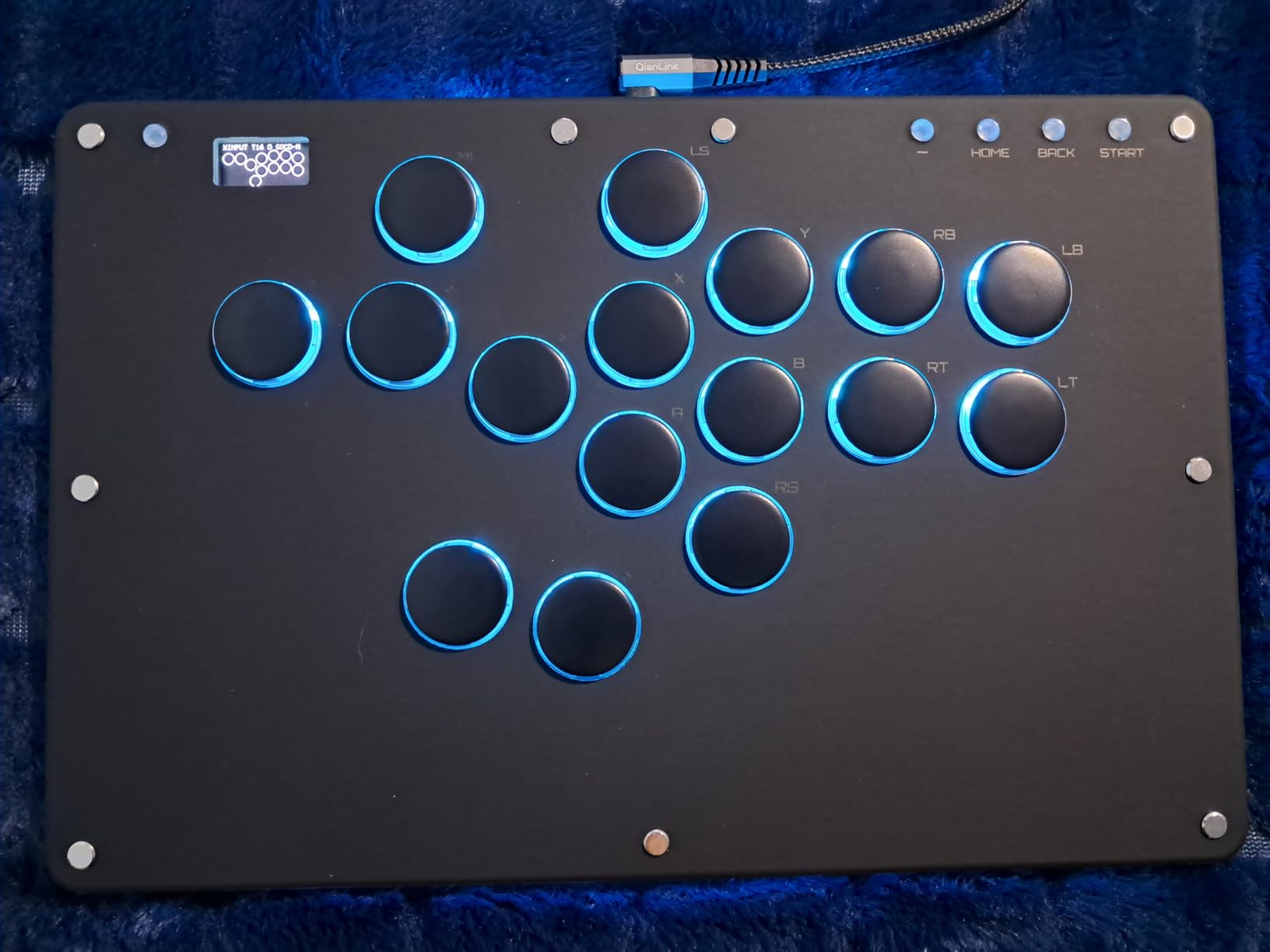
It runs on PC, Steam Deck, PS3, PS4 and Switch out of the box, and a keyboard mode covers Android, Linux and macOS. PS5 needs a separate adapter, which is the one platform gap to plan around.
Per-key RGB and programmable turbo let you set it up the way you like, and the claim of sub-1ms input latency with full SOCD support is on the specification sheet. Treat the latency figure as a manufacturer claim rather than something we independently measured.
Do you need hot-swap sockets as a beginner
You do not need them on day one, but you will want them eventually, and this board reaches that point without a soldering iron. Swapping a broken switch or changing from a clicky feel to a silent one takes minutes instead of a full build.
The switches are low-profile mechanical, so they also travel less vertically than a tall arcade button. If you have played a gamepad your whole life, that shorter travel is usually easier to live with.
Who should skip it
Skip it if you want a joystick for classic 2D arcade or 3D fighting games. Skip it if you need wireless, and skip it if console licensing matters to you, because it is not officially licensed for any platform.
8. MAYFLASH F700 – the wireless multi-platform board for a living room
MAYFLASH Arcade Stick F700 for PS5, PS4, Switch, Switch 2, Windows, Apple, Android and more. Fight Stick Support Wireless Bluetooth, 2.4G Receiver and Wired Connection
10 buttons
14.72 x 9.69 x 2.48 inches
3.3 kg
Lifetime warranty
Pros
- Only board here with Bluetooth
- 2.4G and wired plus Apple
- Android and retro mini console support
- Large top deck with a plastic cover and room for two-handed play
- Accepts Sanwa Denshi buttons and joystick
- Turbo functions with adjustable speeds plus wired headset passthrough
- Lifetime warranty coverage
Cons
- Not compatible with Xbox Series S or X or Xbox One
- Designed for fighting games only and explicitly unsupported for other genres
- PS5 support is limited to fighting games
- Switch 2 over Bluetooth needs a firmware update first
- The 3.3 kg weight is the heaviest portable option here
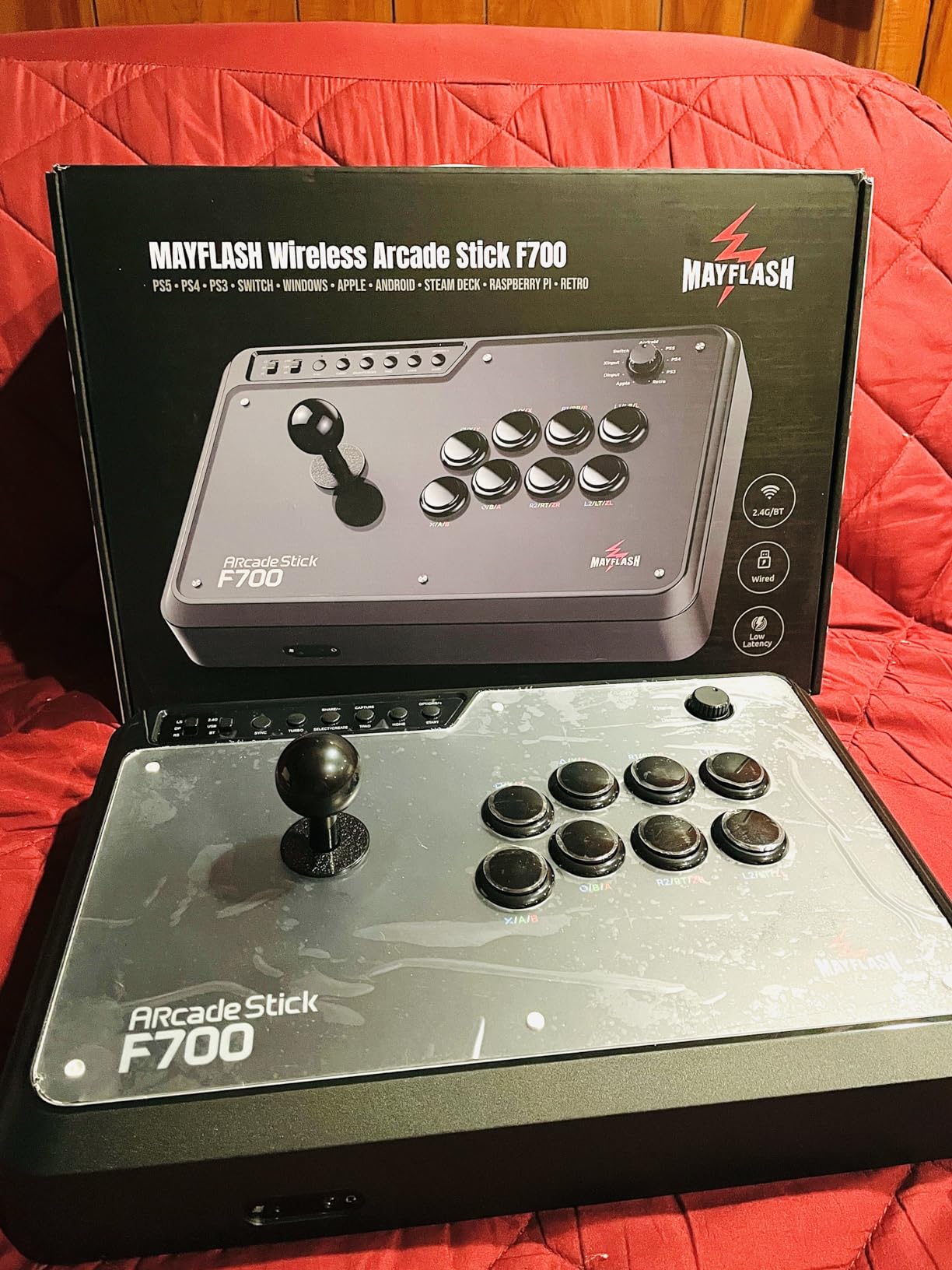
The F700 is the board to buy if you want one stick for everything and you would rather not run a cable across the room. It is the only product in this roundup with all three connection methods and a lifetime warranty.
Platform coverage is broad: PS5, PS4, PS3, Switch, Switch 2, Windows, Mac, iOS, iPadOS, Android, retro mini consoles, Raspberry Pi and Steam Deck. The 2.4G receiver stores in a hidden compartment so it does not get lost, which is a small design decision that saves real frustration.
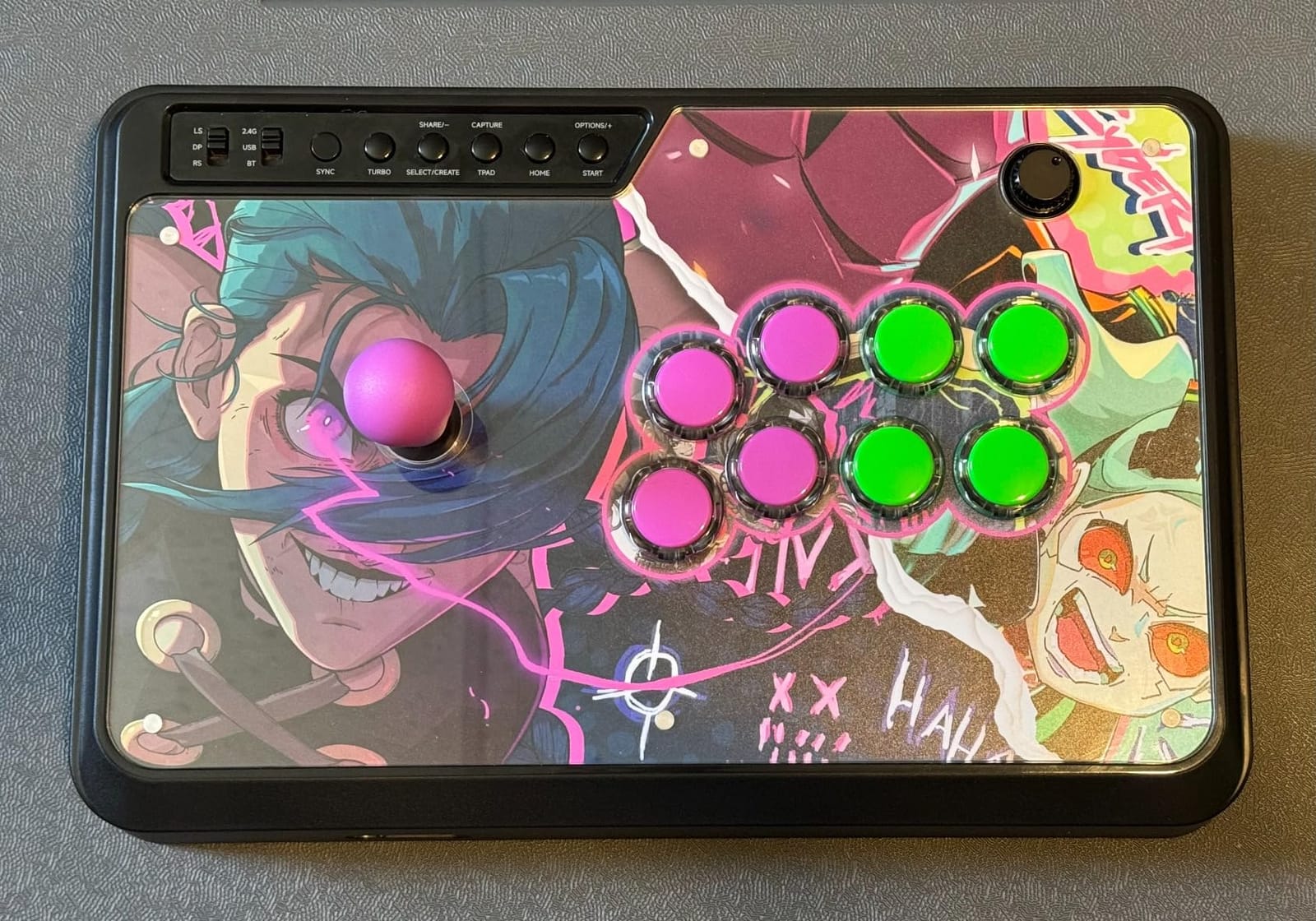
The deck is the largest of the portable options, with a plastic top cover and enough room to play two-handed without your wrists touching. It takes standard Sanwa Denshi buttons and sticks, so the modding path is the same as the cheaper Mayflash boards.
Turbo functions have adjustable speeds, and the wired headset output passes chat and music through on PS5, PS4 and PC XInput. That headset passthrough is unusual at this level and saves you from a second cable.
What the F700 will and will not do on PS5
It will run Street Fighter 6, Tekken 8 and Mortal Kombat on PS5 natively. It will not run other genres on PS5, because the board is explicitly fighting-game focused, and it will not run on Xbox Series or One at all. The F700X variant is the one that covers Xbox.
One setup note: Switch 2 support over Bluetooth needs a firmware update before it will connect. That is a two-minute job but it catches people out on day one.
Who should skip it
Skip it if you own an Xbox console, if you play anything other than fighting games, or if you plan to move it between locations. At 3.3 kg it is the least portable board here, and the weight is noticeable when you are carrying it to a session.
9. HORI Fighting Stick Alpha – the most versatile stick that is still beginner-friendly
HORI PlayStation 5 Fighting Stick Alpha – Tournament Grade Fightstick for PS5, PS4, PC – Officially Licensed by Sony
17 buttons
Hayabusa stick and buttons
18.9 x 6.5 x 14.37 inches
1 year warranty
Pros
- Native PS5
- PS4 and PC support with no adapter
- Clamshell case opens fully for customization unlike solid-deck sticks
- Hayabusa buttons and lever are satisfying as delivered
- Built-in cable storage
- replaceable artwork and full Sony button set
Cons
- Nearly all-plastic chassis feels slightly soft under sustained force
- Carrying handles are shallow divots rather than real grips
- Internal cable hooks bunch the cord and can stop the case closing
- Hayabusa buttons feel slightly sensitive and the throw is a touch long
- Non-Hayabusa snap-in parts can have tight fit issues
The Alpha is the stick that people most often name when a beginner wants native PS5 support without an adapter, and it earns that. It is licensed by Sony, opens into a clamshell for easy work, and arrives with parts most owners never bother replacing.
That last point matters. Hayabusa buttons and lever are the parts most players end up with eventually, and the Alpha ships with them. Many buyers report stopping their upgrade plans because the as-delivered feel was good enough, which is unusual at this price.
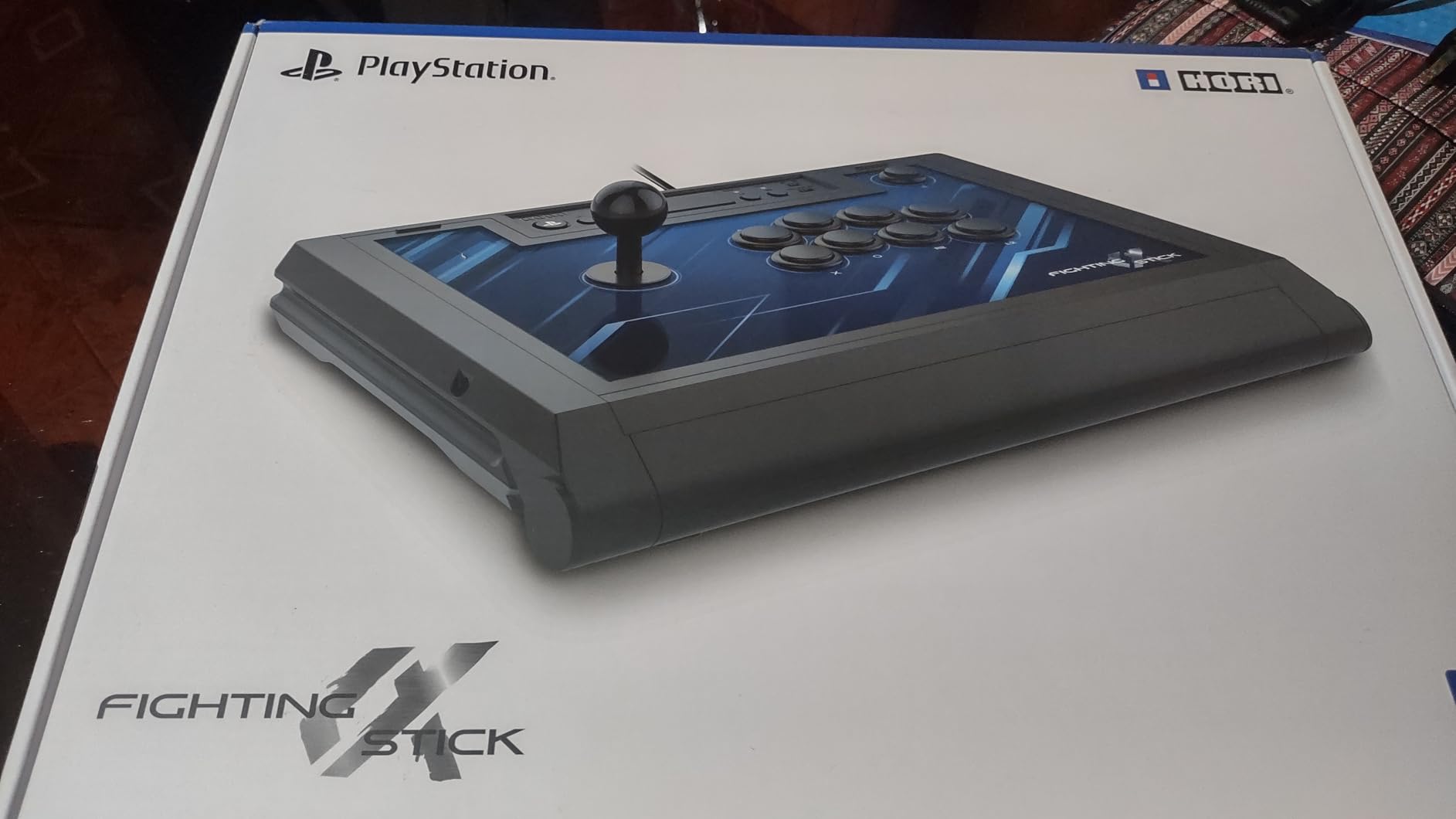
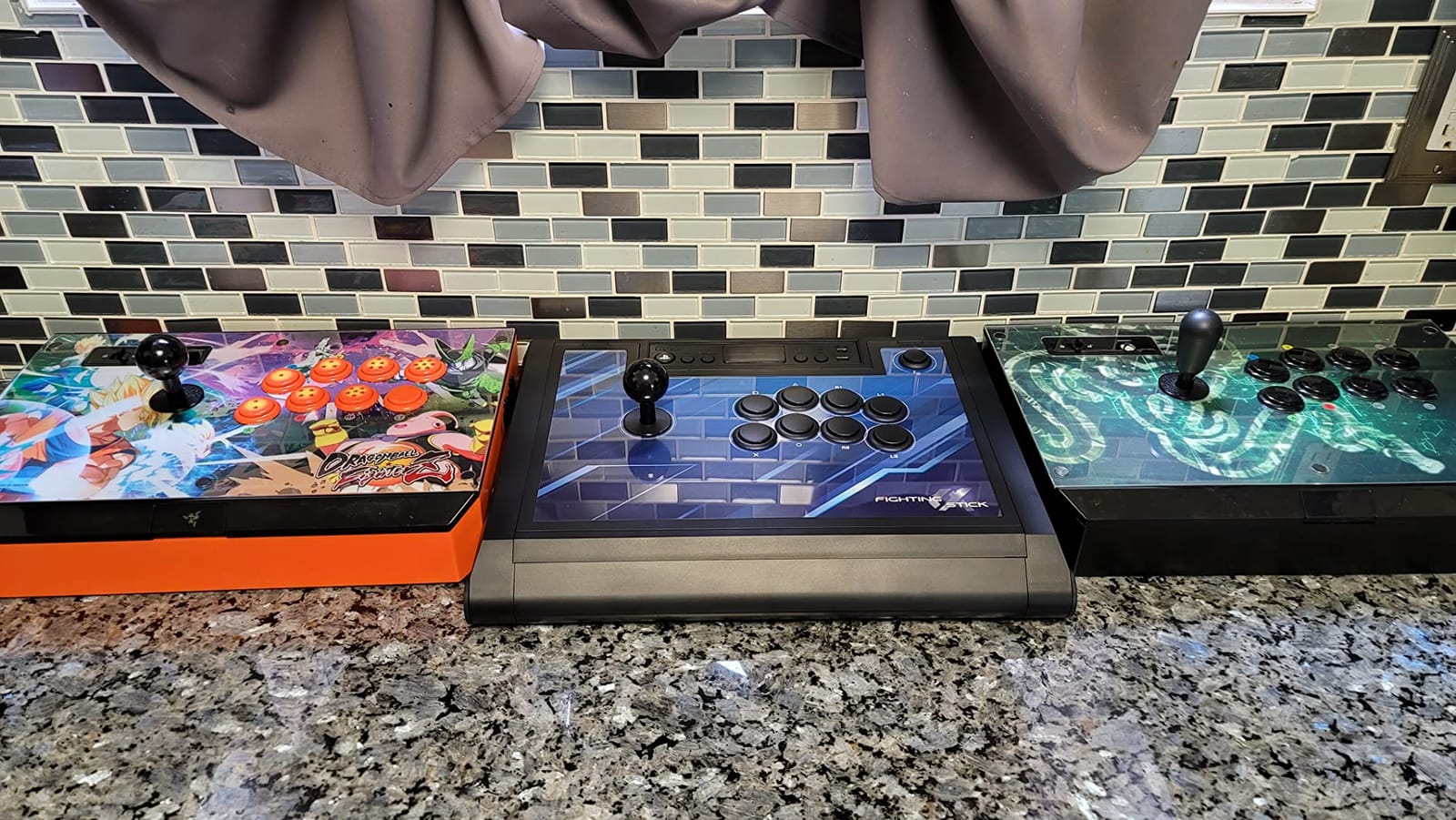
The clamshell is the design decision worth paying for. It opens completely, so replacing buttons or artwork is a comfortable two-minute job rather than a teardown. It also has a full Sony button set including touchpad, PS, share and option buttons, plus a button lock and no turbo functions.
It weighs 1500 g, which is light for a tournament-grade stick and comfortable for long sessions. There is no turbo, which under many tournament rules is a feature rather than a limitation.
Is a premium stick worth it as a first purchase
Sometimes, and this is one of the times. If you play on PlayStation and you intend to stay in the hobby for a while, the Alpha removes the adapter question, gives you the parts you would eventually buy anyway, and stays moddable. The cost is that you are paying for longevity at the start.
If you are unsure you will stick with the hobby, buy a Mayflash board instead and put the difference into practice time. The hardware is not the bottleneck.
Who should skip it
Skip it if you want a rigid metal-plate chassis, because the all-plastic body gives slightly under sustained force. Skip it if you carry your setup regularly, since the handles are shallow divots rather than proper grips, and be aware that non-Hayabusa snap-in parts can fit tightly.
10. Nacon Daija Arcade Stick – authentic Sanwa parts with the easiest customization here
Nacon Daija Arcade Fight Stick Officially Licensed for PlayStation
Sanwa stick and buttons
14.96 x 10.28 x 2.76 inches
7.7 lb
3 m detachable cable
Pros
- Genuine Sanwa joystick and buttons of the type used in modern arcade cabinets
- Pop-open faceplate gives tool-free access to buttons and stick
- Detachable 3 m USB-A to USB-C cable so a worn cable is cheap to replace
- Two interchangeable joystick heads for ball and bat feel
- Button lock prevents accidental inputs
Cons
- Heaviest stick here at 7.7 lb which is tiring for lap play
- Square footprint has a hard front edge that presses into the forearm
- The 3.5mm jack and detachable port can disconnect if tugged
- Some games need the stick set to left-stick mode or inputs drop out
- A firmware update was needed to clear initial input lag
The Daija is the one to buy if what you want is a real arcade stick at home. It carries a genuine Sanwa joystick and Sanwa action buttons, the same parts found in modern arcade cabinets, and it was developed with professional players for the major modern fighting titles.
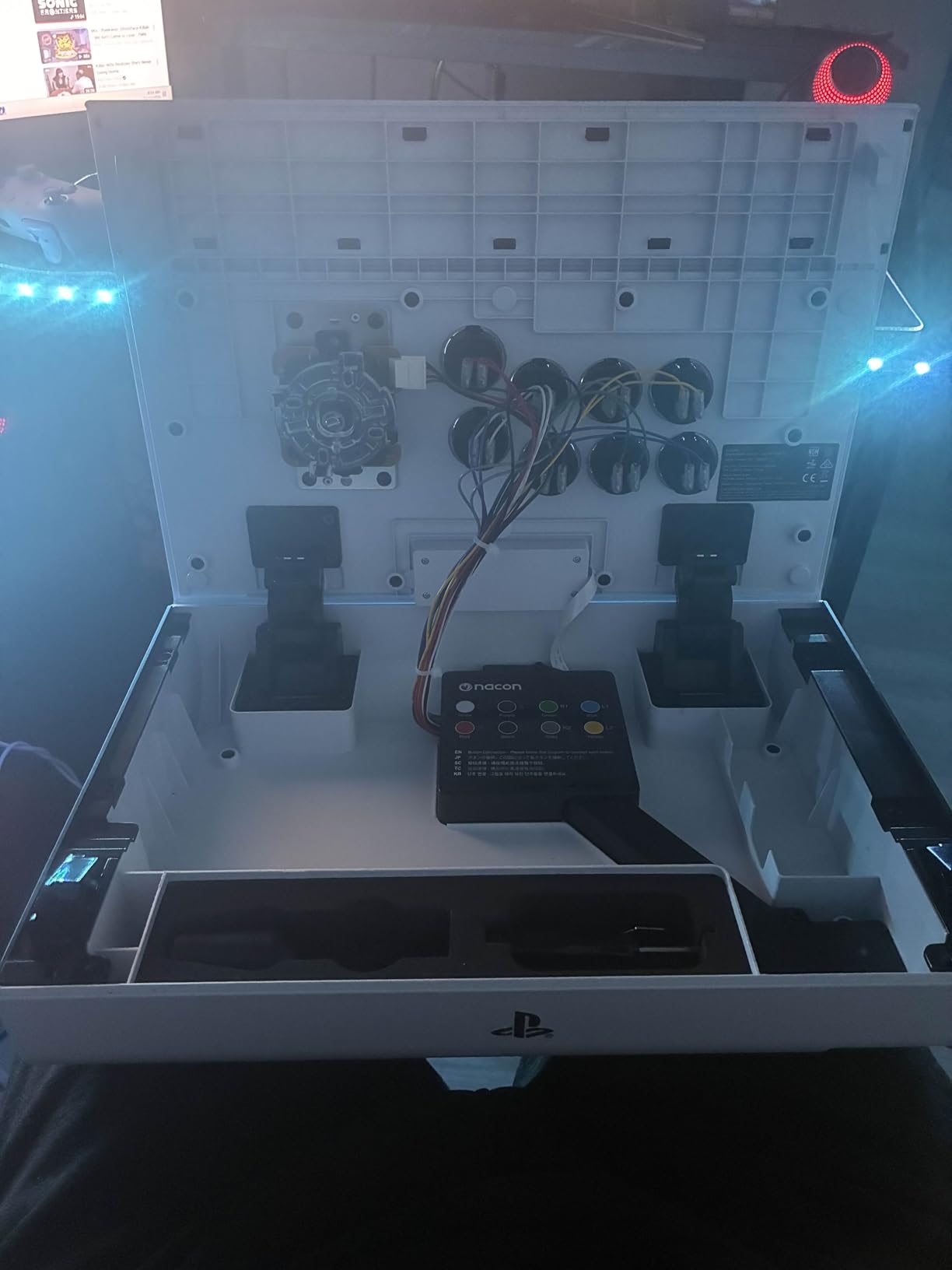
The pop-open front plate is the best customization access in this roundup. You lift the plate and reach the buttons and stick with no tools at all, and the case stores the included tools and the second joystick head so nothing gets lost.
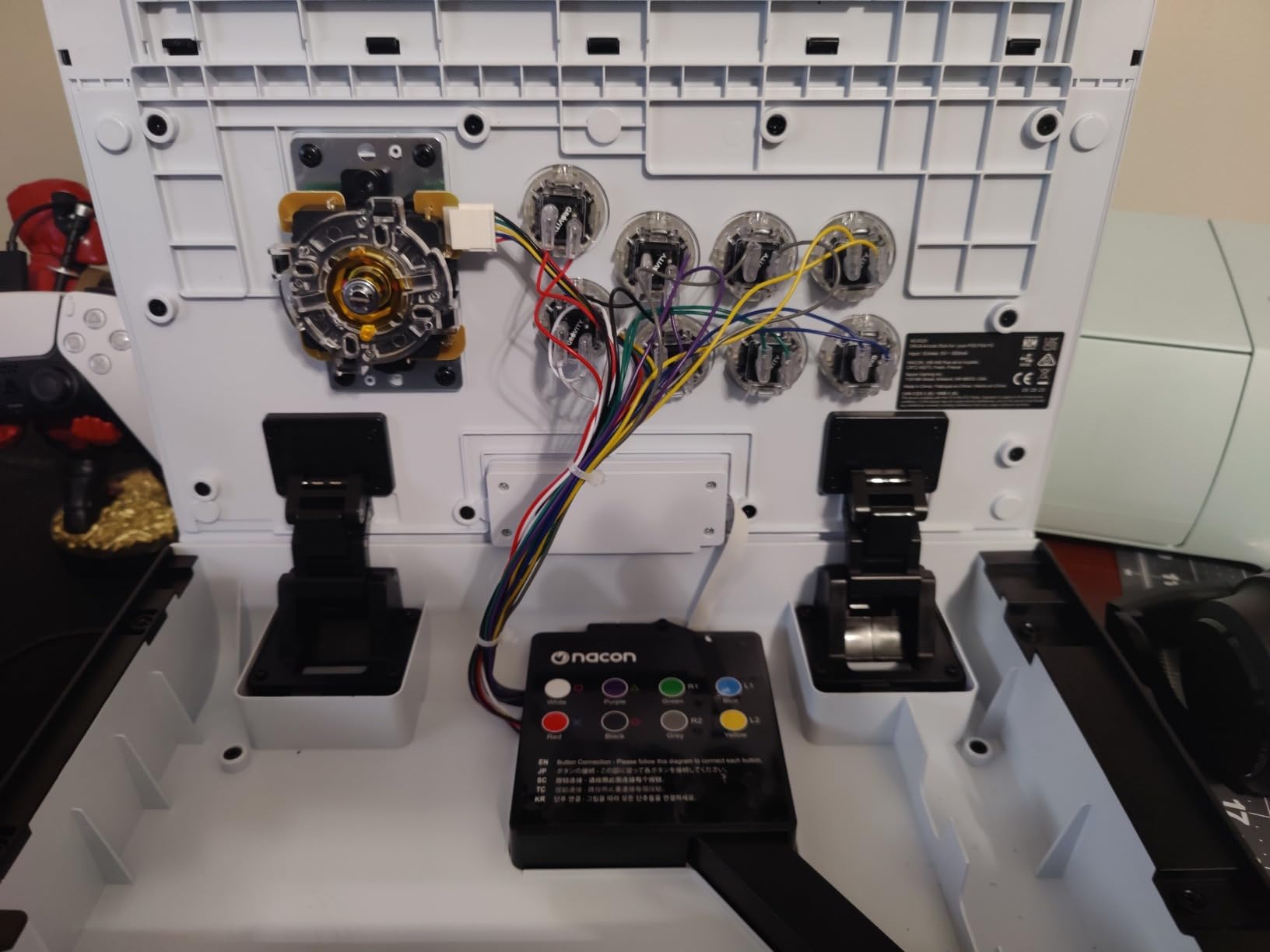
Two interchangeable joystick heads, ball and bat, let you match the execution feel you prefer, and full button mapping with up to four stored profiles runs through the Nacon PC and Mac software. There is a button lock function for preventing accidental inputs, and three front plates plus a template for custom designs.
The detachable USB-A to USB-C cable is a genuinely thoughtful inclusion. On a permanently installed board, cable failure is a common reason an otherwise good stick gets retired, and this one can be repaired in a minute.
Who the Daija suits and who it does not
It suits someone setting up a permanent station rather than passing a stick around. At 7.7 lb it is by far the heaviest board here, which is stable on a desk and tiring on a lap over hours. The square footprint also has a hard front edge that presses into the forearm during angled lap play.
It also suits someone who wants zero parts shopping later. Everything a player normally replaces first is already the real thing.
Who should skip it
Skip it if you play handheld or on a sofa, or if you are sensitive to forearm pressure. It is the lowest-rated stick in this roundup, and the main reasons are weight, that front edge, and stick-mode versus D-pad behaviour that drops inputs in some collections until you change the setting.
How to Choose Your First Fight Stick
Work through these five decisions in order and the product choice makes itself. Most beginner mistakes come from picking on appearance or brand name before settling the platform question.
1. Decide your platform first
This is the only decision you cannot change later. Licensed sticks from Hori, Qanba and 8BitDo work natively on their own console. Universal sticks from Mayflash cover more platforms but need an adapter for PS5. Check the compatibility list against the console you actually own rather than the one you might buy.
2. Pick a price tier, then stop
Entry boards give you a plastic case, a square gate and four to eight buttons. Mid-tier boards add genuine Sanwa or Kailh parts, an octagonal gate and modding access. Premium boards add licensed support, better enclosures and better ergonomics. For a genuine beginner, entry and mid are almost always the right call.
3. Choose stick or leverless honestly
Stick if you are new to fighting games, because the lever is a physical reference that shortens the learning curve. Leverless if you are migrating from a gamepad with no intention of learning a joystick, or if wrist comfort makes a lever difficult. Do not buy leverless expecting it to be easier.
4. Look at the joystick and the gate
The gate is the restrictor plate under the stick. A square gate is standard and cheap, an octagonal gate gives you a more defined corner between directions, and a 4-way gate removes the diagonals entirely. For a beginner on 2D fighters, an octagonal gate is the meaningful upgrade. For 3D fighters, keep the 8-way.
On the stick itself, the two things that matter are how the lever returns and how the gate feels at the corner. A loose spring makes the lever slow to snap back, which is the single most common complaint on otherwise good boards.
5. Check whether you can change the parts later
Hot-swap button sockets and a universal mounting plate are the two features that make a beginner’s first stick a safe purchase, because they make the eventual upgrade cheap and reversible. A solid sealed deck with glued parts is cheaper to make and much more annoying to modify. Tools and a soldering iron are the practical difference between a ten-minute swap and a weekend project.
A Plain-English Decoder of Fight Stick Brand Names
The single biggest source of beginner confusion is that the same brand uses near-identical names for very different products. Here is what the names actually mean, so you can stop comparing names and start comparing hardware.
Mayflash F300 vs F500 vs F500 Elite vs F700. The F300 is the compact four-button entry board. Anything with Elite in the name ships with better joystick and button parts, which is the entire difference. The F500 is a full-size six-button board. The F700 is the wireless multi-platform board. Elite is the word that matters, not the number.
Hori. The Alpha is the modern licensed PlayStation stick with a clamshell case. The Fighting Edge and Real Arcade Pro lines are older licensed sticks that are still recommended constantly in forums, which is usually advice aimed at a PlayStation 2 or 3 era setup rather than a current console.
Qanba. The Drone 2 is the current licensed PlayStation stick, and the Titan and Obsidian are larger older models. Qanba parts including the B30 30mm buttons and the OV7 stick are genuine arcade components and are reused across the range.
8BitDo. The Arcade Stick for Switch and the Arcade Stick for Xbox are the same basic design licensed for different platforms, so the platform label tells you almost nothing about quality. The All-Button controller is a completely different, leverless product with a confusingly similar name.
One naming trap worth calling out: the Elite label only means better parts, it never means a different platform list. Two boards with the same model number and different Elite suffixes behave identically on consoles.
Frequently Asked Questions
What is the best arcade stick for fighting games?
The MAYFLASH F300 is the best arcade stick for most beginners because it runs on the widest range of platforms, from Switch and PlayStation through every current Xbox model to Windows, Mac and Steam Deck. Its four-button layout leaves plenty of room for your hands while you learn motion inputs, and it accepts standard Sanwa parts if you want to upgrade later.
What is the best arcade stick for a budget?
For a budget first stick, the MAYFLASH F300 covers the most platforms at the lowest entry point and has the largest owner base, which means parts and advice are easy to find. If you want better components rather than more compatibility, the MAYFLASH F300 Elite comes with genuine Sanwa buttons, a Sanwa joystick and an octagonal gate already fitted.
Is a leverless fightstick worth it?
Not as a first controller. A leverless board replaces the joystick with independent buttons, so you must relearn directional inputs at the exact point when your execution is already weak. Leverless pays off once you have muscle memory to transfer, or if wrist or shoulder problems make a lever uncomfortable for you.
Are leverless controllers better for your hands?
They can be. Leverless removes wrist rotation and the grip pressure of holding a lever, which helps players with wrist, shoulder or grip problems. For everyone else, a stick is neutral for comfort and much easier to learn on, since the lever gives your hand a physical reference for each direction.
Which brand makes the best arcade sticks?
Mayflash covers the most platforms and is the most frequently recommended first stick across fighting game communities. Hori and Qanba make the best officially licensed sticks for PlayStation, and 8BitDo is the strongest option for wireless and for Xbox licensing. The model name matters far more than the brand name.
Are Hori fightsticks good?
Yes. The HORI Fighting Stick Alpha is the most recommended native PS5 option, arriving with Hayabusa buttons and a Hayabusa lever that many owners never feel the need to replace. It is officially licensed, needs no adapter, and its clamshell case opens fully for customization. The main criticisms are the all-plastic chassis and shallow carrying handles.
What is the most beginner-friendly fighting game?
Street Fighter 6 is usually the answer because its motion inputs are well taught, its online matchmaking handles new players, and it plays well on a four-button stick. Mortal Kombat 1 and Guilty Gear Strive are also forgiving, while motion-control fighting games are the one category where a traditional stick actively works against you.
Which Fight Stick Should You Buy First?
Buy the MAYFLASH F300. It is the best arcade fight stick for beginners because it removes every decision you could get wrong: it works on essentially every console and PC, its four-button layout is the easiest to learn on, and its owner base is large enough that parts and advice will always exist. If your budget stretches a little, the F300 Elite gives you real Sanwa parts and an octagonal gate on day one.
Play on PlayStation and want a licensed stick with no adapter? Take the Qanba Drone 2 for value or the HORI Fighting Stick Alpha for longevity. On Xbox, the 8BitDo Arcade Stick is the only licensed wireless route. On Switch or PC, the 8BitDo Switch board is the best value, and the MAYFLASH F700 is the one to buy if you want wireless everywhere.
Whatever you choose, give it a month before you judge it, and spend the time you saved on practice rather than on another controller. That 2026 list will be here when you decide to move up.